शेल में डेटा प्रोसेसिंग
Susan Sun
Data Person
Python
Documentation:
man python
...
-V , --version
Prints the Python version number of the executable and exits.
python --version
Python 3.5.2
उदाहरण: नैटिव Python का उपयोग
which python
/usr/bin/python
टर्मिनल में Python इंटरैक्टिव सेशन शुरू करने के लिए:
python
Python 3.5.2 (default, Nov 23 2017, 16:37:01)
[GCC 5.4.0 20160609] on linuxType "help", "copyright", "credits" or
"license" for more information.
>>>
इंटरैक्टिव सेशन के अंदर, सिर्फ Python सिंटैक्स ही उपयोग करें:
>>> print('hello world')
hello world
Python सेशन से बाहर निकलकर टर्मिनल पर लौटने के लिए:
>>> exit()
$
Python इंटरैक्टिव सेशन:
विकल्प:
.py स्क्रिप्ट में सेव करेंpython + स्क्रिप्ट कॉल करके चलाएँमेथड 1
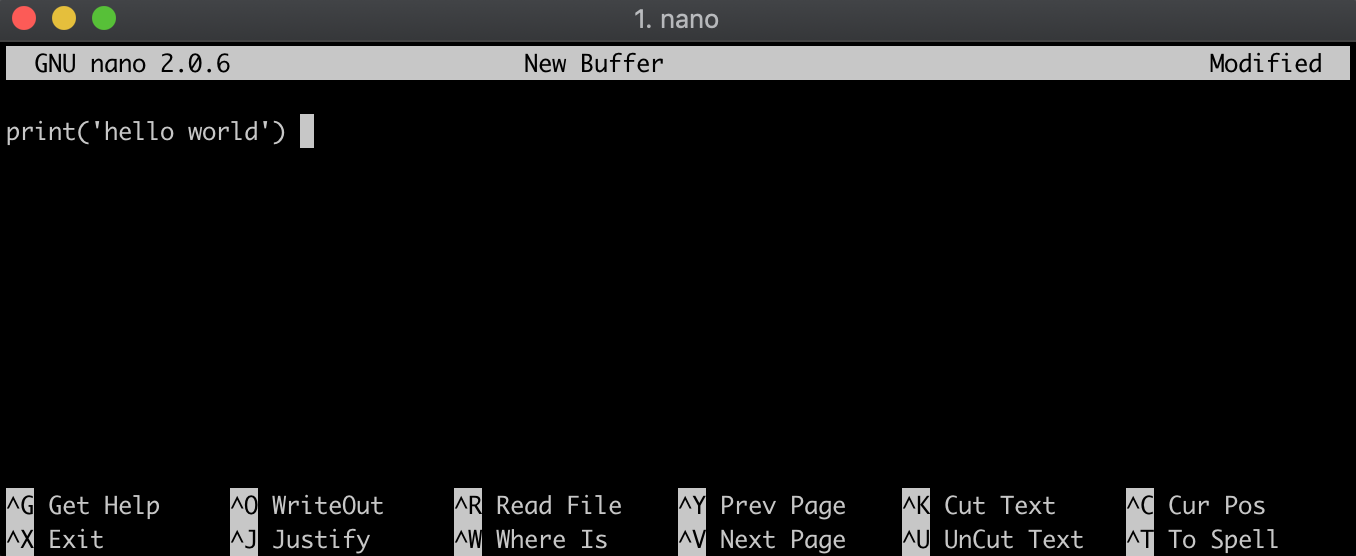
.py फ़ाइल बनाएँ (जैसे nano, Vim, Emacs)
मेथड 2
echo से Python सिंटैक्स को hello_world.py में लिखकर उसी स्टेप में फ़ाइल बनाएँ.echo "print('hello world')" > hello_world.py
फ़ाइल कंटेंट की जाँच:
cat hello_world.py
print('hello world')
सुनिश्चित करें कि आप .py फ़ाइल वाली उसी डायरेक्टरी में हैं:
ls
hello_world.py
फ़ाइलनाम से पहले python लिखकर .py फ़ाइल चलाएँ:
python hello_world.py
hello world
शेल में डेटा प्रोसेसिंग