कंप्यूटर विज़न मॉडलों का फाइन-ट्यूनिंग

Hugging Face के साथ मल्टी-मोडल मॉडल्स

James Chapman

Curriculum Manager, DataCamp

विज़न मॉडलों के फाइन-ट्यूनिंग का उद्देश्य
 

  • नई क्लासें, जैसे वास्तविक या AI-जनित इमेज की बाइनरी क्लासिफिकेशन
  • नए इमेजिंग डोमेन, जैसे X-rays

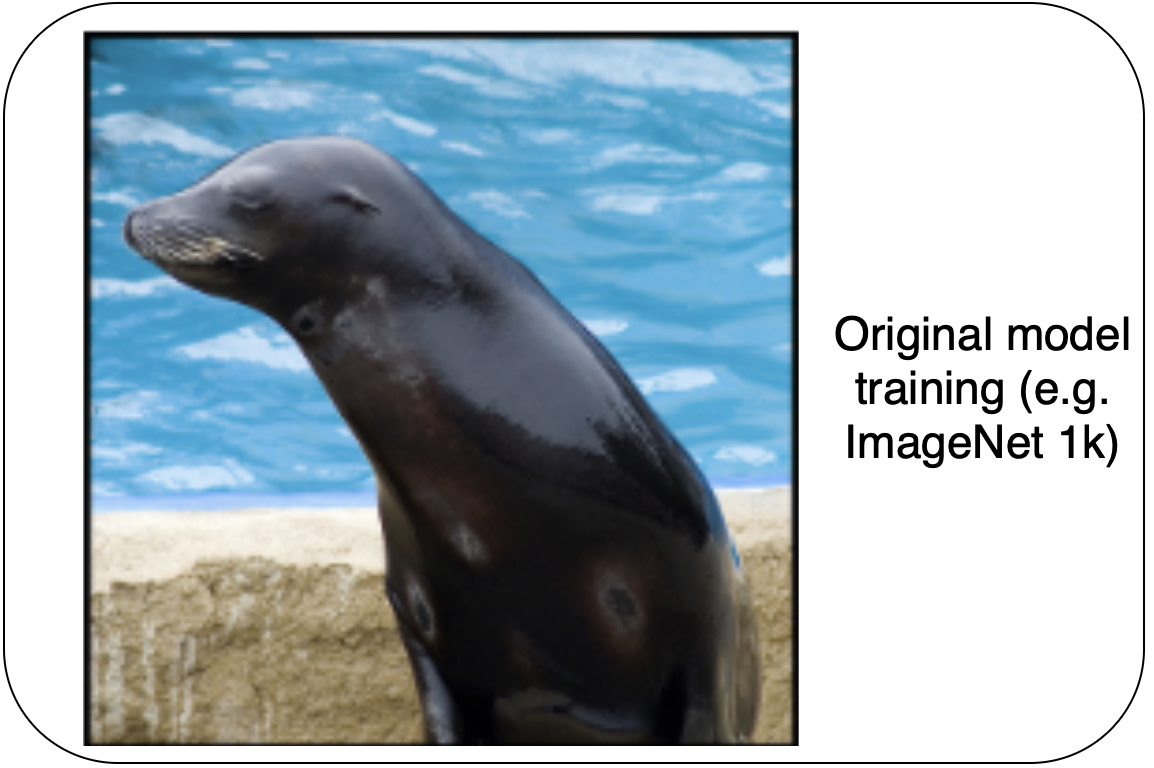
प्रीट्रेनिंग के लिए उपयोग की गई एक सील की सामान्य इमेज

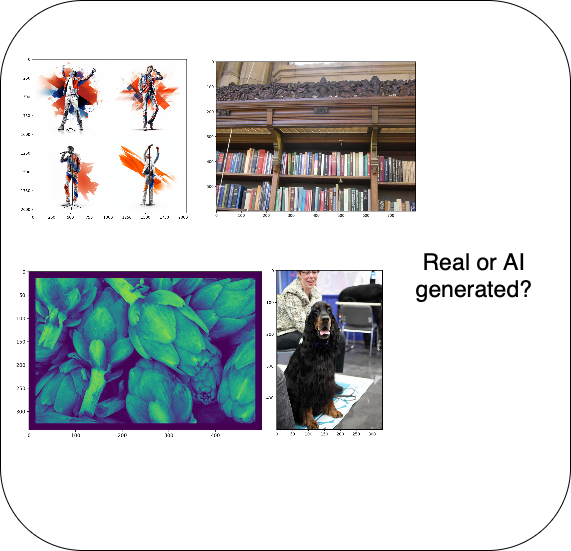
AI द्वारा जनित इमेज का उदाहरण

1 https://image-net.org/index.php
Hugging Face के साथ मल्टी-मोडल मॉडल्स

विज़न मॉडलों का फाइन-ट्यूनिंग

AI द्वारा जनित इमेज का उदाहरण


  1. नई प्रेडिक्शंस के लिए मॉडल आउटपुट समायोजित करें
  2. ट्रेनिंग के लिए डेटासेट तैयार करें
  3. ट्रेनिंग विकल्प कॉन्फ़िगर करें
  4. ट्रेन करें!
Hugging Face के साथ मल्टी-मोडल मॉडल्स

मॉडल अपडेट्स

from datasets import load_dataset
dataset = load_dataset("ideepankarsharma2003/Midjourney_v6_Classification_small_shuf
fled")['train']

data_splits = dataset.train_test_split(test_size=0.2, seed=42)
labels = data_splits["train"].features["label"].names
label2id, id2label = dict(), dict() for i, label in enumerate(labels): label2id[label] = str(i) id2label[str(i)] = label
Hugging Face के साथ मल्टी-मोडल मॉडल्स

मॉडल अपडेट्स

from transformers import AutoModelForImageClassification
checkpoint = "google/mobilenet_v2_1.0_224"
model = AutoModelForImageClassification.from_pretrained(
    checkpoint,
    num_labels=len(labels),

id2label=id2label, label2id=label2id,
ignore_mismatched_sizes=True
)
Hugging Face के साथ मल्टी-मोडल मॉडल्स

डेटासेट तैयारी

from transformers import AutoImageProcessor
image_processor = AutoImageProcessor.from_pretrained(checkpoint)


from torchvision.transforms import Compose, Normalize, ToTensor
normalize = Normalize(mean=image_processor.image_mean, std=image_processor.image_std)
transform = Compose([ToTensor(), normalize])
def transforms(examples): examples["pixel_values"] = [transform(img.convert("RGB")) for img in examples["image"]] del examples["image"] return examples
dataset = dataset.with_transform(transforms)
Hugging Face के साथ मल्टी-मोडल मॉडल्स

ट्रांसफ़ॉर्म्ड डेटा का प्लॉट

import matplotlib.pyplot as plt
plt.imshow(dataset["train"][0]["pixel_values"].permute(1, 2, 0))
plt.show()
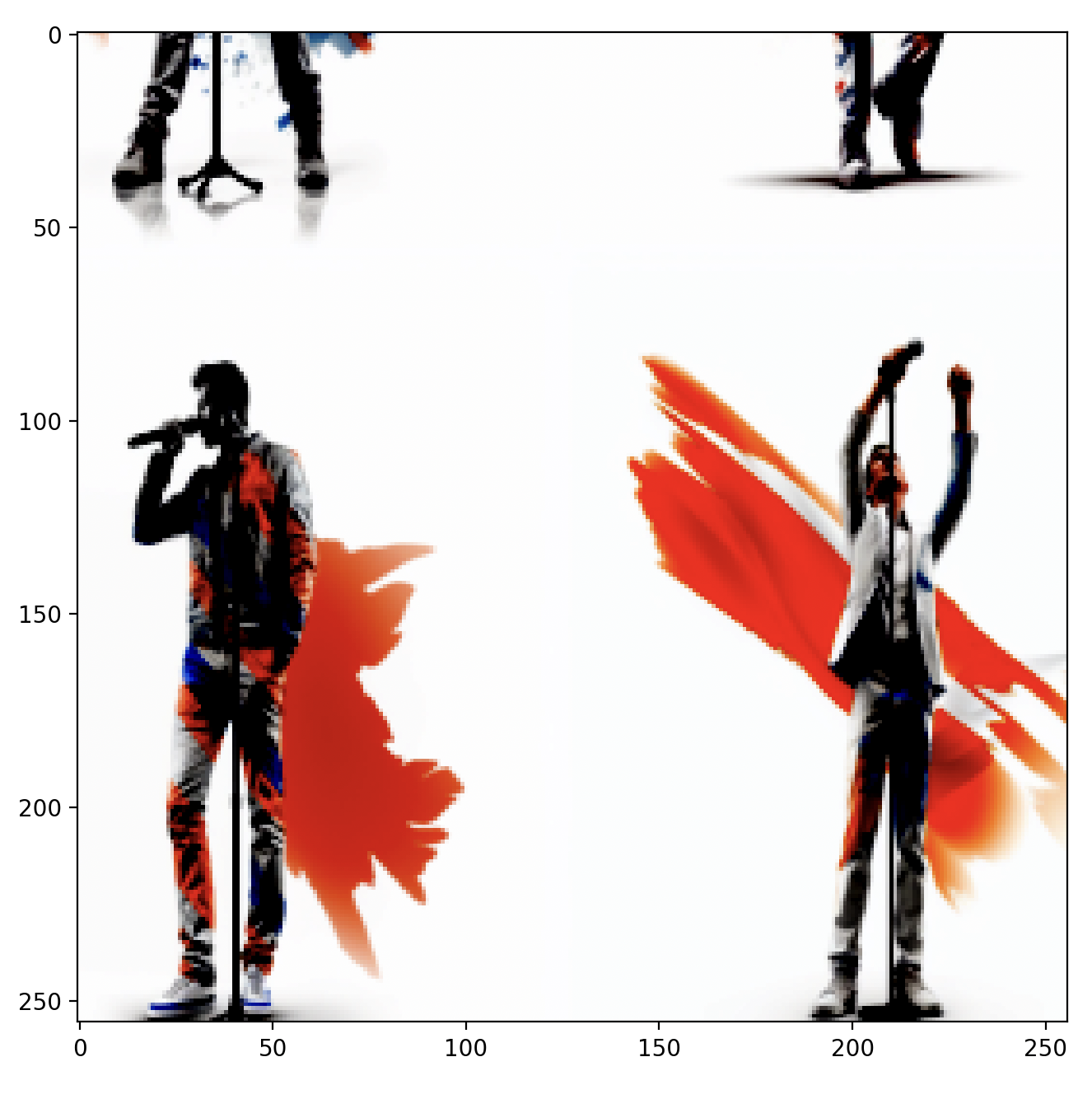
नए डेटासेट से ट्रांसफ़ॉर्म की गई इमेज

Hugging Face के साथ मल्टी-मोडल मॉडल्स

ट्रेनिंग

from transformers import TrainingArguments

training_args = TrainingArguments(
    output_dir="dataset_finetune",

learning_rate=6e-5,
gradient_accumulation_steps=4,
num_train_epochs=3,
push_to_hub=False )
from transformers import Trainer,
    DefaultDataCollator

data_collator = DefaultDataCollator()

trainer = Trainer(

model=model,
args=training_args,
train_dataset=dataset["train"], eval_dataset=dataset["test"],
processing_class=image_processor,
data_collator=data_collator
)
Hugging Face के साथ मल्टी-मोडल मॉडल्स

मूल्यांकन

predictions = trainer.predict(dataset["test"])
predictions.metrics["test_accuracy"]
0.455
trainer.train()
{..., 'eval_accuracy': 0.93, ...}
Hugging Face के साथ मल्टी-मोडल मॉडल्स

अभ्यास करते हैं!

Hugging Face के साथ मल्टी-मोडल मॉडल्स

Preparing Video For Download...