Response caching और usage quotas

Azure API Management

Fiodar Sazanavets

Senior Software Engineer at Microsoft

Response caching सेट करना
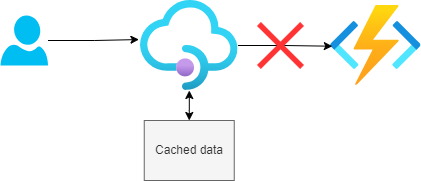
  • जब responses cached होते हैं, तो backend endpoint {{1}} पर जाने की ज़रूरत नहीं होती
  • Caching उन popular endpoints पर लगाएँ जो अक्सर वही डेटा लौटाते हैं
  • Endpoints तक round-trip समय लेने वाला और महंगा है
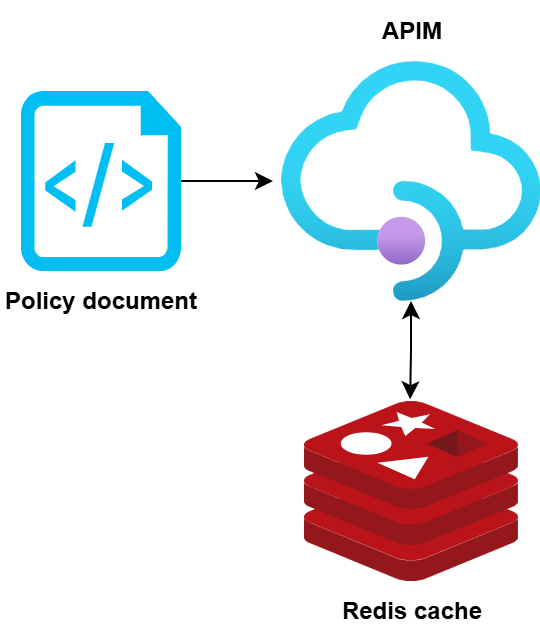
  • APIM में caching policies से लागू करें

Response caching

Azure API Management

Response caching कॉन्फ़िगर करना

  • Caching policies की configuration से आप:
    • Cache duration तय कर सकते हैं
    • Query string या headers के आधार पर vary करा सकते हैं
    • Cache का location सेट कर सकते हैं
  • Cache location हो सकता है:
    • Edge, यानी API gateway
    • External caching service, जैसे Redis

Caching policies

Azure API Management

Request surges से सुरक्षा

Rate limiting

  • Caching होने पर भी, बहुत ज़्यादा clients APIs को overload कर सकते हैं
    • Performance धीमी हो जाती है
    • Resource costs बढ़ते हैं
    • Worst case: system outage (जैसे DDoS attack)
Azure API Management

Usage quotas APIs को कैसे बचाती हैं

  • किसी अवधि में calls की संख्या सीमित करें
    • इससे अचानक आने वाले request spikes से सुरक्षा मिलती है
  • DDoS attacks से बचाव हो सकता है
  • Overuse रोककर लागत बचा सकते हैं

Azure API Management

Resource usage मापना

Application Insights

  • जिसे आप मापते नहीं, उसे सुधार नहीं सकते

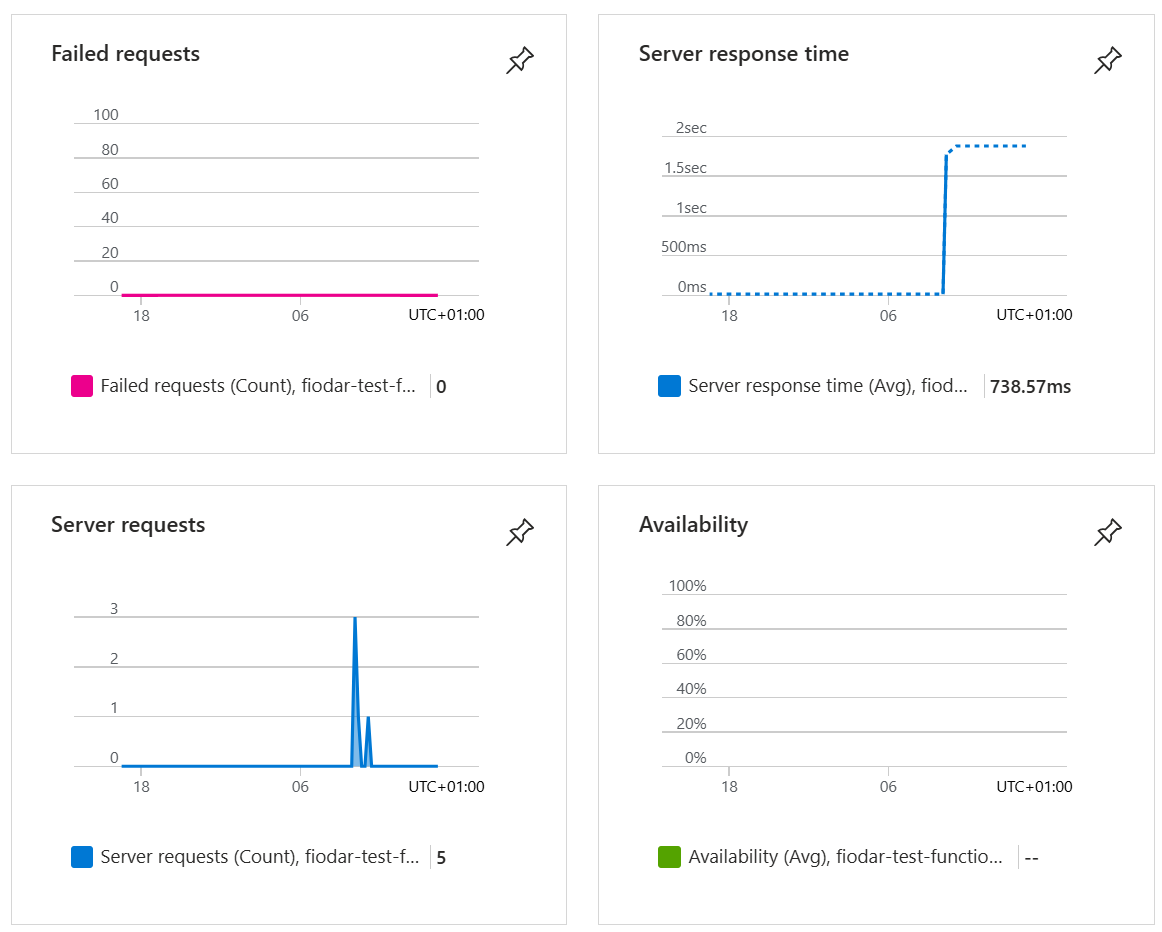
    • Metrics track करने के लिए Application Insights सक्षम करें (जैसे latency, outliers)
  • उदाहरण: 'GET Products' call

    • Cache hit ratio कम, पर traffic ज़्यादा
    • समाधान: cache duration बढ़ाएँ (5 -> 30 minutes)
  • Insights के साथ, आप fine-tune कर सकते हैं:

    • Cache durations
    • Quota thresholds
    • Best cost-performance के लिए service tiers
Azure API Management

अभ्यास करते हैं!

Azure API Management

Preparing Video For Download...