नॉर्मलाइज़ करना और फ़िल्टरिंग

R में limma के साथ Differential Expression Analysis

John Blischak

Instructor

प्री-प्रोसेसिंग स्टेप्स

  • लॉग ट्रांसफ़ॉर्म

  • क्वांटाइल नॉर्मलाइज़

  • फ़िल्टर

R में limma के साथ Differential Expression Analysis

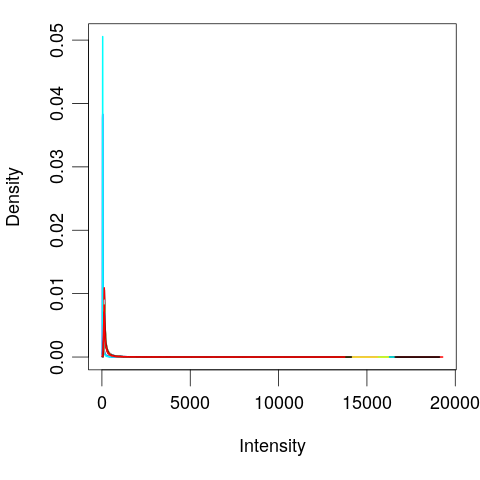
विज़ुअलाइज़ेशन

library(limma)

# Plot distribution of each sample
plotDensities(eset, legend = FALSE)

R में limma के साथ Differential Expression Analysis

लॉग ट्रांसफ़ॉर्म

100 - 1
.1 - .001
99
0.099
log(100) - log(1)
4.60517
log(.1) - log(.001)
4.60517
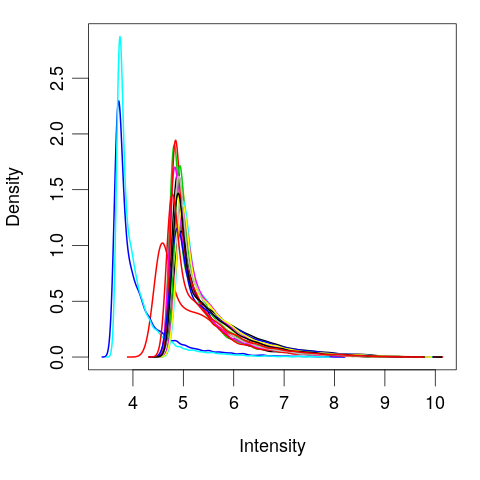
# Log tranform
exprs(eset) <- log(exprs(eset))
plotDensities(eset, legend = FALSE)
R में limma के साथ Differential Expression Analysis

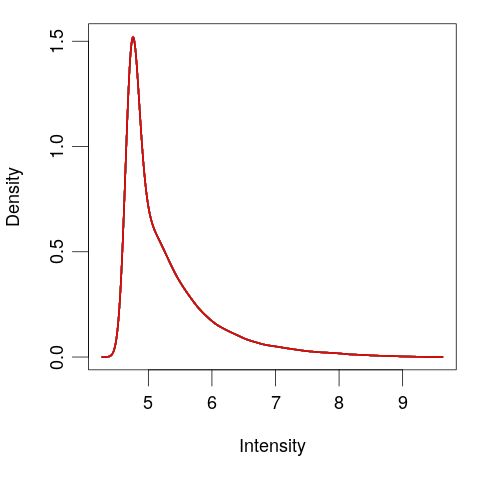
क्वांटाइल नॉर्मलाइज़

# Quantile normalize
exprs(eset) <- normalizeBetweenArrays(exprs(eset))

plotDensities(eset, legend = FALSE)

R में limma के साथ Differential Expression Analysis

जीन फ़िल्टर करें

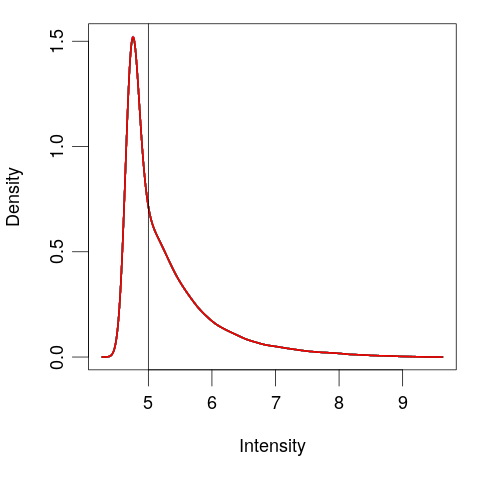
# View the normalized data
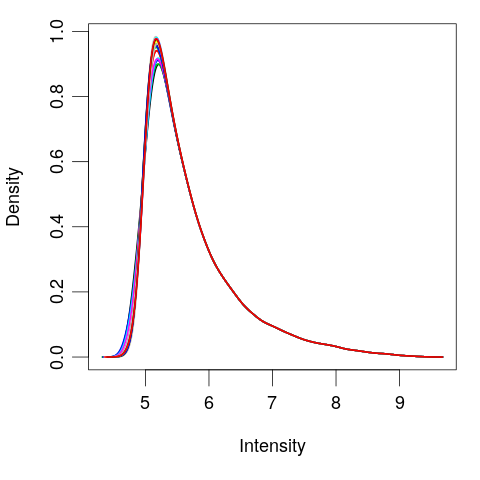
plotDensities(eset, legend = FALSE)
abline(v = 5)
# Create logical vector
keep <- rowMeans(exprs(eset)) > 5
# Filter the genes
eset <- eset[keep, ]
plotDensities(eset, legend = FALSE)
R में limma के साथ Differential Expression Analysis

अभ्यास करते हैं!

R में limma के साथ Differential Expression Analysis

Preparing Video For Download...