कॉन्फ़िगरेशन टूल्स

Bokeh के साथ इंटरएक्टिव डेटा विज़ुअलाइज़ेशन

George Boorman

Core Curriculum Manager, DataCamp

डिफ़ॉल्ट टूलबार

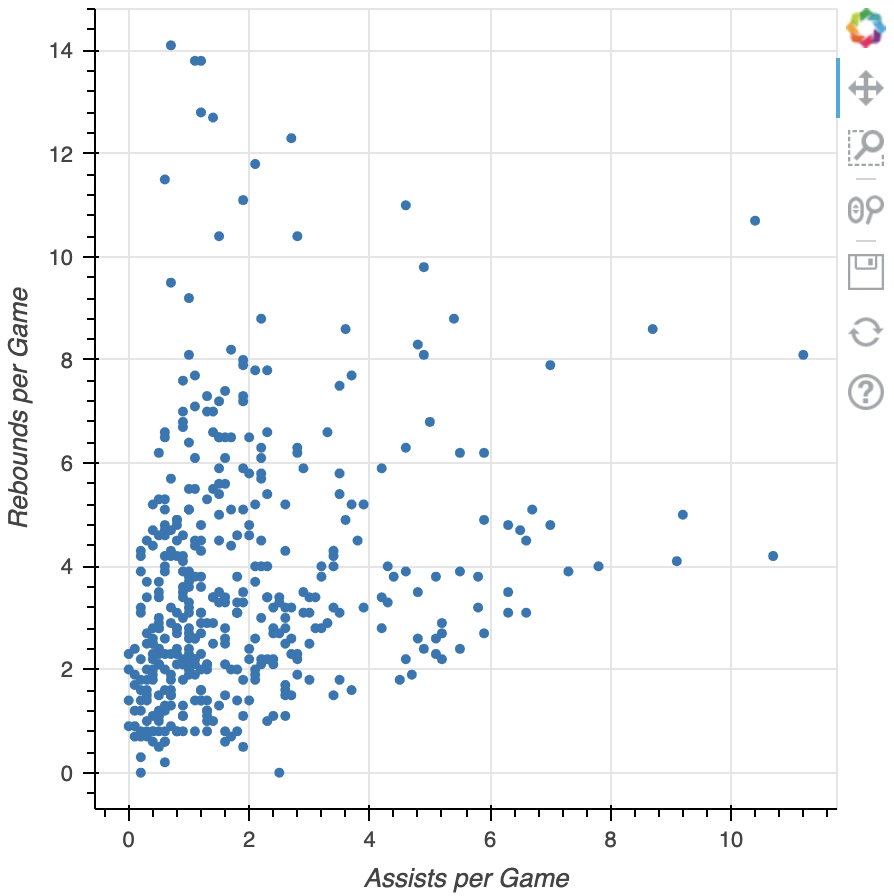
  • PanTool
    • pan Pan
  • BoxZoomTool
    • box_zoom Box Zoom
  • WheelZoomTool
    • wheel_zoom Wheel Zoom
  • Save
    • save Save
  • Reset
    • reset Reset

डिफ़ॉल्ट टूलबार

Bokeh के साथ इंटरएक्टिव डेटा विज़ुअलाइज़ेशन

कॉन्फ़िगरेशन टूल्स

हम कवर करेंगे:

  • Pan/Drag टूल्स

  • Click/Tap टूल्स

  • Scroll/Pinch टूल्स


कोर्स दायरे से बाहर अन्य टूल्स:

  • Actions

  • Inspectors

  • Edit tools

1 http://docs.bokeh.org/en/latest/docs/user_guide/tools.html
Bokeh के साथ इंटरएक्टिव डेटा विज़ुअलाइज़ेशन

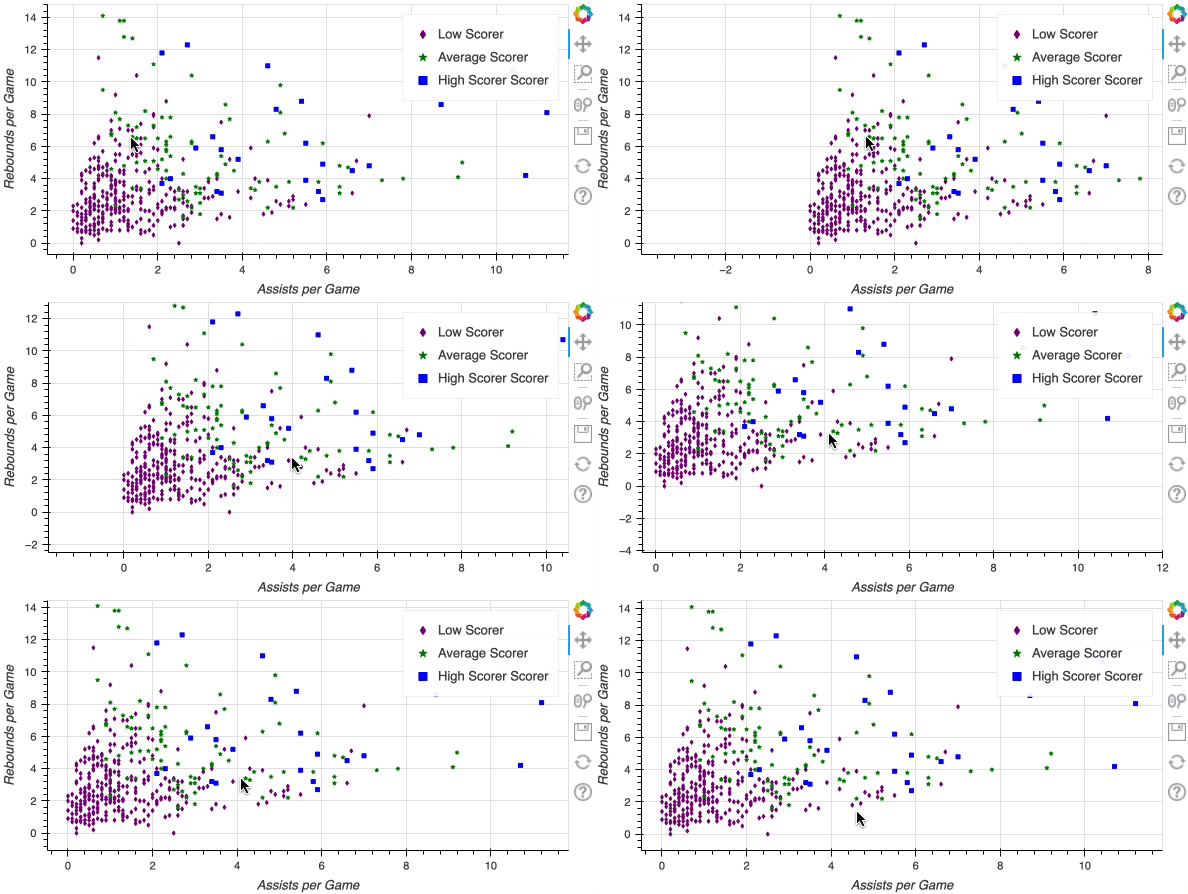
Pan/drag टूल्स

  • PanTool

    • pan Pan
  • BoxSelectTool

    • box_select Box Select
  • BoxZoomTool

    • box_zoom Box Zoom
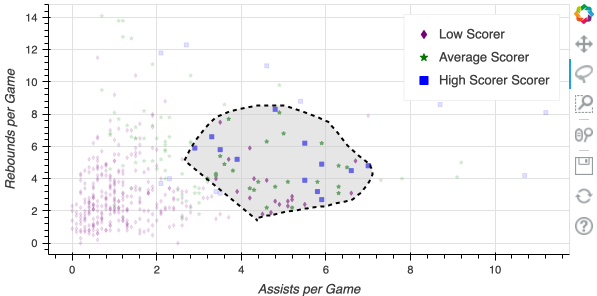
  • LassoSelectTool

    • lasso_select Lasso Select

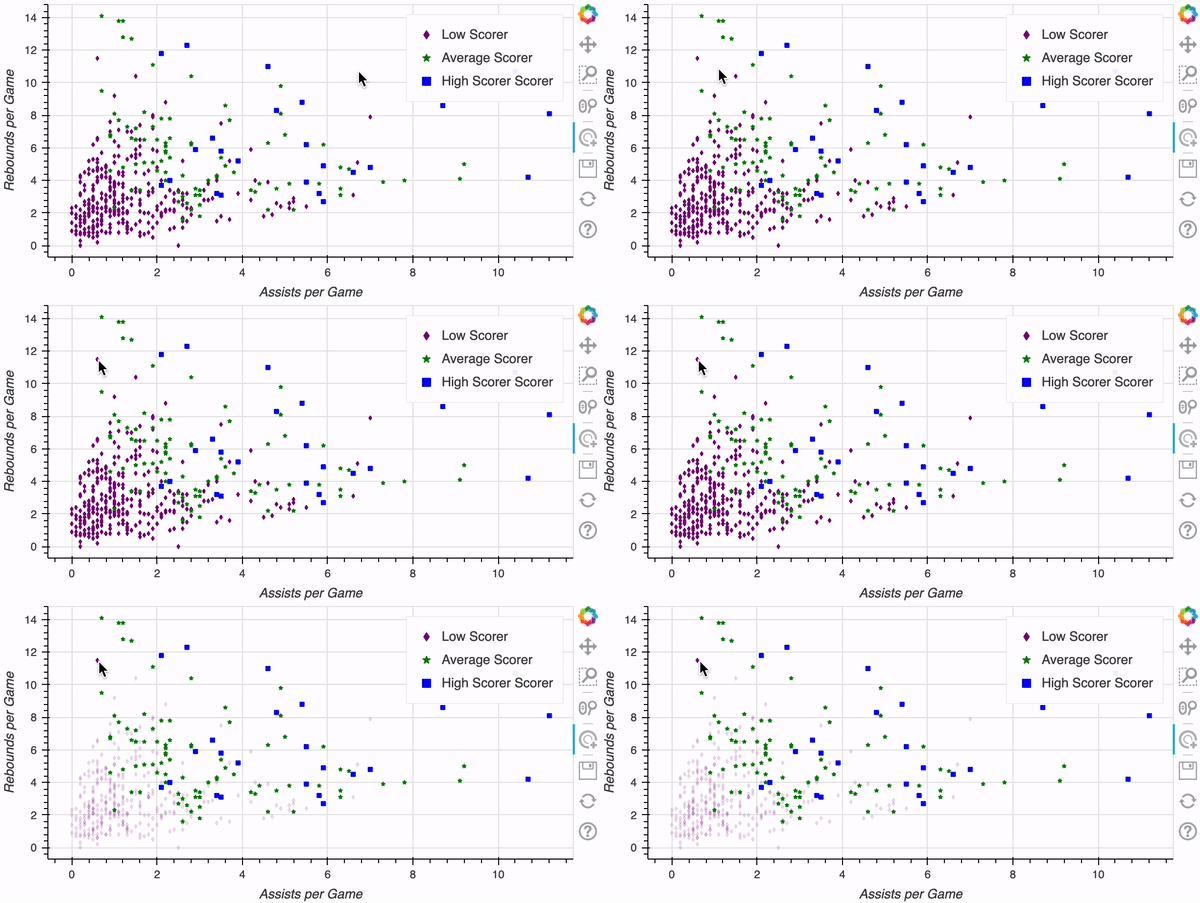
Pan वीडियो

Lasso select

Bokeh के साथ इंटरएक्टिव डेटा विज़ुअलाइज़ेशन

क्लिक/टैप टूल्स


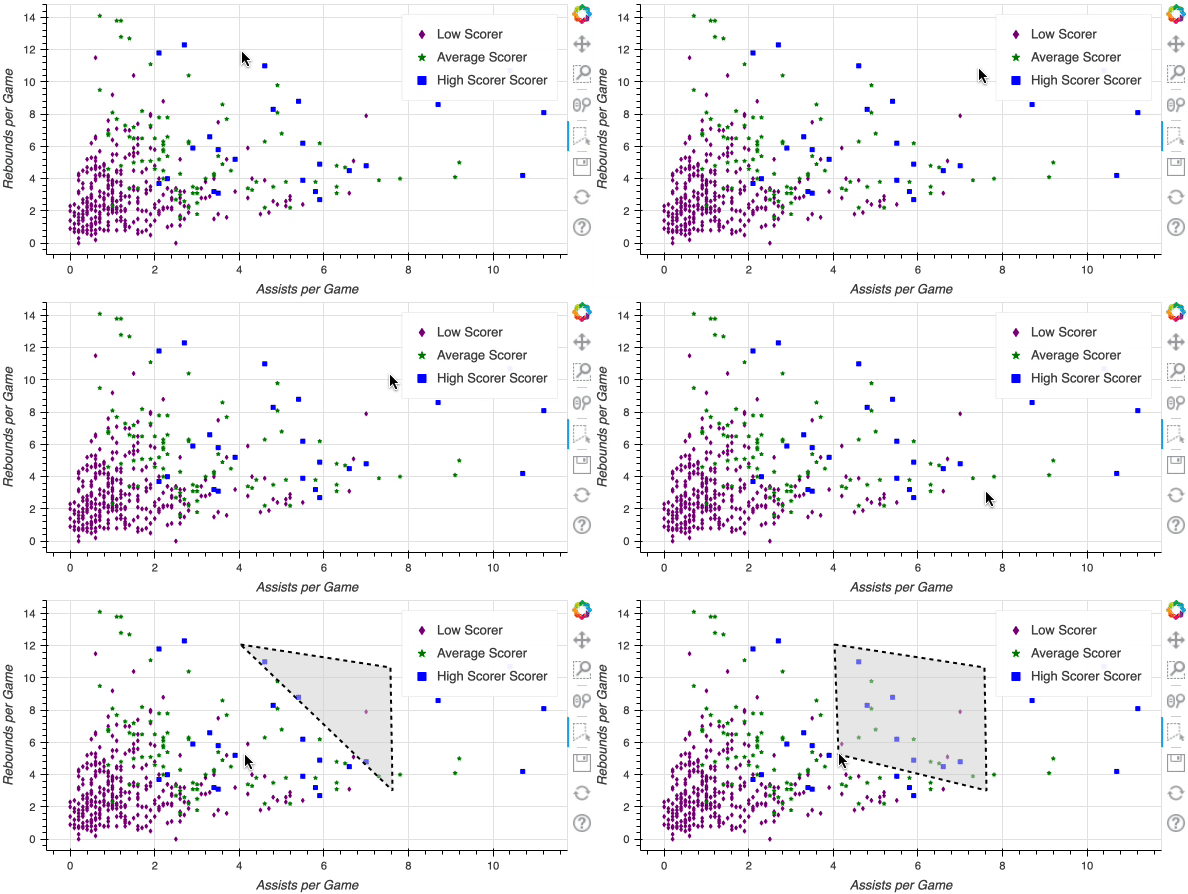
  • PolySelectTool
    • poly_select PolySelect


  • TapTool
    • tap Tap

Poly Select डेमो


Tap डेमो

Bokeh के साथ इंटरएक्टिव डेटा विज़ुअलाइज़ेशन

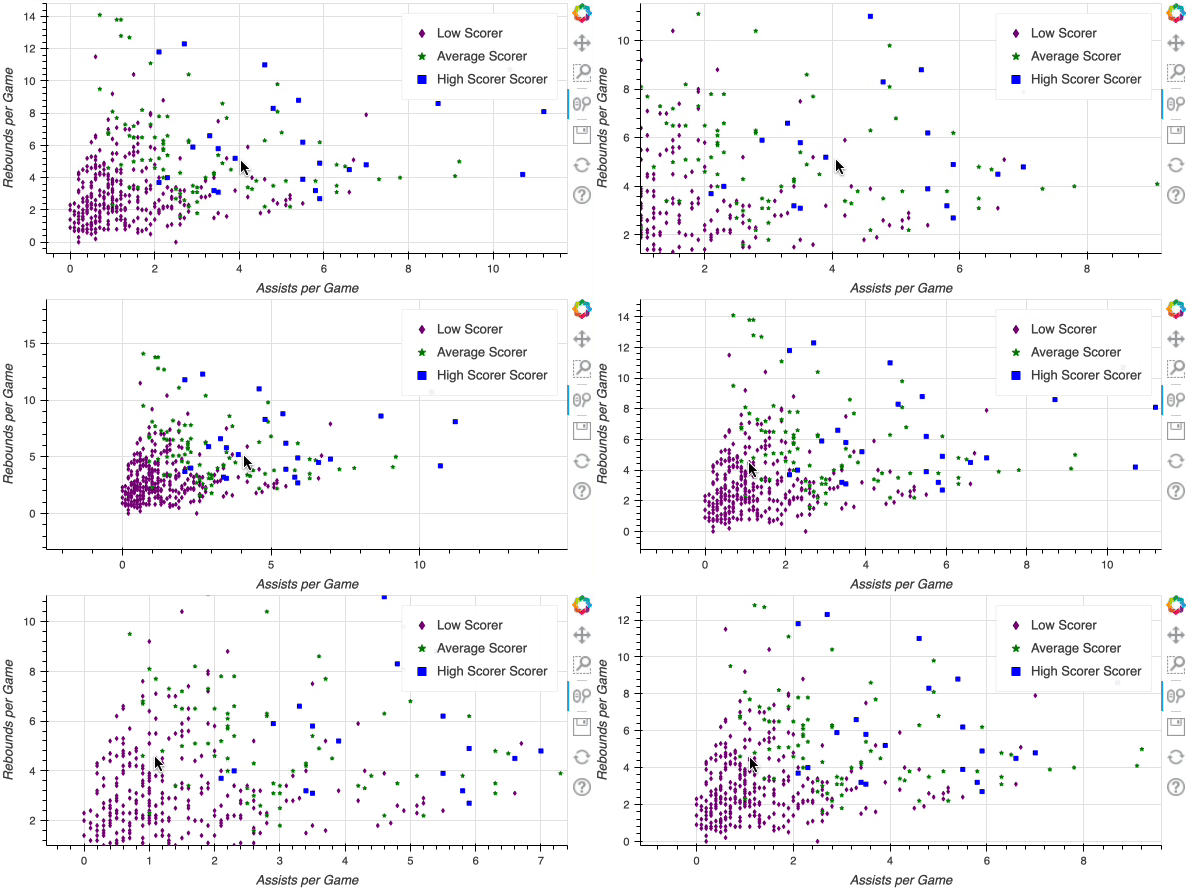
स्क्रॉल/पिंच टूल्स

  • WheelZoomTool
    • wheel_zoom Wheel Zoom


  • WheelPanTool Wheel Pan
    • xwheel_pan
    • ywheel_pan

Wheel Zoom डेमो

Bokeh के साथ इंटरएक्टिव डेटा विज़ुअलाइज़ेशन

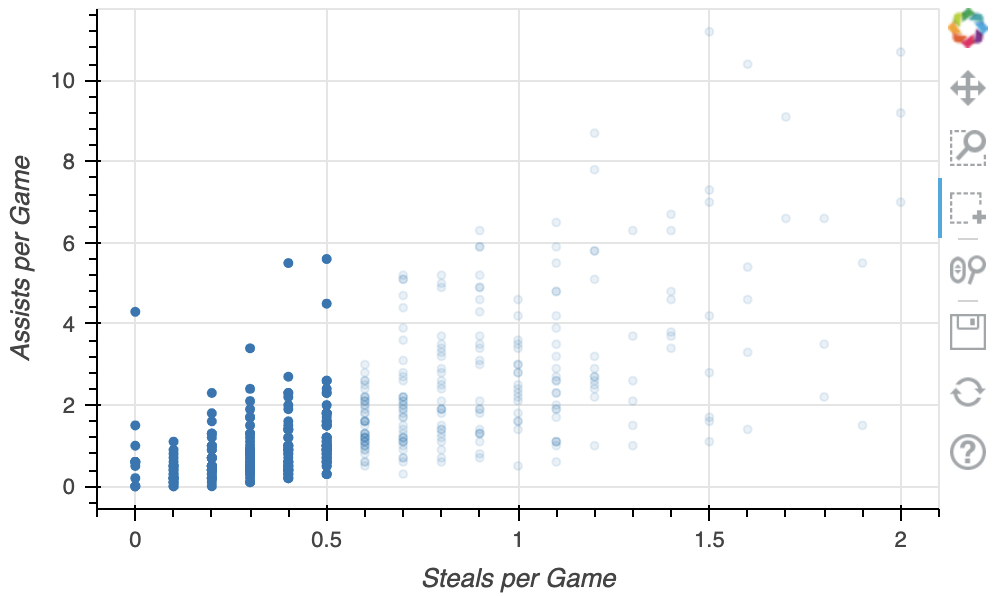
टूलबार कस्टमाइज़ करना

from bokeh.models import BoxSelectTool

fig = figure(x_axis_label="Steals per Game", y_axis_label="Assists per Game") fig.circle(x=nba["steals"], y=nba["assists"])
fig.add_tools(BoxSelectTool())
output_file(filename="adding_box_select.html") show(fig)

BoxSelect जोड़ना

Bokeh के साथ इंटरएक्टिव डेटा विज़ुअलाइज़ेशन

टूल्स की कस्टम सूची

tools = ["lasso_select", "box_zoom", "tap"]

fig = figure(x_axis_label="Steals", y_axis_label="Assists",
tools=tools)
fig.circle(x=nba["steals"], y=nba["assists"]) output_file(filename="custom_tools.html") show(fig)
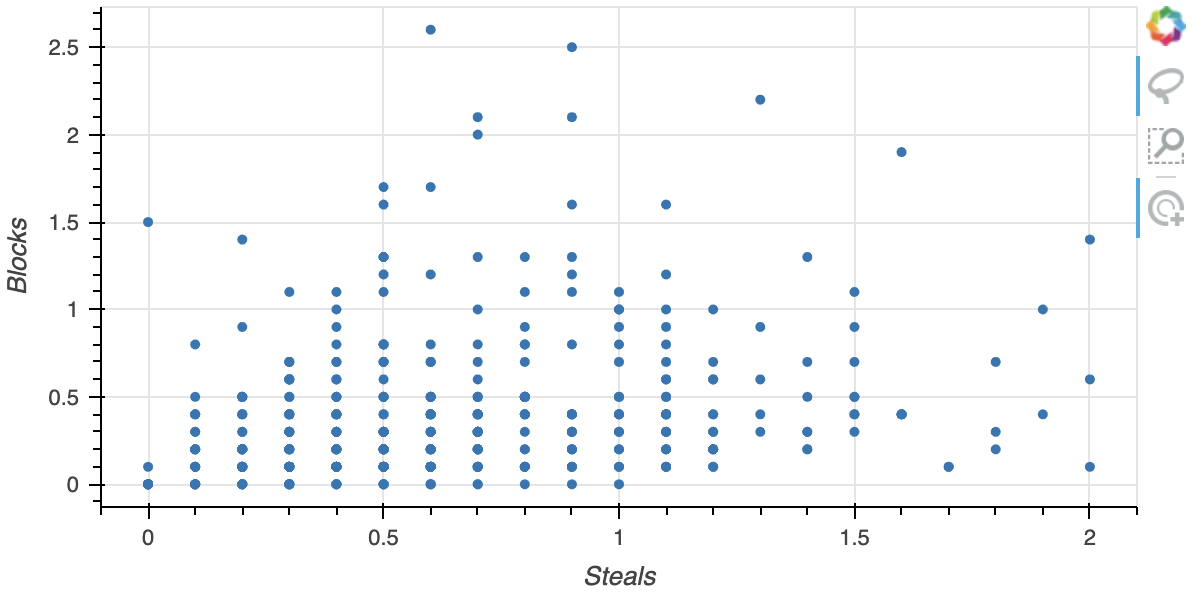
  टूल्स सूची

Bokeh के साथ इंटरएक्टिव डेटा विज़ुअलाइज़ेशन

अभ्यास करते हैं!

Bokeh के साथ इंटरएक्टिव डेटा विज़ुअलाइज़ेशन

Preparing Video For Download...