Subqueries
การจัดการข้อมูลใน Snowflake

Jake Roach
Field Data Engineer
Subquery คืออะไร?
Subquery คือเครื่องมือที่ให้นำผลลัพธ์ของคิวรีหนึ่งไปใช้ในอีกคิวรีหนึ่งได้
$$
- รวมหลายคิวรีเข้าด้วยกัน
- เน้นความอ่านง่าย
- รองรับการแยกส่วน (modularity)
- จัดการข้อมูลได้สะดวกยิ่งขึ้น!
$$
FROM ( ... ) หรือ WHERE ... IN ( ... )
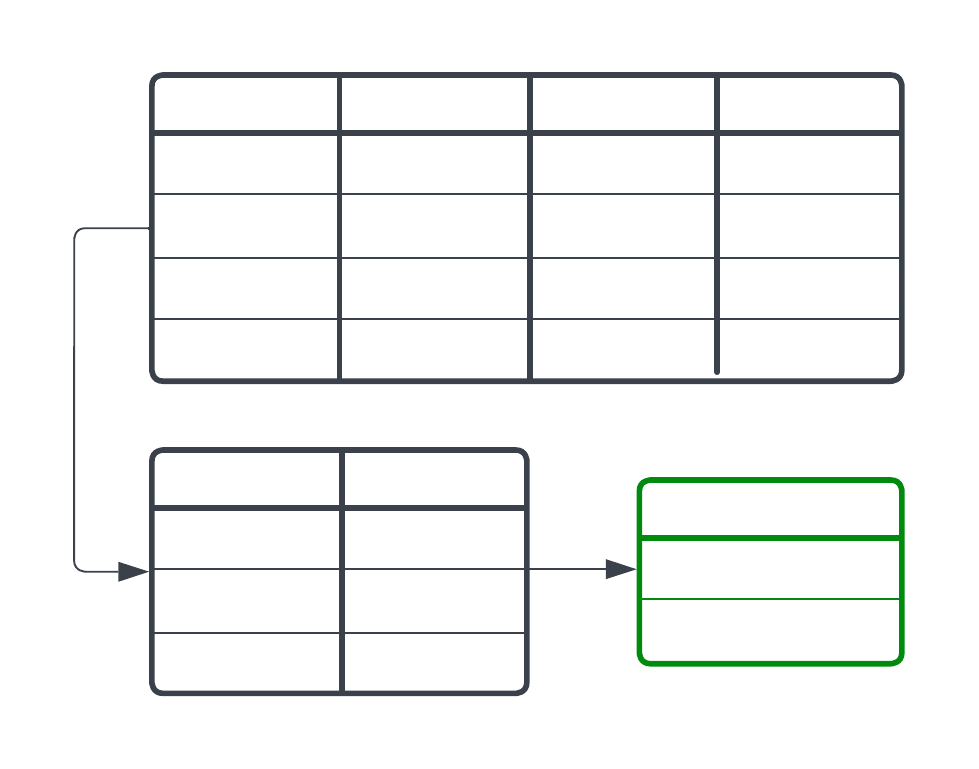
Subquery กับ FROM
SELECT
    ...
-- Pull from query, not from a table
FROM (

    -- Create a result set that will
    -- be used by the main query
    SELECT
        <fields>
    FROM <table>
    WHERE ...

);
ดึงข้อมูลจากผลลัพธ์ของอีกคิวรีหนึ่ง แทนที่จะดึงจากตารางโดยตรง
$$
- แยกการจัดการข้อมูลออกจากการวิเคราะห์
- ทำให้คิวรีอ่านและเข้าใจได้ง่ายขึ้น
- รองรับ "portability" และแก้ไขได้สะดวก
JOIN,WHEREและอื่น ๆ
ก่อนใช้ subquery
SELECT
    month_num,
    -- windchill - temperature has to be used twice here. What if this changes?
    AVG(windchill - temperature) AS avg_differential
    MIN(windchill - temperature) AS most_differential
FROM weather
WHERE
    -- Filtering is taking place in the same query as aggregation/analysis
    season = 'Winter' AND
    temperature < 32
GROUP BY month_num;
หลังใช้ subquery
-- Start with the subquery, then aggregateSELECT month_num, AVG(differential) AS avg_differential MIN(differential) AS most_differential FROM (SELECT month_num, windchill - temperature AS differential FROM weather WHERE season = 'Winter' AND temperature < 32) GROUP BY month_num;
          | month_num | differential |
          | --------- | ------------ |
          |     12    |      -12     |
          |     1     |      -3      |
          |     1     |       0      |
          |     2     |      -7      |
| month_num | avg_differential | most_differential |
| --------- | ---------------- | ----------------- |
|     12    |       -5.77      |        -14        |
|     1     |       -1.91      |        -8         |
|     2     |       -8.13      |        -22        |
เมื่อข้อมูลถูกจัดการแล้ว การวิเคราะห์และแก้ไขก็ทำได้ง่าย
WHERE ... IN ( ... )
...

-- Filter by records with a value in
-- the subquery result set
WHERE <field> IN (

    SELECT <other-field> FROM ...

);
สร้างชุดผลลัพธ์ขนาดเล็กเพื่อใช้ในการแปลง กรอง หรือจัดการข้อมูล
$$
- กรองระเบียนที่อยู่
INชุดผลลัพธ์แบบไม่คงที่ - ใช้ได้ในส่วนอื่น ๆ ของคิวรี
AVG,MAX,MINและอื่น ๆ
WHERE ... IN( ... )
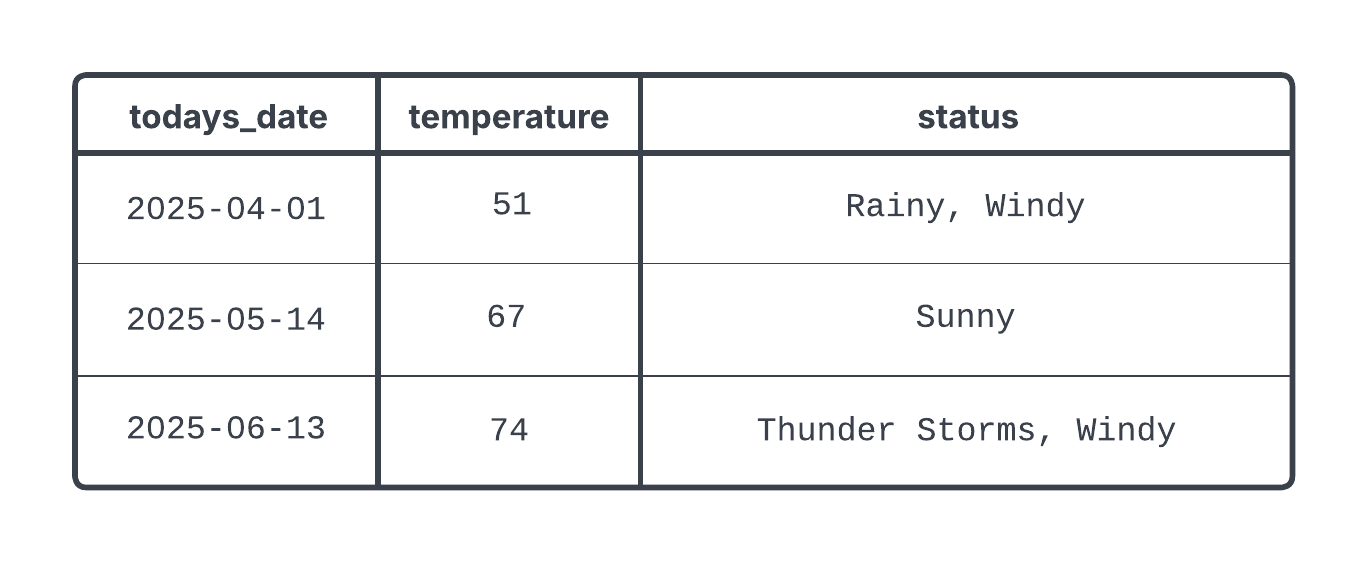
SELECT
    todays_date,
    temperature,
    status
FROM weather
WHERE todays_date IN (  -- Filter by all days with home games that were won

    SELECT
        game_date
    FROM game_schedule
    WHERE stadium = 'Home' AND did_win = TRUE

);
WHERE ... IN ( ... )
มาฝึกกันเถอะ!
การจัดการข้อมูลใน Snowflake

