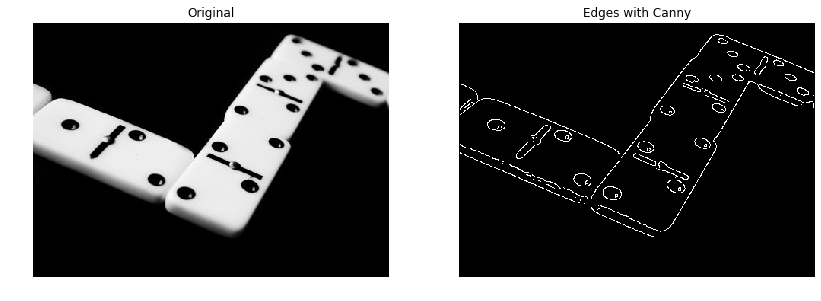
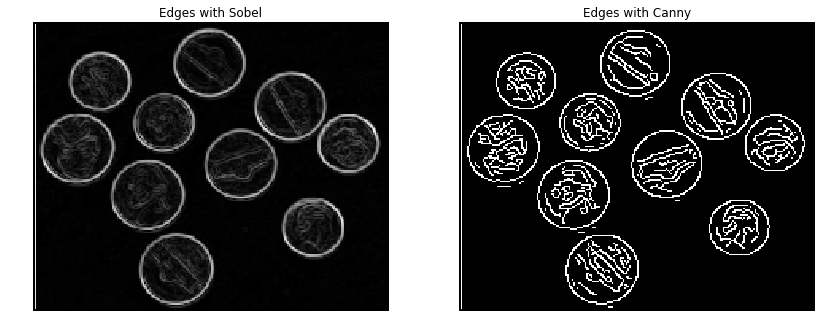
from skimage.feature import canny


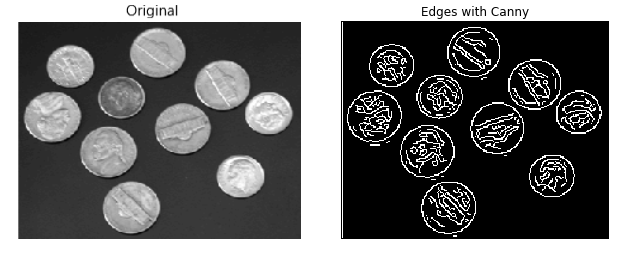
# Convert image to grayscale
coins = color.rgb2gray(coins)


# Apply Canny detector
canny_edges = canny(coins)


# Show resulted image with edges
show_image(canny_edges, "Edges with Canny")
การตรวจจับขอบภาพ
ตัวตรวจจับขอบ Canny
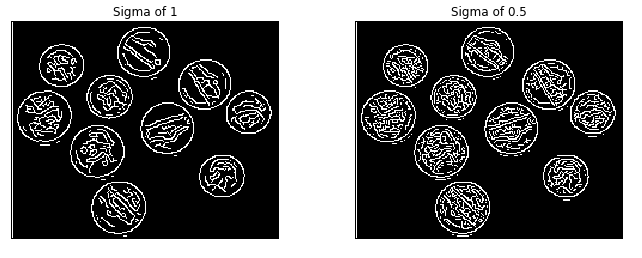
# Apply Canny detector with a sigma of 0.5
canny_edges_0_5 = canny(coins, sigma=0.5)


# Show resulted images with edges
show_image(canny_edges, "Sigma of 1")
show_image(canny_edges_0_5, "Sigma of 0.5")