Morphology

การประมวลผลภาพด้วย Python

Rebeca Gonzalez

Data Engineer

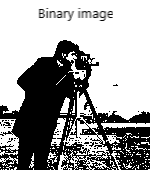
ภาพไบนารี
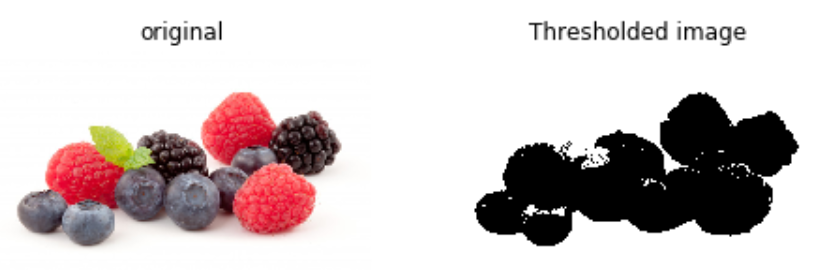
การประมวลผลภาพด้วย Python

การกรองเชิง Morphological

  • เหมาะกับภาพไบนารี
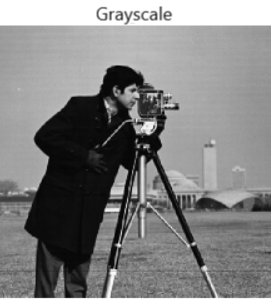
  • ขยายใช้กับภาพระดับสีเทาได้

การประมวลผลภาพด้วย Python

การดำเนินการเชิง Morphological

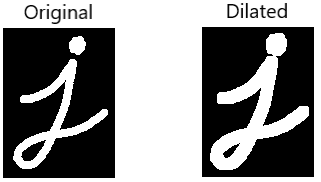
  • Dilation
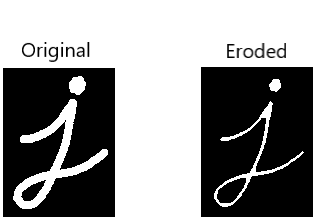
  • Erosion

การประมวลผลภาพด้วย Python

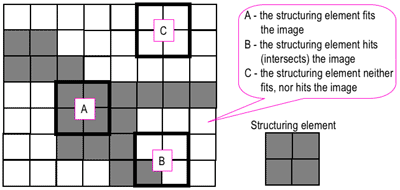
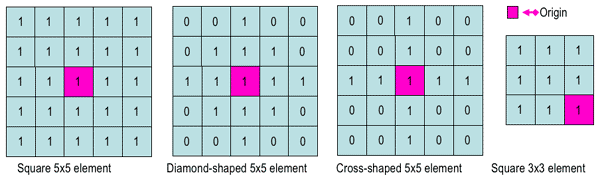
Structuring Element

การประมวลผลภาพด้วย Python

Structuring Element

การประมวลผลภาพด้วย Python

รูปทรงใน scikit-image

from skimage import morphology

square = morphology.square(4)
[[1 1 1 1]
 [1 1 1 1]
 [1 1 1 1]
 [1 1 1 1]]
rectangle = morphology.rectangle(4, 2)
[[1 1]
 [1 1]
 [1 1]
 [1 1]]
การประมวลผลภาพด้วย Python

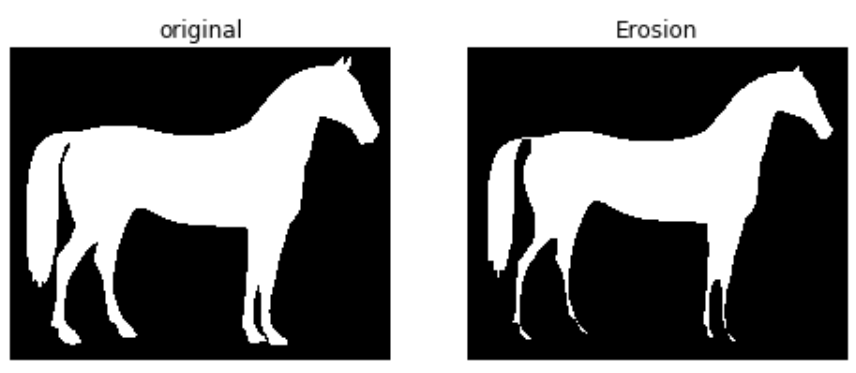
Erosion ใน scikit-image

from skimage import morphology

# Set structuring element to the rectangular-shaped selem = rectangle(12,6)
# Obtain the erosed image with binary erosion eroded_image = morphology.binary_erosion(image_horse, selem=selem)
การประมวลผลภาพด้วย Python

Erosion ใน scikit-image

# Show result
plot_comparison(image_horse, eroded_image, 'Erosion')
การประมวลผลภาพด้วย Python

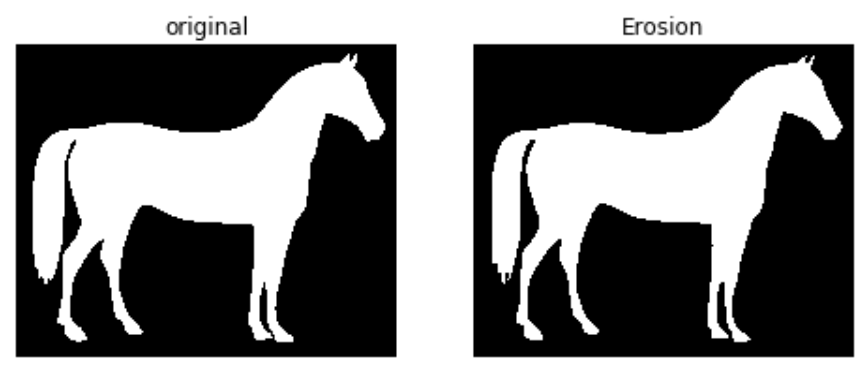
Binary Erosion แบบใช้ค่า selem เริ่มต้น

# Binary erosion with default selem
eroded_image = morphology.binary_erosion(image_horse)
การประมวลผลภาพด้วย Python

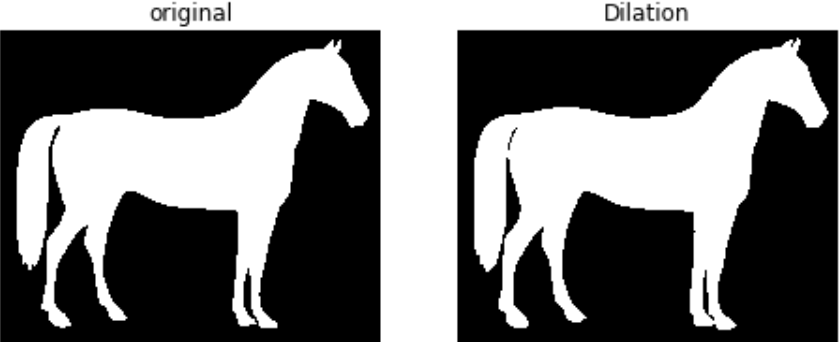
Dilation ใน scikit-image

from skimage import morphology

# Obtain dilated image, using binary dilation
dilated_image = morphology.binary_dilation(image_horse)

# See results plot_comparison(image_horse, dilated_image, 'Erosion')
การประมวลผลภาพด้วย Python

Dilation ใน scikit-image

การประมวลผลภาพด้วย Python

มาฝึกกันเถอะ!

การประมวลผลภาพด้วย Python

Preparing Video For Download...