การทำงานร่วมกันและการควบคุมเวอร์ชัน

Introduction to Databricks Lakehouse

Gang Wang

Senior Data Scientist

การแชร์ notebook

$$

  • กำหนด สิทธิ์ใน workspace ให้บุคคลหรือกลุ่ม
  • 3 ระดับ: Can Read, Can Run, Can Edit
  • แชร์ผ่าน UI ของ workspace หรือ URL โดยตรง

$$

สิทธิ์ ดู รัน แก้ไข
Can Read Yes No No
Can Run Yes Yes No
Can Edit Yes Yes Yes
Introduction to Databricks Lakehouse

ฟีเจอร์การทำงานร่วมกัน

$$

  • คอมเมนต์ บน cell เฉพาะสำหรับ code review
  • ประวัติเวอร์ชัน แสดงว่าใครเปลี่ยนอะไรและเมื่อใด
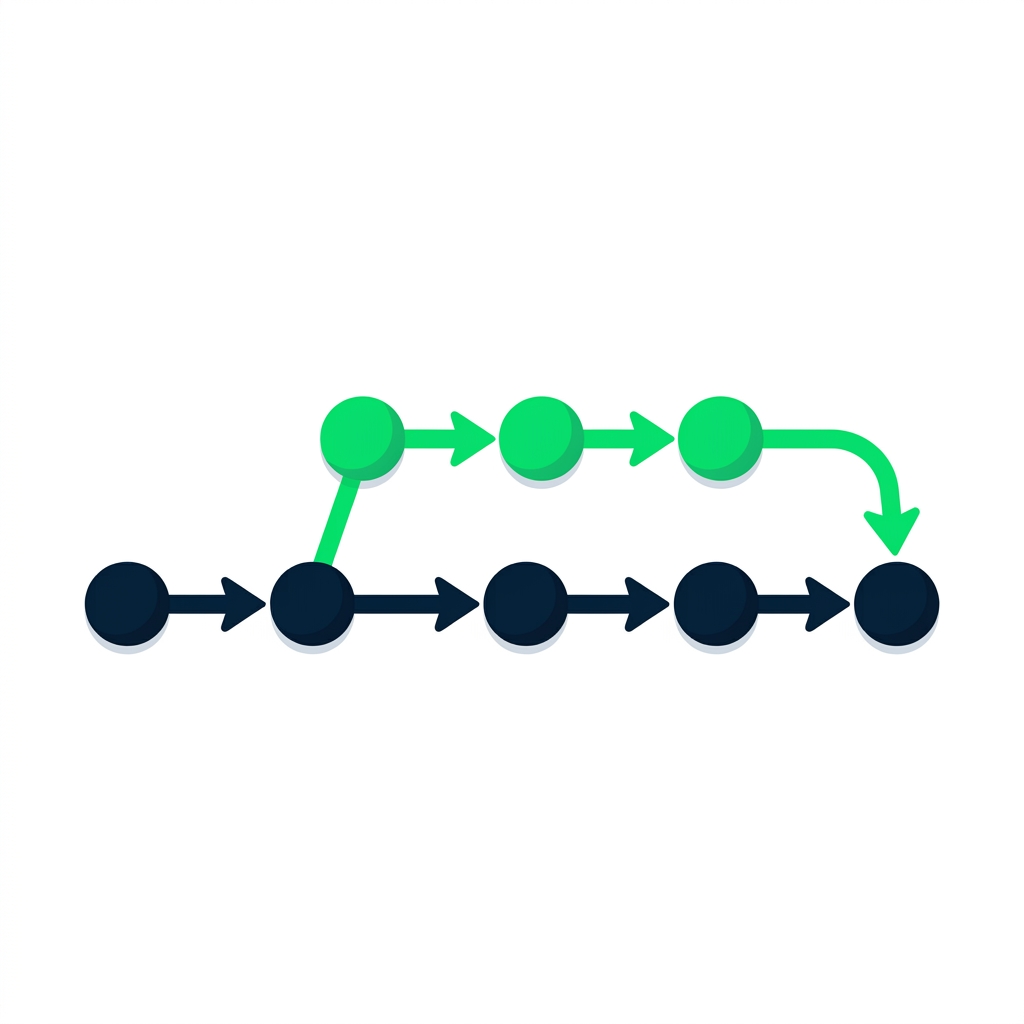
  • แต่ประวัติเวอร์ชันเป็นเส้นตรง — ไม่รองรับ branching หรือ merging

$$

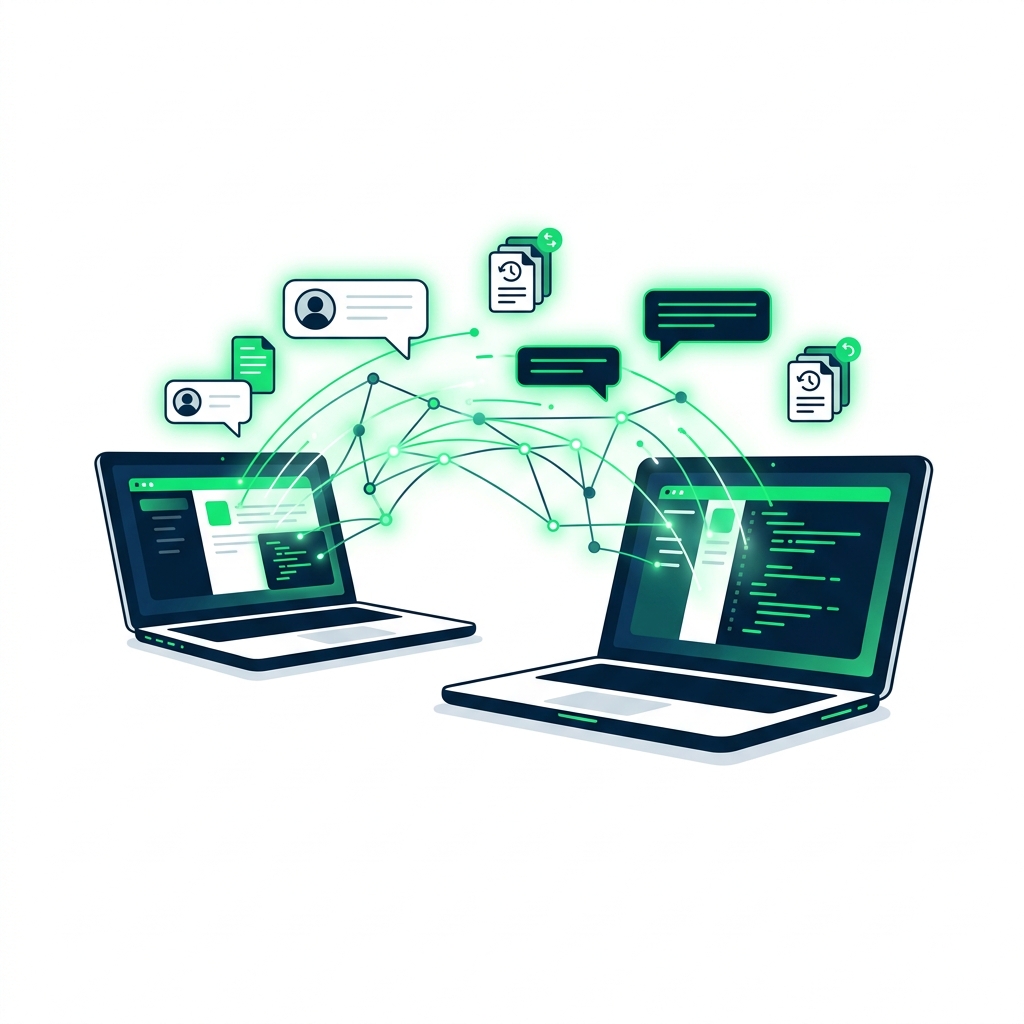
การทำงานร่วมกัน: แล็ปท็อปสองเครื่องเชื่อมต่อกันด้วยเส้นดิจิทัลพร้อมไอคอนคอมเมนต์และประวัติเวอร์ชัน

Introduction to Databricks Lakehouse

รู้จัก Databricks Repos

เวิร์กโฟลว์ของ Databricks Repos

$$

  • Git integration โดยตรงใน workspace
  • เชื่อมต่อกับ GitHub, GitLab, Bitbucket, Azure DevOps
  • Clone, commit, push, pull, branch, merge
  • รองรับเวิร์กโฟลว์ CI/CD เต็มรูปแบบภายใน Databricks
Introduction to Databricks Lakehouse

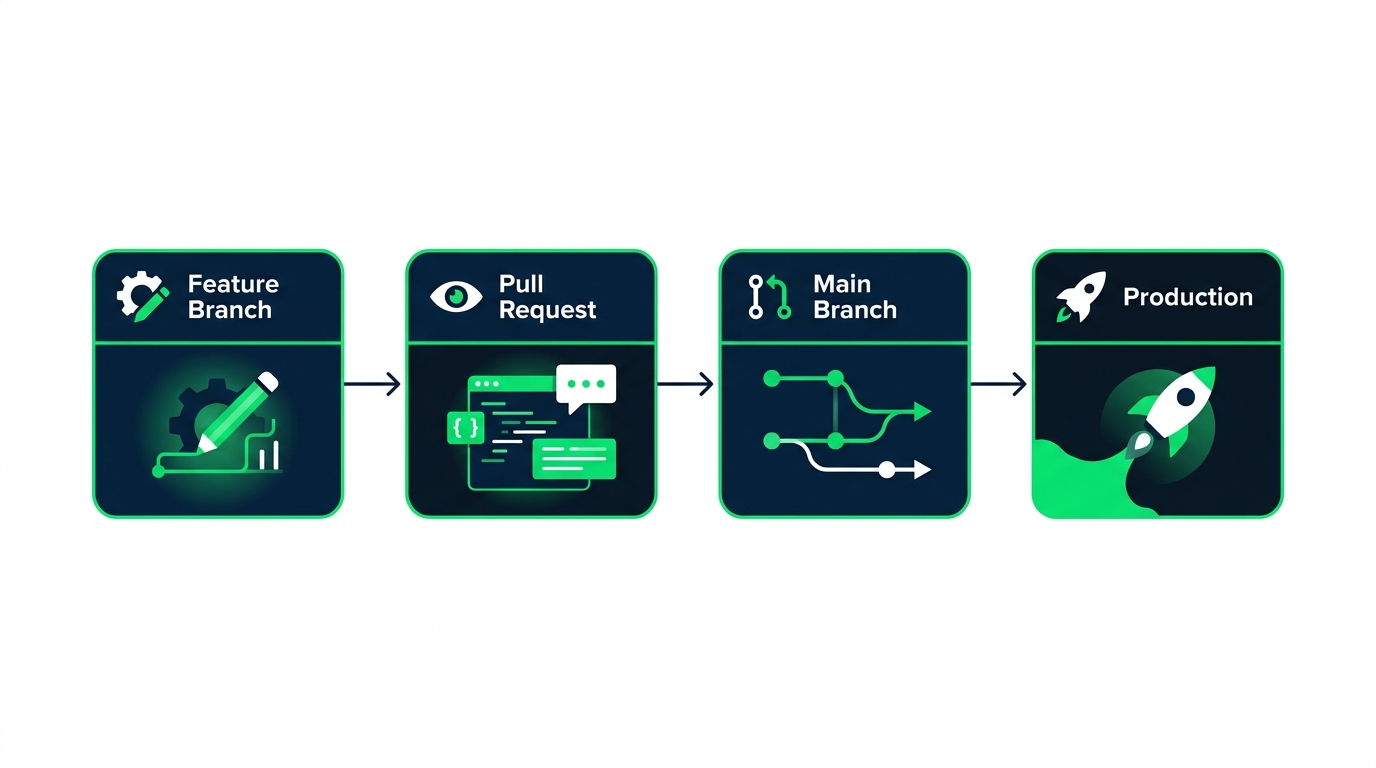
เวิร์กโฟลว์ CI/CD

แผนผัง: Feature Branch, Pull Request, Main Branch, Production

Introduction to Databricks Lakehouse

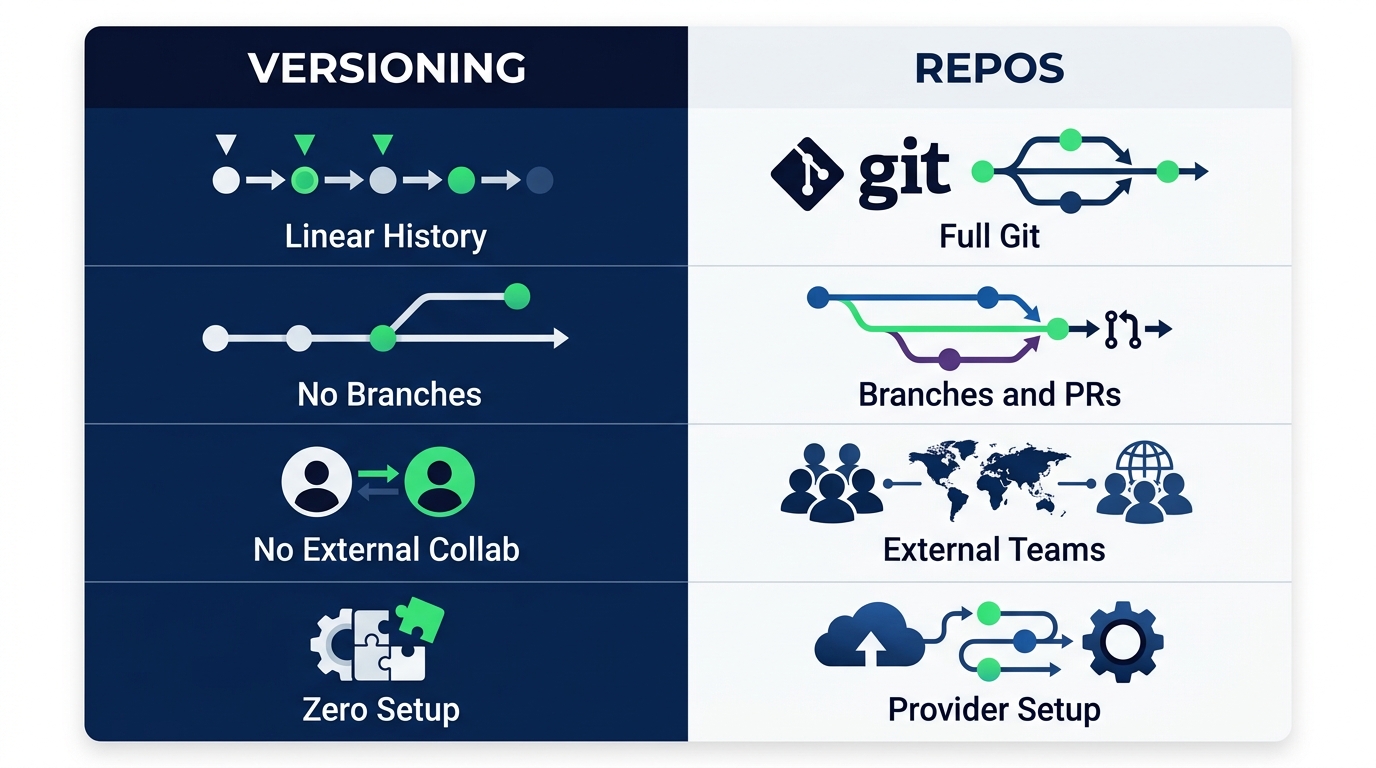
Notebook versioning เทียบกับ Repos

เปรียบเทียบ: Versioning, Linear history, No branches, No external collab, Zero setup | Repos, Full Git, Branches and PRs, External teams, Provider setup

Introduction to Databricks Lakehouse

สรุป

$$

  • แชร์ notebook ด้วยสิทธิ์ Can Read, Can Run หรือ Can Edit
  • ประวัติเวอร์ชัน ในตัวเป็นเส้นตรง — ไม่มี branch
  • Databricks Repos นำ Git integration เต็มรูปแบบมาสู่ workspace
  • Repos รองรับ เวิร์กโฟลว์ CI/CD พร้อม branch, PR และการ deploy อัตโนมัติ
Introduction to Databricks Lakehouse

มาฝึกกันเถอะ!

Introduction to Databricks Lakehouse

Preparing Video For Download...