เริ่มต้น Parse กันเลย
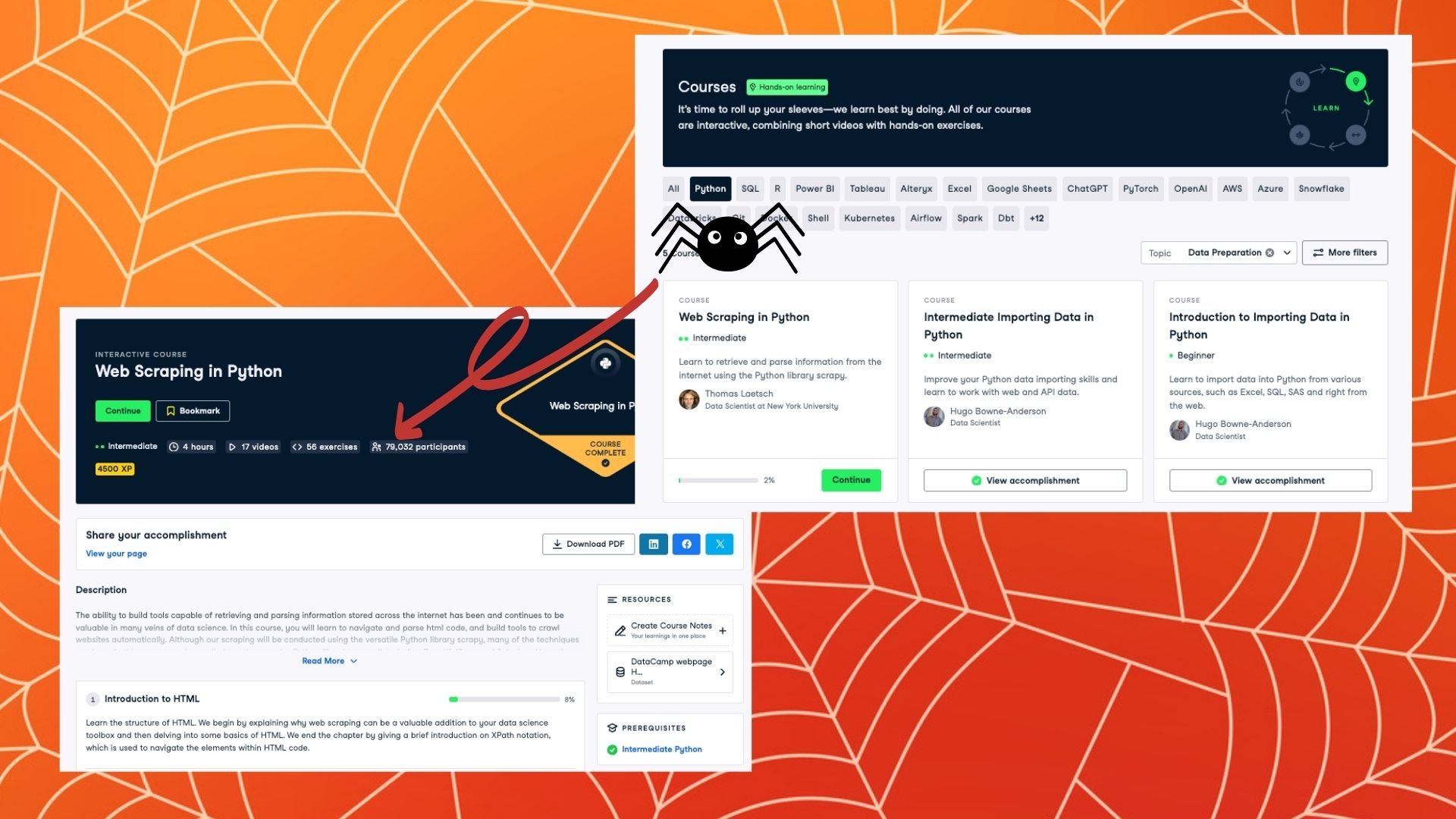
Web Scraping ด้วย Python

Thomas Laetsch
Data Scientist, NYU
ทบทวนอีกครั้ง
class DCspider( scrapy.Spider ):
    name = "dcspider"

    def start_requests( self ):
        urls = [ 'https://www.datacamp.com/courses/all' ]
        for url in urls:
            yield scrapy.Request( url = url, callback = self.parse )

    def parse( self, response ):
        # simple example: write out the html
        html_file = 'DC_courses.html'
        with open( html_file, 'wb' ) as fout:
            fout.write( response.body )
รู้จักมันอยู่แล้ว!
def parse( self, response ):# input parsing code with response that you already know!# output to a file, or...# crawl the web!
ลิงก์คอร์ส DataCamp: บันทึกลงไฟล์
class DCspider( scrapy.Spider ): name = "dcspider" def start_requests( self ): urls = [ 'https://www.datacamp.com/courses/all' ] for url in urls: yield scrapy.Request( url = url, callback = self.parse )def parse( self, response ):links = response.css('div.course-block > a::attr(href)').extract()filepath = 'DC_links.csv' with open( filepath, 'w' ) as f: f.writelines( [link + '/n' for link in links] )
ลิงก์คอร์ส DataCamp: Parse ต่อเนื่อง
class DCspider( scrapy.Spider ): name = "dcspider" def start_requests( self ): urls = [ 'https://www.datacamp.com/courses/all' ] for url in urls: yield scrapy.Request( url = url, callback = self.parse )def parse( self, response ):links = response.css('div.course-block > a::attr(href)').extract()for link in links: yield response.follow( url = link, callback = self.parse2 )def parse2( self, response ): # parse the course sites here!
ฝึก Parse กันต่อ
Web Scraping ด้วย Python

