การตรวจสอบ Input ใน FastAPI

การ Deploy AI สู่ Production ด้วย FastAPI

Matt Eckerle

Software and Data Engineering Leader

การตรวจสอบข้อมูล Input
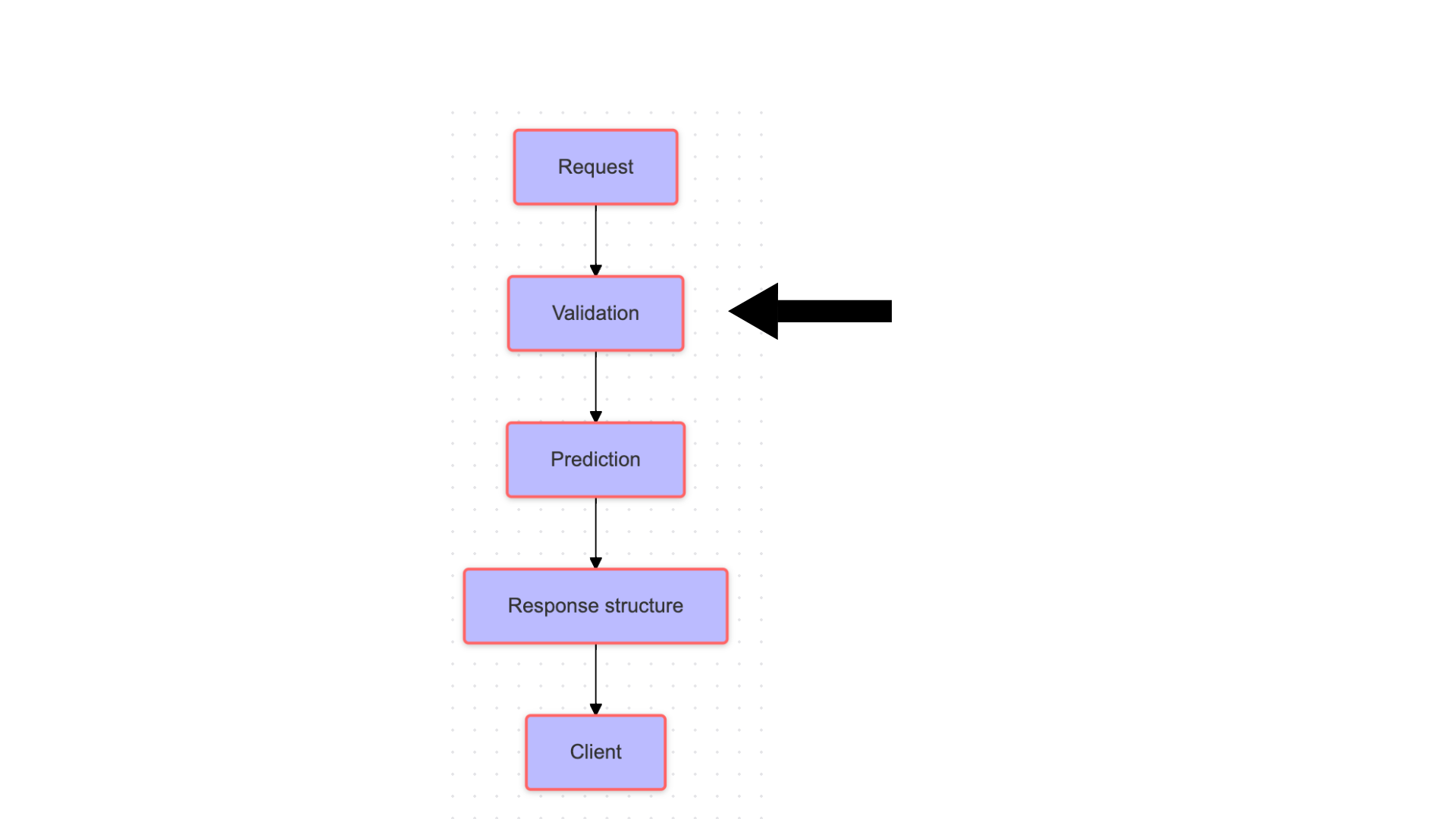
Flowchart แสดงการทำนายด้วย ML ผ่าน FastAPI

การ Deploy AI สู่ Production ด้วย FastAPI

ทำไมต้องตรวจสอบ Input?


  • ตรวจสอบความถูกต้องของข้อมูล
  • ป้องกันข้อผิดพลาดในแอปพลิเคชัน
  • ทำงานร่วมกับ Pydantic
  • มีเครื่องมือตรวจสอบข้อมูลที่ทรงพลัง


โลโก้ของ Pydantic

การ Deploy AI สู่ Production ด้วย FastAPI

Pydantic สำหรับฟังก์ชันที่กำหนดไว้ล่วงหน้า
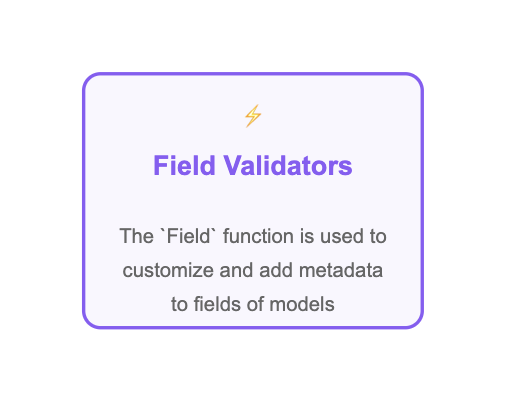
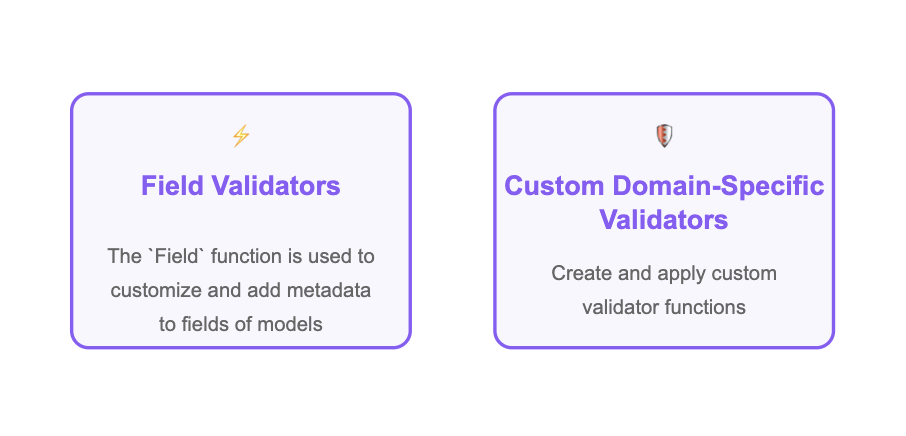
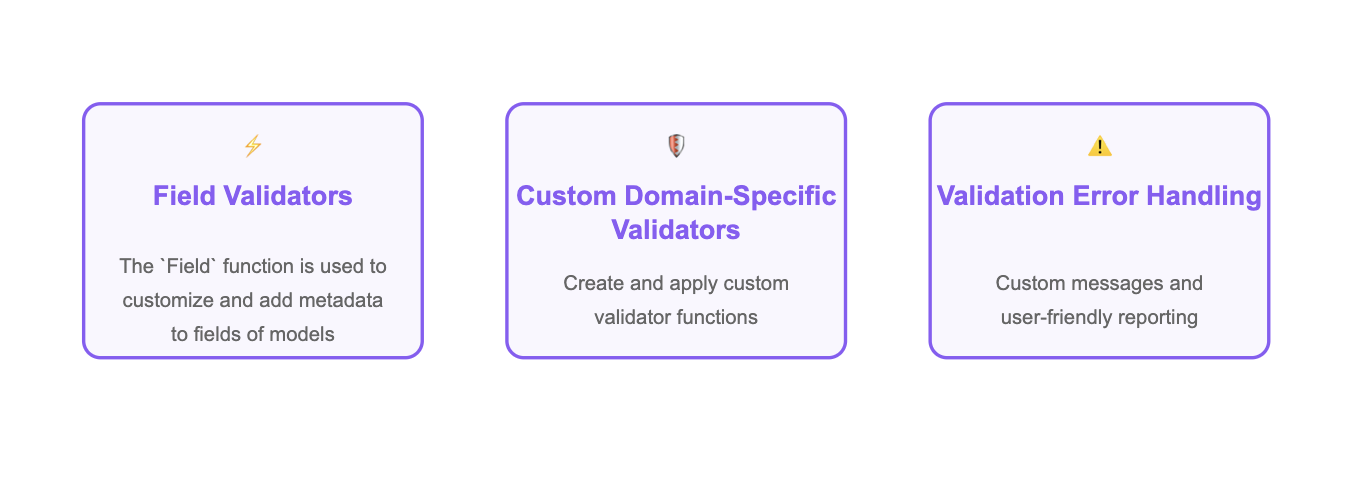
การตรวจสอบ Field ด้วย Pydantic

การ Deploy AI สู่ Production ด้วย FastAPI

การตรวจสอบแบบกำหนดเองด้วย Pydantic

การตรวจสอบแบบกำหนดเองด้วย Pydantic

การ Deploy AI สู่ Production ด้วย FastAPI

การรายงานข้อผิดพลาดอย่างเหมาะสม

การรายงานข้อผิดพลาดระหว่างการตรวจสอบ

การ Deploy AI สู่ Production ด้วย FastAPI

Field Validators ของ Pydantic

  • Endpoint สำหรับลงทะเบียนผู้ใช้

  • ตรวจสอบชื่อผู้ใช้ที่กรอกเข้ามา:

from pydantic import BaseModel, Field
class User(BaseModel):
    username: str = Field(..., min_length=3, max_length=50)
การ Deploy AI สู่ Production ด้วย FastAPI

การเพิ่ม Custom Validators

class User(BaseModel):
    username: str = Field(..., 
                          min_length=3, 
                          max_length=50)
    age: int

@field_validator('age') def age_criteria(cls, age): if age < 13: raise ValueError('User must be at least 13') return age
การ Deploy AI สู่ Production ด้วย FastAPI

Custom Validators ในการใช้งานจริง

คำขอที่ถูกต้อง:

{"username": "john_doe", "age": 25}
Valid user: username='john_doe' age=25

คำขอที่ไม่ถูกต้อง:

{"username": "too_young", "age": 10}
Validation error for {'username': 'too_young', 'age': 10}: User must be at least 13
การ Deploy AI สู่ Production ด้วย FastAPI

รวมทุกอย่างเข้าด้วยกัน

การรายงานข้อผิดพลาดระหว่างการตรวจสอบ

  • Field validator สำหรับ username
  • Custom validator สำหรับอายุ
  • ข้อความแจ้งข้อผิดพลาดเมื่อตรวจสอบไม่ผ่าน
การ Deploy AI สู่ Production ด้วย FastAPI

รวมทุกอย่างเข้าด้วยกัน

@app.post("/users")
def create_user(user: User):
    return {"message": "User created",
            "user": user.model_dump()}

ผลลัพธ์:

{
  "message": "User created successfully",
    "user": {
          "username": "john_doe", 
           "age": 25
    }
}
การ Deploy AI สู่ Production ด้วย FastAPI

มาฝึกกันเถอะ!

การ Deploy AI สู่ Production ด้วย FastAPI

Preparing Video For Download...