การสร้างแดชบอร์ดด้วย Dash และ Plotly
Alex Scriven
Data Scientist
ประโยชน์ของ user inputs:
number)search หรือ text)password และ email/text)
User input คือ Input ประเภทหนึ่งของ dash core components (dcc.Input)
id เพื่อเชื่อมกับ callbacktype จะมีค่าเริ่มต้นเป็น textplaceholder แสดงข้อความแนะนำแบบจาง
dcc.Input(
id='my_input',
type='text',
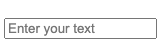
placeholder="Enter your text")
# @callback()
def update_plot(entered_data):
fig = px.scatter(
data_frame=sales,
y='OrderValue', x='Quantity',
, title=f'{entered_data}')
return fig
'text', 'number', 'password', 'email''range' สร้าง range slider'tel' และ 'url' ใช้สำหรับหมายเลขโทรศัพท์และ URL เว็บไซต์'search' และ 'hidden' เกี่ยวข้องกับการทำงานขั้นสูงของเบราว์เซอร์
อาร์กิวเมนต์ type จะกำหนดข้อจำกัดบางอย่างโดยอัตโนมัติ
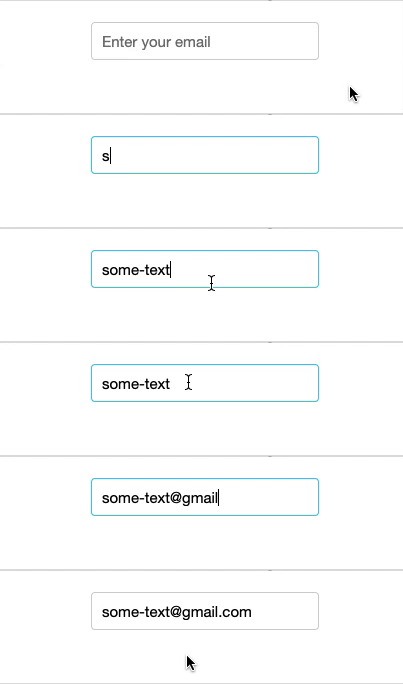
email กำหนดให้ต้องอยู่ในรูปแบบ [email protected]dcc.Input(
id='my_input',
type='email',
placeholder="Enter your email")

number รับเฉพาะตัวเลขmin และ max กำหนดขอบเขตตัวเลขminLength / maxLength สำหรับ input ประเภท texttext มี pattern สำหรับตรวจสอบด้วย regex

dcc.Input(
id='my_input',
type='number',
max=250)
disabled
required$$
dcc.Input()

dcc.Input(id='my_input', disabled=True)

dcc.Input(id='my_input', required=True)
$$
dcc.Input(id='my_input', type='text',
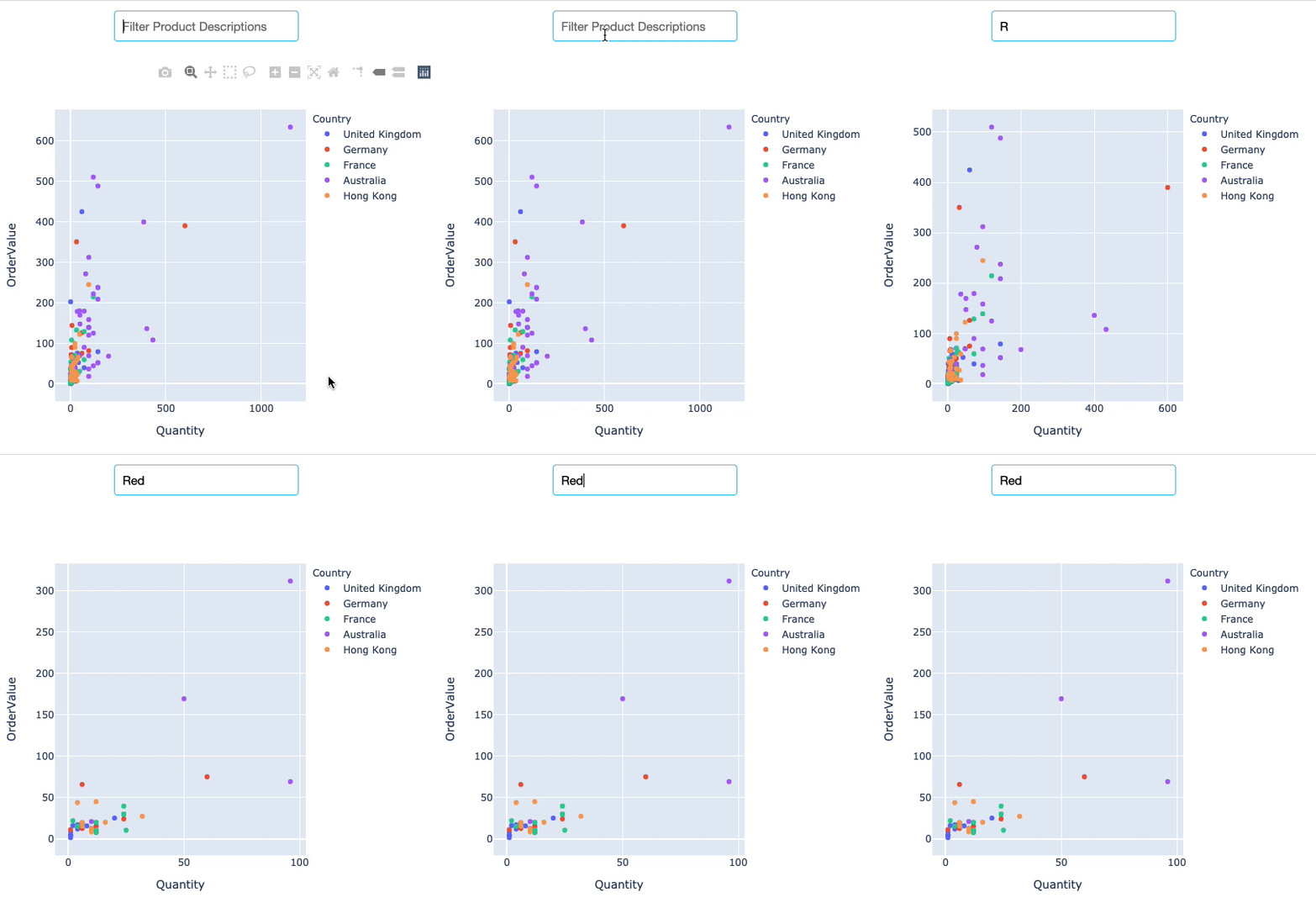
debounce=False)
$$
R, Re, Red, Redd
การสร้างแดชบอร์ดด้วย Dash และ Plotly