การสร้างแดชบอร์ดด้วย Dash และ Plotly
Alex Scriven
Data Scientist
$$
เว็บไซต์ส่วนใหญ่มีไฟล์ CSS;
style แทน
CSS ใช้กับ HTML element โดยตรงได้
style ของ tag"property:value; property:value;"

<h1>Welcome to the website!</h1>
<h2 style="font-size:50px;color:red">
Enjoy your stay!
</h2>

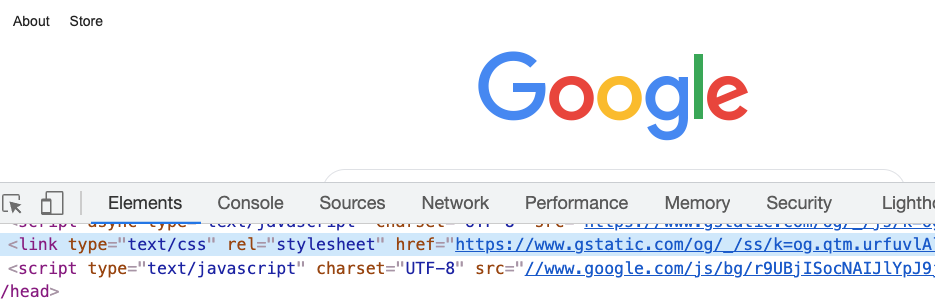
แก้ไข CSS บนเว็บไซต์จริงได้

argument style ของ Dash component
โค้ดเดิมในรูปแบบ Dash component:
app.layout = [
html.H1('Welcome to the website!'),
html.H2('Text',
style={'font-size':'50px',
'color':'red'})
]
CSS ใช้กำหนดได้:
background-color)color)
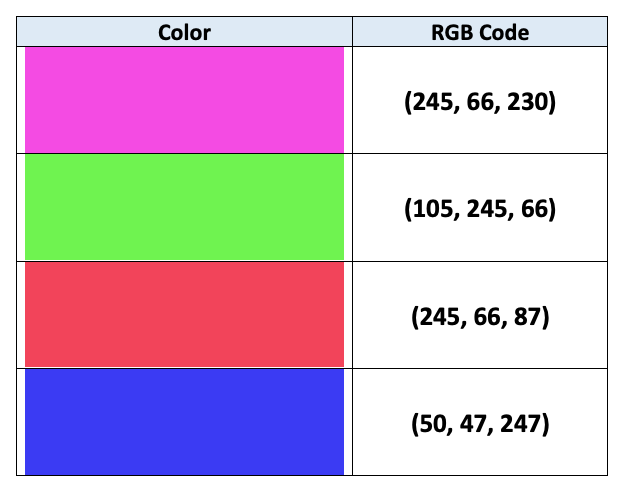
ทั้งสองวิธีรับค่าเป็น string (เช่น 'red') หรือ RGB code (เช่น 'rgb(0,0,255)' คือสีน้ำเงิน!)

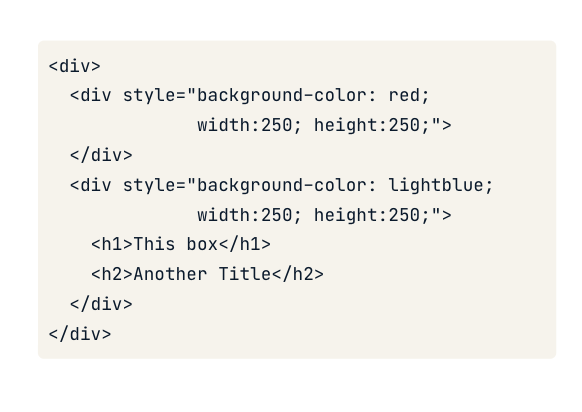
CSS กำหนดขนาดได้ผ่าน property width และ height
app.layout = [
# Add & resize the company logo
html.Img(src=logo_link,
style={'width':'250px', 'height':'250px'})
]
app.layout = [
# Add & resize the company logo
html.Img(src=logo_link,
style={'width':'50%', 'height':'50%'})
]
การสร้างแดชบอร์ดด้วย Dash และ Plotly