การสร้างการตอบกลับด้วยเสียงให้ลูกค้า

ระบบ Multi-Modal ด้วย OpenAI API

James Chapman

Curriculum Manager, DataCamp

แผนกรณีศึกษา

$$
$$

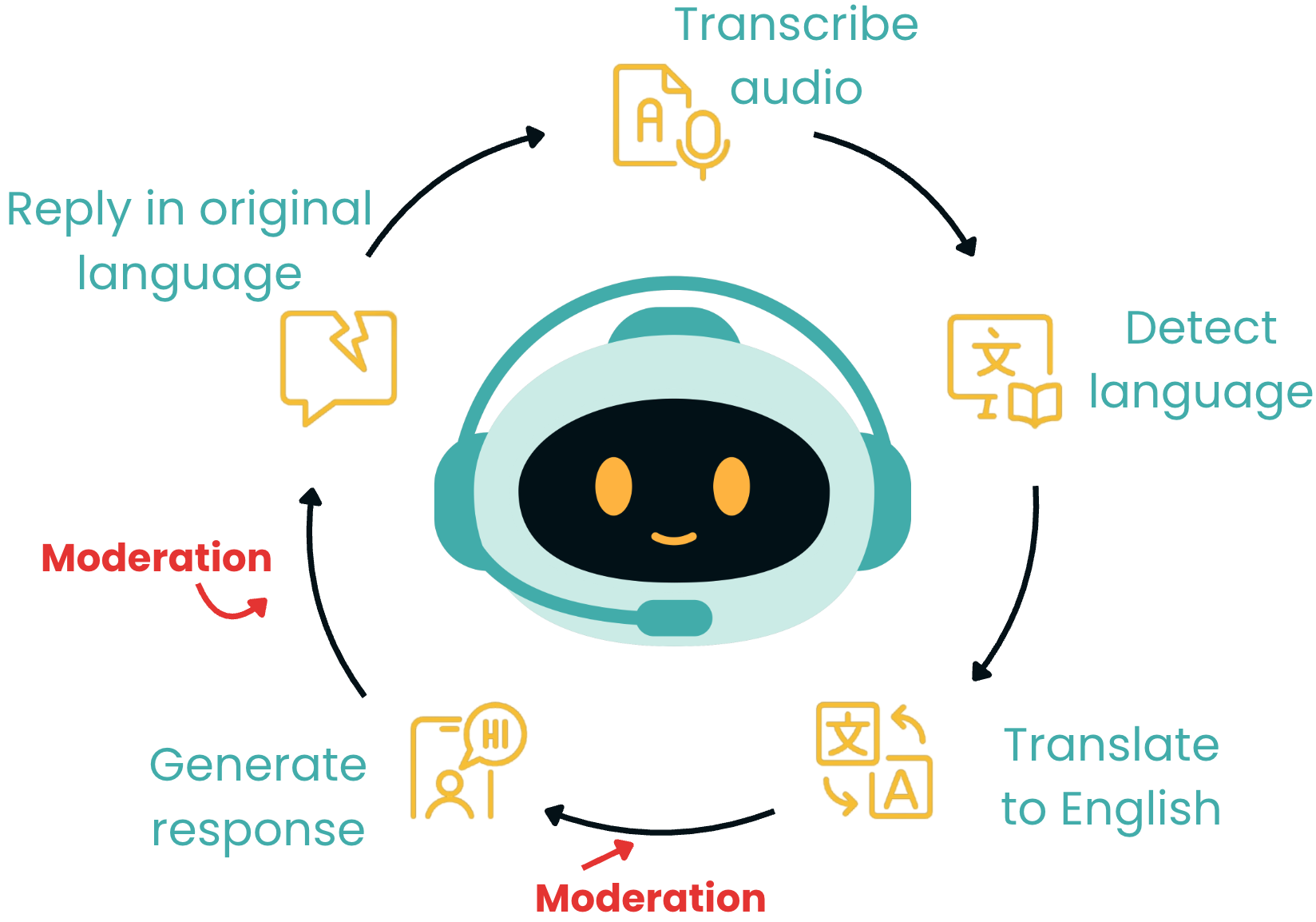
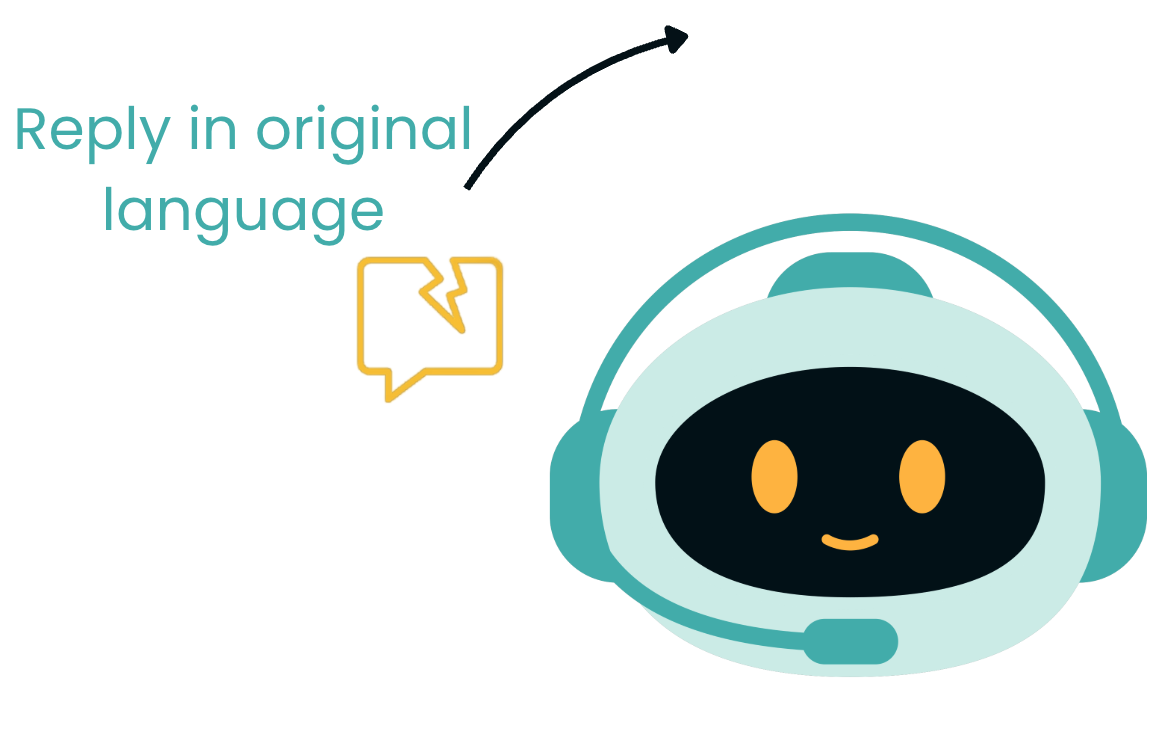
  • การแปลการตอบกลับ

$$

  • การแปลงข้อความเป็นเสียง

$$

แผนกรณีศึกษา

ระบบ Multi-Modal ด้วย OpenAI API

ตัวแปรที่จะใช้

$$

ภาษาที่ตรวจพบ
print(language)
uk

$$

การตอบกลับที่สร้างขึ้น
print(chatbot_reply)
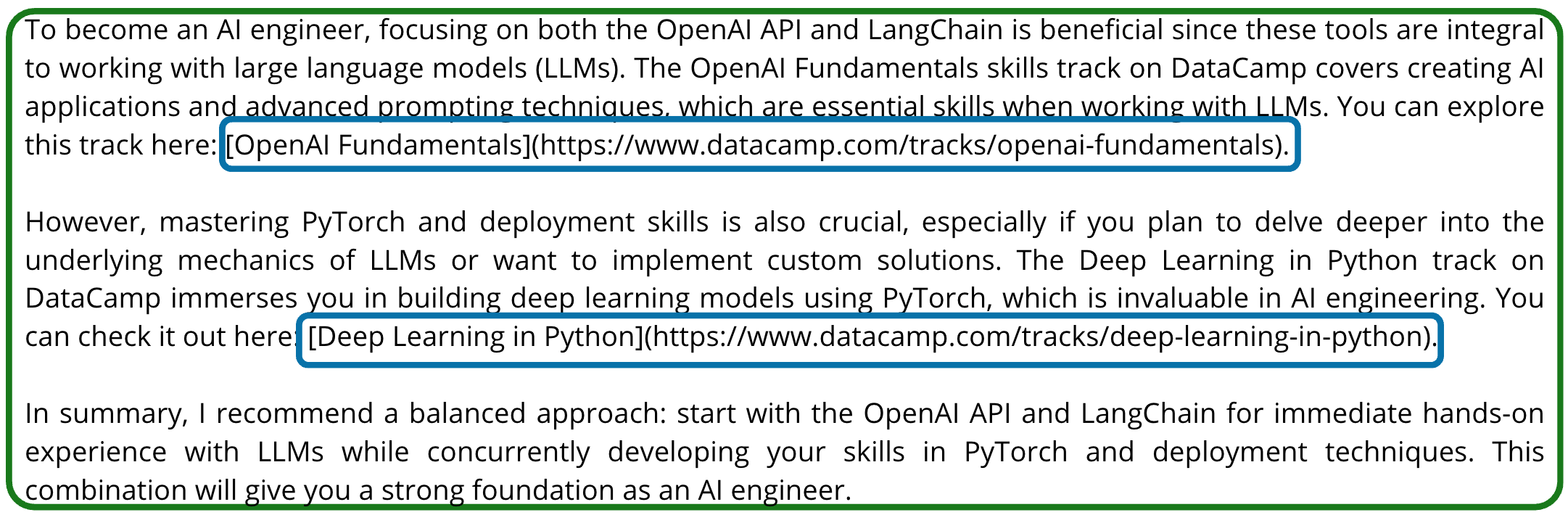
การตอบกลับของแชทบอต

ระบบ Multi-Modal ด้วย OpenAI API

การแปลการตอบกลับ

response = client.chat.completions.create(
    model="gpt-4o-mini",
    messages=[
        {"role": "system", "content": f"""Translate the following text 
        from English to country code {language}. Only return the translated text!"""},
        {"role": "user", "content": chatbot_reply}
             ],
    max_completion_tokens=500)
ระบบ Multi-Modal ด้วย OpenAI API

การแปลการตอบกลับ

# Extract and print the translated response
translated_reply = response.choices[0].message.content
print(translated_reply)
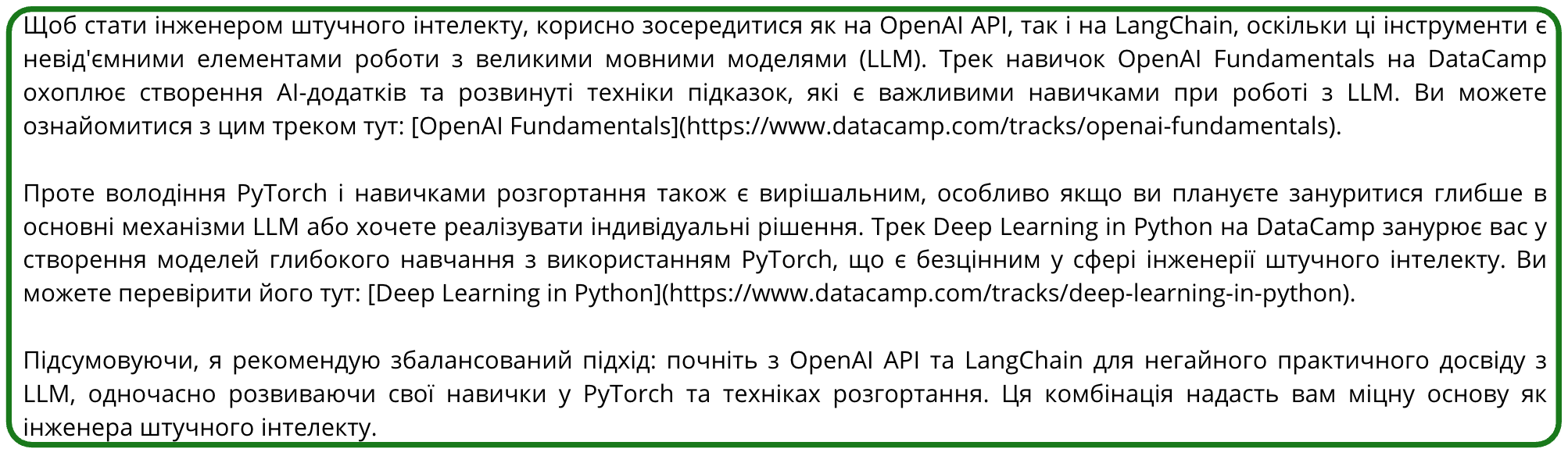
ผลลัพธ์ที่แปลแล้ว

ระบบ Multi-Modal ด้วย OpenAI API

Text-to-speech

response = client.audio.speech.create(
    model="gpt-4o-mini-tts",
    voice="onyx",
    input=translated_reply)

response.stream_to_file("audio_reply.mp3")

เสียง Onyx ในรูปแบบผู้ช่วยเสมือน

ระบบ Multi-Modal ด้วย OpenAI API

สรุปกรณีศึกษา

กรณีศึกษา - ฉบับสมบูรณ์

ระบบ Multi-Modal ด้วย OpenAI API

ขั้นตอนถัดไป

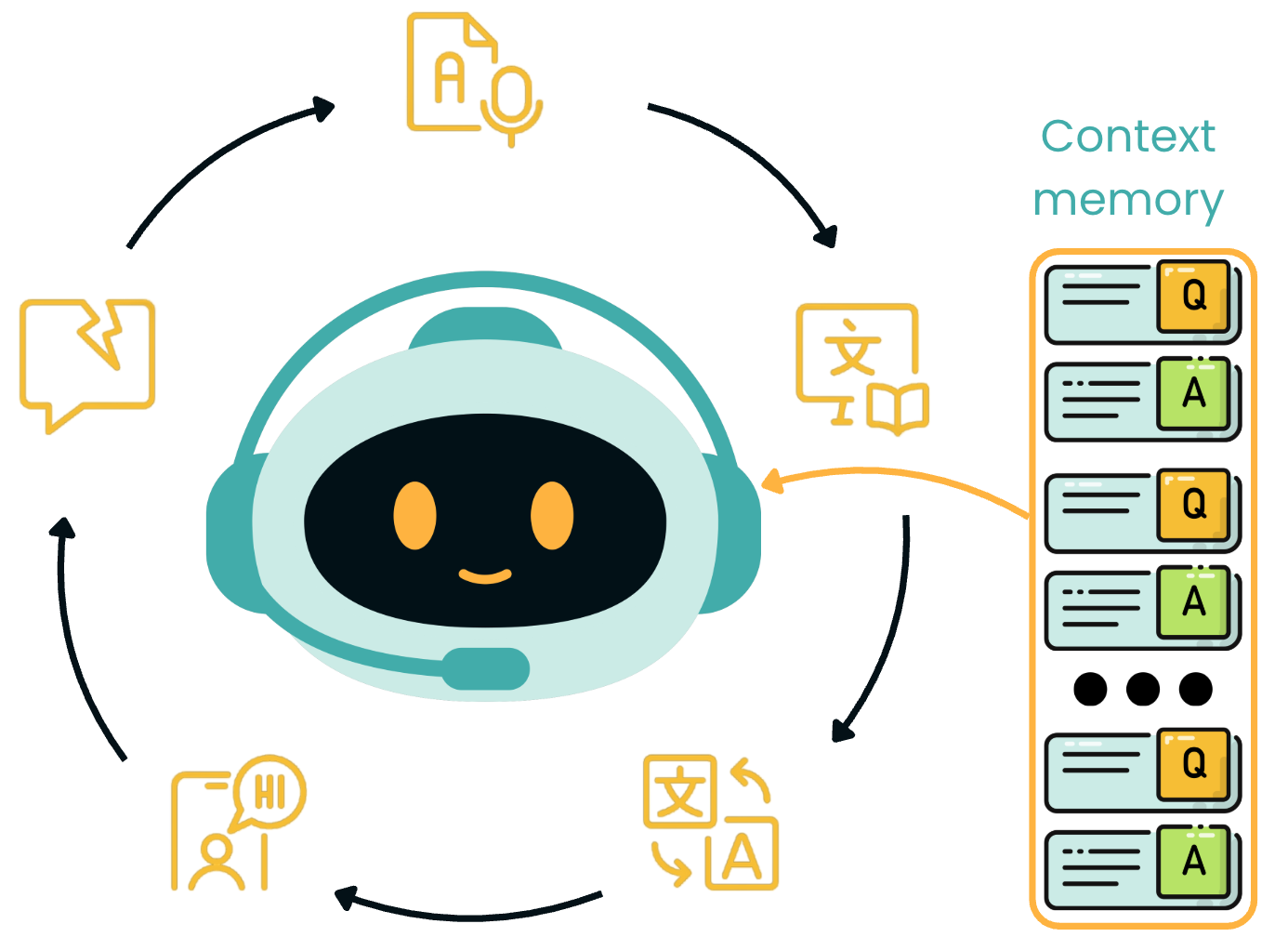
การเพิ่มหน่วยความจำให้แชทบอต

ระบบ Multi-Modal ด้วย OpenAI API

มาฝึกกันเถอะ!

ระบบ Multi-Modal ด้วย OpenAI API

Preparing Video For Download...