การแชร์ไฟล์ผ่านเว็บไซต์
Python เบื้องต้นสำหรับ AWS Boto

Maksim Pecherskiy
Data Engineer
การเสิร์ฟหน้า HTML
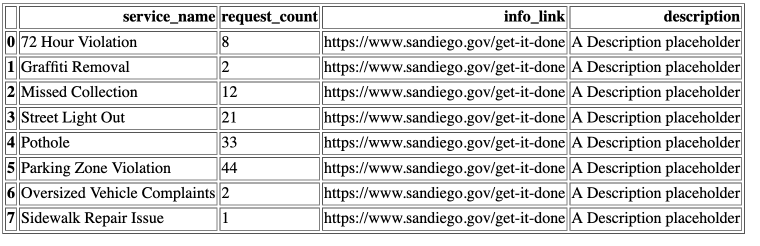
ตาราง HTML ใน Pandas
แปลง DataFrame เป็น HTML
df.to_html('table_agg.html')
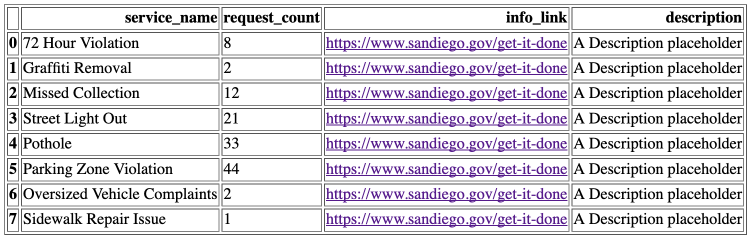
ตาราง HTML ใน Pandas พร้อมลิงก์
แปลง DataFrame เป็น HTML
df.to_html('table_agg.html', render_links=True)
เลือกบางคอลัมน์เป็น HTML
แปลง DataFrame เป็น HTML
df.to_html('table_agg.html',
           render_links=True,
           columns['service_name', 'request_count', 'info_link'])
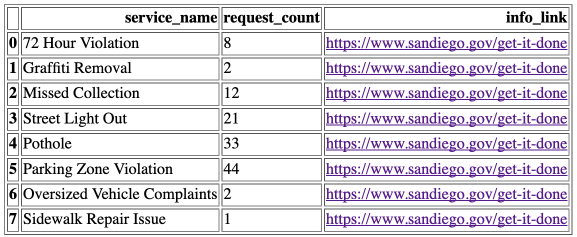
เส้นขอบ
แปลง DataFrame เป็น HTML
df.to_html('table_agg.html',
           render_links=True,
           columns['service_name', 'request_count', 'info_link'],
           border=0)
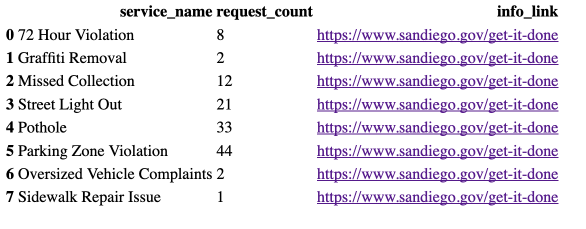
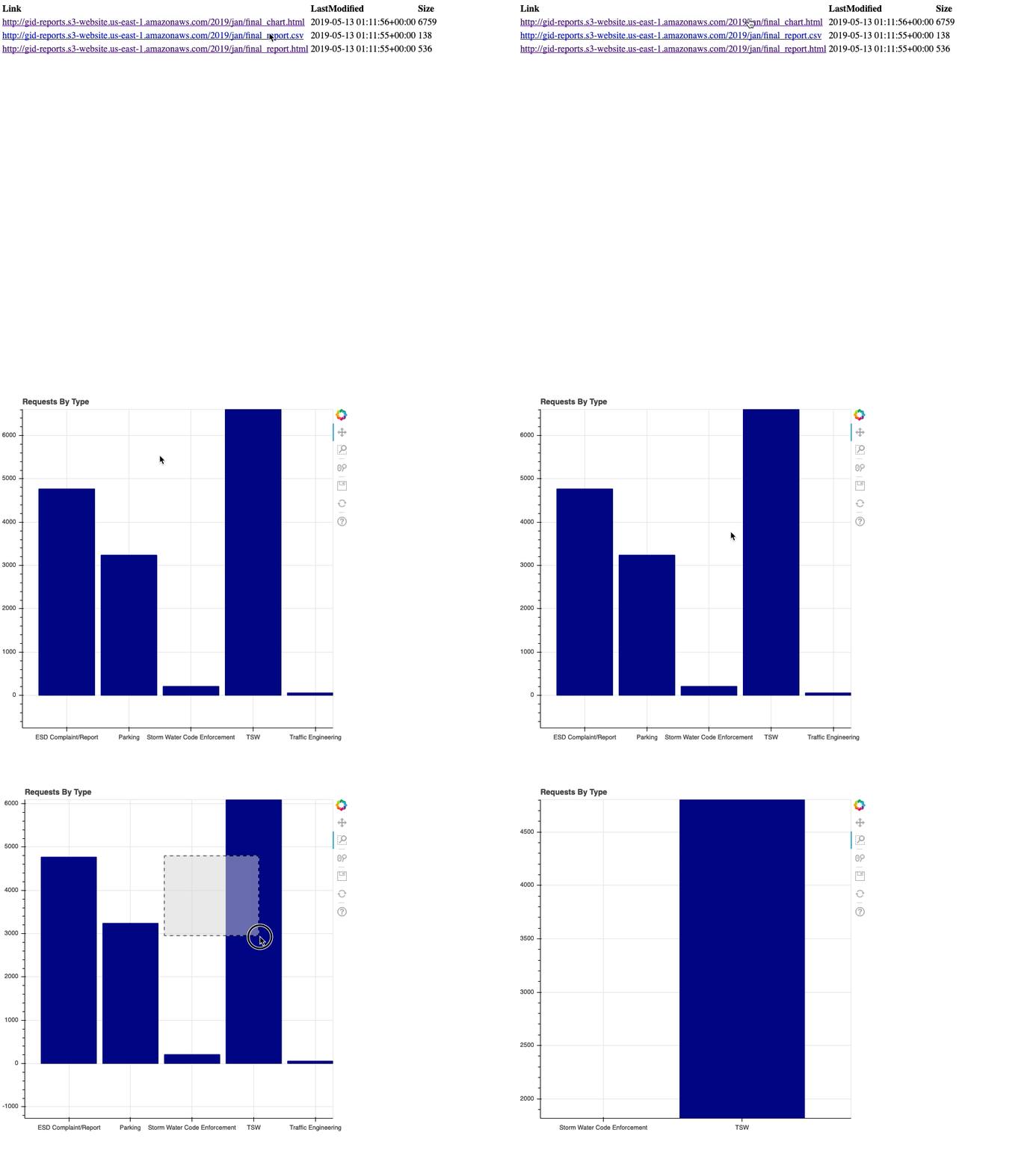
หน้า HTML
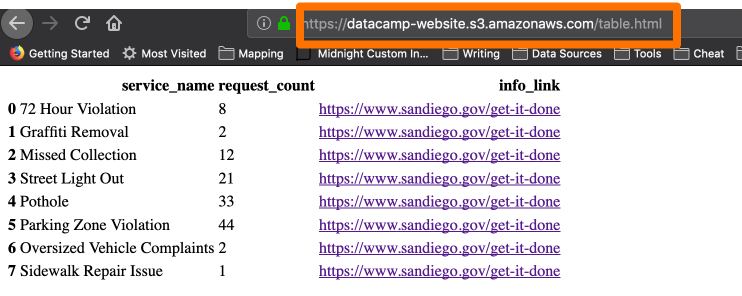
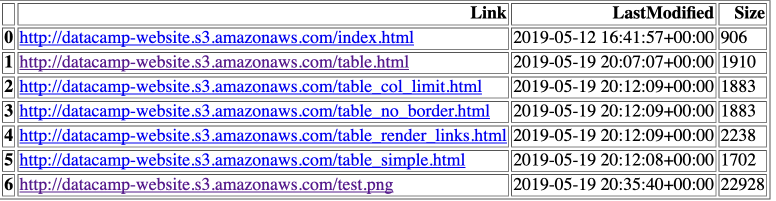
การสร้างหน้าดัชนี
# List the gid-reports bucket objects starting with 2019/ r = s3.list_objects(Bucket='gid-reports', Prefix='2019/')# Convert the response contents to DataFrame objects_df = pd.DataFrame(r['Contents'])

การสร้างหน้าดัชนี
# Create a column "Link" that contains website url + key
base_url = "http://datacamp-website."
objects_df['Link'] = base_url + objects_df['Key']
# Write DataFrame to html
objects_df.to_html('report_listing.html',
                   columns=['Link', 'LastModified', 'Size'],
                   render_links=True)