Åtkomst till data och filer i DataLab

Introduktion till DataLab

Jason Mak

Product Lead

Arbetsböcker vs. notebooks i DataLab

Notebooks

  • Innehåller celler
  • Används för att reproducera och köra analyser

DataLab-arbetsböcker

  • Behållare för notebooks
  • Behållare för filer och utdata
  • Lagrar dataanslutningar

Arbetsbok filmeny

Introduktion till DataLab

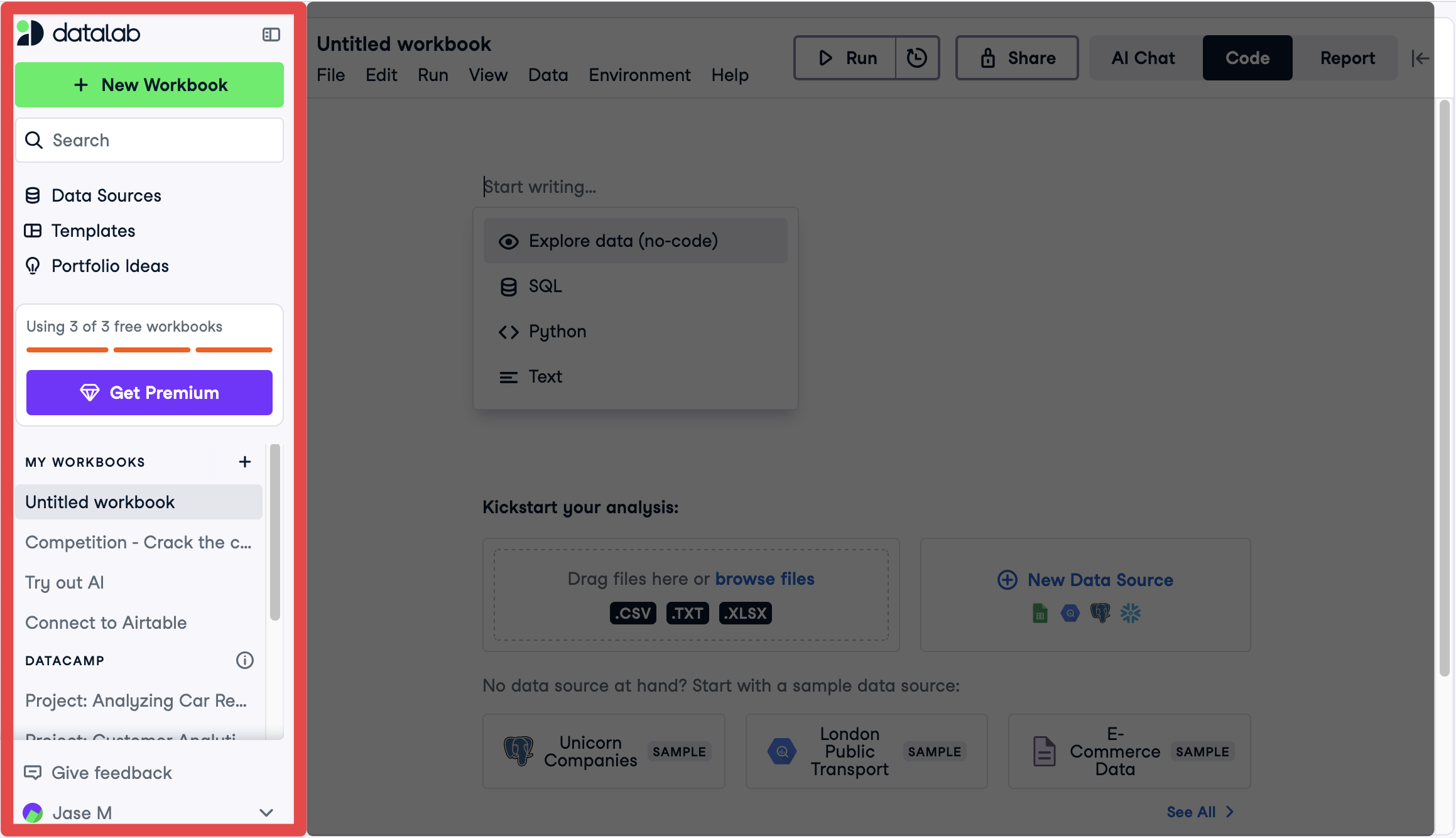
Skapa en ny arbetsbok

Sidomeny

Introduktion till DataLab

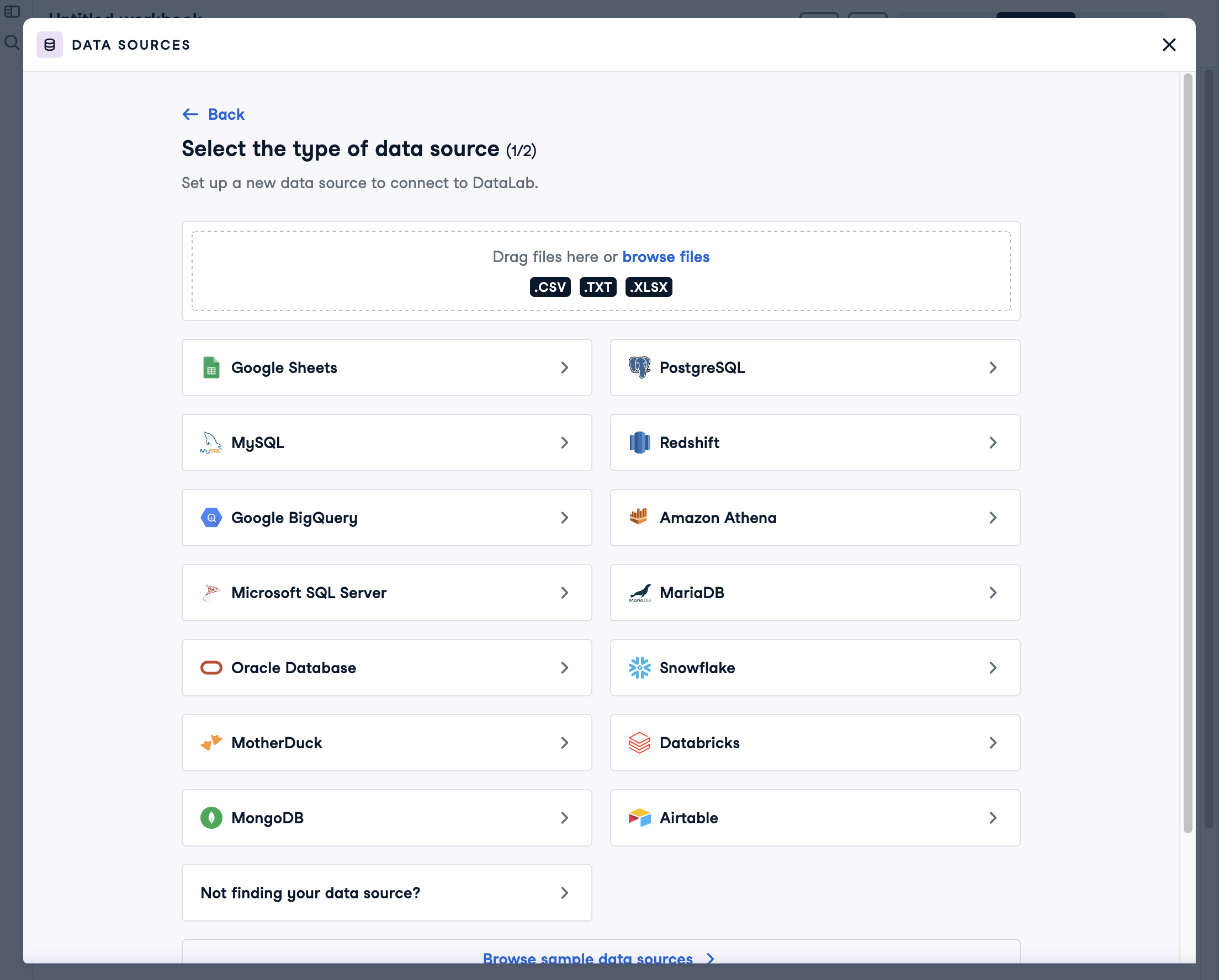
Datakällor i DataLab

DataLab datakällor

Introduktion till DataLab

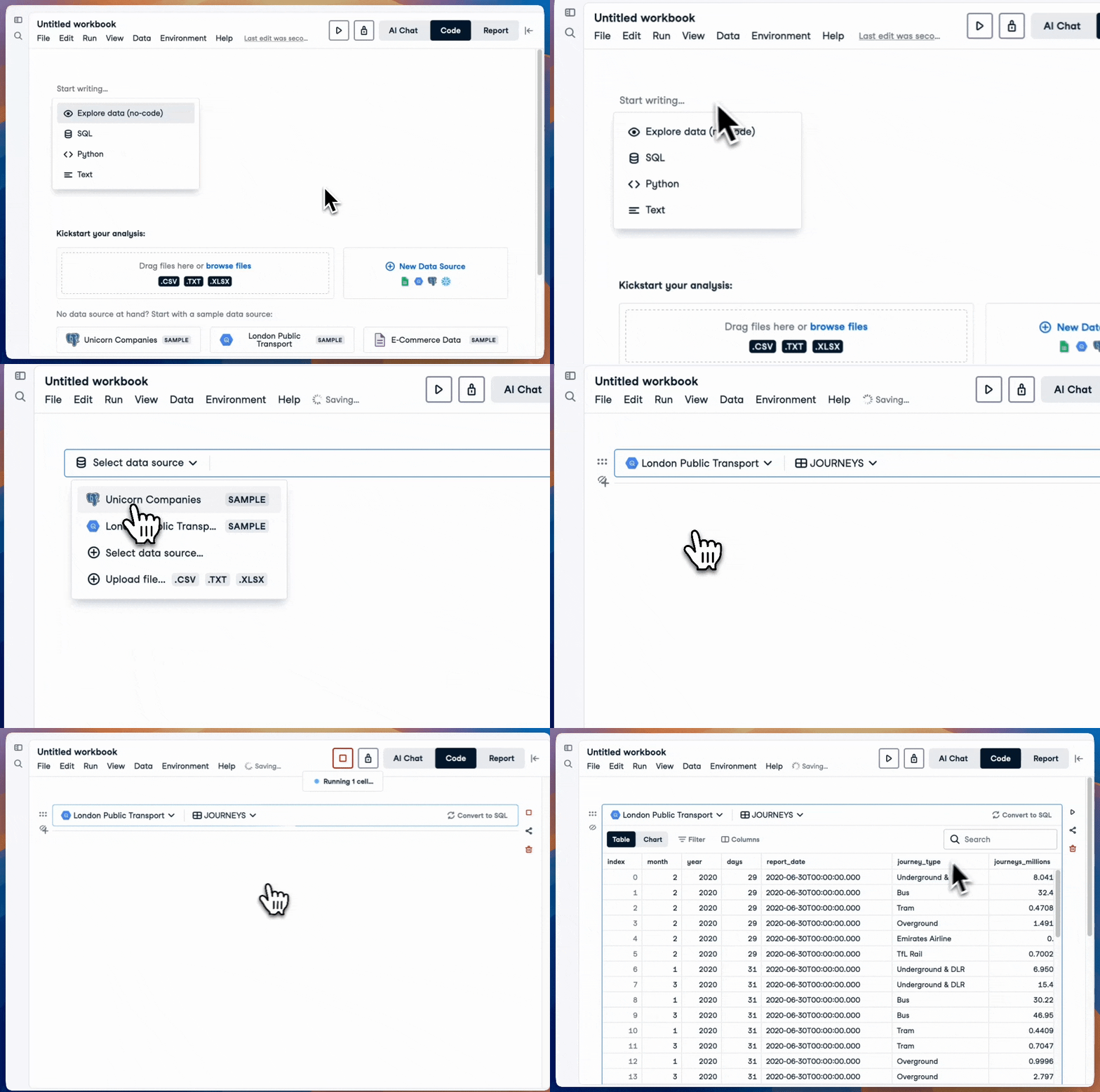
Lägga till en Explore-cell

Lägg till Explore-cell

Introduktion till DataLab

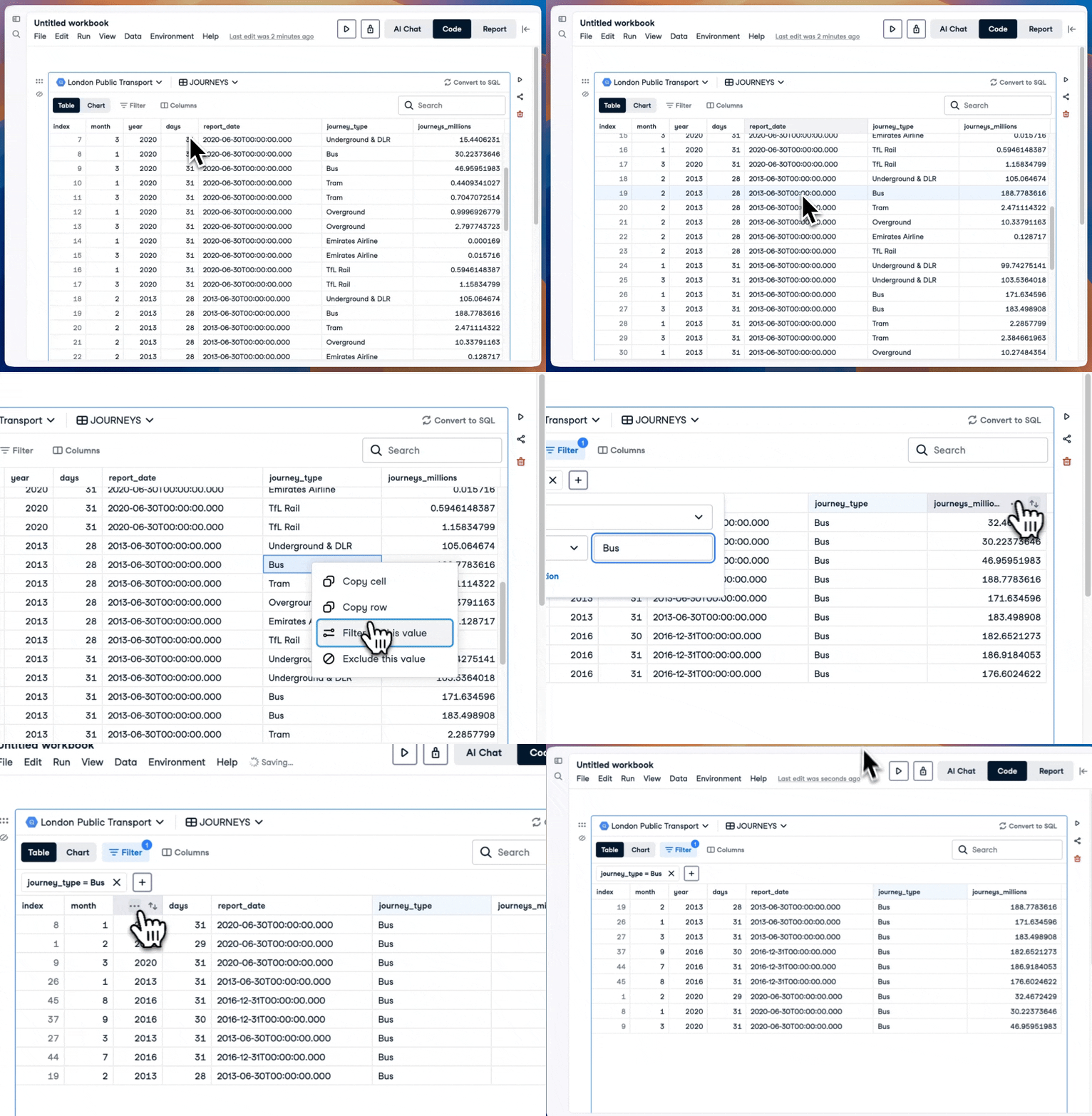
Visa data med en Explore-cell

DataLab Explore-cell

Introduktion till DataLab

Omvandla en Explore-cell till en fråga
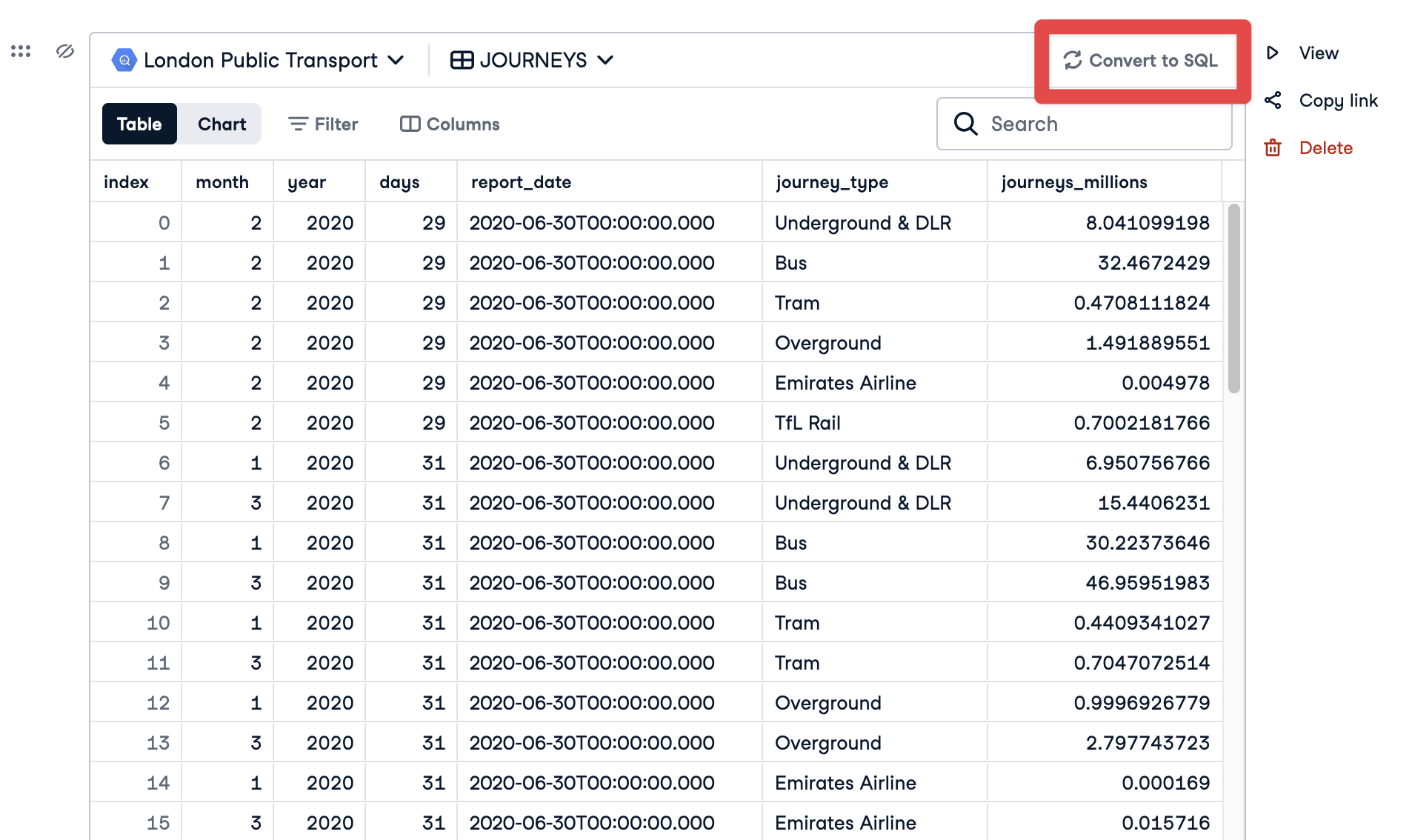
Omvandla Explore-cell till SQL-cell

Introduktion till DataLab

Omvandla en Explore-cell till en fråga
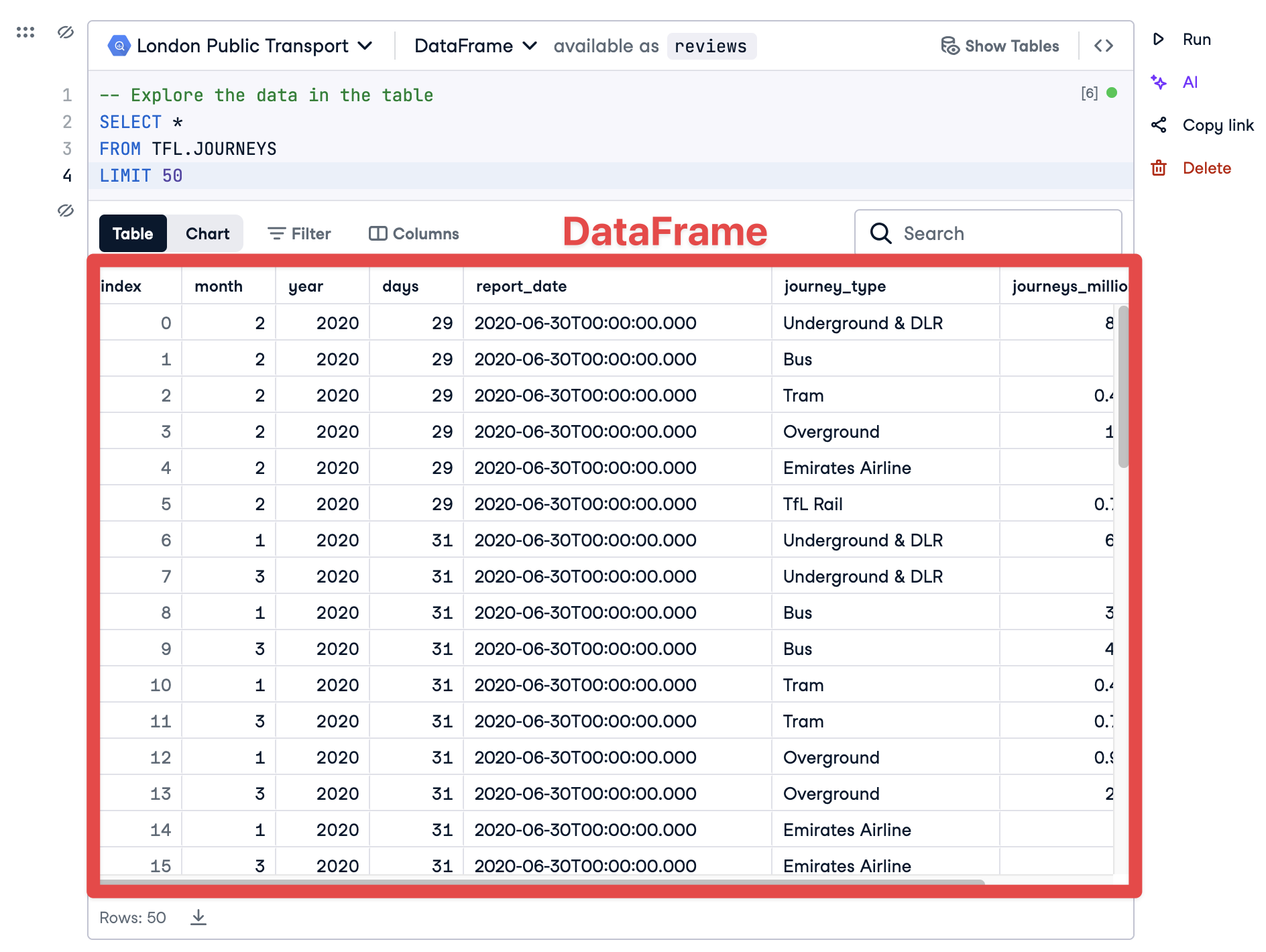
DataFrame från SQL

Introduktion till DataLab

Omvandla en Explore-cell till en fråga
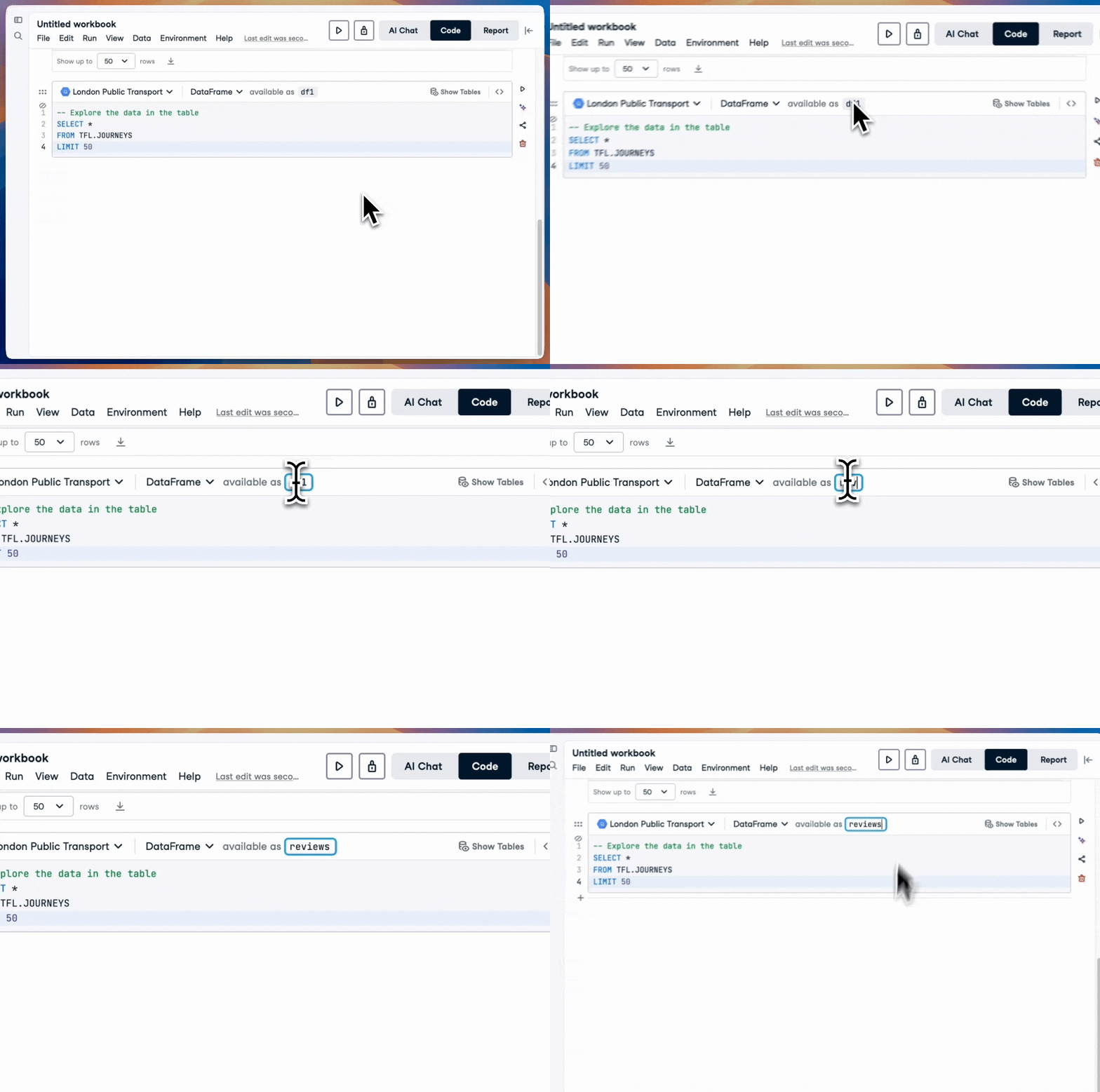
SQL till DataFrame

Introduktion till DataLab

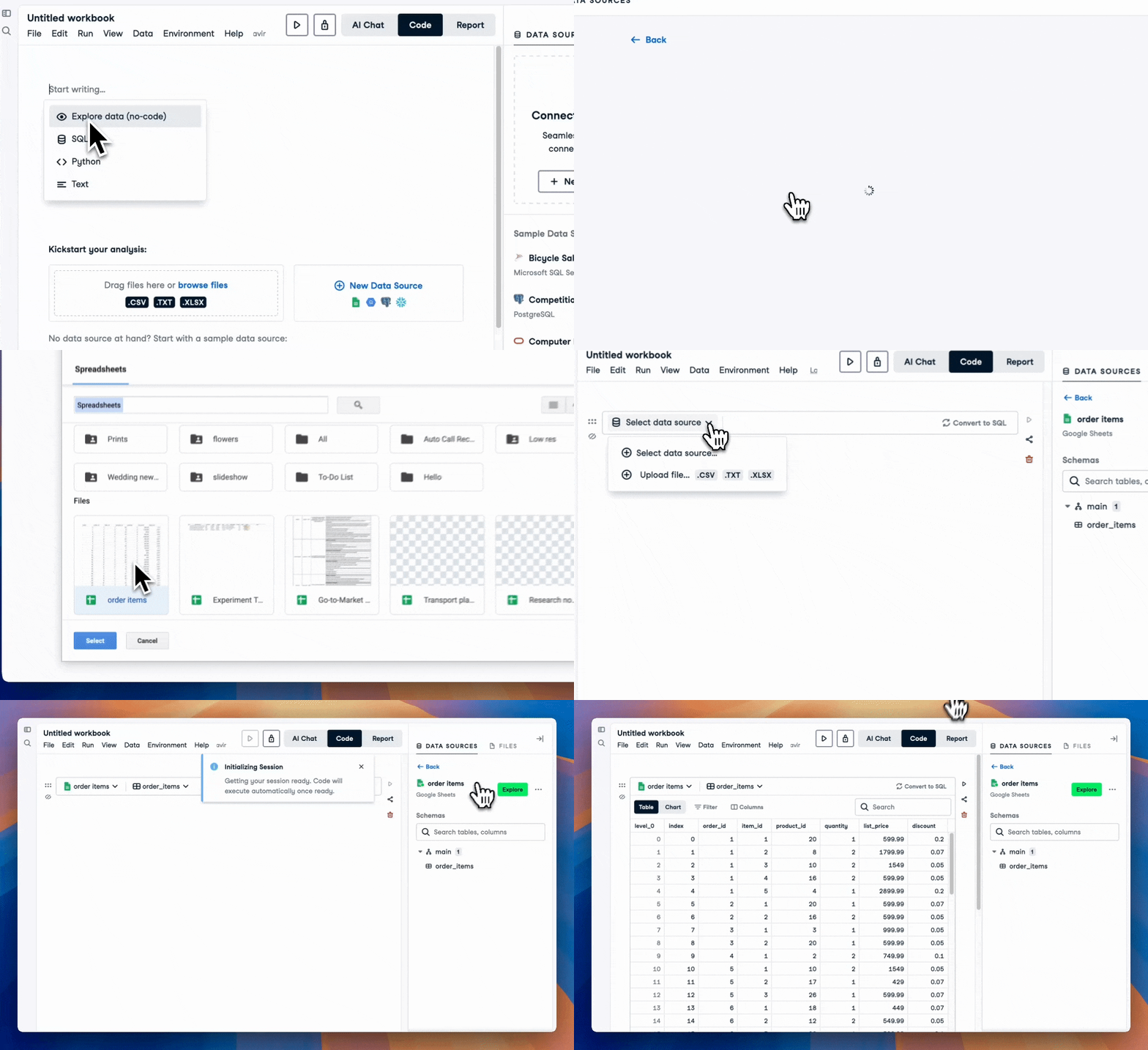
Ansluta till ett Google Kalkylark

Google Sheets-anslutning

Introduktion till DataLab

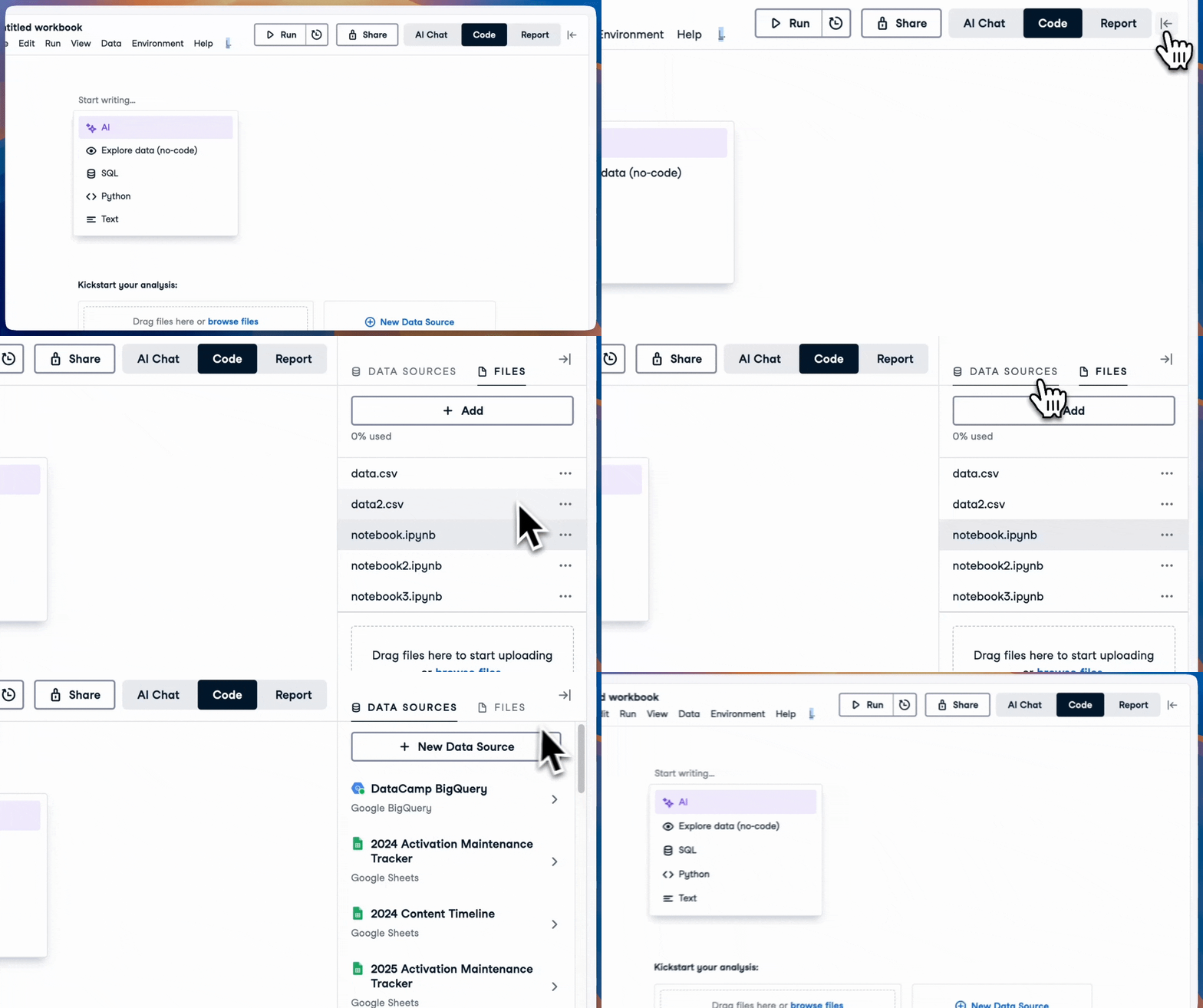
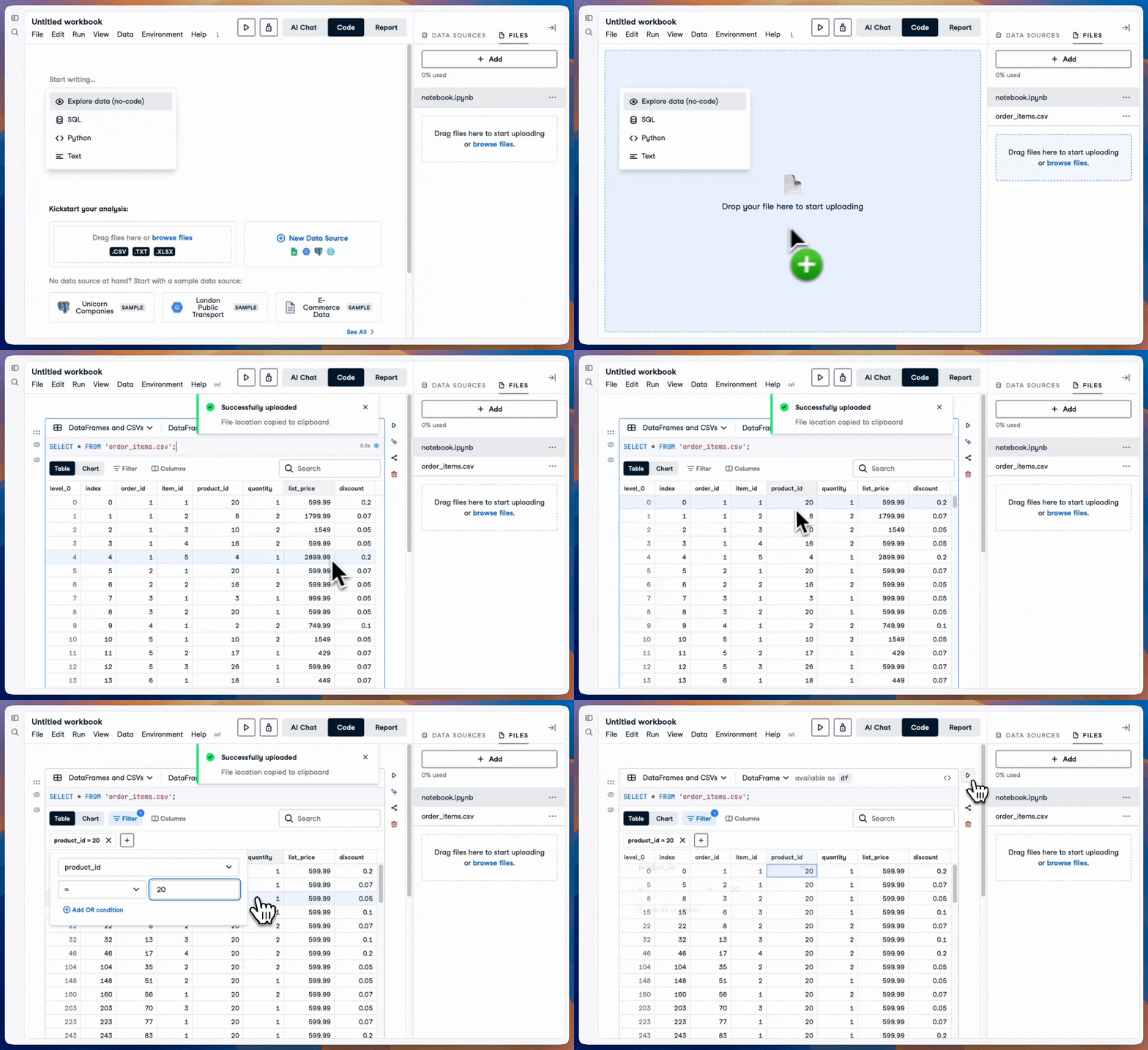
Lägga till och komma åt filer

Ladda upp CSV-fil

Introduktion till DataLab

Köra frågor mot en lokal fil


Med en SQL-cell
SELECT * 
FROM 'our_file.csv'


Med en kodcell (Python)
import pandas as pd
df = pd.read_csv('our_file.csv')
Introduktion till DataLab

Nu kör vi en övning!

Introduktion till DataLab

Preparing Video For Download...