Databehandling i kommandoraden
Susan Sun
Data Person
Python
Dokumentation:
man python
...
-V , --version
Prints the Python version number of the executable and exits.
python --version
Python 3.5.2
Exempel: använda inbyggt Python
which python
/usr/bin/python
Starta en interaktiv Python-session i terminalen:
python
Python 3.5.2 (default, Nov 23 2017, 16:37:01)
[GCC 5.4.0 20160609] on linuxType "help", "copyright", "credits" or
"license" for more information.
>>>
I den interaktiva sessionen används enbart Python-syntax:
>>> print('hello world')
hello world
Avsluta Python-sessionen och återgå till terminalen:
>>> exit()
$
Interaktiv Python-session:
Alternativ:
.py-skriptpython + skriptnamnetMetod 1
.py-fil med en textredigerare på kommandoraden (t.ex. nano, Vim, Emacs)
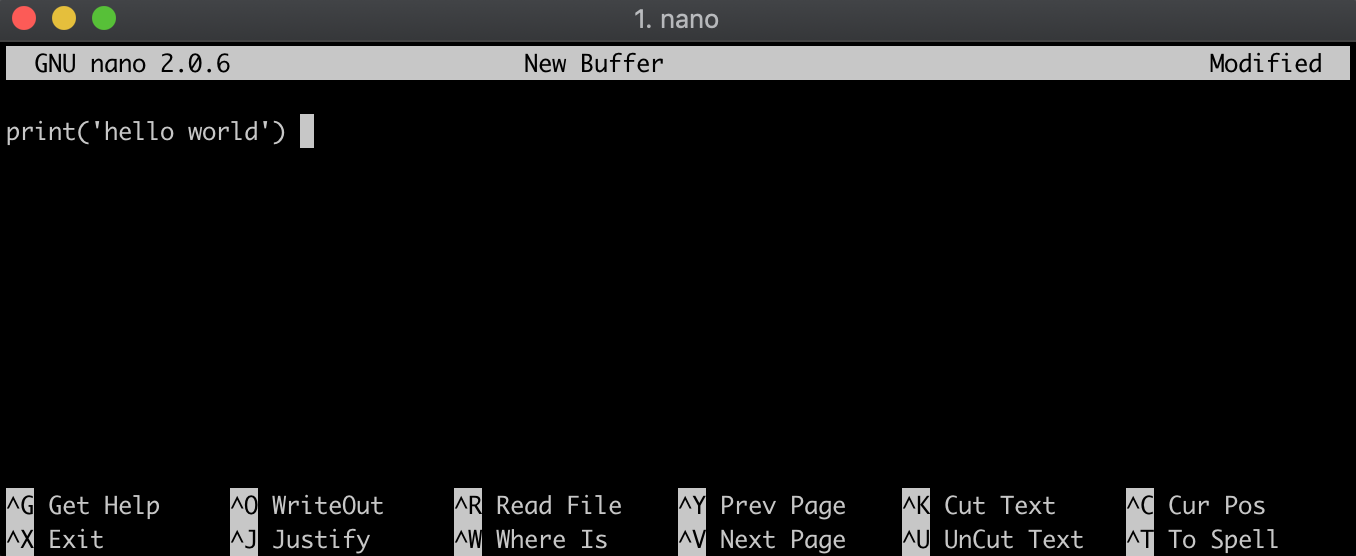
Metod 2
.py-fil genom att echo-a Python-syntaxen till filen hello_world.py, vilket skapar filen i samma steg.echo "print('hello world')" > hello_world.py
Kontrollera filinnehållet:
cat hello_world.py
print('hello world')
Kontrollera att du är i samma katalog som .py-filen:
ls
hello_world.py
Kör .py-filen genom att skriva python följt av filnamnet:
python hello_world.py
hello world
Databehandling i kommandoraden