Trainer से मॉडल फाइन-ट्यून करें

PyTorch के साथ कुशल AI मॉडल प्रशिक्षण

Dennis Lee

Data Engineer, Amazon

डेटा तैयारी
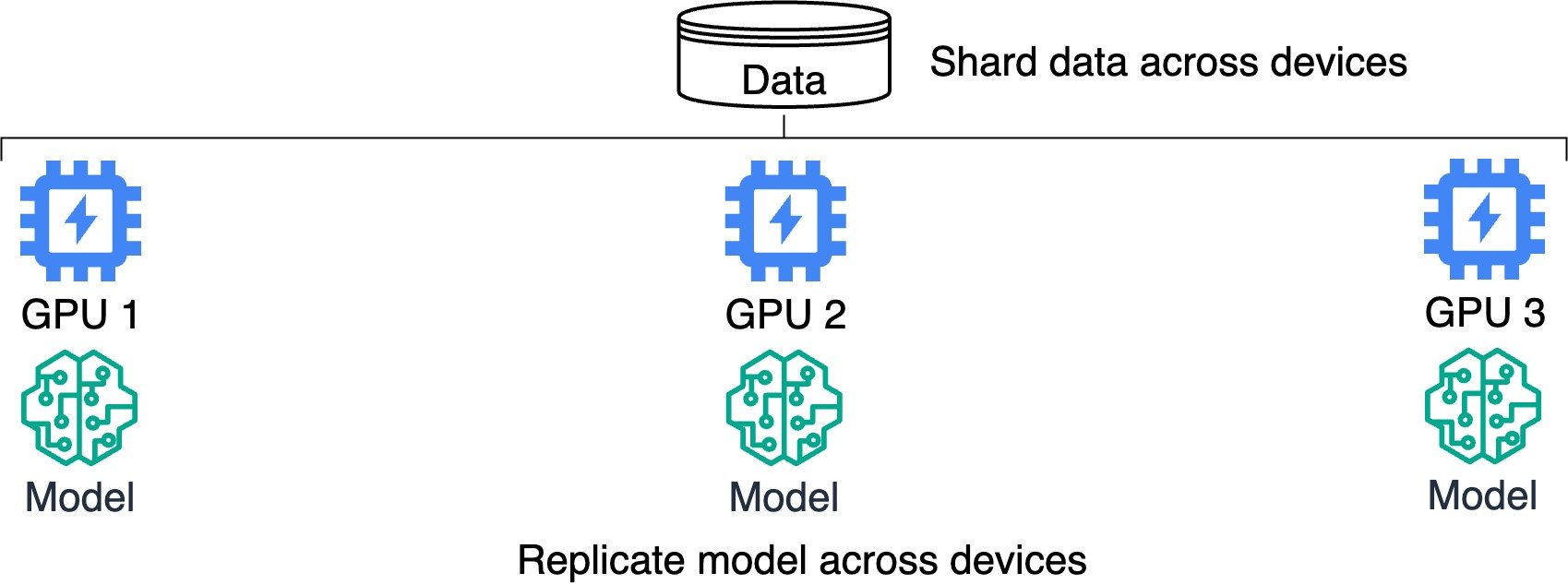
 

मॉडल प्रतिकृति और डेटा शार्डिंग दिखाता वितरित प्रशिक्षण का आरेख.

PyTorch के साथ कुशल AI मॉडल प्रशिक्षण

वितरित प्रशिक्षण


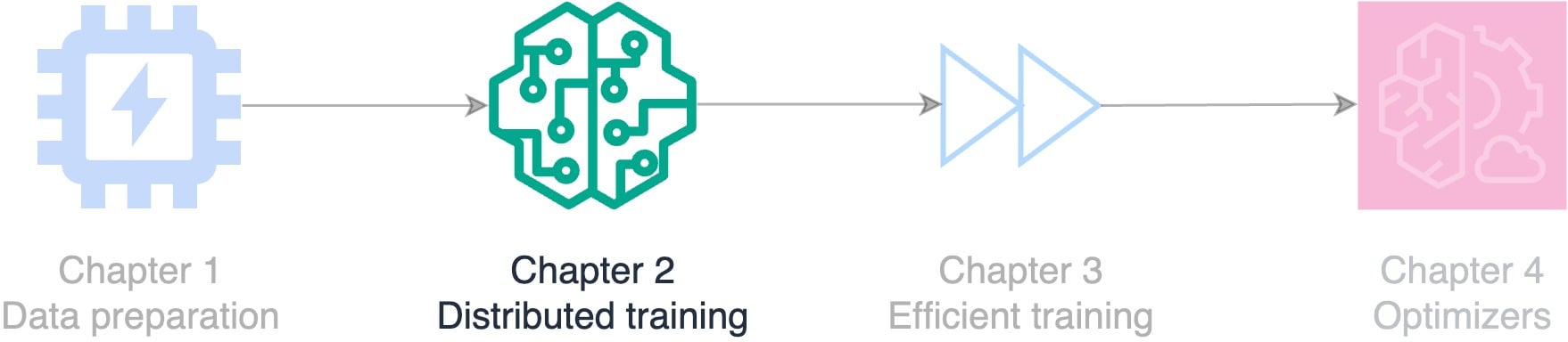
फ्लोचार्ट: कोर्स विषय—डेटा तैयारी, वितरित प्रशिक्षण, कुशल प्रशिक्षण, और ऑप्टिमाइज़र.

PyTorch के साथ कुशल AI मॉडल प्रशिक्षण

Trainer और Accelerator

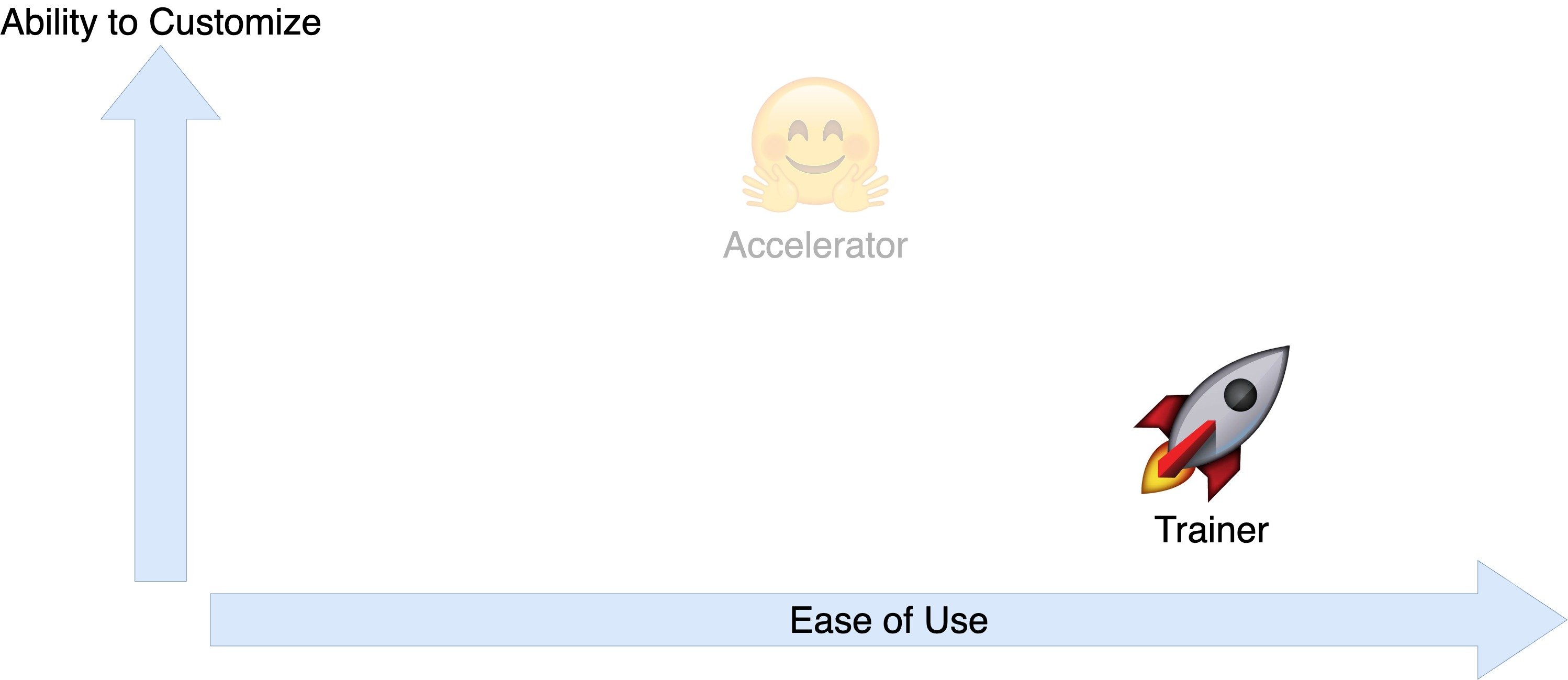
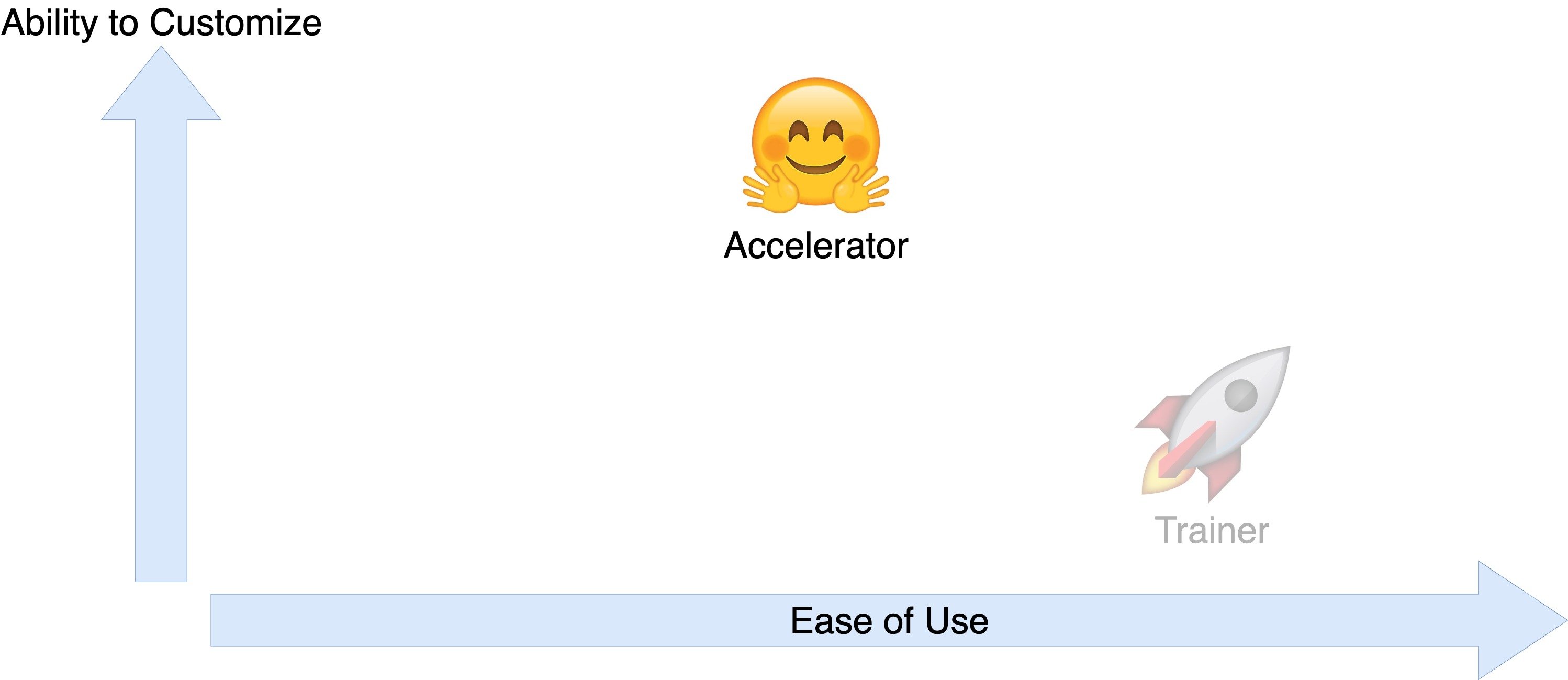
Accelerator और Trainer के लिए उपयोग में आसानी बनाम कस्टमाइज़ेशन क्षमता की तुलना करता चार्ट.

PyTorch के साथ कुशल AI मॉडल प्रशिक्षण

Trainer और Accelerator

Accelerator और Trainer के लिए उपयोग में आसानी बनाम कस्टमाइज़ेशन क्षमता की तुलना करता चार्ट.

PyTorch के साथ कुशल AI मॉडल प्रशिक्षण

Trainer से ट्रेनिंग तेज करें

  • Trainer लाइब्रेरी

    from transformers import Trainer
    
  • हर डिवाइस पर मॉडल समानांतर चलाएँ

  • असेंबली लाइन जैसी ट्रेनिंग स्पीड बढ़ाएँ
  • इनपुट्स जाँचें: डेटासेट, मॉडल, मीट्रिक्स
  • ई-कॉमर्स के लिए सेंटिमेंट विश्लेषण विकसित करें

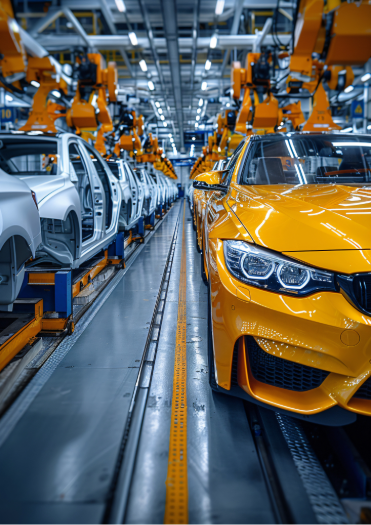
समानांतर प्रोसेसिंग समझाने के लिए असेंबली लाइन पर कार निर्माण की छवि.

PyTorch के साथ कुशल AI मॉडल प्रशिक्षण

प्रोडक्ट रिव्यू सेंटिमेंट डेटासेट

print(dataset)
DatasetDict({
    train: Dataset({
        features: ['Text', 'Label'],
        num_rows: 1000
    }), ...})
print(f'"{dataset["train"]["Text"][0]}": {dataset["train"]["Label"][0]}')
"I love this product!": positive
PyTorch के साथ कुशल AI मॉडल प्रशिक्षण

लेबल्स को इंटीजर में बदलें

def map_labels(example):
    if example["Label"] == "negative":
        return {"labels": 0}

else: return {"labels": 1} dataset = dataset.map(map_labels)
print(f'First label: {dataset["train"]["labels"][0]}')
First label: 1
PyTorch के साथ कुशल AI मॉडल प्रशिक्षण

टोकनाइज़र और मॉडल परिभाषित करें

  • प्री-ट्रेंड मॉडल और टोकनाइज़र लोड करें:
model = AutoModelForSequenceClassification.from_pretrained("distilbert-base-uncased", 
                                                           num_labels=2)

tokenizer = AutoTokenizer.from_pretrained("distilbert-base-uncased")
  • text फ़ील्ड पर टोकनाइज़र लगाएँ:
def encode(examples):

return tokenizer(examples["Text"], padding="max_length", truncation=True, return_tensors="pt")
dataset = dataset.map(encode, batched=True)
print(f'The first tokenized review is {dataset["train"]["input_ids"][0]}.')
The first tokenized review is [101, 1045, 2293, 2023, 4031, 999, 102].
PyTorch के साथ कुशल AI मॉडल प्रशिक्षण

मूल्यांकन मीट्रिक्स परिभाषित करें

import evaluate


def compute_metrics(eval_predictions):
load_accuracy = evaluate.load("accuracy") load_f1 = evaluate.load("f1")
logits, labels = eval_predictions
predictions = np.argmax(logits, axis=-1)
accuracy = load_accuracy.compute(predictions=predictions, references=labels)[ "accuracy" ]
f1 = load_f1.compute(predictions=predictions, references=labels)["f1"]
return {"accuracy": accuracy, "f1": f1}
PyTorch के साथ कुशल AI मॉडल प्रशिक्षण

ट्रेनिंग आर्ग्युमेंट्स

  • output_dir: मॉडल कहाँ सेव होगा
  • हाइपरपैरामीटर सेट करें (जैसे learning_rate, weight_decay)
  • save_strategy: हर epoch के बाद सेव करें
  • evaluation_strategy: हर epoch के बाद मीट्रिक्स निकालें
from transformers import (
    TrainingArguments)

training_args = TrainingArguments(
    output_dir="output_folder",

learning_rate=2e-5, per_device_train_batch_size=16, per_device_eval_batch_size=16, num_train_epochs=2, weight_decay=0.01,
save_strategy="epoch", evaluation_strategy="epoch", )
PyTorch के साथ कुशल AI मॉडल प्रशिक्षण

Trainer सेट करना

from transformers import Trainer

trainer = Trainer(model=model,

args=training_args,
train_dataset=dataset["train"], eval_dataset=dataset["validation"],
compute_metrics=compute_metrics)
trainer.train()
{'epoch': 1.0, 'eval_loss': 0.79, 'eval_accuracy': 0.00, 'eval_f1': 0.00}
{'epoch': 2.0, 'eval_loss': 0.65, 'eval_accuracy': 0.11, 'eval_f1': 0.15}
print(trainer.args.device)
cpu
PyTorch के साथ कुशल AI मॉडल प्रशिक्षण

ई-कॉमर्स के लिए सेंटिमेंट विश्लेषण चलाना

sample_review = "This product is amazing!"

input_ids = tokenizer.encode(sample_review, return_tensors='pt') print(f"Tokenized review: {input_ids}")
Tokenized review: tensor([[ 101, 2023, 4031, 2003, 6429,  999,  102 ]])
PyTorch के साथ कुशल AI मॉडल प्रशिक्षण

ई-कॉमर्स के लिए सेंटिमेंट विश्लेषण चलाना

output = model(input_ids)
print(f"Output logits: {output.logits}")
Output logits: tensor([[ -0.0538, 0.1300 ]])
predicted_label = torch.argmax(output.logits, dim=1).item()
print(f"Predicted label: {predicted_label}")
Predicted label: 1
sentiment = "Negative" if predicted_label == 0 else "Positive"
print(f'The sentiment of the product review is "{sentiment}."')
The sentiment of the product review is "Positive."
PyTorch के साथ कुशल AI मॉडल प्रशिक्षण

Trainer के साथ चेकपॉइंट्स

  • नवीनतम चेकपॉइंट से फिर शुरू करें, जैसे मूवी पॉज़ करना
trainer.train(resume_from_checkpoint=True)
{'epoch': 3.0, 'eval_loss': 0.29, 'eval_accuracy': 0.37, 'eval_f1': 0.51}
{'epoch': 4.0, 'eval_loss': 0.23, 'eval_accuracy': 0.46, 'eval_f1': 0.58}
  • आउटपुट डायरेक्टरी में सेव किसी विशिष्ट चेकपॉइंट से शुरू करें
trainer.train(resume_from_checkpoint="model/checkpoint-1000")
PyTorch के साथ कुशल AI मॉडल प्रशिक्षण

¡Vamos a practicar!

PyTorch के साथ कुशल AI मॉडल प्रशिक्षण

Preparing Video For Download...