使用 Trainer 微调模型

使用 PyTorch 高效训练 AI 模型

Dennis Lee

Data Engineer, Amazon

数据准备


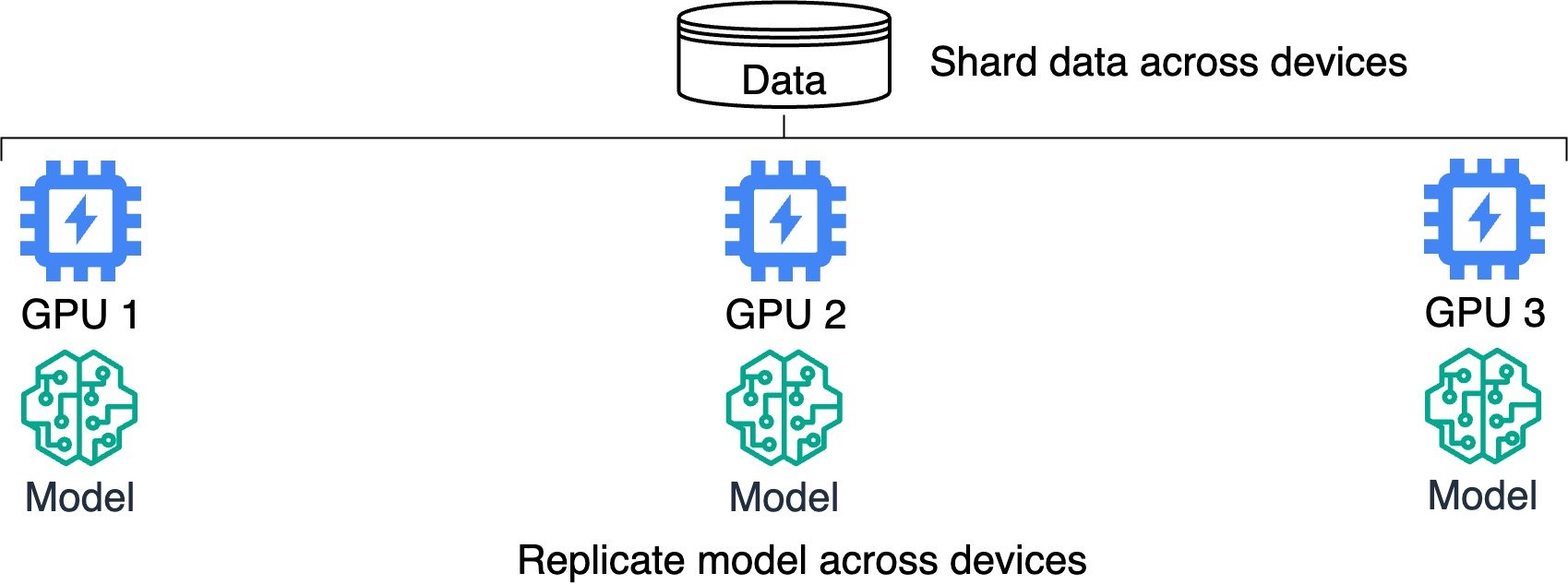
分布式训练示意图,展示模型复制与数据分片。

使用 PyTorch 高效训练 AI 模型

分布式训练


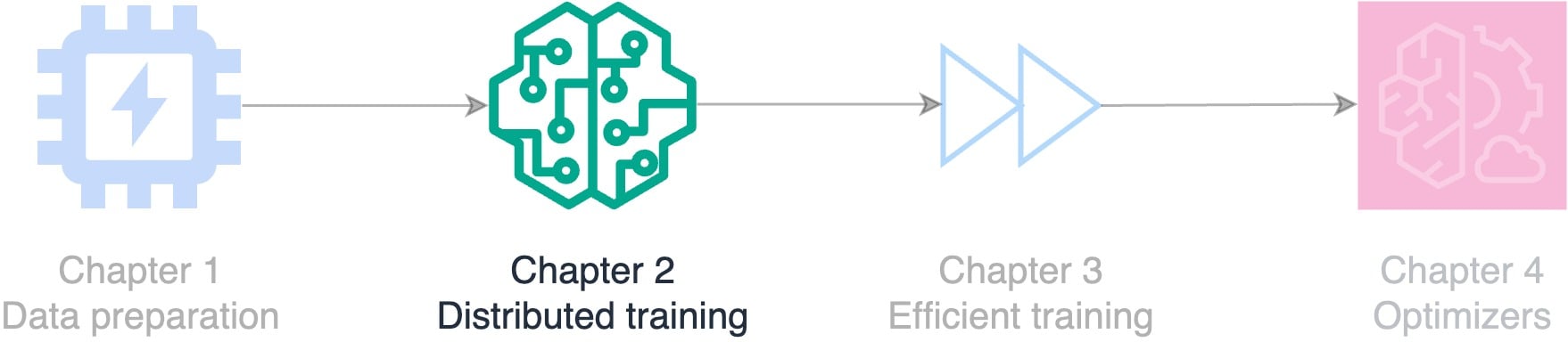
流程图展示课程主题:数据准备、分布式训练、高效训练和优化器。

使用 PyTorch 高效训练 AI 模型

Trainer 与 Accelerator

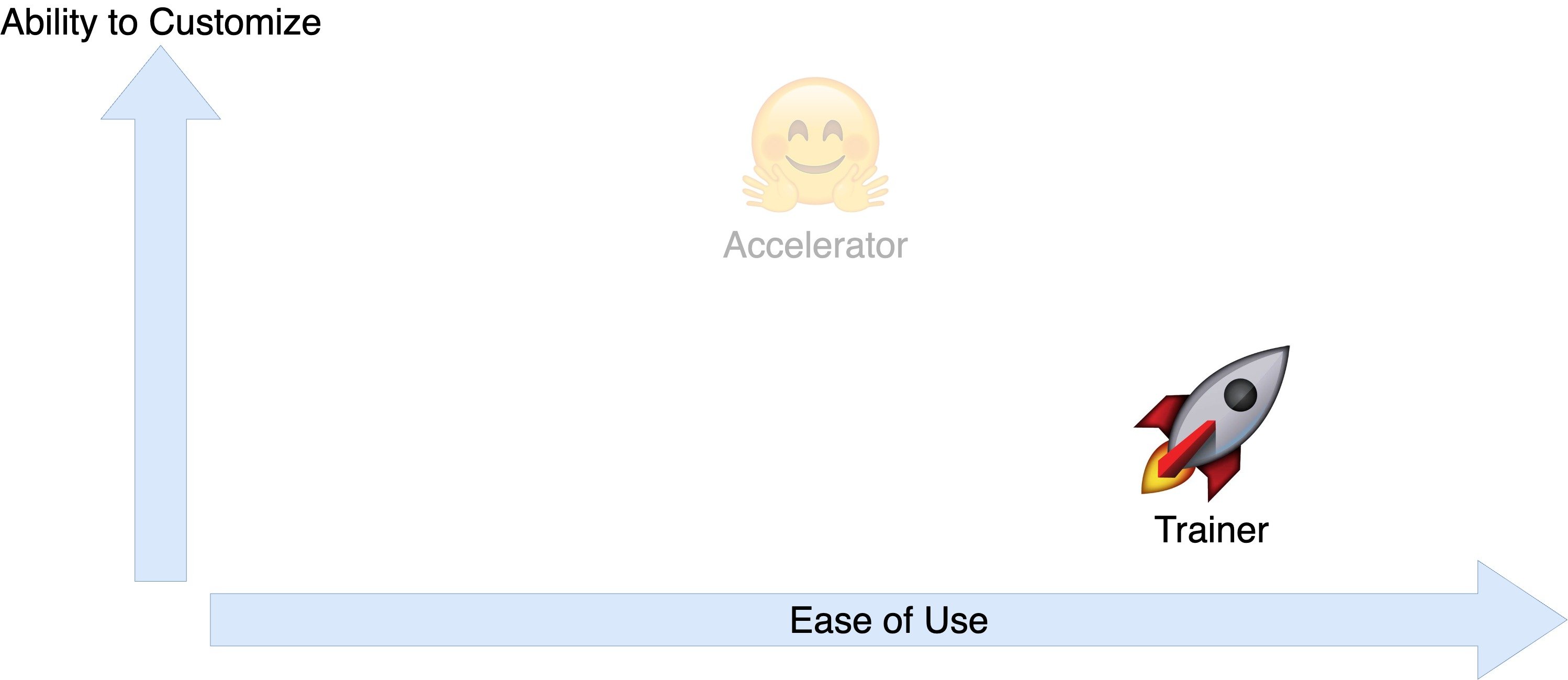
图表比较 Accelerator 与 Trainer 的易用性和可定制性。

使用 PyTorch 高效训练 AI 模型

Trainer 与 Accelerator

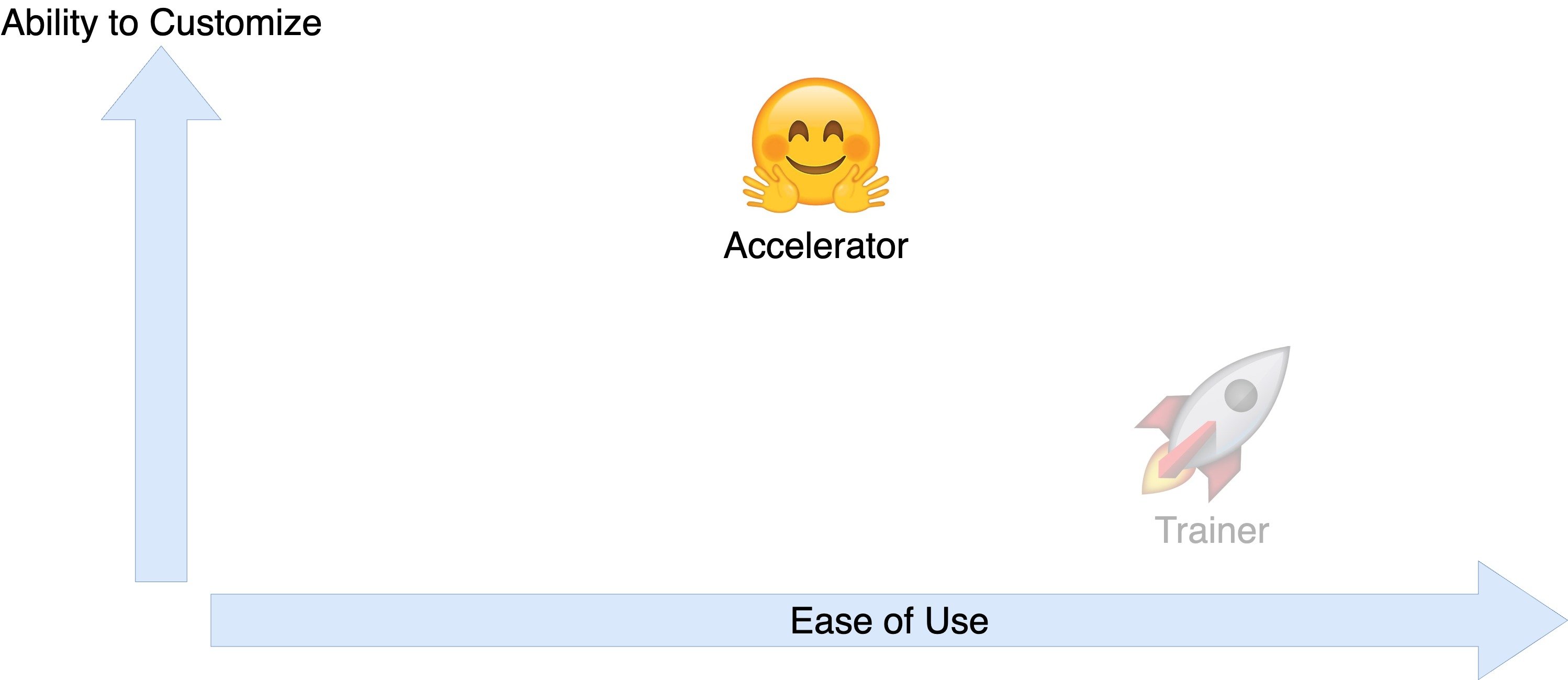
图表比较 Accelerator 与 Trainer 的易用性和可定制性。

使用 PyTorch 高效训练 AI 模型

用 Trainer 加速训练

  • Trainer 库

    from transformers import Trainer
    
  • 在每个设备上并行运行模型

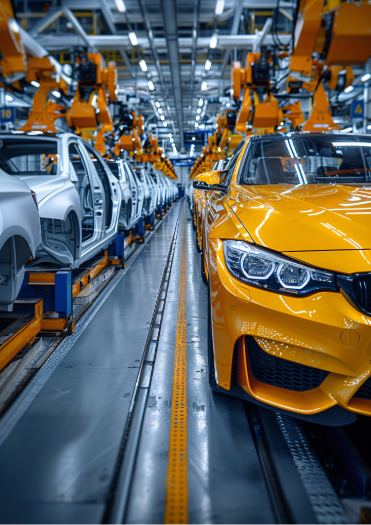
  • 加速训练,类似装配线
  • 回顾输入:数据集、模型、指标
  • 开发电商情感分析

装配线造车的图片,说明并行处理概念。

使用 PyTorch 高效训练 AI 模型

商品评价情感数据集

print(dataset)
DatasetDict({
    train: Dataset({
        features: ['Text', 'Label'],
        num_rows: 1000
    }), ...})
print(f'"{dataset["train"]["Text"][0]}": {dataset["train"]["Label"][0]}')
"I love this product!": positive
使用 PyTorch 高效训练 AI 模型

将标签转换为整数

def map_labels(example):
    if example["Label"] == "negative":
        return {"labels": 0}

else: return {"labels": 1} dataset = dataset.map(map_labels)
print(f'First label: {dataset["train"]["labels"][0]}')
First label: 1
使用 PyTorch 高效训练 AI 模型

定义分词器与模型

  • 加载预训练模型与分词器:
model = AutoModelForSequenceClassification.from_pretrained("distilbert-base-uncased", 
                                                           num_labels=2)

tokenizer = AutoTokenizer.from_pretrained("distilbert-base-uncased")
  • 将分词器应用到 text 字段:
def encode(examples):

return tokenizer(examples["Text"], padding="max_length", truncation=True, return_tensors="pt")
dataset = dataset.map(encode, batched=True)
print(f'The first tokenized review is {dataset["train"]["input_ids"][0]}.')
The first tokenized review is [101, 1045, 2293, 2023, 4031, 999, 102].
使用 PyTorch 高效训练 AI 模型

定义评估指标

import evaluate


def compute_metrics(eval_predictions):
load_accuracy = evaluate.load("accuracy") load_f1 = evaluate.load("f1")
logits, labels = eval_predictions
predictions = np.argmax(logits, axis=-1)
accuracy = load_accuracy.compute(predictions=predictions, references=labels)[ "accuracy" ]
f1 = load_f1.compute(predictions=predictions, references=labels)["f1"]
return {"accuracy": accuracy, "f1": f1}
使用 PyTorch 高效训练 AI 模型

训练参数

  • output_dir:模型保存位置
  • 指定超参数(如 learning_rateweight_decay
  • save_strategy:每个 epoch 后保存
  • evaluation_strategy:每个 epoch 后评估
from transformers import (
    TrainingArguments)

training_args = TrainingArguments(
    output_dir="output_folder",

learning_rate=2e-5, per_device_train_batch_size=16, per_device_eval_batch_size=16, num_train_epochs=2, weight_decay=0.01,
save_strategy="epoch", evaluation_strategy="epoch", )
使用 PyTorch 高效训练 AI 模型

配置 Trainer

from transformers import Trainer

trainer = Trainer(model=model,

args=training_args,
train_dataset=dataset["train"], eval_dataset=dataset["validation"],
compute_metrics=compute_metrics)
trainer.train()
{'epoch': 1.0, 'eval_loss': 0.79, 'eval_accuracy': 0.00, 'eval_f1': 0.00}
{'epoch': 2.0, 'eval_loss': 0.65, 'eval_accuracy': 0.11, 'eval_f1': 0.15}
print(trainer.args.device)
cpu
使用 PyTorch 高效训练 AI 模型

电商情感分析运行示例

sample_review = "This product is amazing!"

input_ids = tokenizer.encode(sample_review, return_tensors='pt') print(f"Tokenized review: {input_ids}")
Tokenized review: tensor([[ 101, 2023, 4031, 2003, 6429,  999,  102 ]])
使用 PyTorch 高效训练 AI 模型

电商情感分析运行示例

output = model(input_ids)
print(f"Output logits: {output.logits}")
Output logits: tensor([[ -0.0538, 0.1300 ]])
predicted_label = torch.argmax(output.logits, dim=1).item()
print(f"Predicted label: {predicted_label}")
Predicted label: 1
sentiment = "Negative" if predicted_label == 0 else "Positive"
print(f'The sentiment of the product review is "{sentiment}."')
The sentiment of the product review is "Positive."
使用 PyTorch 高效训练 AI 模型

使用 Trainer 的检查点

  • 从最新 checkpoint 恢复,类似暂停后继续
trainer.train(resume_from_checkpoint=True)
{'epoch': 3.0, 'eval_loss': 0.29, 'eval_accuracy': 0.37, 'eval_f1': 0.51}
{'epoch': 4.0, 'eval_loss': 0.23, 'eval_accuracy': 0.46, 'eval_f1': 0.58}
  • 从输出目录中的指定 checkpoint 恢复
trainer.train(resume_from_checkpoint="model/checkpoint-1000")
使用 PyTorch 高效训练 AI 模型

Passons à la pratique !

使用 PyTorch 高效训练 AI 模型

Preparing Video For Download...