การรวมกลุ่มข้อมูล

Market Basket Analysis ด้วย Python

Isaiah Hull

Visiting Associate Professor of Finance, BI Norwegian Business School

สำรวจข้อมูล

import pandas as pd

# Load novelty gift data.
gifts = pd.read_csv('datasets/novelty_gifts.csv')

# Preview data with head() method.
print(gifts.head())
  InvoiceNo                          Description
0    562583      IVORY STRING CURTAIN WITH POLE 
1    562583        PINK AND BLACK STRING CURTAIN
2    562583                PSYCHEDELIC TILE HOOK
3    562583                ENAMEL COLANDER CREAM
4    562583  SMALL FOLDING SCISSOR(POINTED EDGE)
Market Basket Analysis ด้วย Python

สำรวจข้อมูล

# Print number of transactions.
print(len(gifts['InvoiceNo'].unique()))
9709
# Print number of items.
print(len(gifts['Description'].unique()))
3461
Market Basket Analysis ด้วย Python

การตัดทอนและการรวมกลุ่มข้อมูล

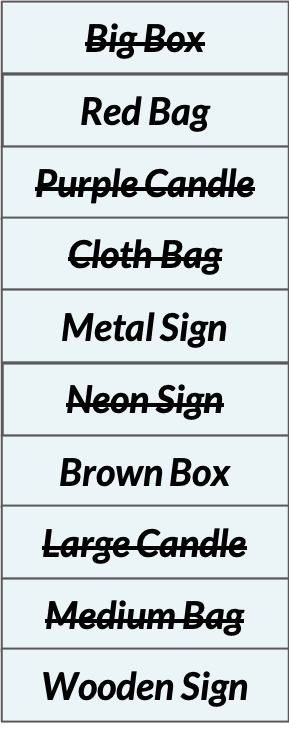
การตัดทอน (Pruning) ไดอะแกรมแสดงรายการสินค้าที่บางรายการถูกขีดฆ่าออก เพื่อแสดงว่าถูกตัดทอนแล้ว
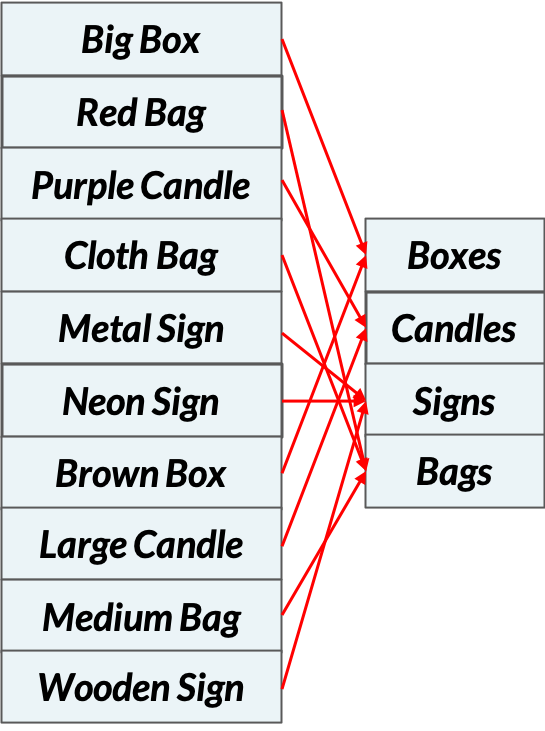
การรวมกลุ่มข้อมูล (Aggregation) ไดอะแกรมแสดงรายการสินค้าที่ถูกแมปให้เหลือรายการที่เล็กลง เพื่อแสดงการรวมกลุ่ม

Market Basket Analysis ด้วย Python

การรวมกลุ่มข้อมูล

# Load one-hot encoded data
onehot = pd.read_csv('datasets/online_retail_onehot.csv')

# Print preview of DataFrame
print(onehot.head(2))
    50'S CHRISTMAS GIFT BAG LARGE   DOLLY GIRL BEAKER ...  ZINC WILLIE WINKIE  CANDLE STICK
0                           False               False                               False
1                           False               False                               True
Market Basket Analysis ด้วย Python

การรวมกลุ่มข้อมูล

# Select the column names for bags and boxes
bag_headers = [i for i in onehot.columns if i.lower().find('bag')>=0]
box_headers = [i for i in onehot.columns if i.lower().find('box')>=0]
# Identify column headers
bags = onehot[bag_headers]
boxes = onehot[box_headers]
print(bags)
       50'S CHRISTMAS GIFT BAG LARGE   RED SPOT GIFT BAG LARGE  
0                              False                     False   
1                              False                     False
...                             ...                      ...
Market Basket Analysis ด้วย Python

การรวมกลุ่มข้อมูล

# Sum over columns
bags = (bags.sum(axis=1) > 0.0).values
boxes = (boxes.sum(axis=1) > 0.0).values
print(bags)
[False  True False ... False  True False]
Market Basket Analysis ด้วย Python

การรวมกลุ่มข้อมูล

# Add results to DataFrame
aggregated = pd.DataFrame(np.vstack([bags, boxes]).T, columns = ['bags', 'boxes'])
print(aggregated.head())
    bags  boxes
0  False  False
1   True  False
2  False  False
3  False  False
4   True  False
Market Basket Analysis ด้วย Python

การวิเคราะห์ตะกร้าสินค้าด้วยการรวมกลุ่มข้อมูล

  • ขั้นตอนการรวมกลุ่มข้อมูล:
    • สินค้า -> หมวดหมู่
    • คำนวณค่าเมตริก
    • ระบุกฎความสัมพันธ์
# Compute support
print(aggregated.mean())
bags     0.130075
boxes    0.071429
Market Basket Analysis ด้วย Python

มาฝึกกันเถอะ!

Market Basket Analysis ด้วย Python

Preparing Video For Download...