การสร้างข้อความด้วยโมเดลภาษา

Amazon Bedrock เบื้องต้น

Nikhil Rangarajan

Data Scientist

การส่ง prompt ให้โมเดลภาษา

  • Prompt: ข้อความอินพุตที่ส่งให้โมเดล
    • "Explain how AWS Lambda works"

ไอคอนแทน prompt

Amazon Bedrock เบื้องต้น

การส่ง prompt ให้โมเดลภาษา

  • Prompt: ข้อความอินพุตที่ส่งให้โมเดล
    • "Explain how AWS Lambda works"
  • Completion: ข้อความที่โมเดลสร้างขึ้น
    • "AWS Lambda is a serverless compute service that..."

ไอคอนแทน prompt และ completion

Amazon Bedrock เบื้องต้น

การส่ง prompt ให้โมเดลภาษา

  • Prompt: ข้อความอินพุตที่ส่งให้โมเดล
    • "Explain how AWS Lambda works"
  • Completion: ข้อความที่โมเดลสร้างขึ้น
    • "AWS Lambda is a serverless compute service that..."
  • Response:
    • ข้อความที่สร้างขึ้น (completion)
    • Metadata (tokens, model info)
    • ข้อมูลสถานะ

ไอคอน 3 ชิ้นเรียงตามลำดับแทน prompt, completion และ response

Amazon Bedrock เบื้องต้น

เทคนิค prompt engineering เบื้องต้น

  • เทคนิคเพื่อผลลัพธ์ที่ดีขึ้น:
    • ความชัดเจนและความเฉพาะเจาะจง: เขียนคำสั่งที่ละเอียดและแม่นยำ
    • การกำหนดบทบาท: ให้ persona เพื่อเพิ่มความเข้าใจเชิงบริบท
    • คำสั่งเกี่ยวกับรูปแบบ: เพิ่มข้อจำกัดเพื่อกำหนดทิศทางการตอบ
"Explain the benefits of exercise 
in simple terms."
"You are a nutritionist. Explain the 
benefits of a balanced diet."
"List the top 3 benefits of cloud 
computing in bullet points."
Amazon Bedrock เบื้องต้น

เทคนิคการแยกวิเคราะห์ข้อความขั้นสูง

  • จัดการ key ที่หายไปหรือไม่คาดคิด
data = json.loads(response['body'].read())
if 'completion' in data:
    output = data['completion']

else: output = "Key not found"
  • การแยกวิเคราะห์ JSON หลายระดับเพื่อเข้าถึงโครงสร้างที่ซ้อนกันลึก
try:
    nova_output = data.decode()["output"]

except (KeyError, IndexError) as e: nova_output = f"Error: {str(e)}"
Amazon Bedrock เบื้องต้น

การประมวลผลการตอบกลับและการจัดการข้อความ

  • ปัญหา Unicode หรือการเข้ารหัส: จัดการอักขระพิเศษในการตอบกลับ
    # Ensure proper encoding
    output = data['completion'].encode('utf-8').decode('unicode_escape')
    print(output)
    
  • การประมวลผลการตอบกลับขนาดใหญ่: แบ่งหรือตัดทอนเอาต์พุตเพื่อการใช้งาน
    # Truncate response for display
    output = data['completion'][:500]  # Limit to 500 characters
    print(output)
    
Amazon Bedrock เบื้องต้น

การดึงหมวดหมู่ด้วย Bedrock

  • ตัวอย่าง: การจำแนกข้อมูลข้อความ
  • ใช้ prompt ที่มีโครงสร้างพร้อมตัวเลือกหมวดหมู่ที่ชัดเจน
  • ระบุคำสั่งอย่างชัดเจนสำหรับเอาต์พุตหมวดหมู่เดียว
  • ประมวลผลการตอบกลับของโมเดลอย่างมีประสิทธิภาพ
  • ผลลัพธ์: การจัดหมวดหมู่ข้อความที่แม่นยำ
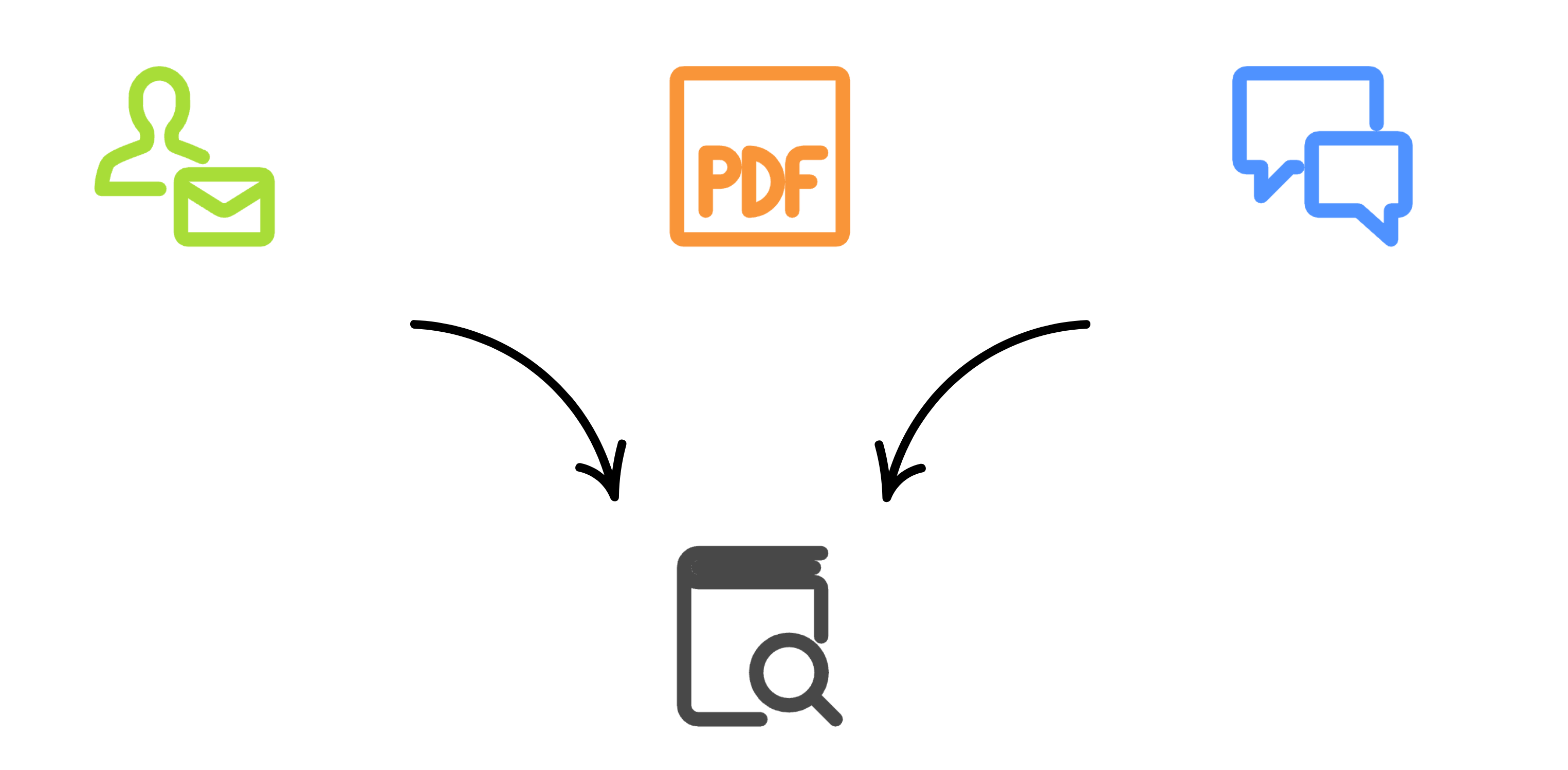
ไอคอนแทนการจำแนกข้อความ

Amazon Bedrock เบื้องต้น

การดึงหมวดหมู่ด้วย Bedrock

def categorize_ticket(ticket, categories):
  prompt = f"Categorize into one: {', '.join(categories)}. 
  Ticket: {ticket}"
  response = bedrock.invoke_model(
    modelId='amazon.nova-micro-v1:0',
    body=json.dumps({"messages": [{"role": "user", "content": 
                                   [{"text": prompt}]}]}))

return json.loads(nova_response.get("body").read().decode())["output"]
{"output": {"message": {"role": "assistant","content": [
        {
          "text": "Customer Service"
        }]}, "stop_reason": "stop_sequence"}}
Amazon Bedrock เบื้องต้น

มาฝึกกันเถอะ!

Amazon Bedrock เบื้องต้น

Preparing Video For Download...