Objects — องค์ประกอบพื้นฐานของ R

R สำหรับผู้ใช้ SAS

Melinda Higgins, PhD

Research Professor/Senior Biostatistician Emory University

Object คือองค์ประกอบพื้นฐานของ R
  • ทุกสิ่งใน R คือ object
  • ค่าเดี่ยว (scalar)
  • Vector
  • Matrix
  • ชุดข้อมูล
  • ผลลัพธ์จากฟังก์ชัน

objects abc building blocks

R สำหรับผู้ใช้ SAS

ทำงานกับค่าเดี่ยว

  • สร้าง object x
  • กำหนดค่า 4 ให้กับ x
  • ดูเนื้อหาของ x
  • [1] บ่งบอกว่า x มี 1 สมาชิก
  • สร้าง y เป็นกำลังสองของ x
  • ดูผลลัพธ์ โดยพิมพ์ y
x <- 4
x
[1] 4
y <- x * x
y
[1] 16
R สำหรับผู้ใช้ SAS

ประเภทข้อมูลอื่น ๆ

  • กำหนดคำว่า "fish" ให้กับ y
  • กำหนดค่าตรรกะ FALSE ให้กับ z
  • ดูค่าของ y และ z
y <- "fish"
z <- FALSE
y
z
[1] "fish"

[1] FALSE
R สำหรับผู้ใช้ SAS

รวมค่าเดี่ยวเป็น vector

# Combine three numbers
c(5, 3, 2)

ตัวเลขสามค่า 5 3 2

R สำหรับผู้ใช้ SAS

รวมค่าเดี่ยวเป็น vector

# Assign numeric vector to x
x <- c(5, 3, 2)

# View result
x

ผลลัพธ์

[1] 5 3 2

5 3 2 รวมเป็น column vector

R สำหรับผู้ใช้ SAS

สร้าง vector ของข้อมูลประเภทอักขระ

# Add word child into character vector
y <- c("child")

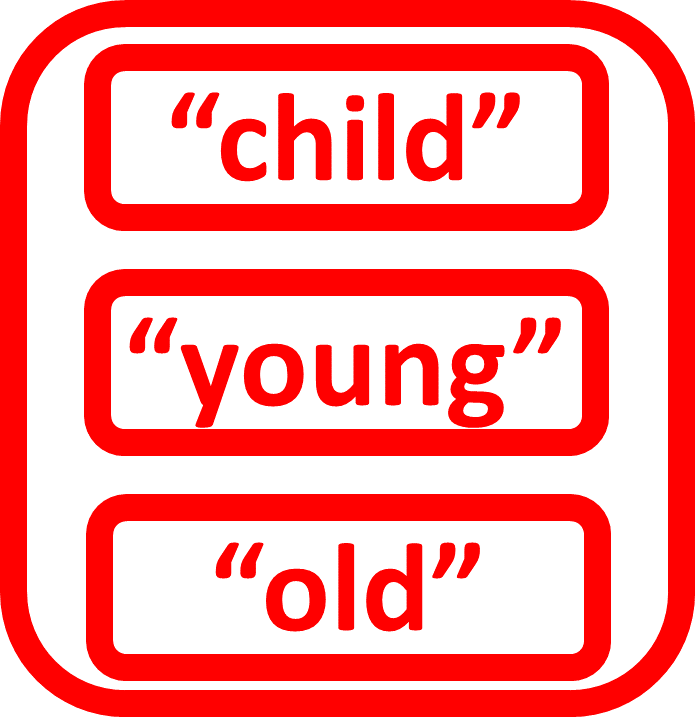
รวมคำสามคำ child

R สำหรับผู้ใช้ SAS

สร้าง vector ของข้อมูลประเภทอักขระ

# Add second word young
y <- c("child", "young")

young

R สำหรับผู้ใช้ SAS

สร้าง vector ของข้อมูลประเภทอักขระ

# Add third word old
y <- c("child", "young", "old")

# View y
y

ผลลัพธ์

[1] "child" "young" "old"

old

R สำหรับผู้ใช้ SAS

สร้าง vector ของข้อมูลประเภทตรรกะ

# Add TRUE into logical vector
z <- c(TRUE)
  • สมาชิกแรกคือ TRUE
  • ไม่ต้องใส่เครื่องหมายคำพูด
  • ค่าตรรกะคือ TRUE หรือ FALSE
  • ต้องใช้ ALL CAPS เท่านั้น
  • T และ F ก็ใช้แทนได้

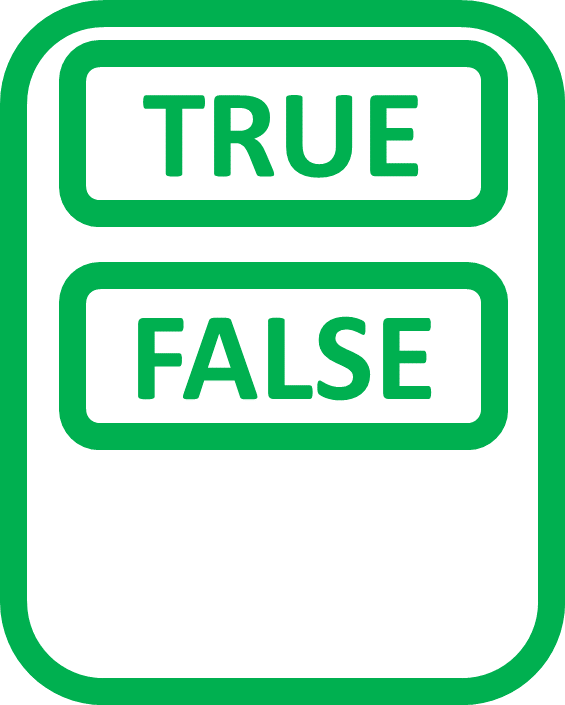
รวมค่าตรรกะสามค่า true ตัวพิมพ์ใหญ่

R สำหรับผู้ใช้ SAS

สร้าง vector ของข้อมูลประเภทตรรกะ

# Add FALSE as second element
z <- c(TRUE, FALSE)

false ตัวพิมพ์ใหญ่

R สำหรับผู้ใช้ SAS

สร้าง vector ของข้อมูลประเภทตรรกะ

# Add third element TRUE
z <- c(TRUE, FALSE, TRUE)

# View z
z

ผลลัพธ์

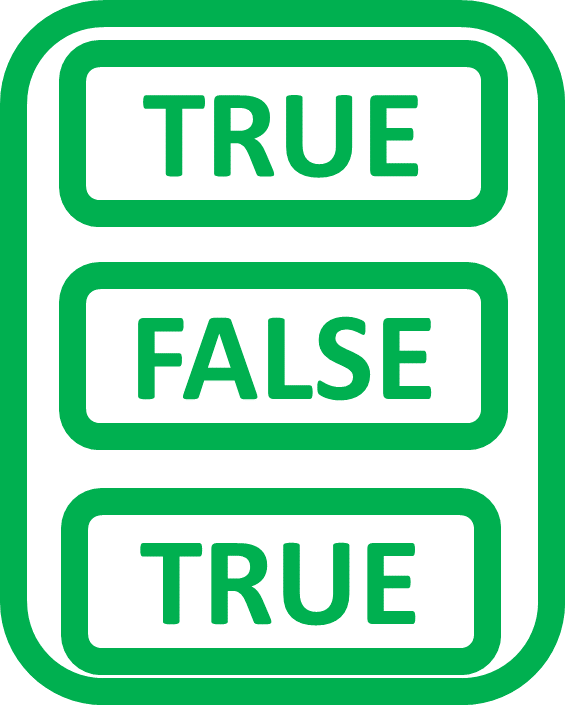
[1]  TRUE FALSE TRUE

true ตัวพิมพ์ใหญ่

R สำหรับผู้ใช้ SAS

สร้าง matrix จาก vector

#  Create numeric vector a
a <- c(5.0, 3.1, 2.4)
  • สร้าง matrix จาก vector
  • Vector ต้องมีประเภทและความยาวเท่ากัน

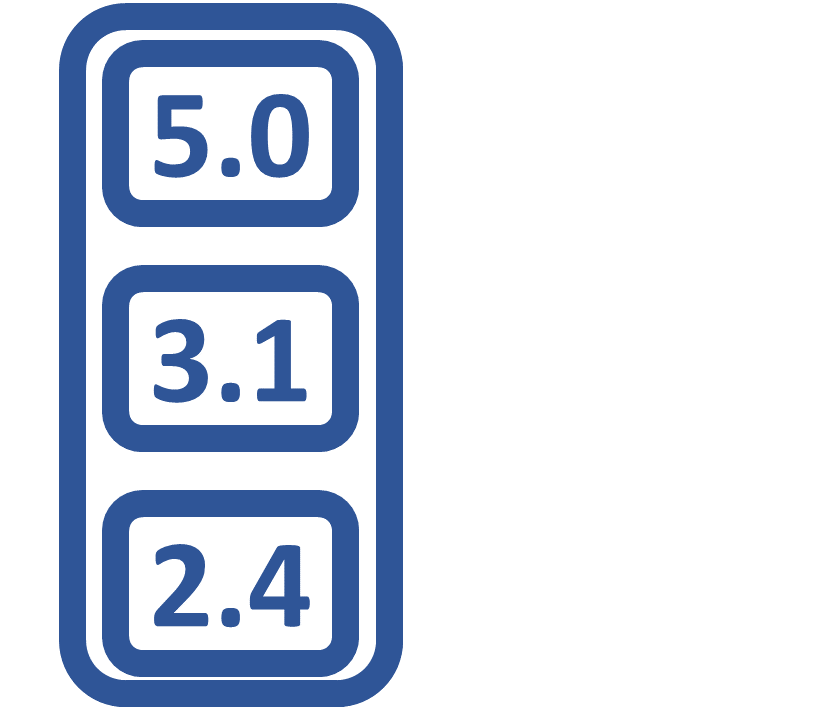
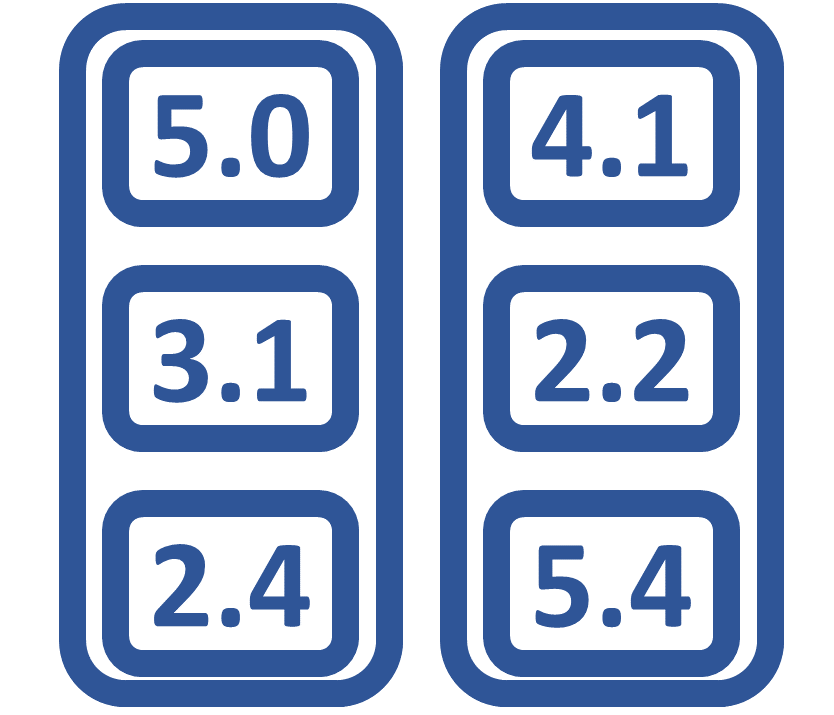
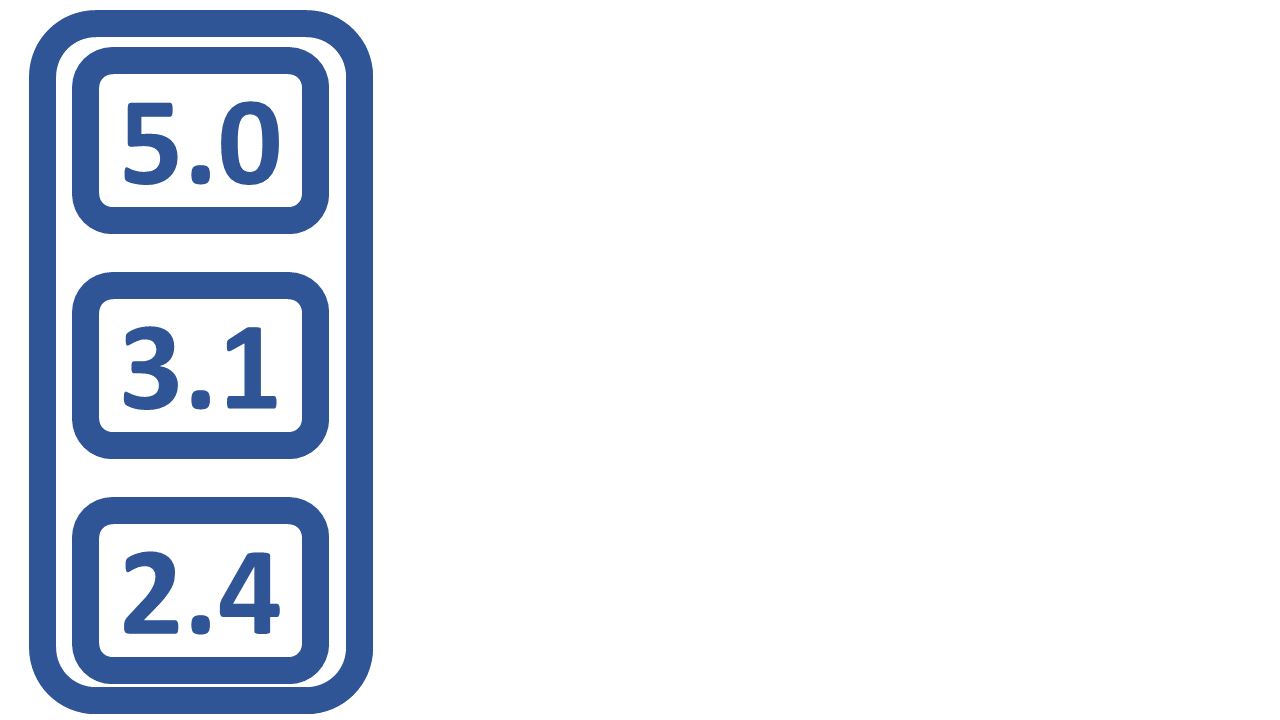
vector แรก ตัวเลข 5.0 3.1 2.4

R สำหรับผู้ใช้ SAS

สร้าง matrix จาก vector

#  Create numeric vector a
a <- c(5.0, 3.1, 2.4)

#  Create numeric vector b
b <- c(4.1, 2.2, 5.4)

vector ที่สอง 4.1 2.2 5.4

R สำหรับผู้ใช้ SAS

สร้าง matrix จาก vector

# Make m from a,b with 3 rows 2 columns
m <- matrix(c(a, b),
            nrow = 3,
            ncol = 2)

# View m
m
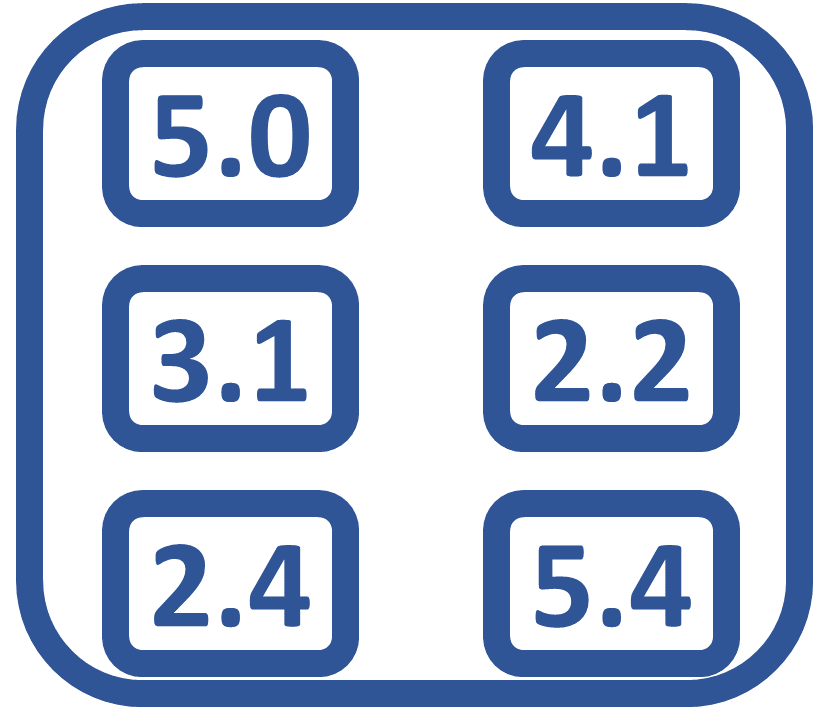
          [,1] [,2]
     [1,]  5.0  4.1
     [2,]  3.1  2.2
     [3,]  2.4  5.4

vector รวมเป็น matrix 3 แถว 2 คอลัมน์

R สำหรับผู้ใช้ SAS

สร้าง data frame จาก vector

# Create numeric variable score
score <- c(5.0, 3.1, 2.4)

# View score
score
     5.0 3.1 2.4
  • สร้าง data frame จาก vector
  • Vector ต้องมีความยาวเท่ากัน
  • Vector ต่างประเภทกันได้

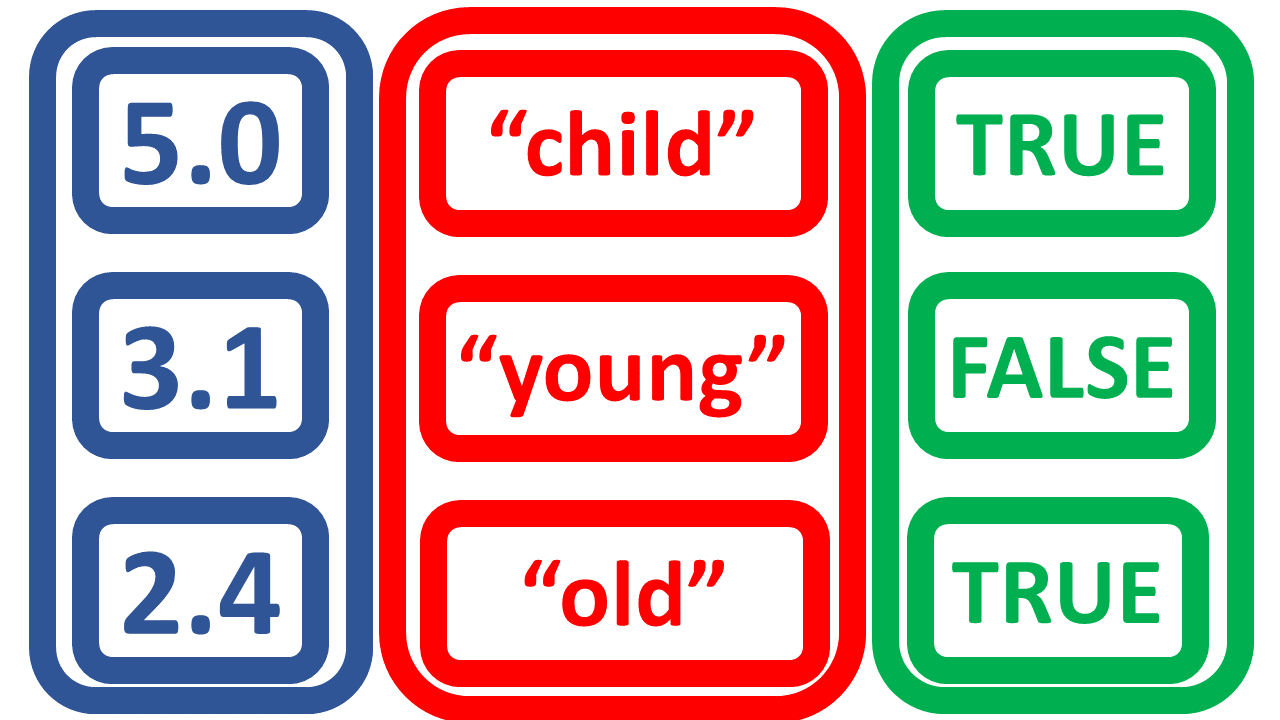
numeric vector ที่มีตัวเลข 5.0 3.1 2.4

R สำหรับผู้ใช้ SAS

สร้าง data frame จาก vector

# Create character variable age
age <- c("child","young","old")

# View age
age
     "child" "young" "old"

character vector ที่มีคำว่า child young old

R สำหรับผู้ใช้ SAS

สร้าง data frame จาก vector

# Create logical variable test
test <- c(TRUE, FALSE, TRUE)

# View test
test
     TRUE FALSE TRUE

vector ค่าตรรกะ true false true

R สำหรับผู้ใช้ SAS

สร้าง data frame จาก vector

# Combine to create data frame
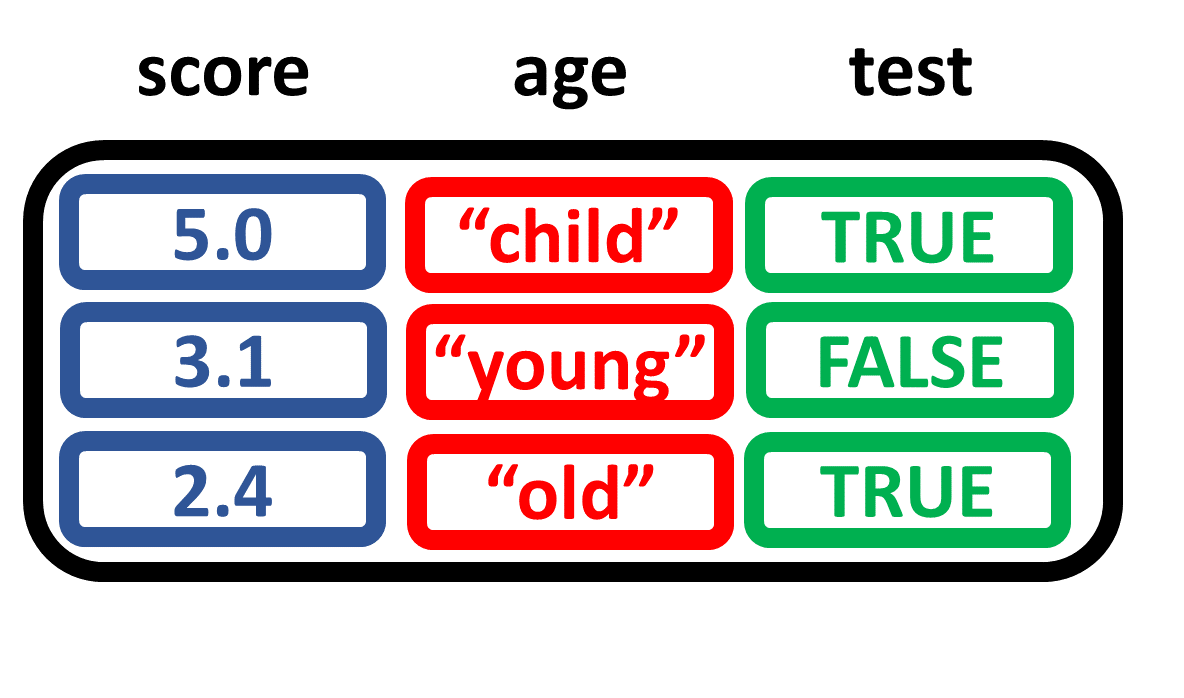
d <- data.frame(score, age, test)

# View data frame
d
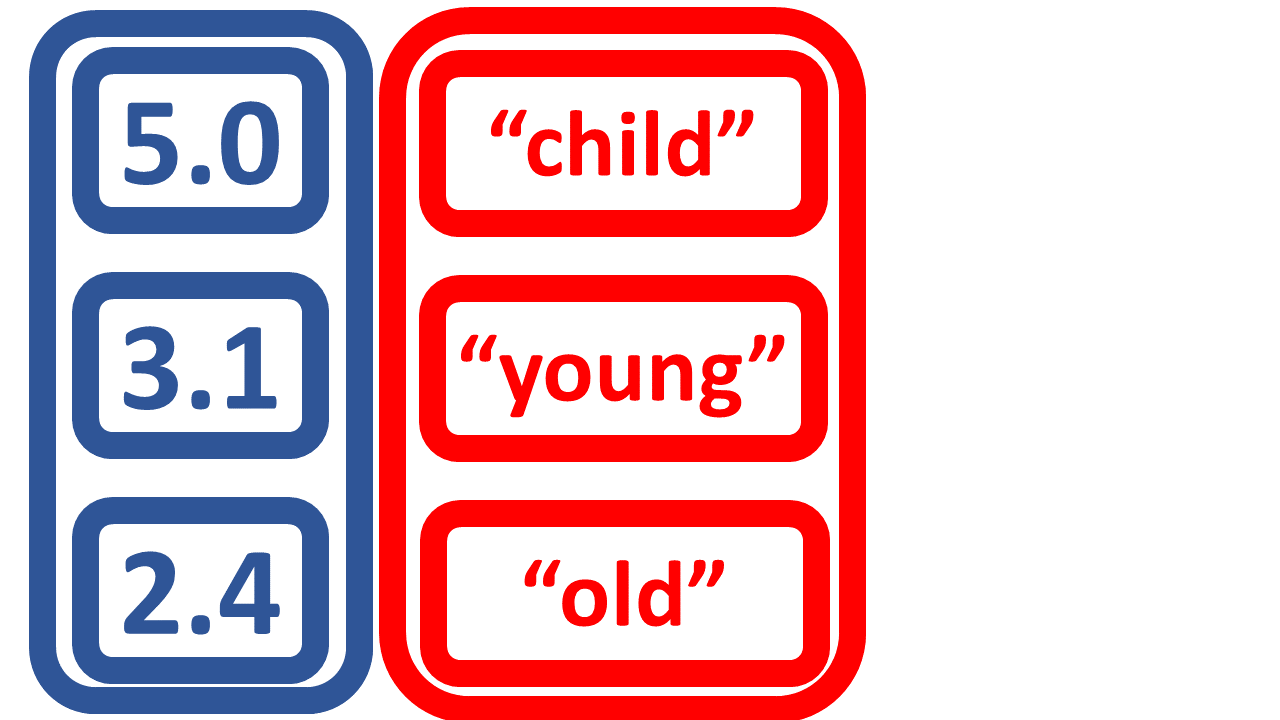
     score   age  test
       5.0 child  TRUE
       3.1 young FALSE
       2.4   old  TRUE

vector สามชุดรวมเป็น data frame

R สำหรับผู้ใช้ SAS

ตรวจสอบประเภทของ object

  • สร้าง numeric vector x
  • ตรวจสอบ class ของ x
  • ดูโครงสร้างด้วย str ของ x
x <- c(5, 3, 2)
class(x)
 [1] "numeric"
str(x)
 num [1:3] 5 3 2
R สำหรับผู้ใช้ SAS

ตรวจสอบประเภทของ object

  • character vector y และ logical vector z
  • ตรวจสอบ class ของ y และ z
  • ดูโครงสร้างด้วย str ของ y และ z
str(y)
 chr [1:3] "child" "young" "old"
str(z)
 logi [1:3] TRUE FALSE TRUE
y <- c("child","young","old")
z <- c(TRUE, FALSE, TRUE)
class(y)
 [1] "character"
class(z)
 [1] "logical"
R สำหรับผู้ใช้ SAS

ตรวจสอบประเภทของ object

  • สร้าง matrix m
  • ตรวจสอบ class ของ m
  • ดูโครงสร้างด้วย str ของ m
str(m)
 num [1:3, 1:2] 5 3.1 2.4 4.1 2.2 5.4
a <- c(5.0, 3.1, 2.4)
b <- c(4.1, 2.2, 5.4)
m <- matrix(c(a, b),
            nrow = 3,
            ncol = 2)
class(m)
 [1] "matrix"
R สำหรับผู้ใช้ SAS

ตรวจสอบประเภทของ object

  • สร้าง data.frame d
  • ตรวจสอบ class ของ d
  • ดูโครงสร้างด้วย str ของ d
str(d)
'data.frame':    3 obs. of 3 variables:
 $ score: num  5 3.1 2.4
 $ age  : Factor w/ 3 levels
         "child","old",..: 1 3 2
 $ test : logi  TRUE FALSE TRUE
score <- c(5.0, 3.1, 2.4)
age <- c("child","young","old")
test <- c(TRUE, FALSE, TRUE)
d <- data.frame(score, age, test)
class(d)
 [1] "data.frame"
1 R สร้างประเภท Factor ขึ้นอัตโนมัติสำหรับหมวดหมู่ age ทั้ง 3 ค่า
R สำหรับผู้ใช้ SAS

มาสร้างและจัดการ data object ใน R กันเถอะ

R สำหรับผู้ใช้ SAS

Preparing Video For Download...