การ Normalize และการกรองข้อมูล

การวิเคราะห์ Differential Expression ด้วย limma ใน R

John Blischak

Instructor

ขั้นตอนการเตรียมข้อมูล

  • Log transform

  • Quantile normalize

  • การกรองข้อมูล

การวิเคราะห์ Differential Expression ด้วย limma ใน R

การแสดงผลข้อมูล

library(limma)

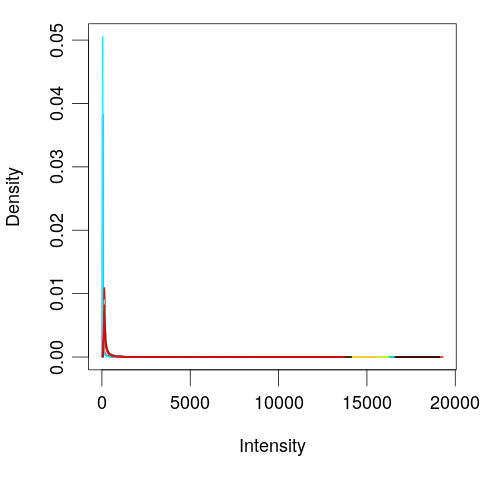
# Plot distribution of each sample
plotDensities(eset, legend = FALSE)

การวิเคราะห์ Differential Expression ด้วย limma ใน R

Log transform

100 - 1
.1 - .001
99
0.099
log(100) - log(1)
4.60517
log(.1) - log(.001)
4.60517
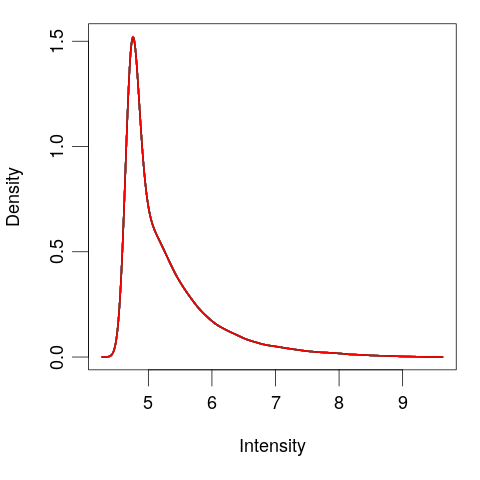
# Log tranform
exprs(eset) <- log(exprs(eset))
plotDensities(eset, legend = FALSE)
การวิเคราะห์ Differential Expression ด้วย limma ใน R

Quantile normalize

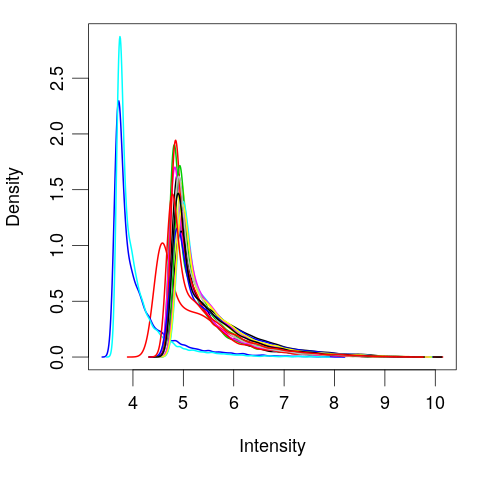
# Quantile normalize
exprs(eset) <- normalizeBetweenArrays(exprs(eset))

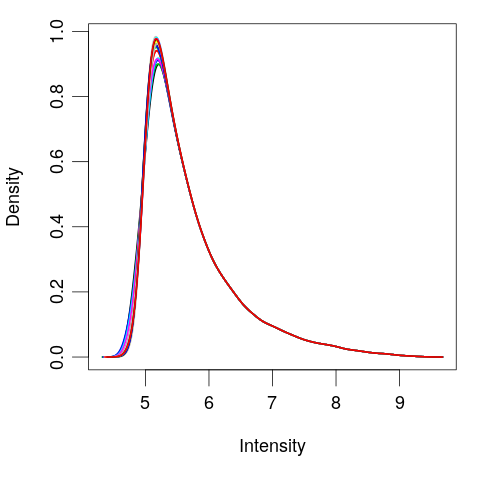
plotDensities(eset, legend = FALSE)

การวิเคราะห์ Differential Expression ด้วย limma ใน R

การกรองยีน

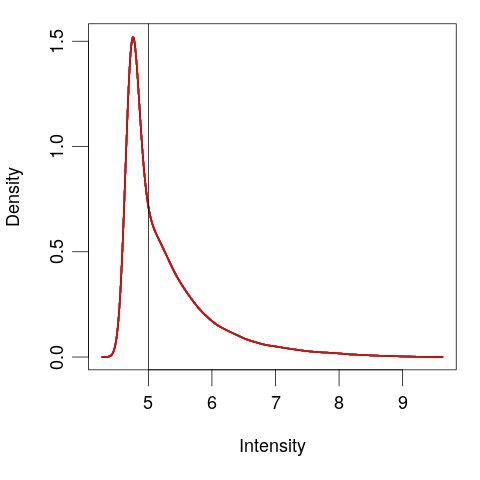
# View the normalized data
plotDensities(eset, legend = FALSE)
abline(v = 5)
# Create logical vector
keep <- rowMeans(exprs(eset)) > 5
# Filter the genes
eset <- eset[keep, ]
plotDensities(eset, legend = FALSE)
การวิเคราะห์ Differential Expression ด้วย limma ใน R

มาฝึกกันเถอะ!

การวิเคราะห์ Differential Expression ด้วย limma ใน R

Preparing Video For Download...