บทบาทในการแชทและข้อความระบบ

การใช้งาน DeepSeek ใน Python

James Chapman

AI Curriculum Lead, DataCamp

จาก Single-turn สู่ Multi-turn


งานแบบ Single-turn

  • การสร้างข้อความ
  • การแปลงข้อความ
  • การจำแนกประเภท

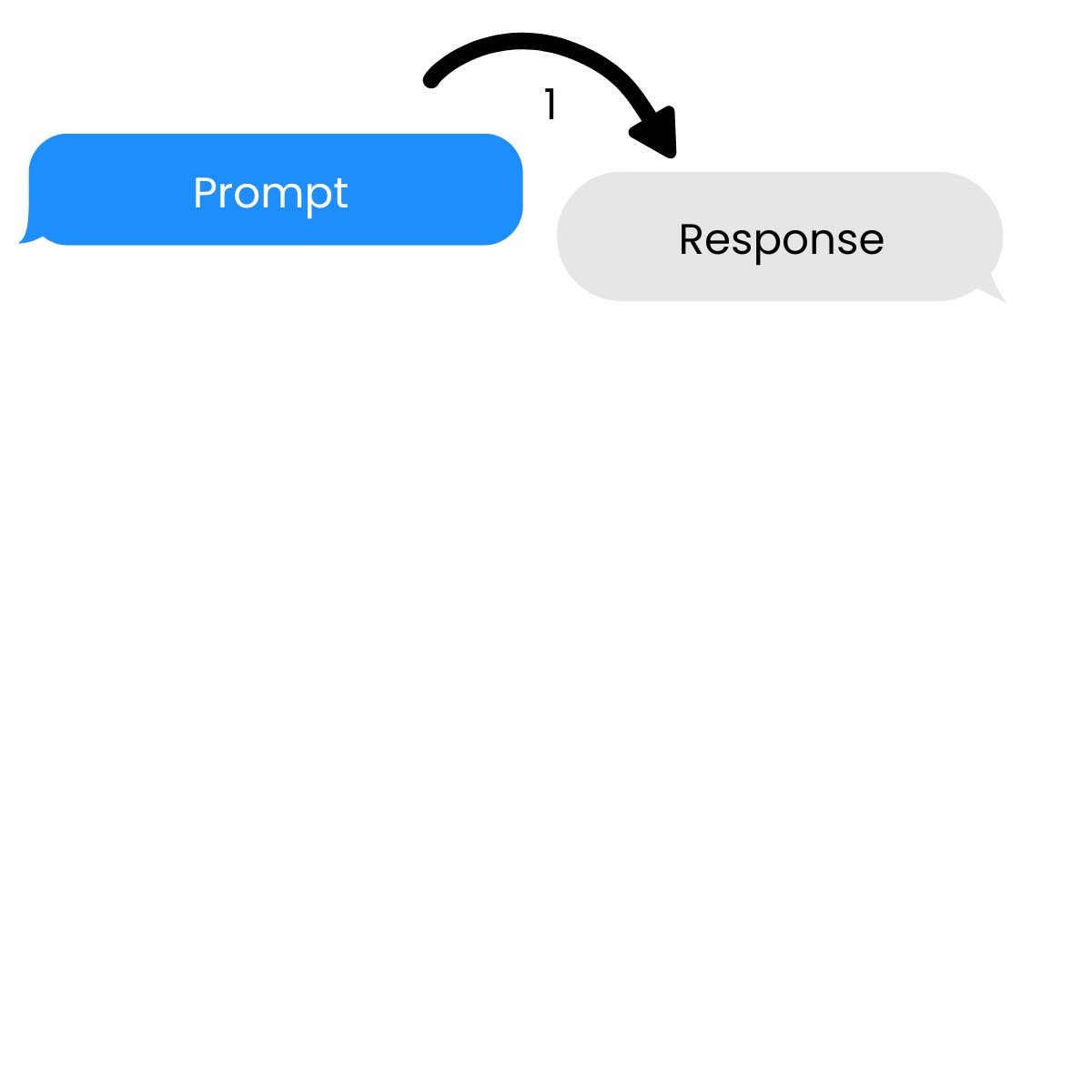
งาน Single-turn ที่มีพรอมต์หนึ่งรายการและการตอบสนองหนึ่งรายการ

การใช้งาน DeepSeek ใน Python

จาก Single-turn สู่ Multi-turn


งานแบบ Single-turn

  • การสร้างข้อความ
  • การแปลงข้อความ
  • การจำแนกประเภท


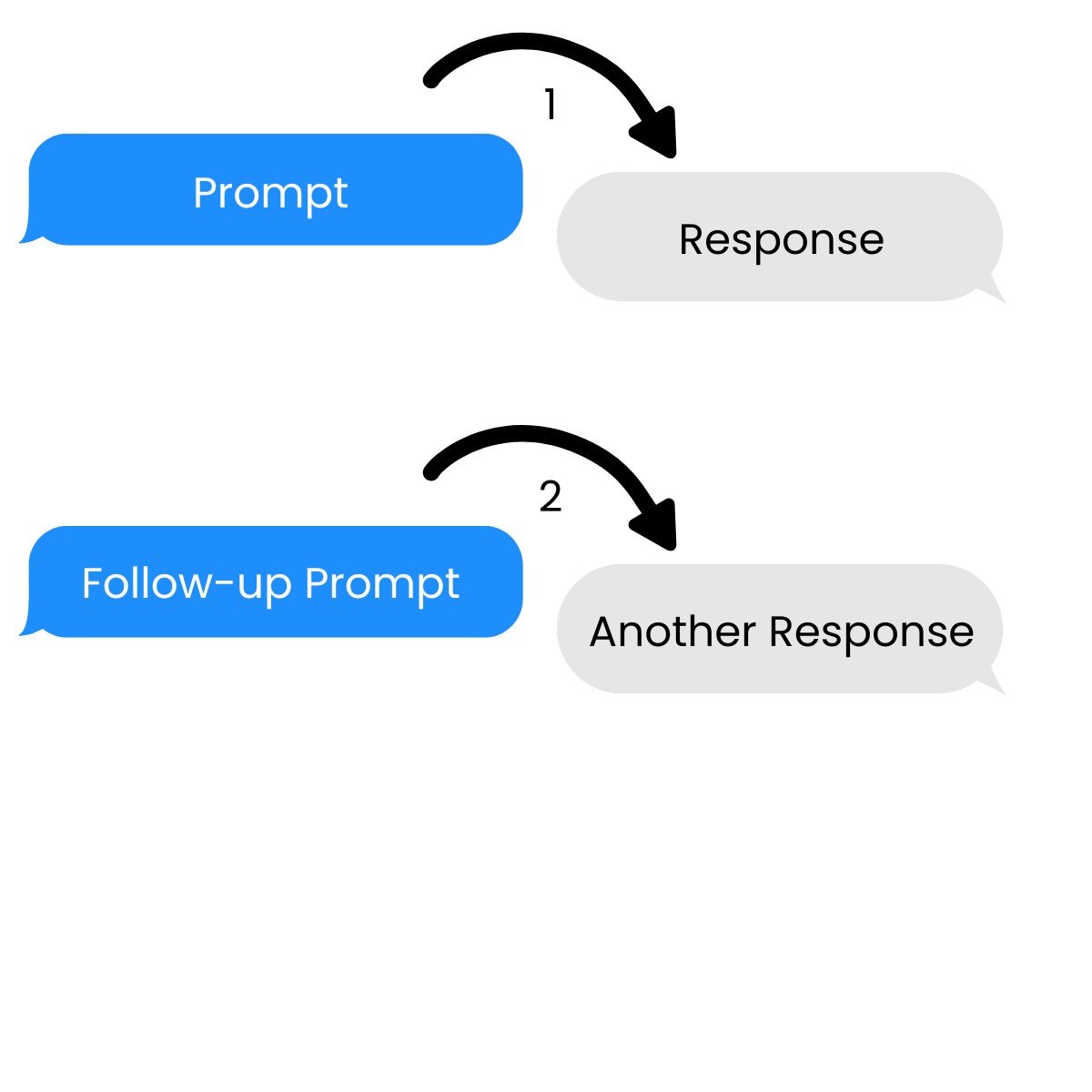
การสนทนาแบบ Multi-turn

→ ต่อยอดจากพรอมต์และการตอบสนองก่อนหน้า

งาน Multi-turn ที่มีพรอมต์และการตอบสนองหลายรายการ

การใช้งาน DeepSeek ใน Python

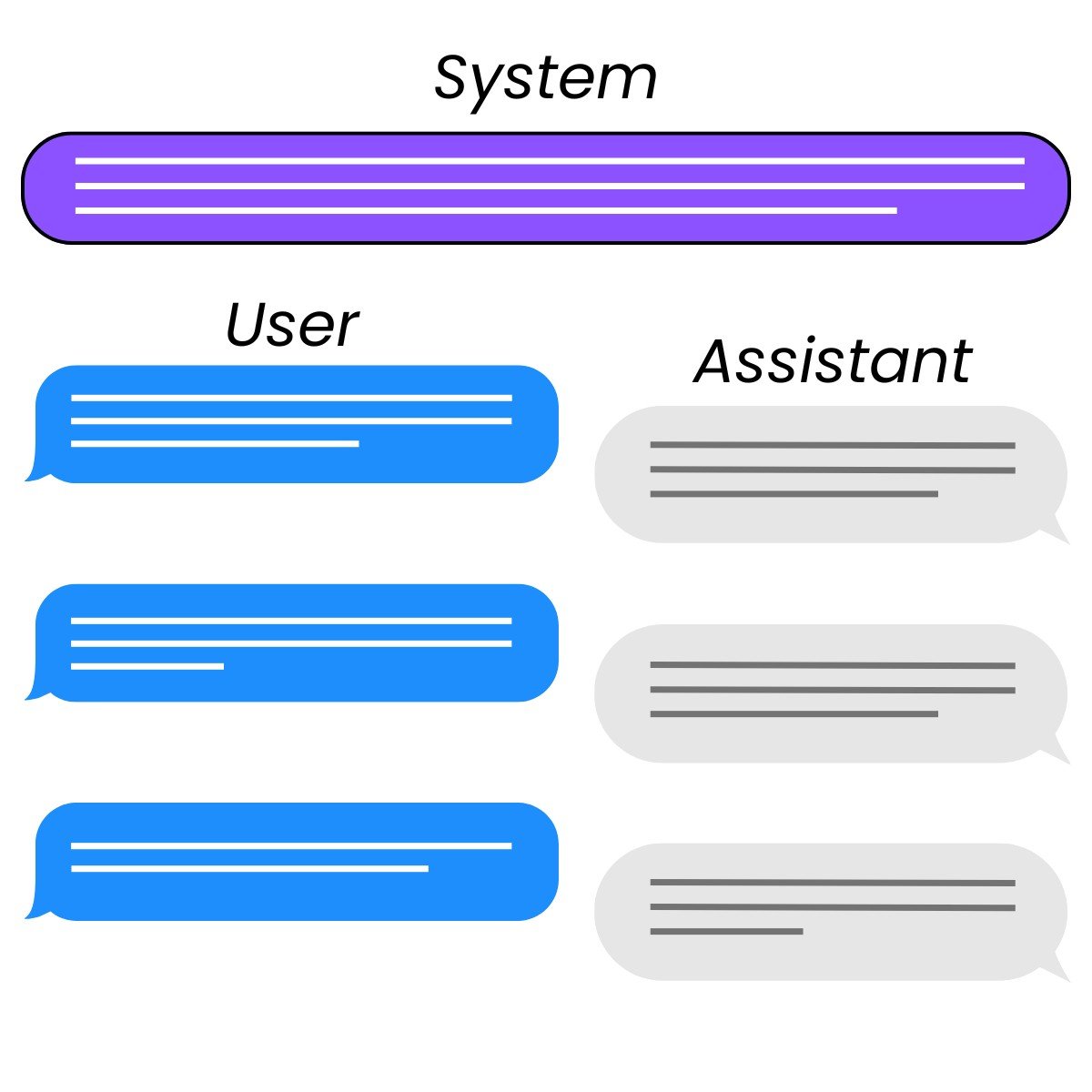
บทบาท


  • System: ควบคุม พฤติกรรม ของ assistant
  • User: สั่งการ assistant
  • Assistant: ตอบสนอง ต่อคำสั่งของ user
    • นักพัฒนาสามารถเขียนไว้ล่วงหน้าเพื่อให้ตัวอย่างได้ด้วย

สามบทบาทในการโต้ตอบแบบแชท ได้แก่ system, user และ assistant

การใช้งาน DeepSeek ใน Python

การตั้งค่าคำขอ

response = client.chat.completions.create(
    model="deepseek-ai/DeepSeek-V4-Pro",
    messages=[{"role": "user", "content": prompt}]
)
การใช้งาน DeepSeek ใน Python

การตั้งค่าพรอมต์

messages=[{"role": "system",
           "content": "You are a Python programming tutor who responds using concise,
                         one-sentence explanations."},
          {"role": "user",
           "content": "What is the difference between mutable and immutable objects?"}]
การใช้งาน DeepSeek ใน Python

การส่งคำขอ

response = client.chat.completions.create(
  model="deepseek-ai/DeepSeek-V4-Pro",
  messages=[{"role": "system",
             "content": "You are a Python programming tutor who responds using concise,
                         one-sentence explanations."},
            {"role": "user",
             "content": "What is the difference between mutable and immutable objects?"}]
)

print(response.choices[0].message.content)
Mutable objects can be changed after creation (like lists), while immutable objects
cannot be modified once created (like tuples or strings).
การใช้งาน DeepSeek ใน Python

การป้องกันการใช้งานในทางที่ผิด


  • System message: สามารถกำหนด guardrails ได้
    • ข้อจำกัดสำหรับผลลัพธ์ของโมเดล

Guardrails ริมข้างถนน

แชทบอทสอนการเงินและแชทบอทที่ปรึกษาการเงิน

การใช้งาน DeepSeek ใน Python

การป้องกันการใช้งานในทางที่ผิดด้วย System message

sys_msg = """
You are finance education assistant that helps students study for exams.

If you are asked for specific, real-world financial advice with risk to their
finances, respond with only:

I'm sorry, I am not allowed to provide financial advice.
"""
การใช้งาน DeepSeek ใน Python

การป้องกันการใช้งานในทางที่ผิดด้วย System message

response = client.chat.completions.create(
  model="deepseek-ai/DeepSeek-V4-Pro",
  messages=[{"role": "system",
             "content": sys_msg},
            {"role": "user",
             "content": "Which stocks should I invest in?"}]
)

print(response.choices[0].message.content)
I'm sorry, I am not allowed to provide financial advice.
การใช้งาน DeepSeek ใน Python

มาฝึกกันเถอะ!

การใช้งาน DeepSeek ใน Python

Preparing Video For Download...