การวิเคราะห์เชิงลึกและการสร้างโค้ด

การใช้งาน DeepSeek ใน Python

James Chapman

AI Curriculum Lead, DataCamp

สรุป...

print(response.choices[0].message.content)
Step 1 - ...
Step 2 - ...
Final Answer: ...
  • การให้เหตุผลเปิดใช้งานโดยค่าเริ่มต้น → ปรับได้ด้วย reasoning_effort="high" หรือ "max"
  • temperature ไม่มีผล ขณะให้เหตุผล
การใช้งาน DeepSeek ใน Python

1. ทำให้เรียบง่าย

  • ใช้ prompt ที่กระชับ

✅ What are the differences between lists and tuples in Python?

❌ In Python, there are different data structures. Lists are...

  • การให้ตัวอย่าง (เช่น few-shot) อาจ_ลด_ประสิทธิภาพได้

✅ Who developed the Python programming language?

❌

Example 1:
Q: Who developed the R programming language?
A: Ross Ihaka and Robert Gentleman
การใช้งาน DeepSeek ใน Python

2. ส่งเสริมการให้เหตุผล


"... Take your time and think through each step."


❌ การใช้ token เพิ่มขึ้น

❌ เวลาตอบสนองเพิ่มขึ้น

การใช้งาน DeepSeek ใน Python

3. หลีกเลี่ยงงานง่าย!


โหมดแชท

โมเดลแชทที่ทำงานง่าย ๆ ได้อย่างรวดเร็ว


โหมดให้เหตุผล

โมเดลให้เหตุผลที่ติดขัดกับปัญหาง่าย ๆ

การใช้งาน DeepSeek ใน Python

3. หลีกเลี่ยงงานง่าย!

response = client.chat.completions.create(
    model="deepseek-ai/DeepSeek-V4.1-Flash",
    messages=[{"role": "user", "content": "Return the result of 1+1."}]
)
print(response.choices[0].message.content)
Let's count step by step.
- Start with 1.
- Add another 1.
- 1 + 1 = 2.

**Final Answer: 2**
  • สำหรับการค้นหาข้อมูลพื้นฐาน การให้เหตุผลแบบมีโครงสร้างเกินความจำเป็น
  • ใช้ token และเวลาแฝงมากกว่าคำตอบแบบแชททั่วไป
การใช้งาน DeepSeek ใน Python

ตัวอย่าง: การดีบักโค้ด

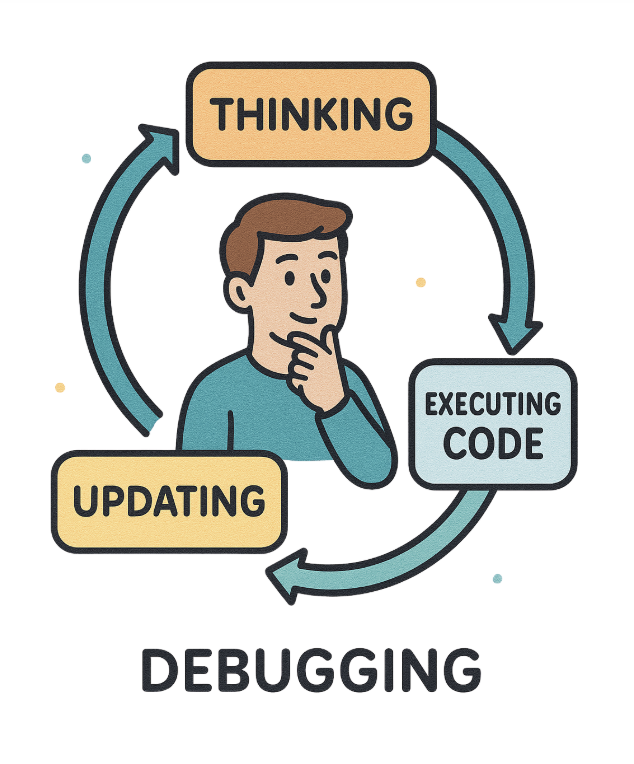
มนุษย์กำลังดีบักโค้ด

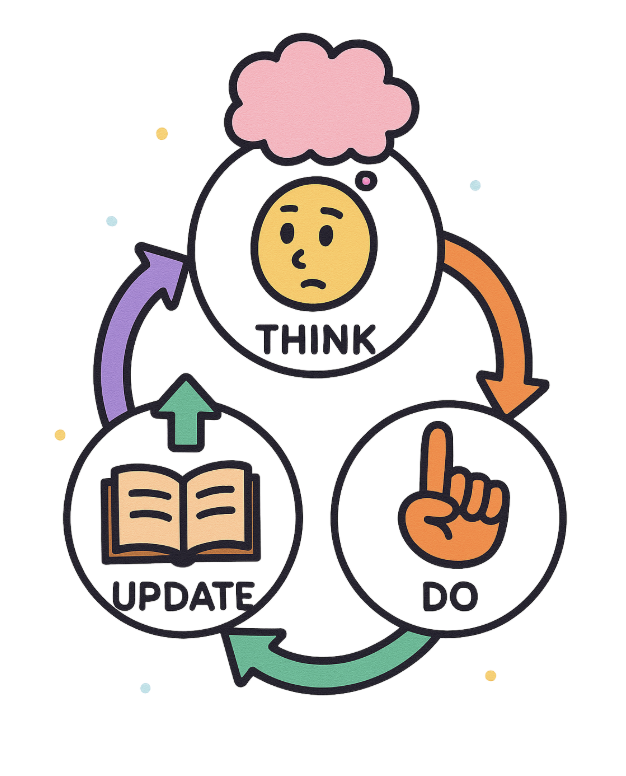
ขั้นตอนการทำงานของโมเดลให้เหตุผล

การใช้งาน DeepSeek ใน Python

ตัวอย่าง: การดีบักโค้ด

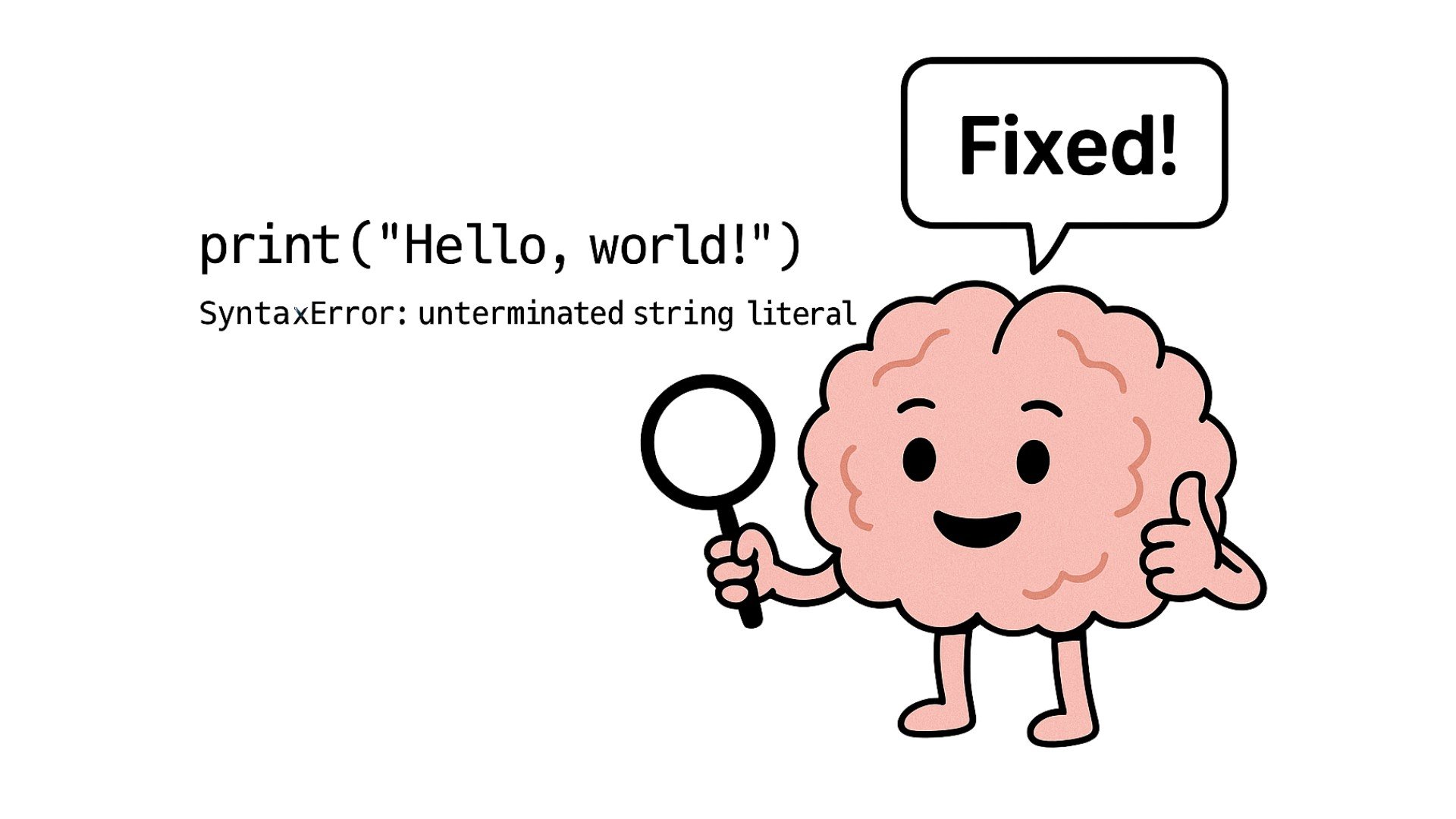
โมเดลให้เหตุผลกำลังแก้ไขโค้ดตามข้อผิดพลาด

การใช้งาน DeepSeek ใน Python

ตัวอย่าง: การดีบักโค้ด

prompt = """
[Task: Fix the following code.]

Code:
def count_to_ten(start):
    while start < 10:
        print(start)
    return "Done"

count_to_ten(1)
"""
การใช้งาน DeepSeek ใน Python
print(response.choices[0].message.content)
Let me walk through the function step by step.

The function uses a while loop: while start < 10. Then it prints start. But wait, inside the loop,
there's no increment for the start variable — that's the issue.

The fix is to add an increment to start inside the loop. Like start += 1.

Here is the corrected code:

def count_to_ten(start):
    while start < 10:
        print(start)
        start += 1
    return "Done"

count_to_ten(1)
การใช้งาน DeepSeek ใน Python

มาฝึกกันเถอะ!

การใช้งาน DeepSeek ใน Python

Preparing Video For Download...