การสร้างข้อความ
การใช้งาน DeepSeek ใน Python

James Chapman
AI Curriculum Lead, DataCamp
ผลลัพธ์ถูกสร้างขึ้นอย่างไร?
- ข้อความที่ มีแนวโน้มมากที่สุด ที่จะทำให้บทสนทนาสมบูรณ์
response = client.chat.completions.create( model="deepseek-ai/DeepSeek-V4.1-Flash",messages=[{"role": "user", "content": "Hi! I'm James and I'm a Curriculum Manager at DataCamp."}]) print(response.choices[0].message.content)
Hi James! It's great to meet you. As a **Curriculum Manager at DataCamp**, you must
play a key role in shaping the learning experience for data science and analytics
students. How can I assist you today?
- การตอบกลับ ไม่คงที่ (มีความสุ่มโดยธรรมชาติ)
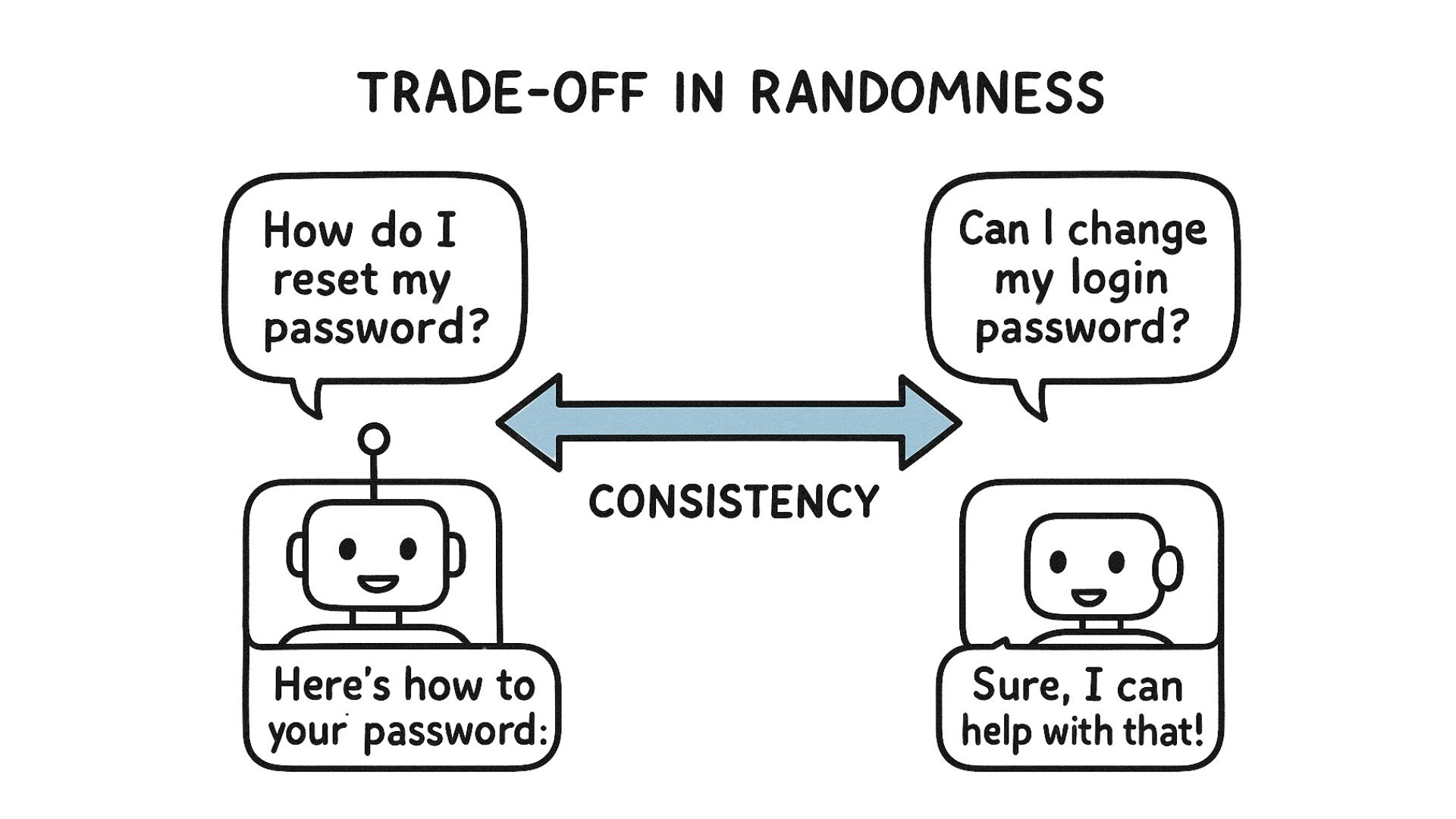
การควบคุมความสุ่มของการตอบกลับ
temperature: ตัวควบคุมระดับความแน่นอนตั้งแต่0(แน่นอนมาก) ถึง2(สุ่มมาก)- ถูกละเว้นโดยไม่แจ้งเตือนเมื่อเปิดใช้งาน reasoning → ปิดใช้งานเพื่อใช้ค่านี้
response = client.chat.completions.create( model="deepseek-ai/DeepSeek-V4.1-Flash", extra_body={"thinking": {"type": "disabled"}}, messages=[{"role": "user", "content": "Hi! I'm James and I'm a Curriculum Manager at DataCamp."}],temperature=2) print(response.choices[0].message.content)
Hi James! Welcome to DataCamp - it's great to connect with someone who works on
shaping learning experiences for data skills. What does your role typically involve
as a Curriculum Manager at **DataCamp?** Perhaps one-on95 kWielpulses.Z.blog.from...
การสร้างข้อความ: การตลาด
prompt = "Generate a powerful tagline for a new electric vehicle
that highlights innovation and sustainability."
response = client.chat.completions.create(
    model="deepseek-ai/DeepSeek-V4.1-Flash",
    messages=[{"role": "user", "content": prompt}]
)

print(response.choices[0].message.content)
**"Drive the Future - Zero Emissions, Infinite Innovation."**
This tagline captures the essence of cutting-edge technology and eco-conscious...
การทำความสะอาดคำตอบ
prompt = "Generate a powerful tagline for a new electric vehicle
that highlights innovation and sustainability. Return only the tagline
without formatting."

# Create a request to the chat model
# ...
"Drive the Future - Clean, Smart, Electric."
การสร้างข้อความ: คำอธิบายผลิตภัณฑ์
prompt = """Write a compelling e-commmerce product description for the UltraFit Smartwatch in paragraph form. Highlight its key features: 10-day battery life, 24/7 heart rate and sleep tracking, built-in GPS, water resistance up to 50 meters, and lightweight design. Use a persuasive and engaging tone to appeal to fitness enthusiasts and busy professionals. """response = client.chat.completions.create( model="deepseek-ai/DeepSeek-V4.1-Flash", messages=[{"role": "user", "content": prompt}])
การสร้างข้อความ: คำอธิบายผลิตภัณฑ์
print(response.choices[0].message.content)
"The UltraFit Smartwatch is your all-in-one health and fitness companion.
Stay on top of your wellness with 24/7 heart rate and sleep tracking,
while the built-in GPS keeps you on course during runs.
With a 10-day battery life, you can track your progress without constant recharging.
Designed for both workouts and daily wear, its  lightweight build and 50-meter
water resistance make it the perfect smartwatch for an active lifestyle."
- ทำซ้ำ! เพิ่มรายละเอียดลงใน prompt แล้วรันคำขออีกครั้ง
- วิดีโอถัดไป → การให้ตัวอย่างแก่โมเดล
มาฝึกกันเถอะ!
การใช้งาน DeepSeek ใน Python

