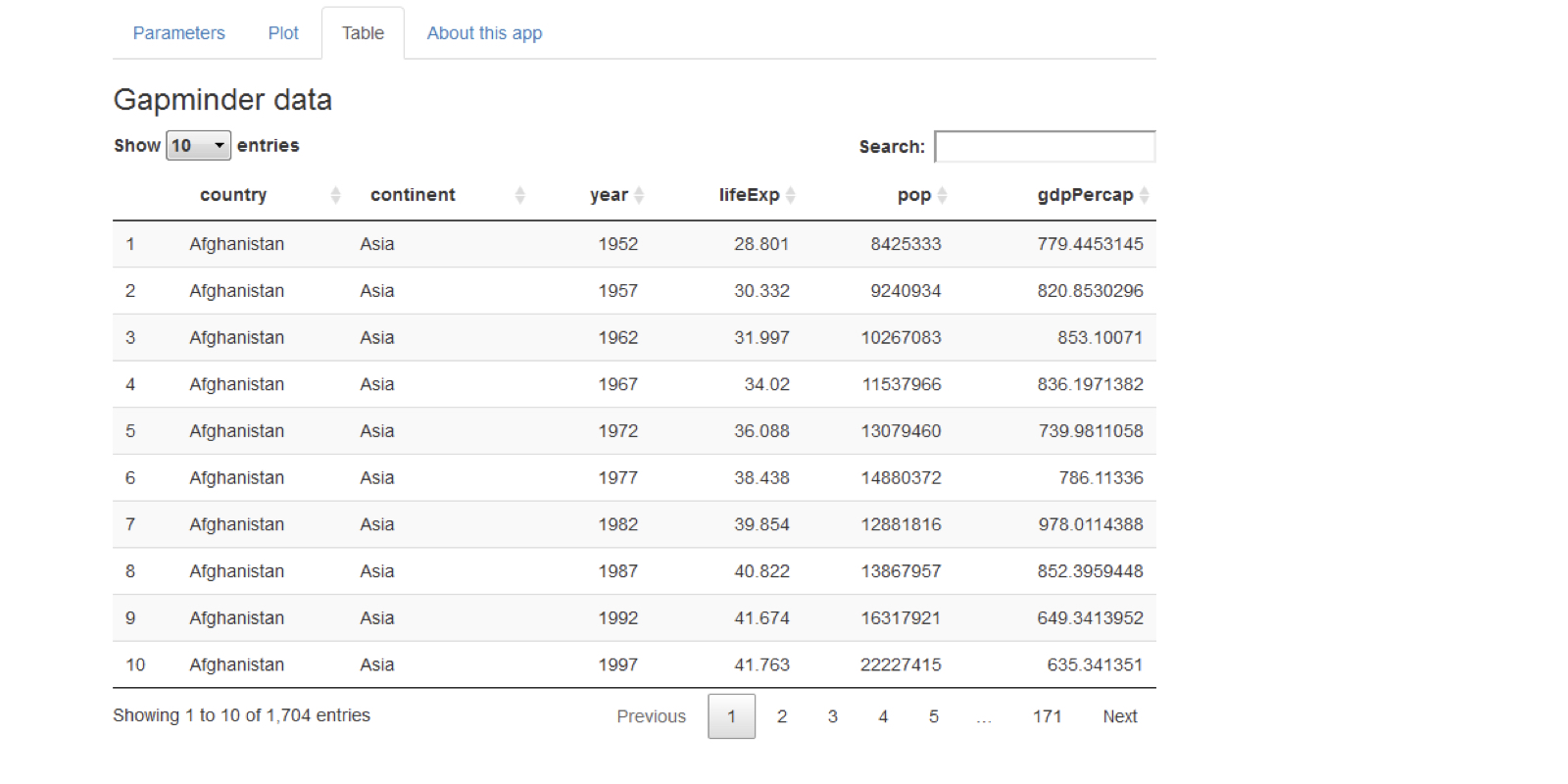
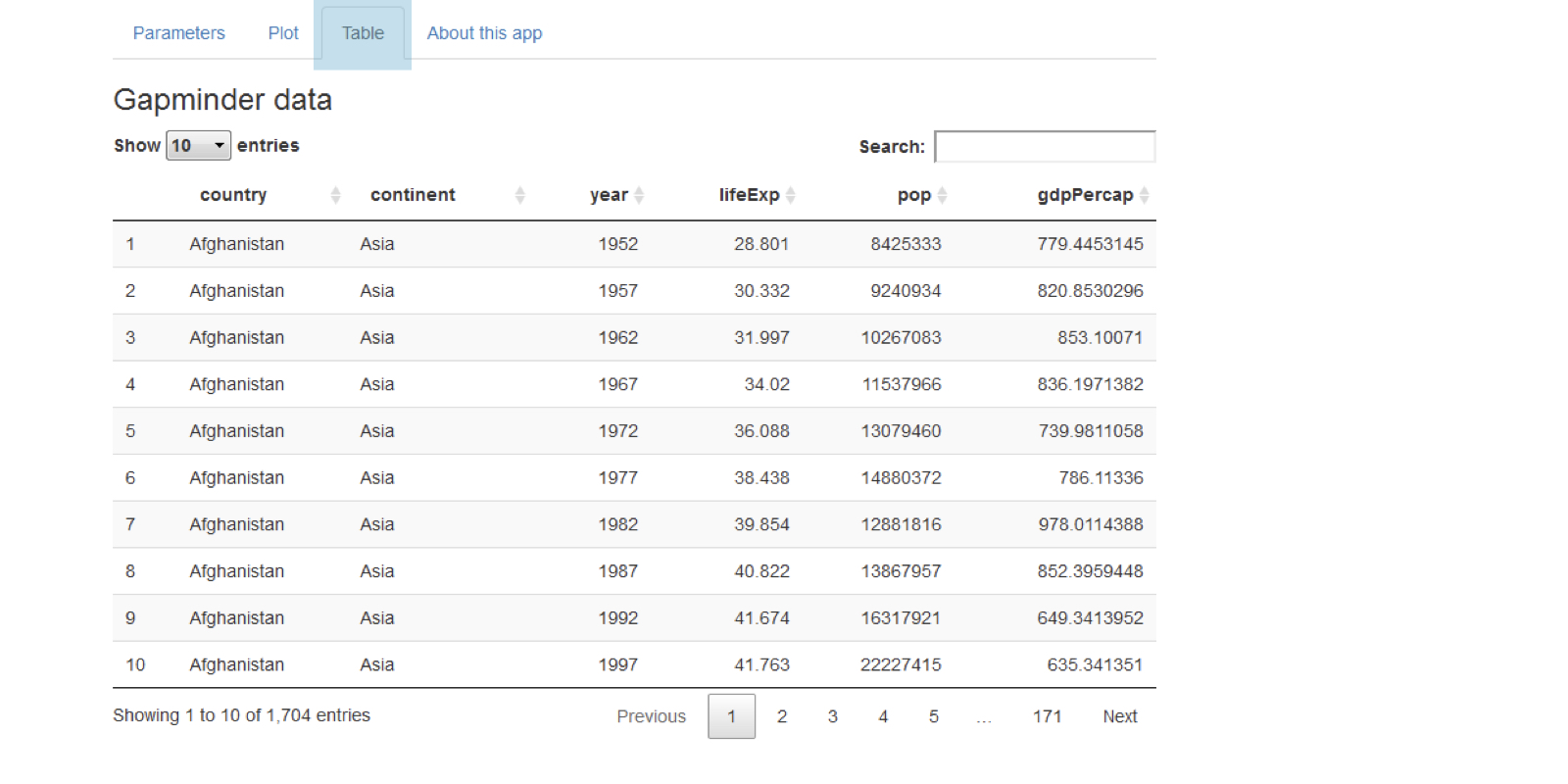
Visuella förbättringar

Fallstudier: Bygg webbapplikationer med Shiny i R

Dean Attali

Shiny Consultant

Shiny-tabeller

tableOutput("table")

output$table <- renderTable({ gapminder })
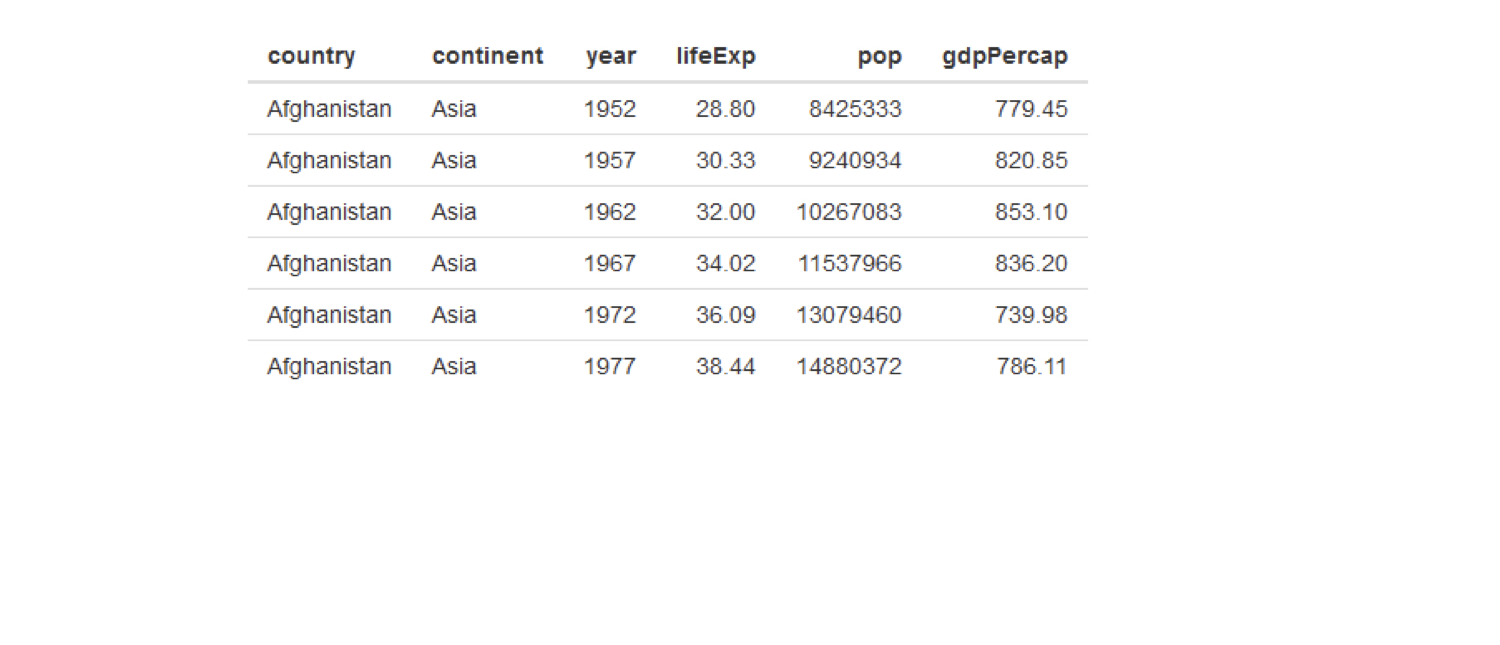
chapter3_4_visual_enhancements.003.png

Fallstudier: Bygg webbapplikationer med Shiny i R

Bättre tabeller med DT

DT::dataTableOutput("table")

output$table <- DT::renderDataTable({ gapminder })
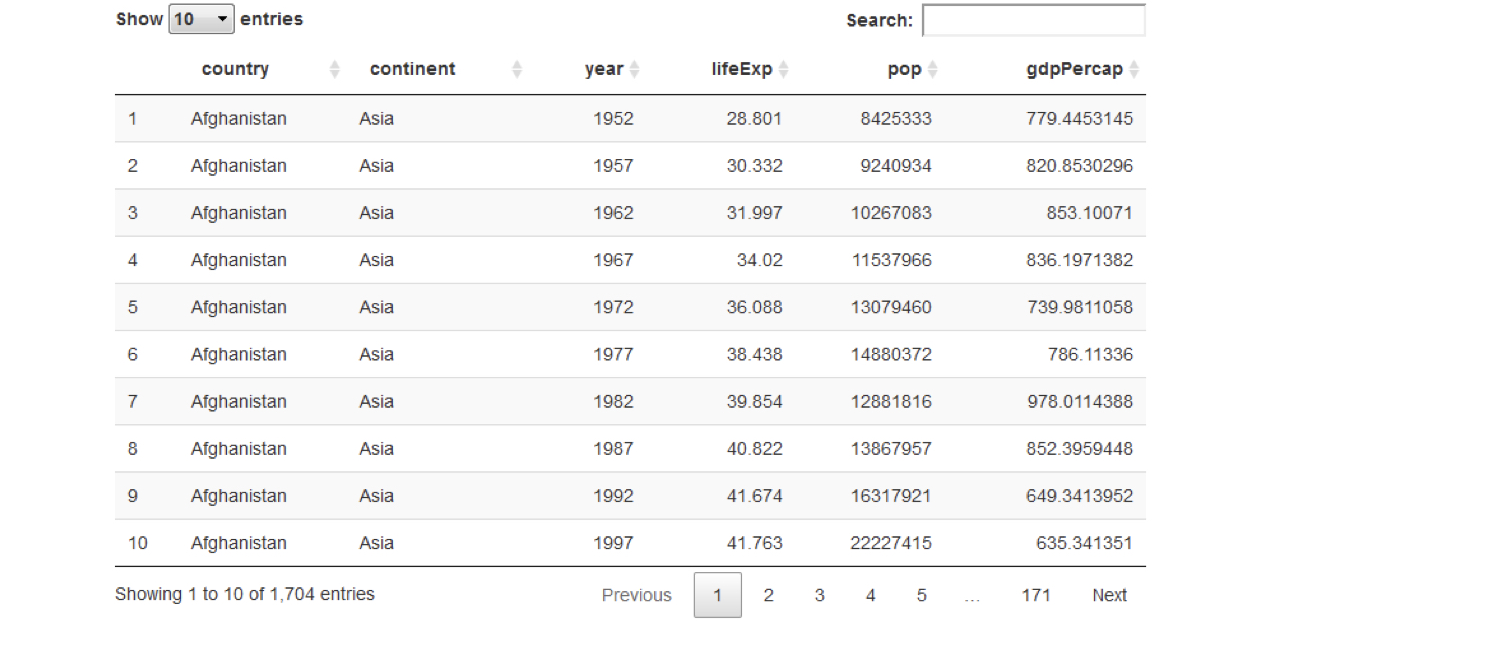
chapter3_4_visual_enhancements.004.png

Fallstudier: Bygg webbapplikationer med Shiny i R

Bättre tabeller med DT

DT::dataTableOutput("table")

output$table <- DT::renderDataTable({ gapminder })
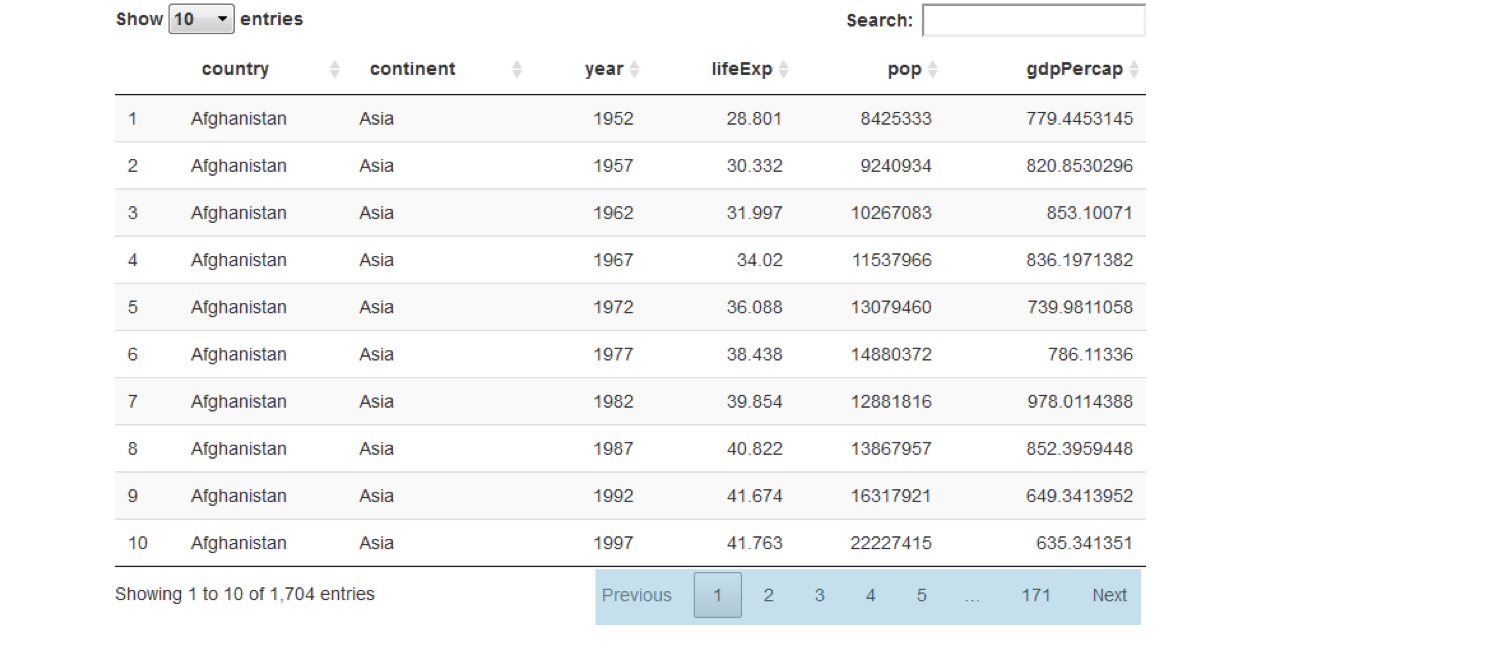
chapter3_4_visual_enhancements.005.png

Fallstudier: Bygg webbapplikationer med Shiny i R

Bättre tabeller med DT

DT::dataTableOutput("table")

output$table <- DT::renderDataTable({ gapminder })
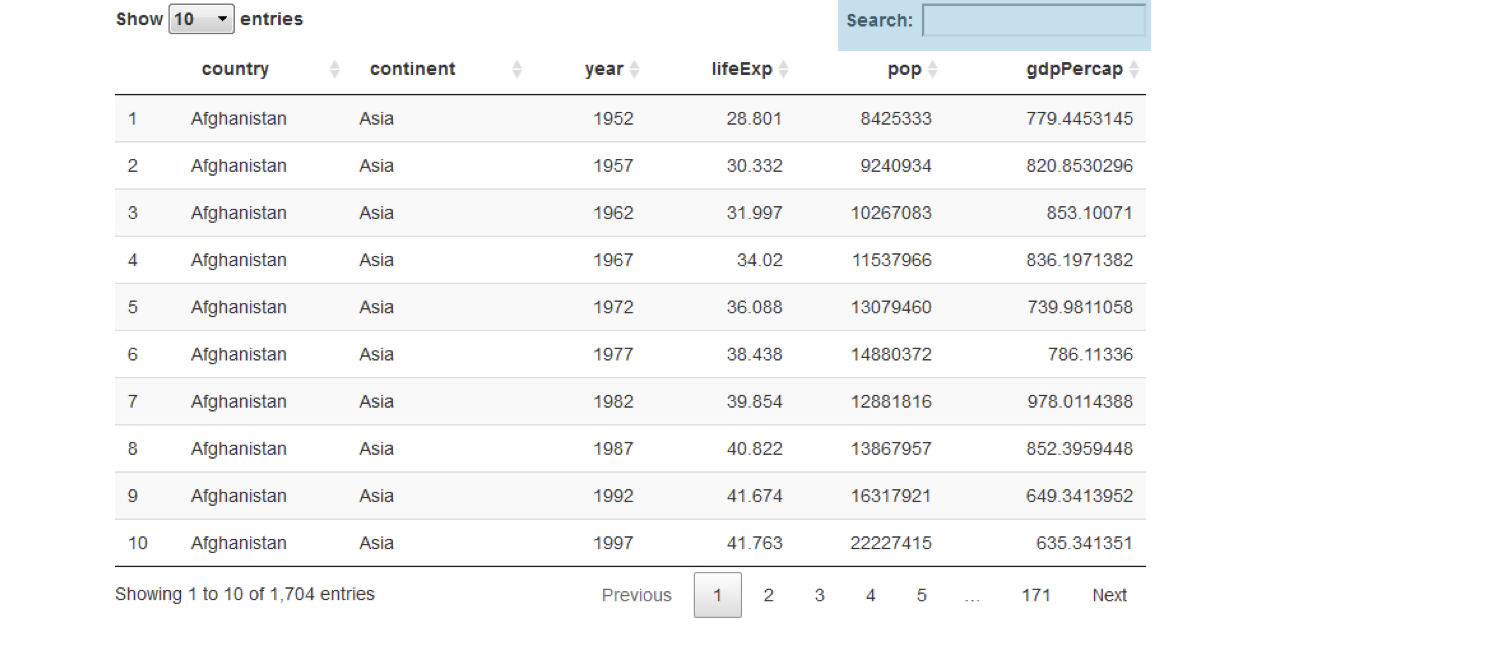
chapter3_4_visual_enhancements.006.png

Fallstudier: Bygg webbapplikationer med Shiny i R

Bättre tabeller med DT

DT::dataTableOutput("table")

output$table <- DT::renderDataTable({ gapminder })
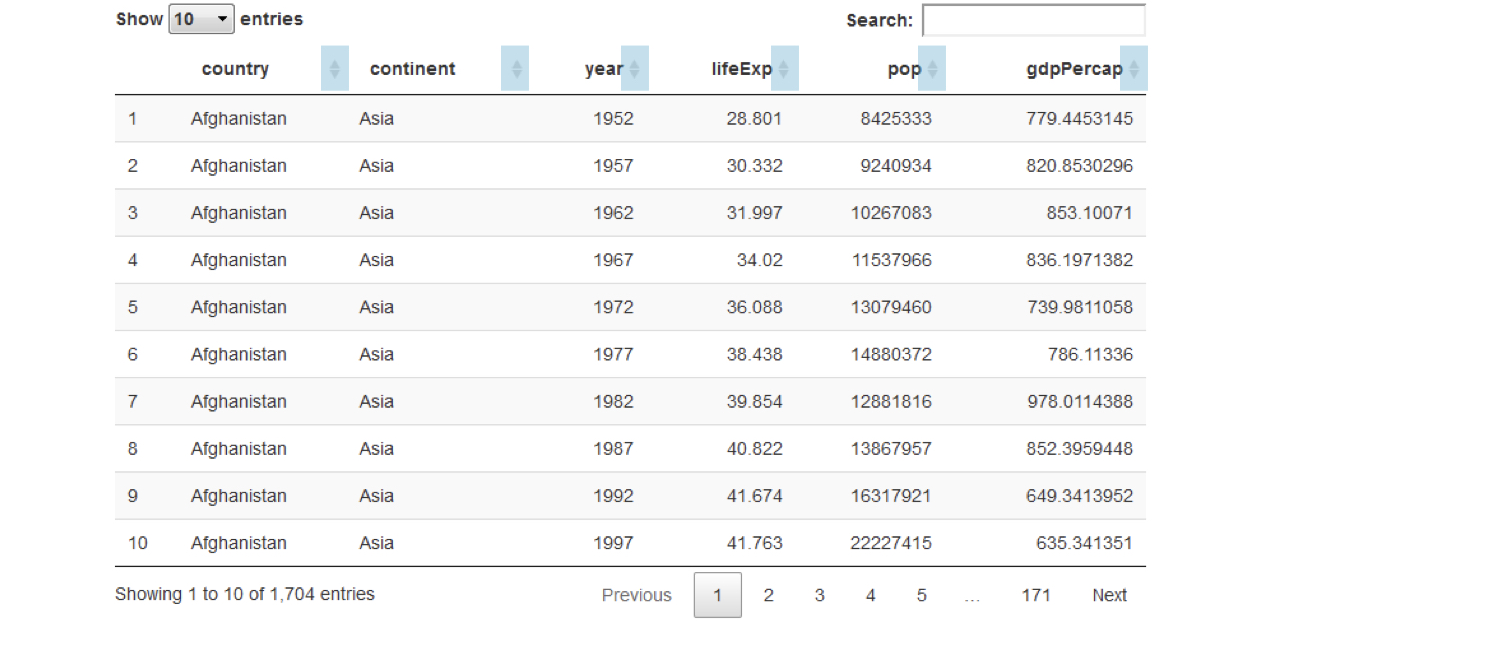
chapter3_4_visual_enhancements.007.png

Fallstudier: Bygg webbapplikationer med Shiny i R

Bättre tabeller med DT

DT::dataTableOutput("table")

output$table <- DT::renderDataTable({ gapminder })
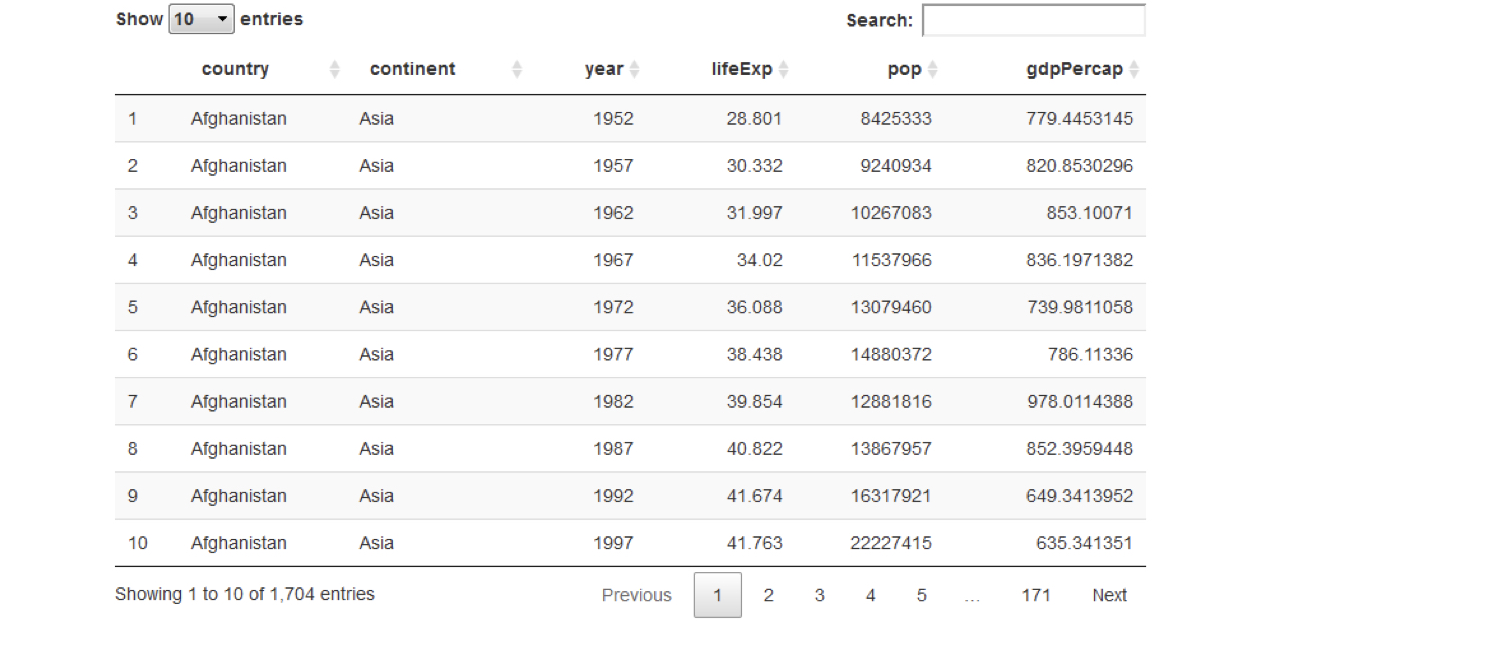
chapter3_4_visual_enhancements.008.png

Fallstudier: Bygg webbapplikationer med Shiny i R

Dela upp gränssnittet i flikar

chapter3_4_visual_enhancements.009.png

Fallstudier: Bygg webbapplikationer med Shiny i R

Dela upp gränssnittet i flikar

chapter3_4_visual_enhancements.010.png

Fallstudier: Bygg webbapplikationer med Shiny i R

Dela upp gränssnittet i flikar

tabPanel(title = "tab 1", "content goes here")

tabPanel(title = "tab 2", "second tab", plotOutput("plot"))
fluidPage(

tabsetPanel(
tabPanel(title = "tab 1", "first tab content goes here"), tabPanel(title = "tab 2", "second tab", plotOutput("plot")), tabPanel(title = "tab 3", textInput("text", "Name", ""))
)
)

chapter3_4_visual_enhancements.016.png

Fallstudier: Bygg webbapplikationer med Shiny i R

CSS: Finjustera appens utseende

  • Cascading Style Sheets
  • Märkspråk för att anpassa utseendet på element i en webbsida
    • Shinys gränssnitt är en webbsida
  • Bakgrundsfärg, textfärg, textstorlek, blanksteg, typsnitt, ...
Fallstudier: Bygg webbapplikationer med Shiny i R

CSS-syntax

  • CSS-regelns syntax

    #ID {
      property: value;
      property: value;
      ...
    }
    
  • ID är elementets ID som stilen tillämpas på

  • Lägg till CSS i Shiny med tags$style()

    ui <- fluidPage(
      tags$style("
        #ID {
          property: value;
        }
      ")
    )
    
Fallstudier: Bygg webbapplikationer med Shiny i R

CSS-exempel

ui <- fluidPage(
  textInput("name", "Enter your name", "Dean"),
  tableOutput("table")
)

chapter3_4_visual_enhancements.029.png

Fallstudier: Bygg webbapplikationer med Shiny i R

CSS-exempel

ui <- fluidPage(
  textInput("name", "Enter your name", "Dean"),
  tableOutput("table")
)

chapter3_4_visual_enhancements.030.png

Fallstudier: Bygg webbapplikationer med Shiny i R

CSS-exempel

ui <- fluidPage(
  textInput("name", "Enter your name", "Dean"),
  tableOutput("table")
)
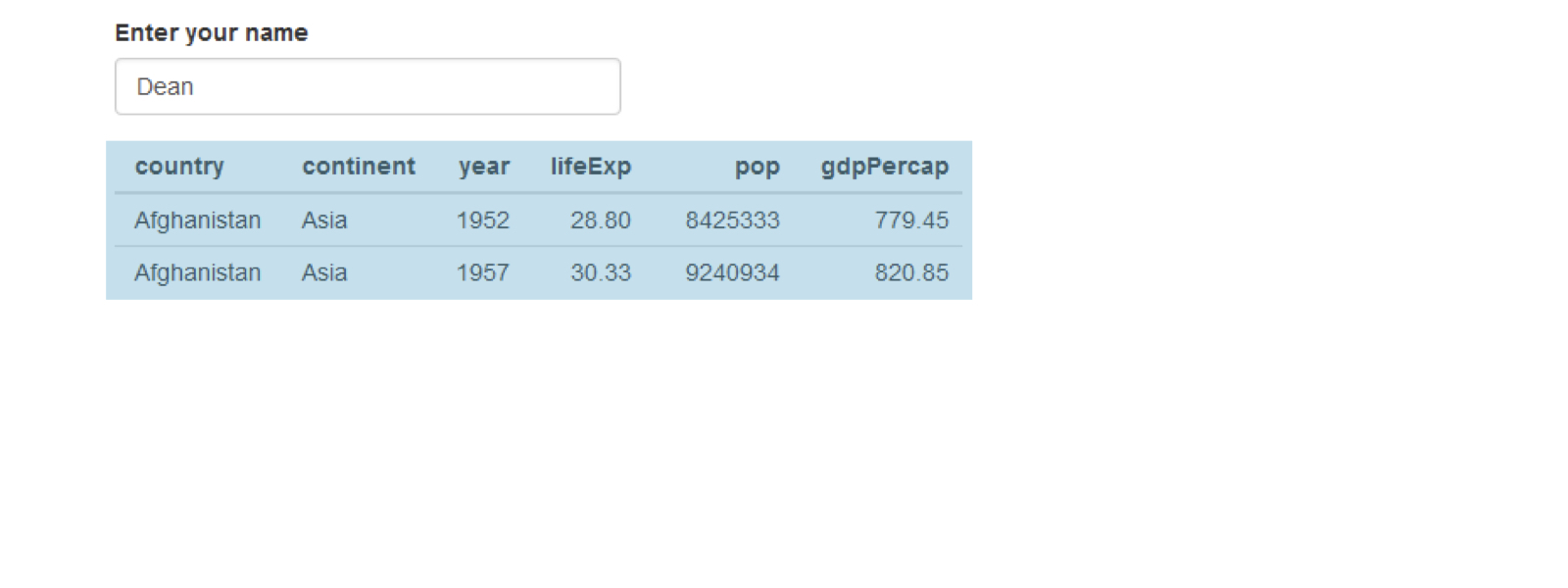
chapter3_4_visual_enhancements.031.png

Fallstudier: Bygg webbapplikationer med Shiny i R

CSS-exempel

ui <- fluidPage(
  textInput("name", "Enter your name", "Dean"),
  tableOutput("table")
)
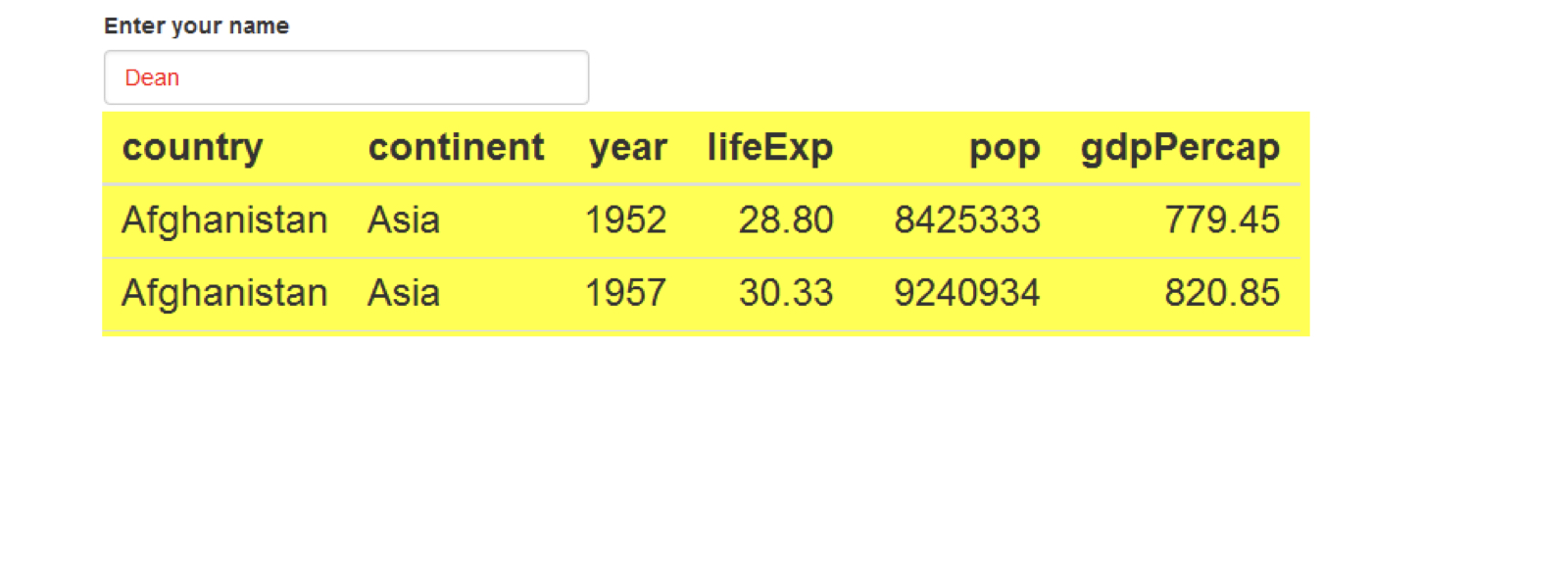
chapter3_4_visual_enhancements.032.png

Fallstudier: Bygg webbapplikationer med Shiny i R

CSS-exempel

css <- "

#name { color: red; }
#table { background: yellow; font-size: 24px; }
"
ui <- fluidPage(

tags$style(css),
textInput("name", "Enter your name", "Dean"), tableOutput("table") )
Fallstudier: Bygg webbapplikationer med Shiny i R

Nu kör vi en övning!

Fallstudier: Bygg webbapplikationer med Shiny i R

Preparing Video For Download...