การรวมแหล่งข้อความทั้งหมด
กรณีศึกษา: การสร้างเว็บแอปพลิเคชันด้วย Shiny ใน R

Dean Attali
Shiny Consultant
การรวมแหล่งข้อความทั้งหมด
แหล่งข้อมูล 3 แหล่งสำหรับ word cloud
- Text object:
artofwar - ข้อความจากผู้ใช้:
textAreaInput() - ไฟล์ข้อความ:
fileInput()
- Text object:
ขั้นตอนถัดไป: ใช้งานทั้งหมดพร้อมกัน
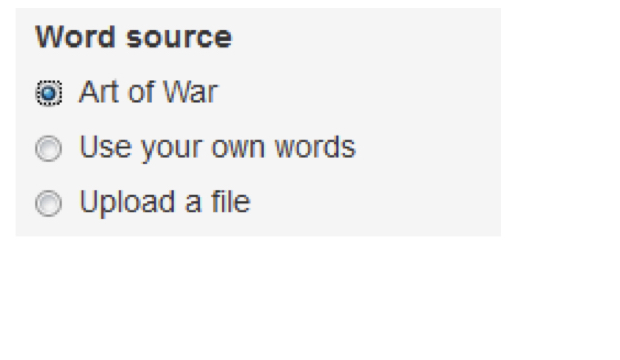
- Radio buttons สำหรับเลือกแหล่งข้อความ
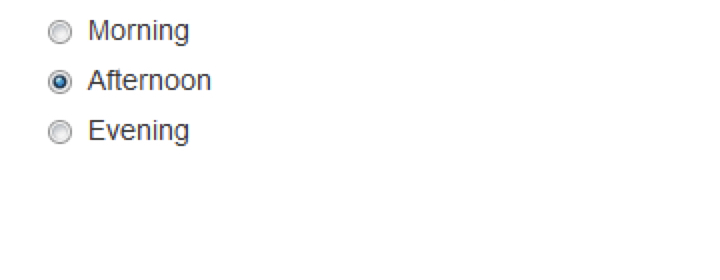
Radio buttons - ทบทวน
radioButtons(
    "time_of_day", "Choose your favorite time of day",
    choices = c("Morning", "Afternoon", "Evening"),
    selected = "Afternoon"
)
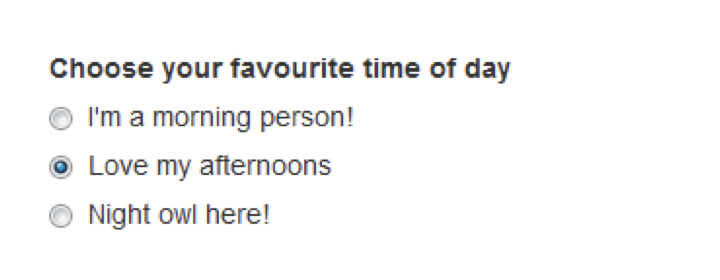
Radio buttons - ขั้นสูง
radioButtons(
    "time_of_day", "Choose your favorite time of day",
    choices = c("I'm a morning person!" = "Morning",
                "Love my afternoons"    = "Afternoon",
                "Night owl here!"       = "Evening"),
    selected = "Afternoon"
)
str(input$time_of_day)
chr "Afternoon"

