การสตรีมด้วย Semantic Events

การทำงานกับ OpenAI Responses API

James Chapman

AI Curriculum Manager, DataCamp

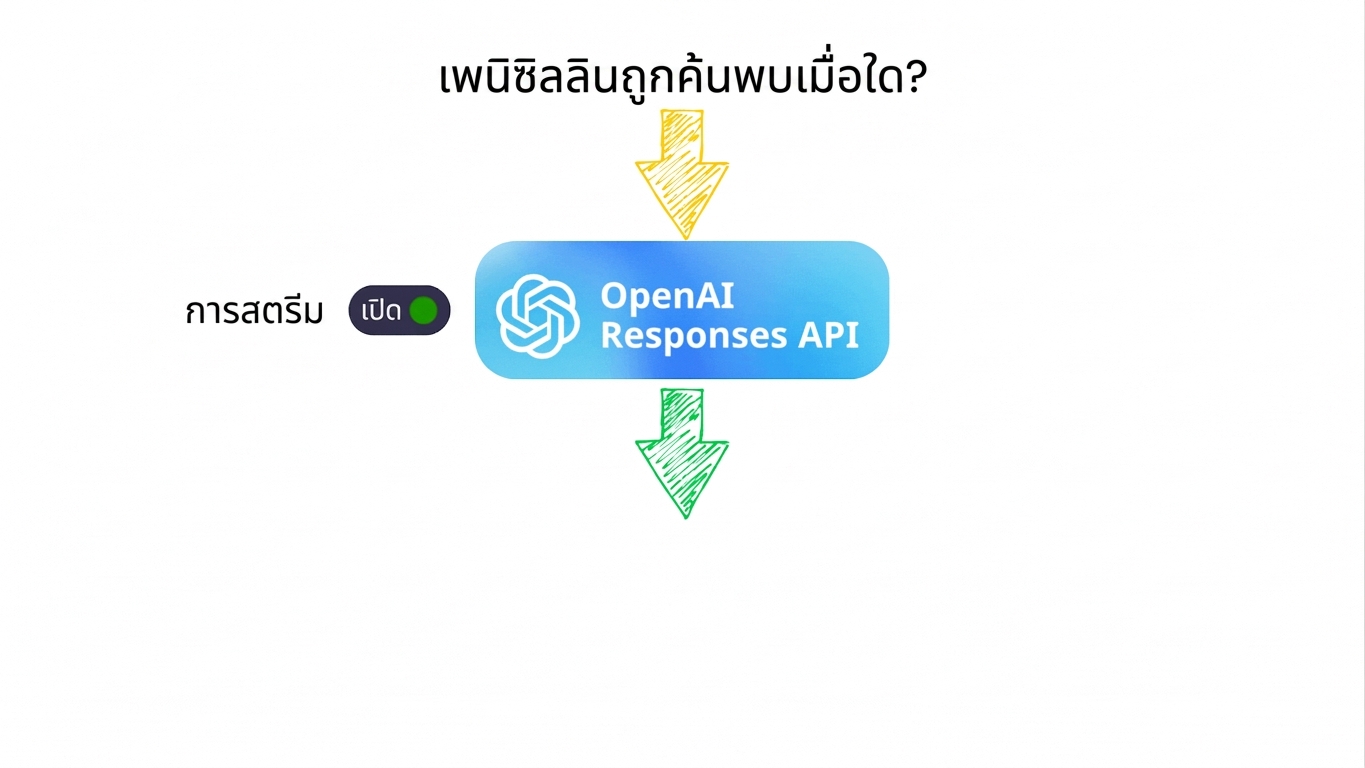
ทำไมต้องสตรีม?
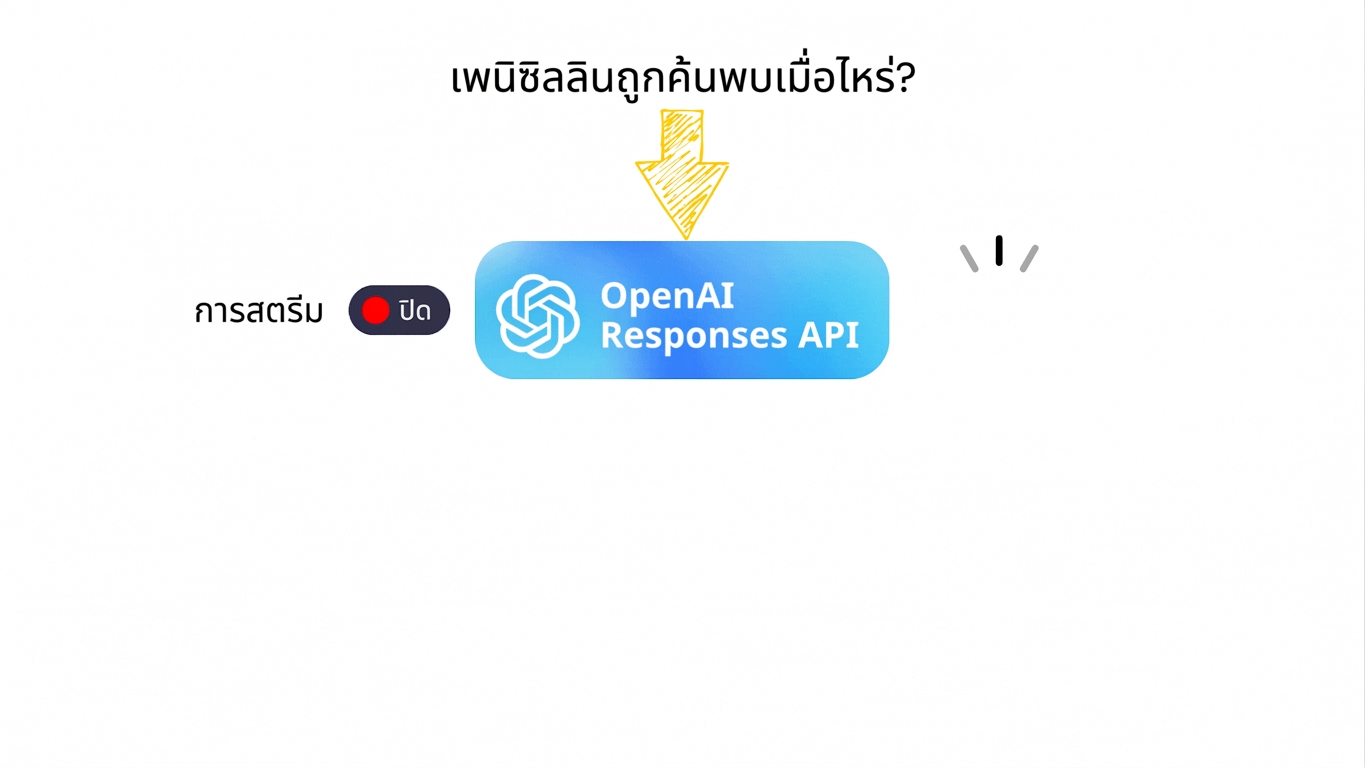
streaming_off.gif

การทำงานกับ OpenAI Responses API

ทำไมต้องสตรีม?

streaming_on.gif

การทำงานกับ OpenAI Responses API

Semantic Events

  • การอัปเดตแบบมีโครงสร้างที่อธิบายสิ่งที่กำลังเกิดขึ้น
การทำงานกับ OpenAI Responses API

Semantic Events

  • การอัปเดตแบบมีโครงสร้างที่อธิบายสิ่งที่กำลังเกิดขึ้น
Event Type Description
response.created โมเดลเริ่มสร้างผลลัพธ์แล้ว
response.output_text.delta การอัปเดตข้อความบางส่วน
response.output_text.done บล็อกข้อความเสร็จสมบูรณ์
response.function_call.arguments.delta อาร์กิวเมนต์ของ tool ที่กำลังสตรีม
response.completed การตอบกลับทั้งหมดเสร็จสิ้น
การทำงานกับ OpenAI Responses API

ตัวอย่าง: การสตรีมข้อความพื้นฐาน

prompt = "Explain the seasons of the year concisely to a child."

with client.responses.create(model="gpt-5.4-mini", input=prompt, stream=True) as stream:
current_text = ""
for event in stream: if event.type == "response.output_text.delta":
current_text += event.delta print(current_text)
การทำงานกับ OpenAI Responses API

ตัวอย่าง: การสตรีมข้อความพื้นฐาน

การสตรีมข้อความ

การทำงานกับ OpenAI Responses API

ตัวอย่าง: การจัดการหลาย Event

prompt = "Explain how a neural network learns concisely for a child."

with client.responses.create(model="gpt-5.4-mini", input=prompt, stream=True) as stream:

for event in stream: if event.type == "response.created":
print("Response started...\n")
elif event.type == "response.output_text.done":
print("\n\n--- Text block finished ---\n")
elif event.type == "response.completed":
print(f"\nFull response:\n{current_text}")
การทำงานกับ OpenAI Responses API

ตัวอย่าง: การจัดการหลาย Event

หลาย Event

การทำงานกับ OpenAI Responses API

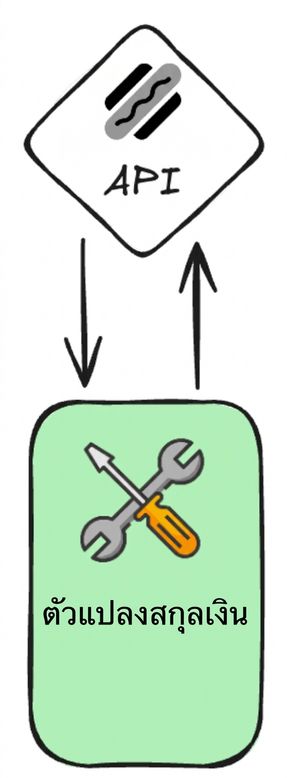
ตัวอย่าง: การสตรีม Tool Events

convert_currency() -> str:

  • date_time: str
  • from_timezone: str
  • to_timezone: str
tools = [
    {
        "type": "function",
        "name": "convert_currency",
        ...
     }
]

frankfurter.png

การทำงานกับ OpenAI Responses API

ตัวอย่าง: การสตรีม Tool Events

prompt = "How much is 120 euros in British pounds using the current exchange rate?"

with client.responses.create(model="gpt-5.4-mini", input=prompt, tools=tools, stream=True) as stream:
current_args = ""
for event in stream: if event.type == "response.function_call_arguments.delta":
current_args += event.delta print("Streaming args:", current_args)
elif event.type == "response.function_call_arguments.done":
print("\nFinal arguments:", event.arguments)
elif event.type == "response.completed":
print("\n--- Completed ---")
การทำงานกับ OpenAI Responses API

ตัวอย่าง: การสตรีม Tool Events

streaming_tool_events.gif

การทำงานกับ OpenAI Responses API

สรุป

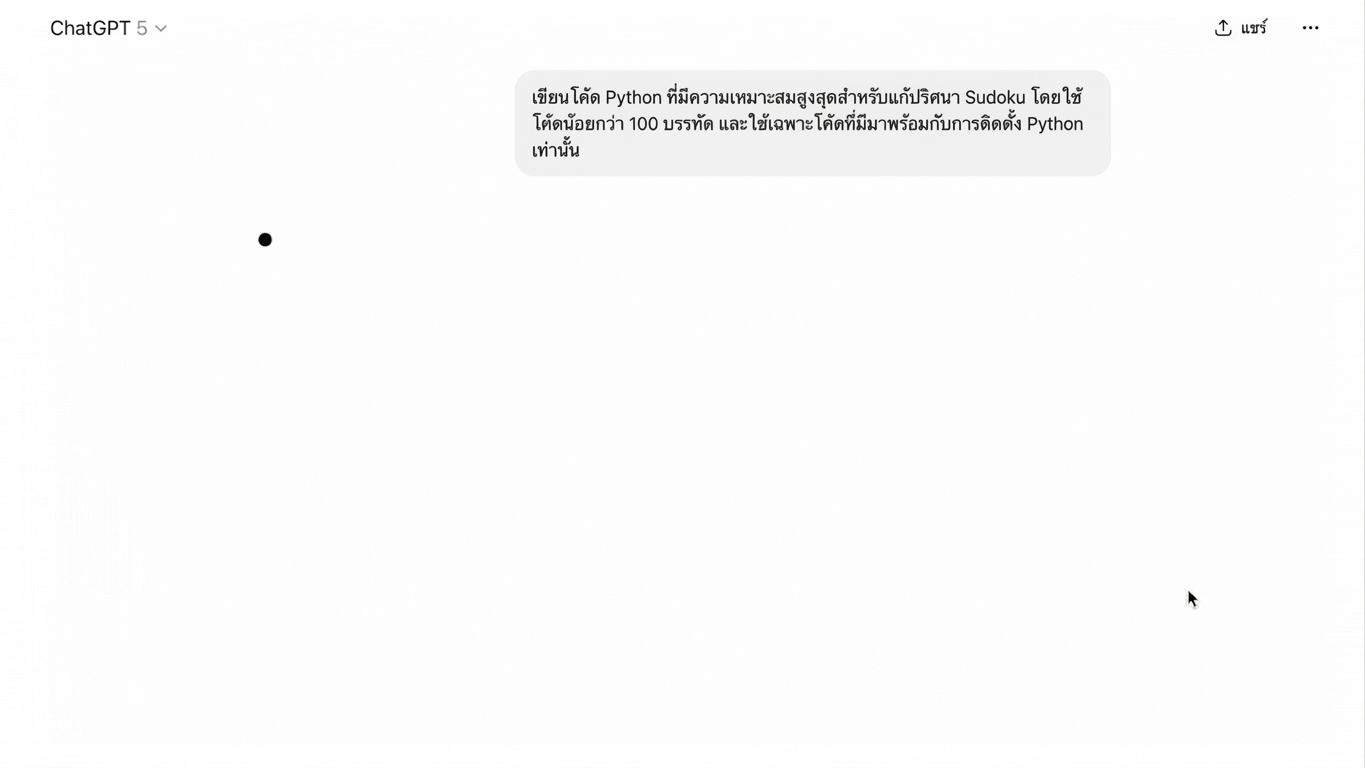
chatgpt_semantic_events.gif

1 Semantic Events ที่ใช้งานใน ChatGPT
การทำงานกับ OpenAI Responses API

มาฝึกกันเถอะ!

การทำงานกับ OpenAI Responses API

Preparing Video For Download...