การสร้าง Prompt สำหรับสไลด์ที่น่าสนใจ

Microsoft Copilot ใน PowerPoint

James Chapman

AI Curriculum Manager, DataCamp

เนื้อหาที่จะเรียน...

engaging_presentation.jpg

Microsoft Copilot ใน PowerPoint

ทำไมคุณภาพของ Prompt จึงสำคัญ

prompt_quality1.jpg

Microsoft Copilot ใน PowerPoint

ทำไมคุณภาพของ Prompt จึงสำคัญ

prompt_quality2.jpg

Microsoft Copilot ใน PowerPoint

ทำไมคุณภาพของ Prompt จึงสำคัญ

prompt_quality3.jpg

Microsoft Copilot ใน PowerPoint

ทำไมคุณภาพของ Prompt จึงสำคัญ

prompt_quality4.jpg

Microsoft Copilot ใน PowerPoint

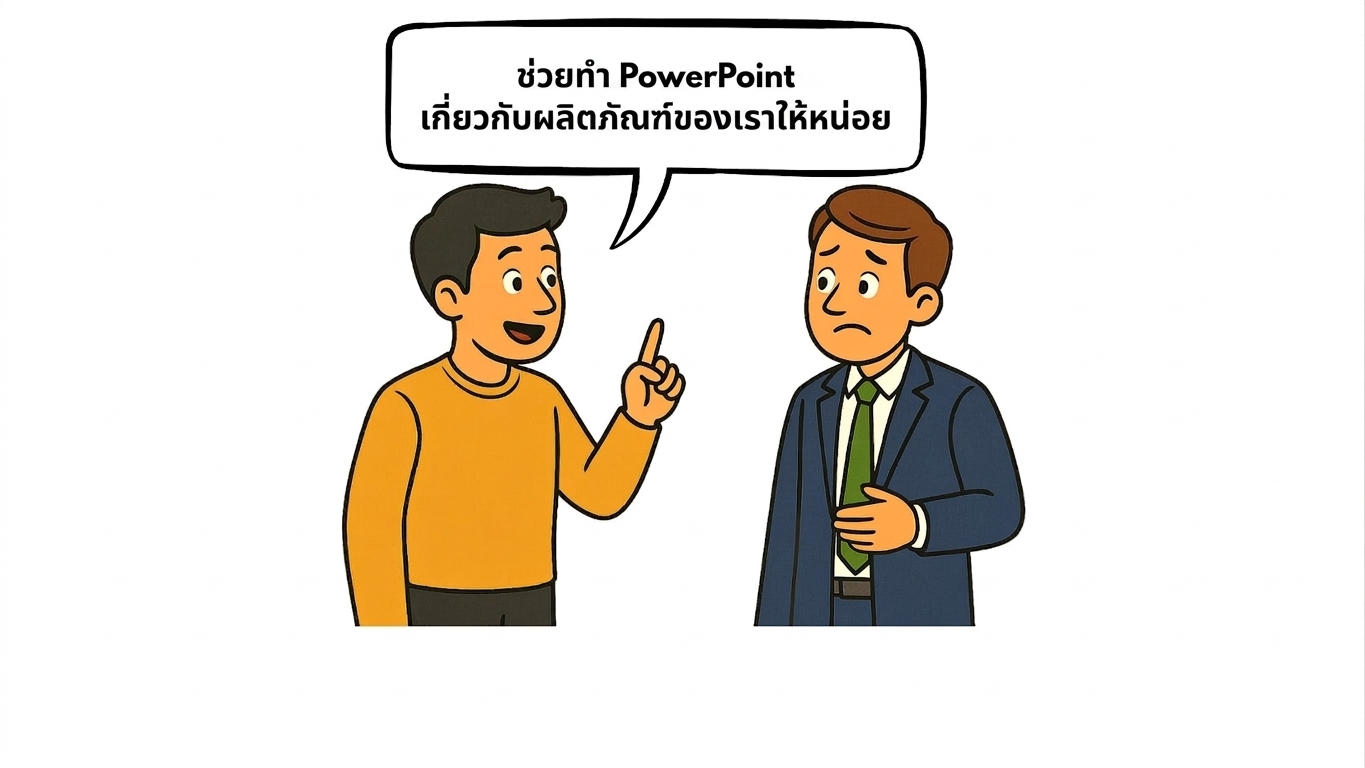
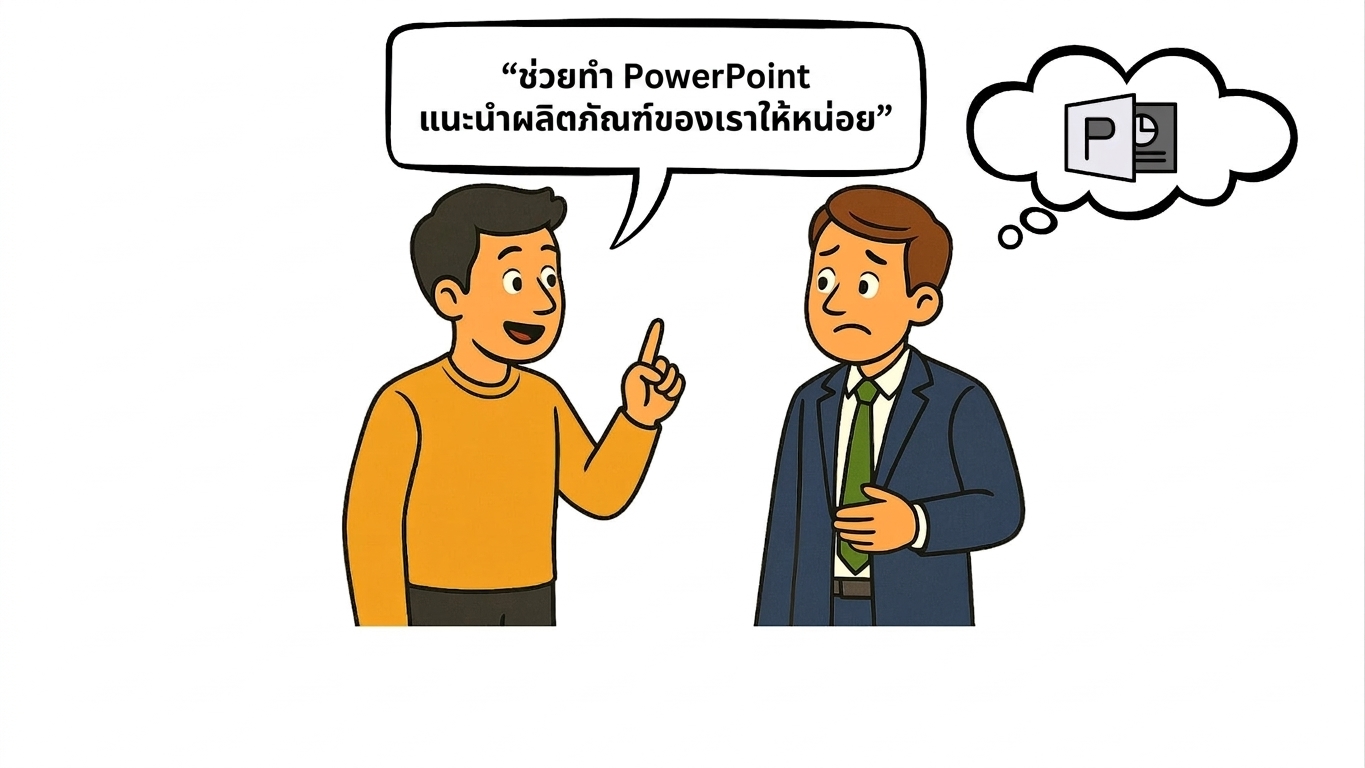
ตัวอย่างที่ 1: Prompt ที่คลุมเครือ

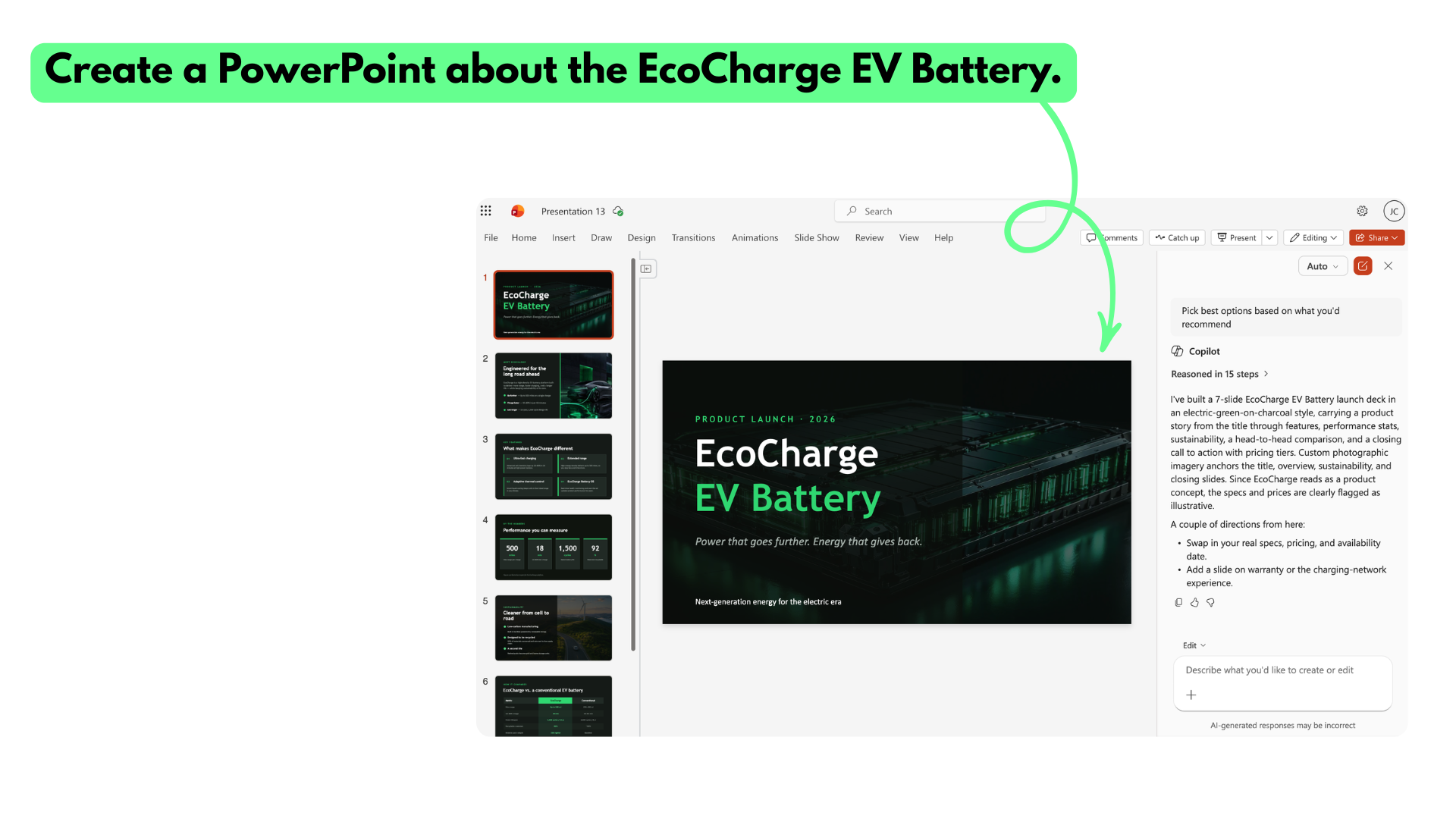
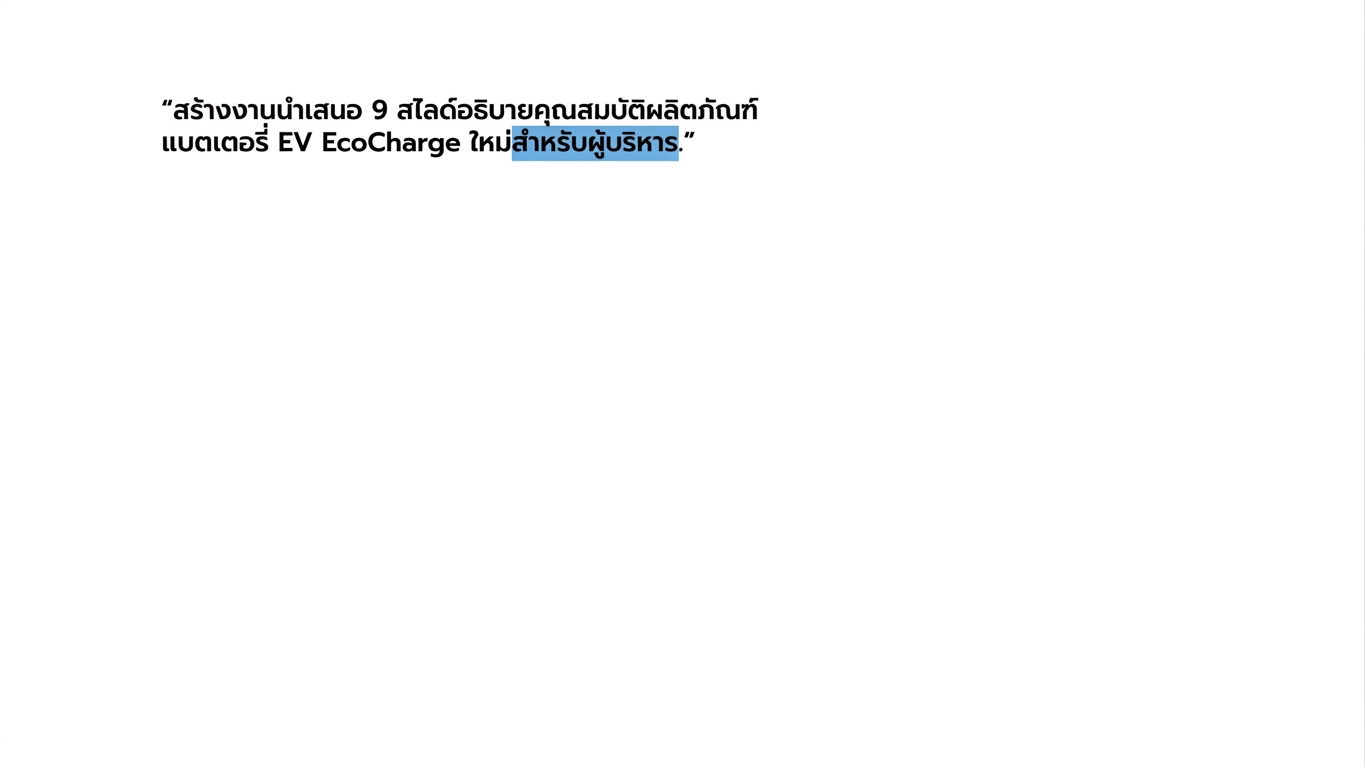
vague_prompt.png

Microsoft Copilot ใน PowerPoint

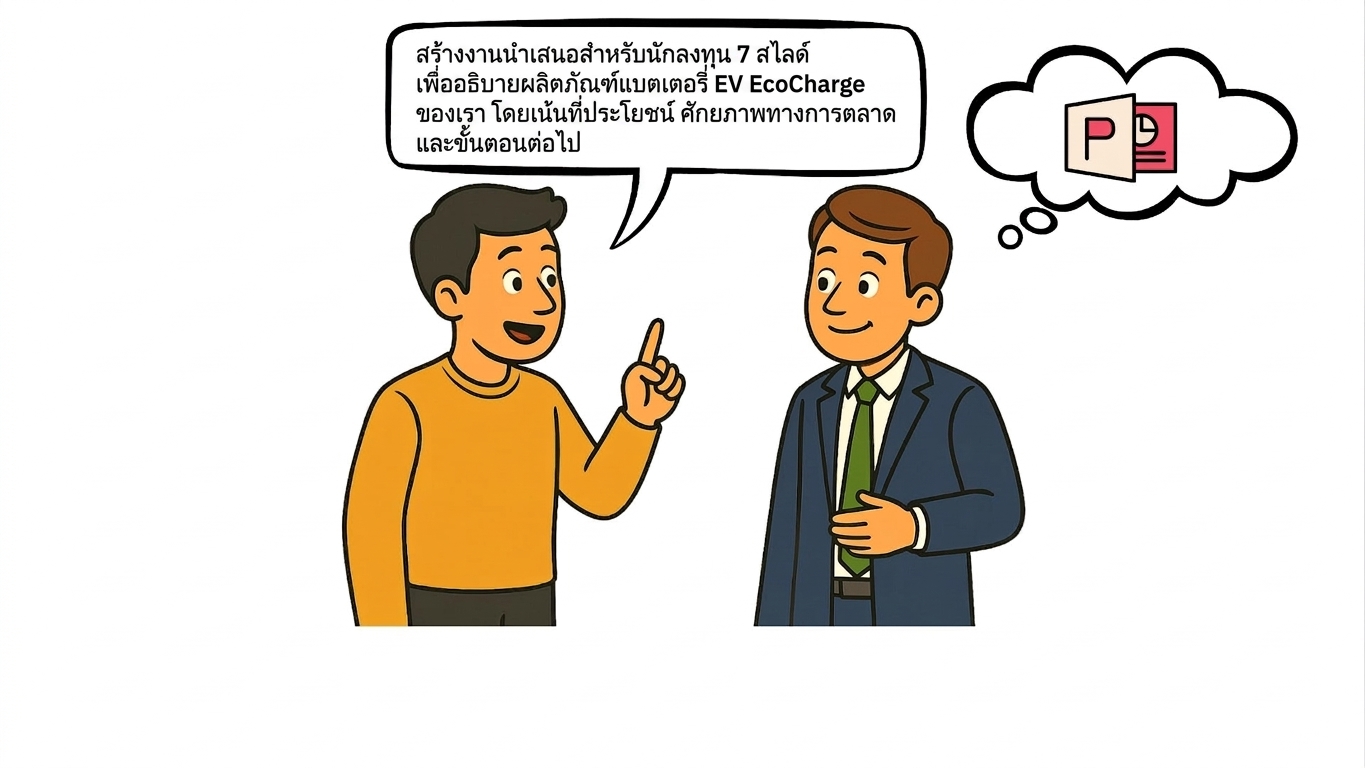
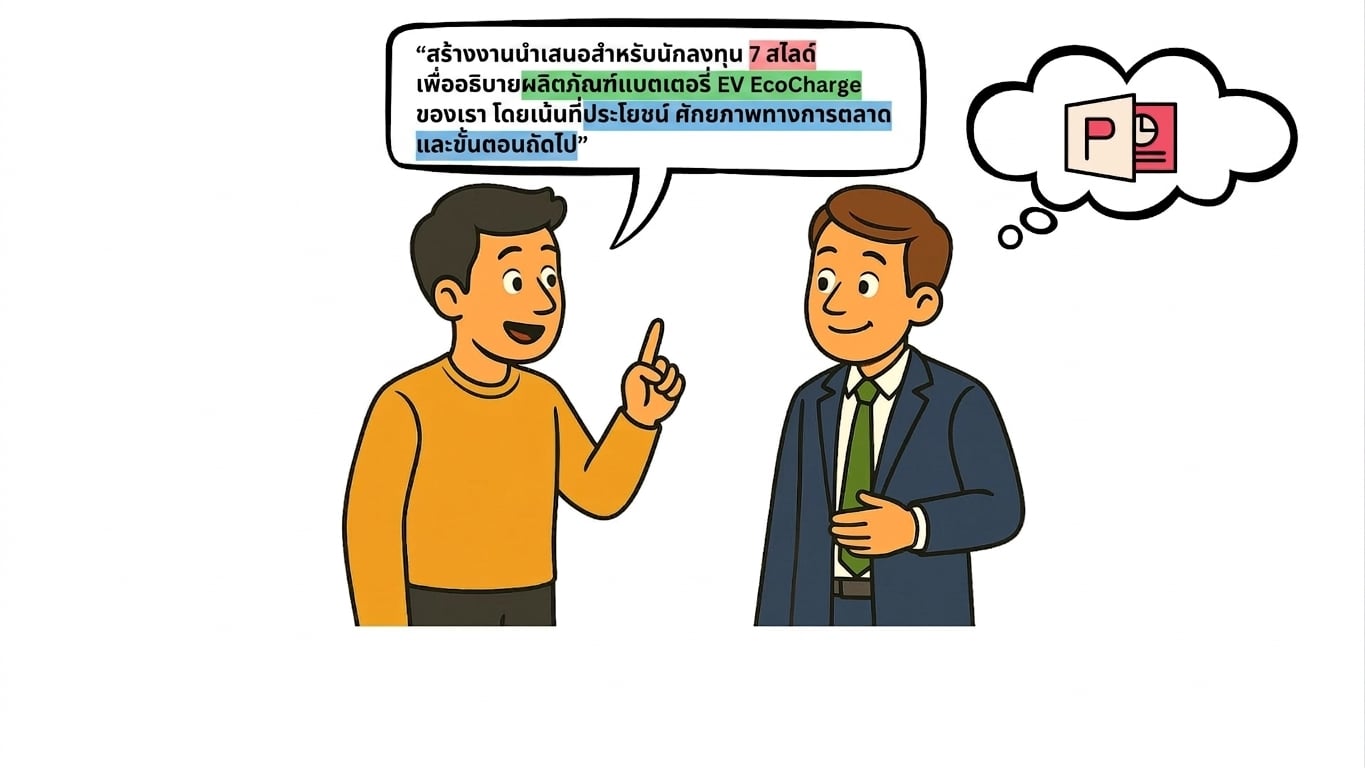
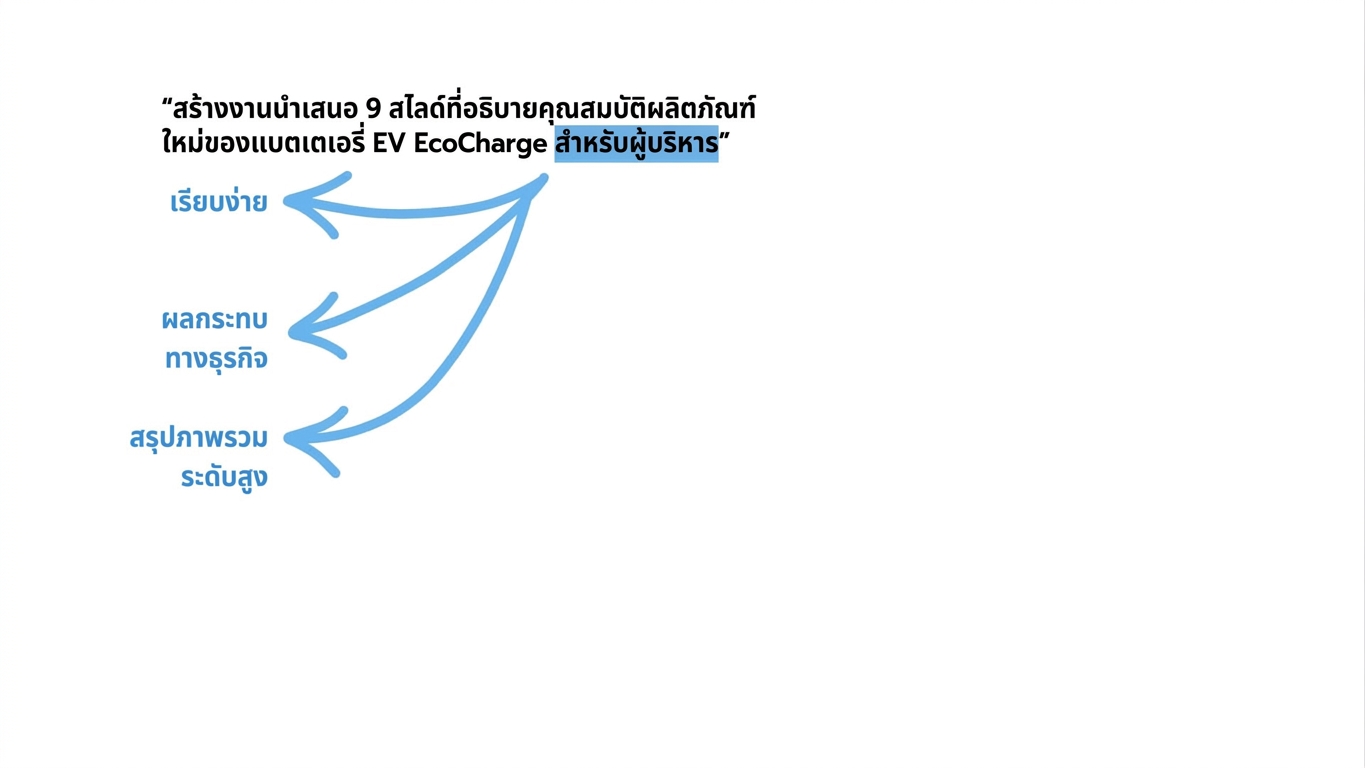
ตัวอย่างที่ 2: Prompt ที่มีโครงสร้างชัดเจน
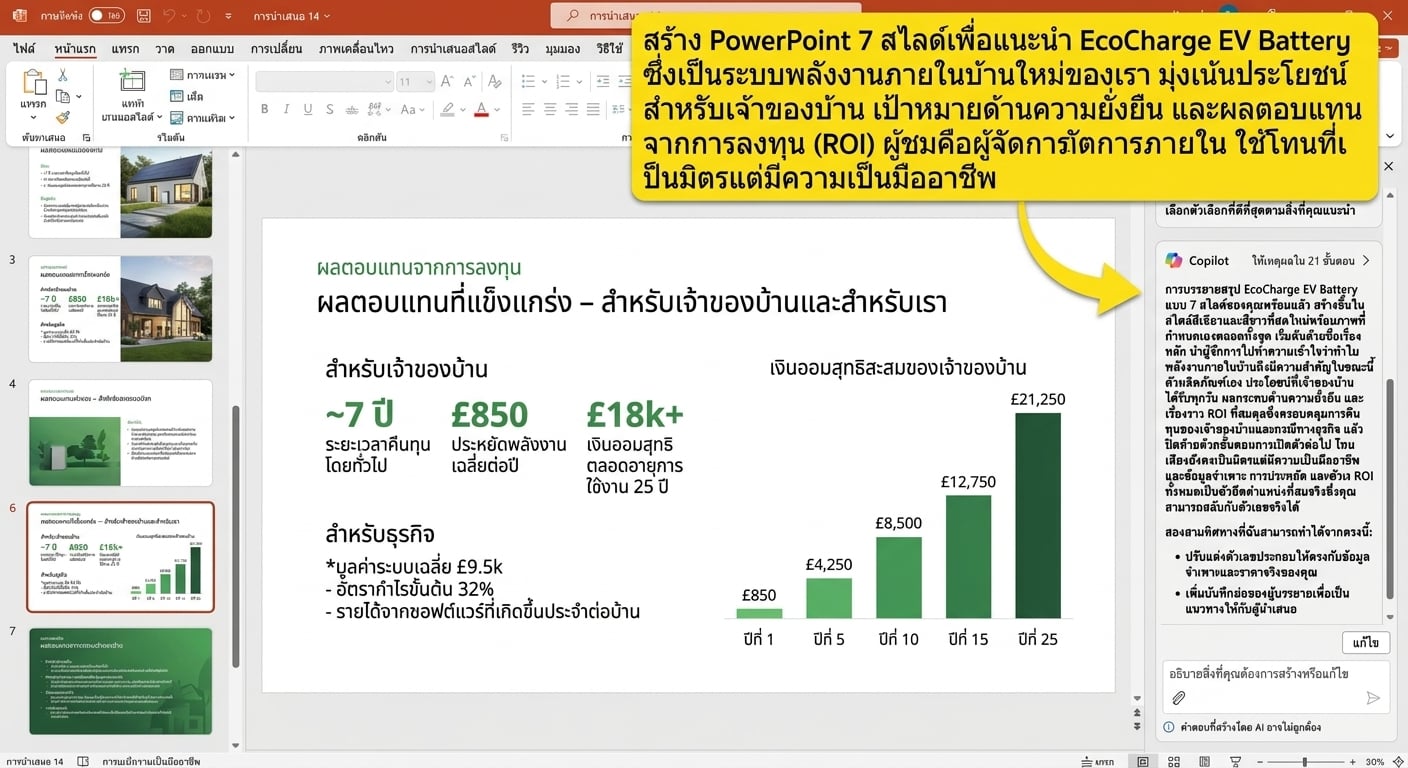
structured_prompt.png

Microsoft Copilot ใน PowerPoint

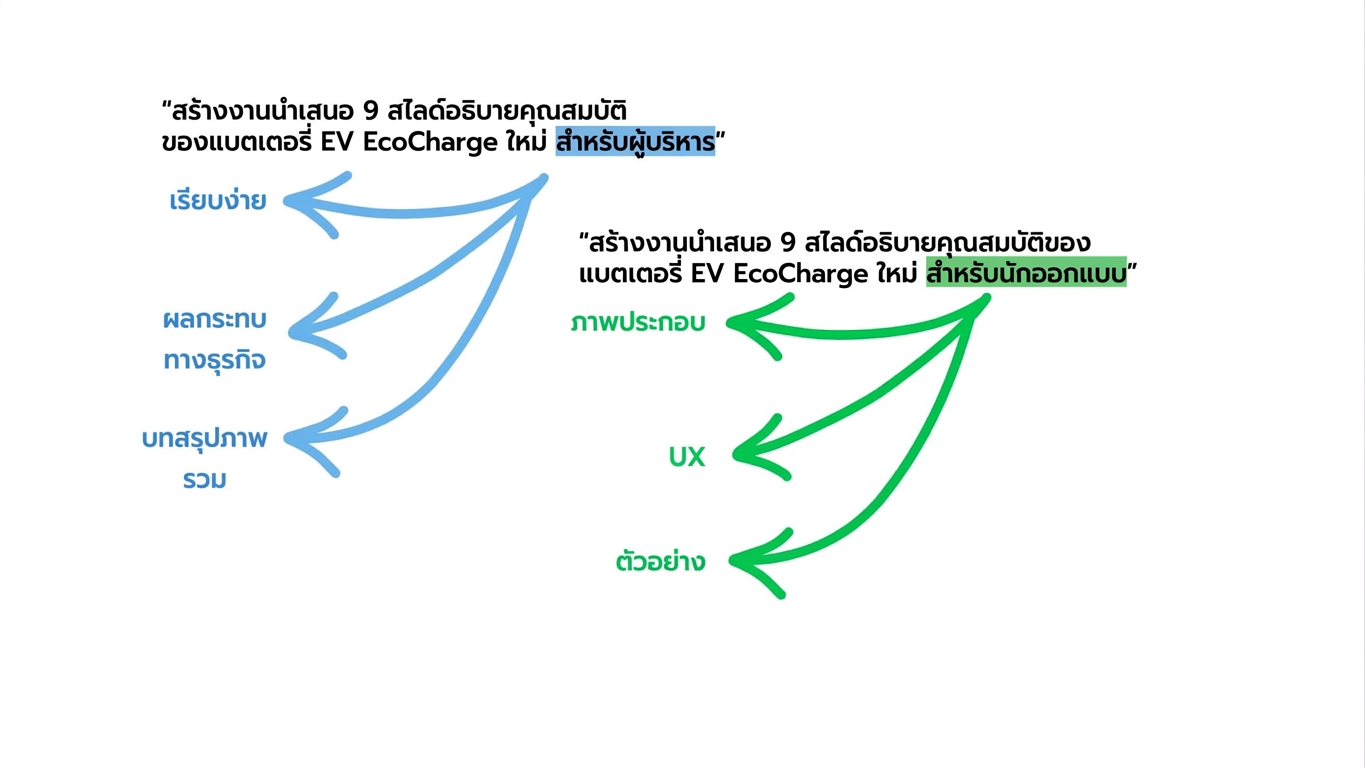
Copilot "ตีความ" Prompt อย่างไร

copilot_interpret1.jpg

Microsoft Copilot ใน PowerPoint

Copilot "ตีความ" Prompt อย่างไร

copilot_interpret2.jpg

Microsoft Copilot ใน PowerPoint

Copilot "ตีความ" Prompt อย่างไร

copilot_interpret3.jpg

Microsoft Copilot ใน PowerPoint

Copilot "ตีความ" Prompt อย่างไร

copilot_interpret4.jpg

Microsoft Copilot ใน PowerPoint

Copilot "ตีความ" Prompt อย่างไร

copilot_interpret5.jpg

Microsoft Copilot ใน PowerPoint

ข้อผิดพลาดที่ควรหลีกเลี่ยง


ความคลุมเครือ → Prompt ที่ขาดรายละเอียดเพียงพอ

ข้อมูลมากเกินไป → ใส่ข้อมูลทีเดียวมากเกินไป

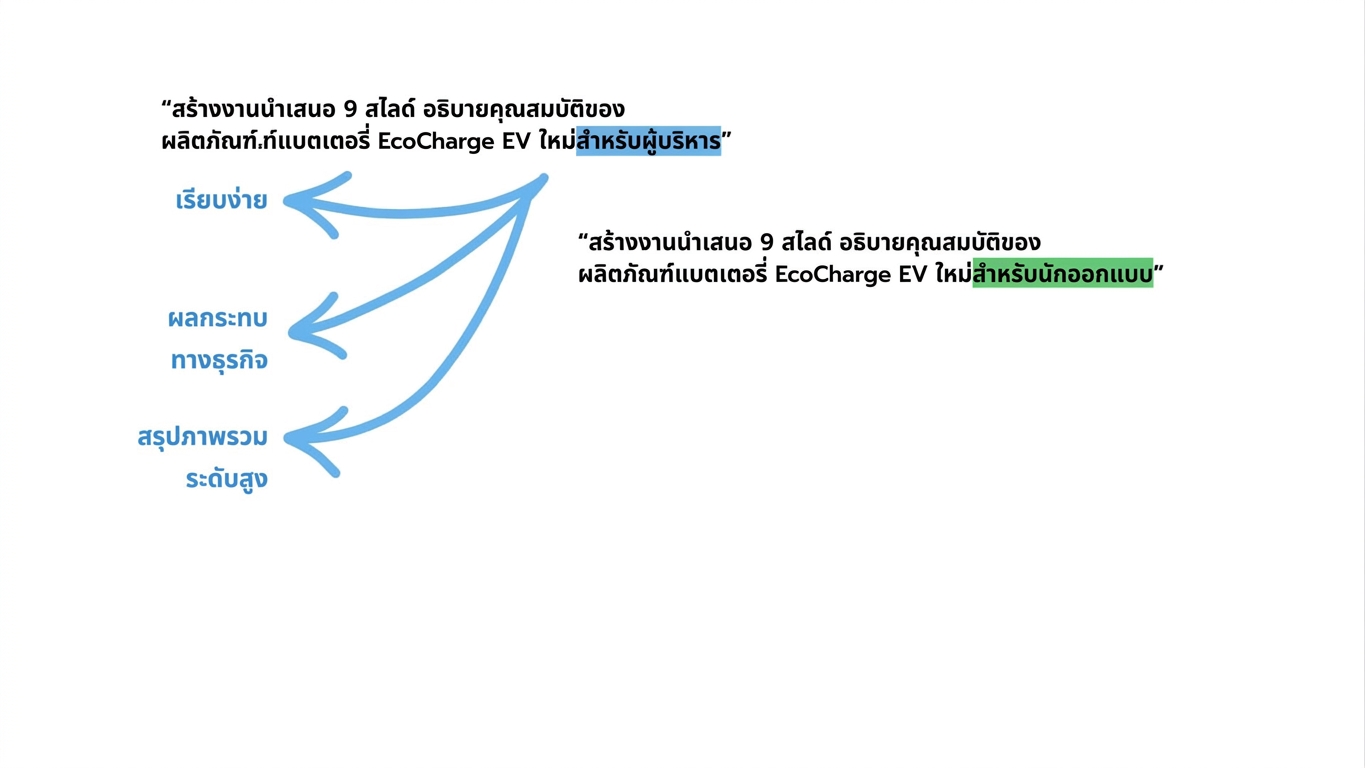
กลุ่มเป้าหมายไม่ชัด → ใครคือผู้ชมของการนำเสนอ?


confusing_powerpoint.png

Microsoft Copilot ใน PowerPoint

มาฝึกกันเถอะ!

Microsoft Copilot ใน PowerPoint

Preparing Video For Download...