การสร้างภาพประกอบสไลด์ด้วย Copilot

Microsoft Copilot ใน PowerPoint

James Chapman

AI Curriculum Manager, DataCamp

ทำไมภาพประกอบจึงสำคัญ

 

🔴 ปัจจัยที่ลดการมีส่วนร่วม

  • ข้อความในสไลด์ที่หนาแน่น
  • หัวข้อย่อยจำนวนมาก


🟢 ปัจจัยที่เพิ่มการมีส่วนร่วม

  • การนำเสนอของผู้พูด
  • การออกแบบสไลด์

Microsoft Copilot ใน PowerPoint

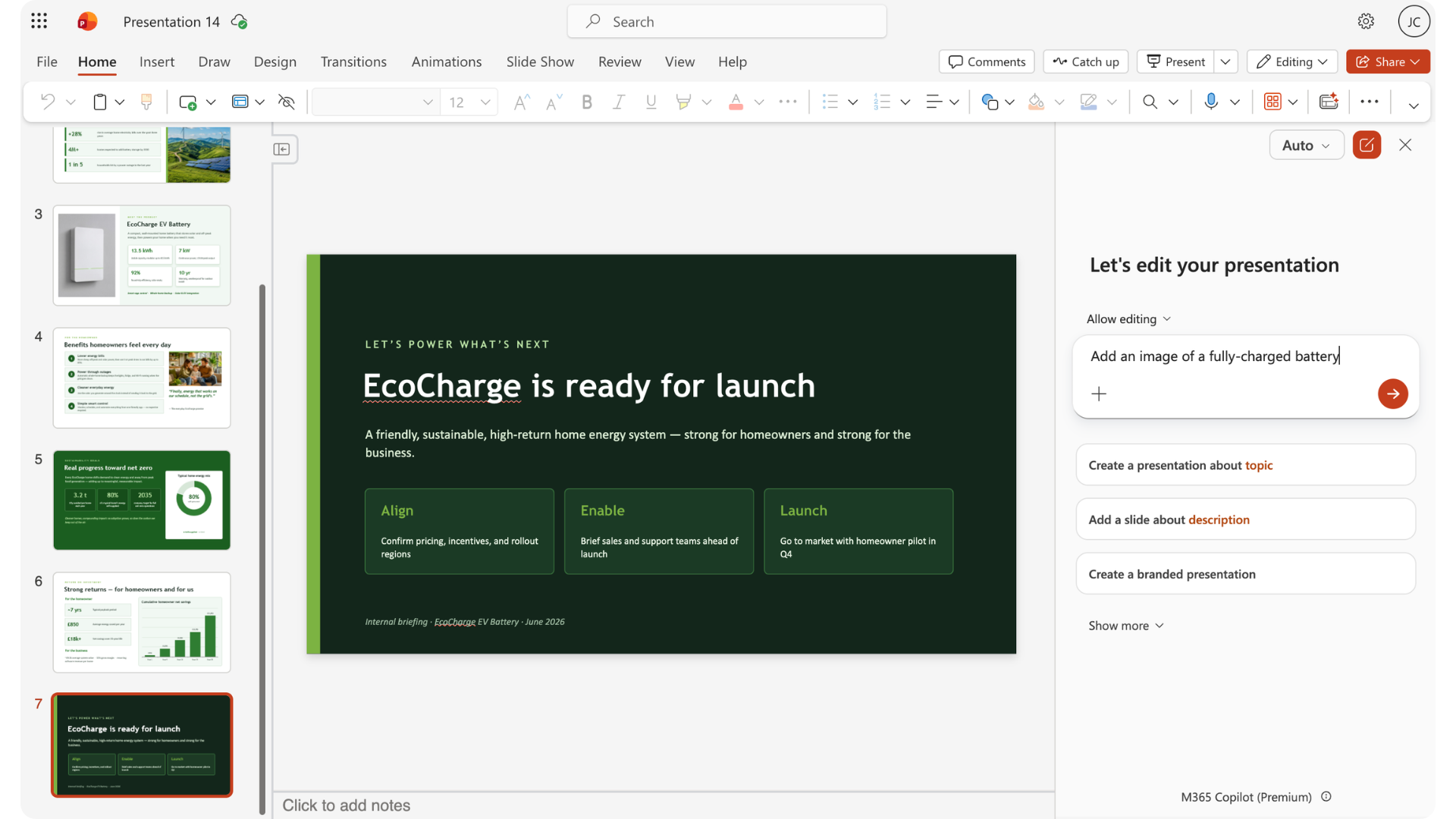
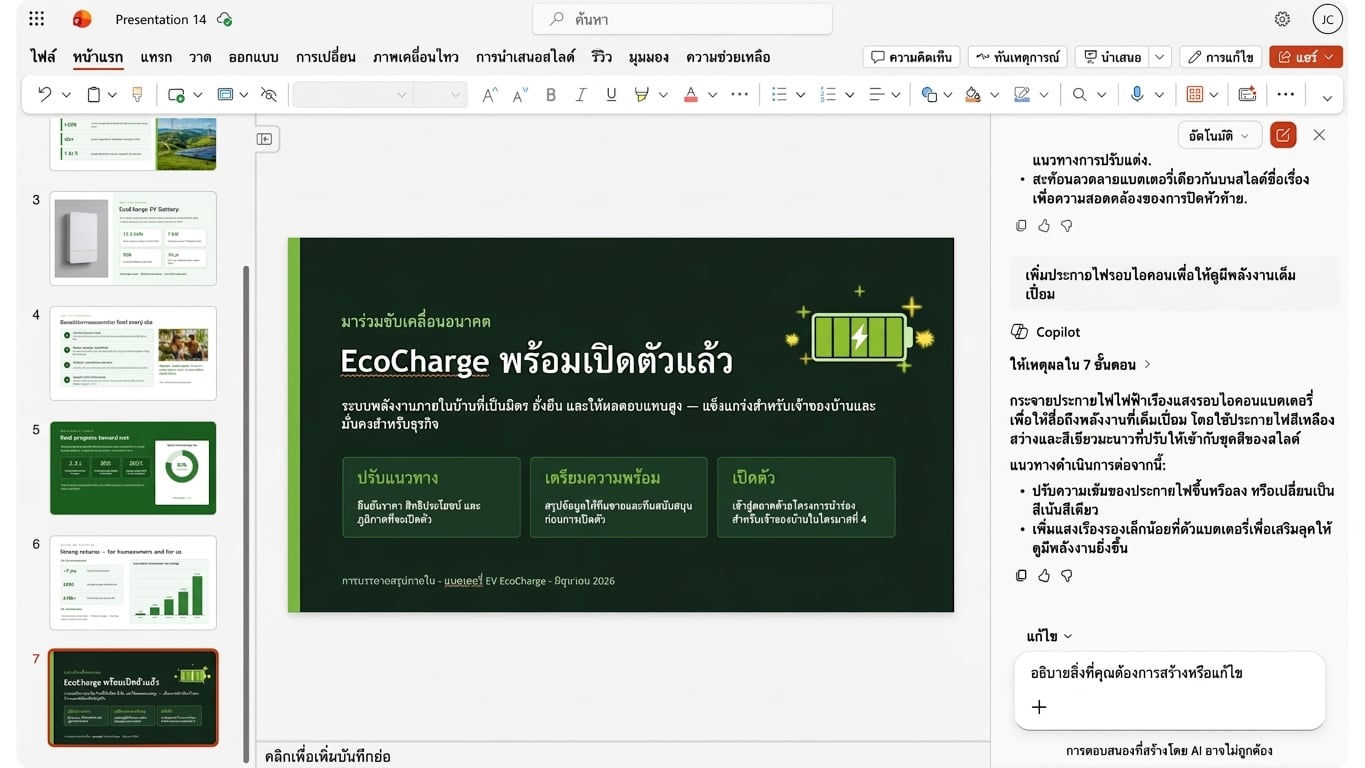
การเพิ่มภาพประกอบด้วย Copilot

slide_visuals1.png

Microsoft Copilot ใน PowerPoint

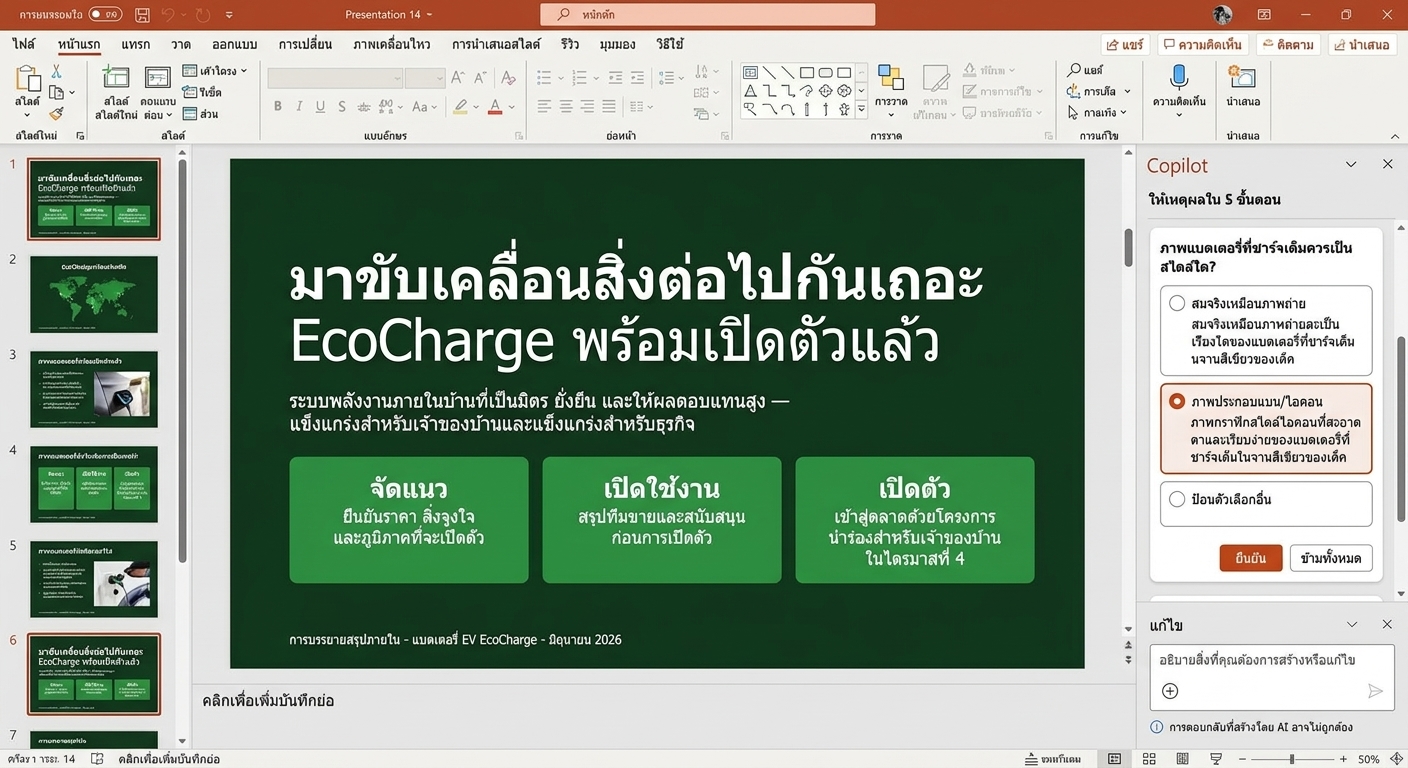
การเพิ่มภาพประกอบด้วย Copilot

slide_visuals2.png

Microsoft Copilot ใน PowerPoint

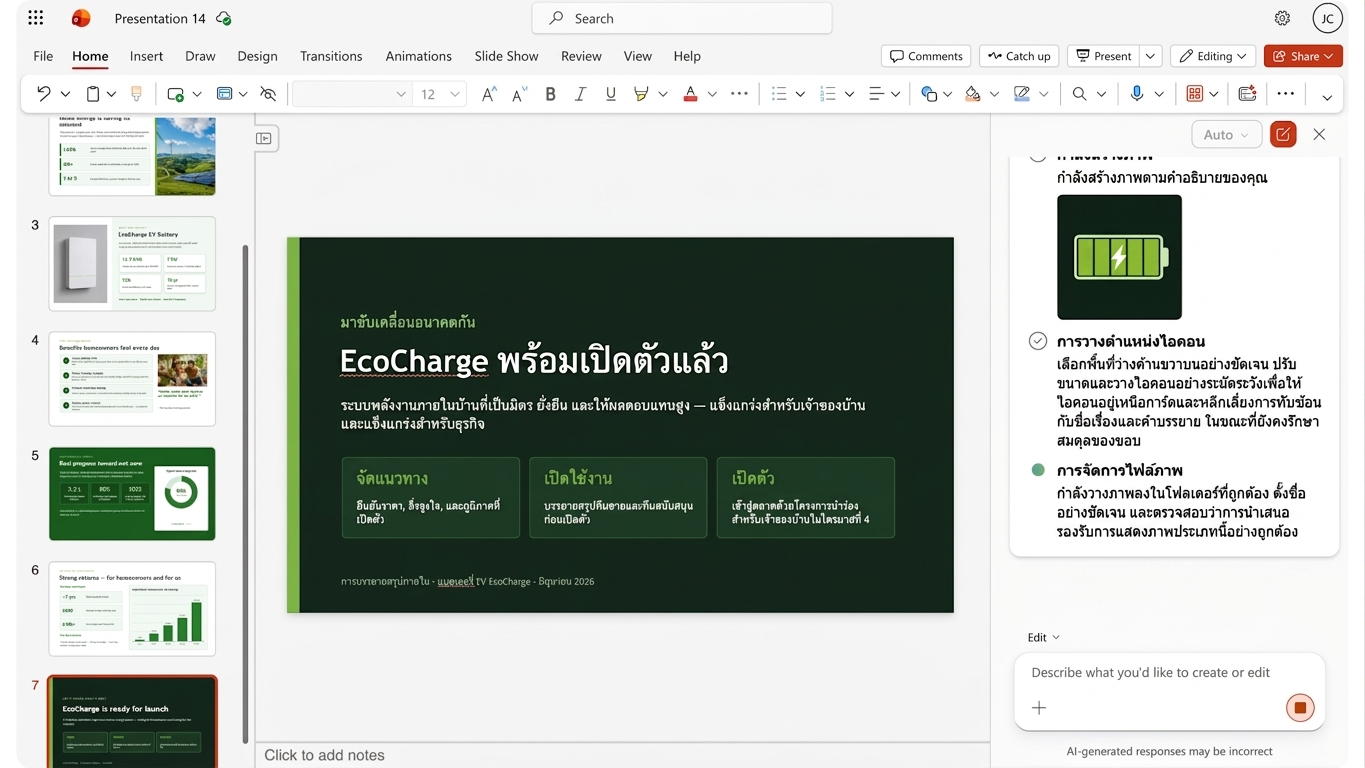
การเพิ่มภาพประกอบด้วย Copilot

slide_visuals3.png

Microsoft Copilot ใน PowerPoint

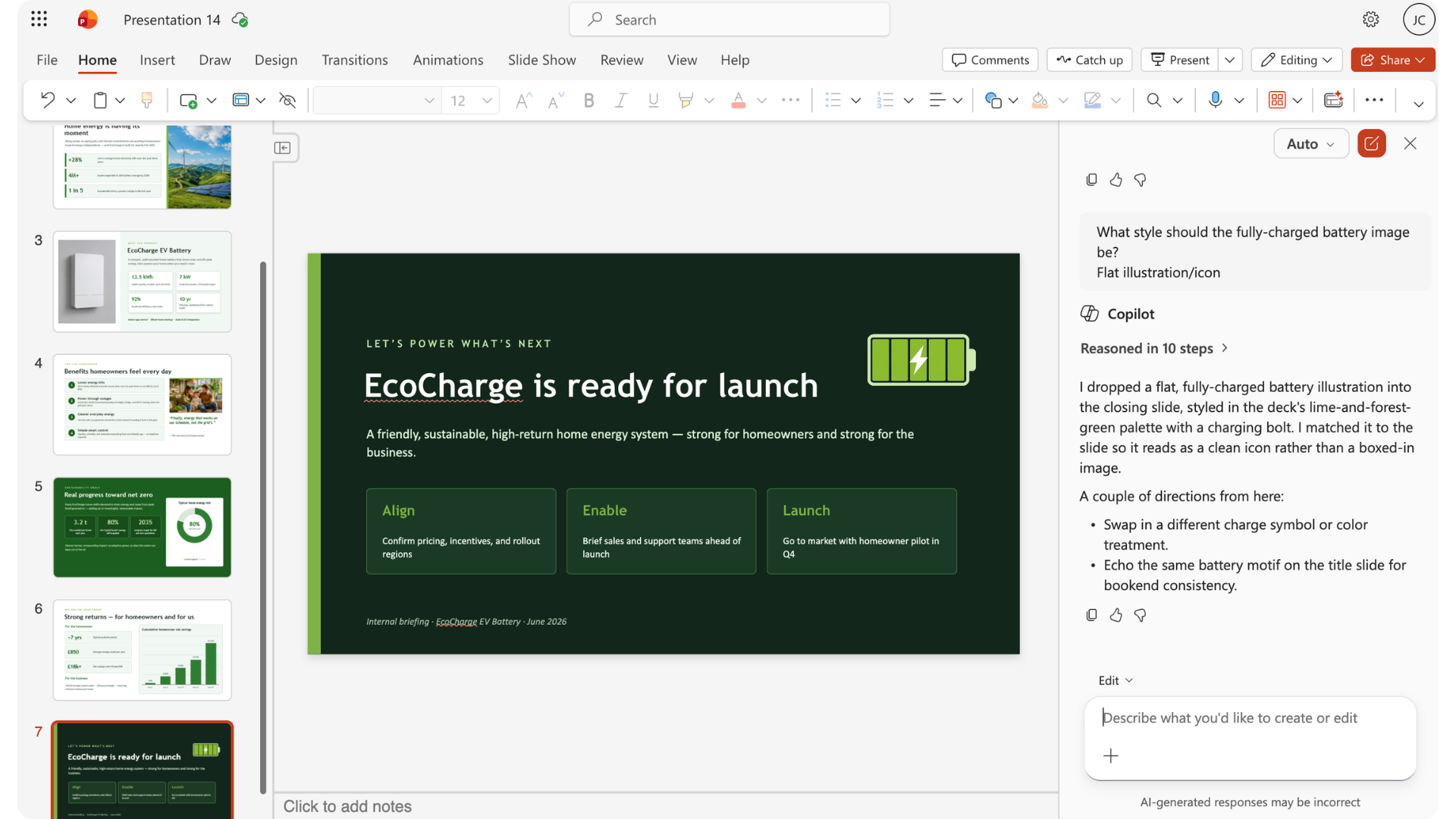
การเพิ่มภาพประกอบด้วย Copilot

slide_visuals4.png

Microsoft Copilot ใน PowerPoint

การปรับแต่งรูปภาพ

editing_images.png

Microsoft Copilot ใน PowerPoint

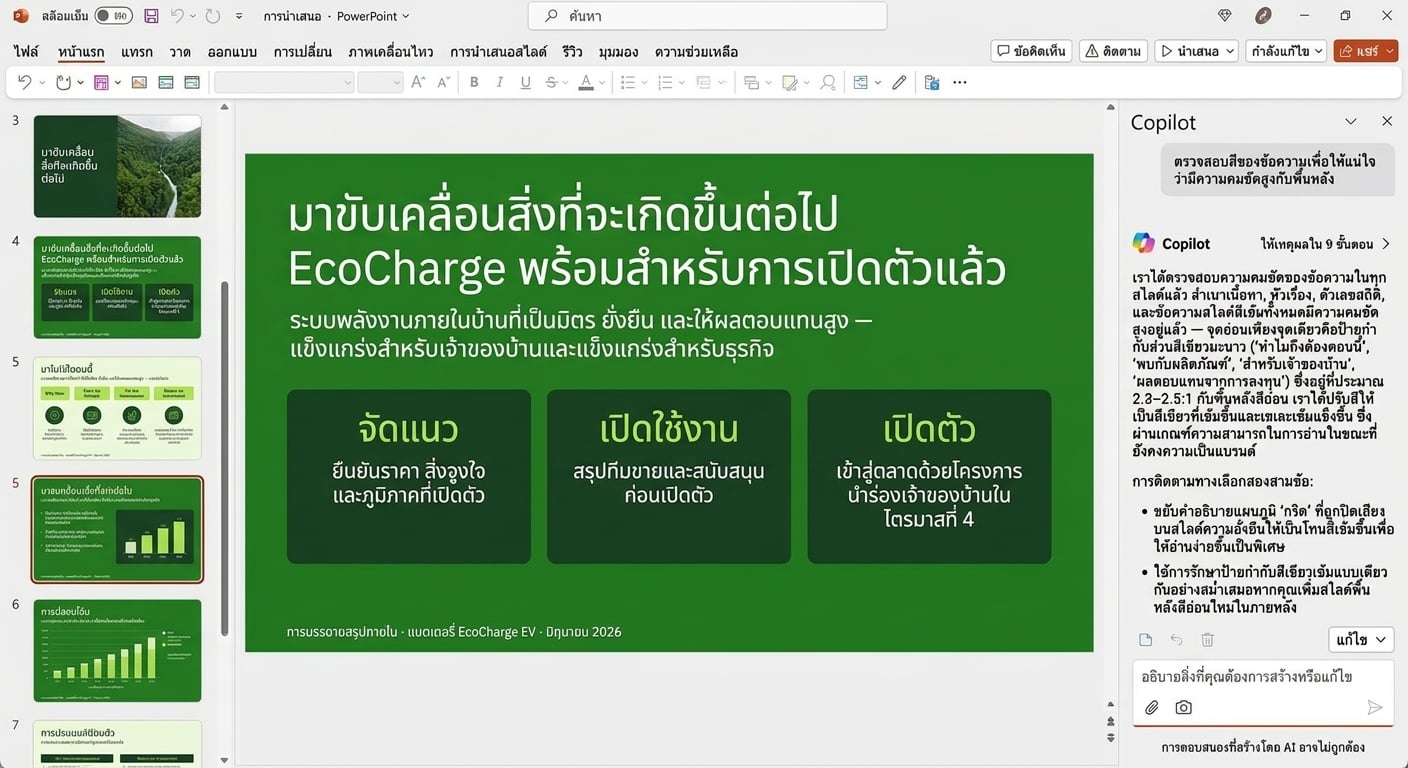
เมื่อใดควรปรับแก้คำแนะนำของ Copilot

overriding_copilot1.jpg

Microsoft Copilot ใน PowerPoint

เมื่อใดควรปรับแก้คำแนะนำของ Copilot

overriding_copilot2.jpg

Microsoft Copilot ใน PowerPoint

เมื่อใดควรปรับแก้คำแนะนำของ Copilot

overriding_copilot3.jpg

Microsoft Copilot ใน PowerPoint

พรอมต์ด้านการออกแบบ

design_prompts.png

Microsoft Copilot ใน PowerPoint

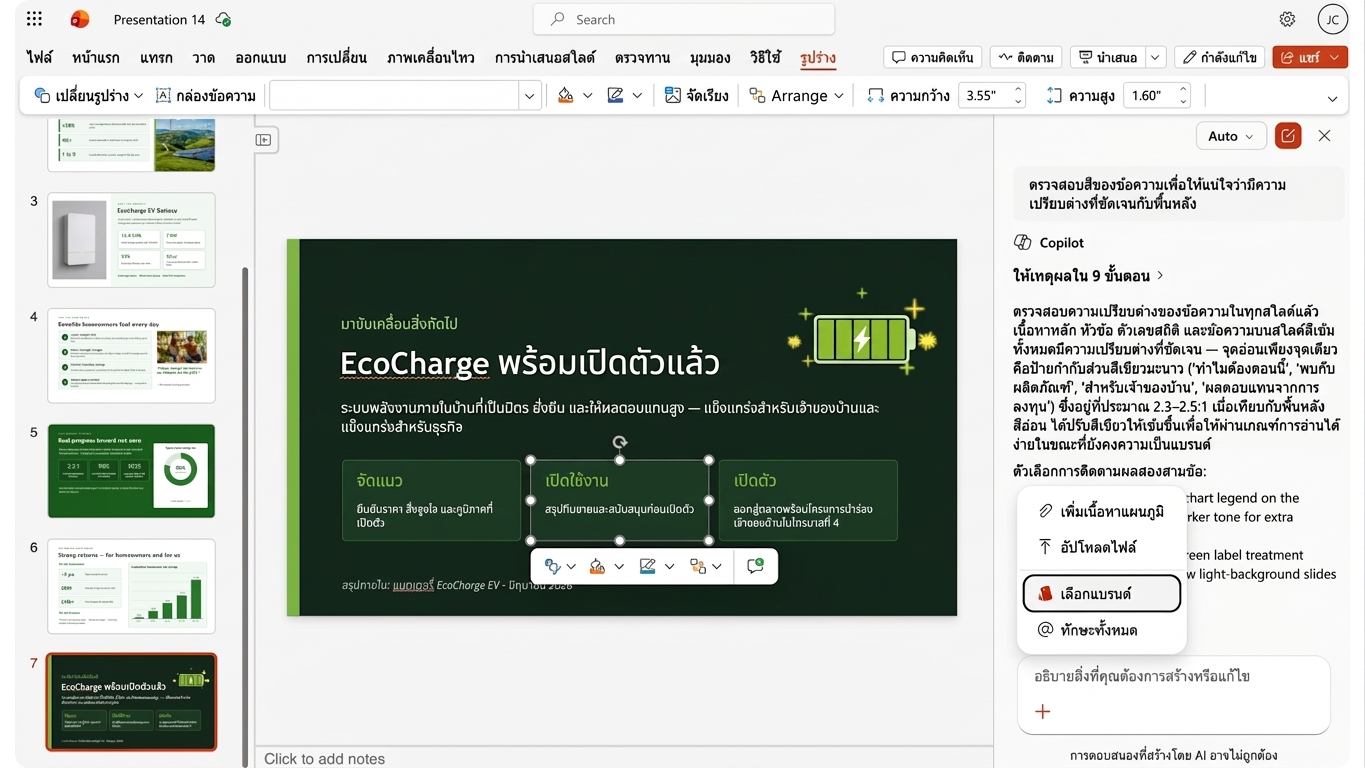
การสร้างแบรนด์

branding.png

Microsoft Copilot ใน PowerPoint

ทำเองกับมอบหมายให้ Copilot

  • จำกัดอยู่ในองค์ประกอบจำนวนน้อย
  • อธิบายได้ยาก

act.png

  • ส่งผลต่อสไลด์หรือองค์ประกอบหลายรายการ
  • อธิบายได้ง่าย

delegate.png

Microsoft Copilot ใน PowerPoint

มาฝึกกันเถอะ!

Microsoft Copilot ใน PowerPoint

Preparing Video For Download...