打造有吸引力的幻灯片提示

Microsoft Copilot 在 PowerPoint 中

James Chapman

AI Curriculum Manager, DataCamp

接下来您将学到……

引人入胜的演示

Microsoft Copilot 在 PowerPoint 中

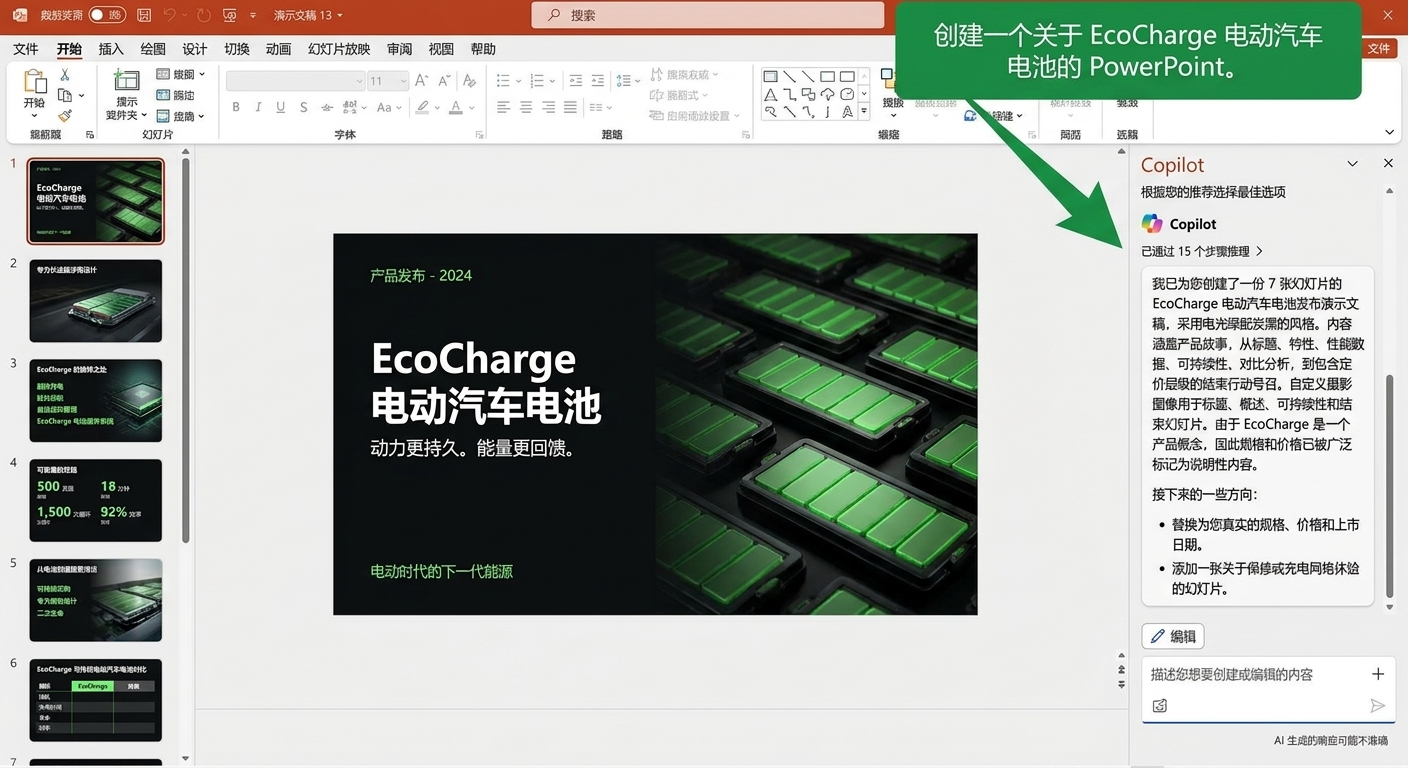
为何提示质量很重要

提示质量1

Microsoft Copilot 在 PowerPoint 中

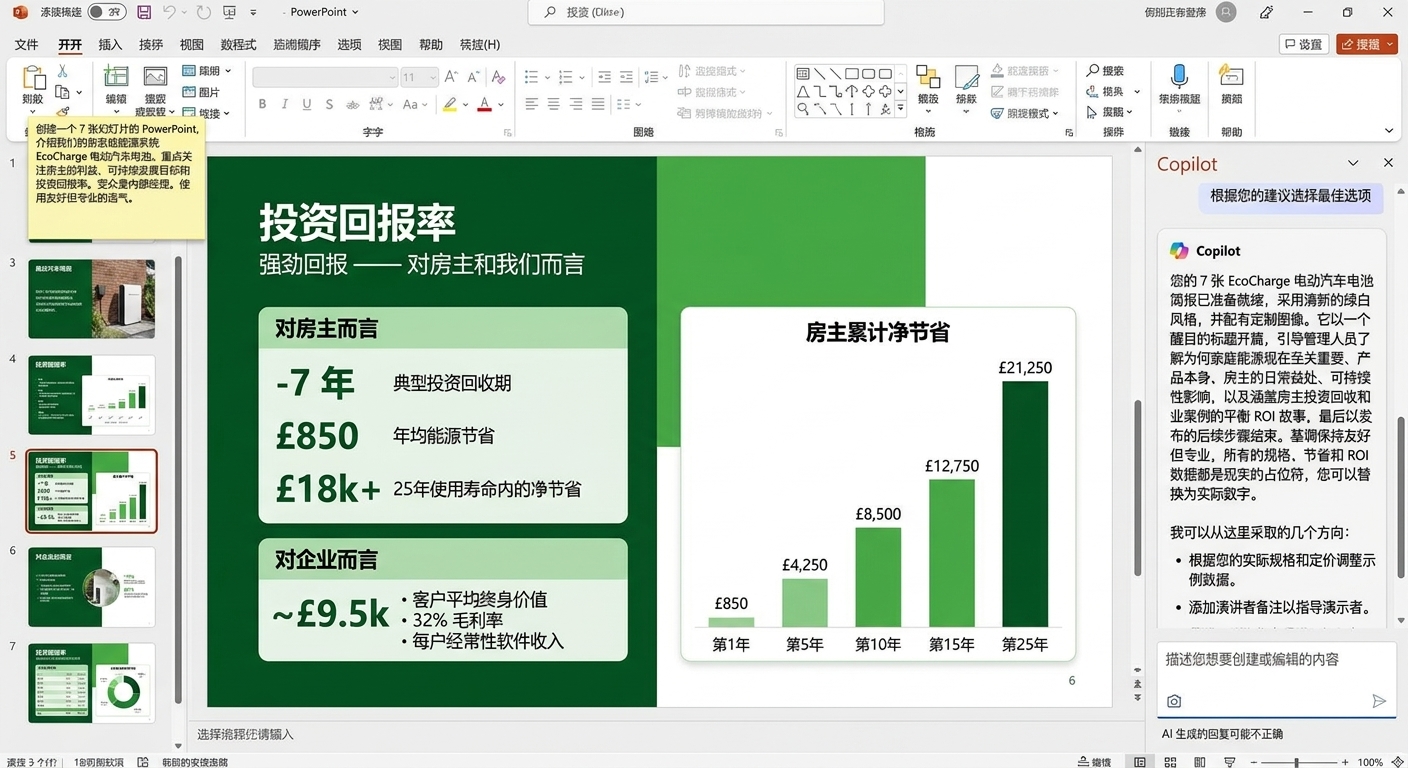
为何提示质量很重要

提示质量2

Microsoft Copilot 在 PowerPoint 中

为何提示质量很重要

提示质量3

Microsoft Copilot 在 PowerPoint 中

为何提示质量很重要

提示质量4

Microsoft Copilot 在 PowerPoint 中

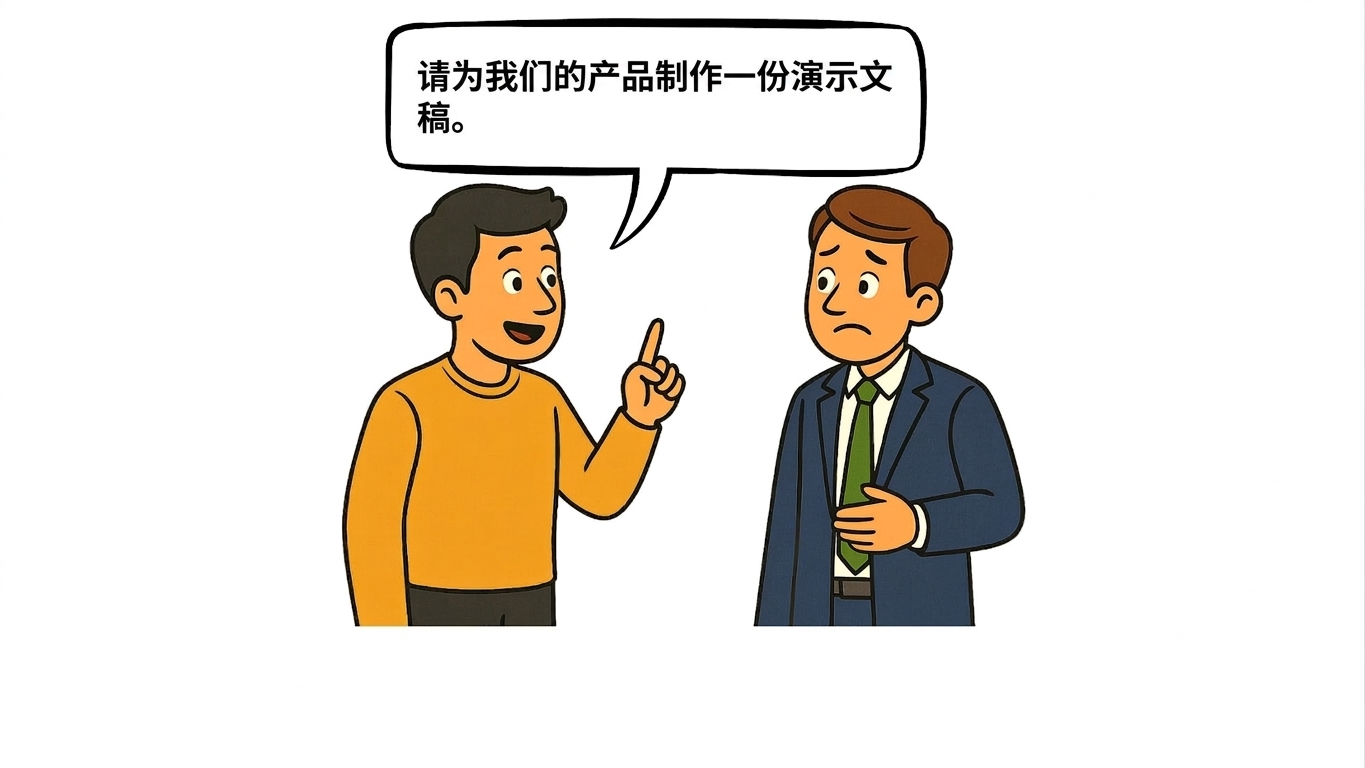
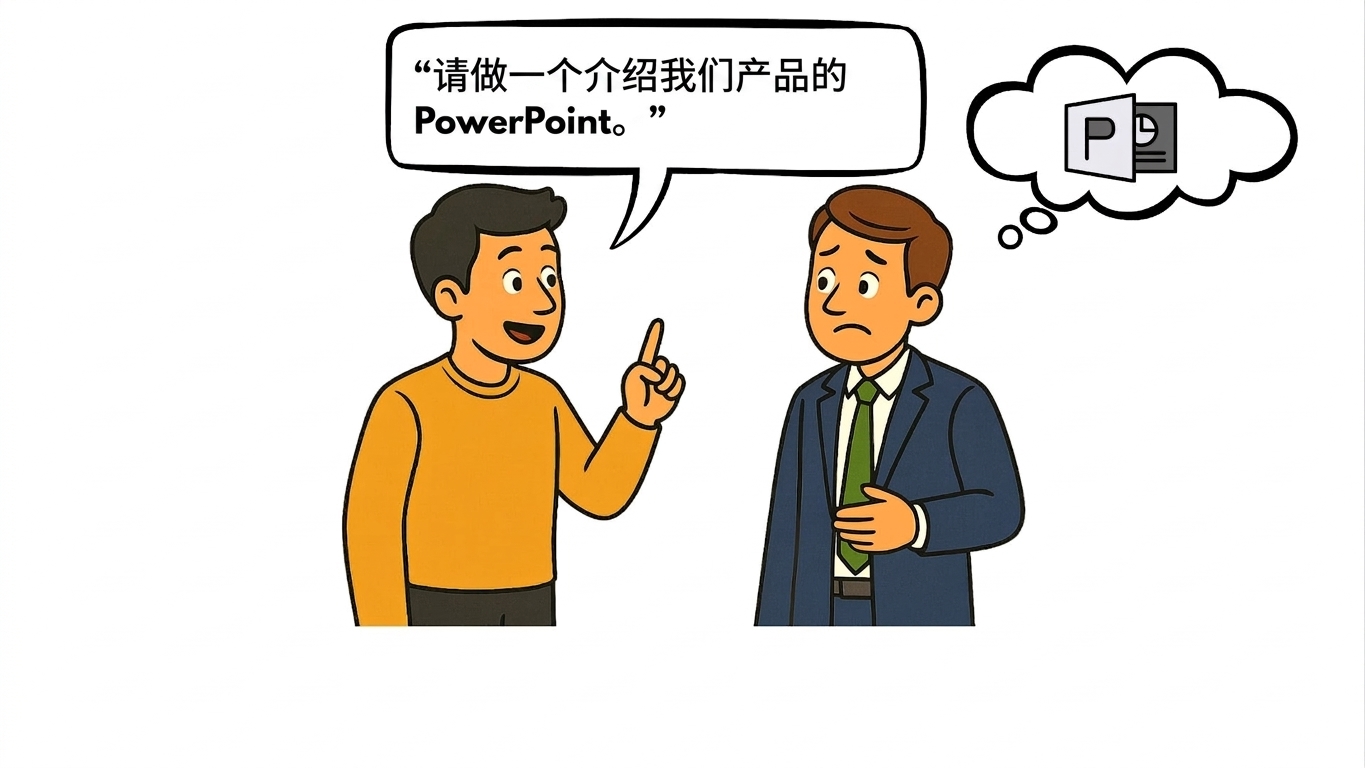
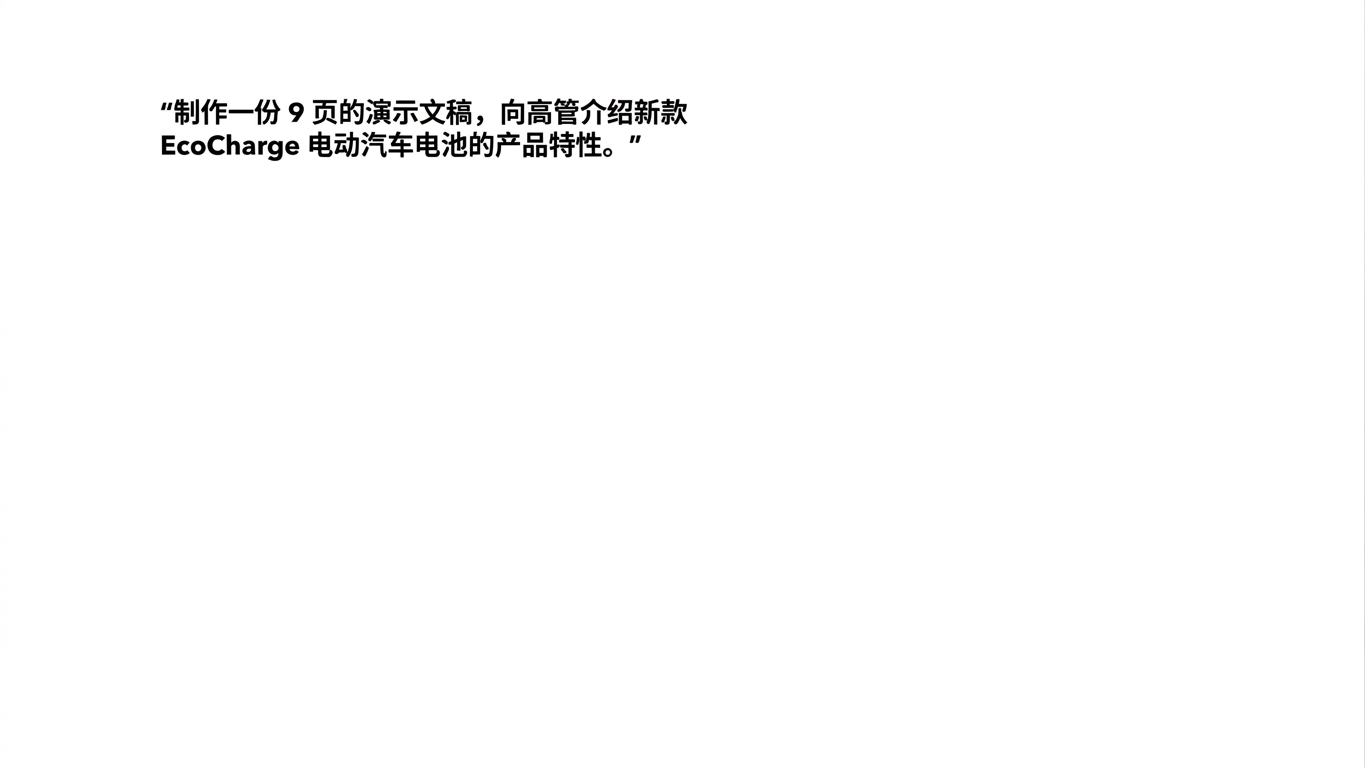
示例 1:含糊的提示

含糊的提示

Microsoft Copilot 在 PowerPoint 中

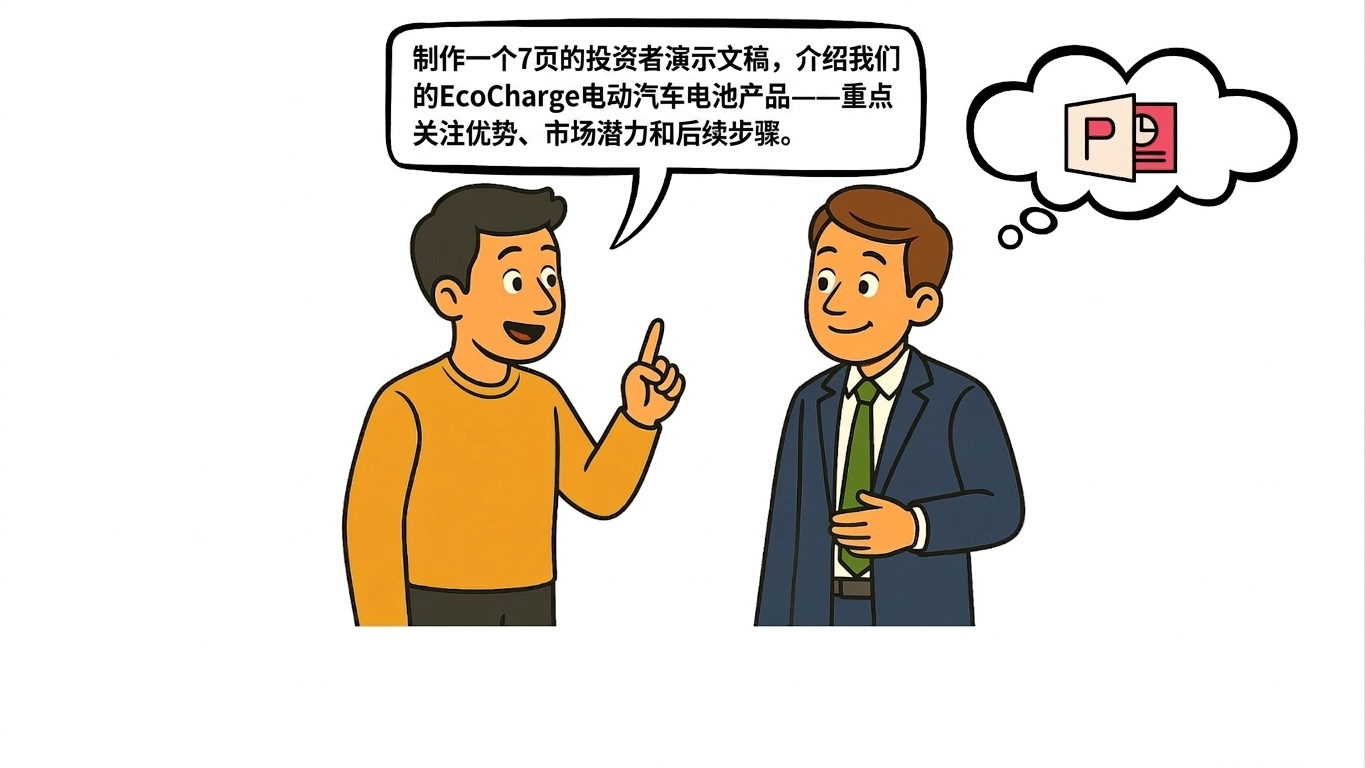
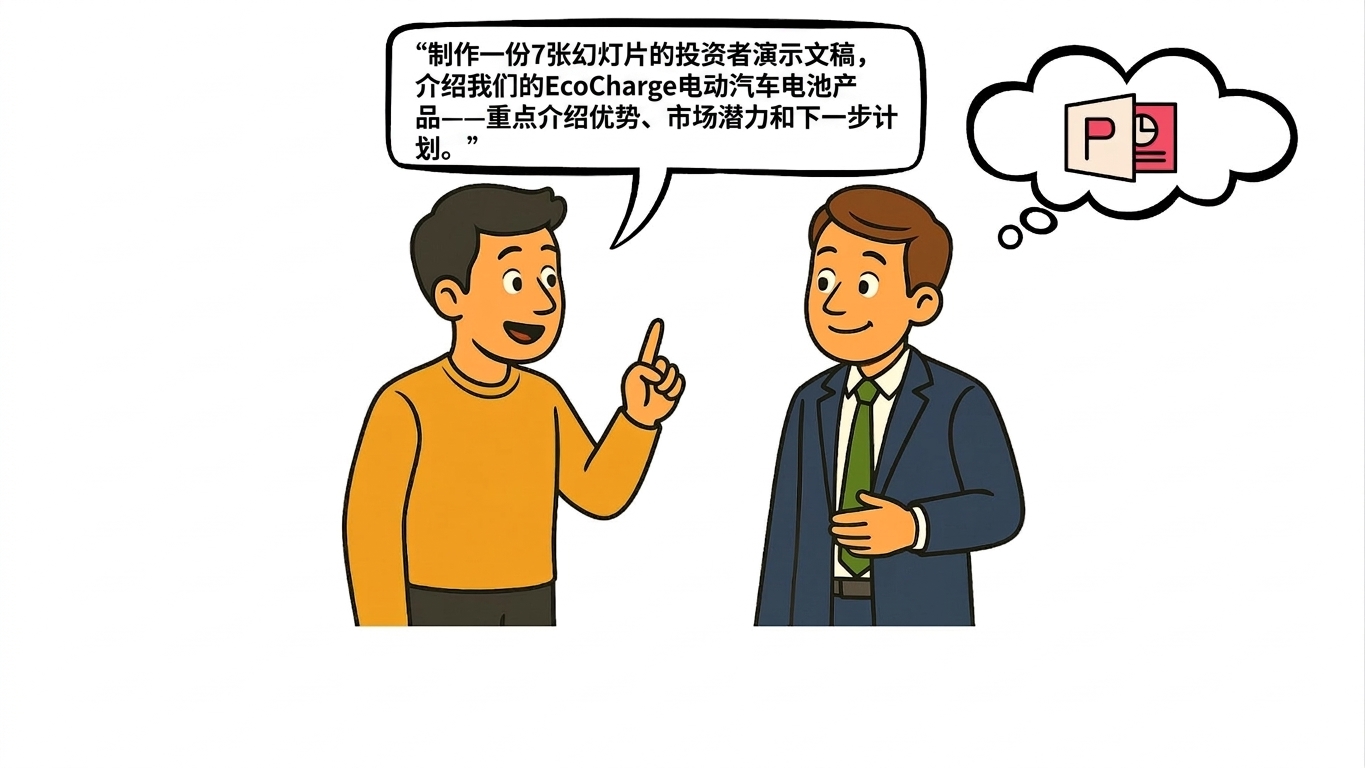
示例 2:结构化提示

结构化提示

Microsoft Copilot 在 PowerPoint 中

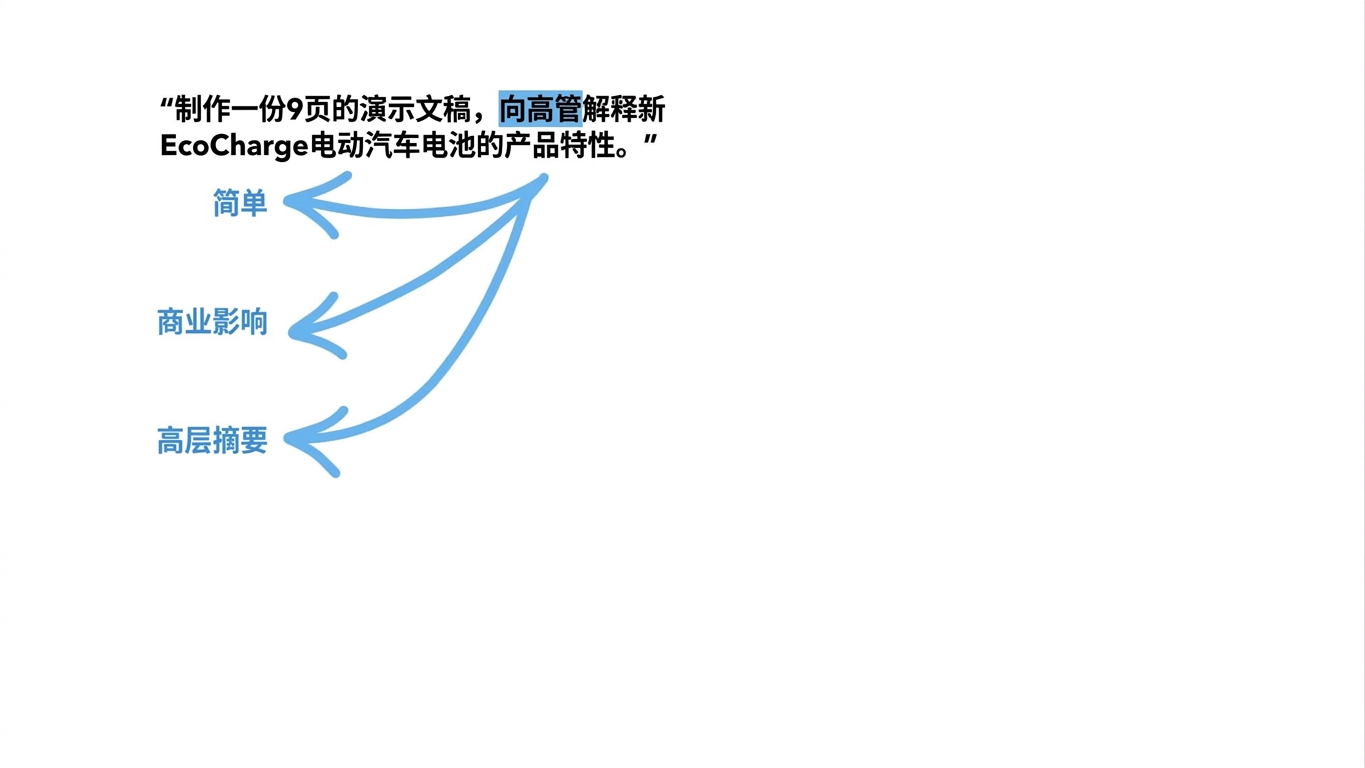
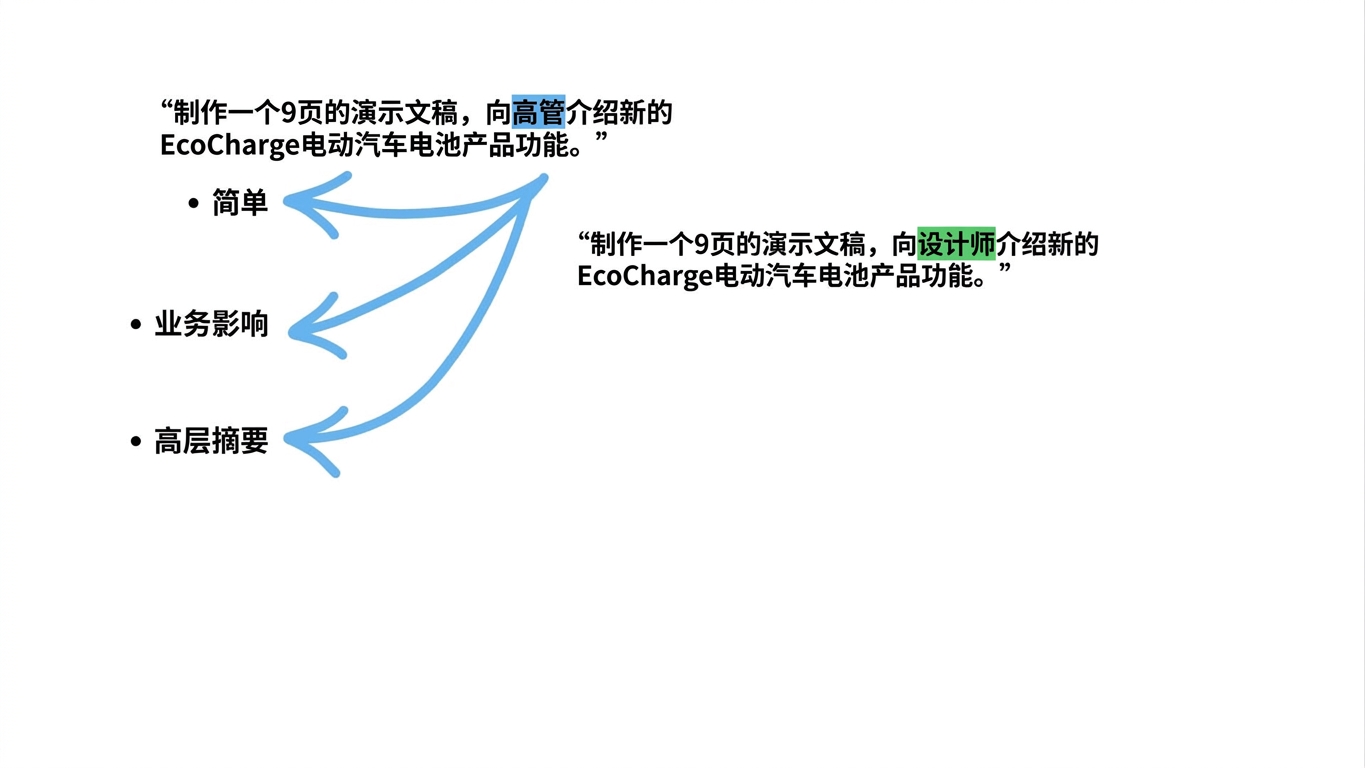
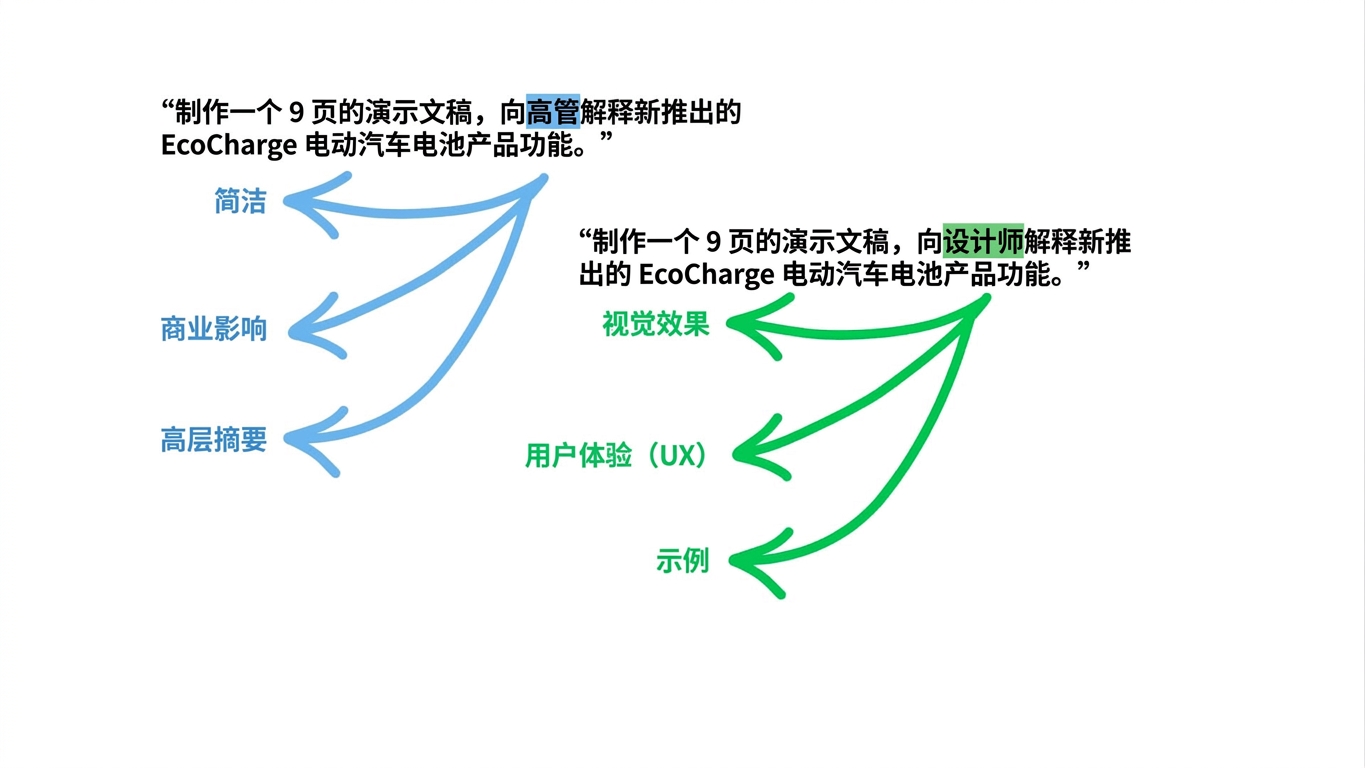
Copilot 如何"解读"提示

Copilot 解析1

Microsoft Copilot 在 PowerPoint 中

Copilot 如何"解读"提示

Copilot 解析2

Microsoft Copilot 在 PowerPoint 中

Copilot 如何"解读"提示

Copilot 解析3

Microsoft Copilot 在 PowerPoint 中

Copilot 如何"解读"提示

Copilot 解析4

Microsoft Copilot 在 PowerPoint 中

Copilot 如何"解读"提示

Copilot 解析5

Microsoft Copilot 在 PowerPoint 中

避免这些错误


含糊其辞 → 提示内容不足

上下文过载 → 一次给出过多信息

受众不明 → 演示面向谁?


混乱的 PowerPoint

Microsoft Copilot 在 PowerPoint 中

让我们一起练习吧!

Microsoft Copilot 在 PowerPoint 中

Preparing Video For Download...