用 Copilot 生成幻灯片视觉元素

Microsoft Copilot 在 PowerPoint 中

James Chapman

AI Curriculum Manager, DataCamp

为什么视觉很重要

 

🔴 降低参与度的因素

  • 文本过密
  • 过多项目符号


🟢 提升参与度的因素

  • 演讲呈现
  • 幻灯片设计

Microsoft Copilot 在 PowerPoint 中

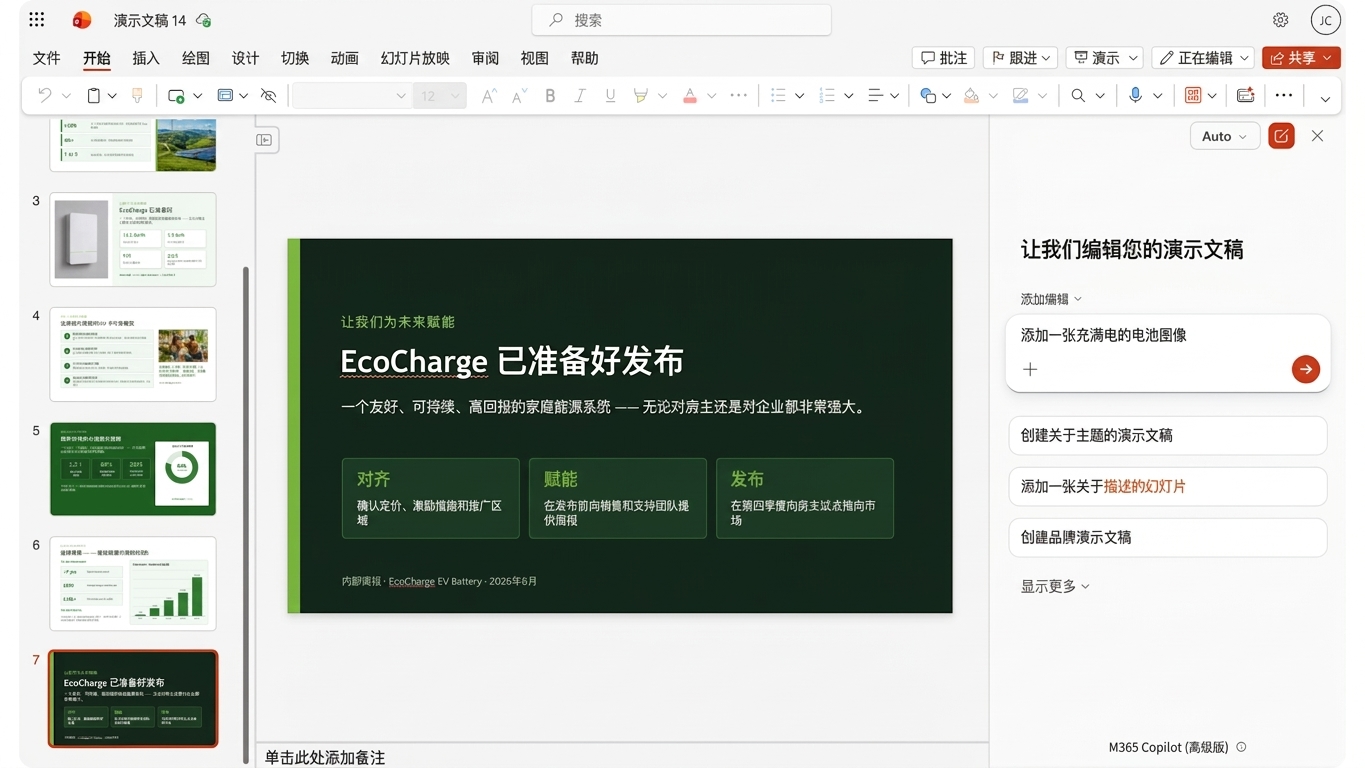
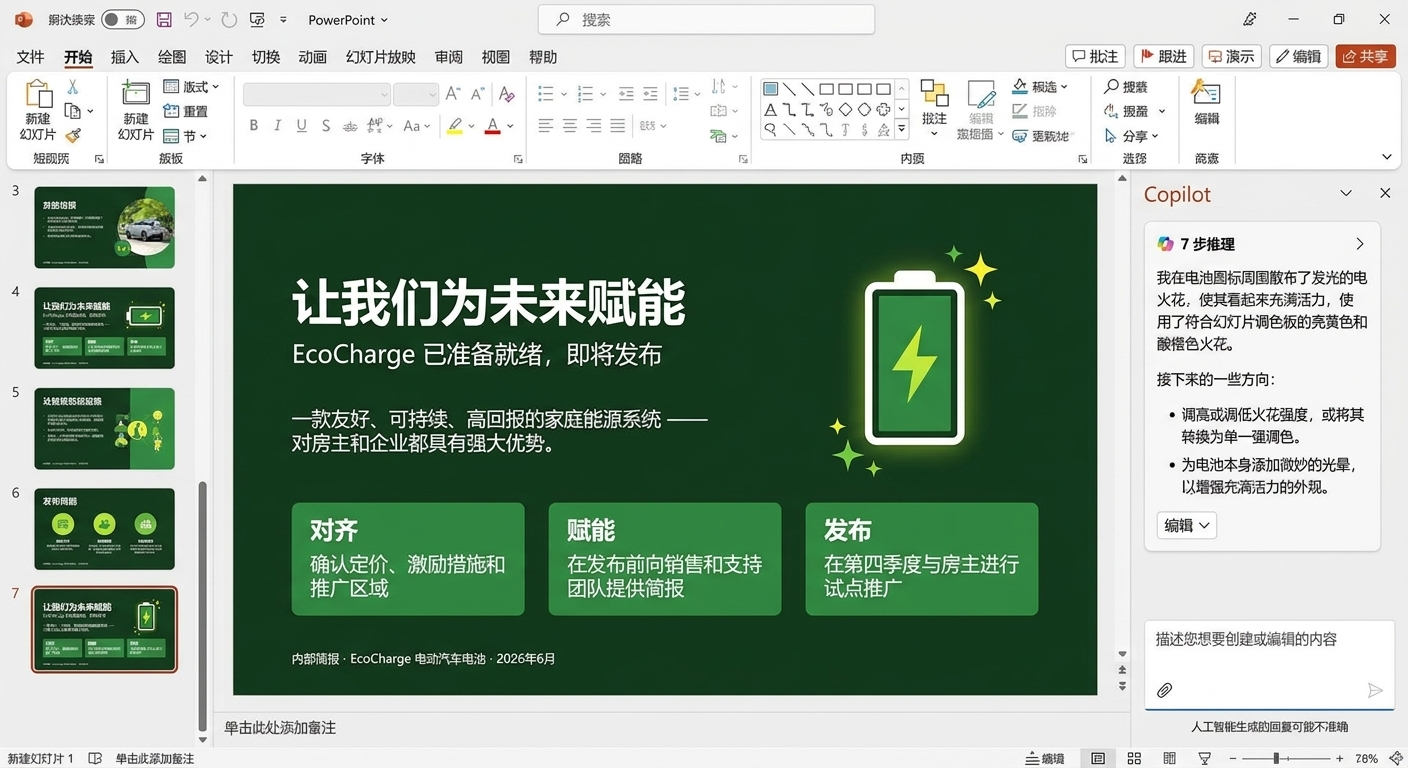
用 Copilot 添加视觉元素

slide_visuals1.png

Microsoft Copilot 在 PowerPoint 中

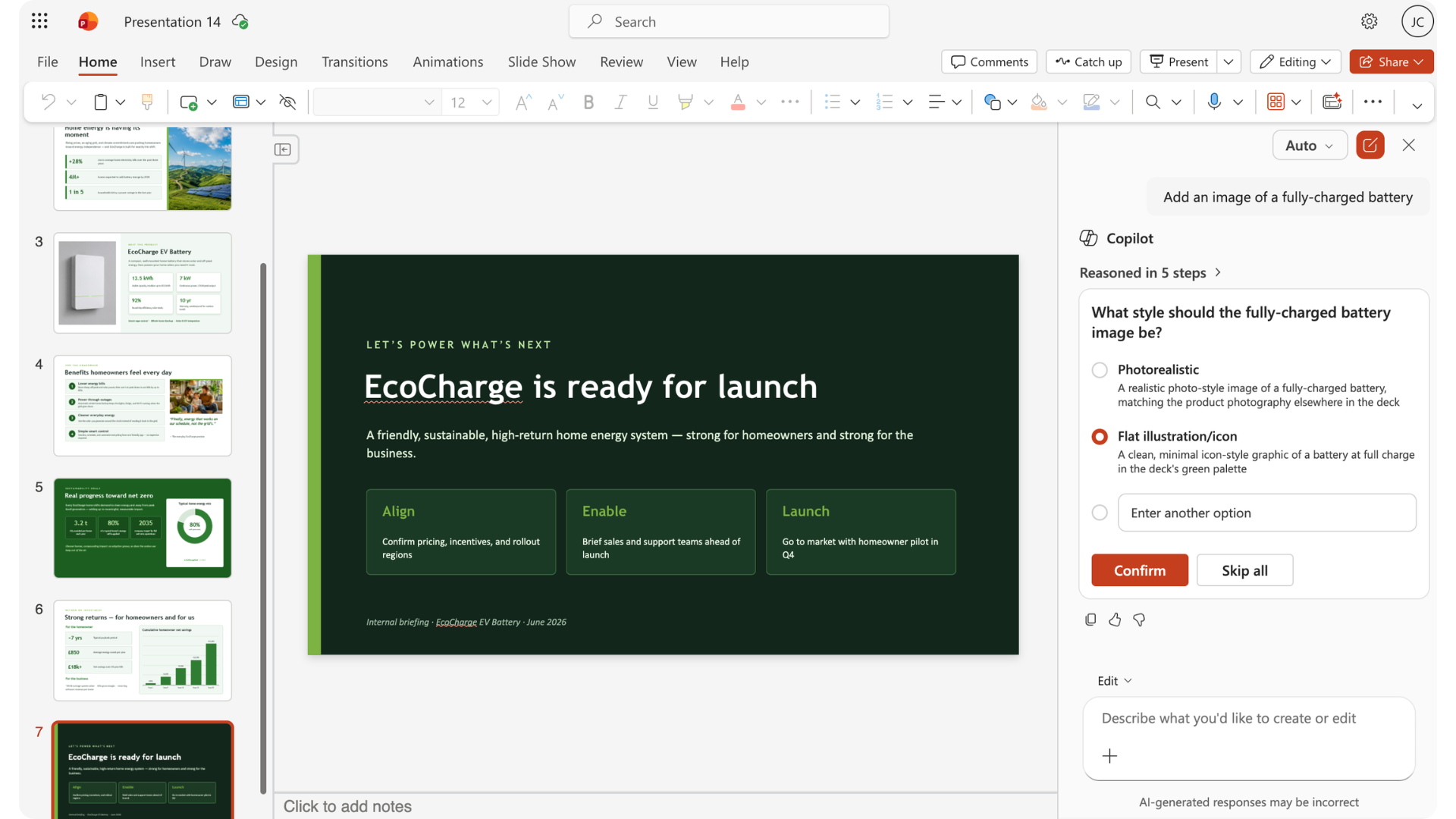
用 Copilot 添加视觉元素

slide_visuals2.png

Microsoft Copilot 在 PowerPoint 中

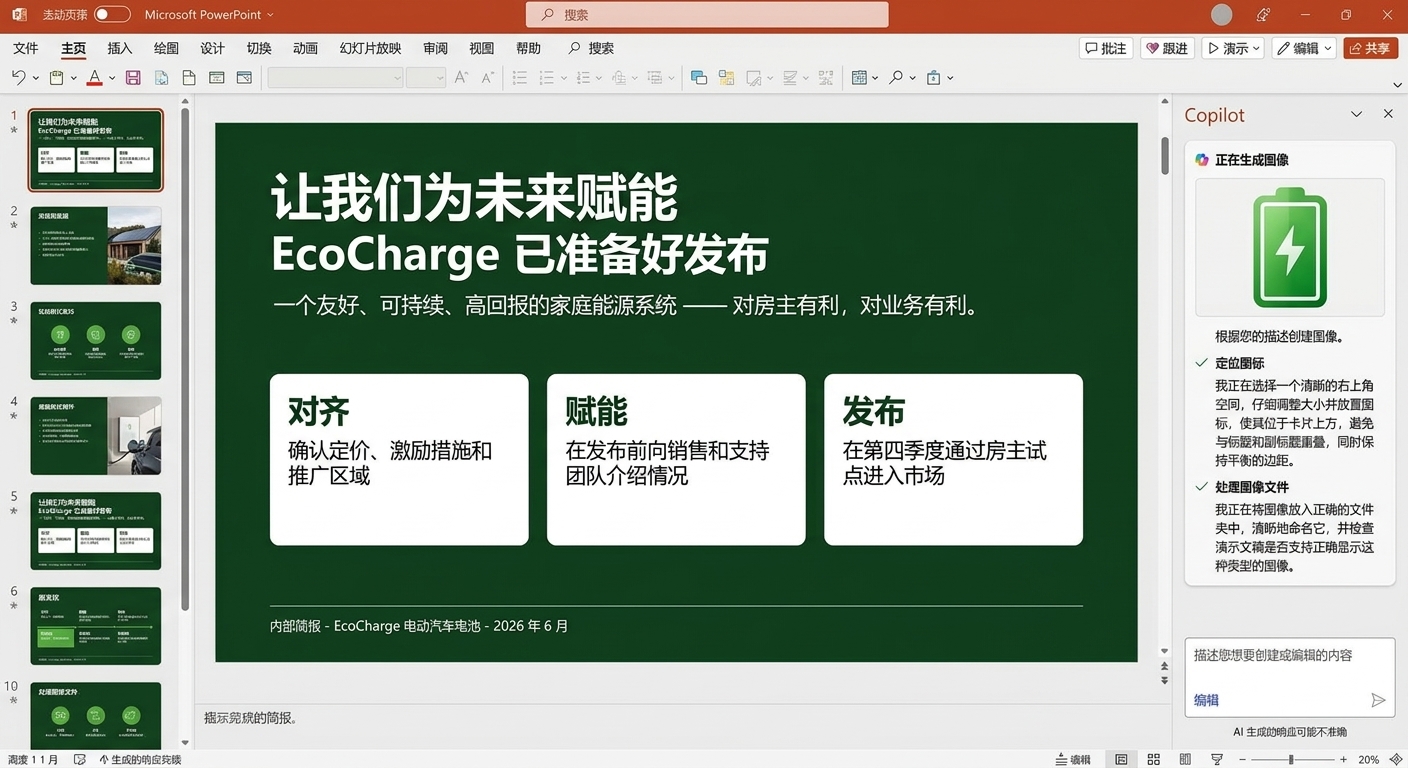
用 Copilot 添加视觉元素

slide_visuals3.png

Microsoft Copilot 在 PowerPoint 中

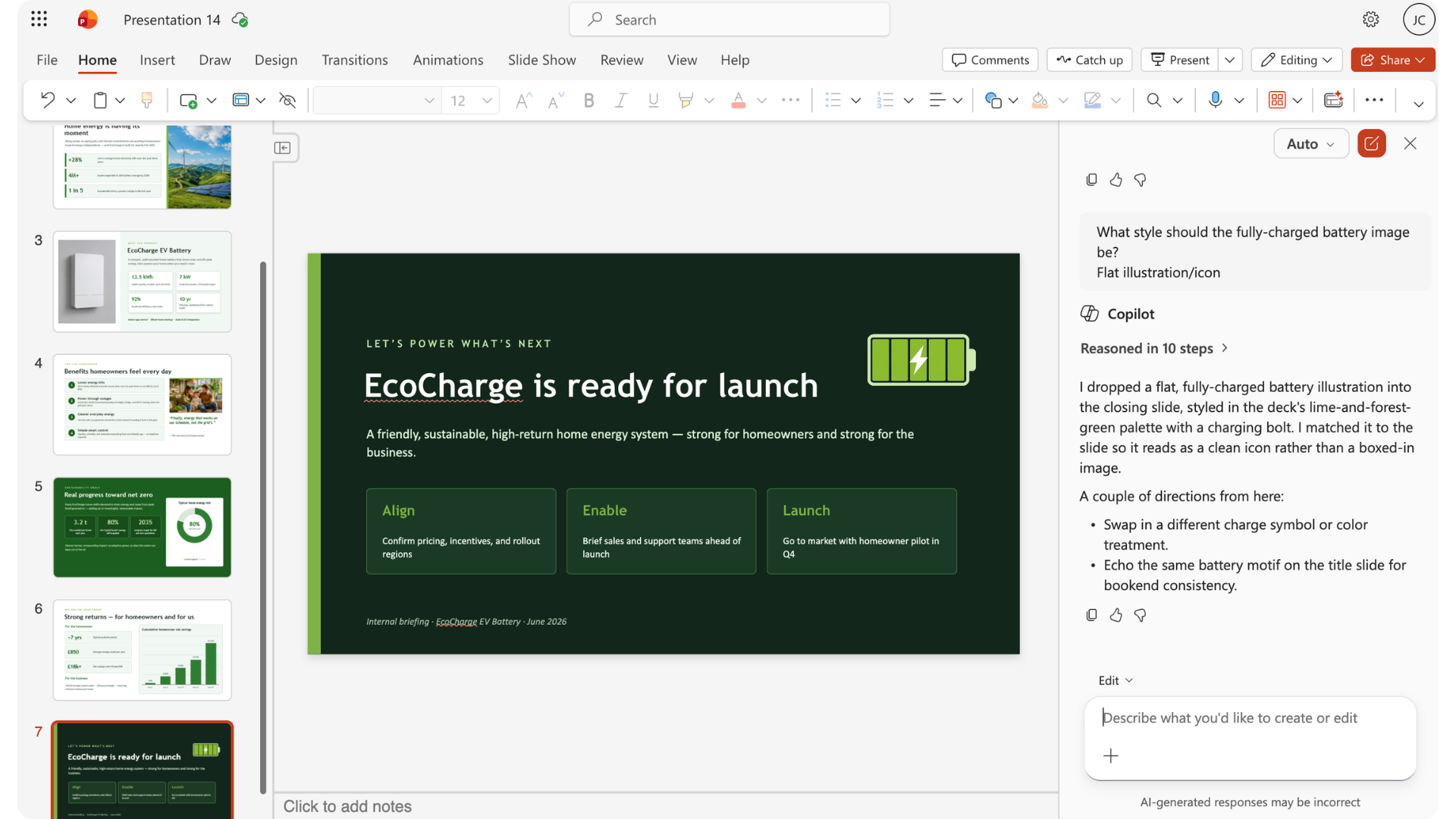
用 Copilot 添加视觉元素

slide_visuals4.png

Microsoft Copilot 在 PowerPoint 中

调整图像

editing_images.png

Microsoft Copilot 在 PowerPoint 中

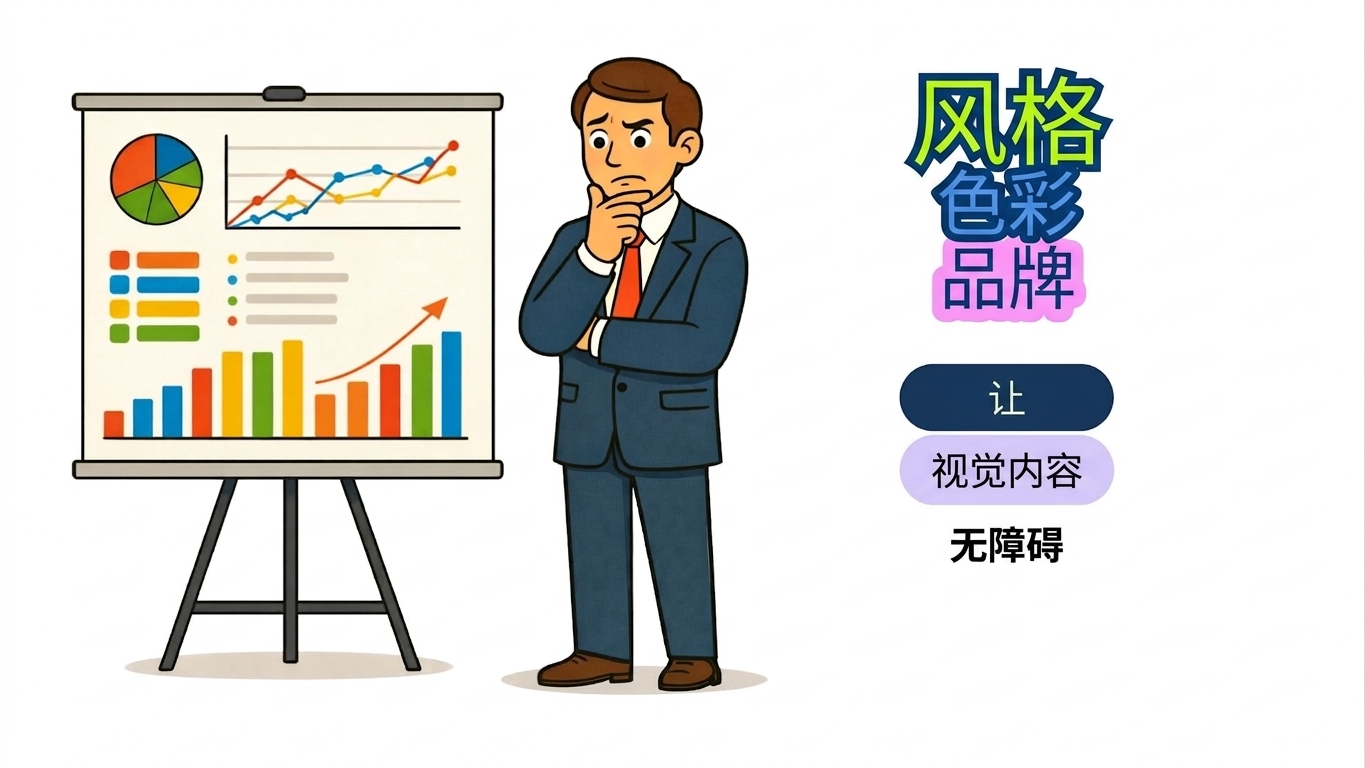
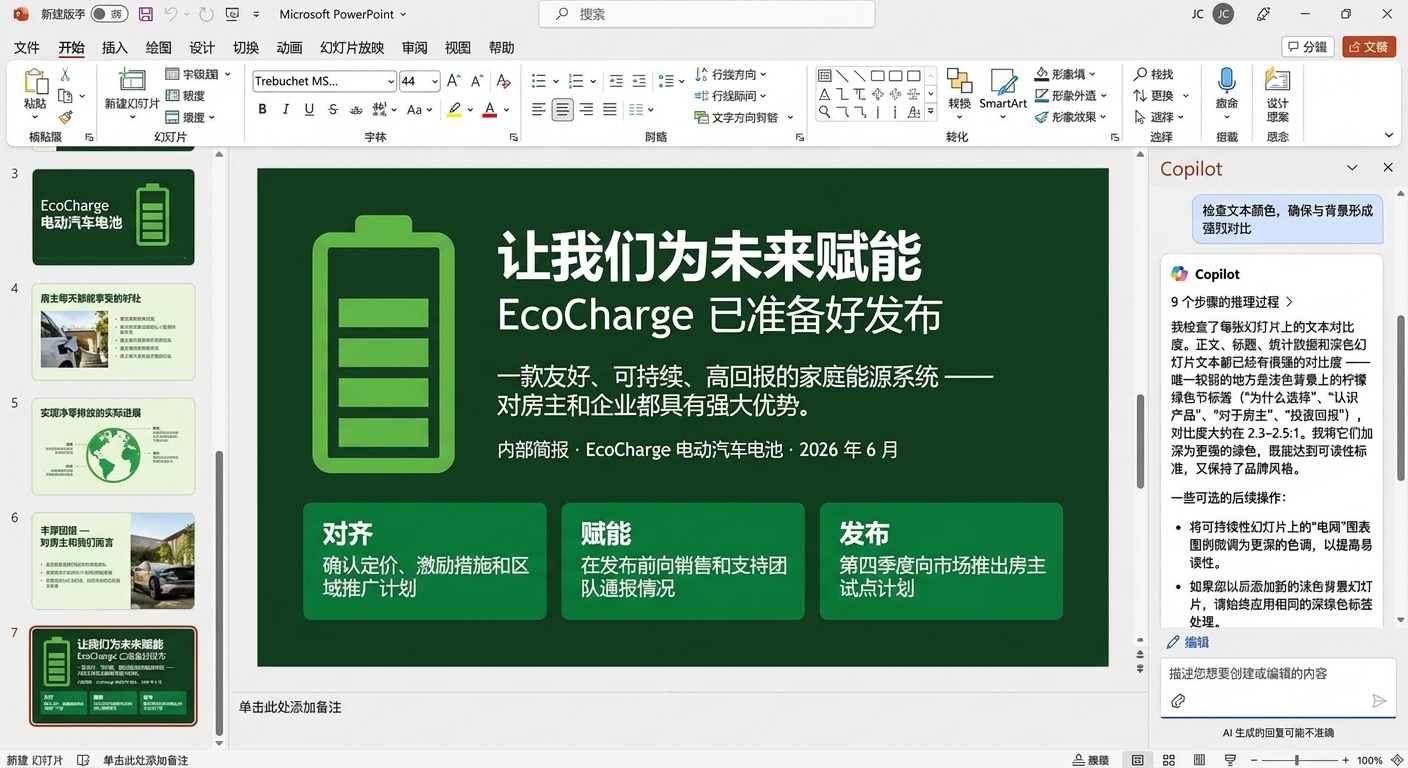
何时覆盖 Copilot 建议

overriding_copilot1.jpg

Microsoft Copilot 在 PowerPoint 中

何时覆盖 Copilot 建议

overriding_copilot2.jpg

Microsoft Copilot 在 PowerPoint 中

何时覆盖 Copilot 建议

overriding_copilot3.jpg

Microsoft Copilot 在 PowerPoint 中

设计提示语

design_prompts.png

Microsoft Copilot 在 PowerPoint 中

品牌规范

branding.png

Microsoft Copilot 在 PowerPoint 中

自行处理 vs. 委派

  • 只影响少量组件
  • 难以解释

act.png

  • 涉及多张幻灯片或组件
  • 易于解释

delegate.png

Microsoft Copilot 在 PowerPoint 中

让我们一起练习吧!

Microsoft Copilot 在 PowerPoint 中

Preparing Video For Download...