Tạo trực quan cho slide với Copilot

Microsoft Copilot trong PowerPoint

James Chapman

AI Curriculum Manager, DataCamp

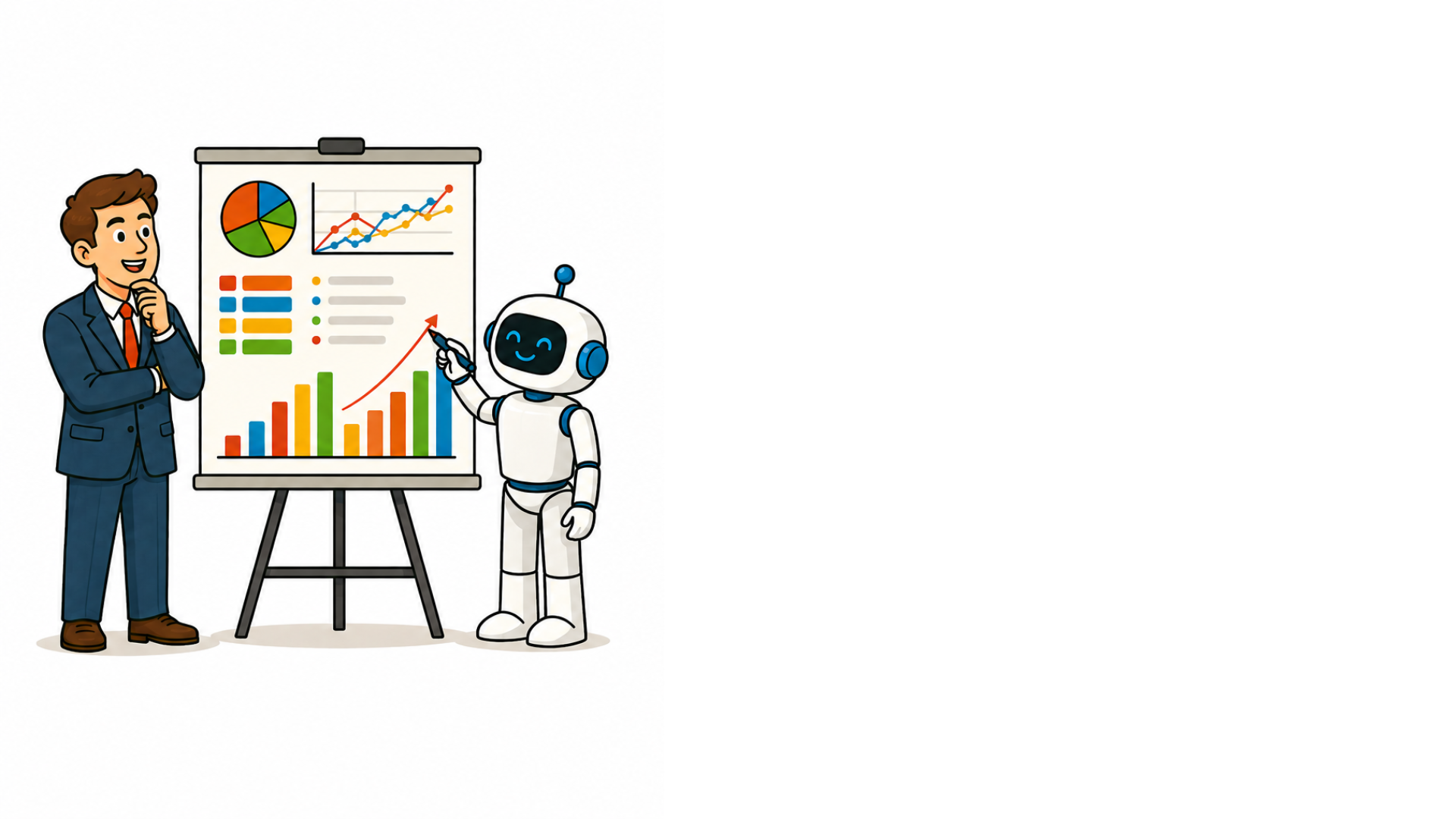
Vì sao trực quan quan trọng

 

🔴 Yếu tố làm giảm mức độ tương tác

  • Chữ trên slide dày đặc
  • Quá nhiều gạch đầu dòng


🟢 Yếu tố tăng mức độ tương tác

  • Cách trình bày của người nói
  • Thiết kế slide

Microsoft Copilot trong PowerPoint

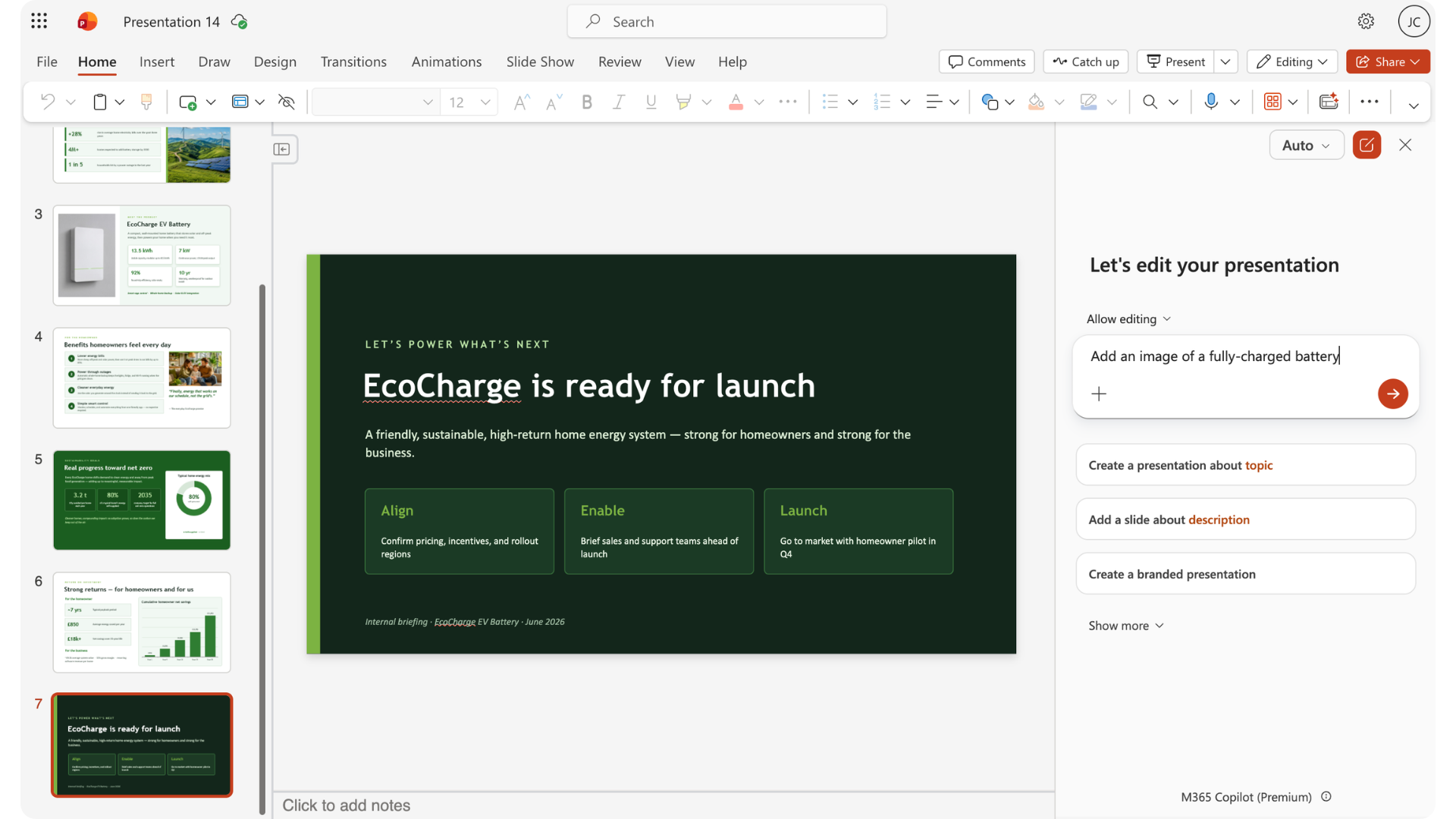
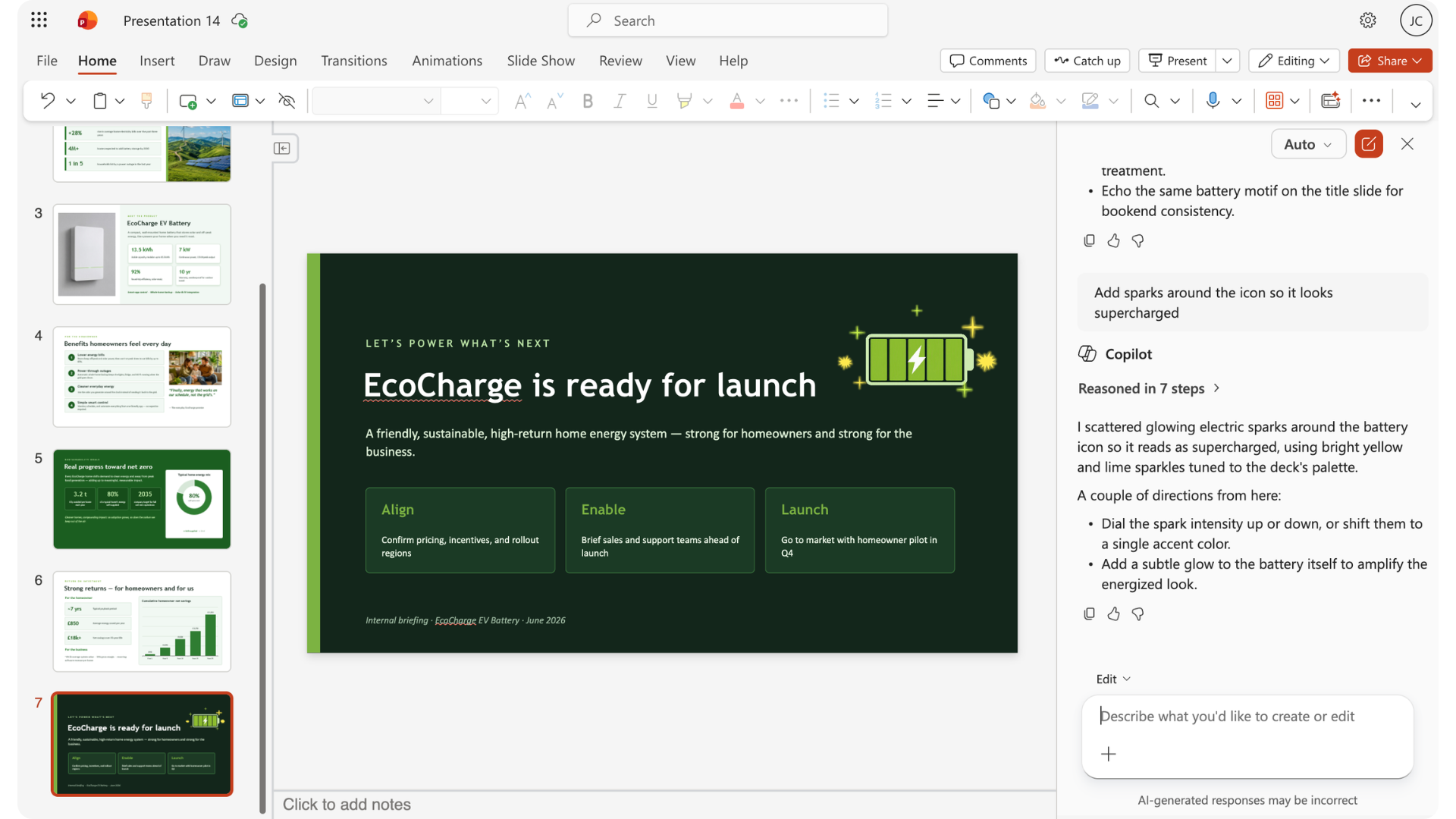
Thêm trực quan với Copilot

slide_visuals1.png

Microsoft Copilot trong PowerPoint

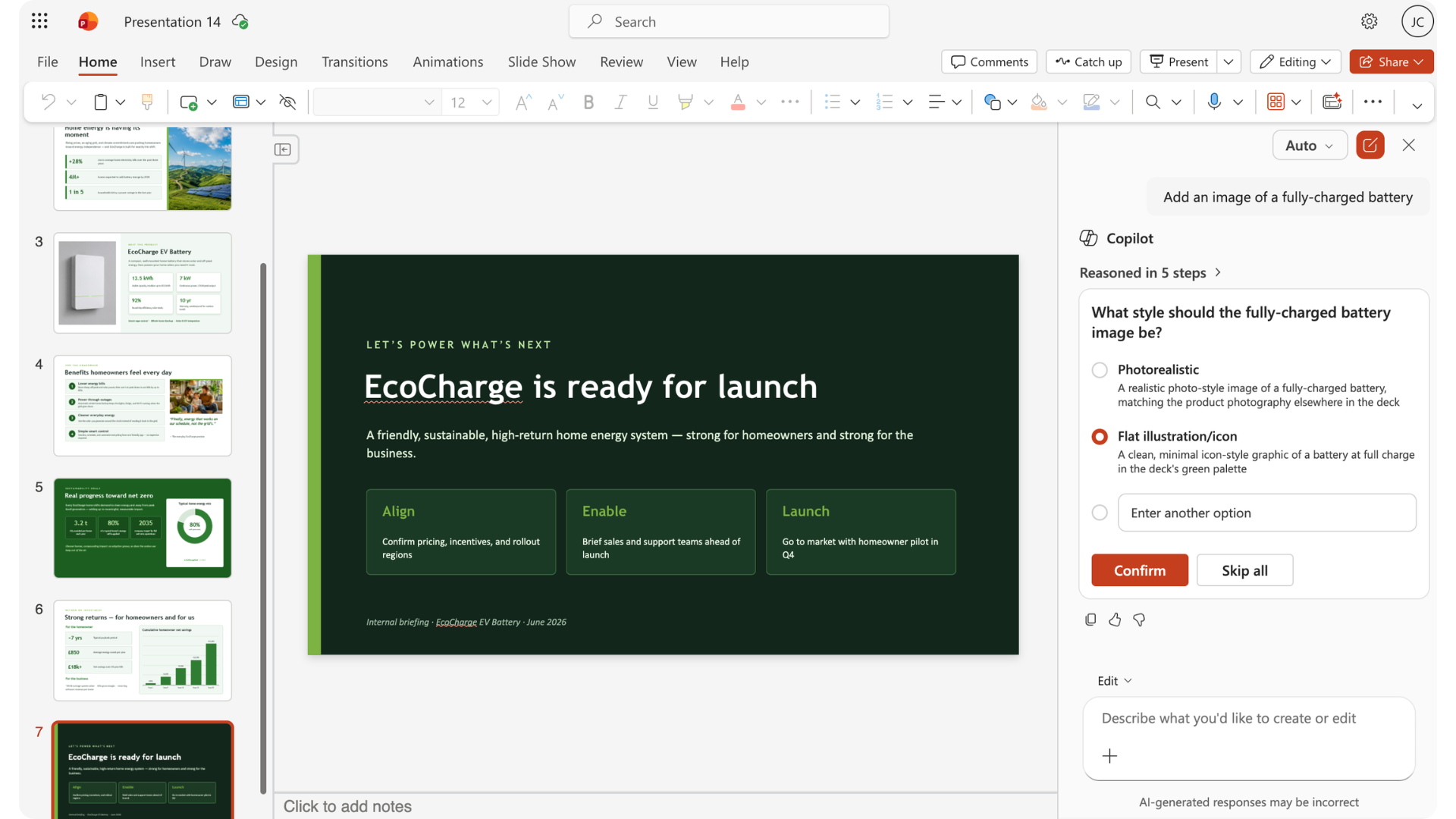
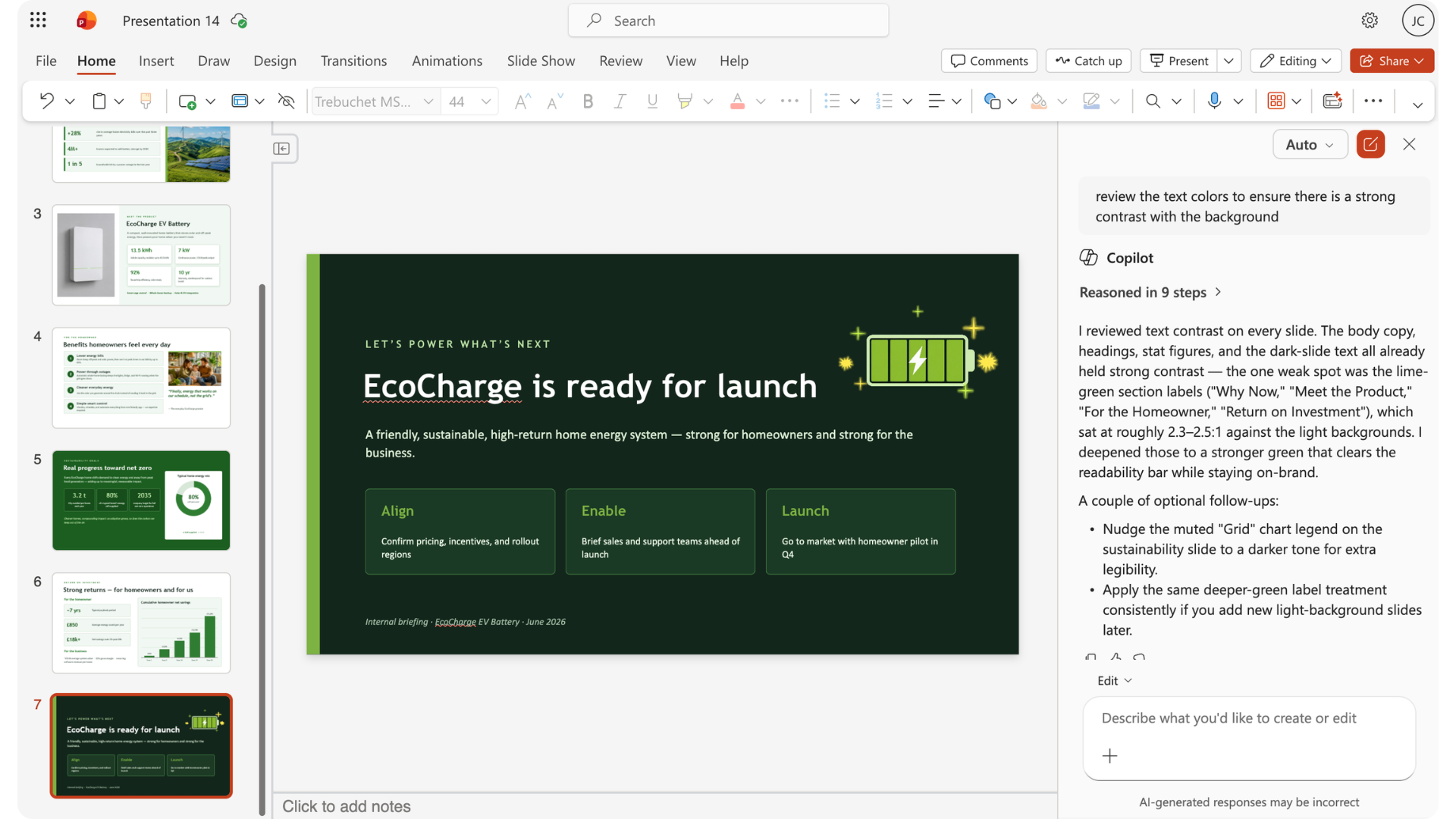
Thêm trực quan với Copilot

slide_visuals2.png

Microsoft Copilot trong PowerPoint

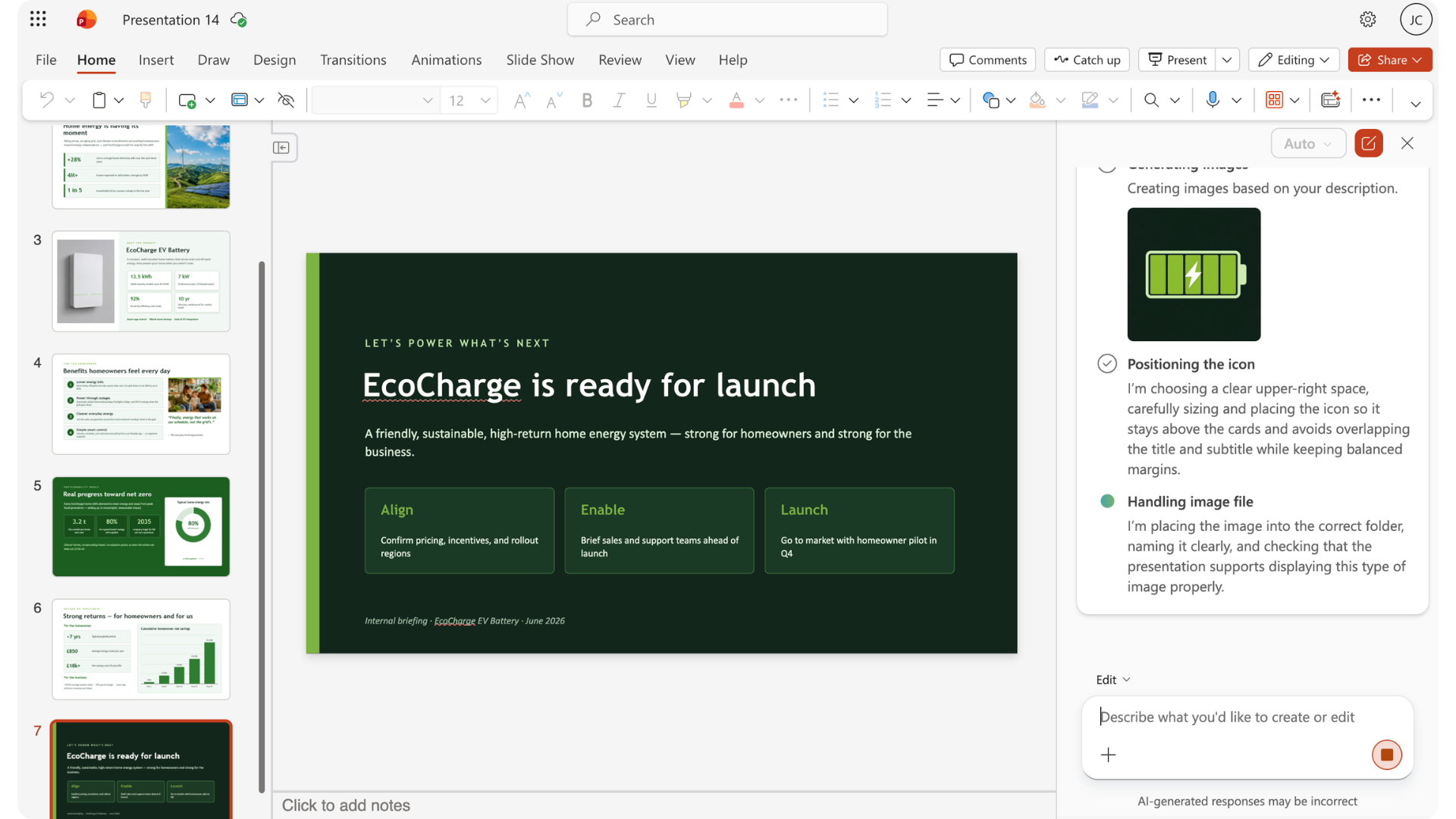
Thêm trực quan với Copilot

slide_visuals3.png

Microsoft Copilot trong PowerPoint

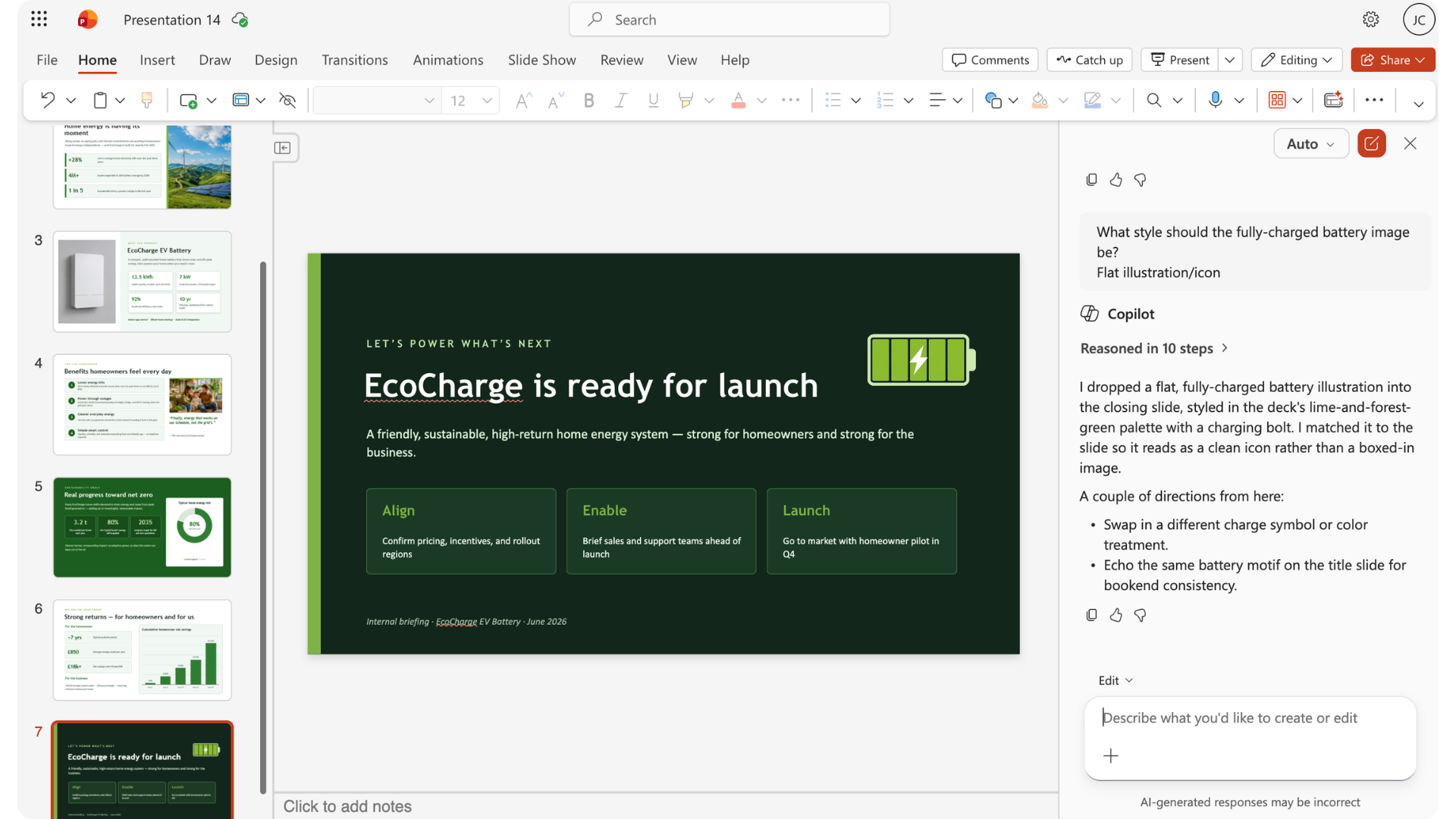
Thêm trực quan với Copilot

slide_visuals4.png

Microsoft Copilot trong PowerPoint

Điều chỉnh hình ảnh

editing_images.png

Microsoft Copilot trong PowerPoint

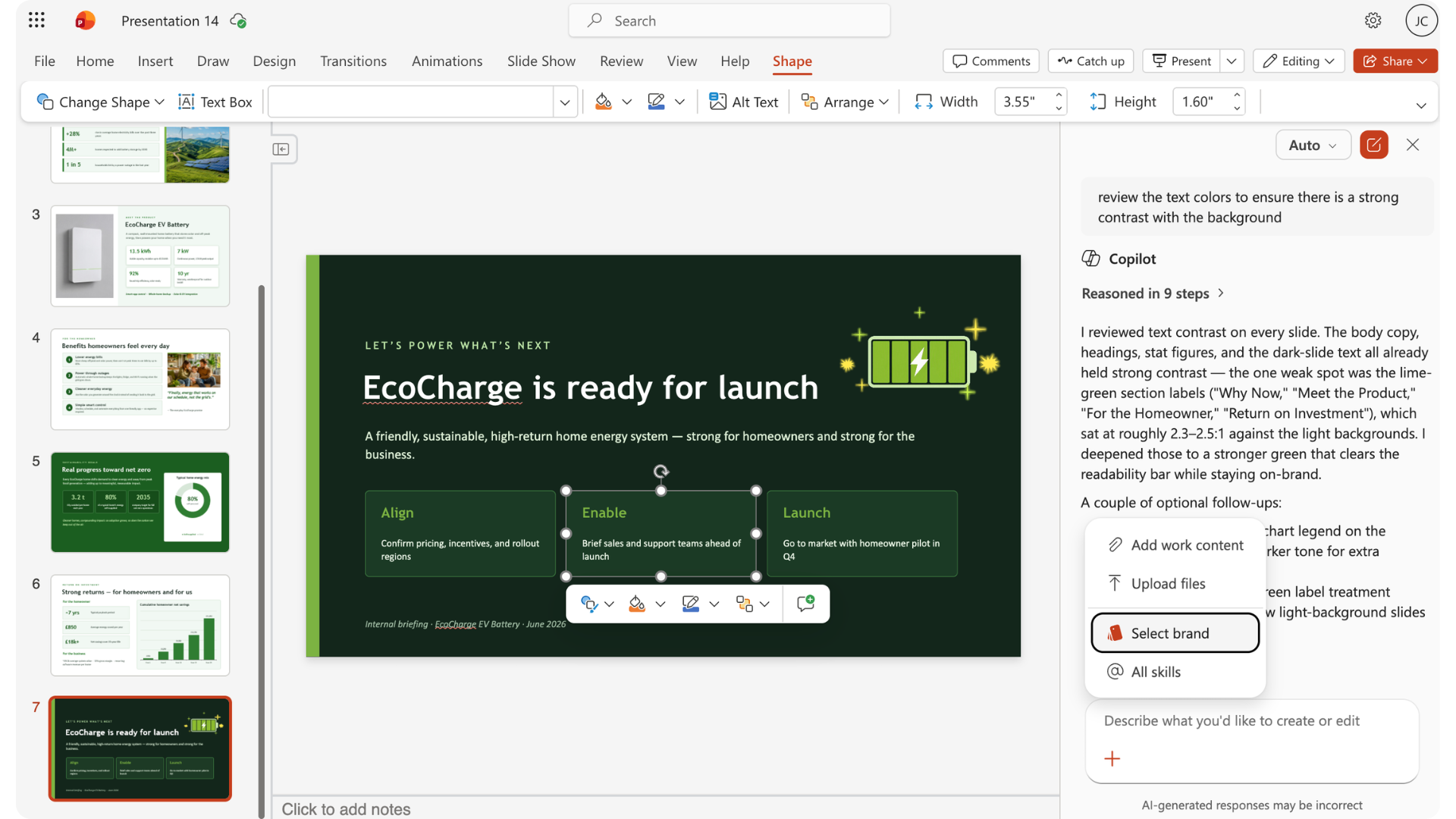
Khi nào nên ghi đè gợi ý của Copilot
overriding_copilot1.jpg

Microsoft Copilot trong PowerPoint

Khi nào nên ghi đè gợi ý của Copilot
overriding_copilot2.jpg

Microsoft Copilot trong PowerPoint

Khi nào nên ghi đè gợi ý của Copilot

overriding_copilot3.jpg

Microsoft Copilot trong PowerPoint

Gợi ý thiết kế

design_prompts.png

Microsoft Copilot trong PowerPoint

Thương hiệu

branding.png

Microsoft Copilot trong PowerPoint

Tự làm hay giao việc

  • Chỉ ảnh hưởng vài thành phần nhỏ
  • Khó giải thích

act.png

  • Ảnh hưởng nhiều slide hoặc thành phần
  • Dễ giải thích

delegate.png

Microsoft Copilot trong PowerPoint

Cùng luyện tập nào!

Microsoft Copilot trong PowerPoint

Preparing Video For Download...