Extraindo insights estratégicos com o Copilot Chat

Microsoft Copilot no PowerPoint

James Chapman

AI Curriculum Manager, DataCamp

Por que analisar decks no Copilot Chat?

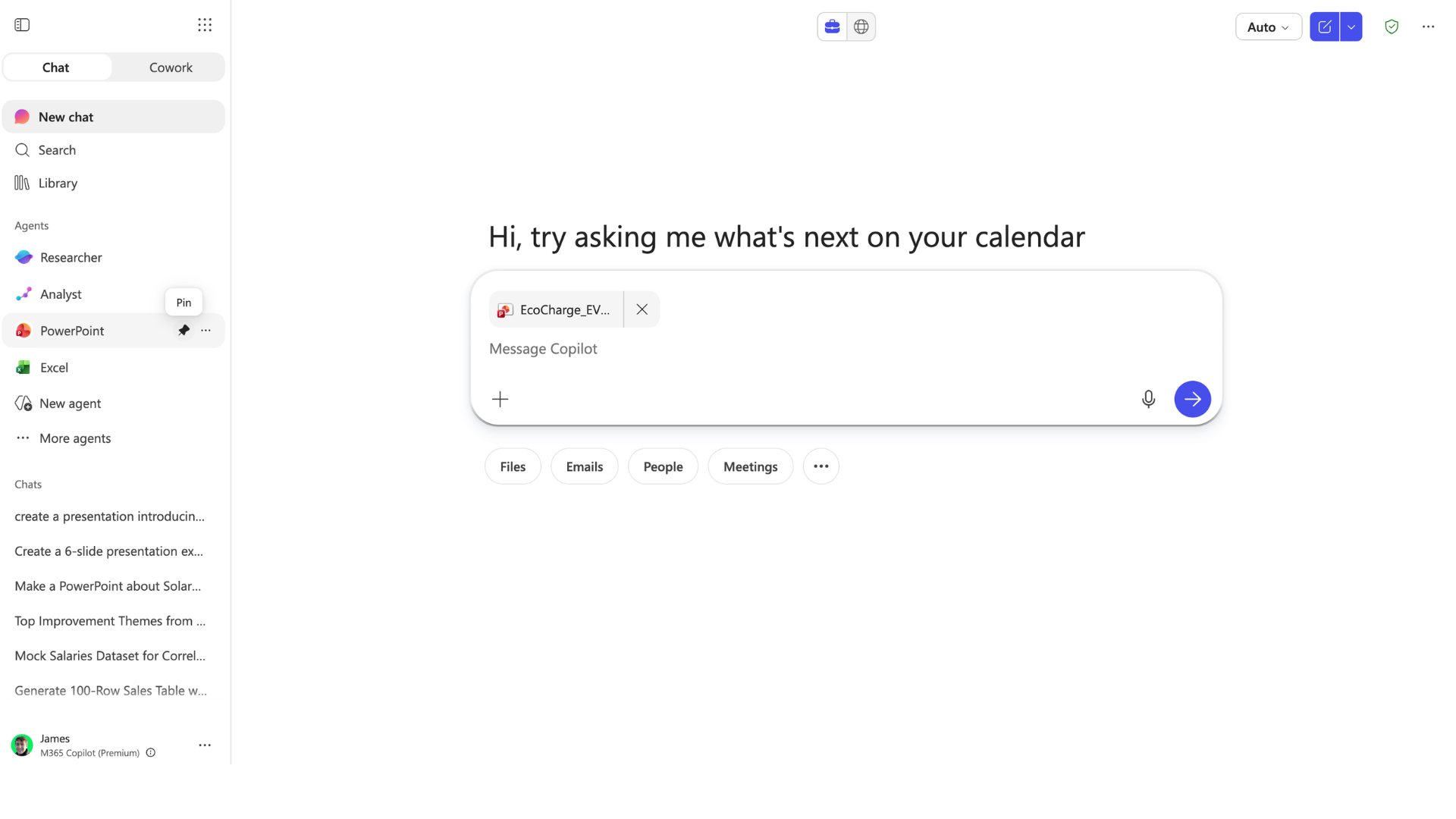
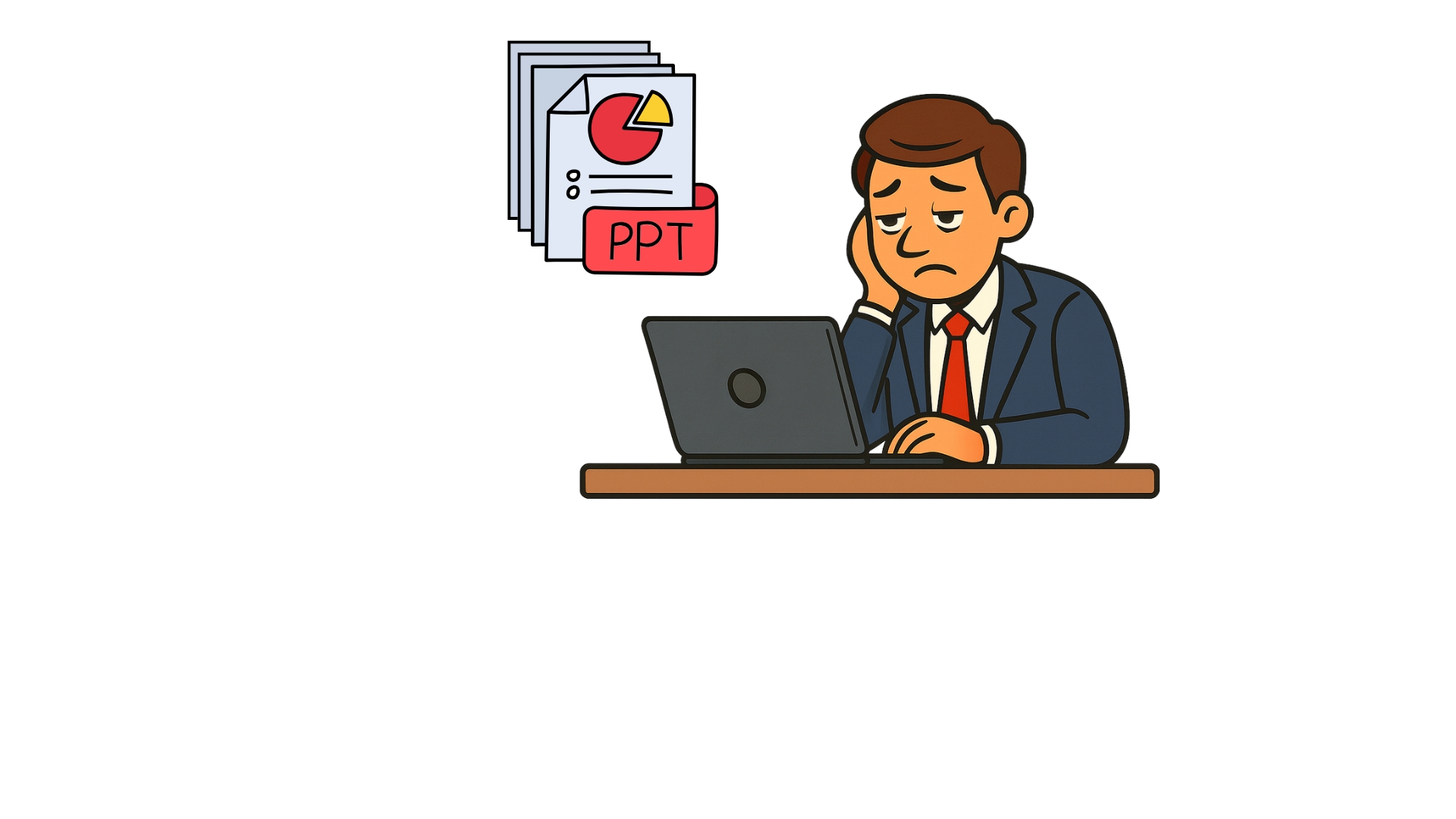
  • Exemplo: recebendo um deck de slides "carregado"
analyze_decks1.jpg

Microsoft Copilot no PowerPoint

Por que analisar decks no Copilot Chat?

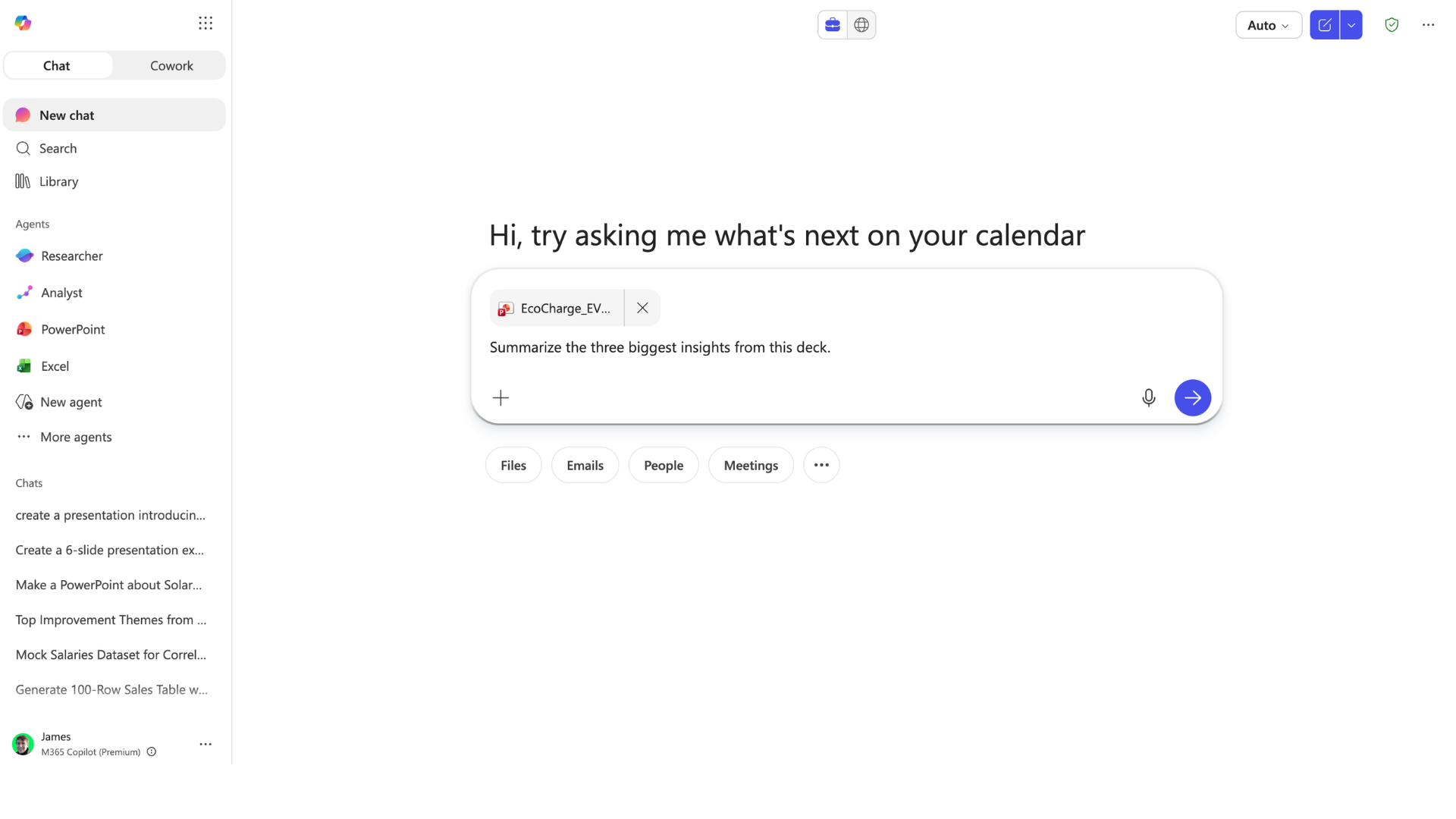
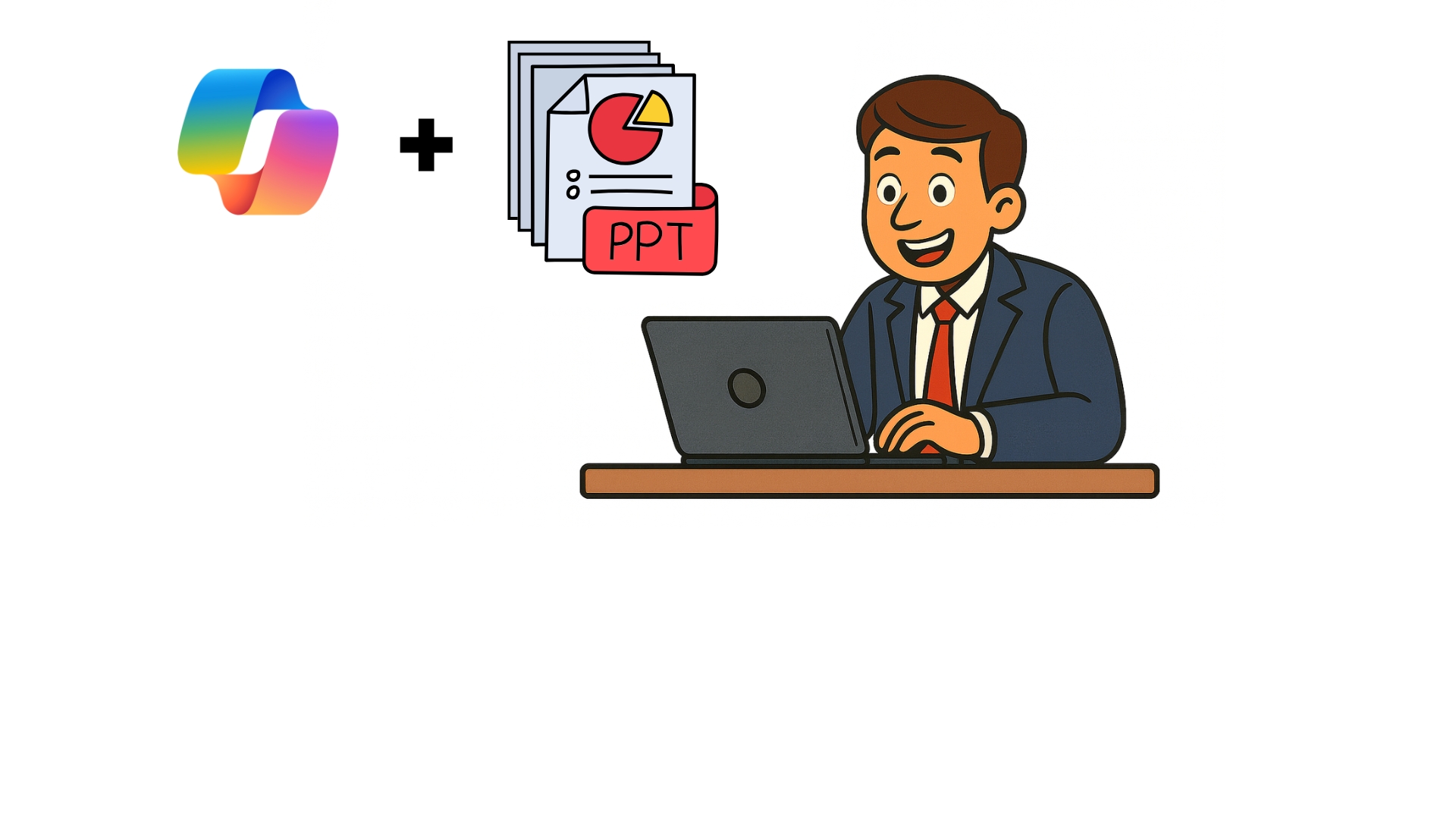
  • Encontre padrões, riscos e oportunidades
analyze_decks2.jpg

Microsoft Copilot no PowerPoint

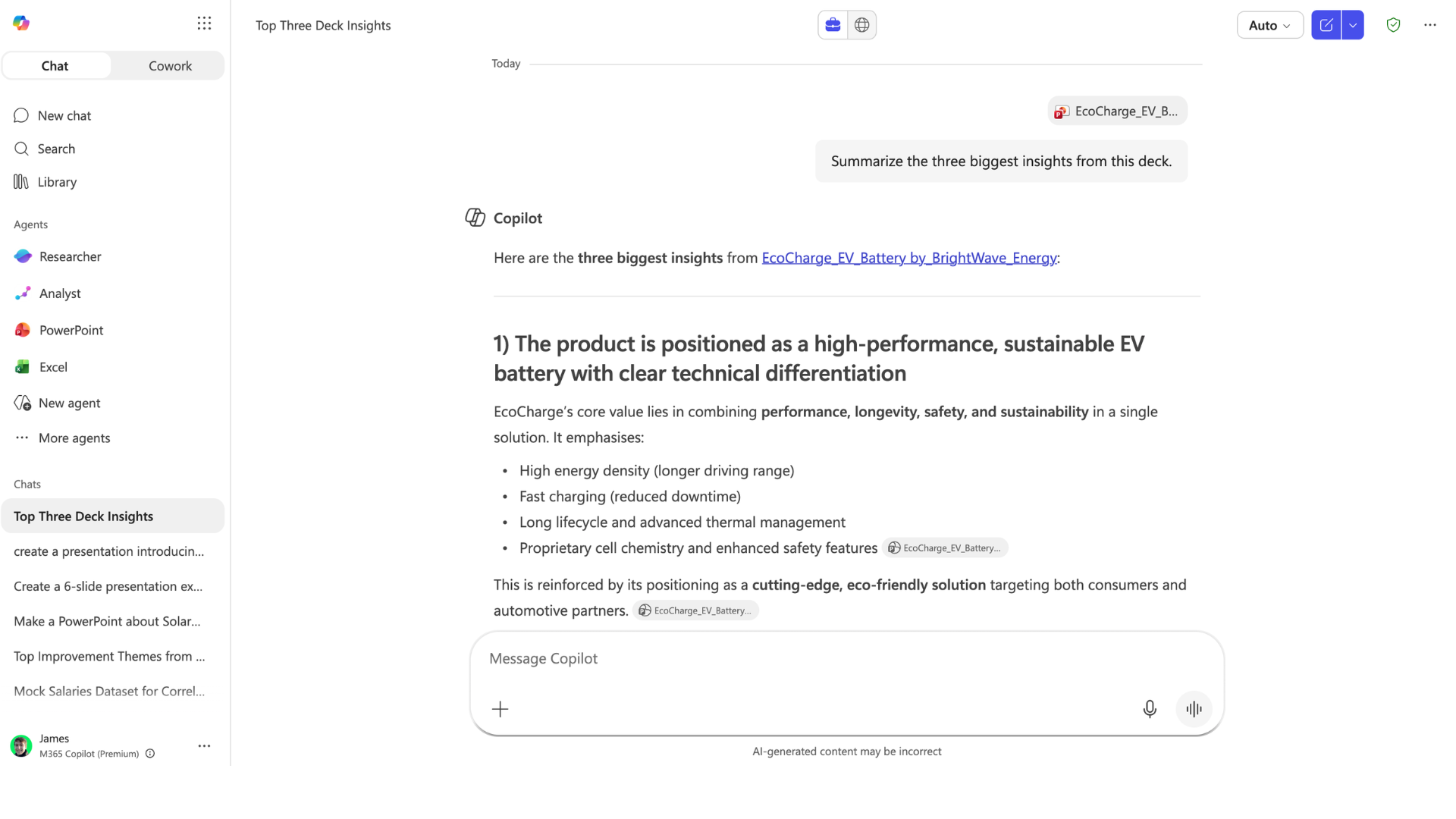
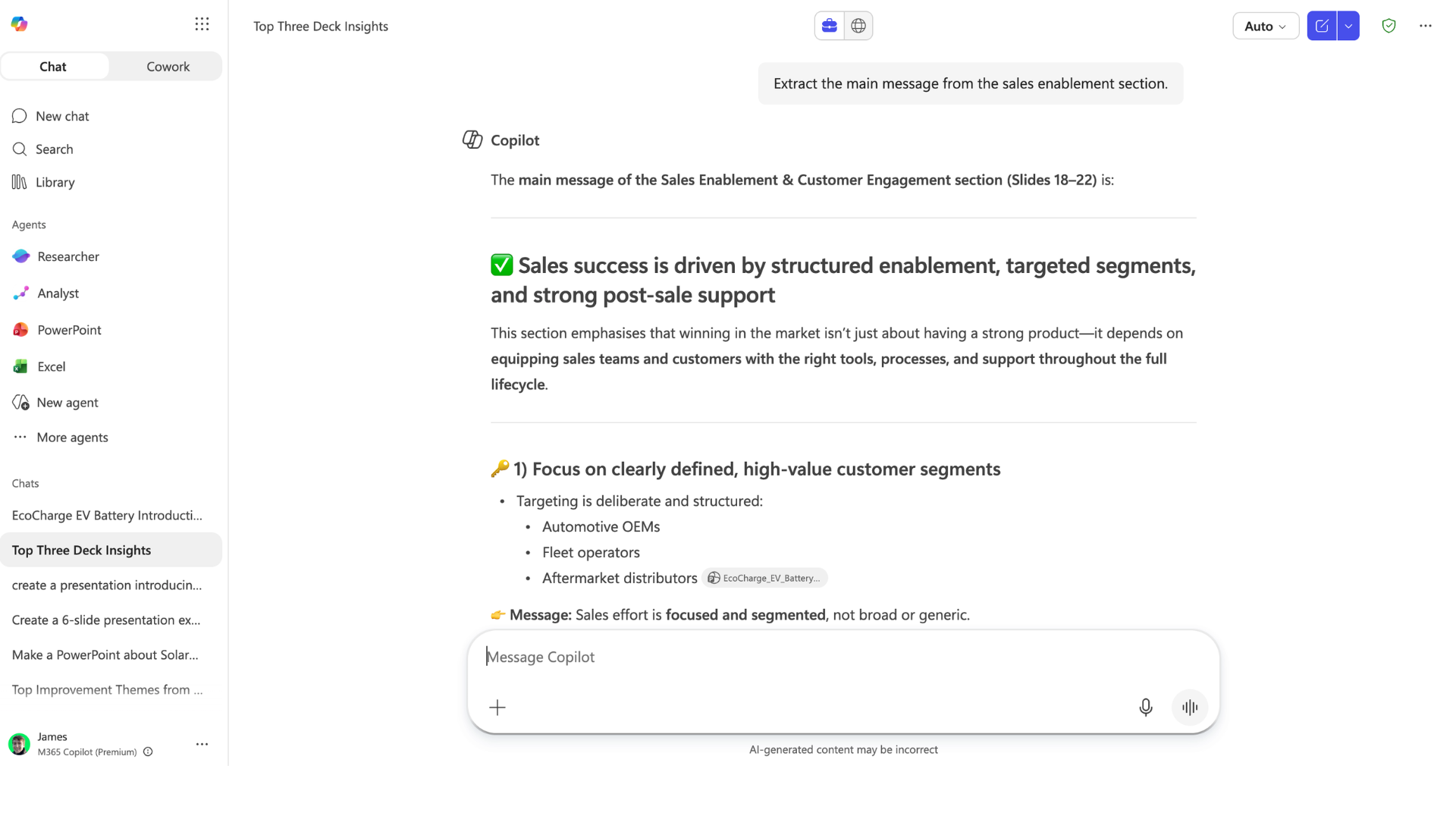
Perguntas em nível de insight

insight_questions1.png

Microsoft Copilot no PowerPoint

Perguntas em nível de insight

insight_questions2.png

Microsoft Copilot no PowerPoint

Perguntas em nível de insight

insight_questions3.png

Microsoft Copilot no PowerPoint

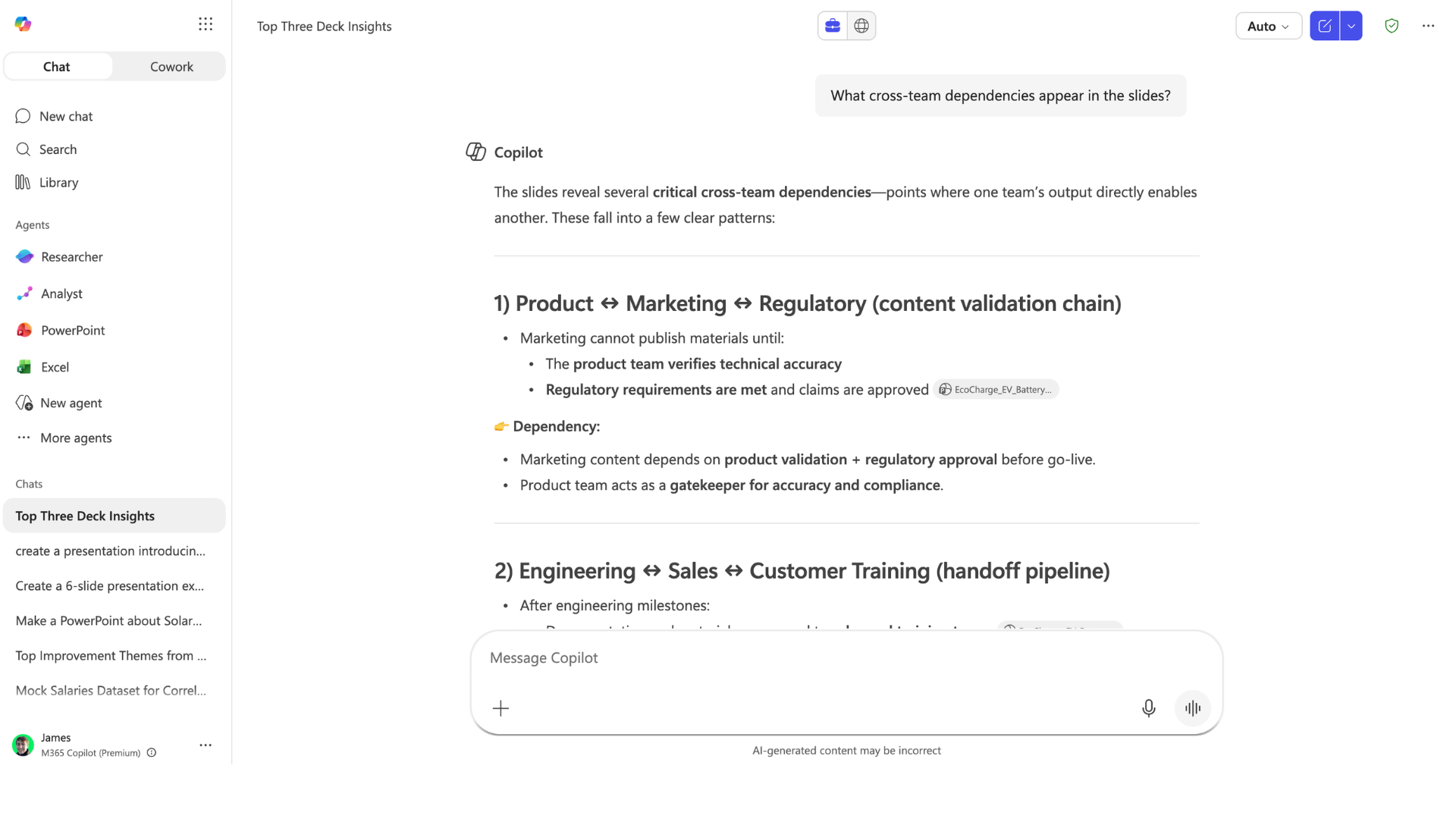
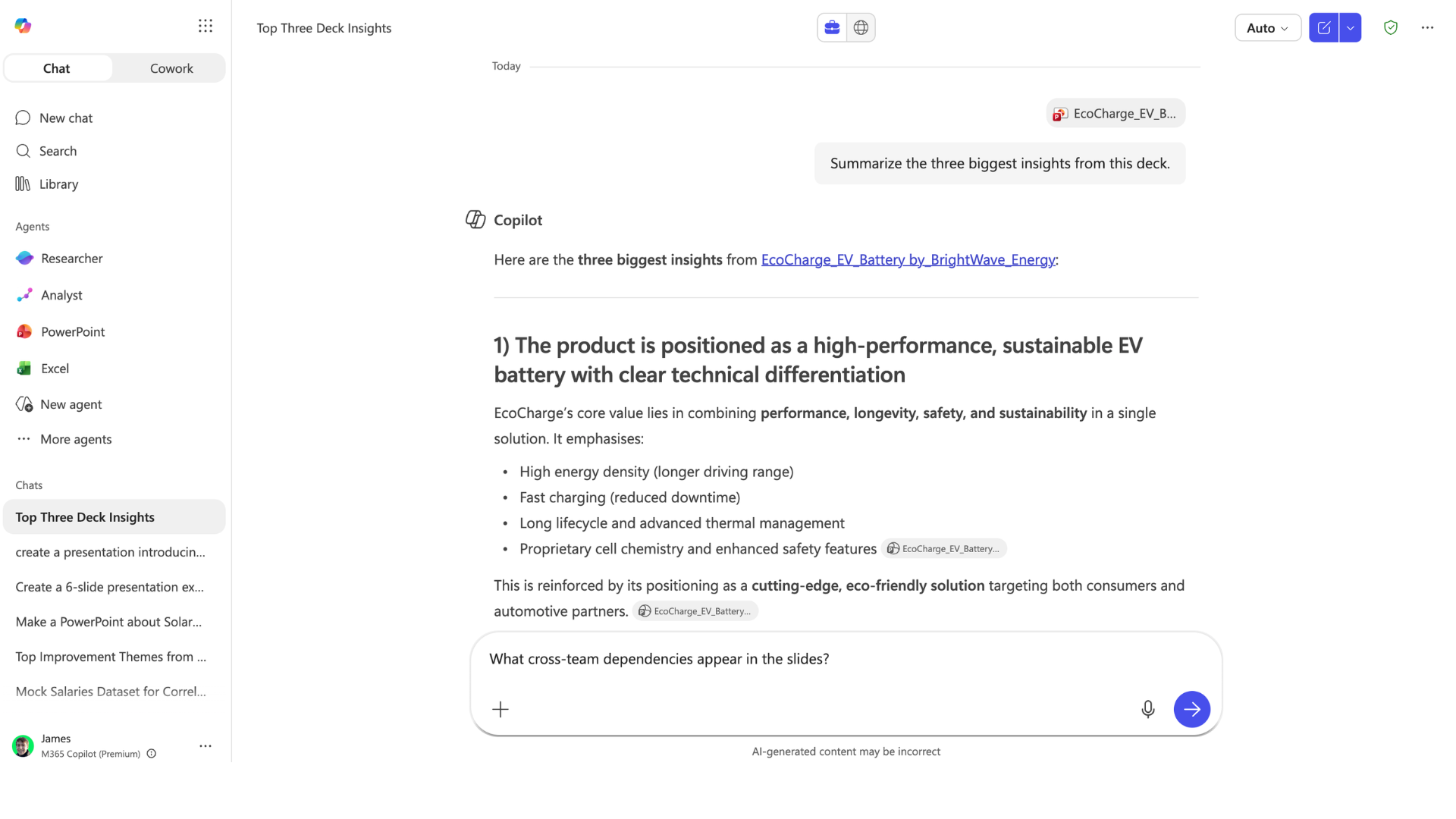
Extraindo dependências entre equipes
cross_team_dependencies1.png

Microsoft Copilot no PowerPoint

Extraindo dependências entre equipes

cross_team_dependencies.png

Microsoft Copilot no PowerPoint

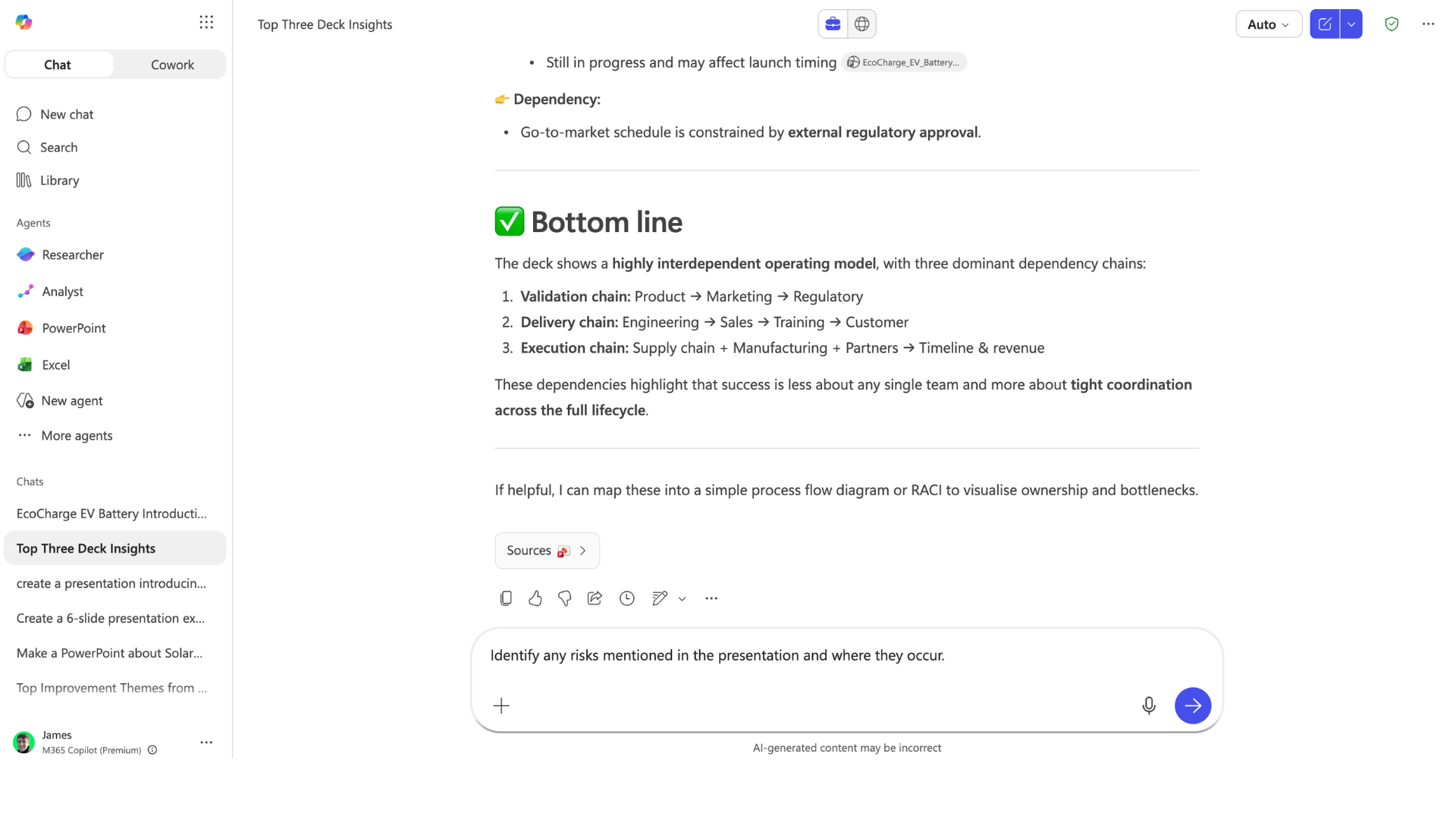
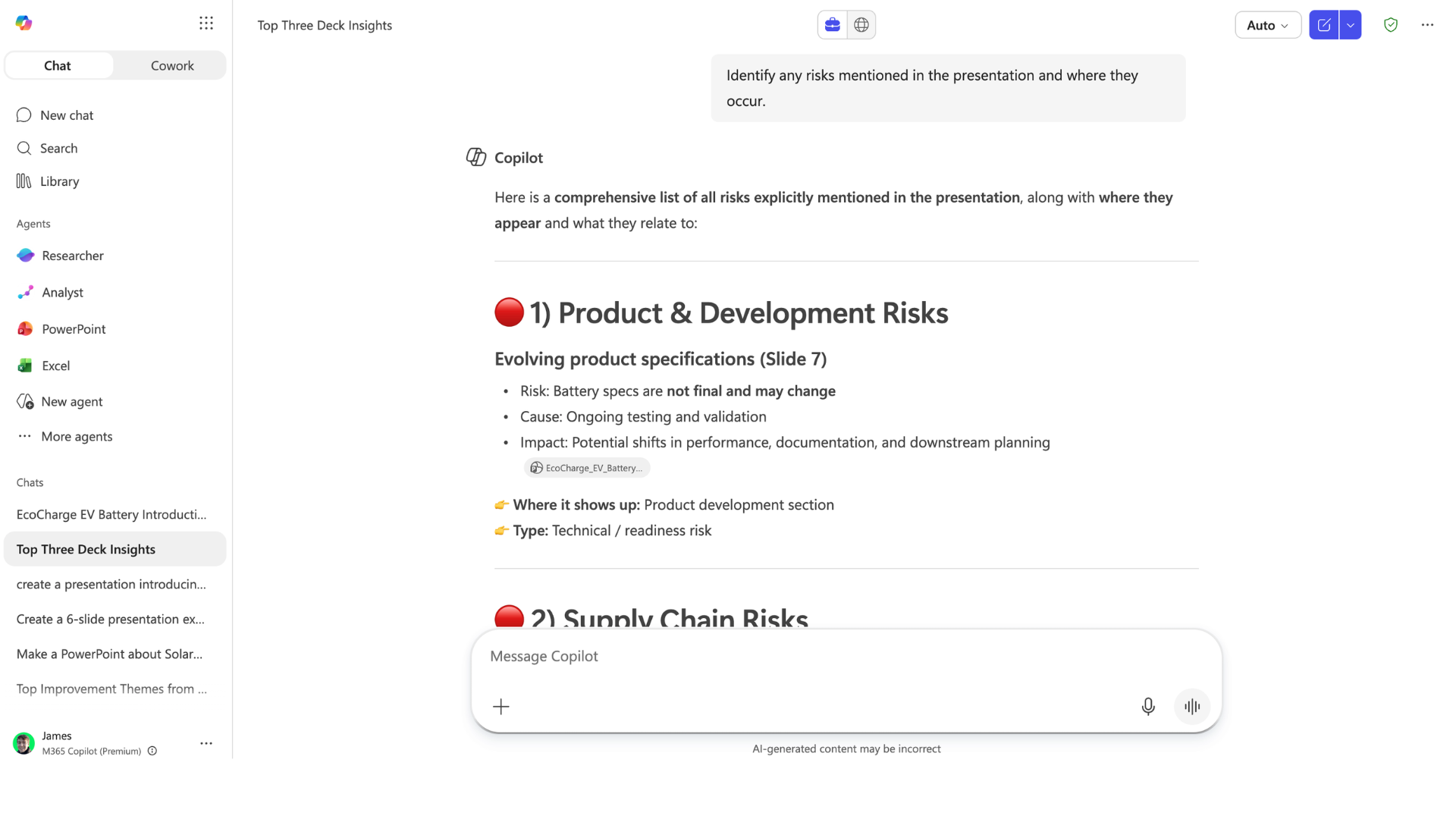
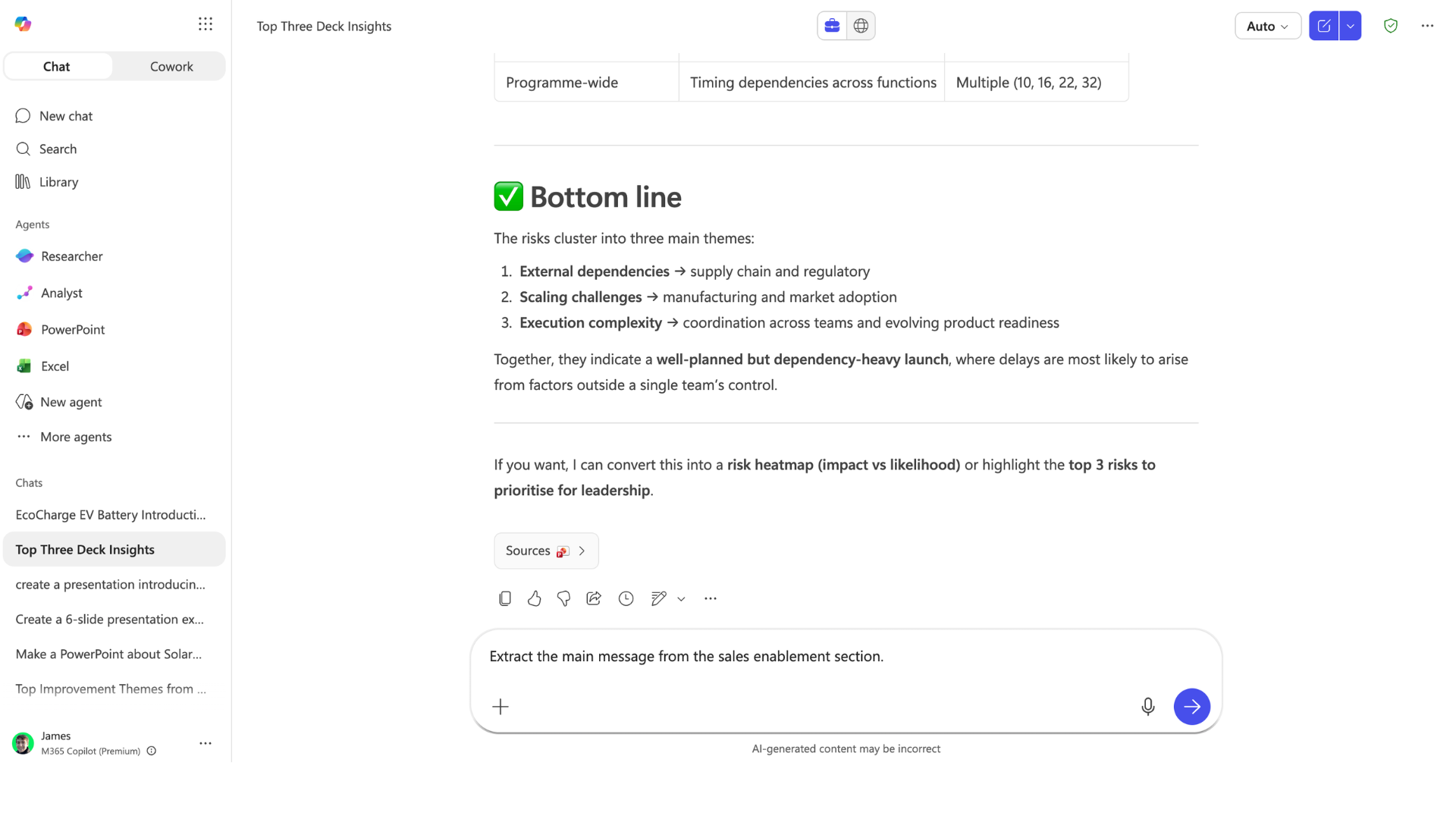
Identificando riscos no deck

identify_risks1.png

Microsoft Copilot no PowerPoint

Identificando riscos no deck

identify_risks2.png

Microsoft Copilot no PowerPoint

Analisando dados e gráficos

analyze_data1.png

Microsoft Copilot no PowerPoint

Analisando dados e gráficos

analyze_data2.png

Microsoft Copilot no PowerPoint

Criando decks no Copilot Chat

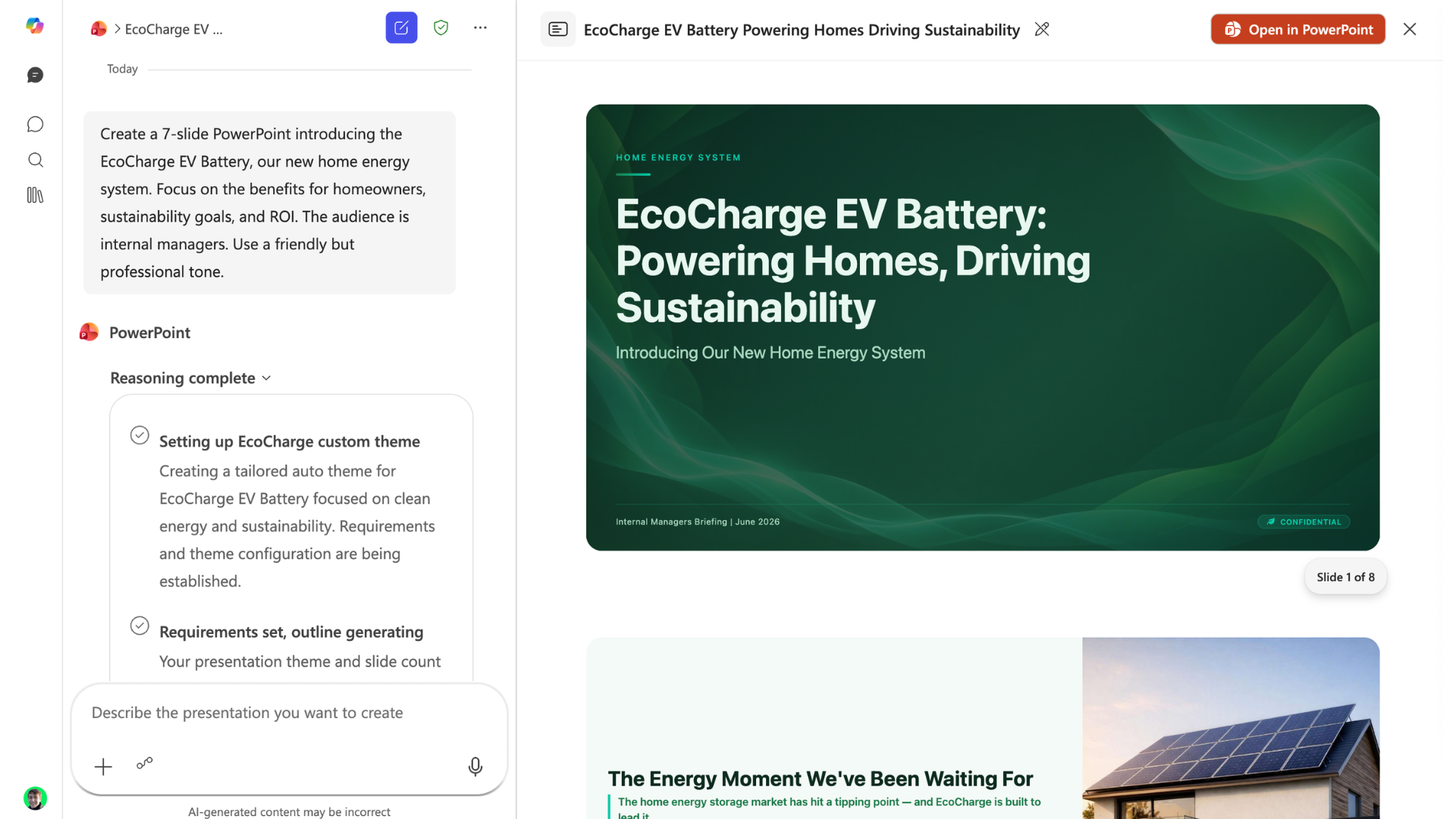
  • O agente do PowerPoint cria decks a partir do Chat
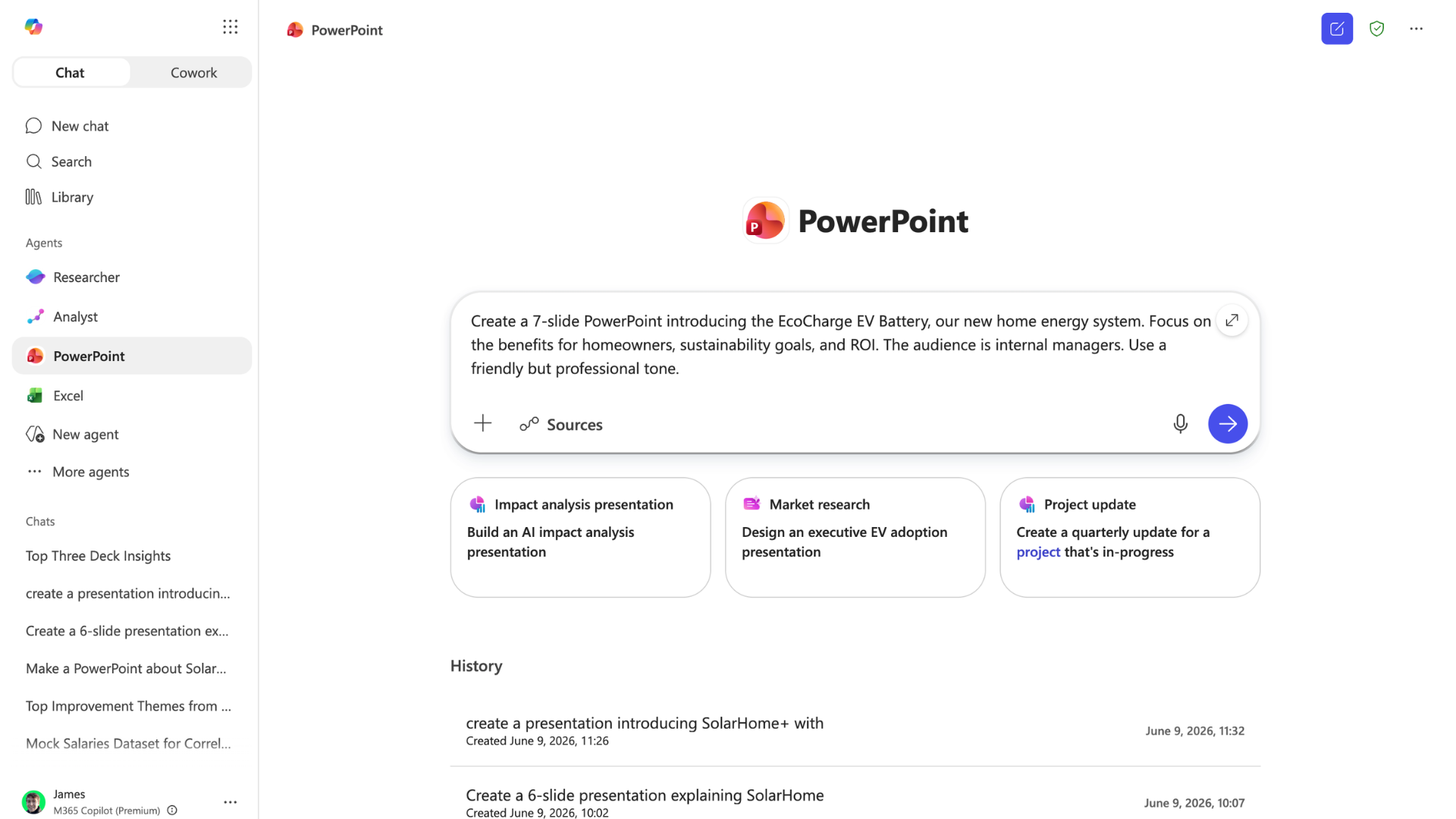
powerpoint_agent1.png

Microsoft Copilot no PowerPoint

Criando decks no Copilot Chat

powerpoint_agent2.png

Microsoft Copilot no PowerPoint

Valide, valide, valide!


Sempre confira números e afirmações principais

data-zoom.png

Microsoft Copilot no PowerPoint

Vamos praticar!

Microsoft Copilot no PowerPoint

Preparing Video For Download...