Extraer ideas estratégicas con Copilot Chat

Microsoft Copilot en PowerPoint

James Chapman

AI Curriculum Manager, DataCamp

¿Por qué analizar presentaciones en Copilot Chat?

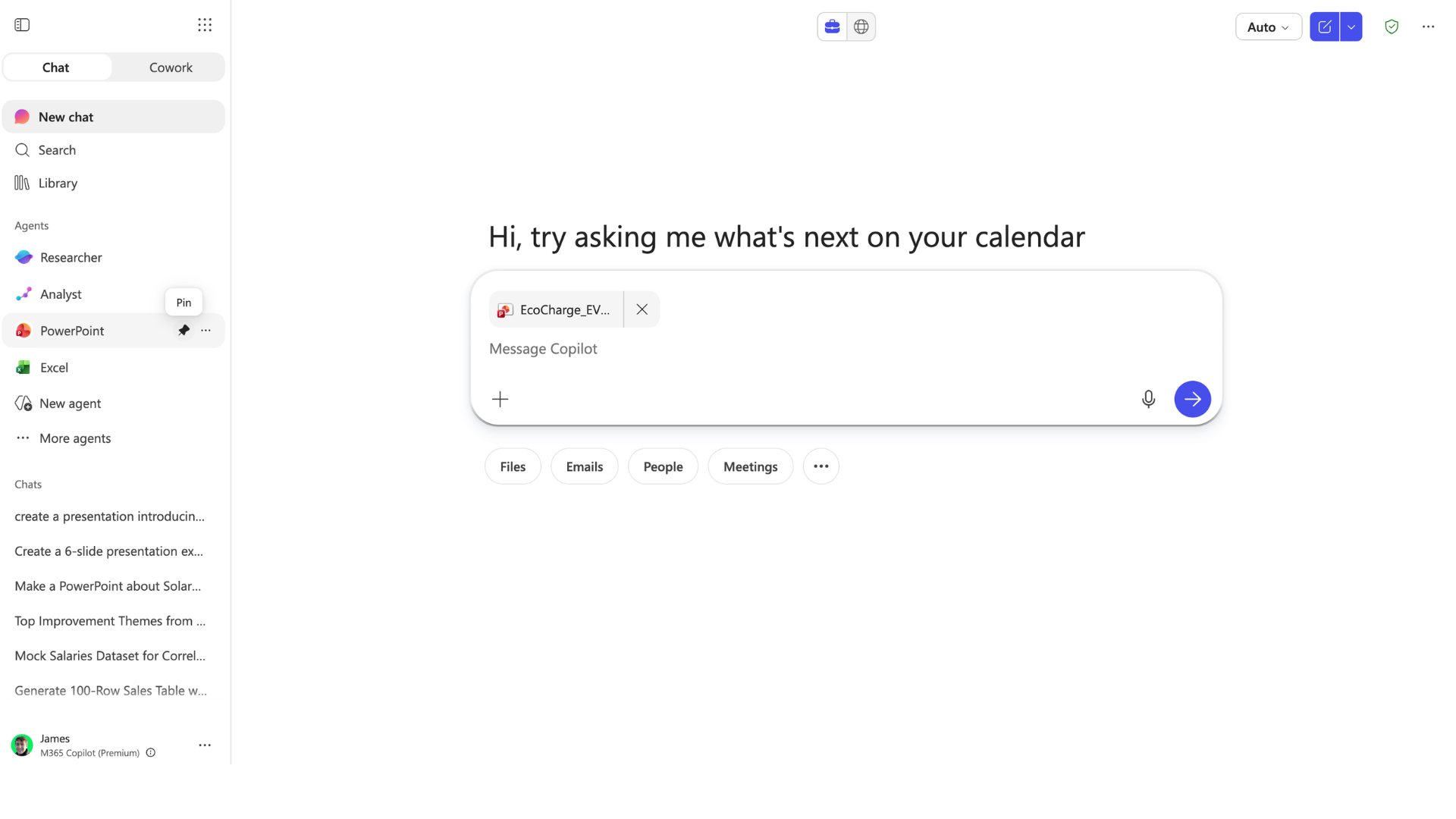
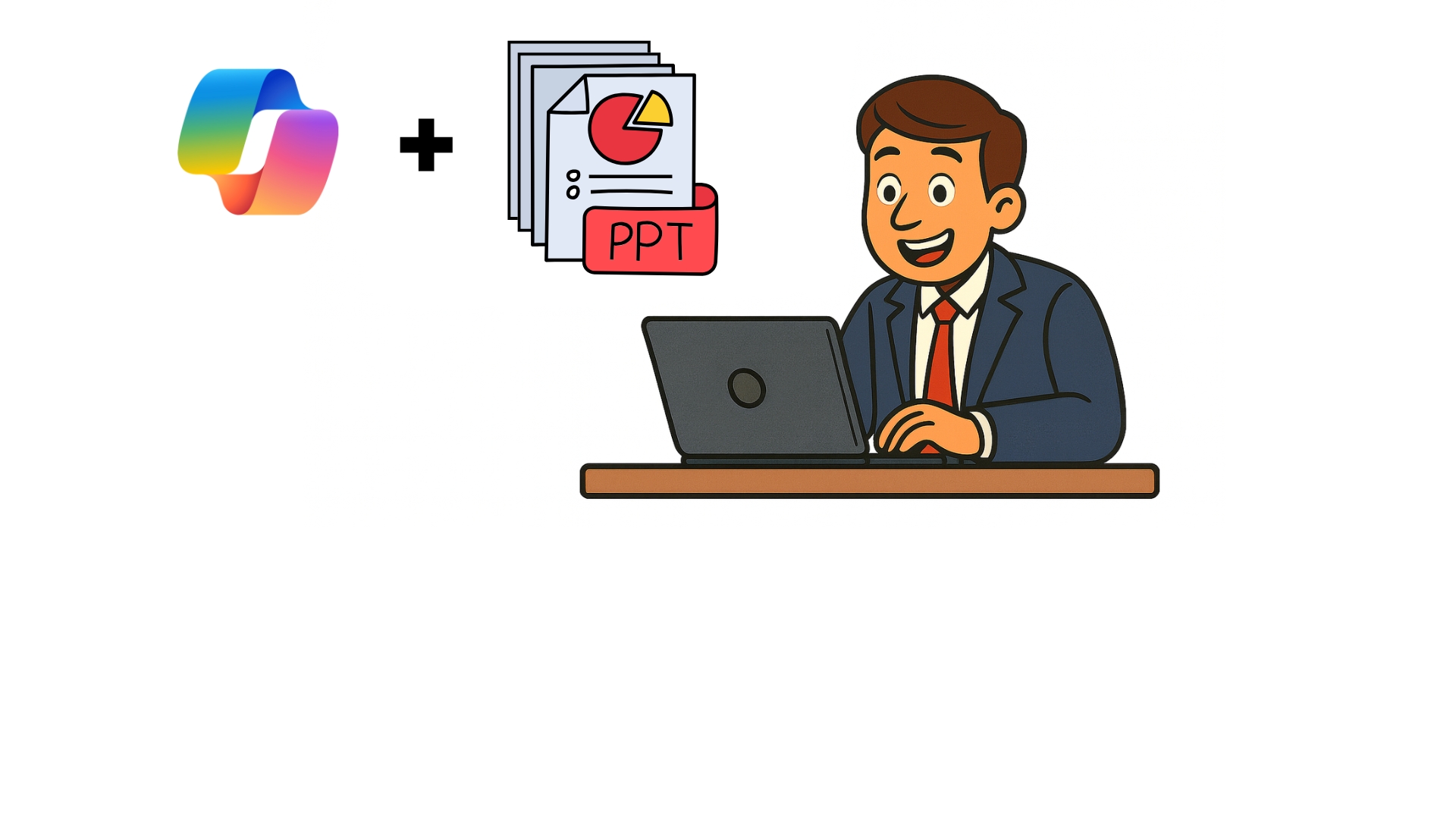
  • Ejemplo: recibir una presentación «densa»
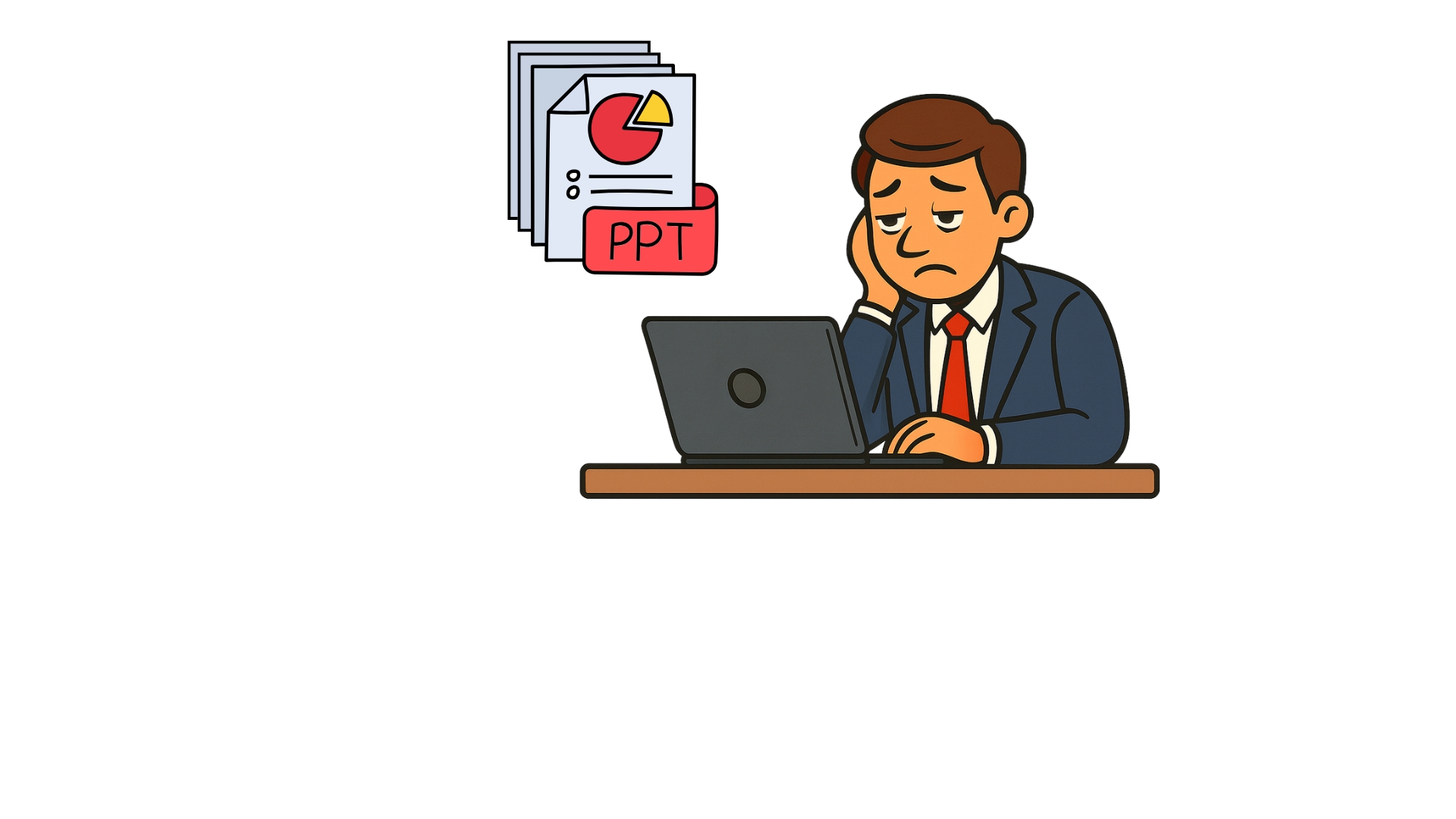
analyze_decks1.jpg

Microsoft Copilot en PowerPoint

¿Por qué analizar presentaciones en Copilot Chat?

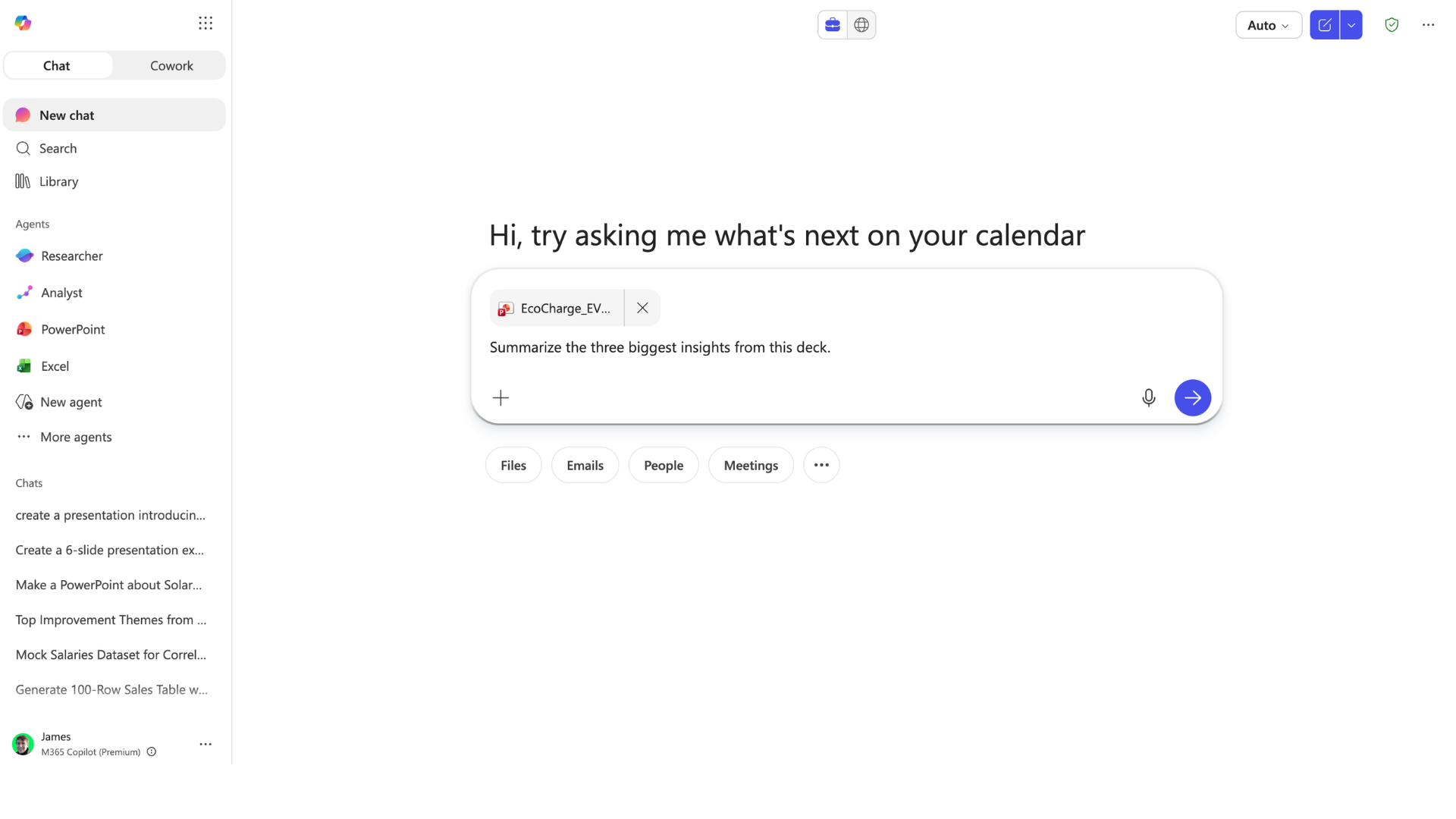
  • Detecta patrones, riesgos y oportunidades
analyze_decks2.jpg

Microsoft Copilot en PowerPoint

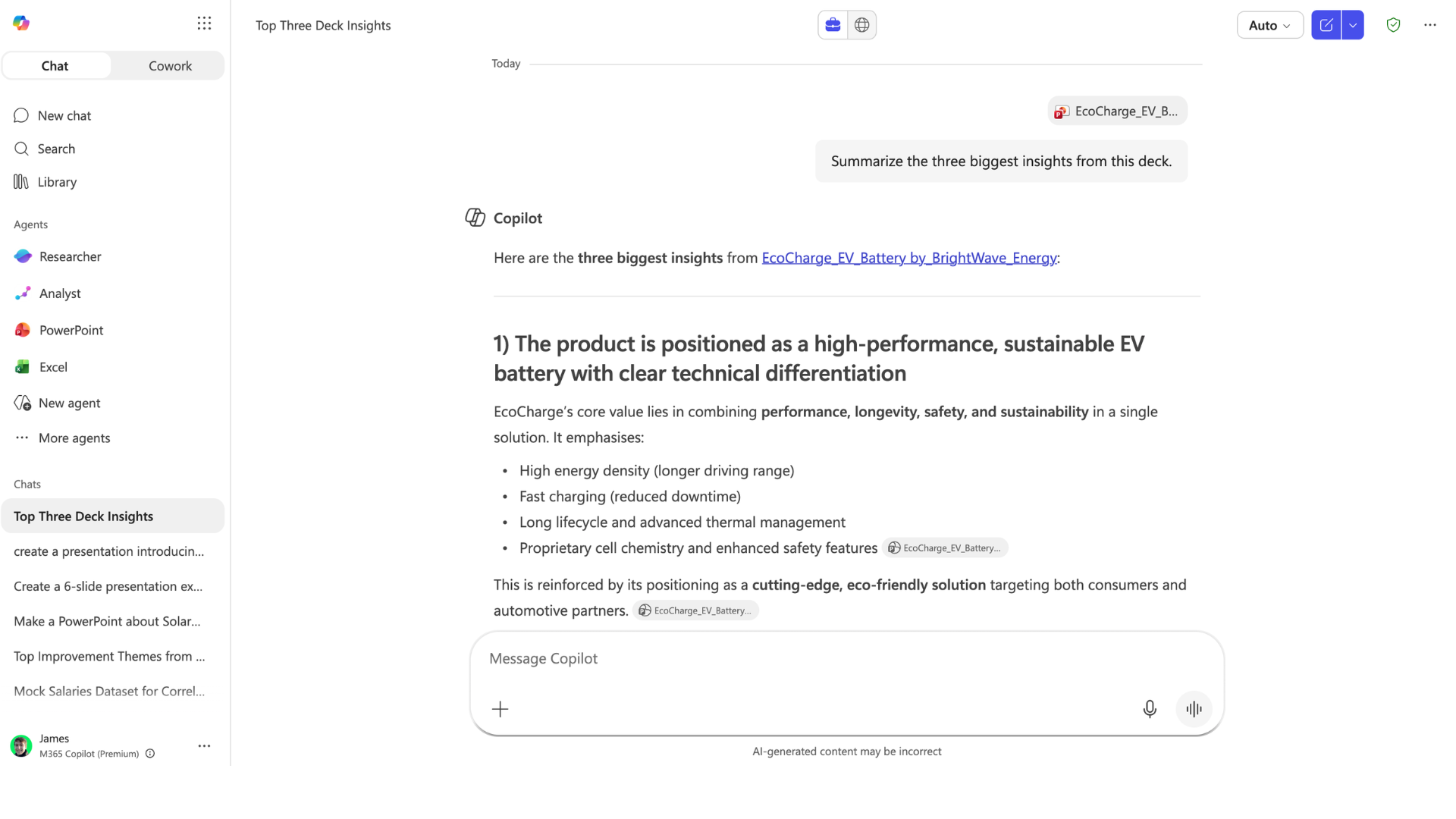
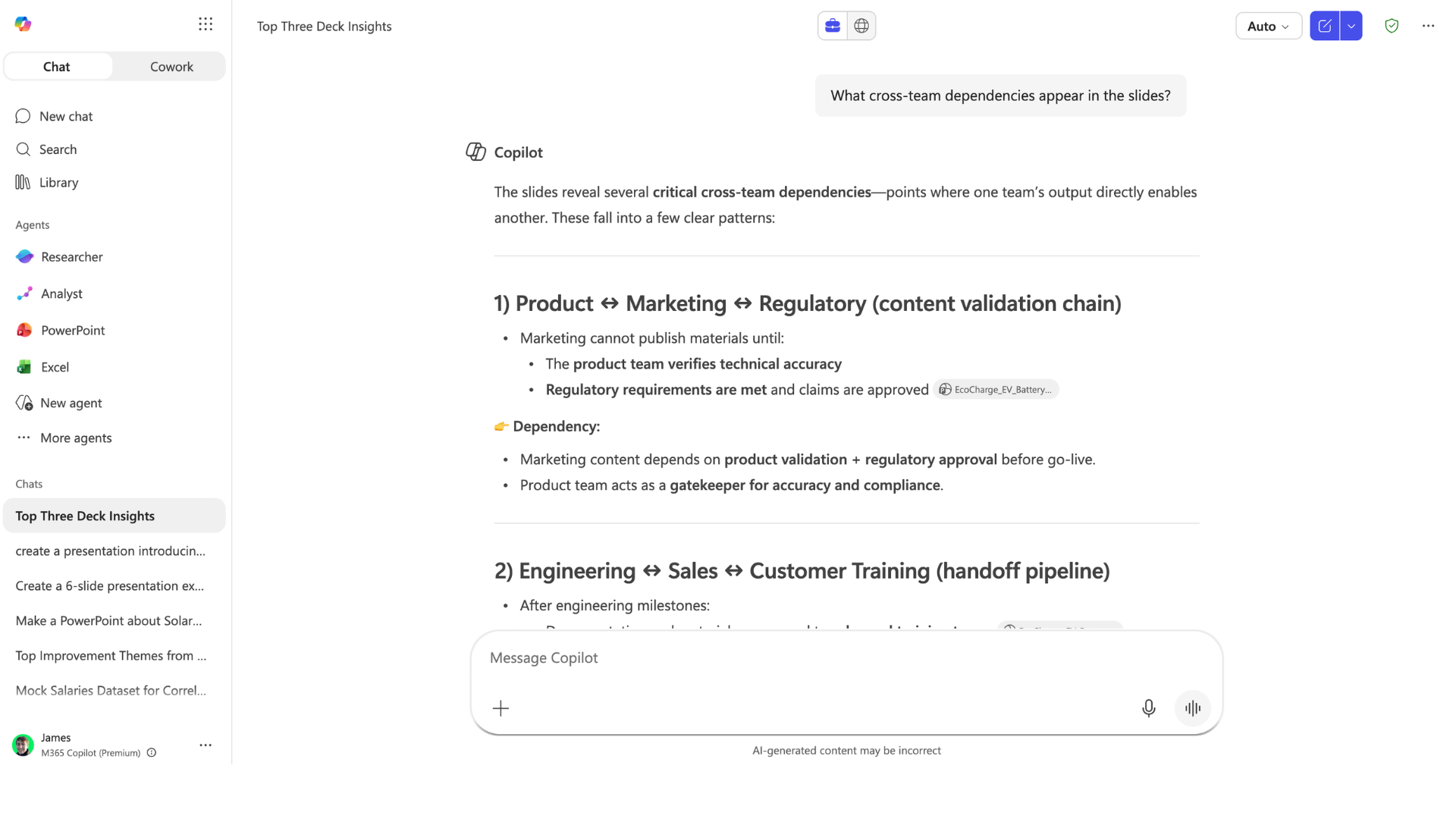
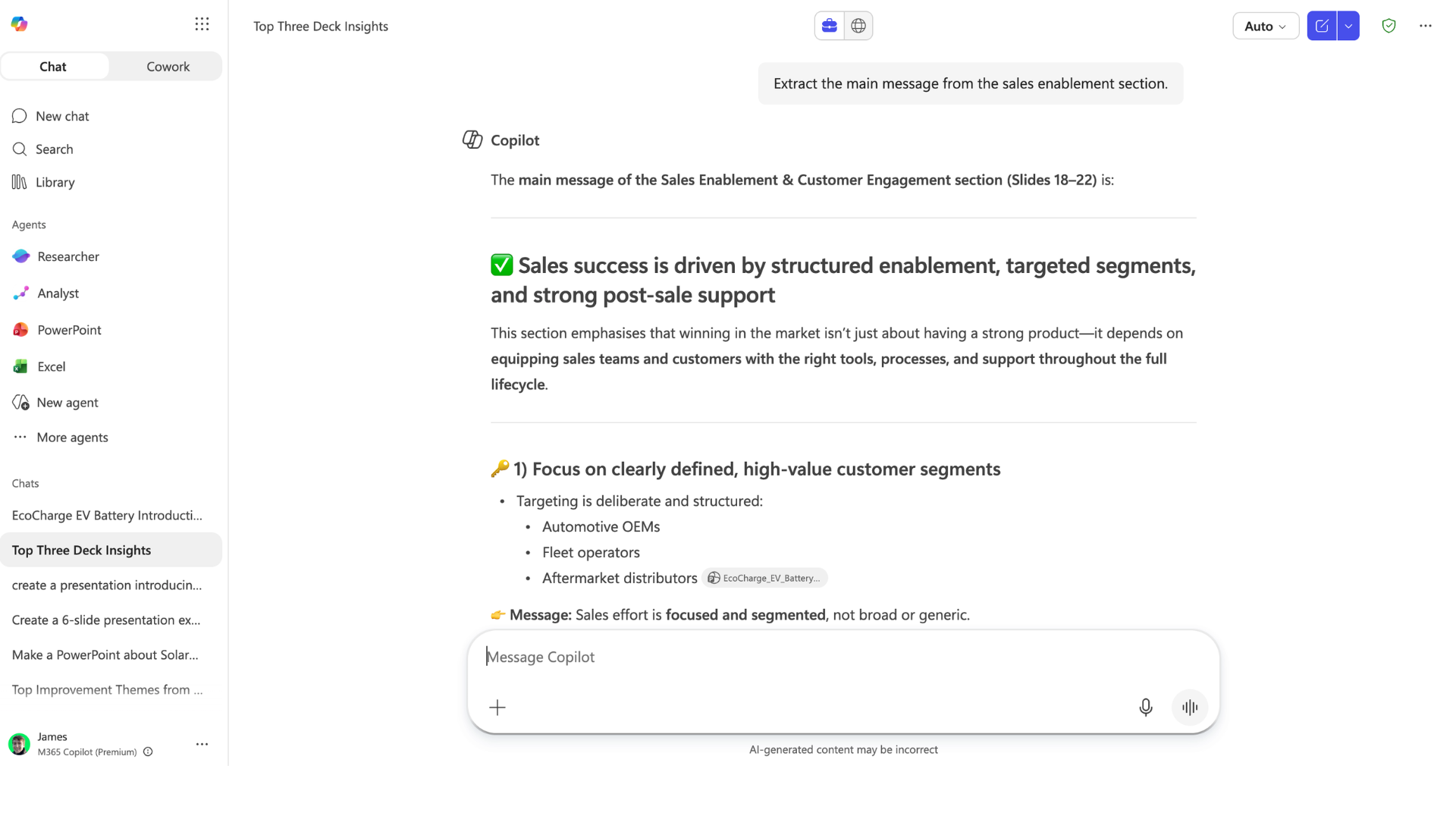
Preguntas a nivel de insight

insight_questions1.png

Microsoft Copilot en PowerPoint

Preguntas a nivel de insight

insight_questions2.png

Microsoft Copilot en PowerPoint

Preguntas a nivel de insight

insight_questions3.png

Microsoft Copilot en PowerPoint

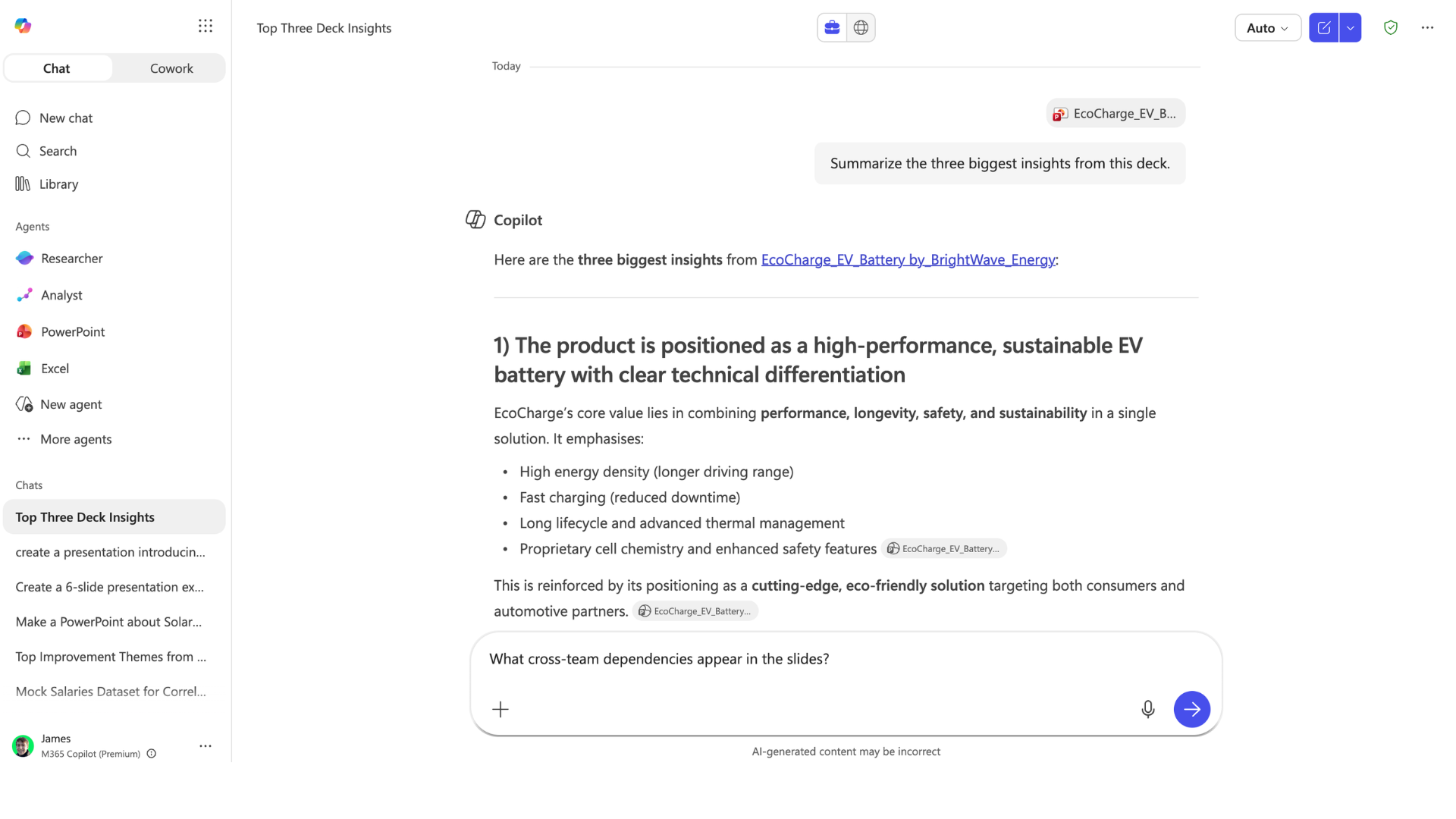
Extraer dependencias entre equipos

cross_team_dependencies1.png

Microsoft Copilot en PowerPoint

Extraer dependencias entre equipos

cross_team_dependencies.png

Microsoft Copilot en PowerPoint

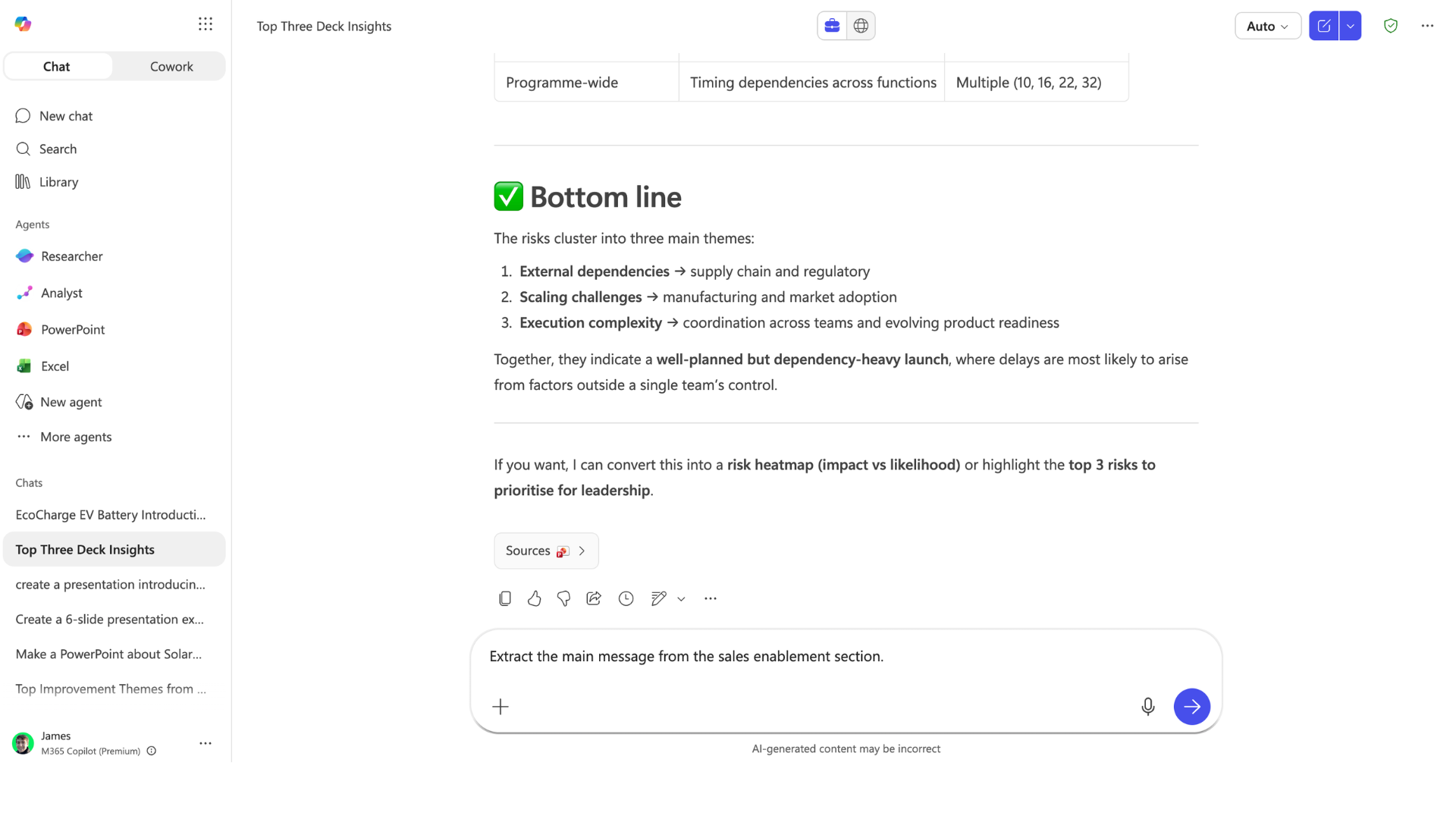
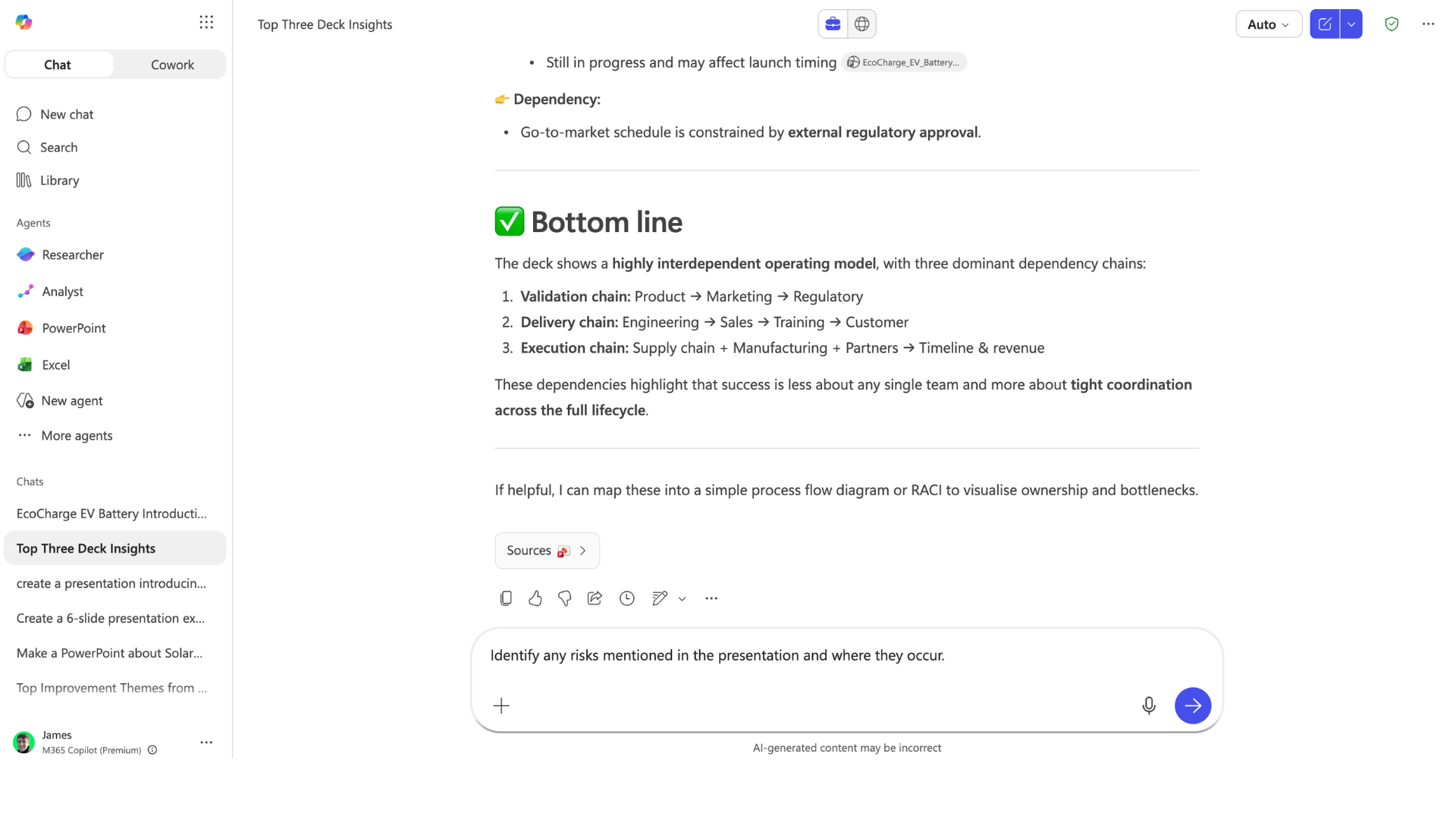
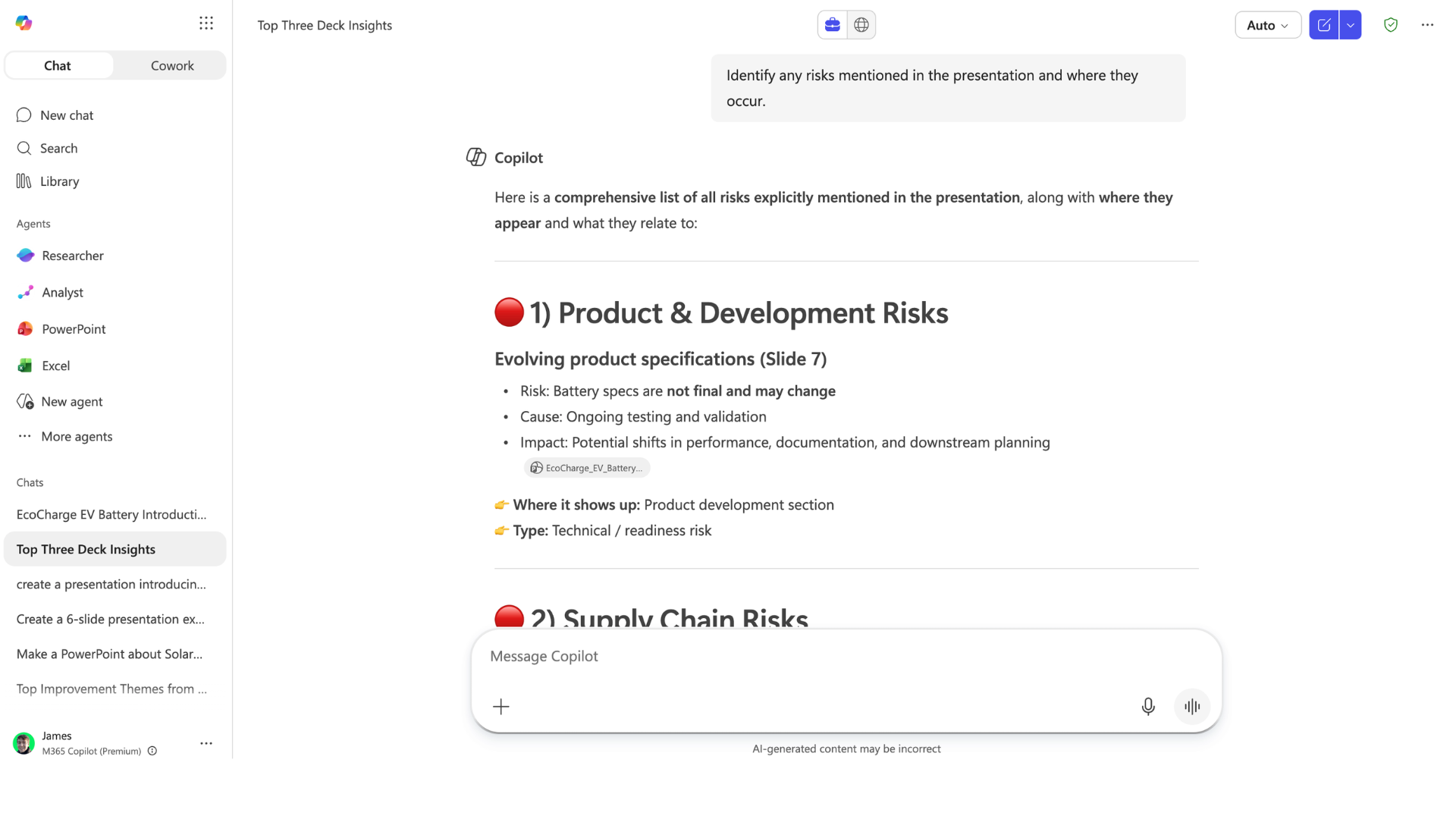
Identificar riesgos en la presentación
identify_risks1.png

Microsoft Copilot en PowerPoint

Identificar riesgos en la presentación
identify_risks2.png

Microsoft Copilot en PowerPoint

Analizar datos y gráficos

analyze_data1.png

Microsoft Copilot en PowerPoint

Analizar datos y gráficos

analyze_data2.png

Microsoft Copilot en PowerPoint

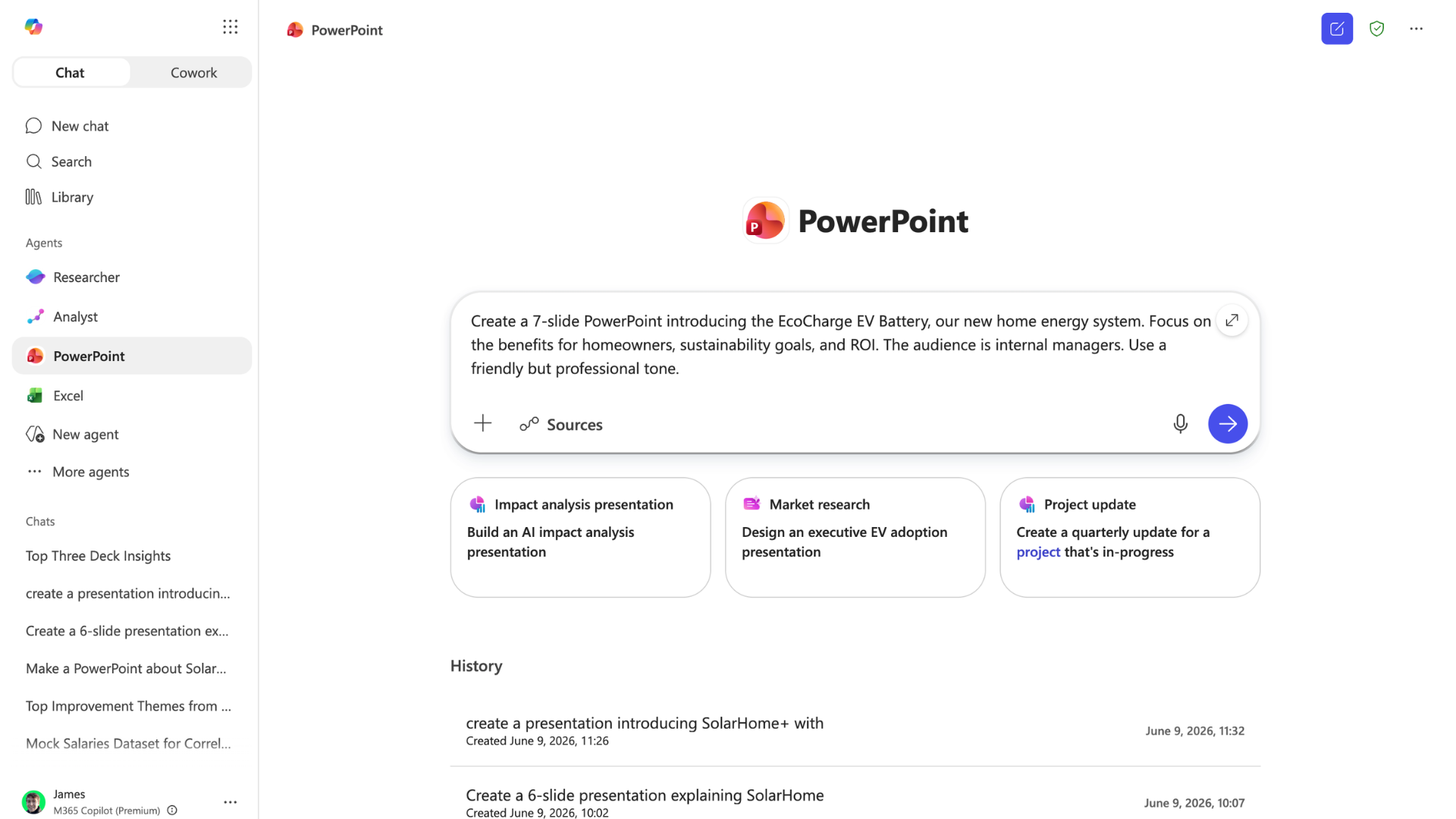
Crear presentaciones desde Copilot Chat

  • El agente de PowerPoint crea presentaciones desde Chat
powerpoint_agent1.png

Microsoft Copilot en PowerPoint

Crear presentaciones desde Copilot Chat
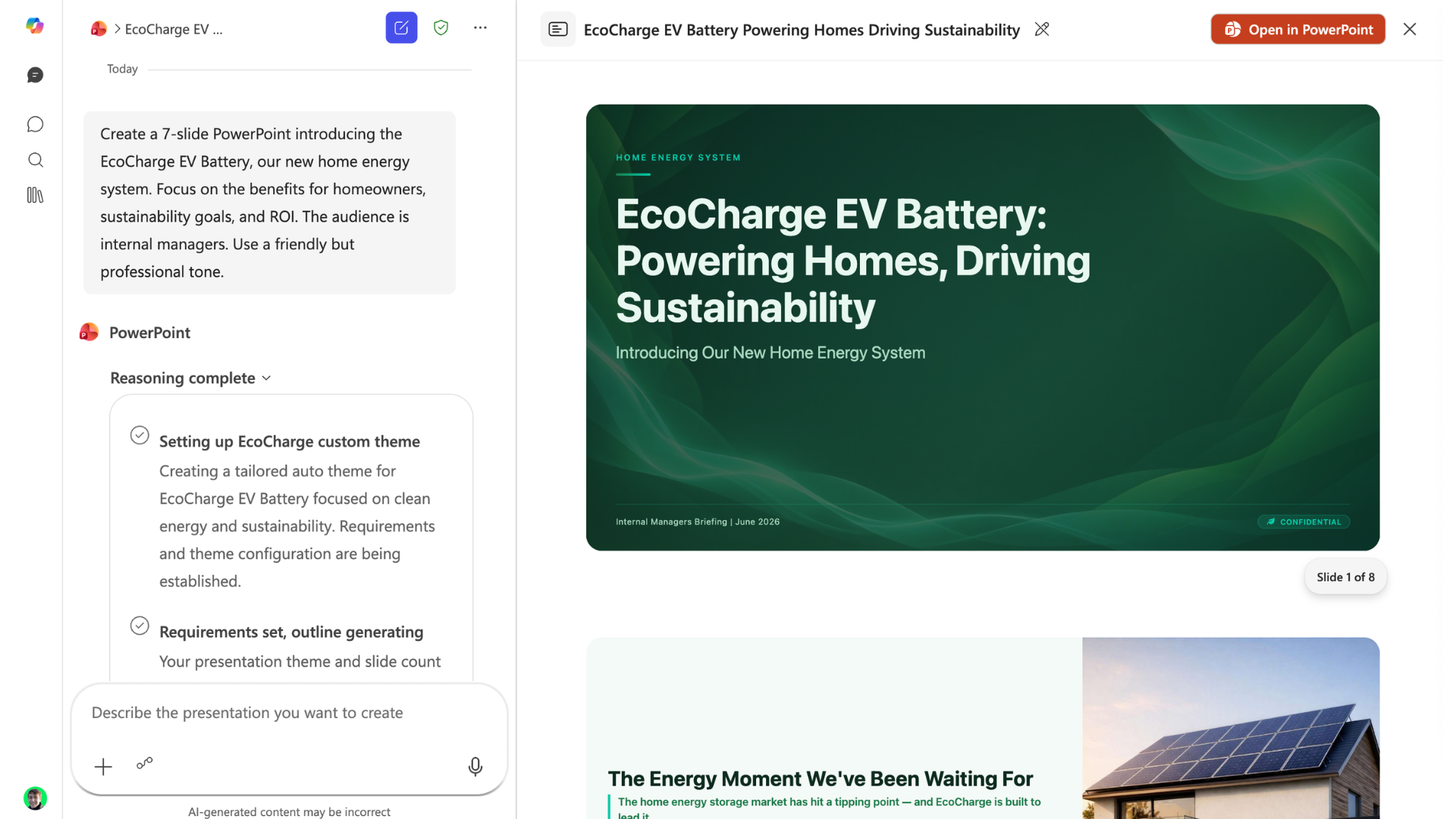
powerpoint_agent2.png

Microsoft Copilot en PowerPoint

¡Valida, valida, valida!


Revisa siempre cifras y afirmaciones clave

data-zoom.png

Microsoft Copilot en PowerPoint

¡Vamos a practicar!

Microsoft Copilot en PowerPoint

Preparing Video For Download...