魅力的なスライドのためのプロンプト作成

Microsoft Copilot in PowerPoint

James Chapman

AI Curriculum Manager, DataCamp

もうすぐ始まります

engaging_presentation.jpg

Microsoft Copilot in PowerPoint

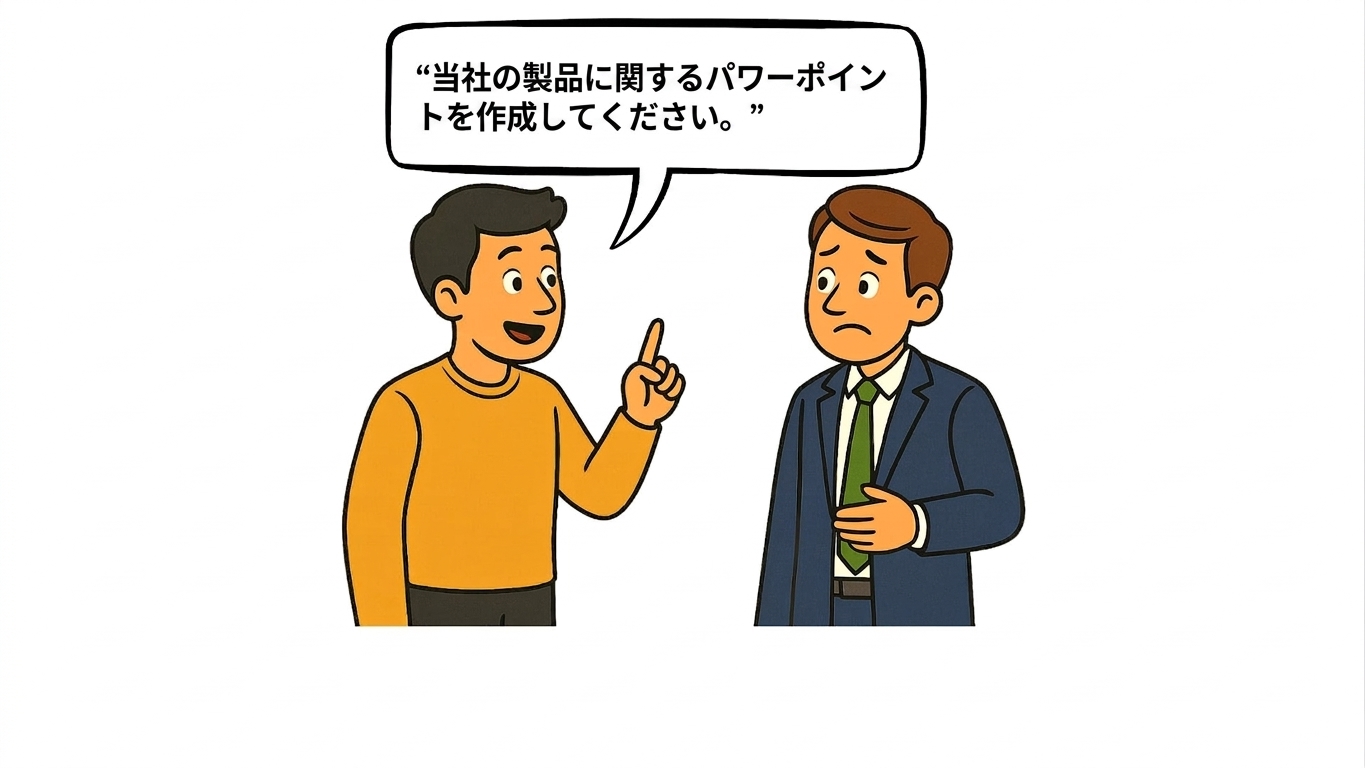
プロンプトの質が重要な理由

prompt_quality1.jpg

Microsoft Copilot in PowerPoint

プロンプトの質が重要な理由

prompt_quality2.jpg

Microsoft Copilot in PowerPoint

プロンプトの質が重要な理由

prompt_quality3.jpg

Microsoft Copilot in PowerPoint

プロンプトの質が重要な理由

prompt_quality4.jpg

Microsoft Copilot in PowerPoint

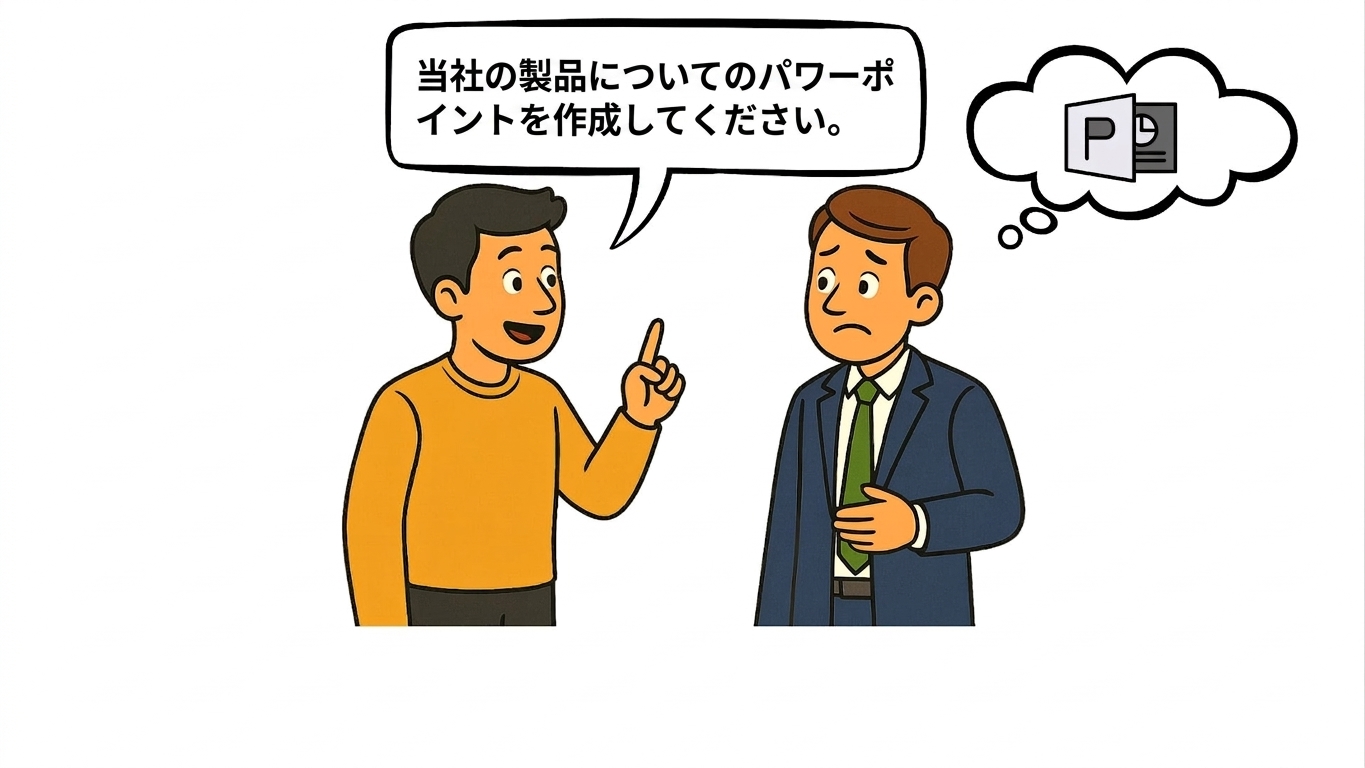
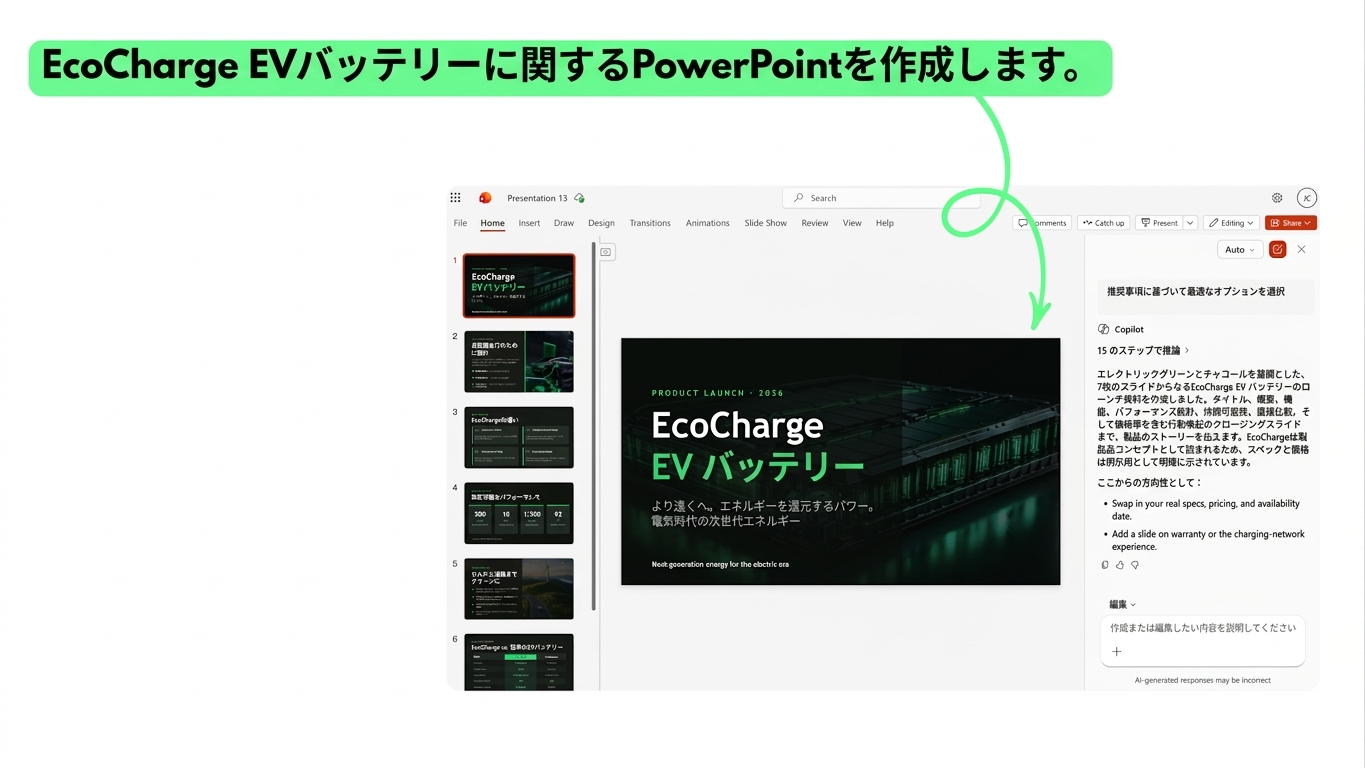
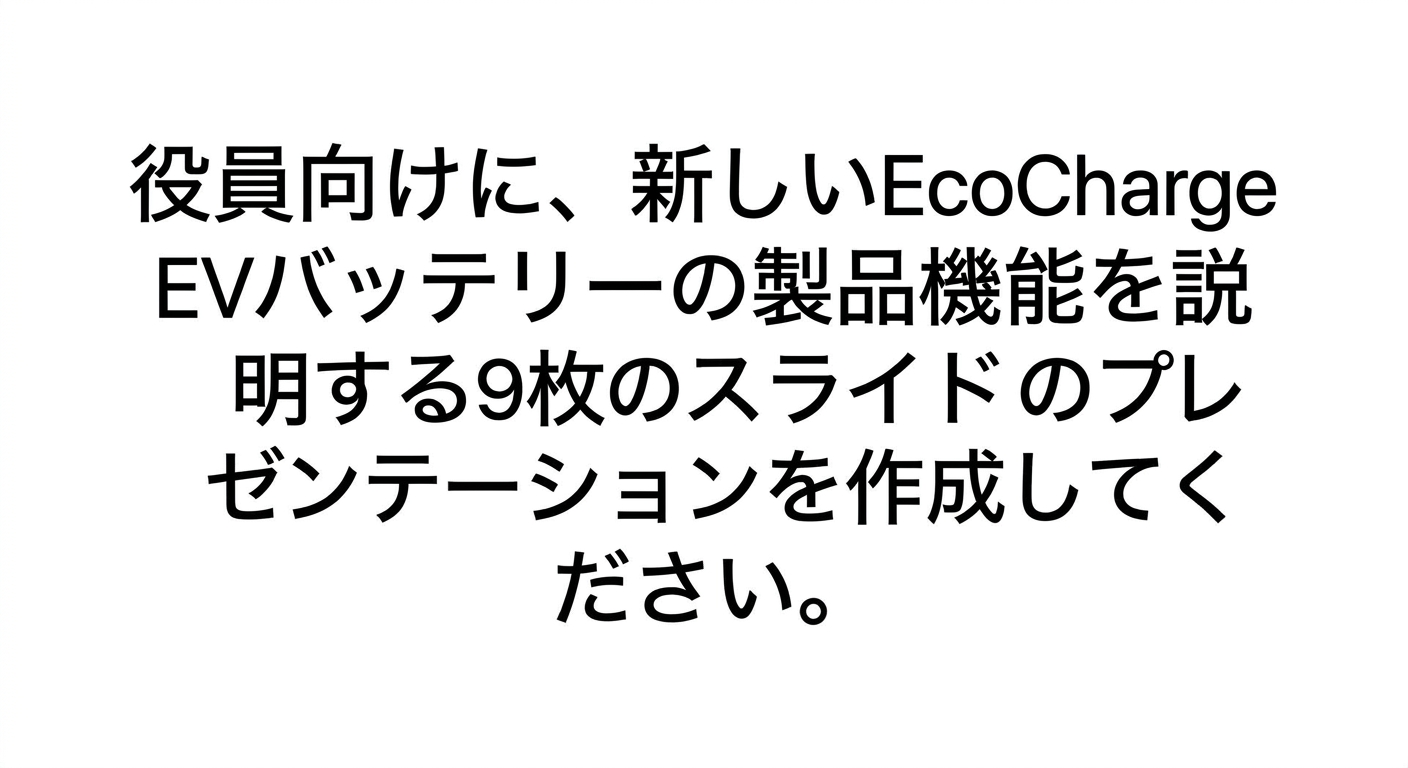
例1:曖昧なプロンプト

vague_prompt.png

Microsoft Copilot in PowerPoint

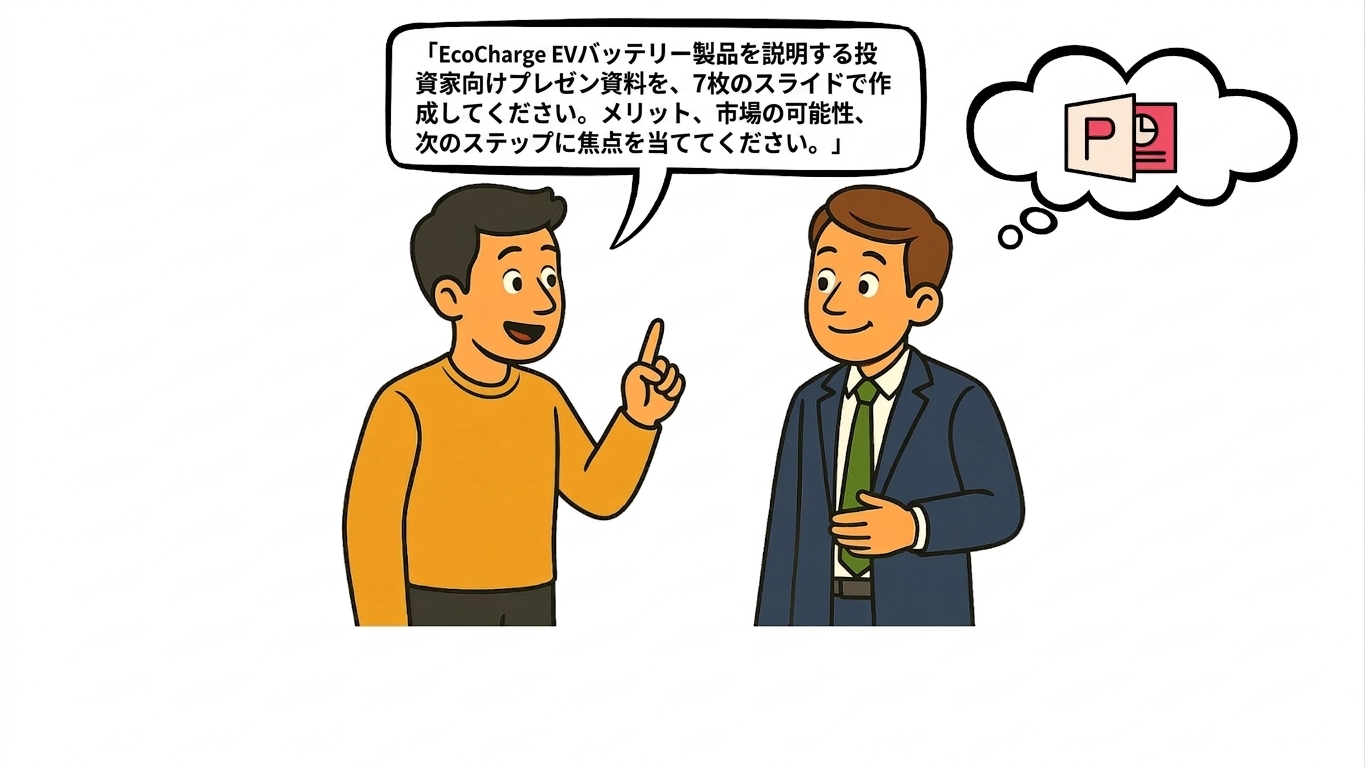
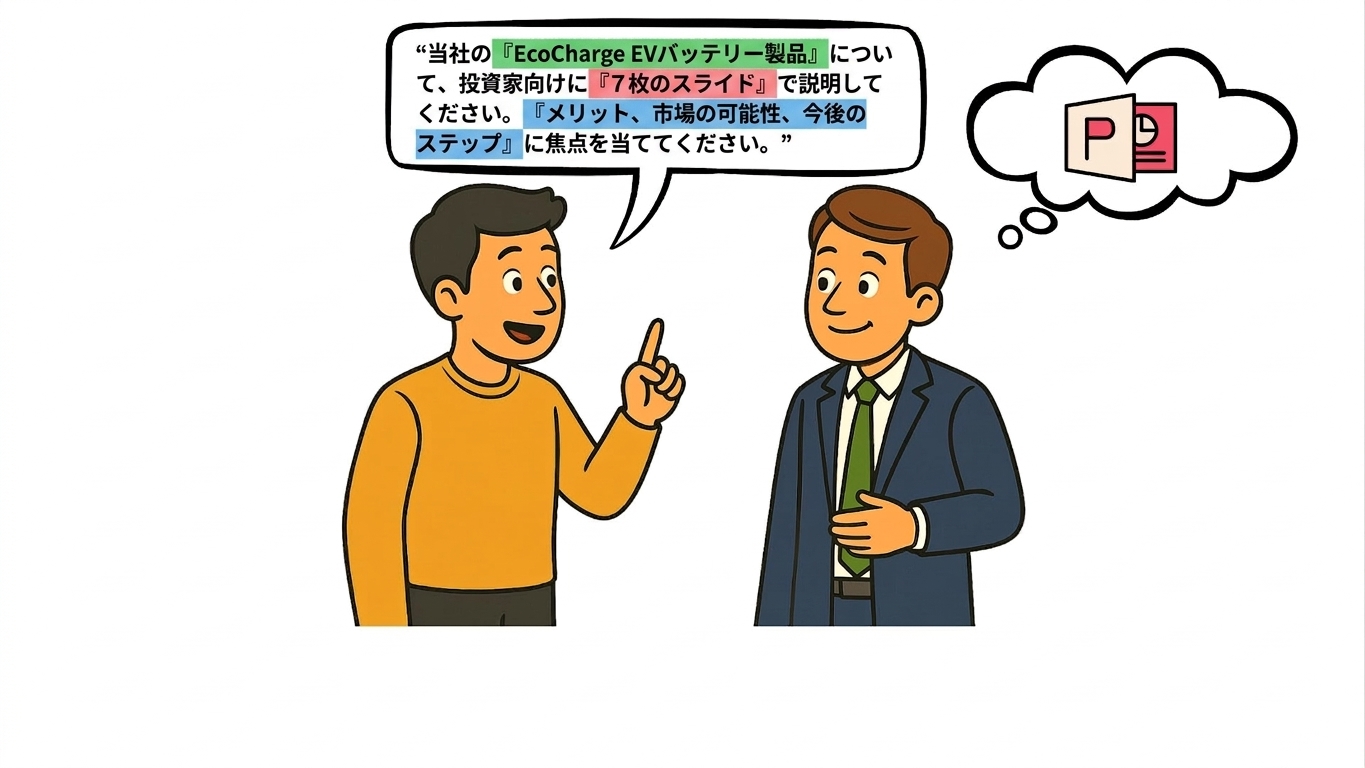
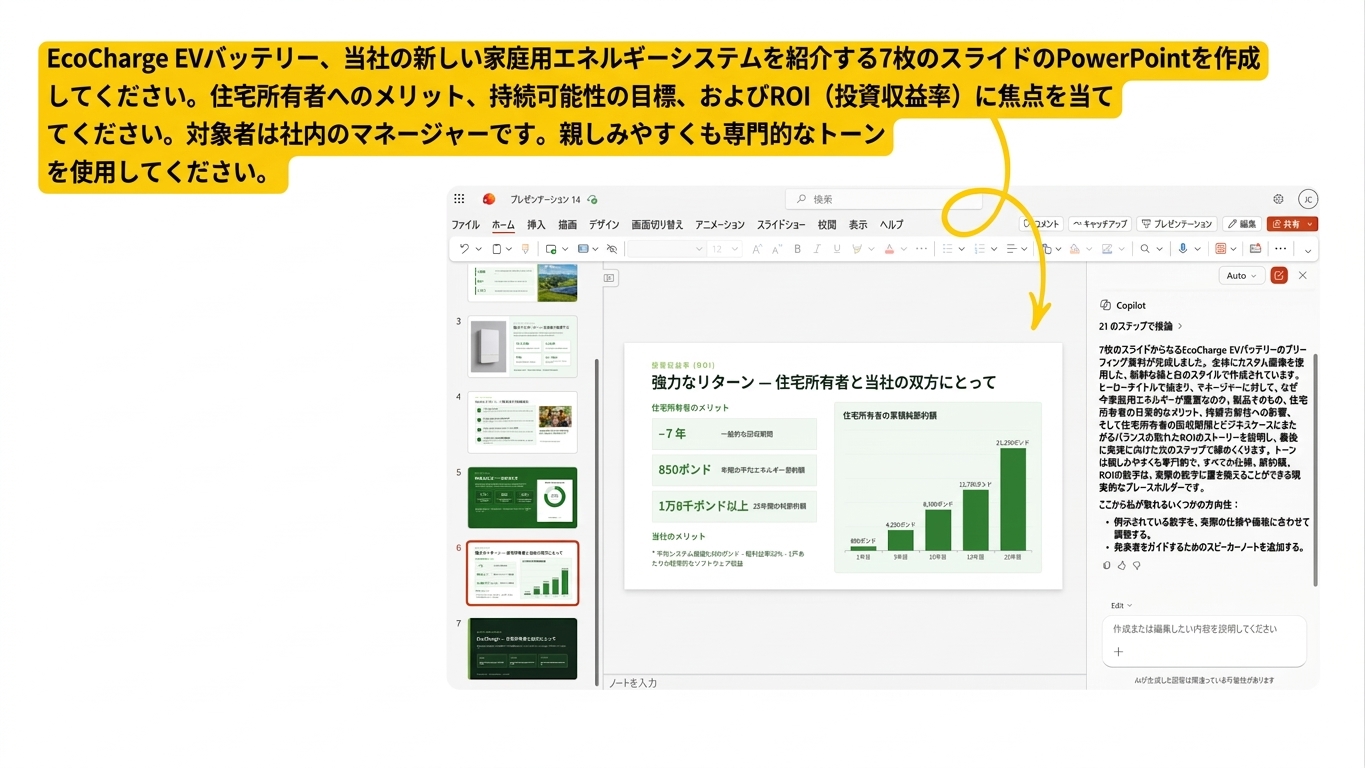
例2:構造化されたプロンプト

structured_prompt.png

Microsoft Copilot in PowerPoint

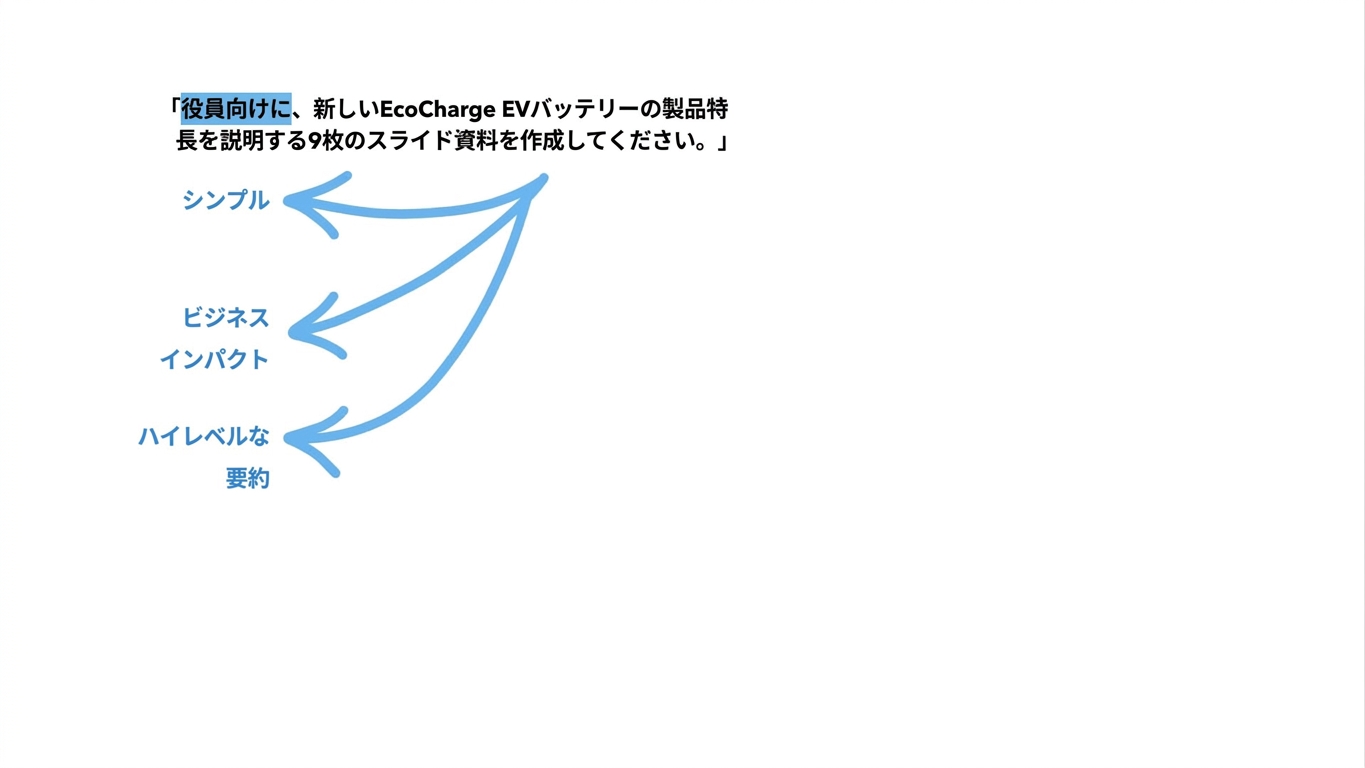
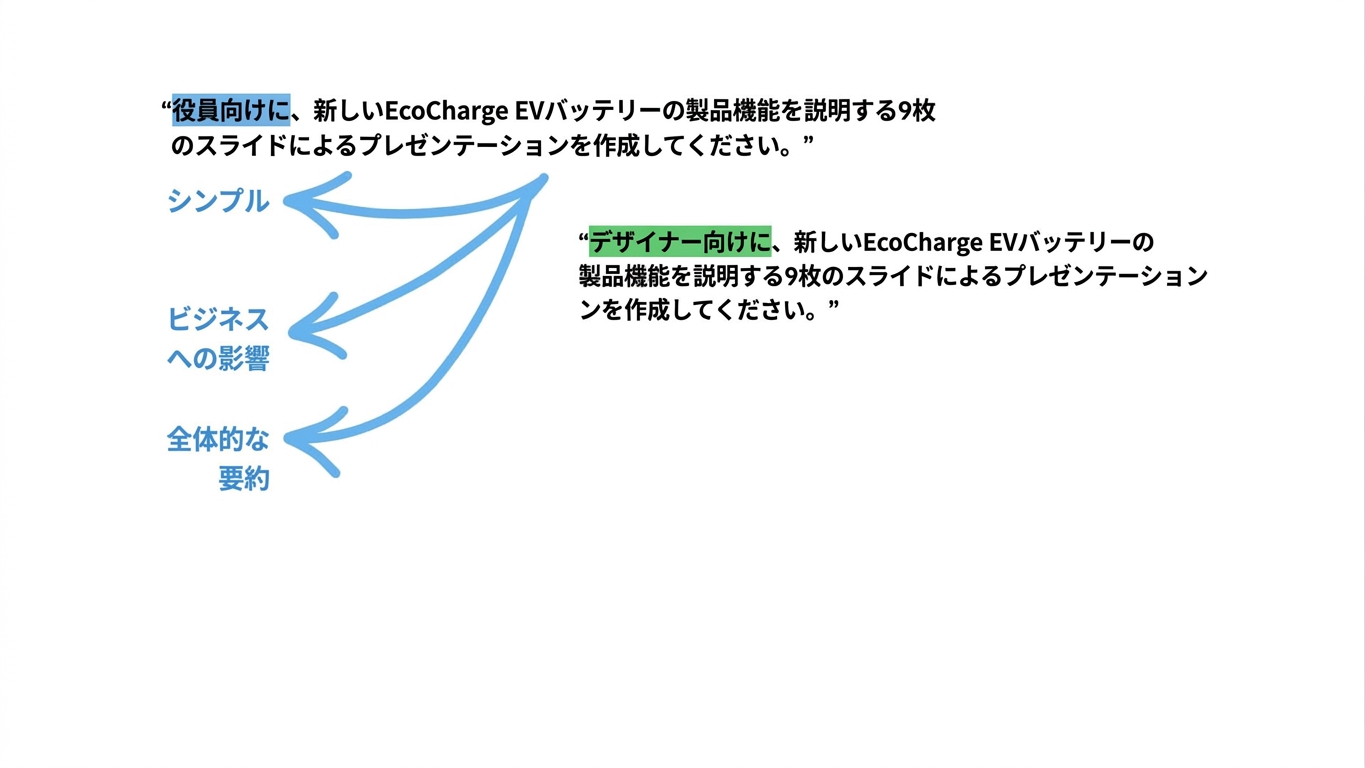
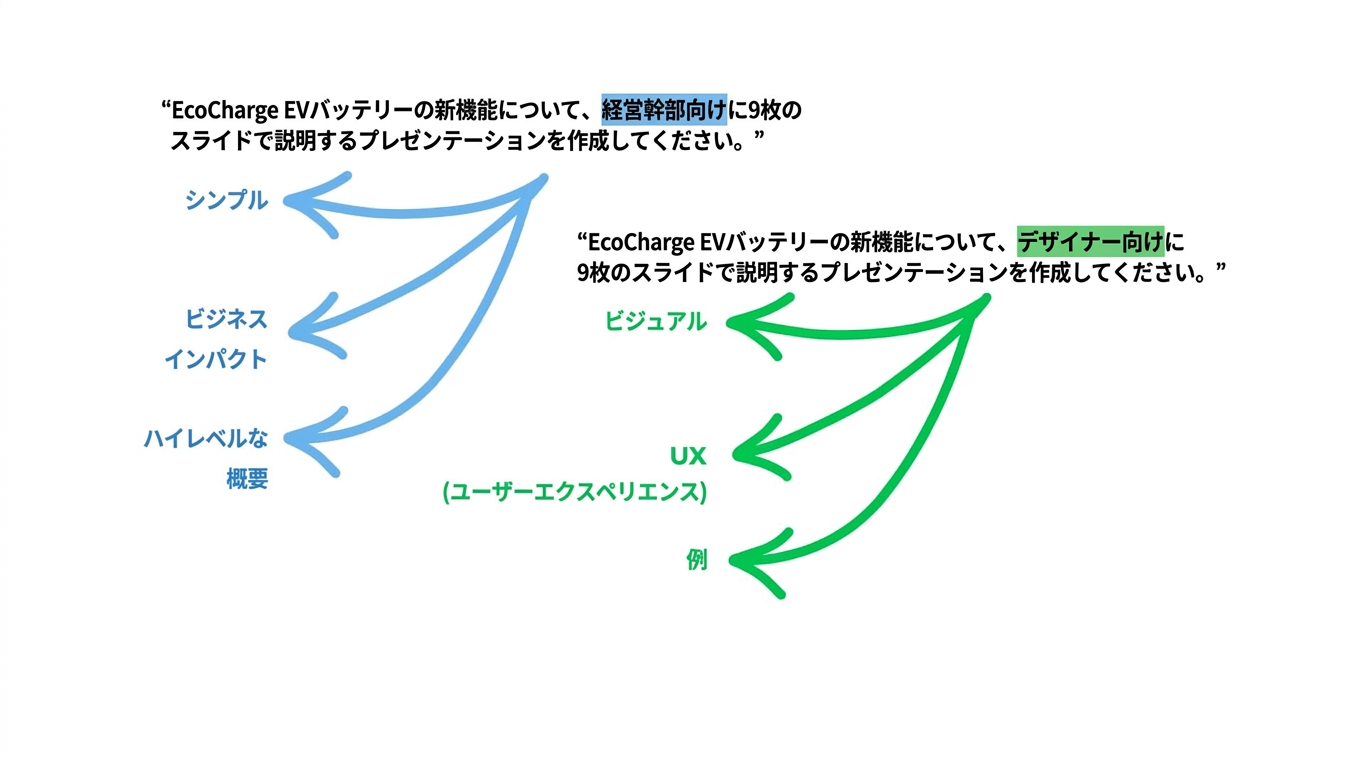
Copilot がプロンプトを「解釈」する仕組み

copilot_interpret1.jpg

Microsoft Copilot in PowerPoint

Copilot がプロンプトを「解釈」する仕組み

copilot_interpret2.jpg

Microsoft Copilot in PowerPoint

Copilot がプロンプトを「解釈」する仕組み

copilot_interpret3.jpg

Microsoft Copilot in PowerPoint

Copilot がプロンプトを「解釈」する仕組み

copilot_interpret4.jpg

Microsoft Copilot in PowerPoint

Copilot がプロンプトを「解釈」する仕組み

copilot_interpret5.jpg

Microsoft Copilot in PowerPoint

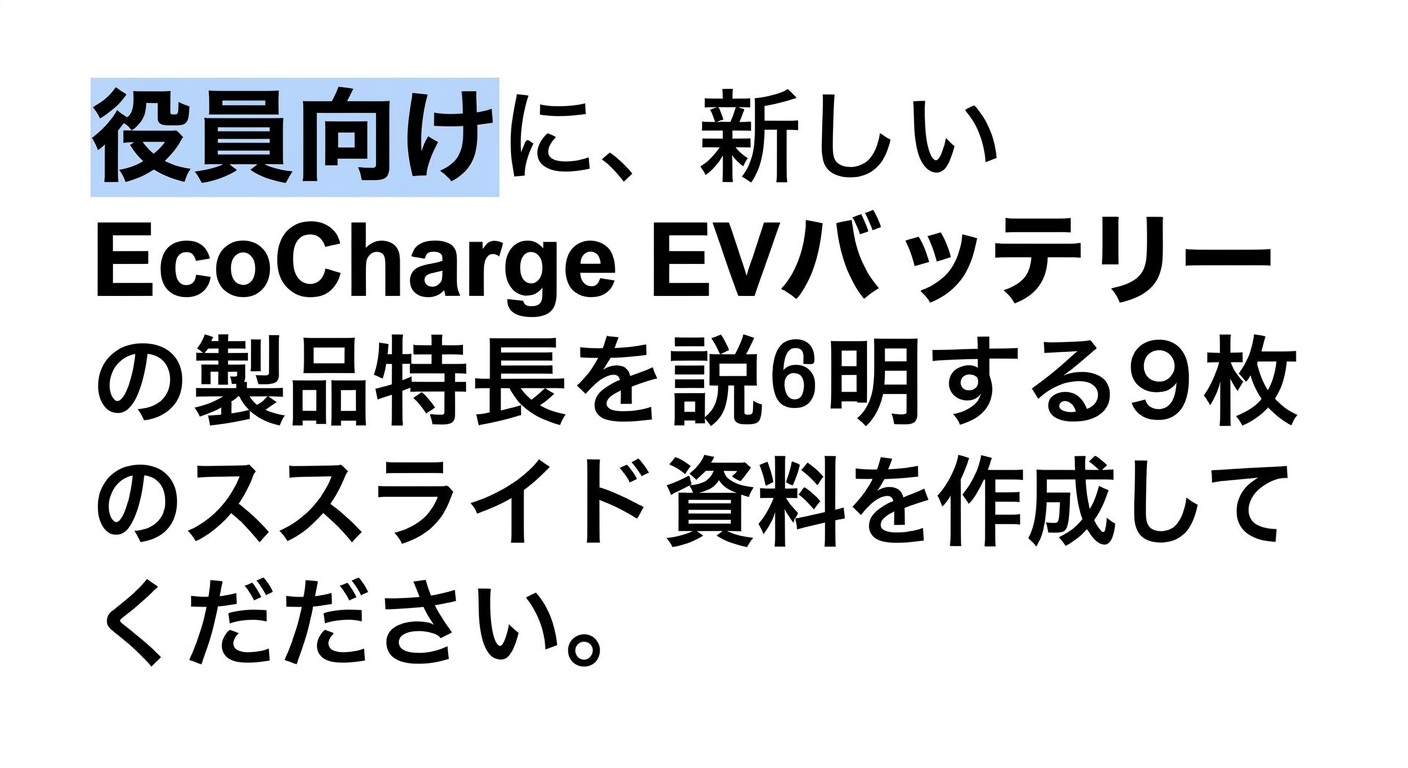
避けるべきミス


曖昧さ → 内容が不十分なプロンプト

情報過多 → 一度に多くの情報を詰め込みすぎる

対象者が不明確 → プレゼンテーションの対象者は誰か


confusing_powerpoint.png

Microsoft Copilot in PowerPoint

練習しましょう!

Microsoft Copilot in PowerPoint

Preparing Video For Download...