Tvorba promptů pro poutavé prezentace

Microsoft Copilot v PowerPointu

James Chapman

AI Curriculum Manager, DataCamp

Co nás čeká...

engaging_presentation.jpg

Microsoft Copilot v PowerPointu

Proč záleží na kvalitě promptů

prompt_quality1.jpg

Microsoft Copilot v PowerPointu

Proč záleží na kvalitě promptů

prompt_quality2.jpg

Microsoft Copilot v PowerPointu

Proč záleží na kvalitě promptů

prompt_quality3.jpg

Microsoft Copilot v PowerPointu

Proč záleží na kvalitě promptů

prompt_quality4.jpg

Microsoft Copilot v PowerPointu

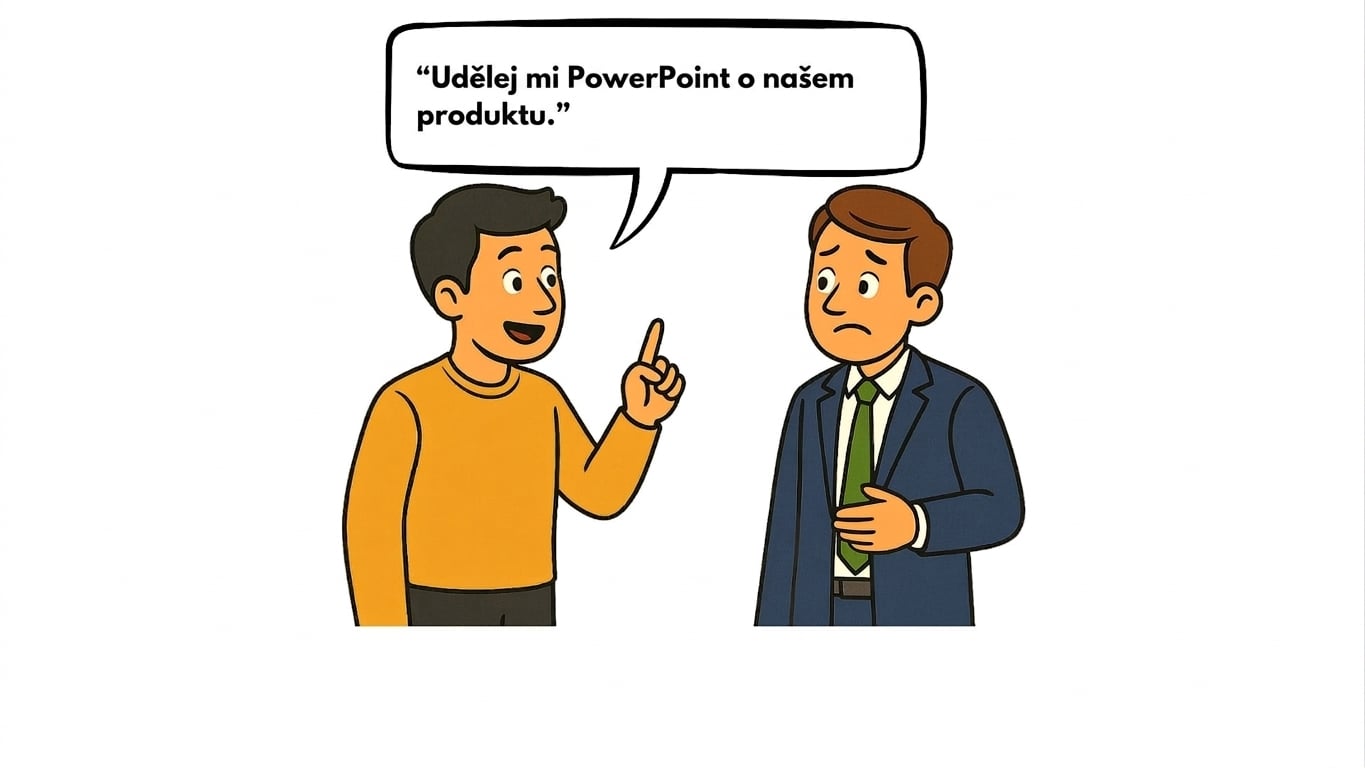
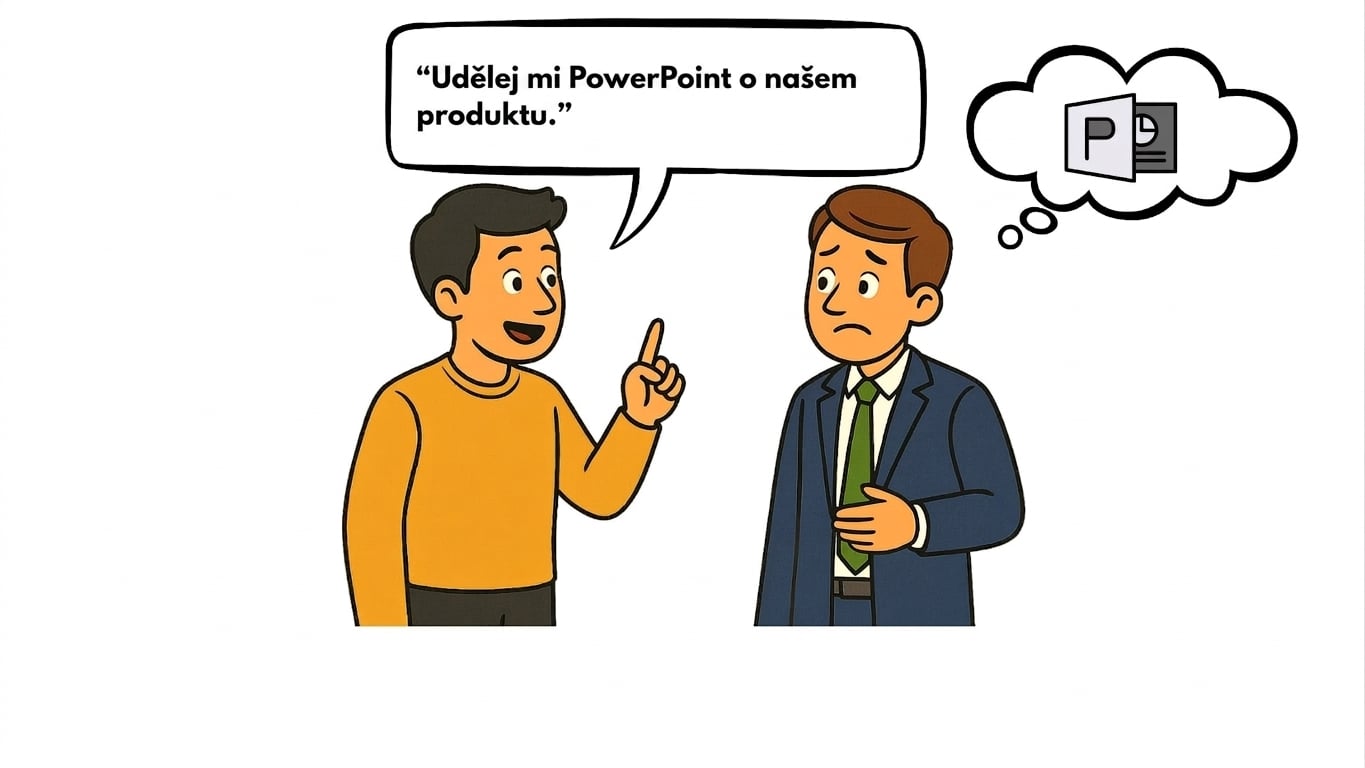
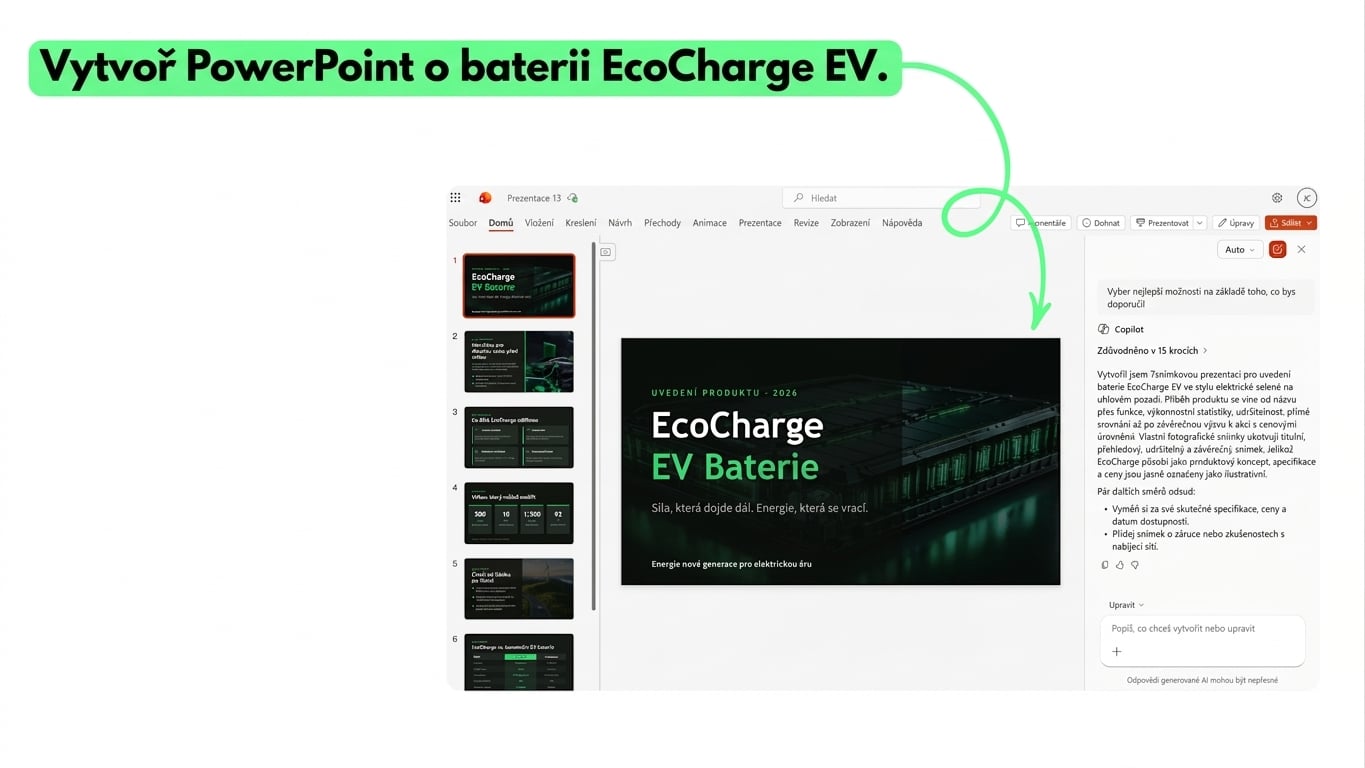
Příklad 1: Vágní prompt

vague_prompt.png

Microsoft Copilot v PowerPointu

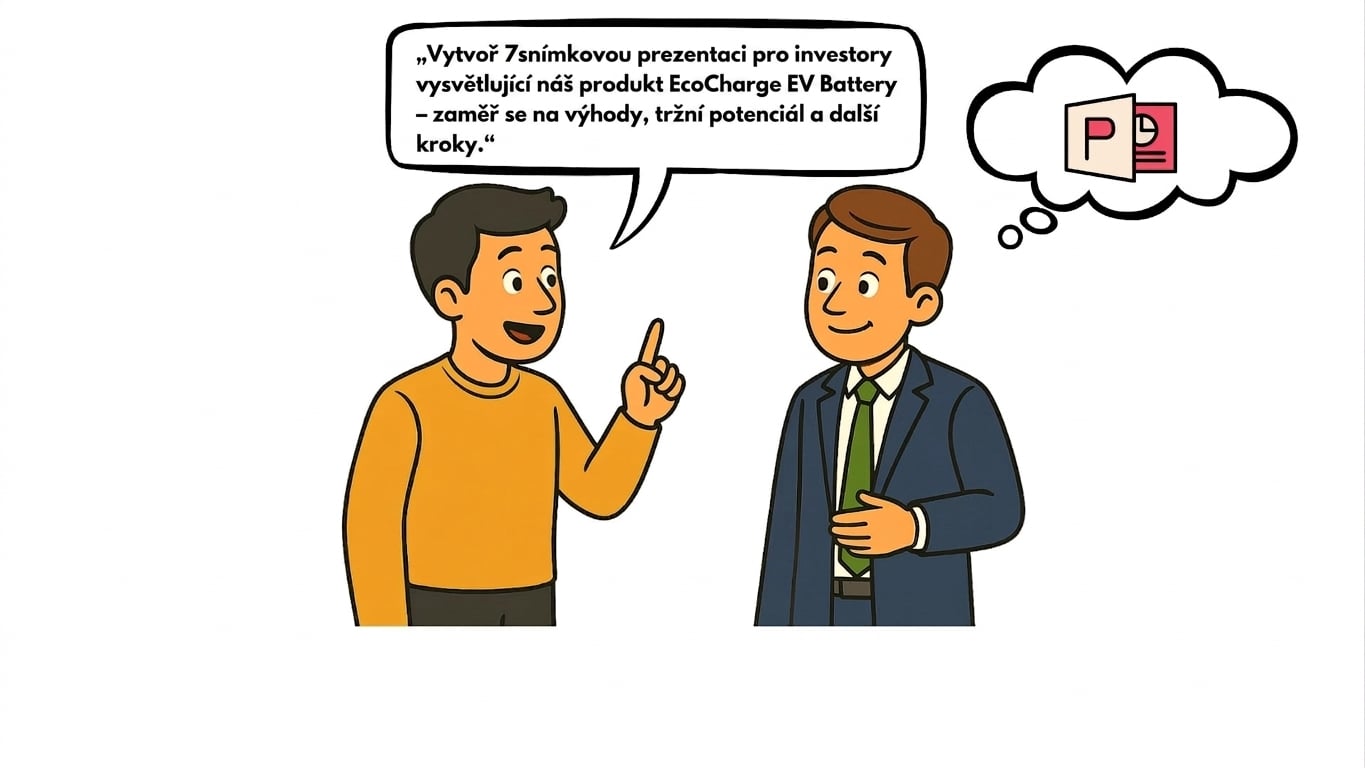
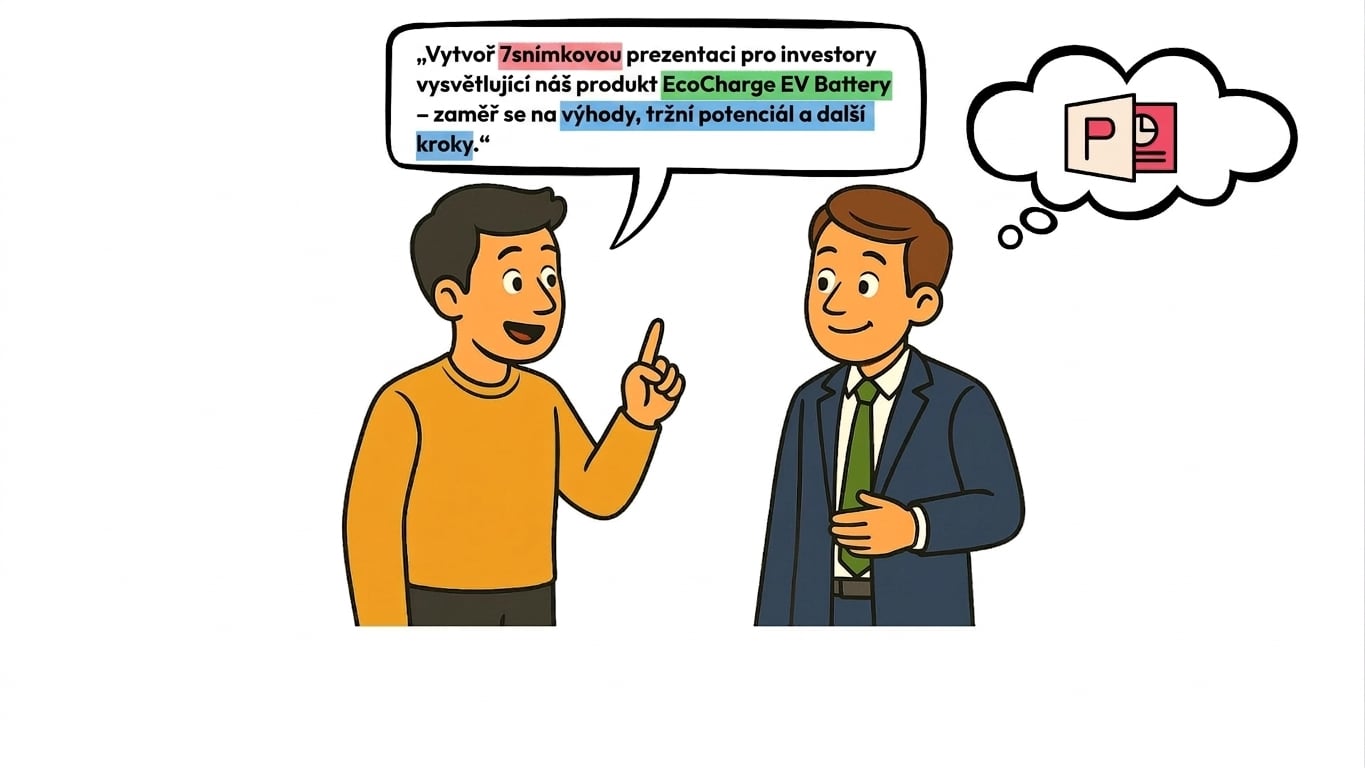
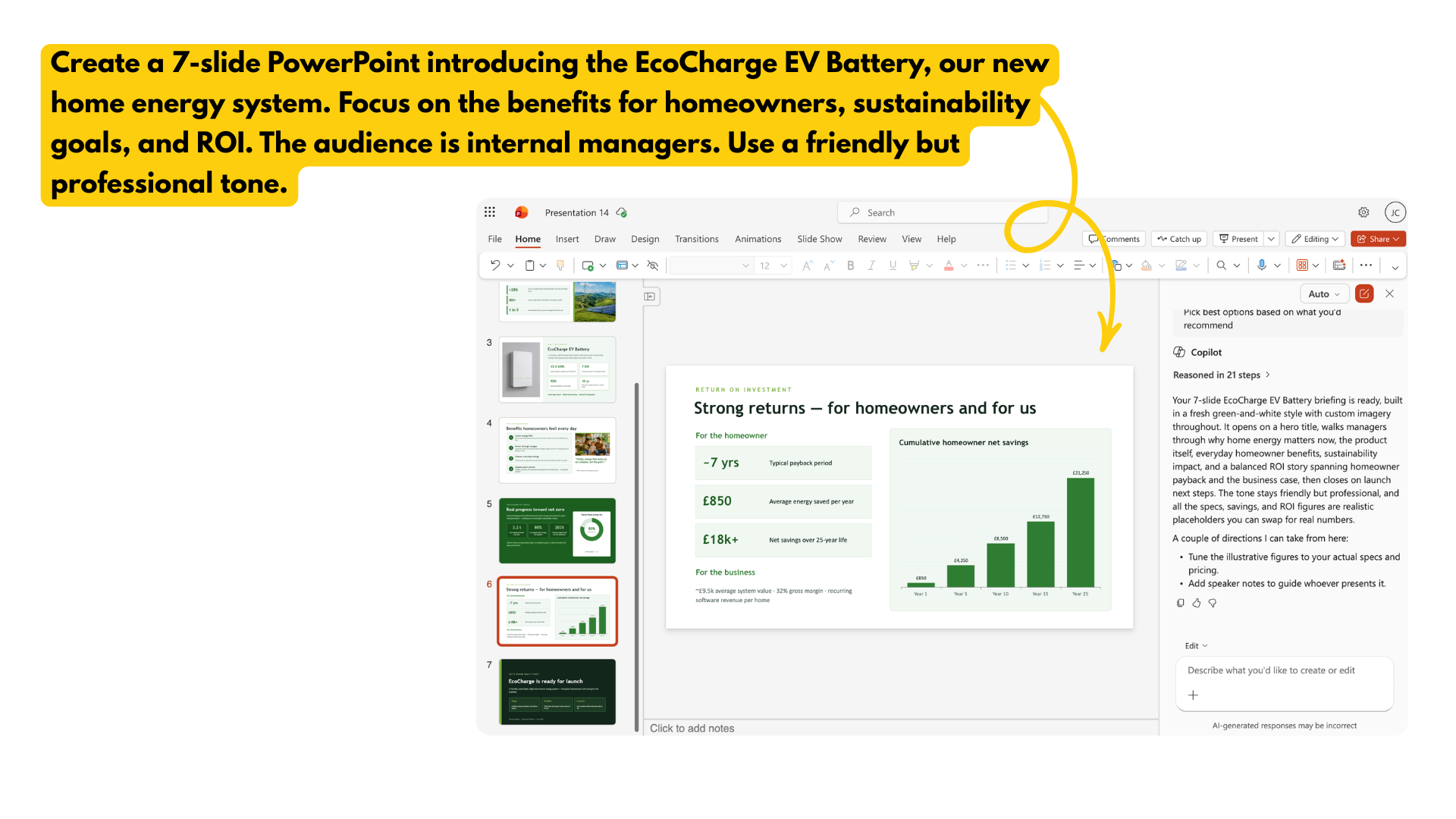
Příklad 2: Strukturovaný prompt

structured_prompt.png

Microsoft Copilot v PowerPointu

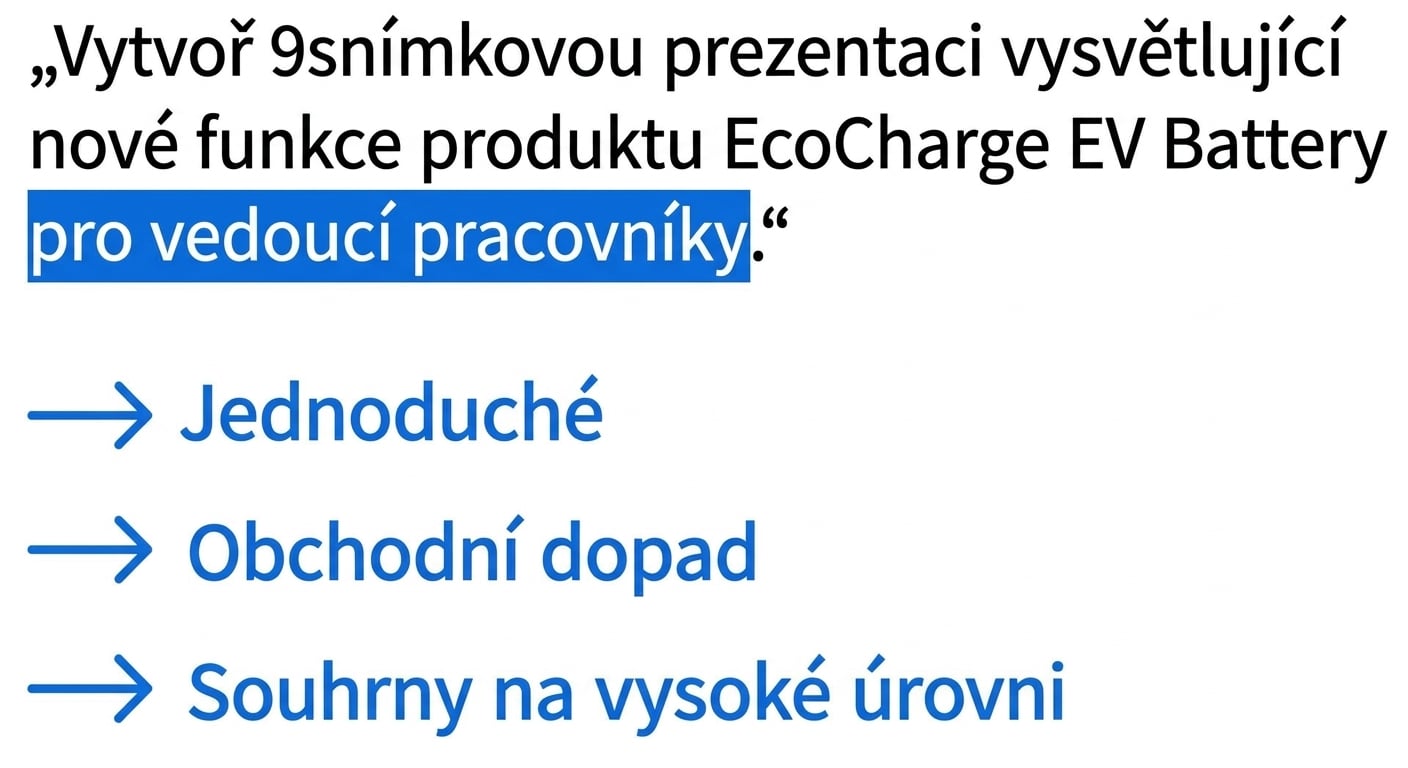
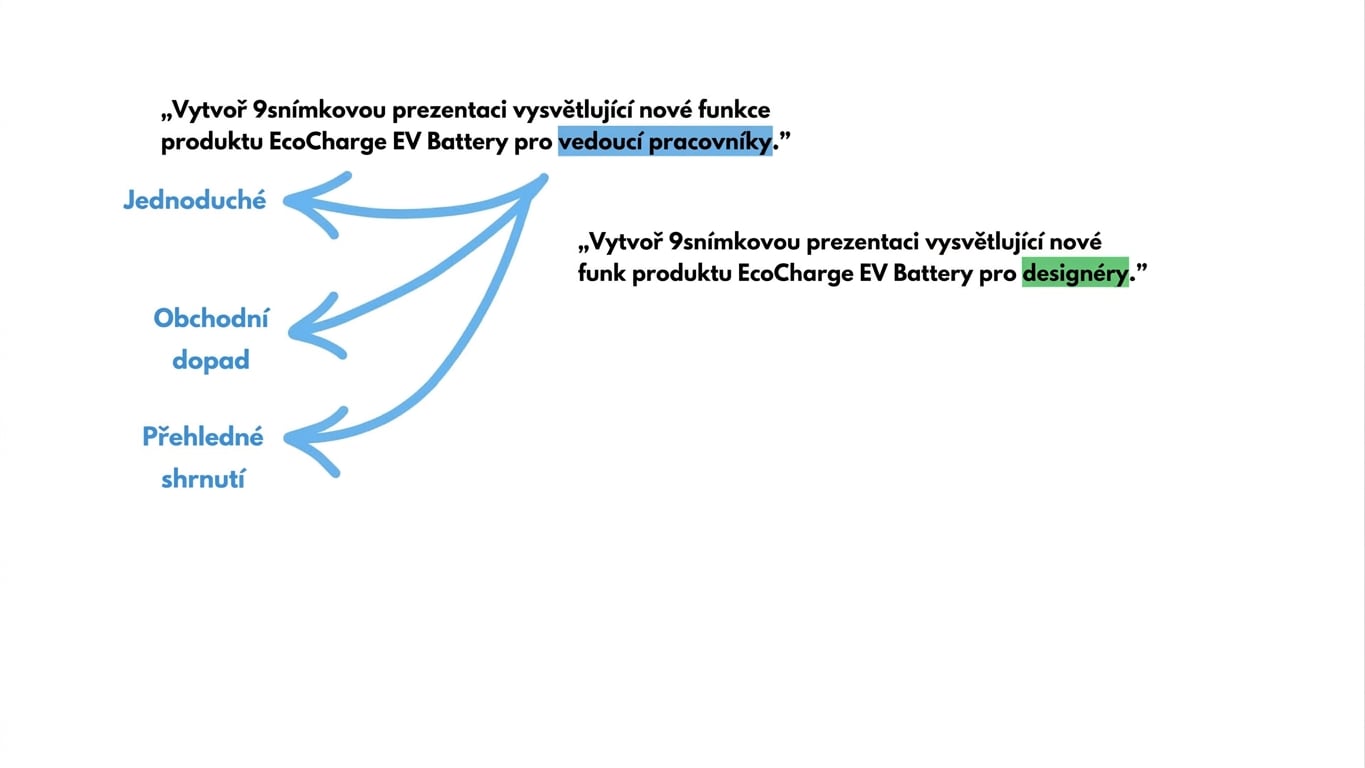
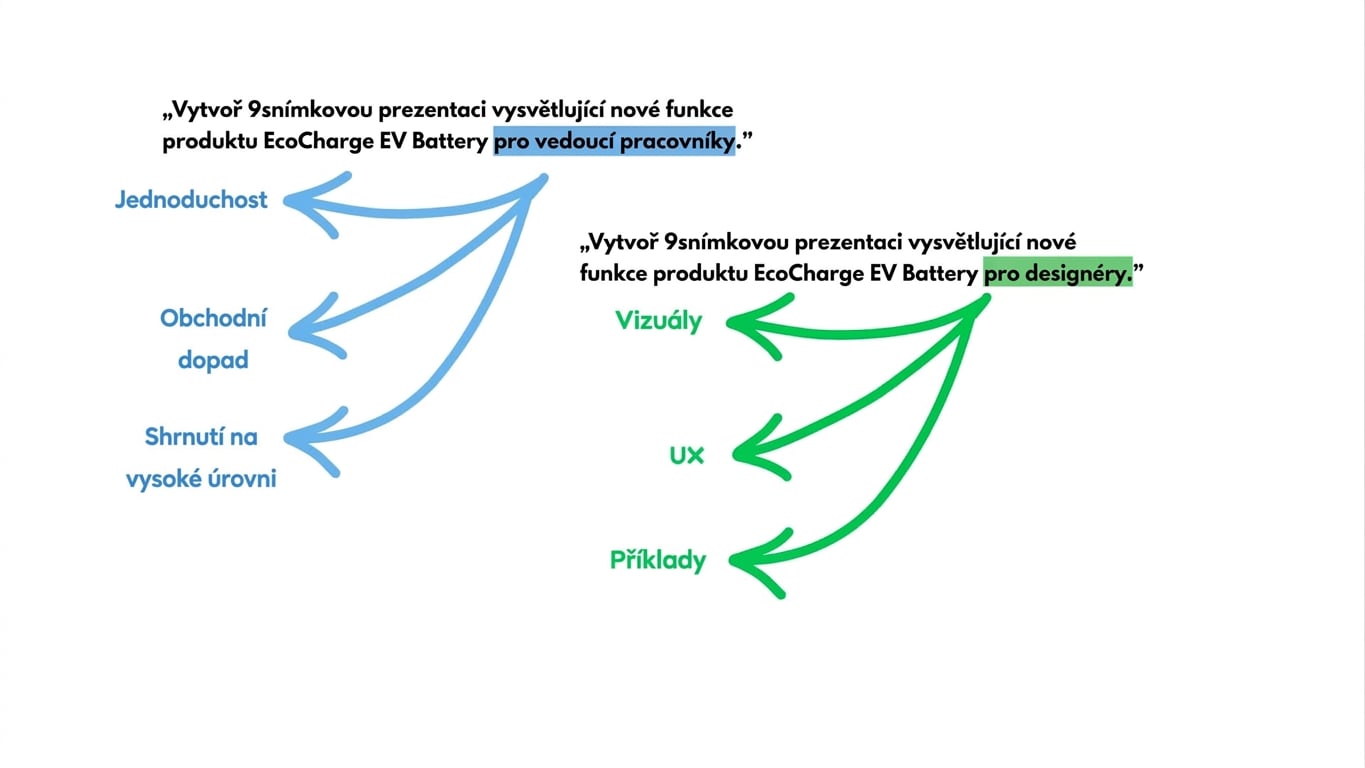
Jak Copilot „interpretuje" prompty

copilot_interpret1.jpg

Microsoft Copilot v PowerPointu

Jak Copilot „interpretuje" prompty

copilot_interpret2.jpg

Microsoft Copilot v PowerPointu

Jak Copilot „interpretuje" prompty

copilot_interpret3.jpg

Microsoft Copilot v PowerPointu

Jak Copilot „interpretuje" prompty

copilot_interpret4.jpg

Microsoft Copilot v PowerPointu

Jak Copilot „interpretuje" prompty

copilot_interpret5.jpg

Microsoft Copilot v PowerPointu

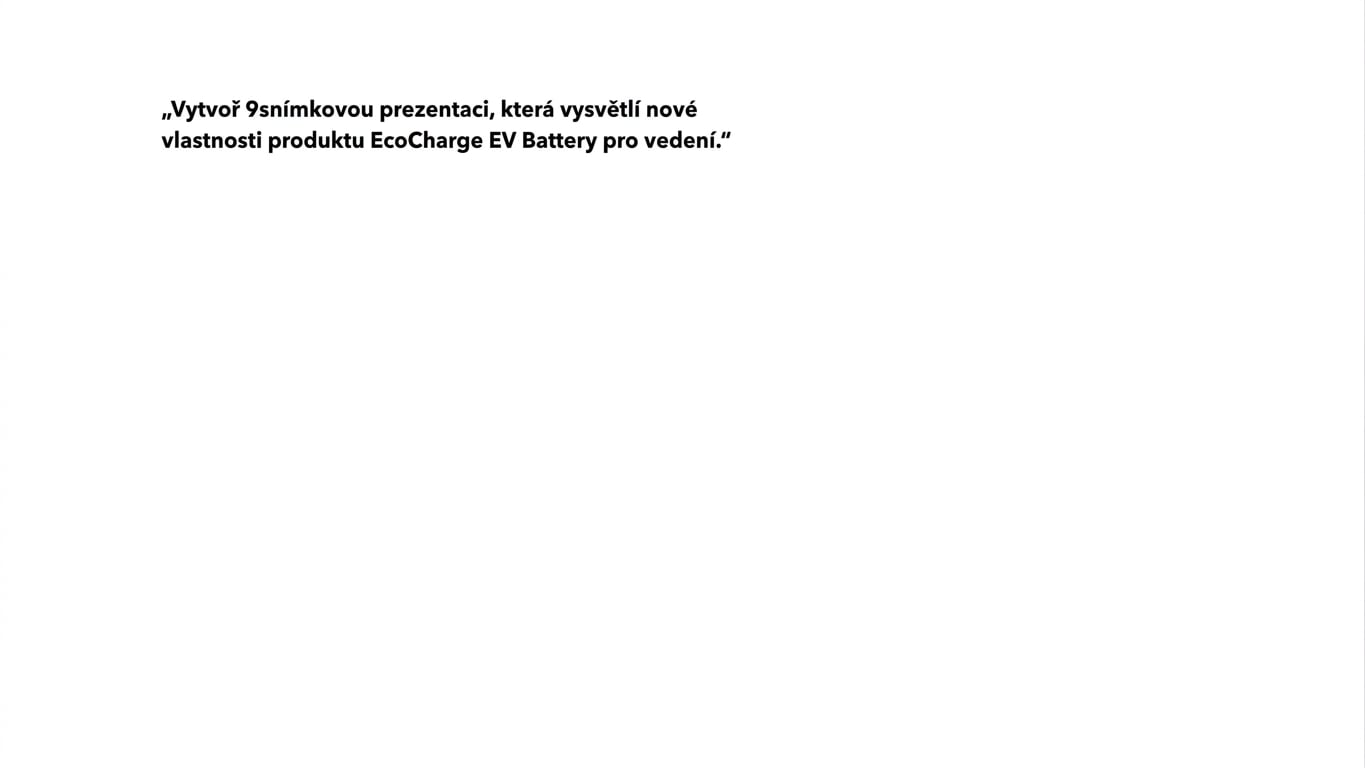
Těmto chybám se vyhni


Vágnost → prompty s nedostatečným obsahem

Přetížení kontextem → příliš mnoho informací najednou

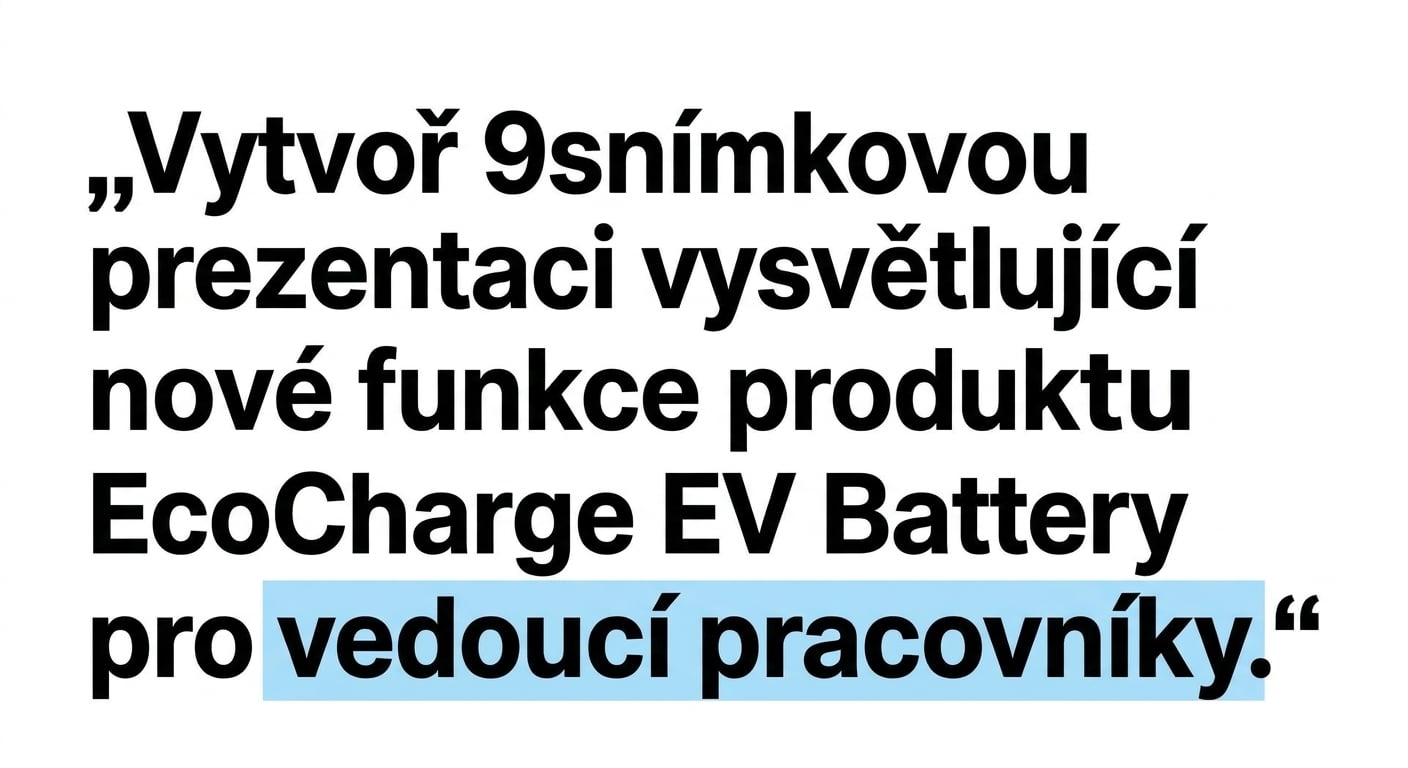
Nejasné publikum → pro koho je prezentace určena?


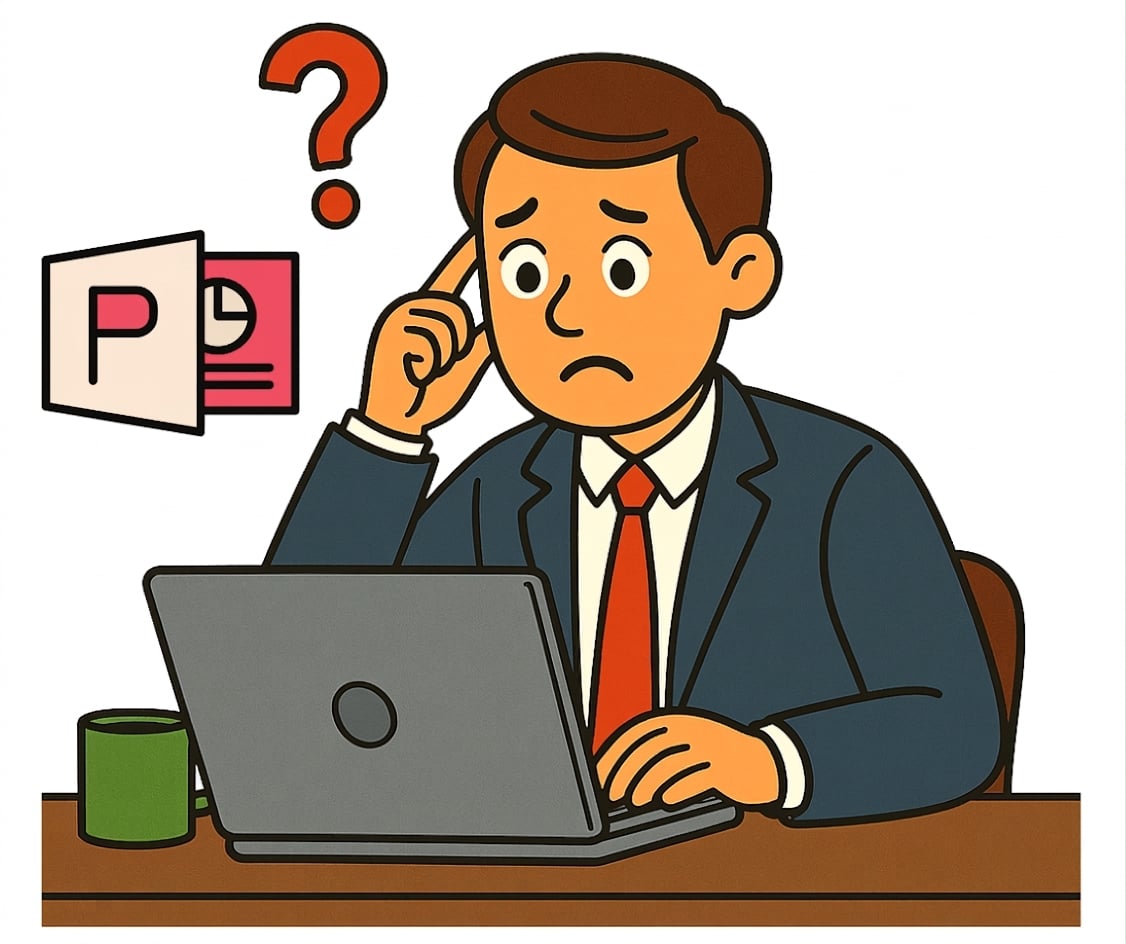
confusing_powerpoint.png

Microsoft Copilot v PowerPointu

Pojďme cvičit!

Microsoft Copilot v PowerPointu

Preparing Video For Download...