用 Task Group 组织复杂 Dag

使用 Airflow 构建数据流水线

Volker Janz

Senior Developer Advocate at Astronomer

复杂性问题
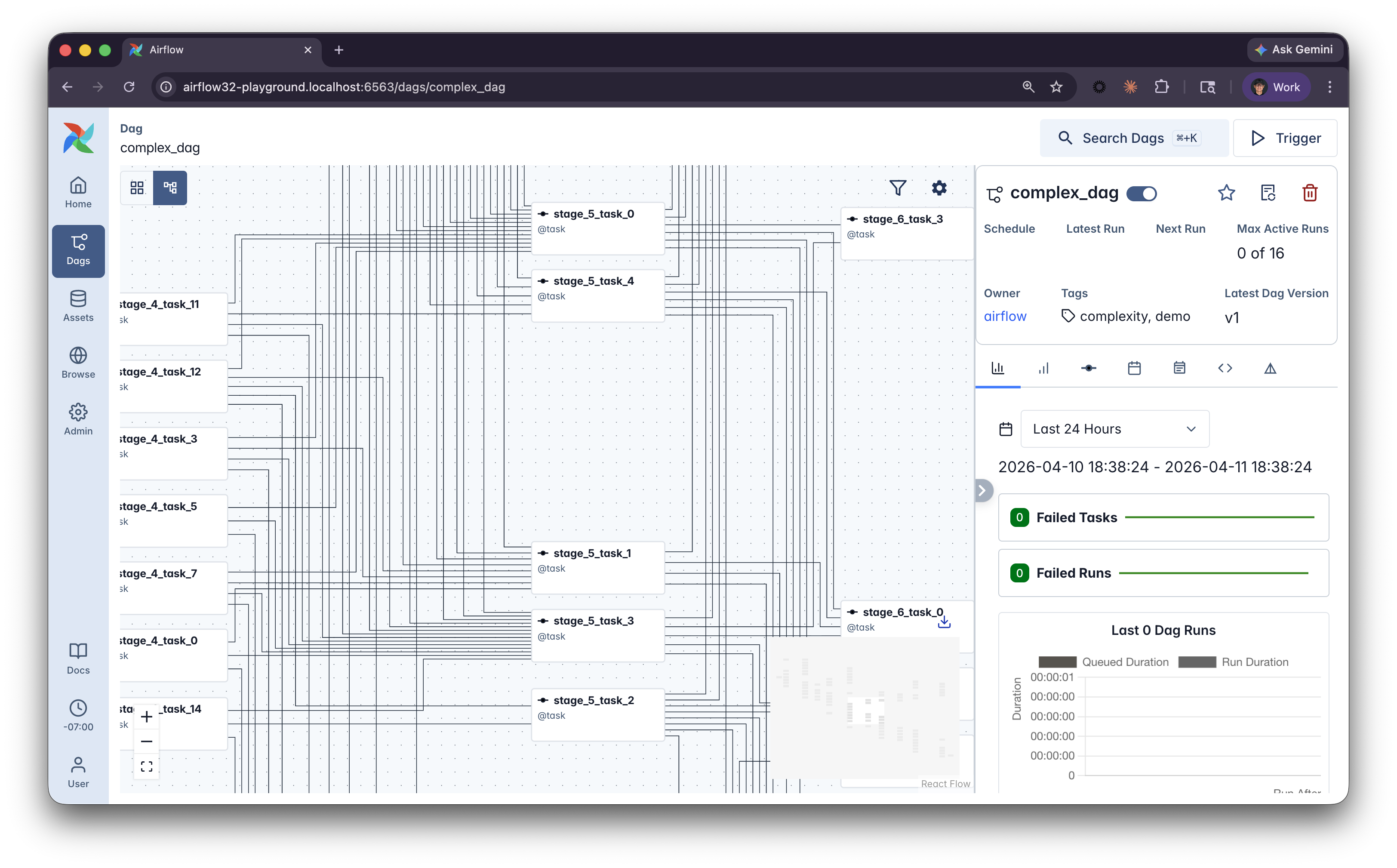
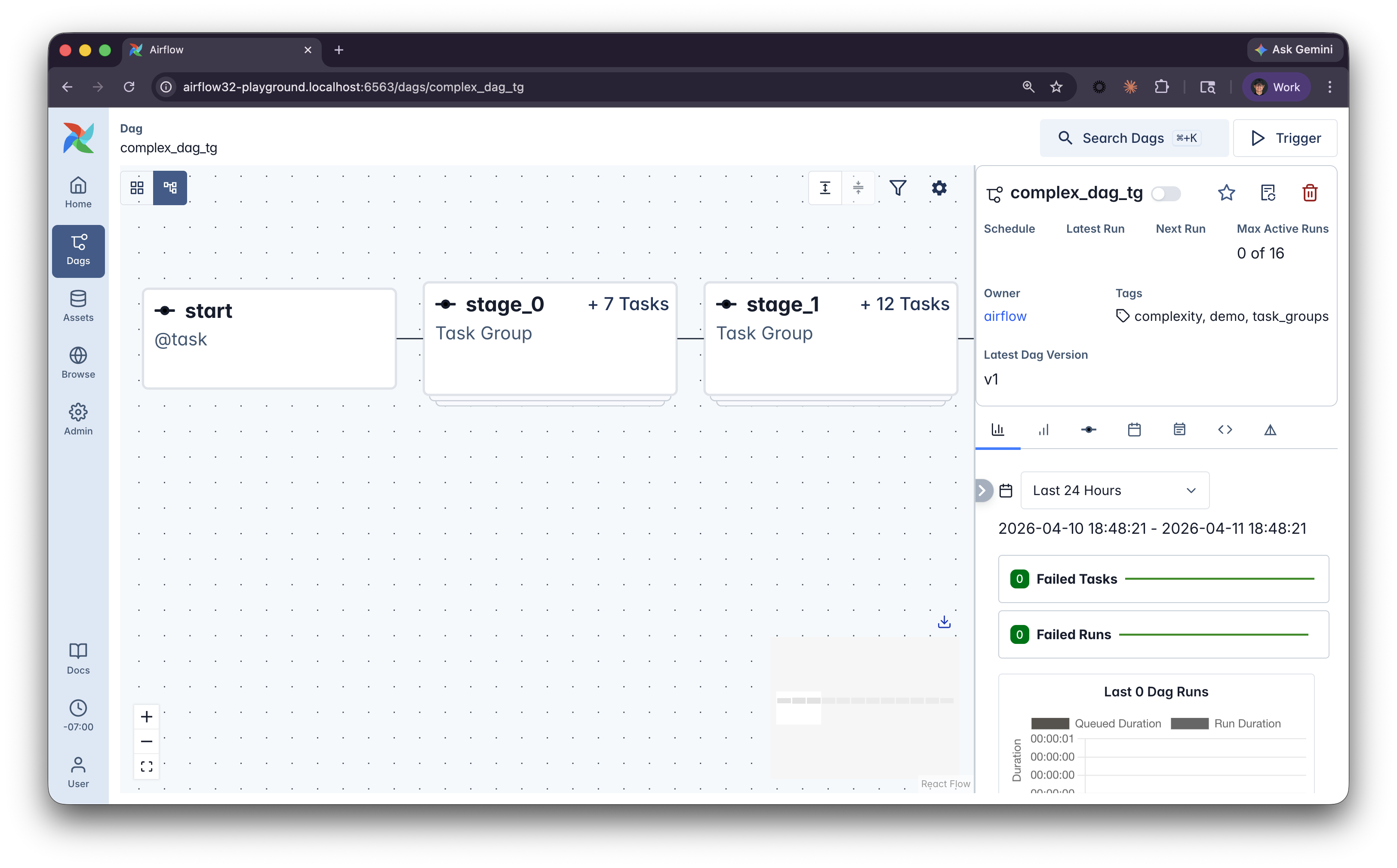
复杂 Dag

  • 大型 Dag 在 Graph 视图中难以浏览
  • 任务名容易混在一起
  • 新成员难以定位各自负责的部分
使用 Airflow 构建数据流水线

@task_group

from airflow.sdk import dag, task, task_group

@task_group(
    group_id="ingest_orders",
    default_args={"retries": 3},
)

def process_orders(): @task def extract_orders(): return [{"id": 1, "amount": 99.99}] @task def transform_orders(orders): return [{"id": o["id"], "total": o["amount"] * 1.08} for o in orders] return transform_orders(extract_orders())
  • group_id 设置自定义标识符,默认取函数名
  • default_args 作用于组内所有任务,避免重复配置代码
  • 任务组在 UI 中显示为可展开的块
使用 Airflow 构建数据流水线

在 Airflow UI 中的效果

未使用任务组

简单图:三个串联任务 extract_orders、transform_orders、load,处于同一层级

  • 所有任务同一层级

使用任务组

图示:折叠块 process_orders 内含 extract 与 transform,之后是组外的 load 任务

  • UI 中可折叠的块
使用 Airflow 构建数据流水线

嵌套与自定义显示名

@task_group(group_display_name="Process All")
def process_all():

    @task_group(group_display_name="Ingest Orders")
    def orders():
        return transform(extract())

    @task_group(group_display_name="Process Returns")
    def returns():
        return transform(extract())

    return {
        "orders": orders(),
        "returns": returns(),
    }
  • 任务组可嵌套,适配更复杂的流水线
  • group_display_name 在 UI 中设置可读标签(支持表情)
使用 Airflow 构建数据流水线

工厂模式

@task_group
def process_source(source_name, source_path):

    @task
    def extract():
        return read_data(source_path)

    @task
    def transform(data):
        return clean_data(data)

    return transform(extract())

# Reuse the same pattern for different sources orders = process_source("orders", "/data/orders.csv") returns = process_source("returns", "/data/returns.csv") events = process_source("events", "/data/events.csv")
  • 任务组是带装饰器的 Python 函数
  • 您可用不同参数多次调用
  • 这种工厂模式复用流水线逻辑
使用 Airflow 构建数据流水线

分组指南

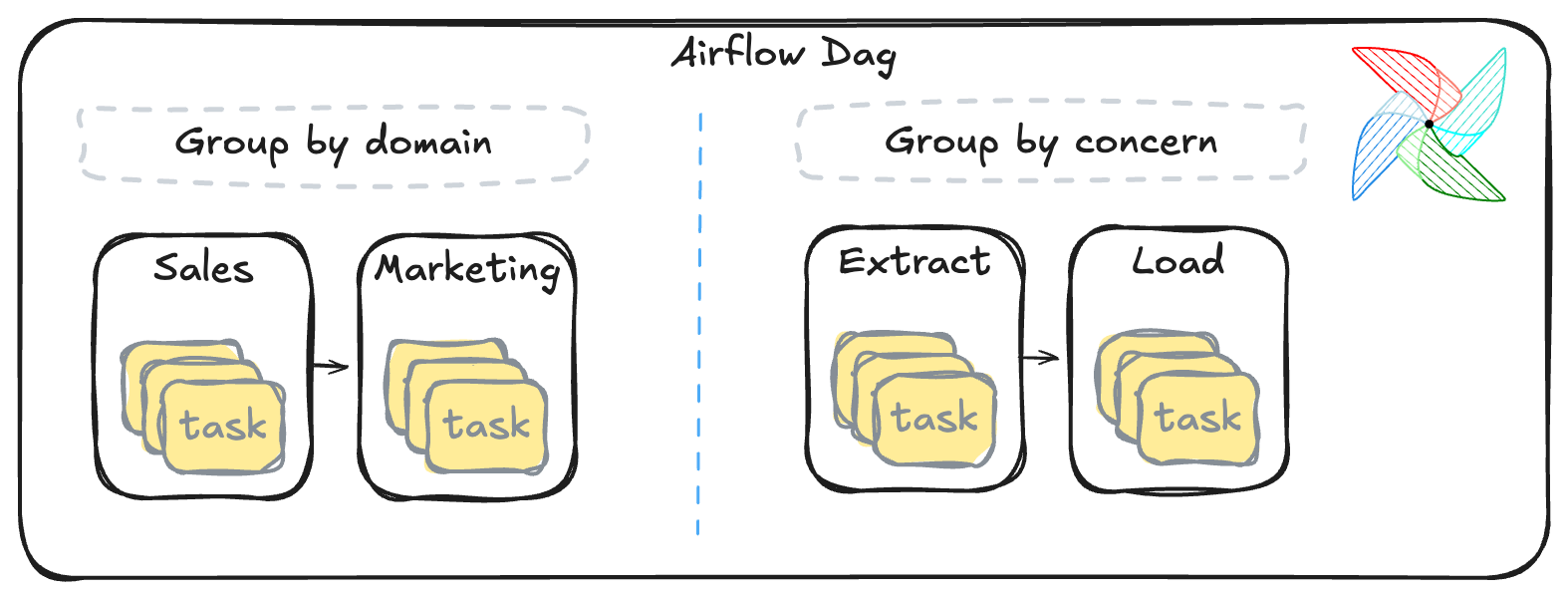
按领域或关注点分组

  • 领域或关注点分组,而非按算子类型
  • group_id 作为清晰的程序化名称,用 group_display_name 作为UI 标签
  • default_args 共享如重试等配置到组内所有任务
  • 遵循米勒定律顶层项超过 7 个通常意味着需要任务组
使用 Airflow 构建数据流水线

让我们一起练习吧!

使用 Airflow 构建数据流水线

Preparing Video For Download...