from airflow.providers.common.sql.operators.sql import SQLExecuteQueryOperator


SQLExecuteQueryOperator(
    task_id="load_sales",
    conn_id="duckdb_analytics",
    sql="INSERT INTO sales SELECT * FROM staging",
)
适用于具有兼容 Airflow provider 的任意数据库
PostgreSQL、Snowflake、BigQuery、DuckDB 等
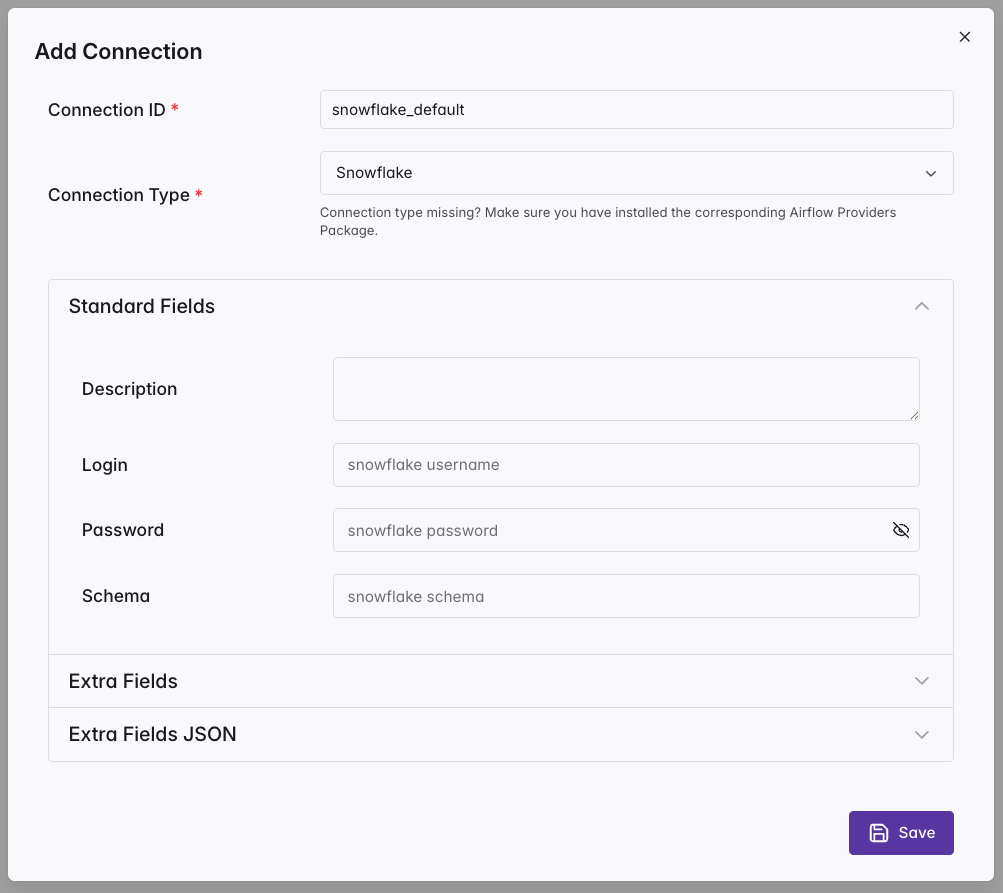
连接(Connections)
将凭据保存在代码之外
每个都有 ID、类型、主机、端口、登录名
可通过多种方式创建:UI、CLI、API 或环境变量
在算子中通过 conn_id 引用
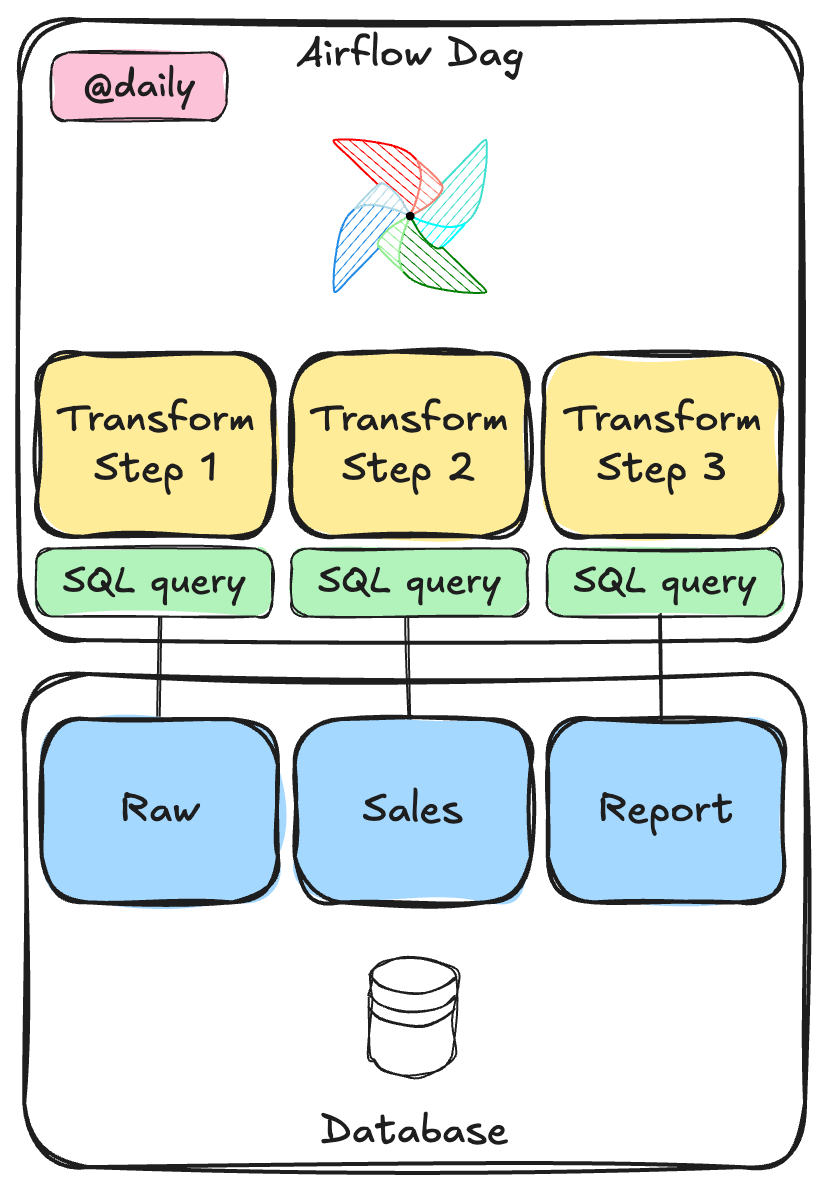
构建 SQL 流水线
from airflow.sdk import dag, task
from airflow.providers.common.sql.operators.sql import SQLExecuteQueryOperator

@dag(schedule="@daily")
def sales_pipeline():

    aggregate = SQLExecuteQueryOperator(
        task_id="aggregate_daily_sales",
        conn_id="duckdb_analytics",
        sql="""
            INSERT INTO daily_summary (order_date, total_orders, total_revenue)
            SELECT order_date, COUNT(*), SUM(revenue)
            FROM raw_orders GROUP BY order_date
        """,
    )
DELETE FROM daily_summary WHERE order_date = '{{ ds }}';

INSERT INTO daily_summary (order_date, total_orders, total_revenue)
SELECT order_date, COUNT(*), SUM(revenue)
FROM raw_orders
WHERE order_date = '{{ ds }}'
GROUP BY order_date;
{{ ds }} 渲染为逻辑日期(YYYY-MM-DD)
先 DELETE 后 INSERT:第 2 章的幂等模式
重新运行同一日期会得到相同结果
params 与 parameters 的区别
params(Jinja 渲染)
SQLExecuteQueryOperator(
    sql="""SELECT * FROM orders
           WHERE product = '{{ params.product }}'""",
    params={"product": user_input},
)
值被插入到 SQL 字符串中
易受SQL 注入影响
parameters(数据库级绑定)
SQLExecuteQueryOperator(
    sql="SELECT * FROM orders
         WHERE product = $product",
    parameters={"product": user_input},
)