AI workflows in SQL

Introduction to Snowflake CoCo CLI

James Cha-Earley

Senior Developer Advocate, Snowflake

Putting AI to work

 

A product review

Introduction to Snowflake CoCo CLI

Putting AI to work


A product review and a chat log

Introduction to Snowflake CoCo CLI

Putting AI to work


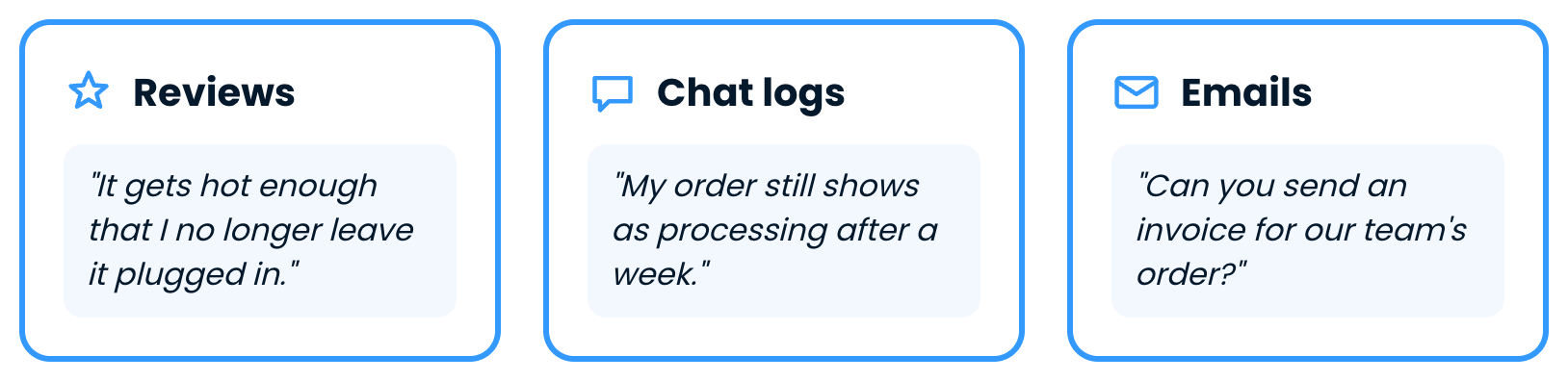
A product review, a chat log and an email

  • Plain SQL can count text, but it can't read it
Introduction to Snowflake CoCo CLI

AI inside SQL


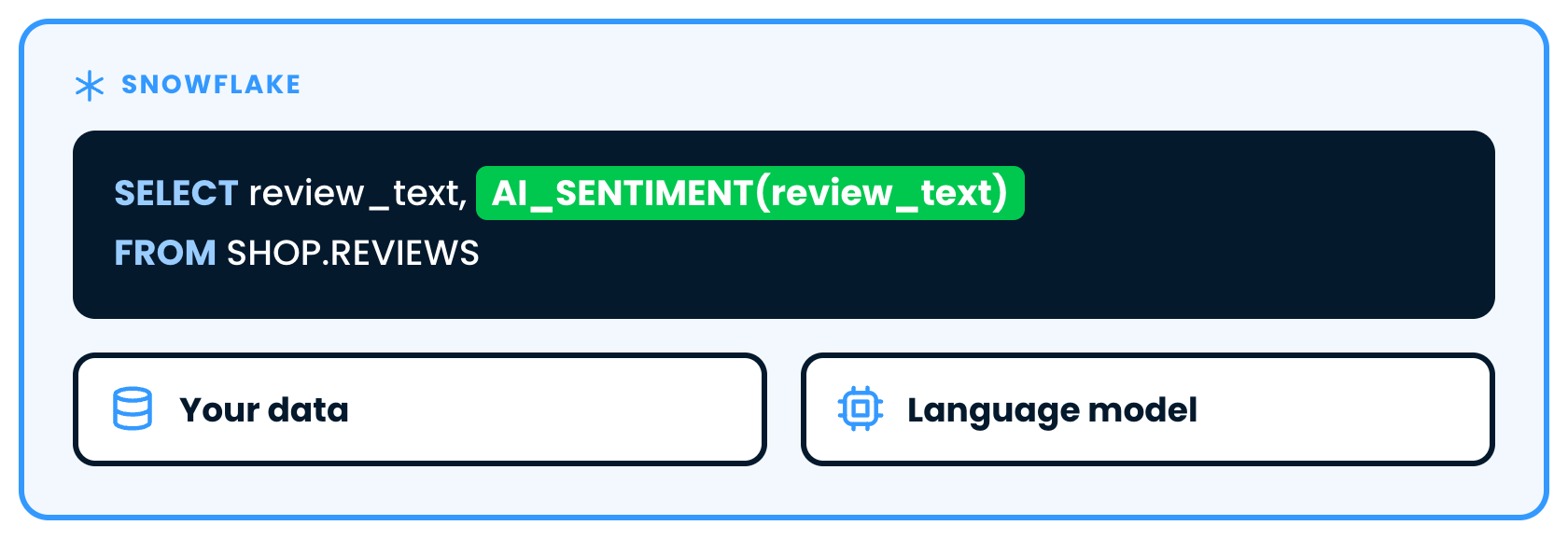
A SQL query calling AI_SENTIMENT inside Snowflake, next to your data and a language model

Introduction to Snowflake CoCo CLI

The main AI functions


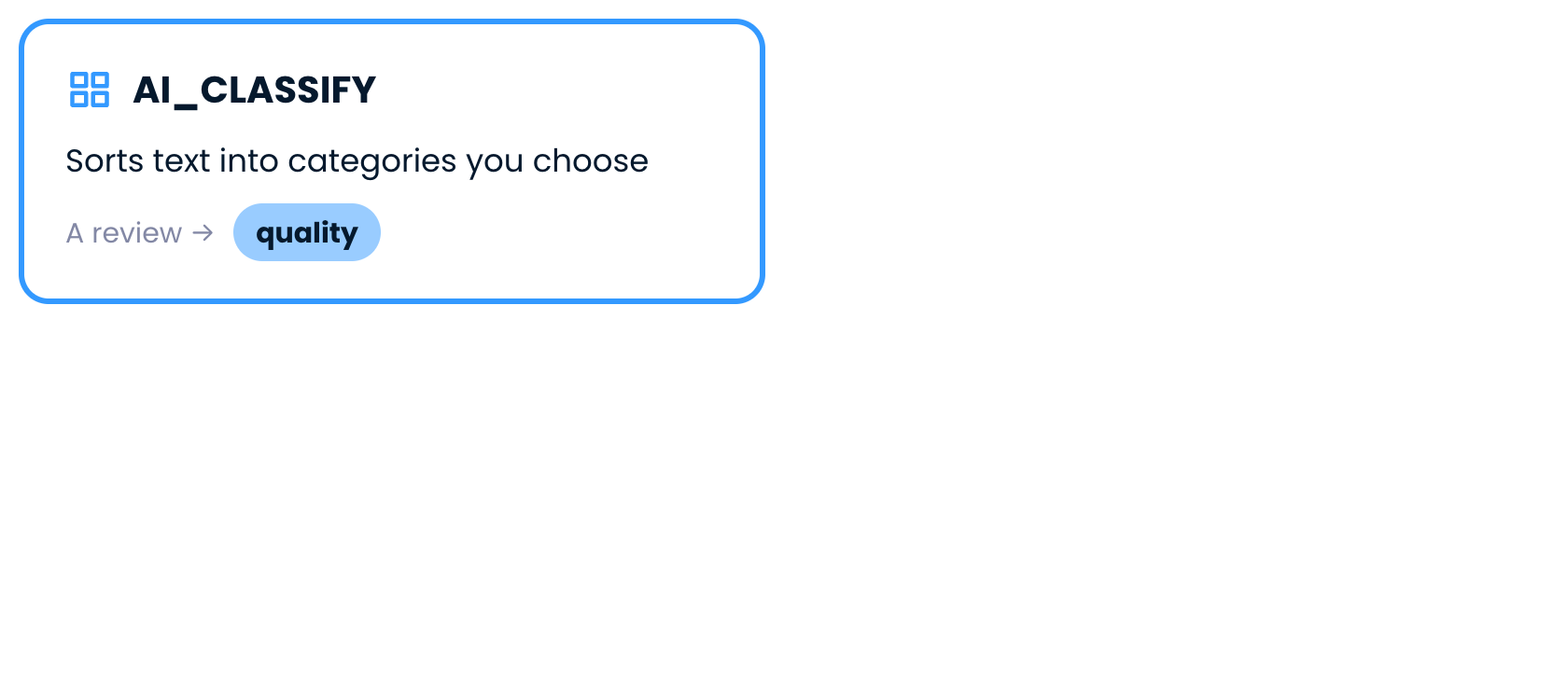
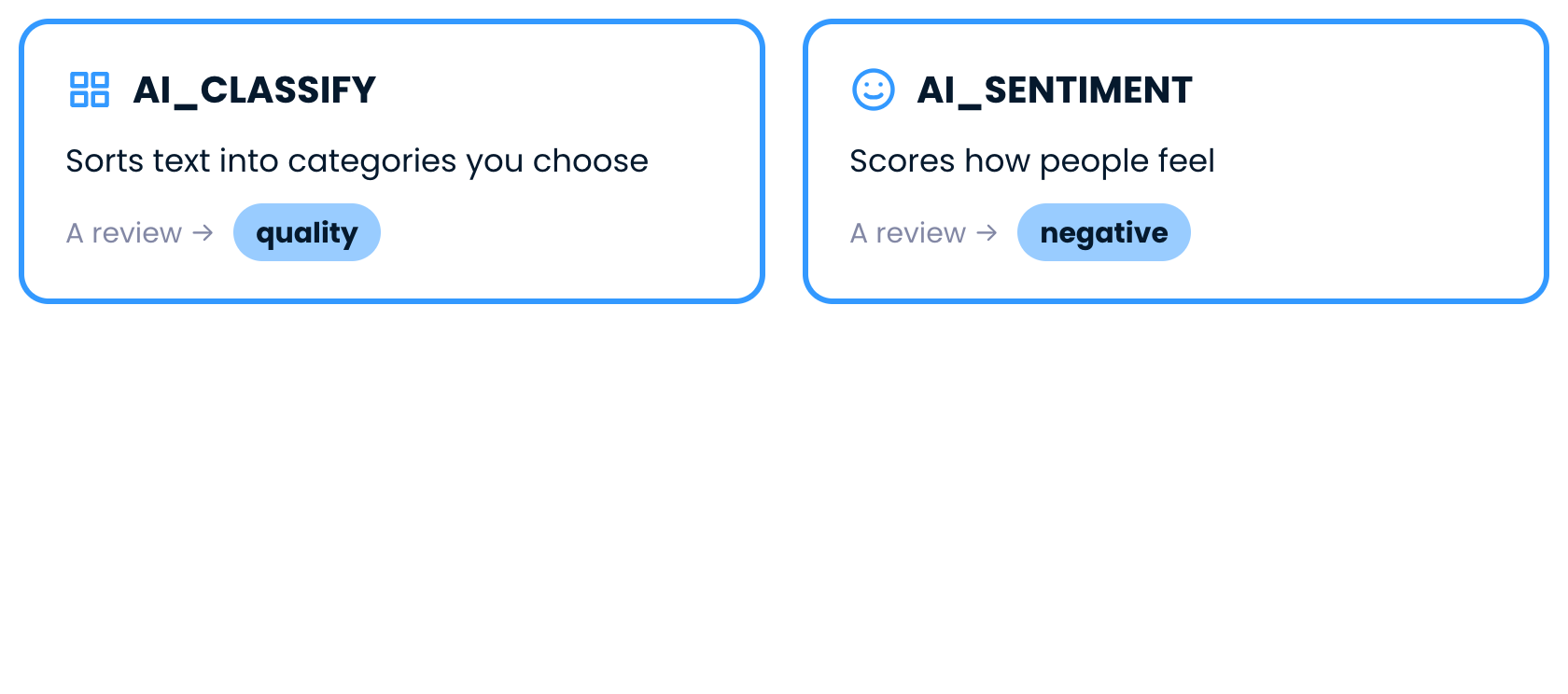
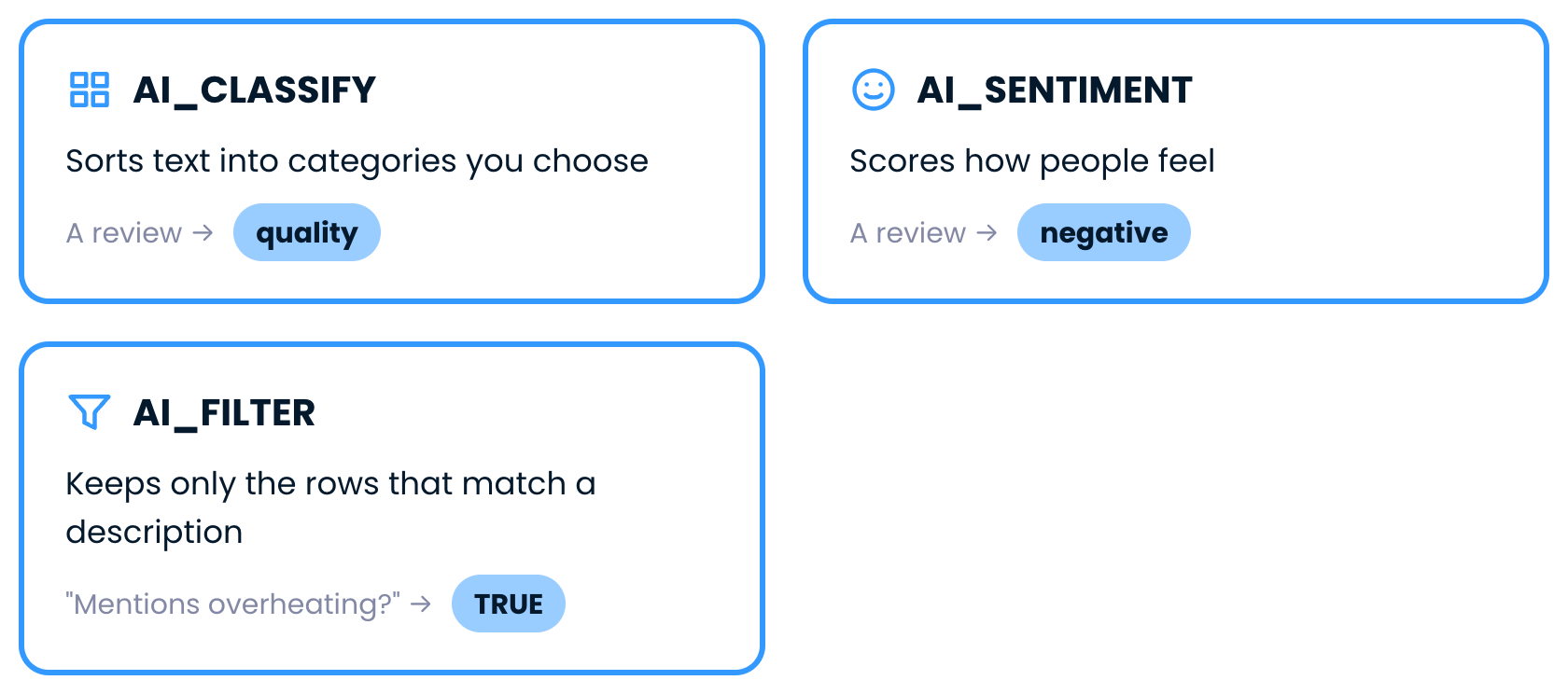
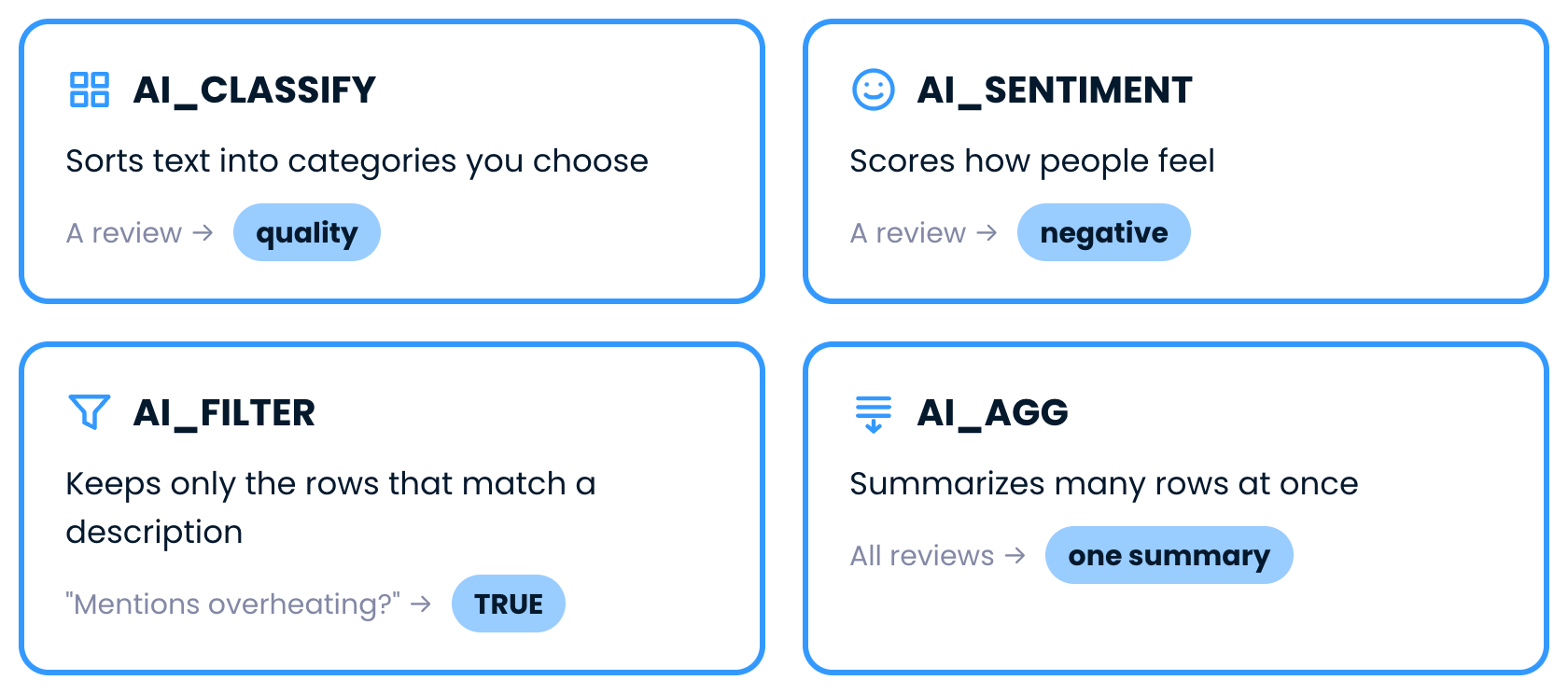
AI_CLASSIFY sorts text into categories

Introduction to Snowflake CoCo CLI

The main AI functions


AI_SENTIMENT scores how people feel

Introduction to Snowflake CoCo CLI

The main AI functions


AI_FILTER keeps the matching rows

Introduction to Snowflake CoCo CLI

The main AI functions


AI_AGG summarizes many rows

Introduction to Snowflake CoCo CLI

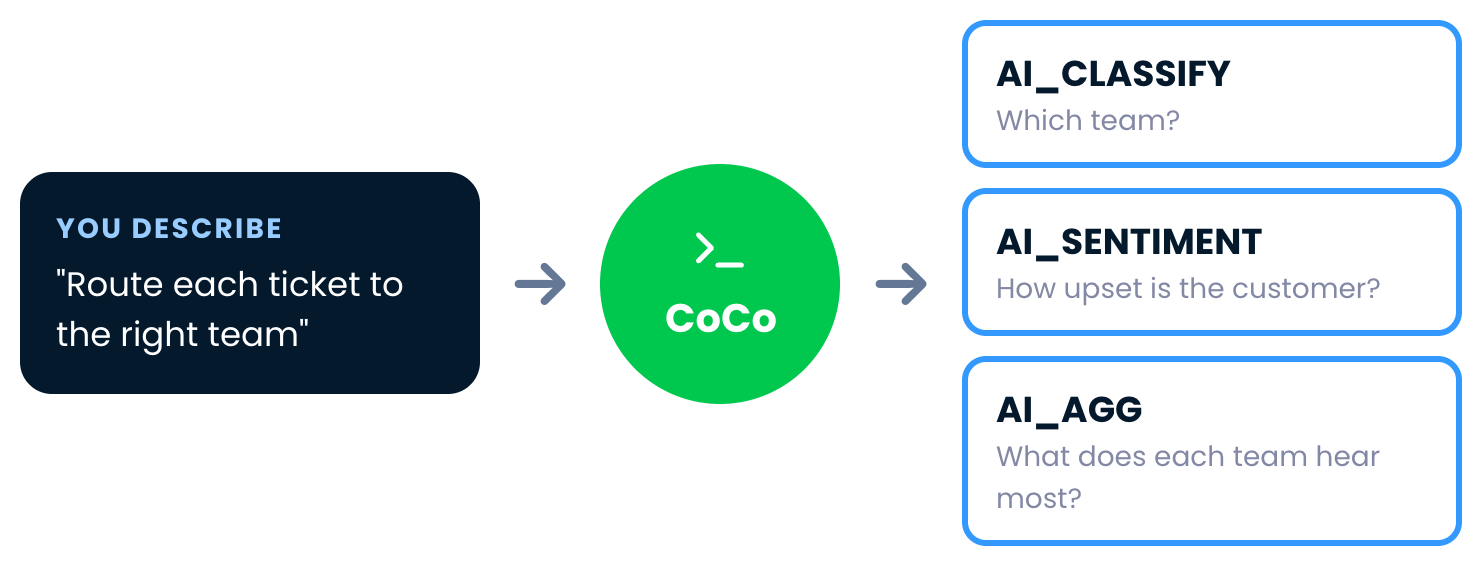
From functions to workflows


A plain-language request goes to CoCo, which chains AI_CLASSIFY, AI_SENTIMENT and AI_AGG

Introduction to Snowflake CoCo CLI

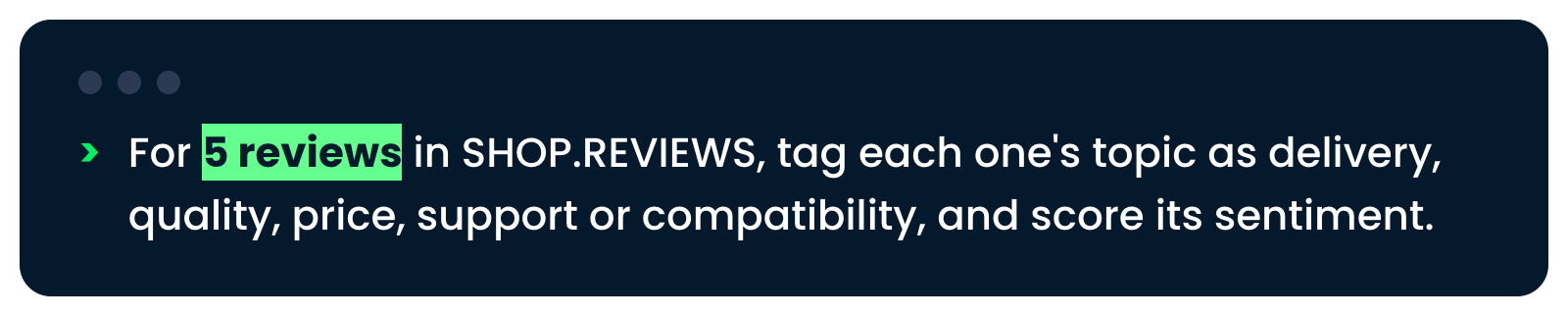
Start small


The request for five reviews, tagged by topic and scored for sentiment

Introduction to Snowflake CoCo CLI

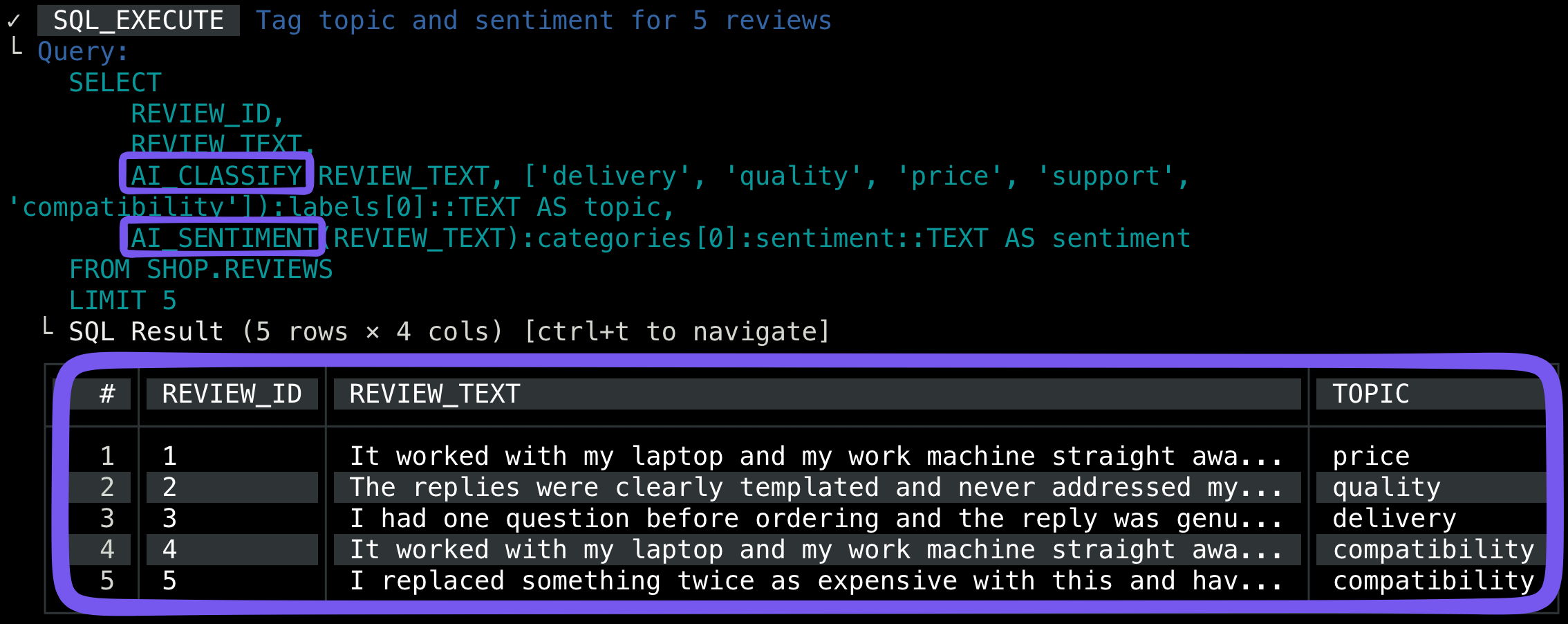
Check the labels


The query CoCo ran with AI_CLASSIFY and AI_SENTIMENT, and the five labeled reviews

Introduction to Snowflake CoCo CLI

Run the full workflow


The request to run all 177 reviews, rank products and save REVIEW_INSIGHTS

Introduction to Snowflake CoCo CLI

Run the full workflow


The request to run all 177 reviews, rank products and save REVIEW_INSIGHTS

  • CoCo asks before creating the table
Introduction to Snowflake CoCo CLI

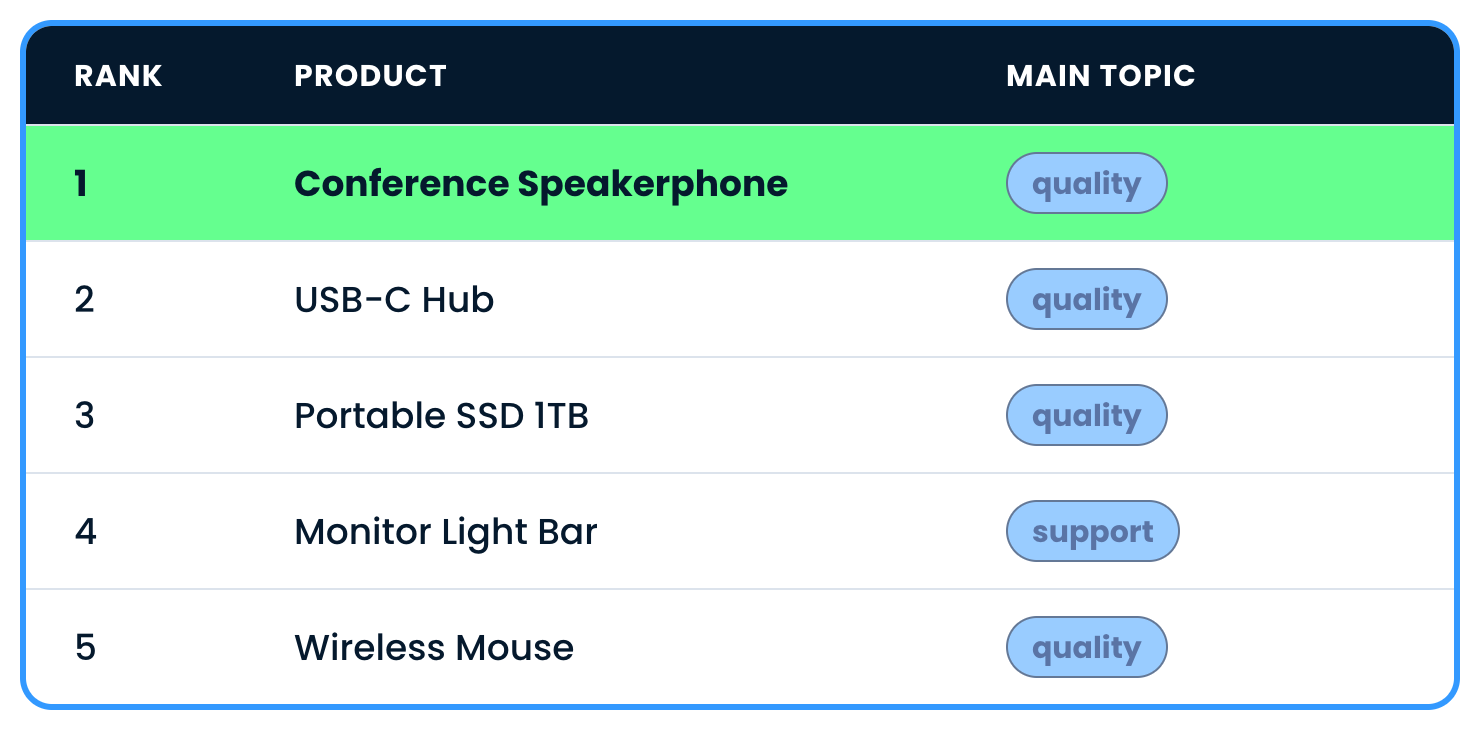
The ranking

  • Saved as SHOP.REVIEW_INSIGHTS

$$

The five worst products in REVIEW_INSIGHTS, led by the Conference Speakerphone with quality as its main topic

Introduction to Snowflake CoCo CLI

CoCo skills


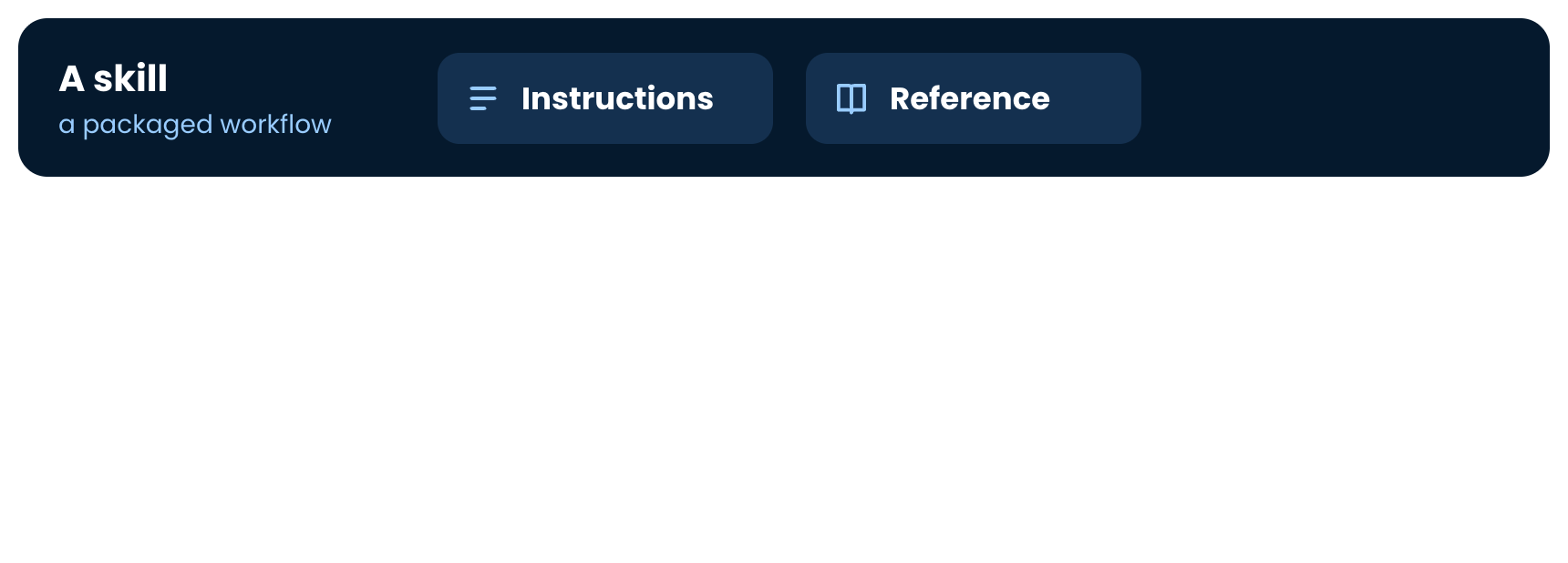
A skill, starting with instructions

Introduction to Snowflake CoCo CLI

CoCo skills


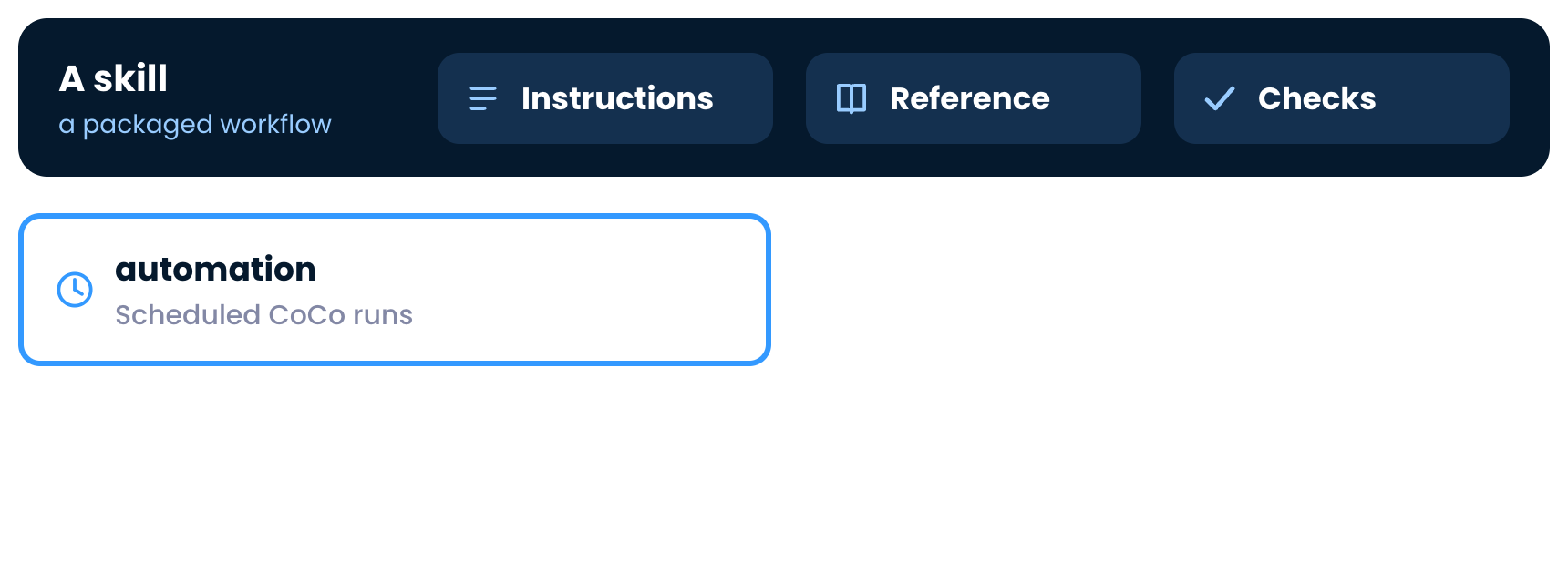
A skill with instructions and reference material

Introduction to Snowflake CoCo CLI

CoCo skills


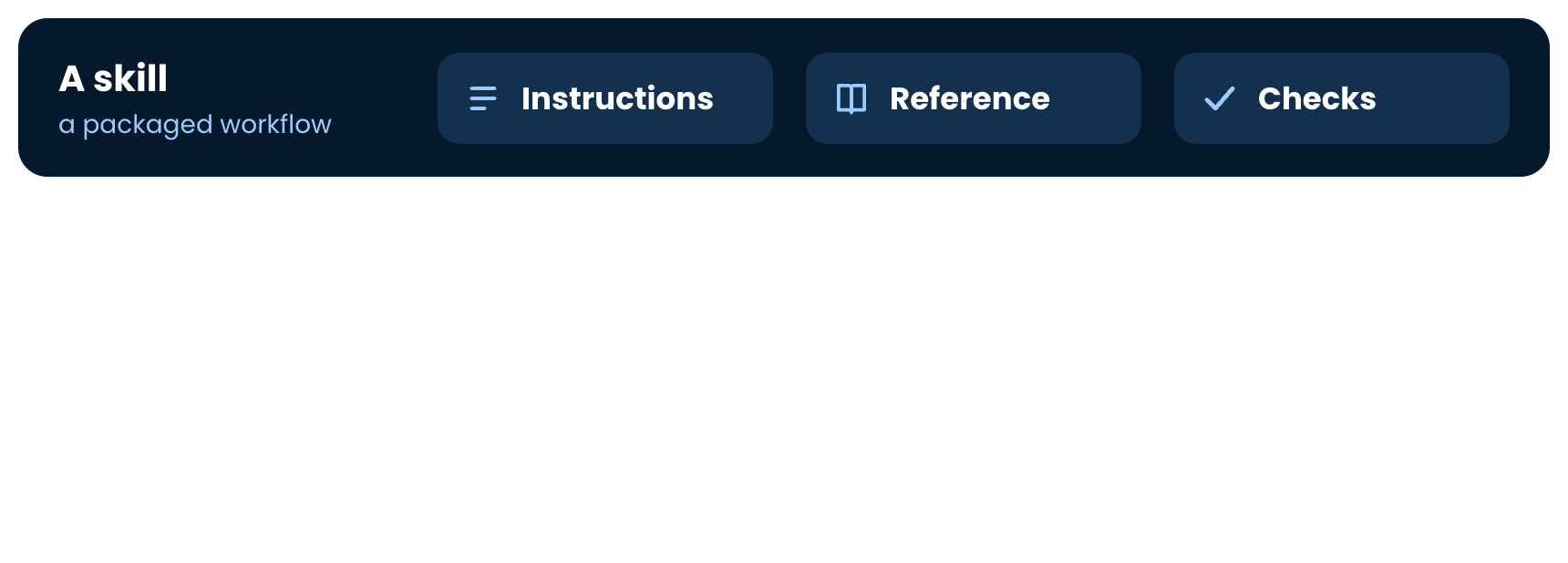
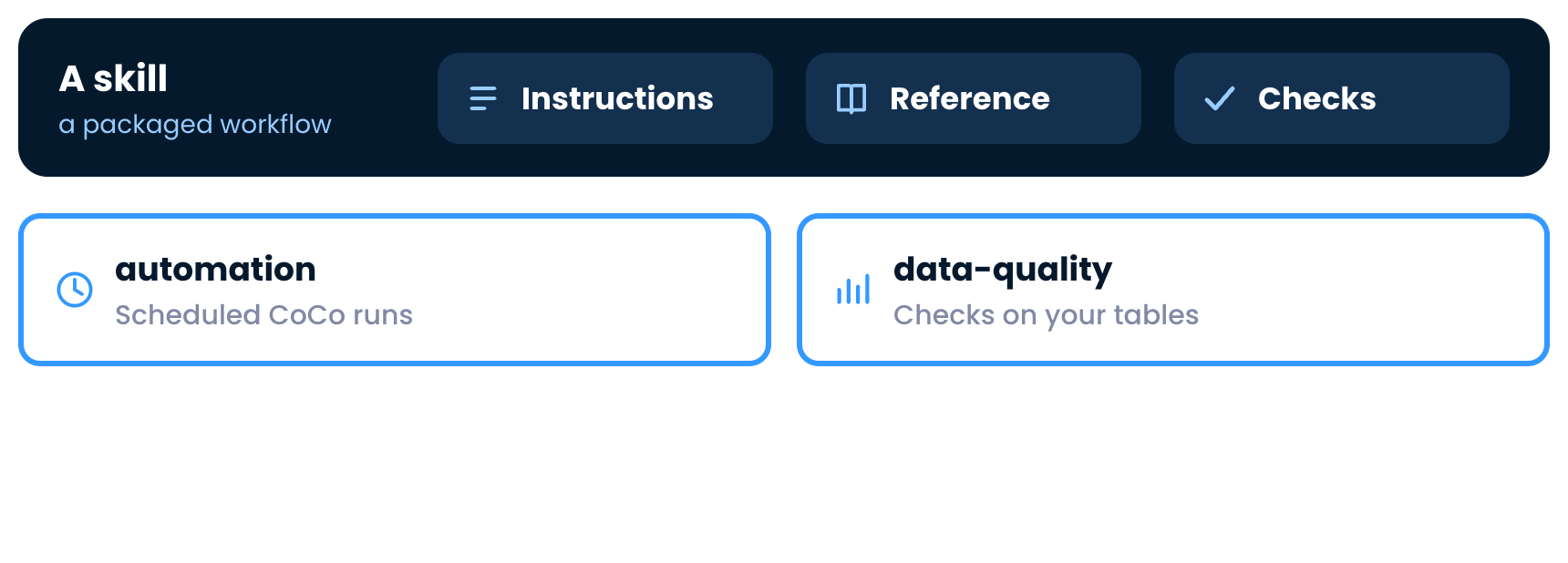
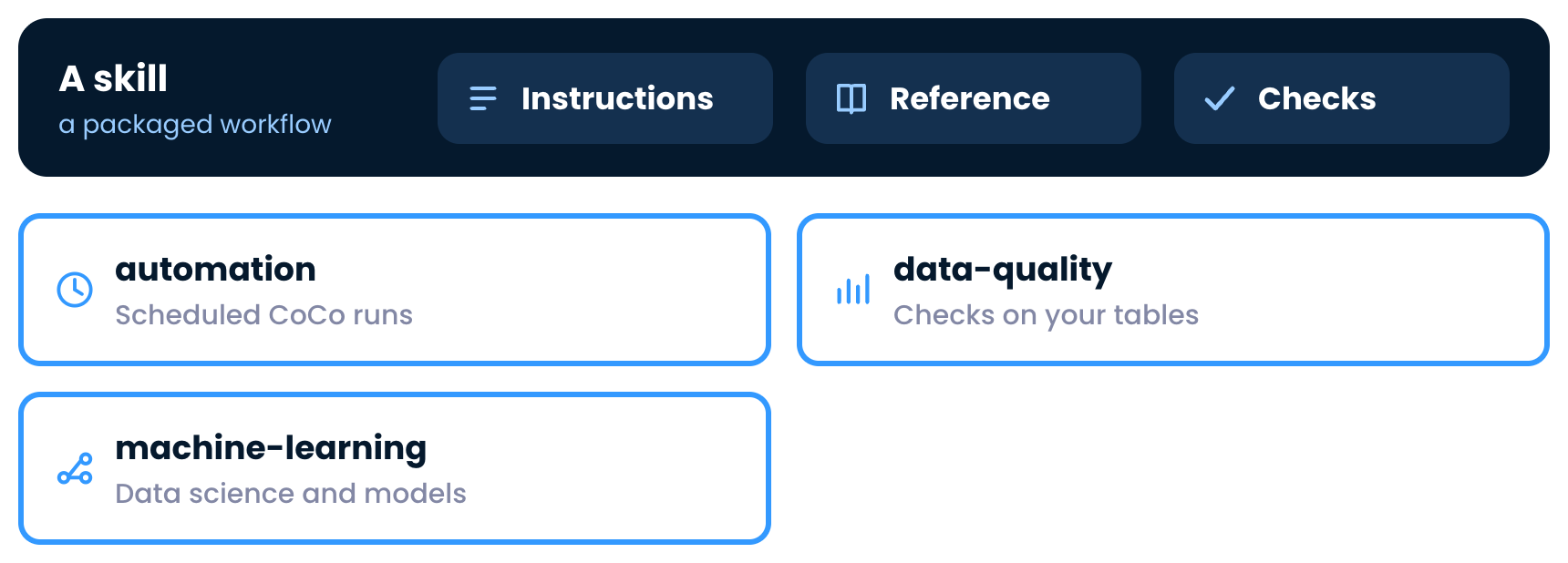
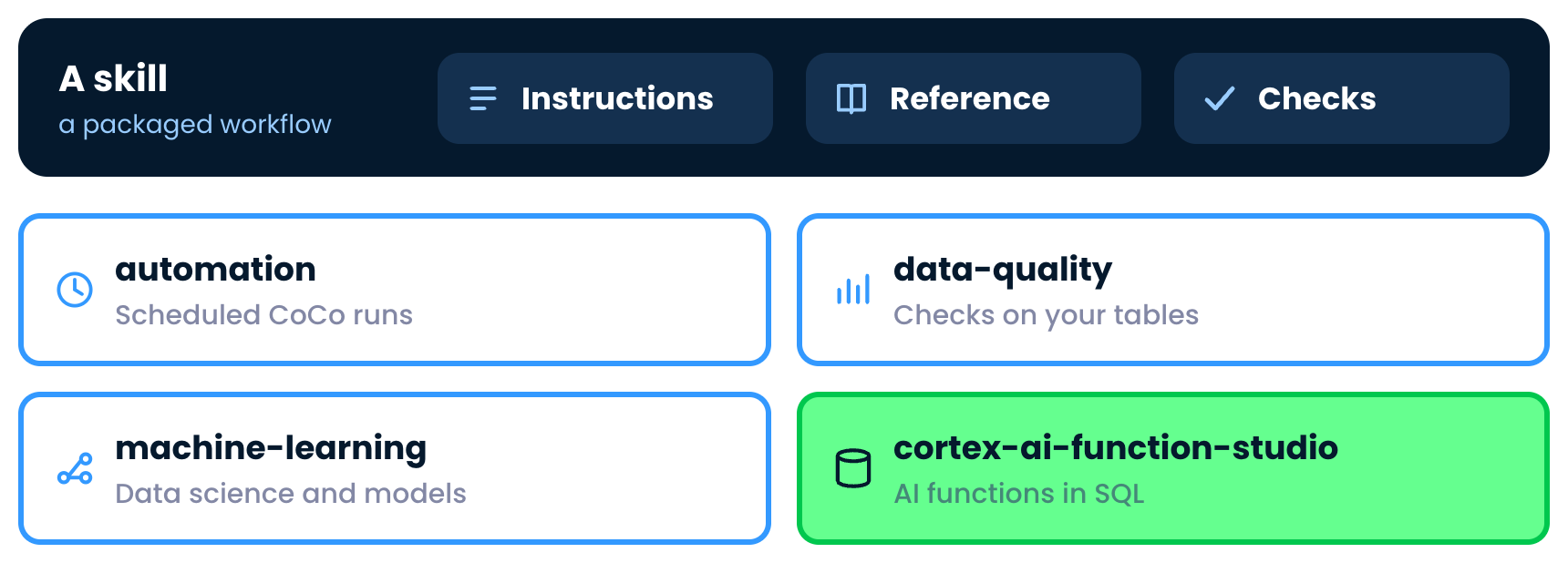
A skill with instructions, reference material and checks

Introduction to Snowflake CoCo CLI

CoCo skills


The automation skill, for scheduled CoCo runs

Introduction to Snowflake CoCo CLI

CoCo skills


The data-quality skill, for checks on your tables

Introduction to Snowflake CoCo CLI

CoCo skills


The machine-learning skill, for data science and models

Introduction to Snowflake CoCo CLI

CoCo skills


cortex-ai-function-studio, the skill for AI functions in SQL, highlighted

Introduction to Snowflake CoCo CLI

Find one with /skill

  • Type /skill to search and read the details

$$

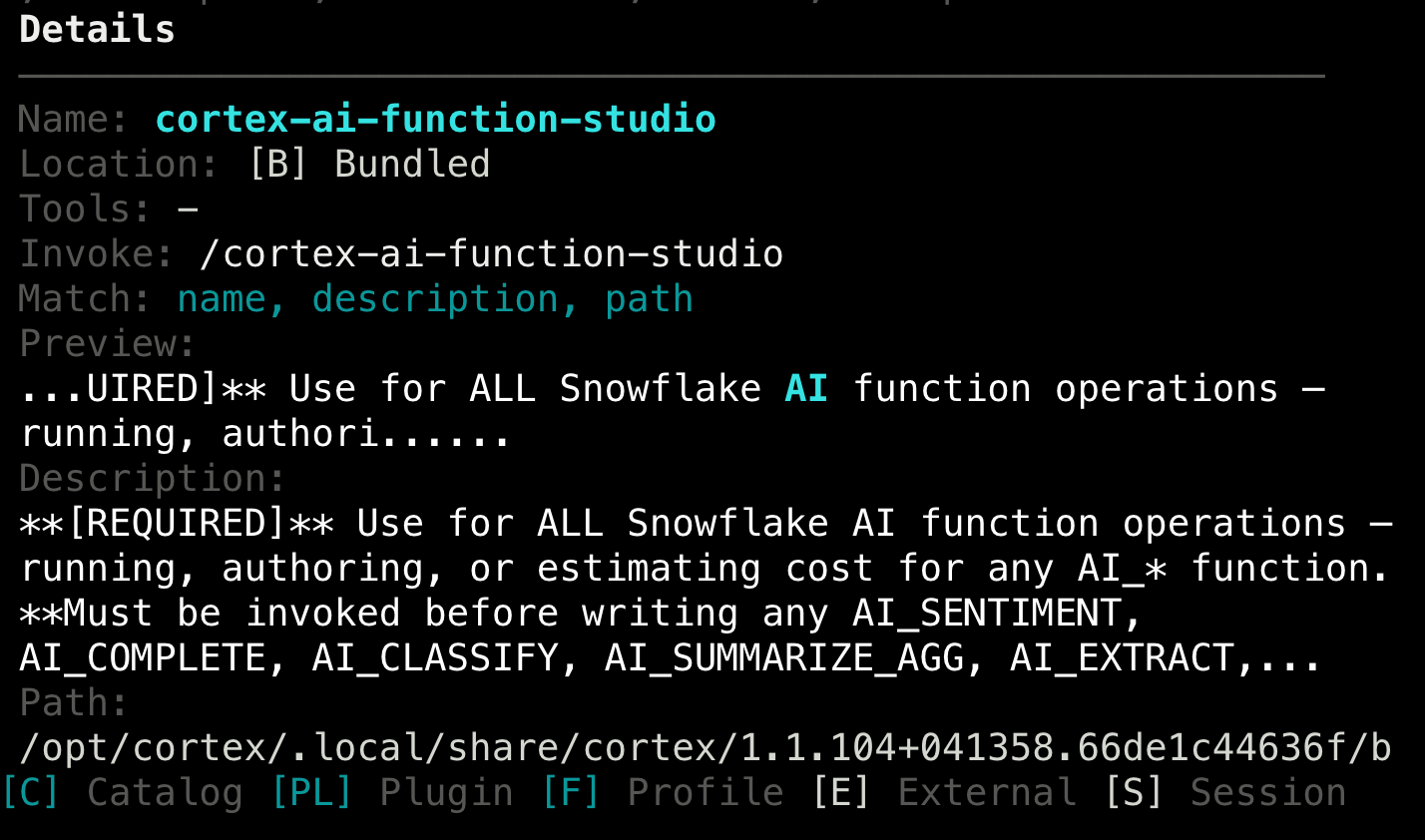
The skill manager showing the details of cortex-ai-function-studio

Introduction to Snowflake CoCo CLI

The AI function skill

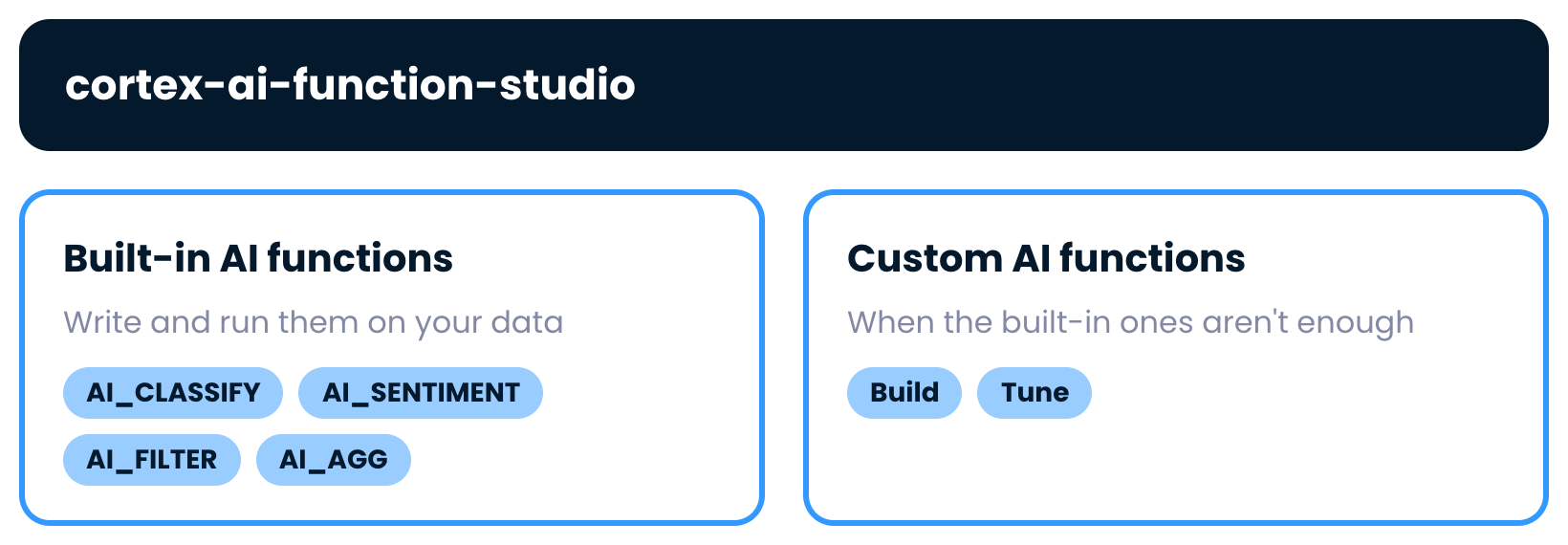
$$

cortex-ai-function-studio covers built-in AI functions and custom ones

Introduction to Snowflake CoCo CLI

Why use a skill


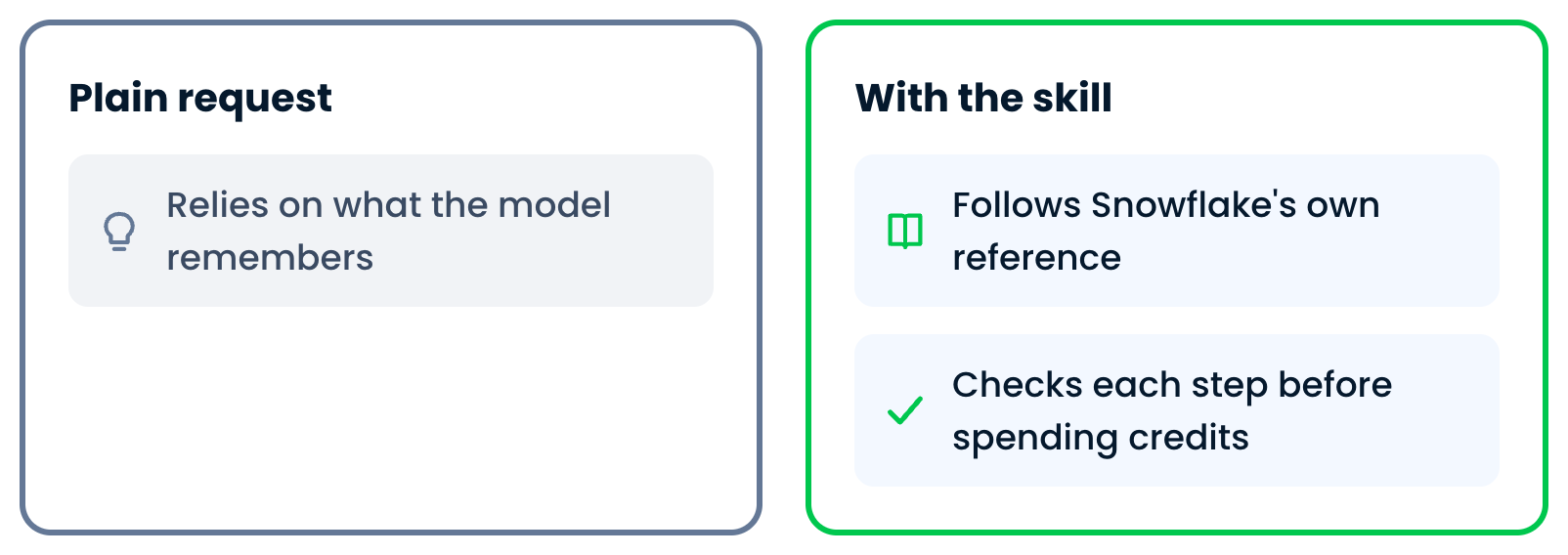
A plain request relies on what the model remembers

Introduction to Snowflake CoCo CLI

Why use a skill


The skill follows Snowflakes reference and checks each step

Introduction to Snowflake CoCo CLI

Run the skill


The skill invoked with a new question about overheating reviews

Introduction to Snowflake CoCo CLI

What the skill does


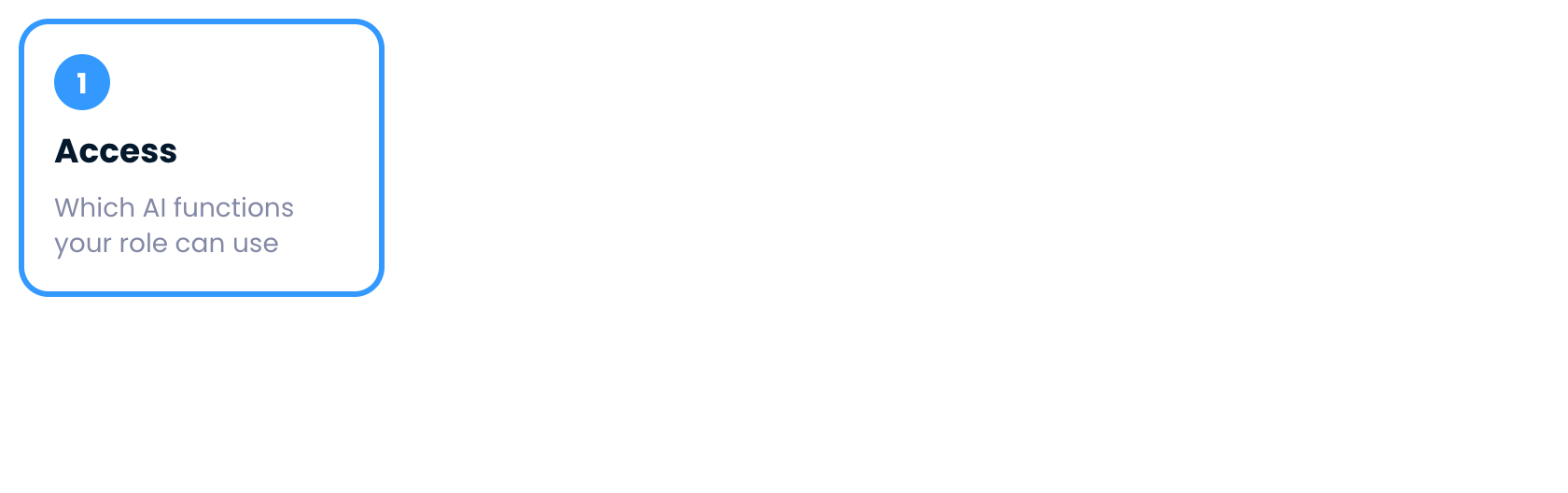
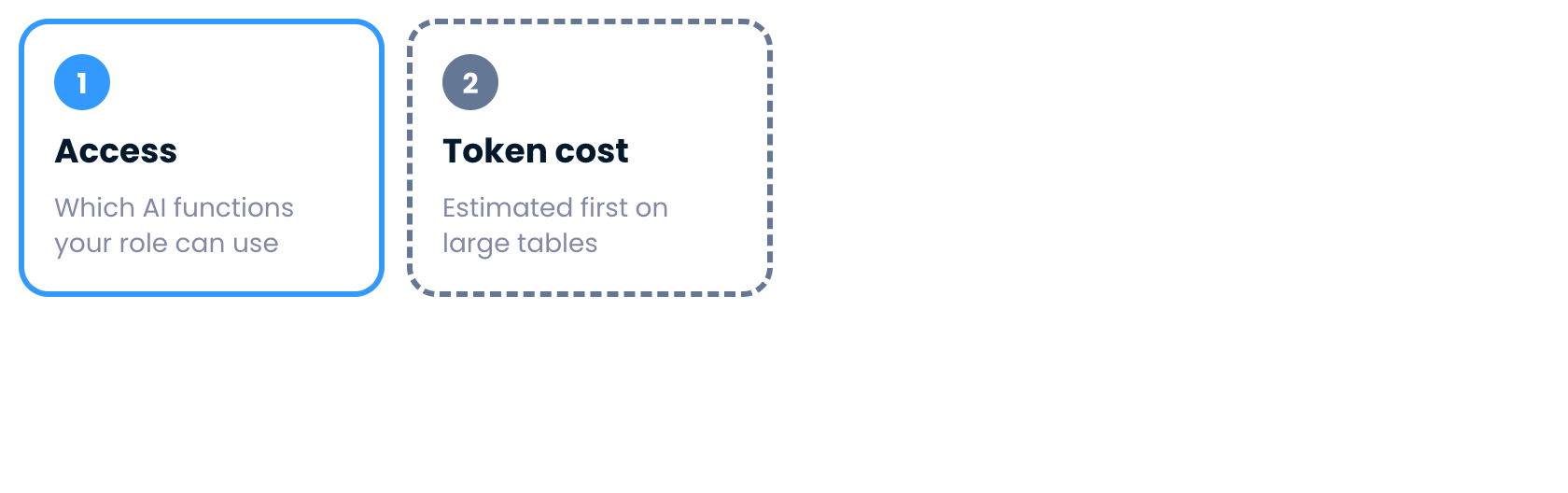
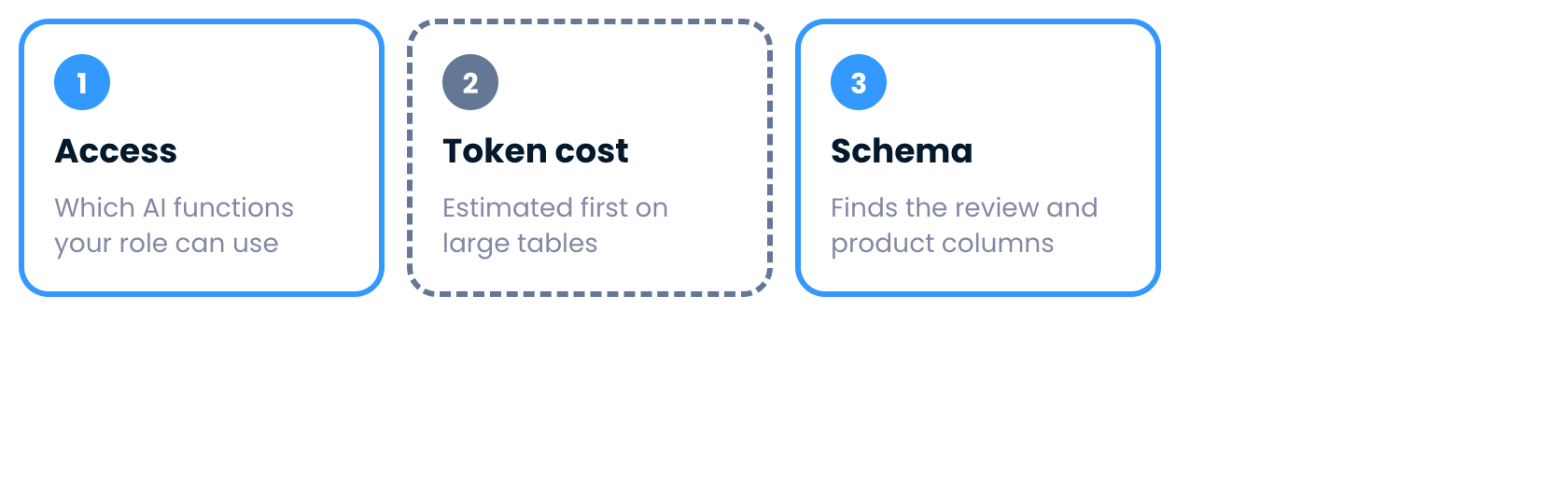
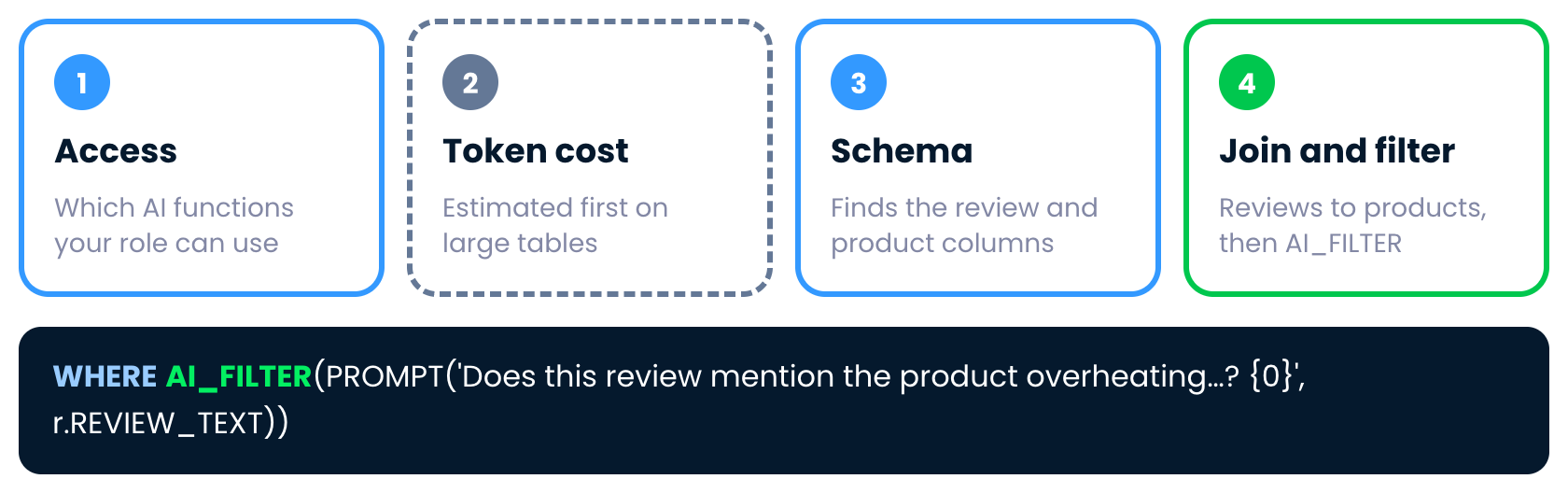
Step one, access

Introduction to Snowflake CoCo CLI

What the skill does


Step two, token cost on large tables

Introduction to Snowflake CoCo CLI

What the skill does


Step three, schema

Introduction to Snowflake CoCo CLI

What the skill does


Step four, join and AI_FILTER

Introduction to Snowflake CoCo CLI

The answer


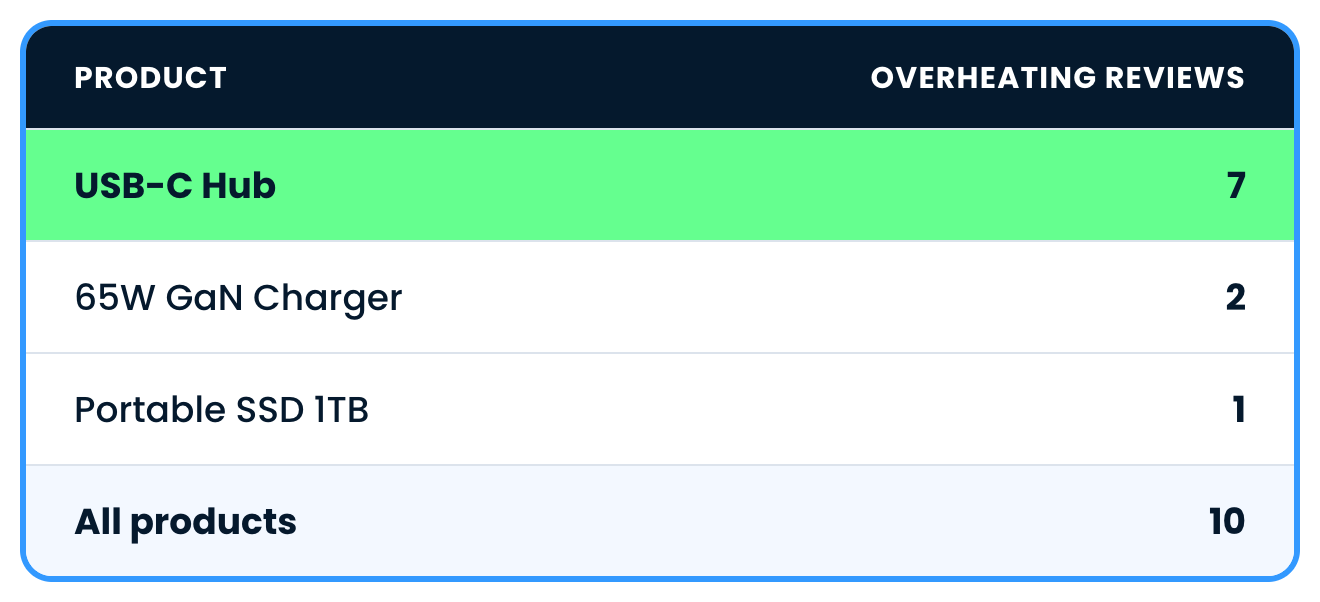
Overheating reviews by product: USB-C Hub 7, 65W GaN Charger 2, Portable SSD 1, ten in total

Introduction to Snowflake CoCo CLI

Time for practice!

Introduction to Snowflake CoCo CLI

Preparing Video For Download...