Exploring an unfamiliar database

Introduction to Snowflake CoCo CLI

James Cha-Earley

Senior Developer Advocate, Snowflake

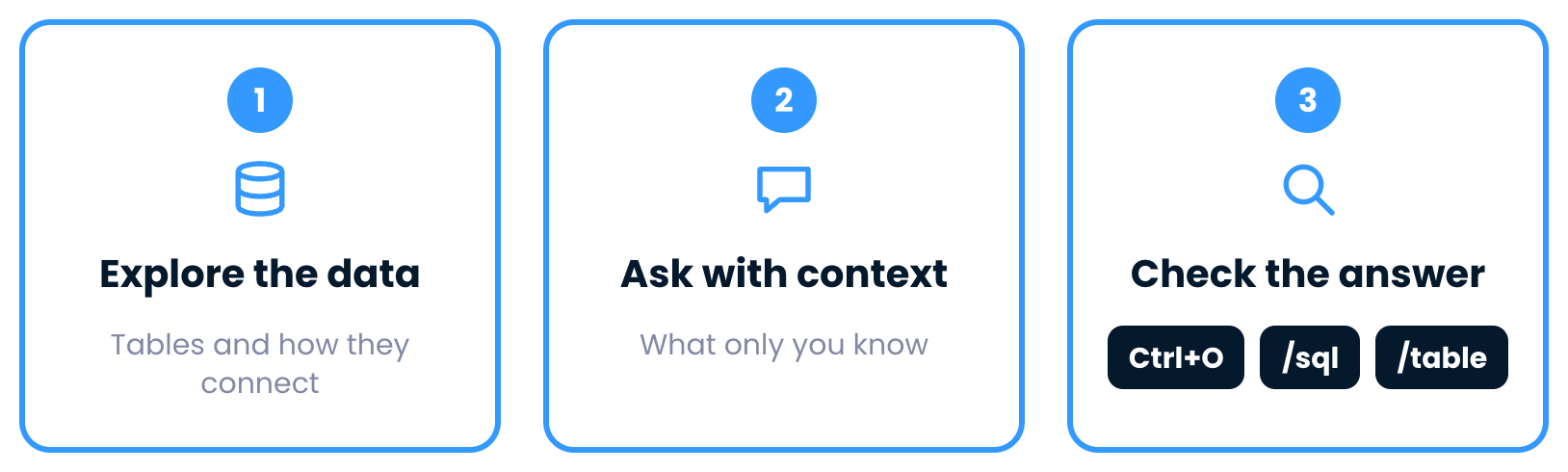
The plan

 

Step one, explore the data

Introduction to Snowflake CoCo CLI

The plan


Step two, ask with context

Introduction to Snowflake CoCo CLI

The plan


Step three, check the answer with three tools

Introduction to Snowflake CoCo CLI

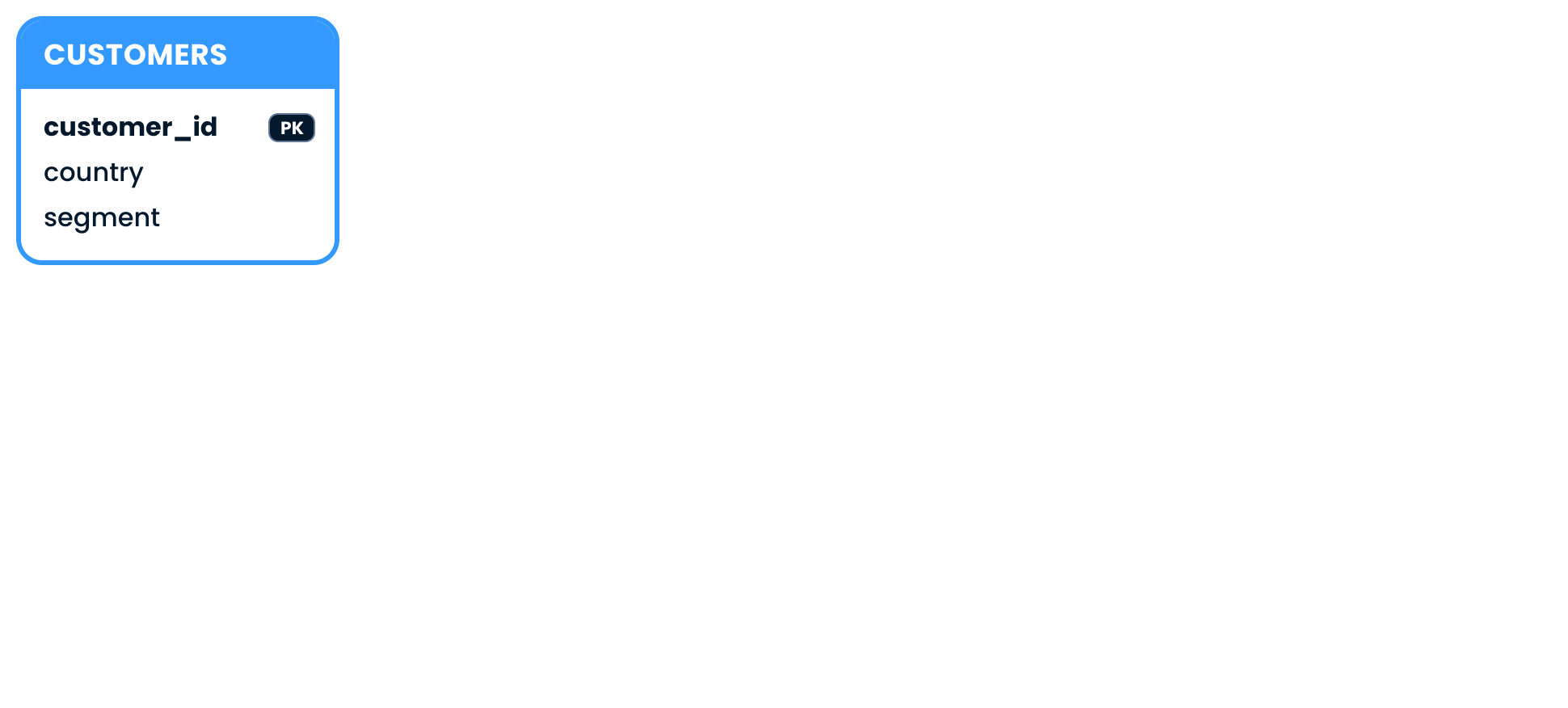
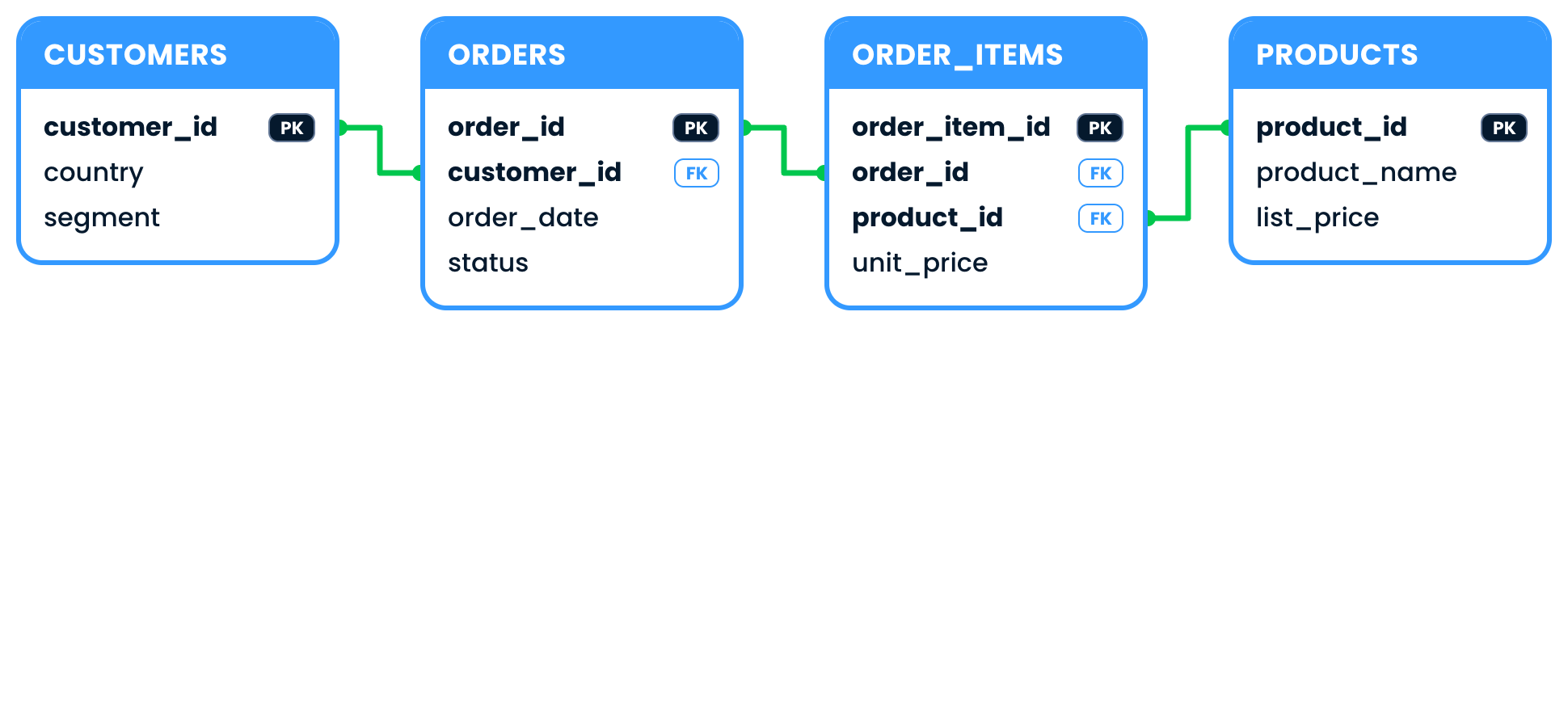
Meet the SHOP data

The CUSTOMERS table with its primary key

Introduction to Snowflake CoCo CLI

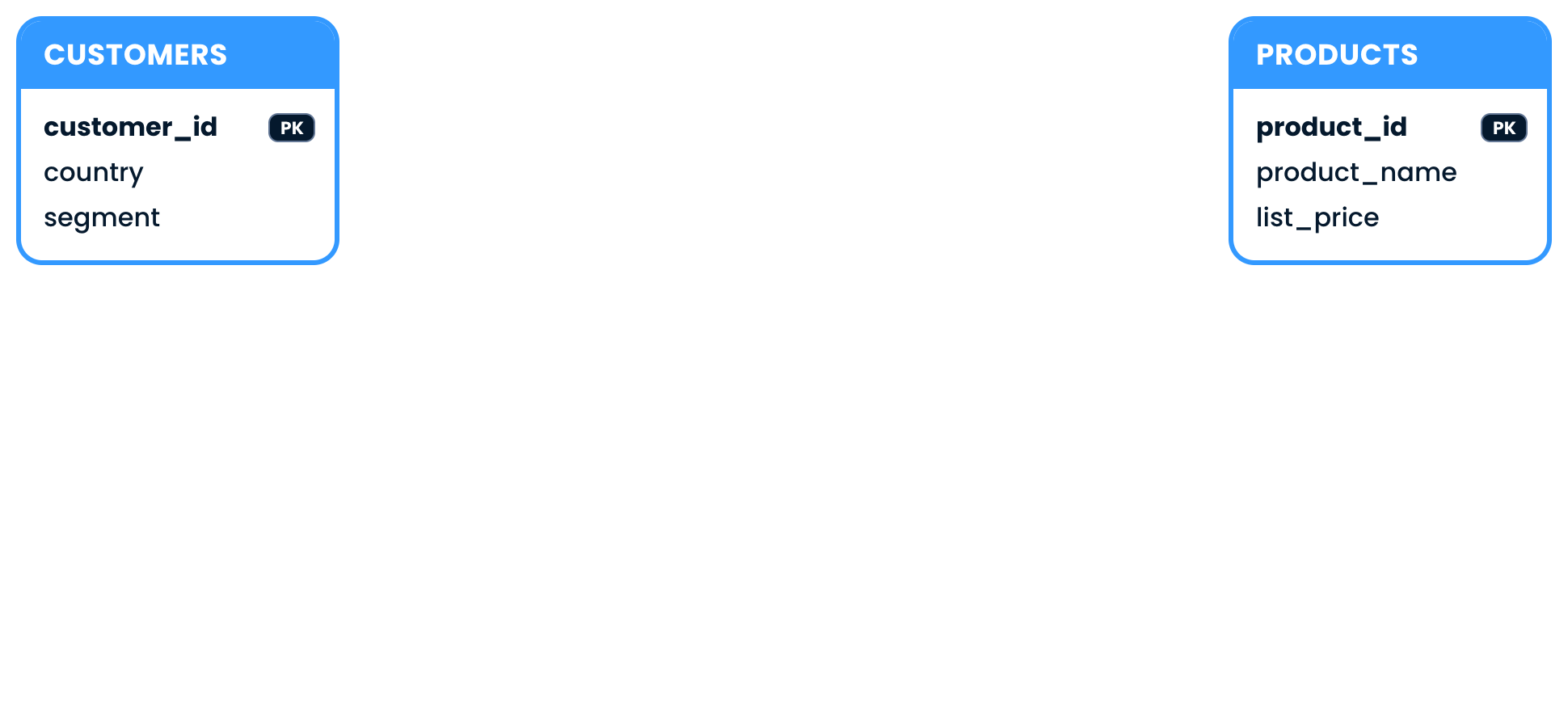
Meet the SHOP data

The PRODUCTS table added

Introduction to Snowflake CoCo CLI

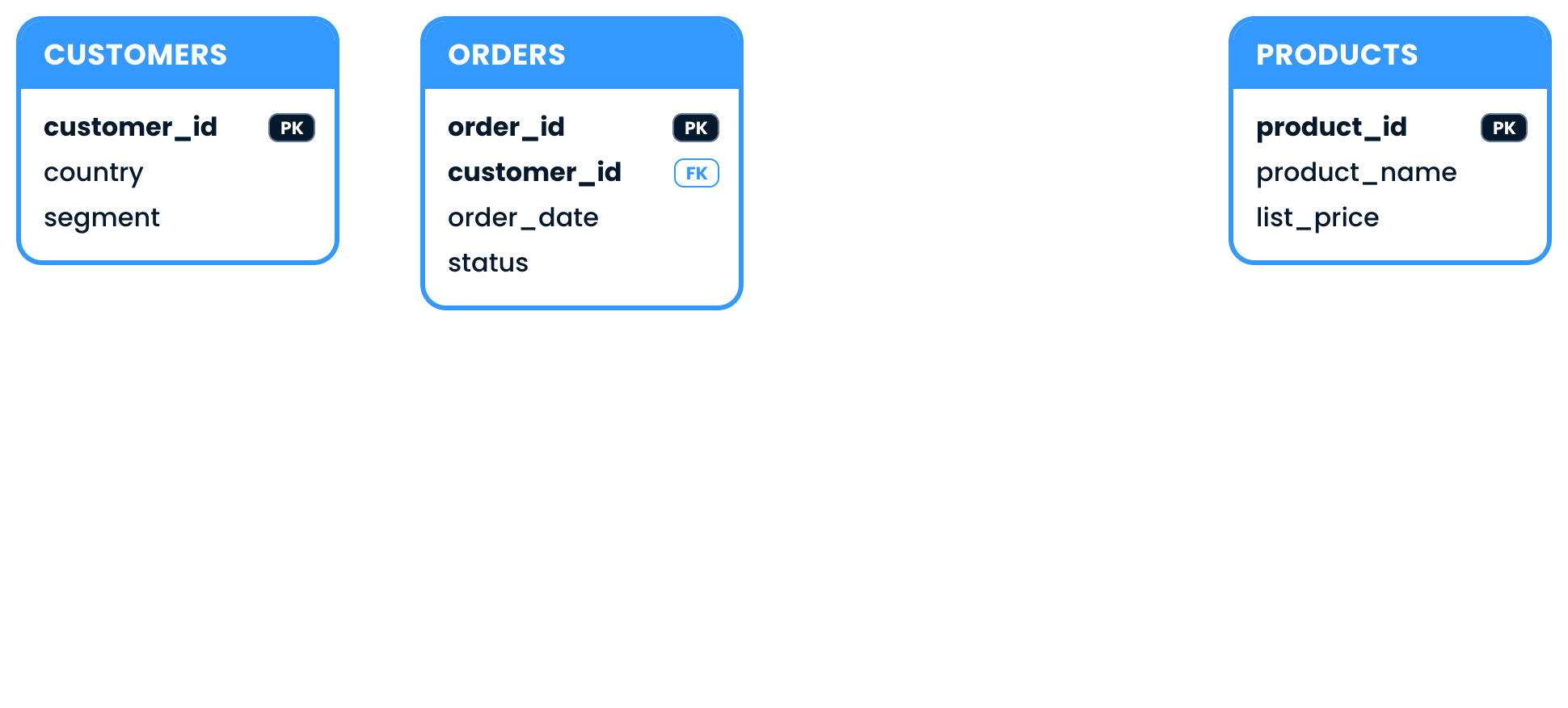
Meet the SHOP data

The ORDERS table added, with a foreign key

Introduction to Snowflake CoCo CLI

Meet the SHOP data

ORDER_ITEMS added, with every link between the four tables

Introduction to Snowflake CoCo CLI

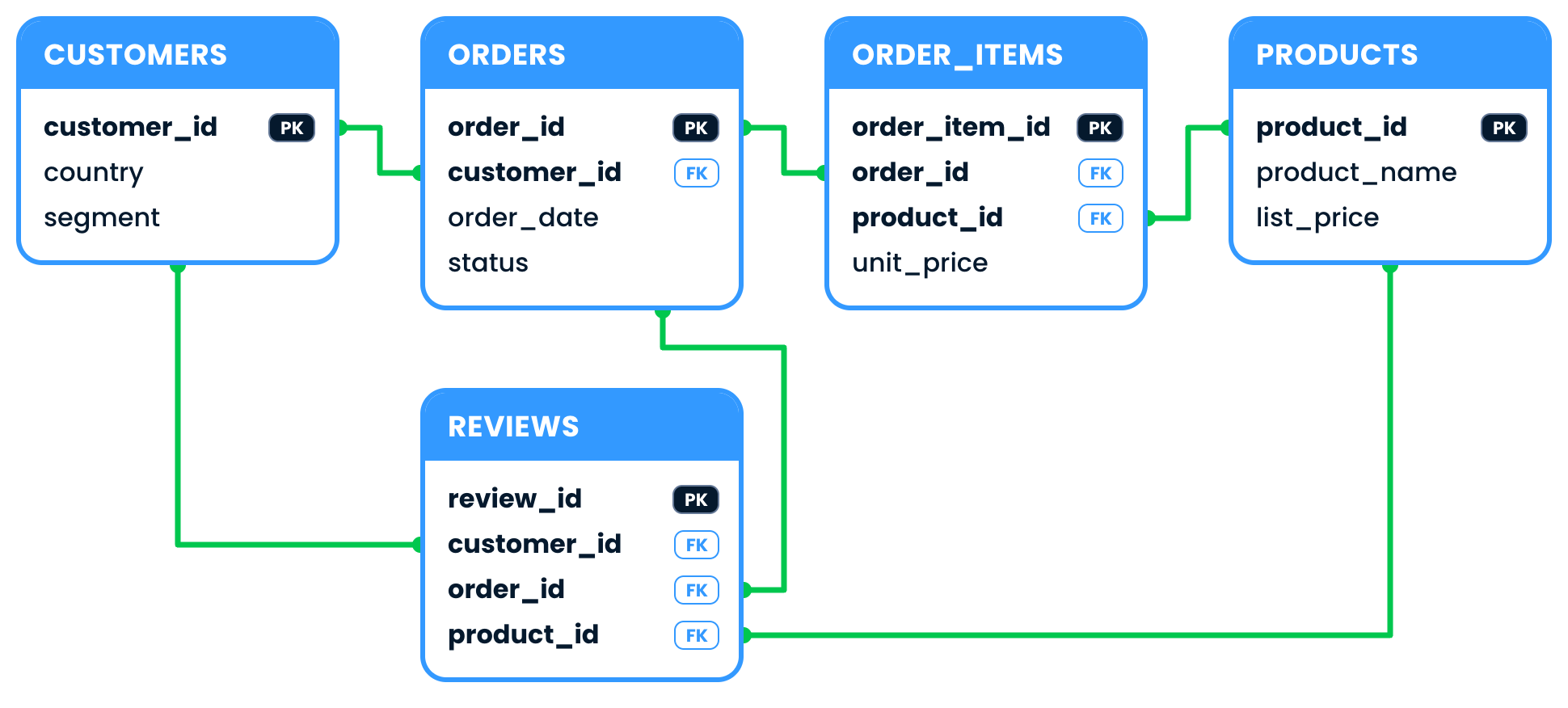
Meet the SHOP data

REVIEWS linked to CUSTOMERS, ORDERS and PRODUCTS

Introduction to Snowflake CoCo CLI

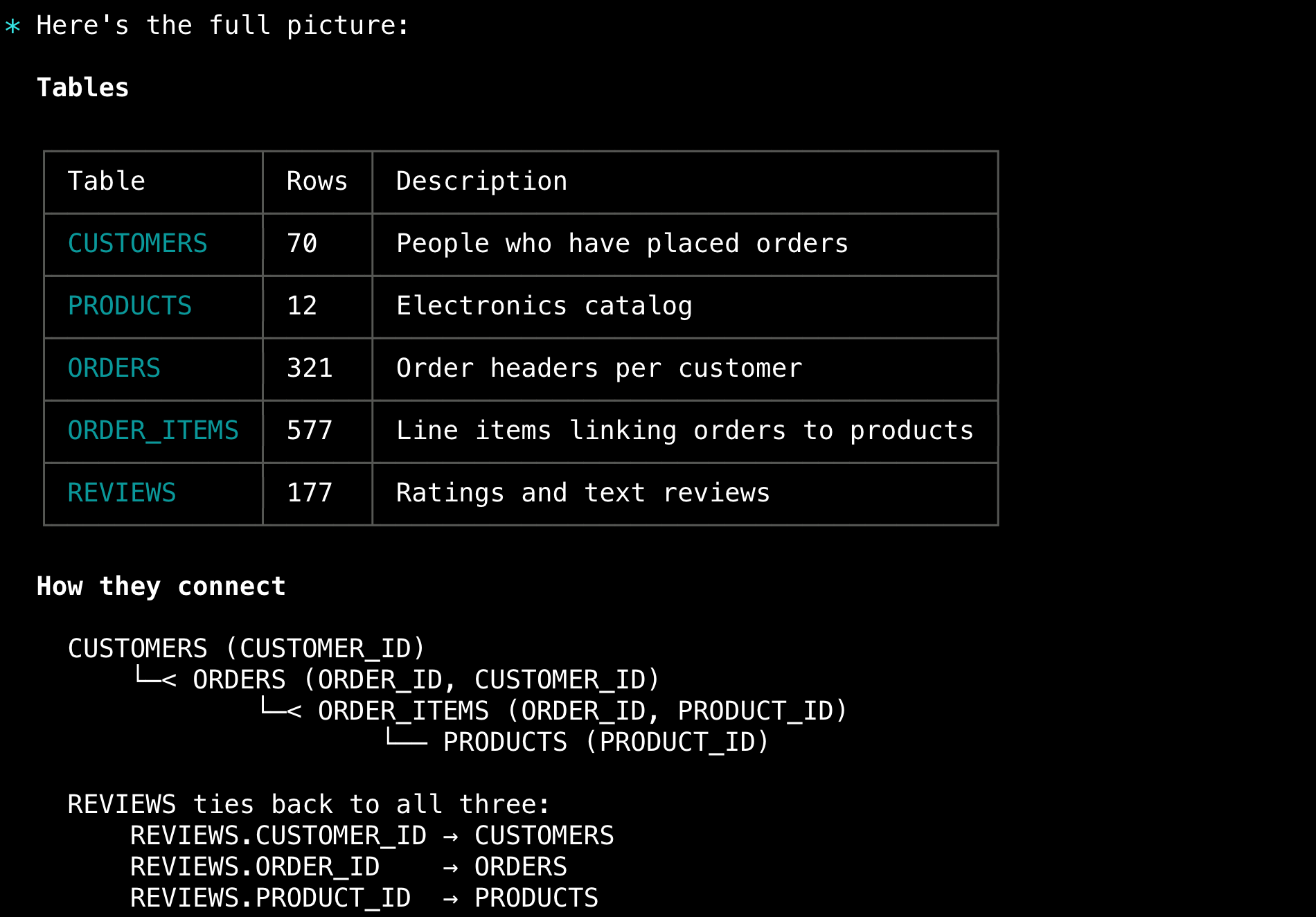
Let CoCo map it


$$

  • Ask how the tables connect
  • CoCo reads the schema itself

$$

A summary from CoCo of the SHOP tables and how they connect

Introduction to Snowflake CoCo CLI

Database and business


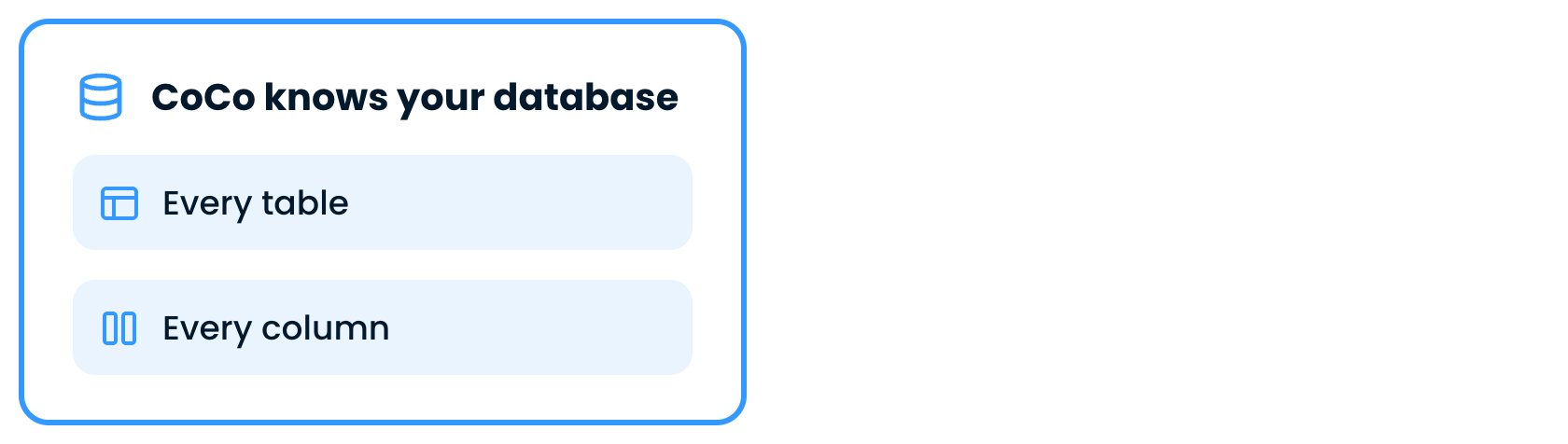
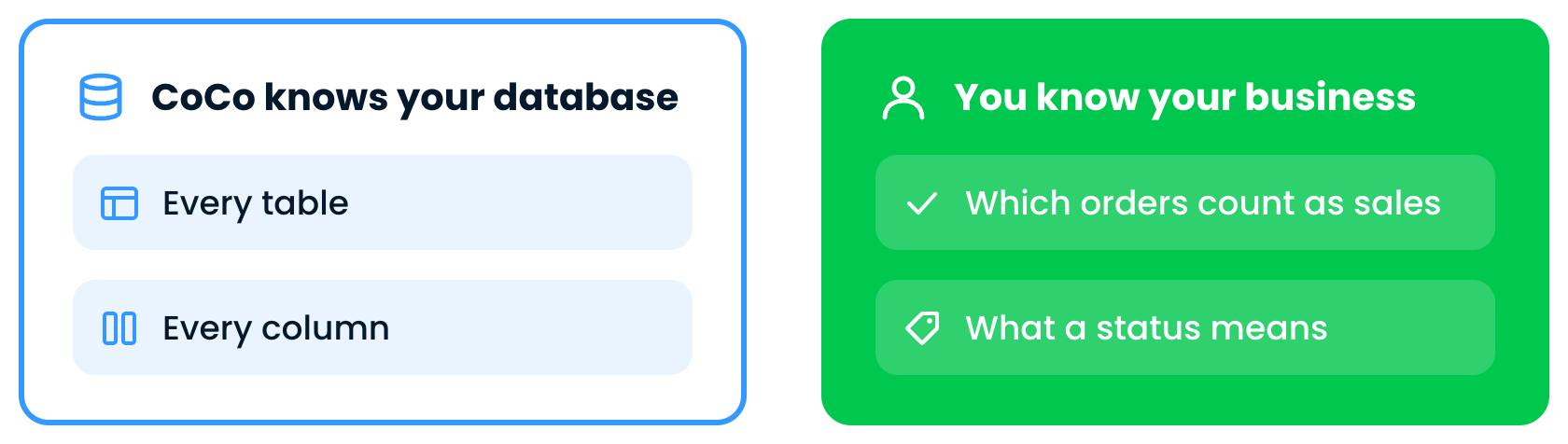
What CoCo knows about your database

Introduction to Snowflake CoCo CLI

Database and business


What CoCo knows, beside what you know about your business

Introduction to Snowflake CoCo CLI

Ask with what you know


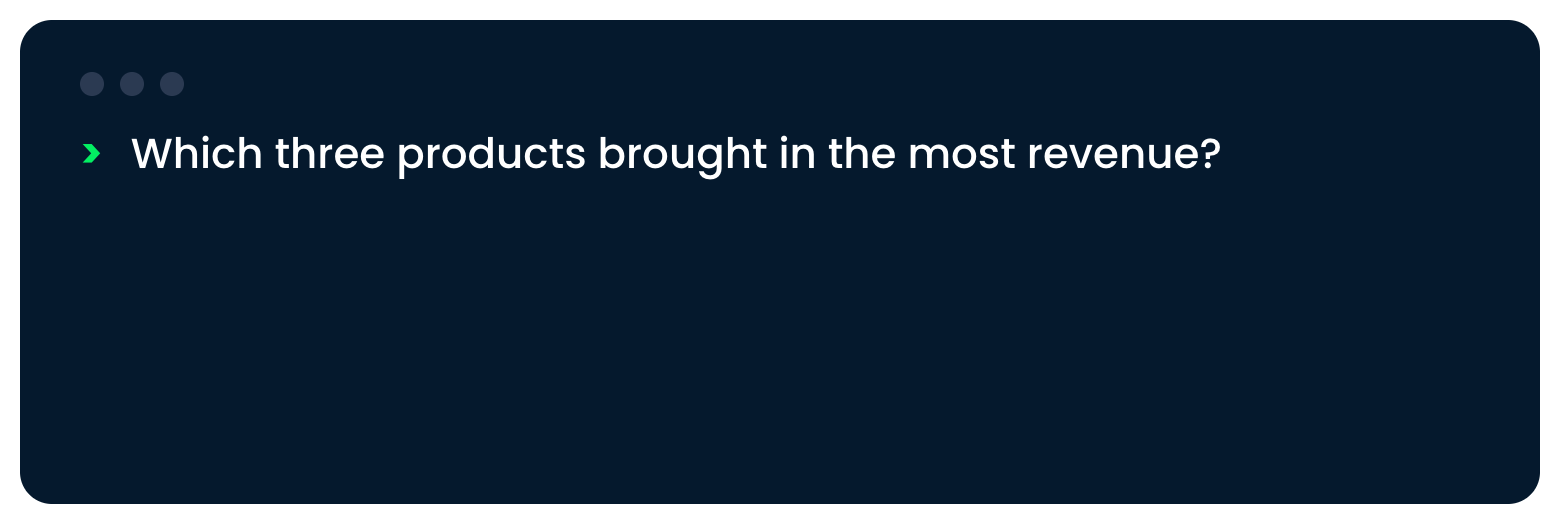
A question asking for the three products with the most revenue

Introduction to Snowflake CoCo CLI

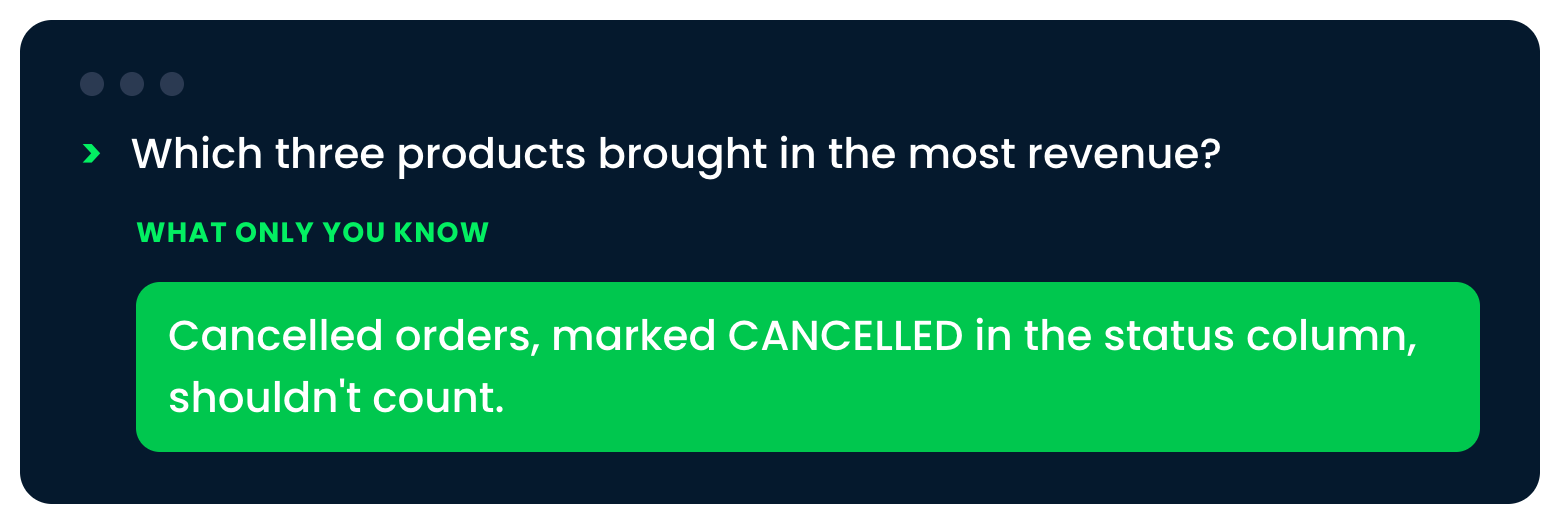
Ask with what you know


The same question with the cancelled-orders rule added

Introduction to Snowflake CoCo CLI

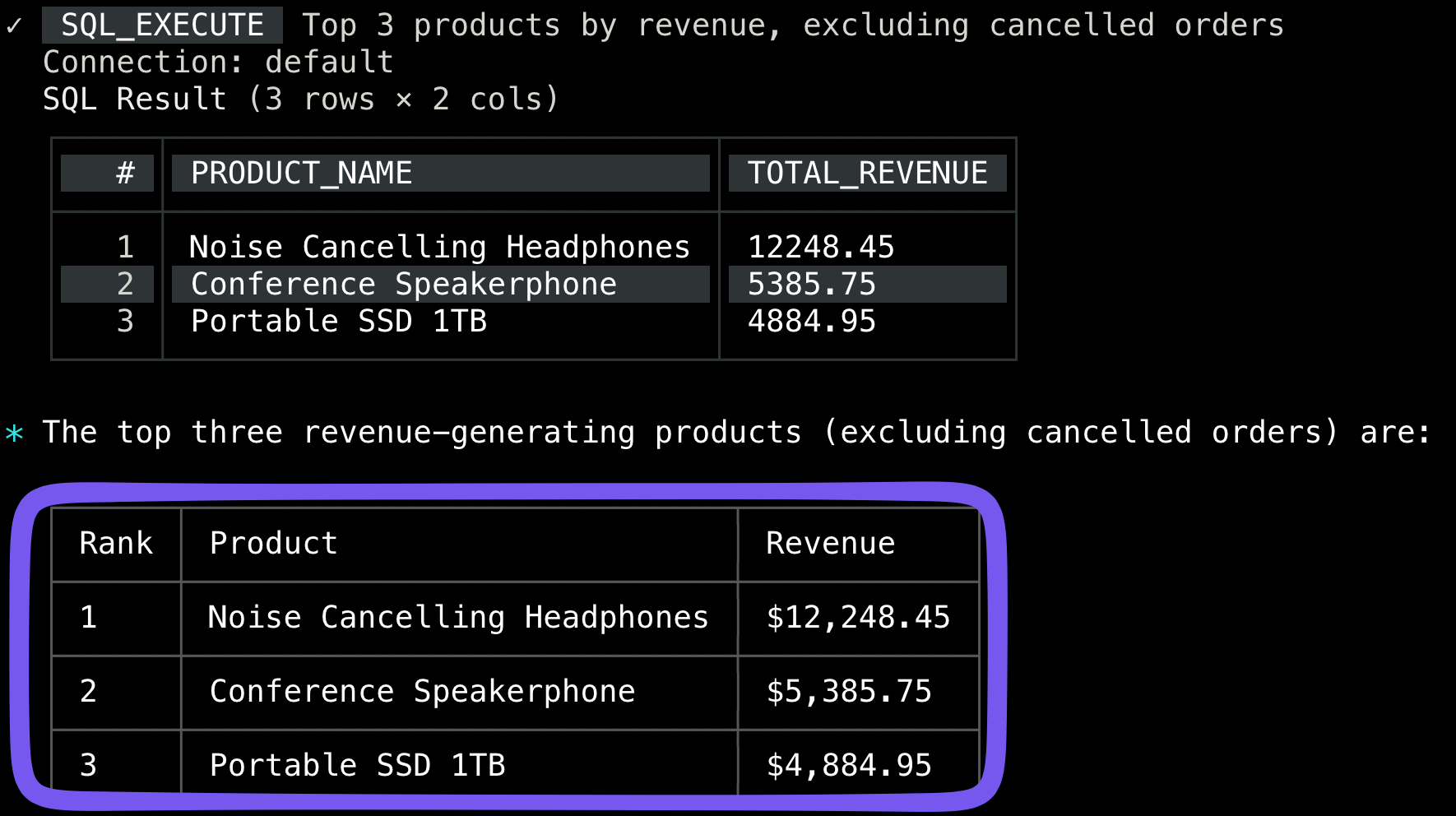
The answer


$$

  • Asked: top three products by revenue
  • Cancelled orders left out
  • Something off? Follow up

$$

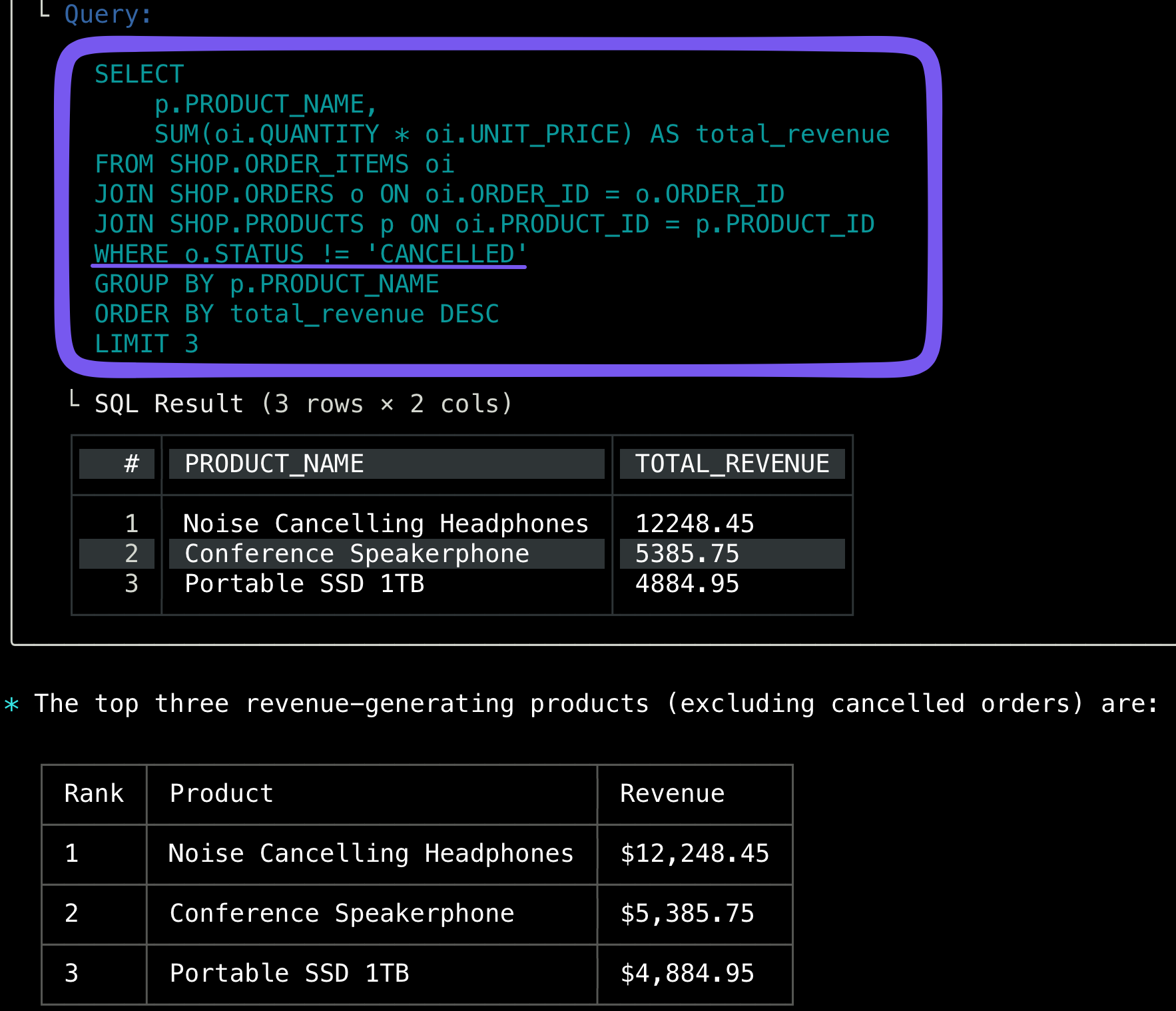
The question and the answer from CoCo in the default view

Introduction to Snowflake CoCo CLI

Expand with Ctrl+O


$$

  • Ctrl+O expands every step
  • Your rule is in the filter

The expanded view showing the SQL behind the answer

Introduction to Snowflake CoCo CLI

Query with /sql


$$

  • Asking covers most of your work
  • /sql runs your own query
  • No CoCo in between


$$

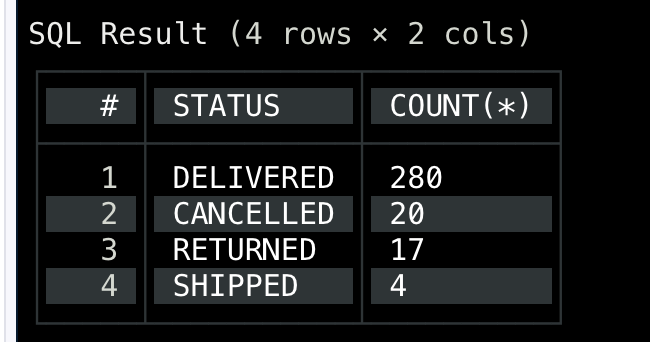
Order counts by status, returned by the sql command

Introduction to Snowflake CoCo CLI

Browse with /table


$$

  • /table opens it full screen
  • Scroll through every row


$$

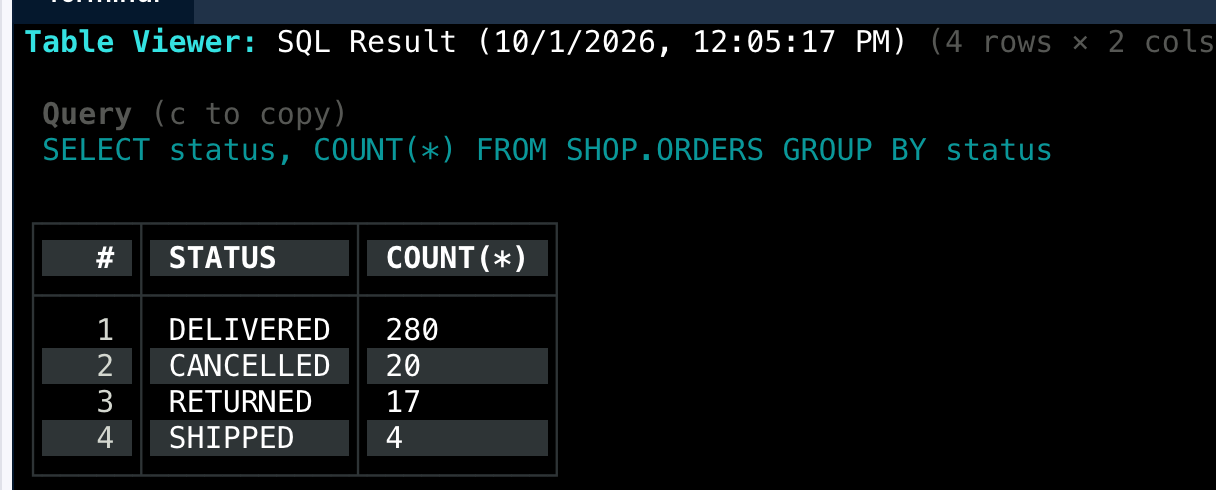
The table viewer showing a result in full screen

Introduction to Snowflake CoCo CLI

What you learned


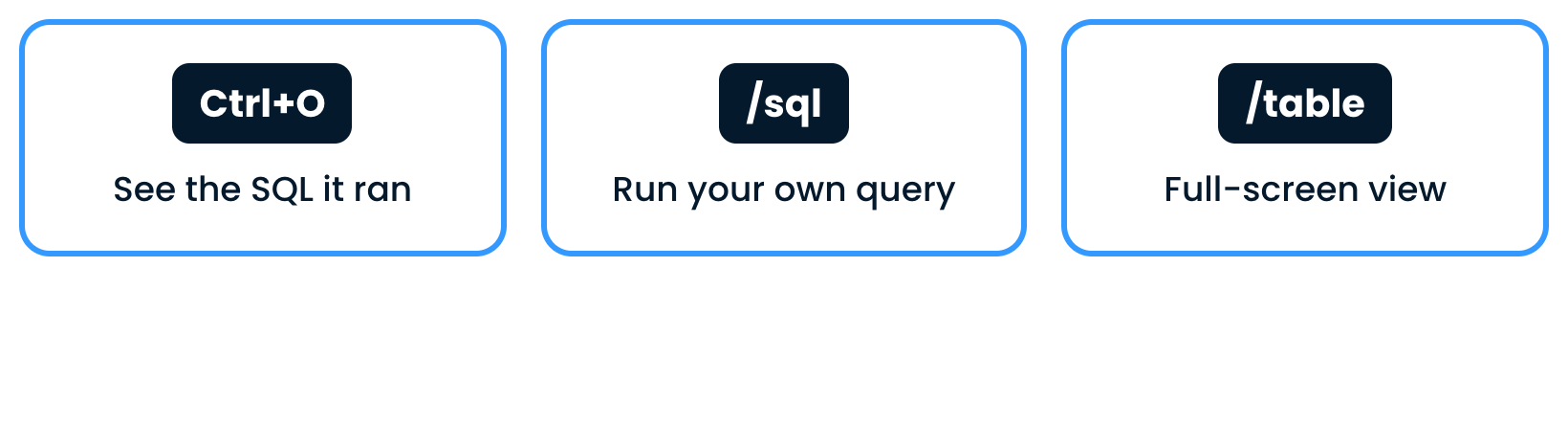
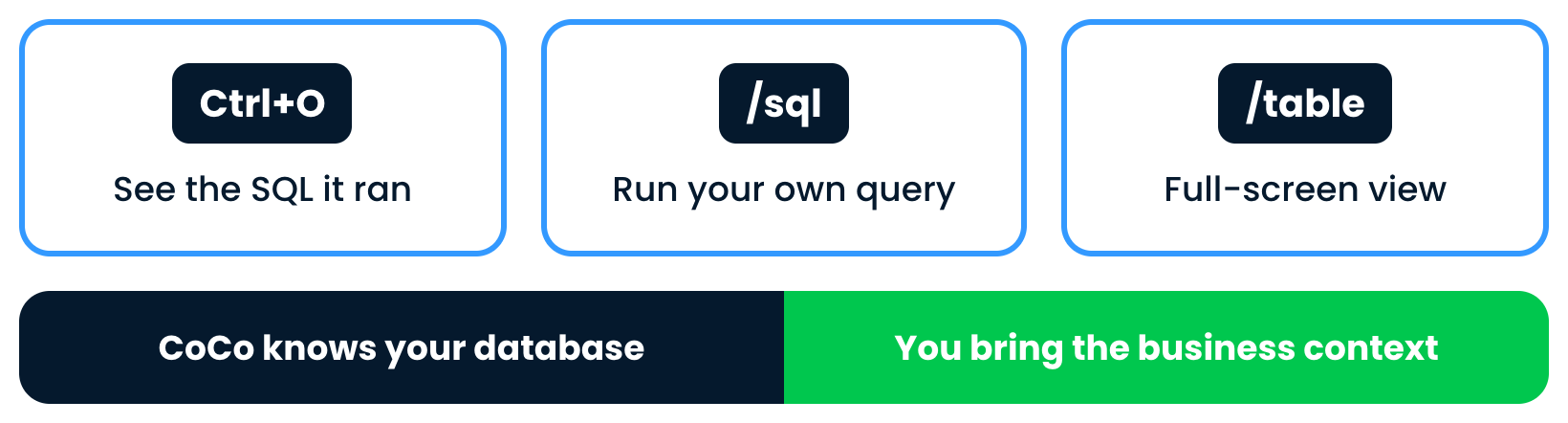
Three tools: Ctrl+O, the sql command and the table command

Introduction to Snowflake CoCo CLI

What you learned


The three tools, above a band: CoCo knows your database, you bring the business context

Introduction to Snowflake CoCo CLI

Let's practice!

Introduction to Snowflake CoCo CLI

Preparing Video For Download...