Meet CoCo

Introduction to Snowflake CoCo CLI

James Cha-Earley

Senior Developer Advocate, Snowflake

What CoCo is

$$
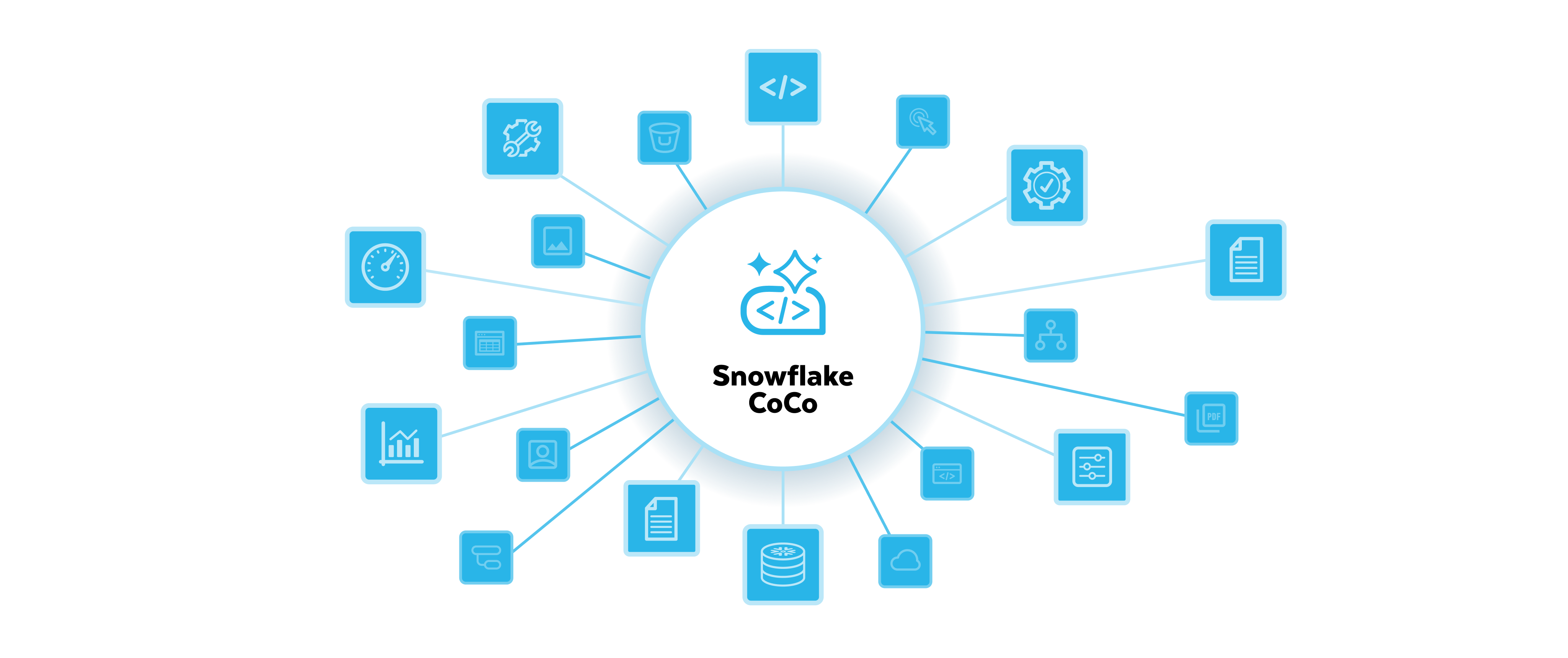
CoCo representation

Introduction to Snowflake CoCo CLI

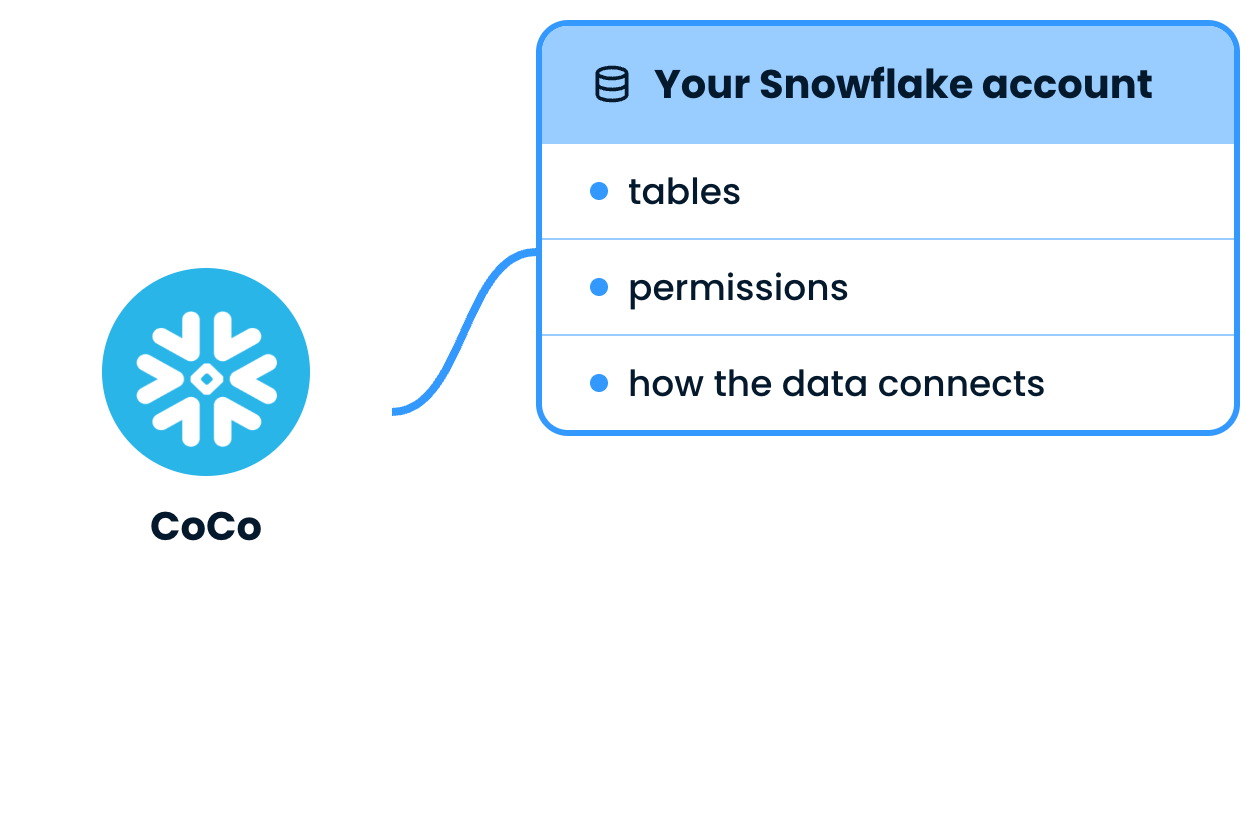
Built for your data

CoCo linked to your Snowflake account

Introduction to Snowflake CoCo CLI

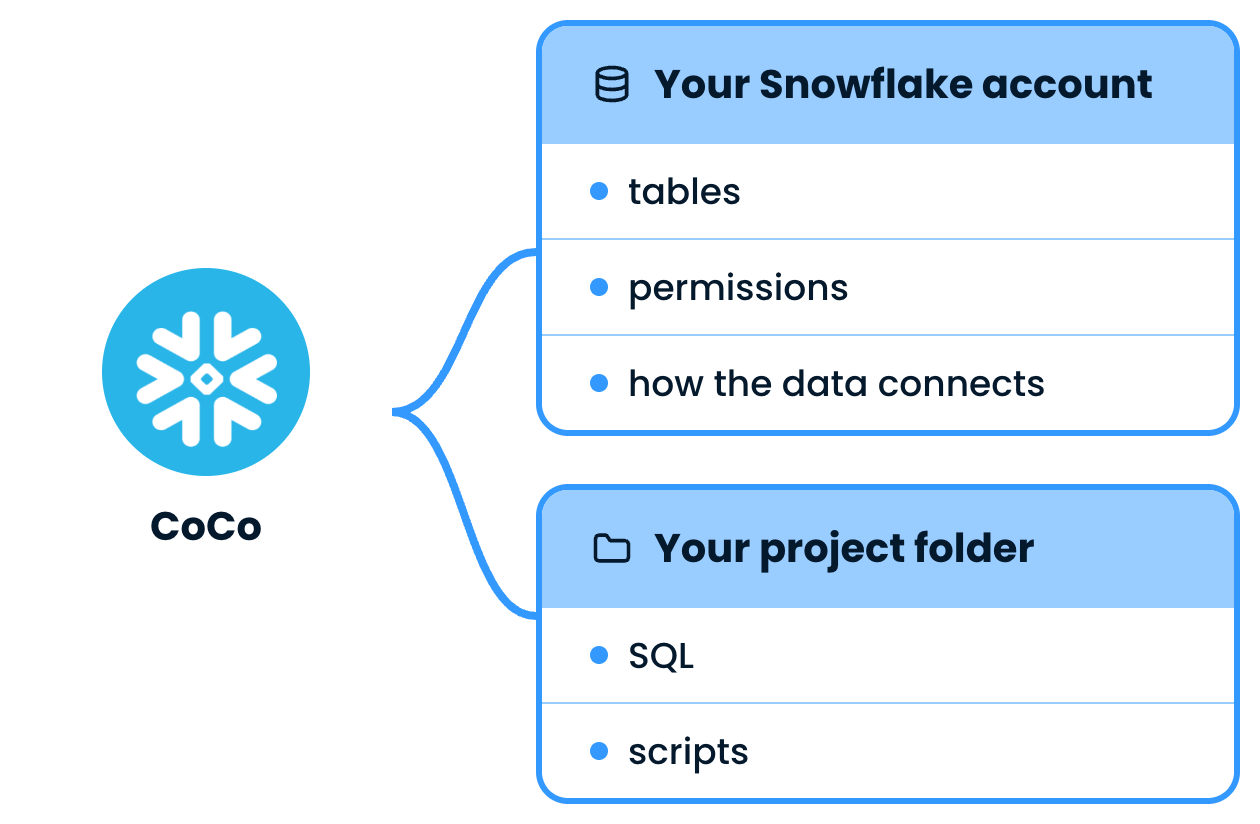
Built for your data

CoCo linked to your Snowflake account and your project folder

Introduction to Snowflake CoCo CLI

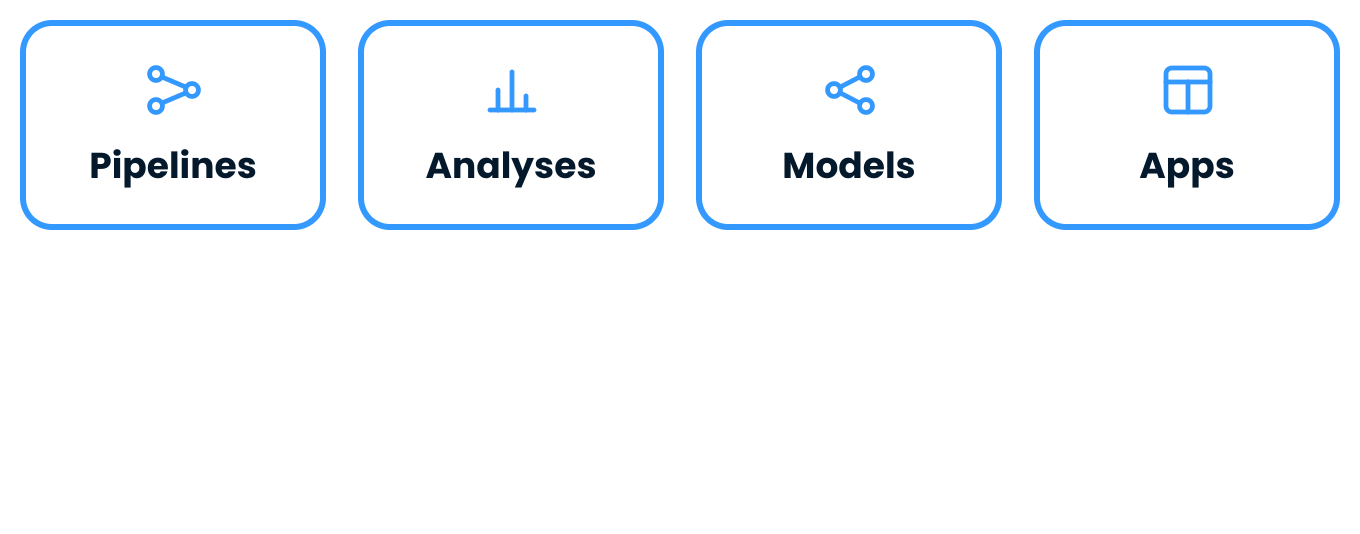
What teams build


Four kinds of work teams give CoCo: pipelines, analyses, models and apps

Introduction to Snowflake CoCo CLI

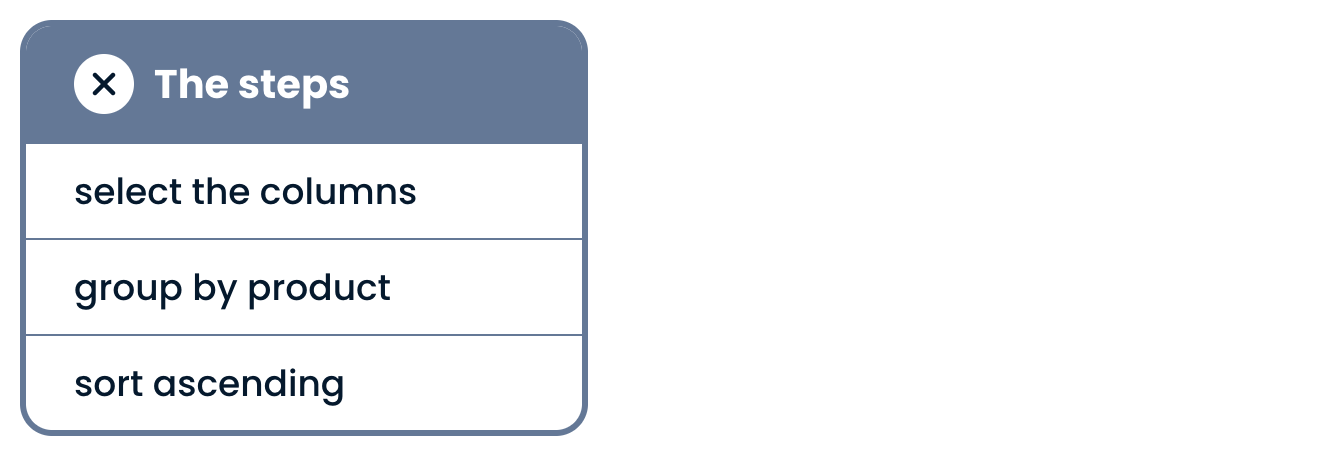
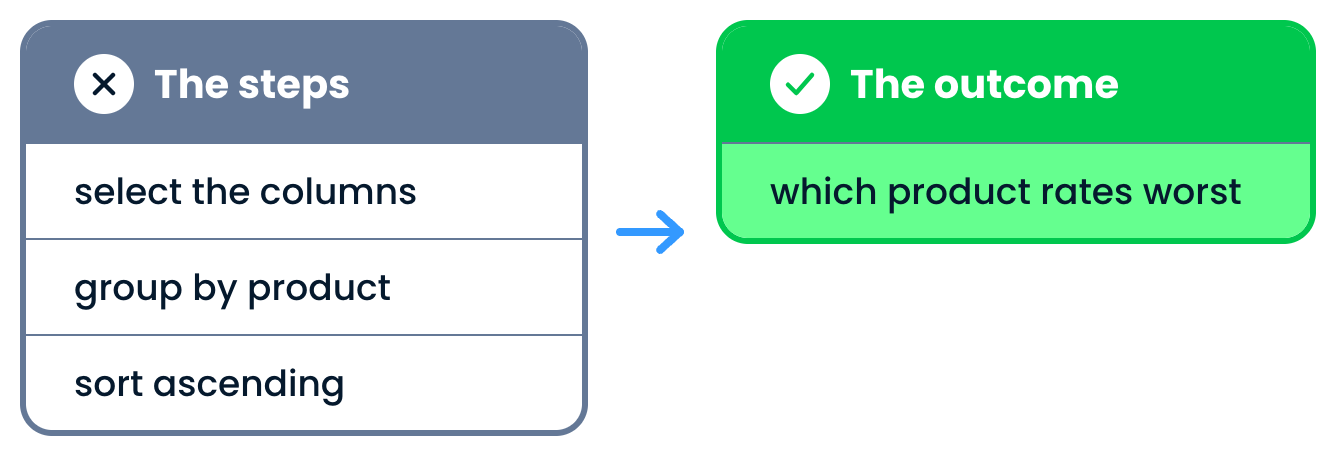
Ask for the outcome


A list of query steps

Introduction to Snowflake CoCo CLI

Ask for the outcome


A list of query steps beside the outcome to ask for instead

Introduction to Snowflake CoCo CLI

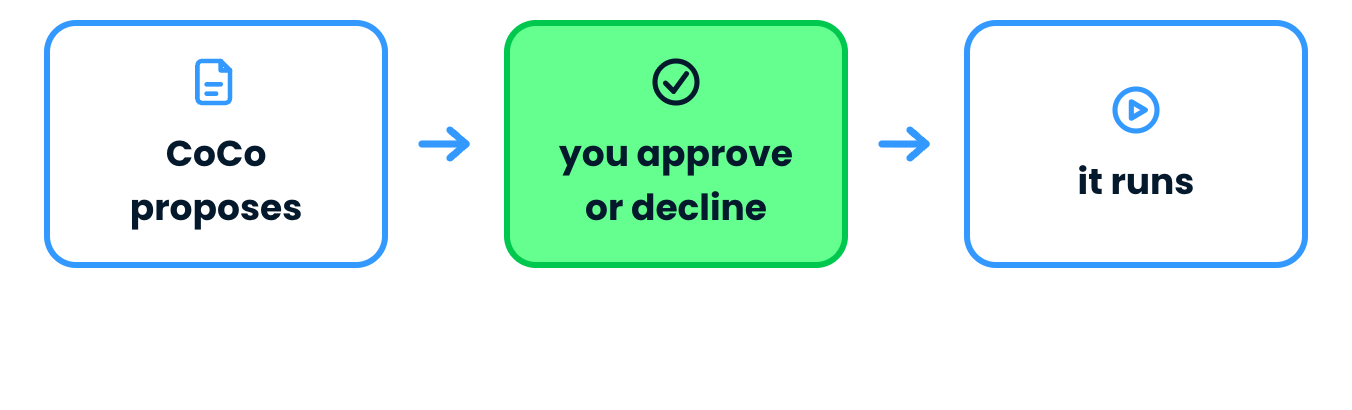
You're in the loop


CoCo proposes, you approve or decline, then it runs

Introduction to Snowflake CoCo CLI

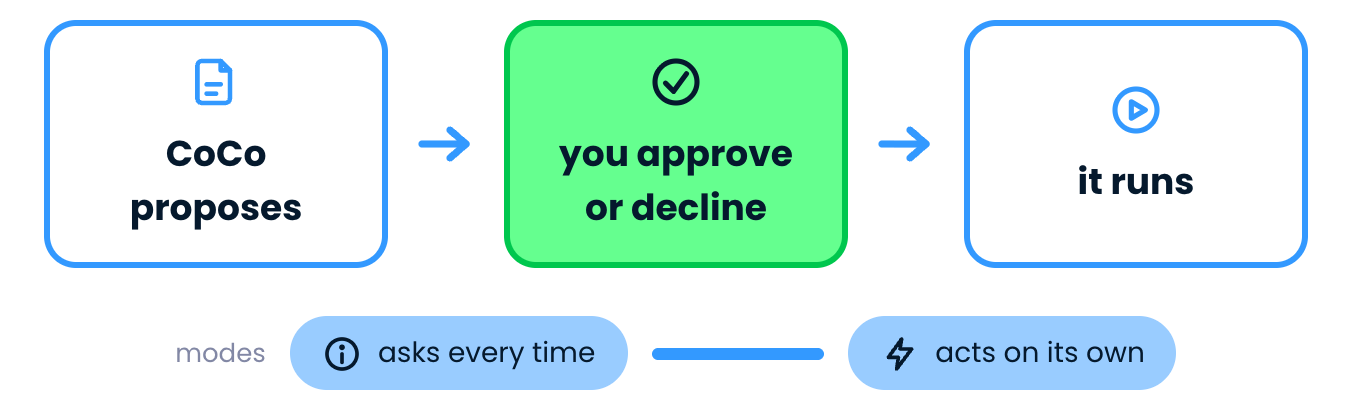
You're in the loop


CoCo proposes, you approve or decline, then it runs, with a scale of modes

Introduction to Snowflake CoCo CLI

Where CoCo runs


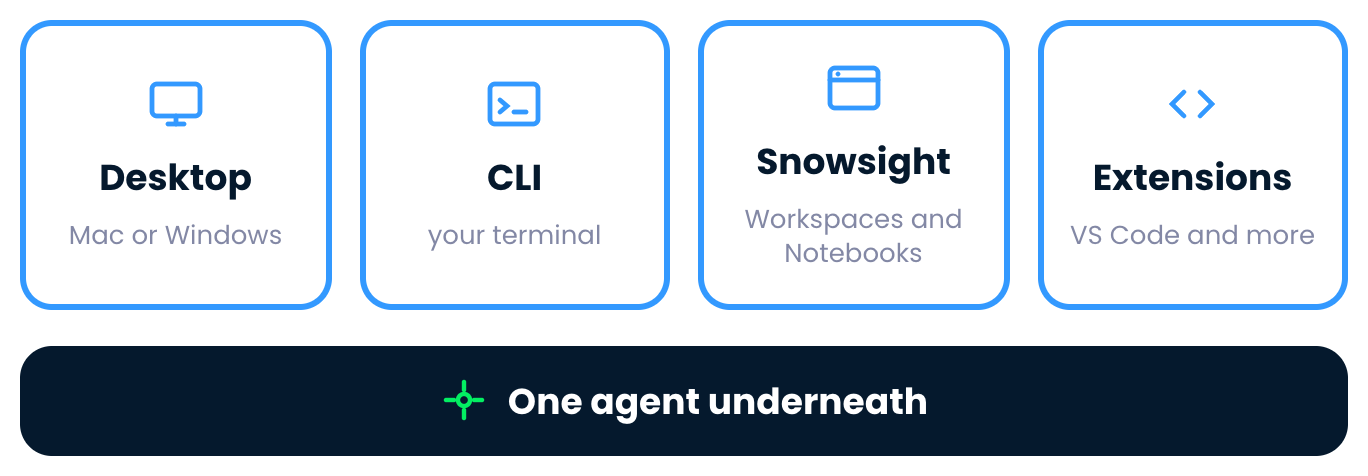
One agent under four surfaces

Introduction to Snowflake CoCo CLI

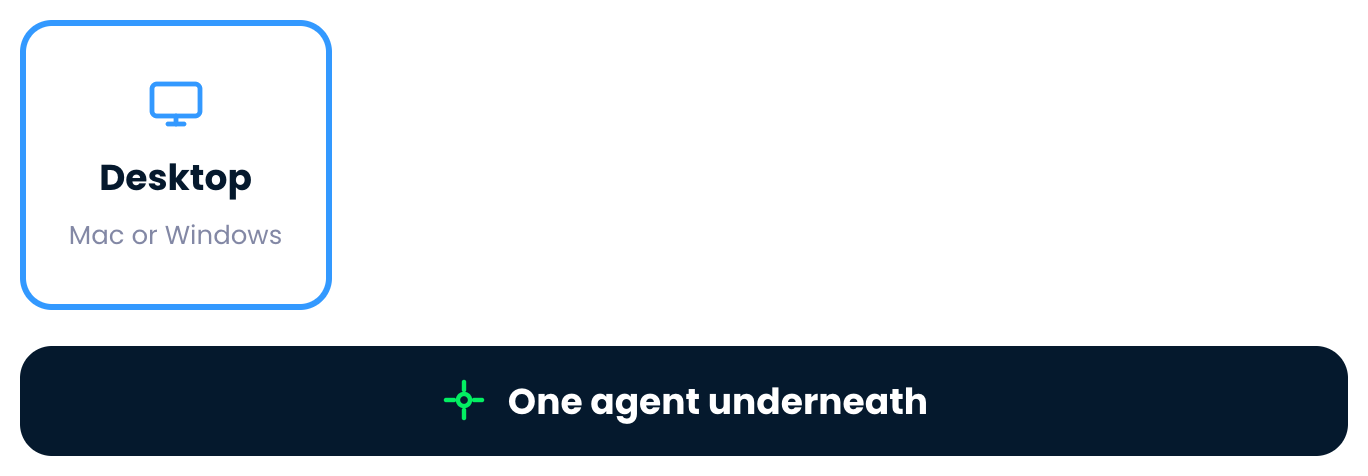
Where CoCo runs


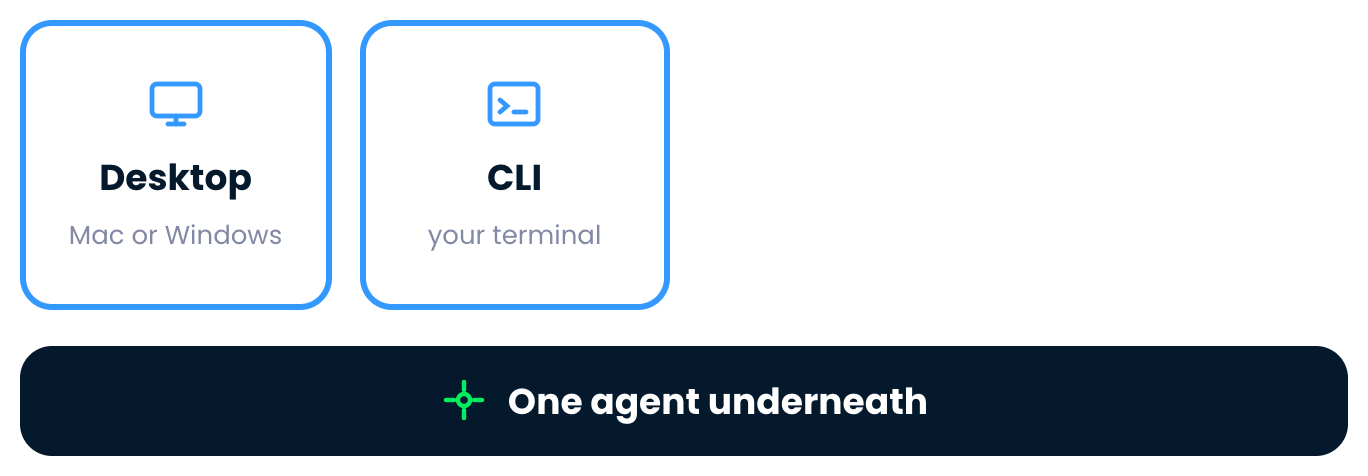
The Desktop surface

Introduction to Snowflake CoCo CLI

Where CoCo runs


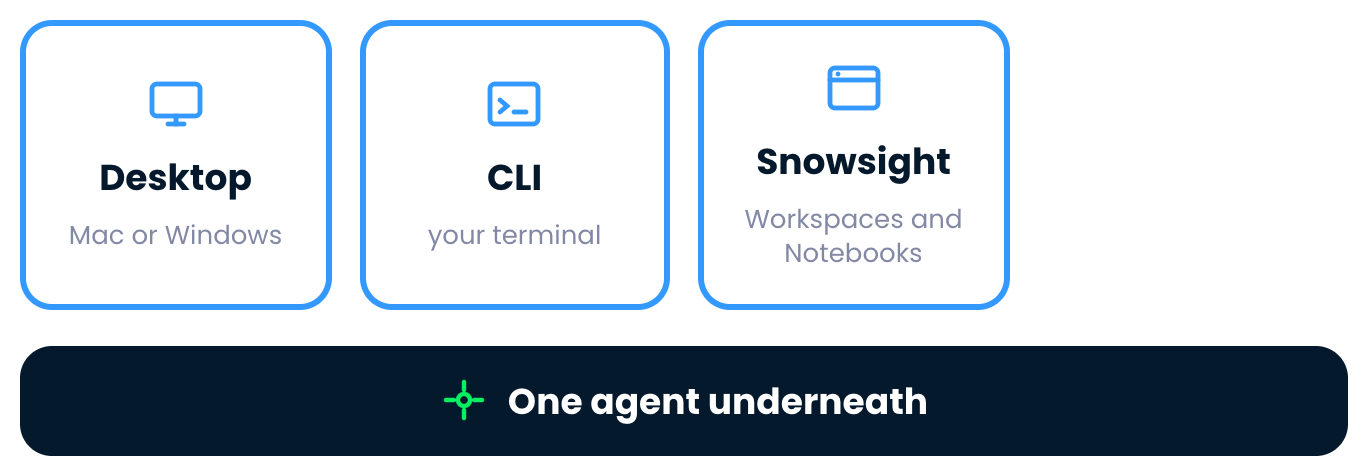
The Desktop and CLI surfaces

Introduction to Snowflake CoCo CLI

Where CoCo runs


The Desktop, CLI and Snowsight surfaces

Introduction to Snowflake CoCo CLI

Where CoCo runs


All four CoCo surfaces

Introduction to Snowflake CoCo CLI

Where CoCo runs


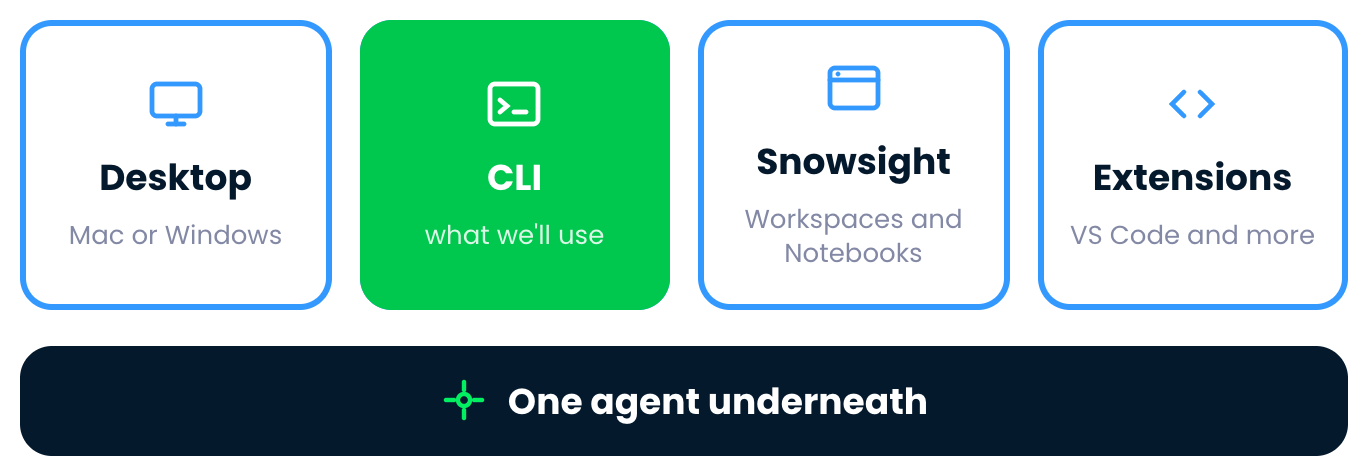
All four CoCo surfaces, with the CLI marked

Introduction to Snowflake CoCo CLI

Why the terminal


The first reason to work in the terminal

Introduction to Snowflake CoCo CLI

Why the terminal


The first two reasons to work in the terminal

Introduction to Snowflake CoCo CLI

Why the terminal


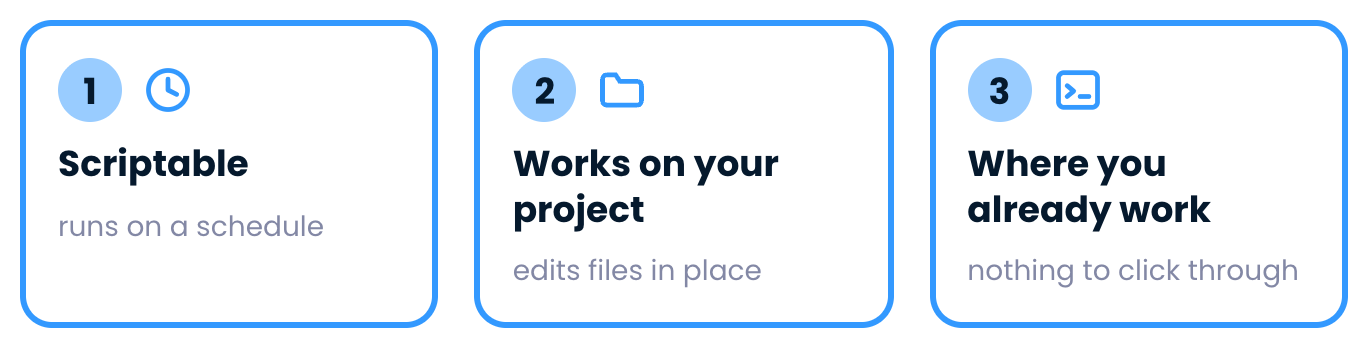
Three reasons to work in the terminal

Introduction to Snowflake CoCo CLI

Starting a session


$$

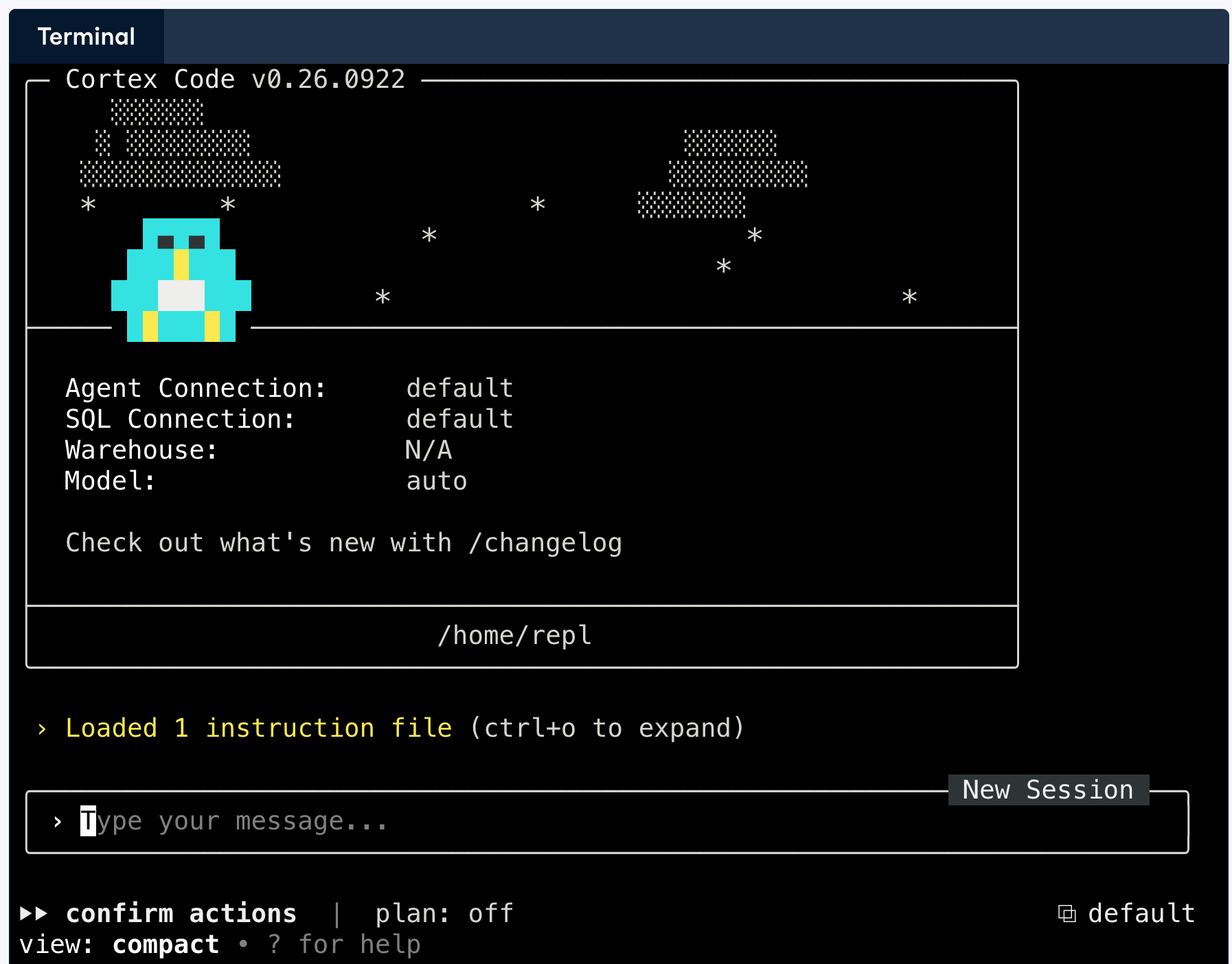
  • Type cortex to start a session
  • Already signed in to Snowflake

Starting a CoCo session in the terminal

Introduction to Snowflake CoCo CLI

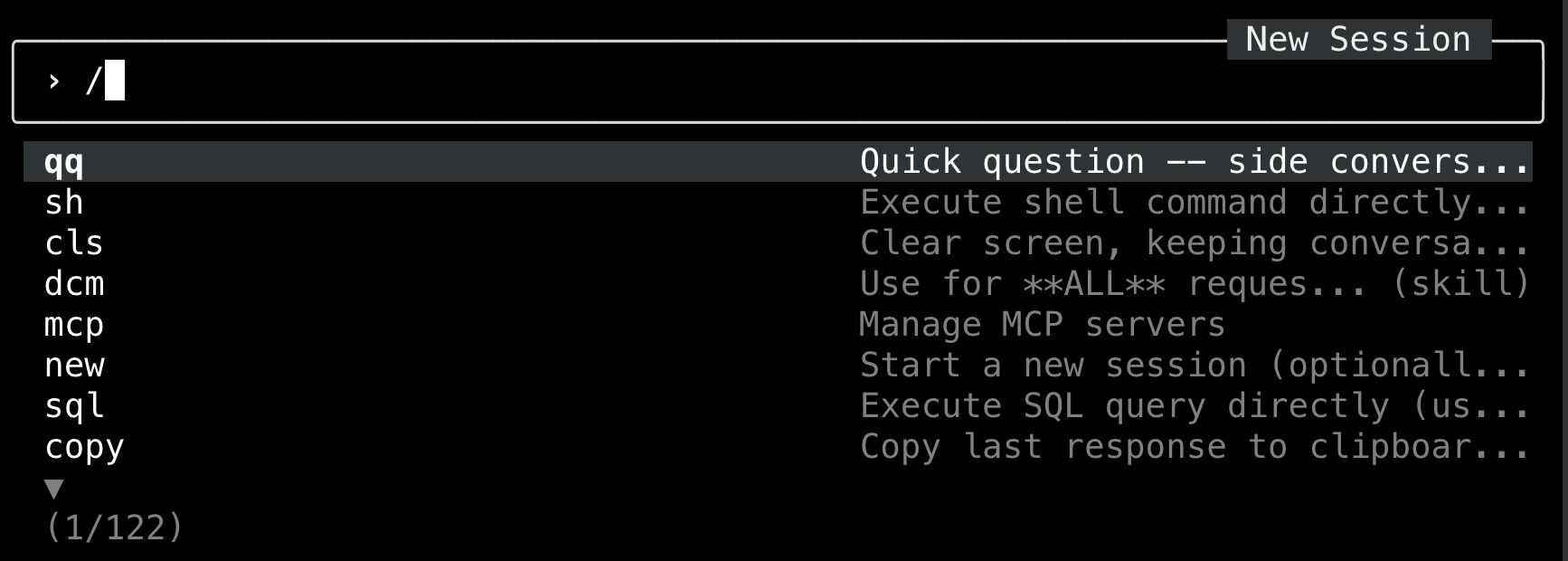
The command menu


$$

  • Commands control the session
  • / opens the menu


$$

The slash command menu open in CoCo

Introduction to Snowflake CoCo CLI

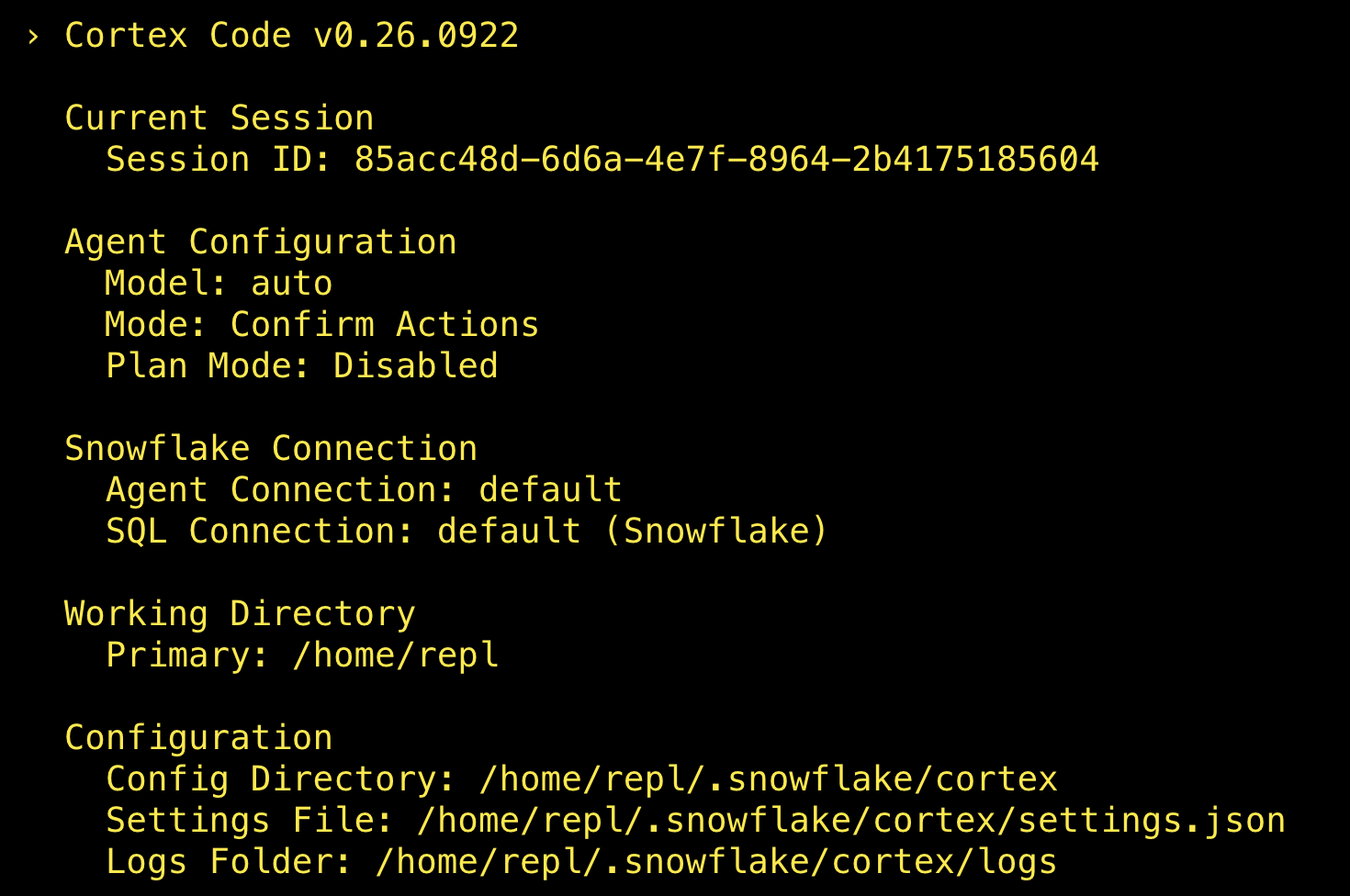
Check your session


$$

  • /status checks your setup
  • Model and permissions in use
  • Both Snowflake connections


The status command output in CoCo

Introduction to Snowflake CoCo CLI

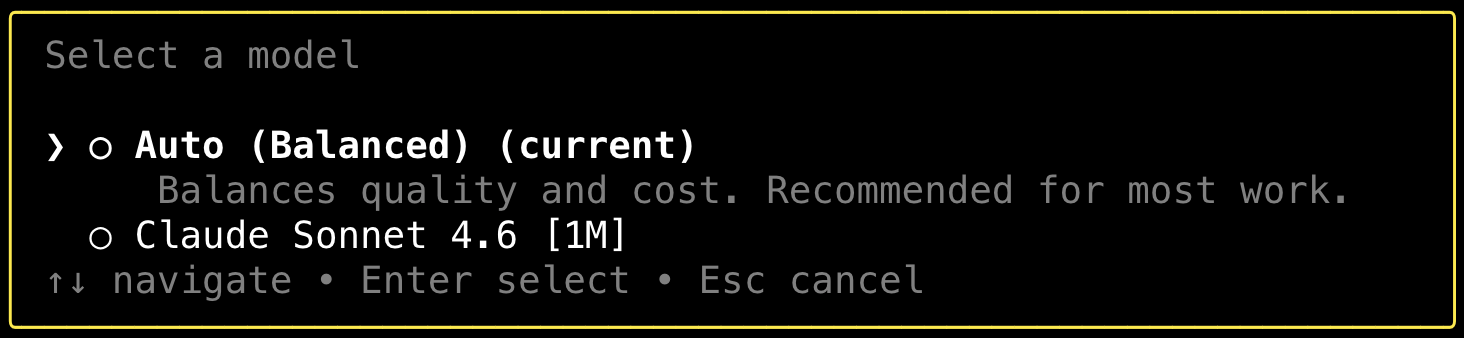
Choosing a model


$$

  • Several models to choose from
  • /model opens the picker
  • We stay on Auto


$$

$$

The model picker open in CoCo

Introduction to Snowflake CoCo CLI

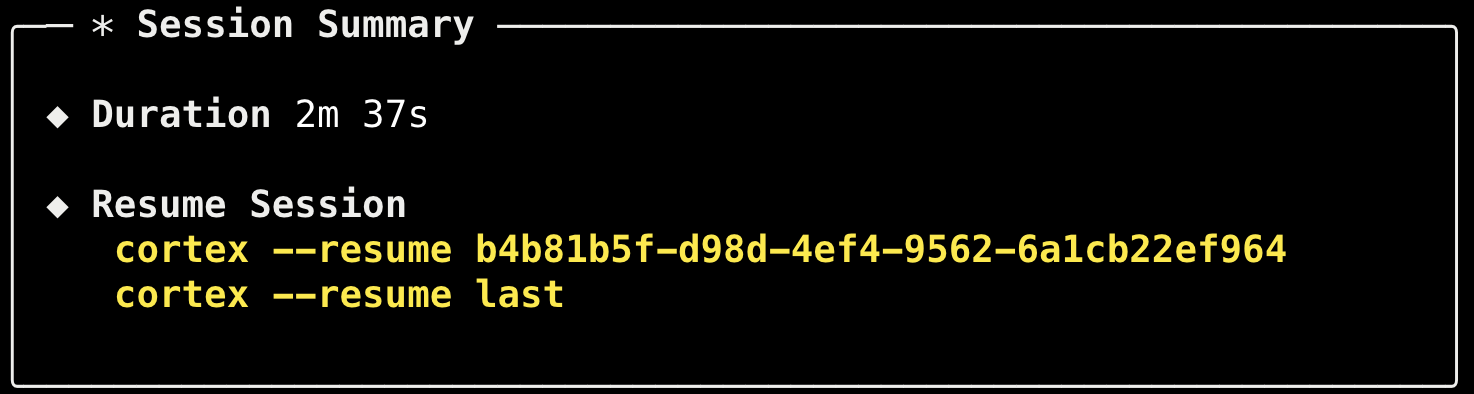
Leaving CoCo


  • The conversation is saved
  • Resume later by session id

$$

Output after quitting a CoCo session


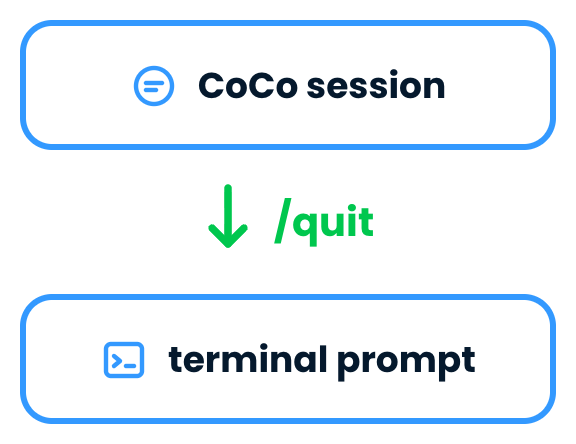
Quitting a CoCo session returns you to the terminal prompt

Introduction to Snowflake CoCo CLI

Let's practice!

Introduction to Snowflake CoCo CLI

Preparing Video For Download...