Scripting with CoCo

Introduction to Snowflake CoCo CLI

James Cha-Earley

Senior Developer Advocate, Snowflake

Beyond the session

 

Your work as a script, which runs again without you typing it

Introduction to Snowflake CoCo CLI

Beyond the session


Your work as a script, plus CoCo inside a script with no session needed

Introduction to Snowflake CoCo CLI

What a script is


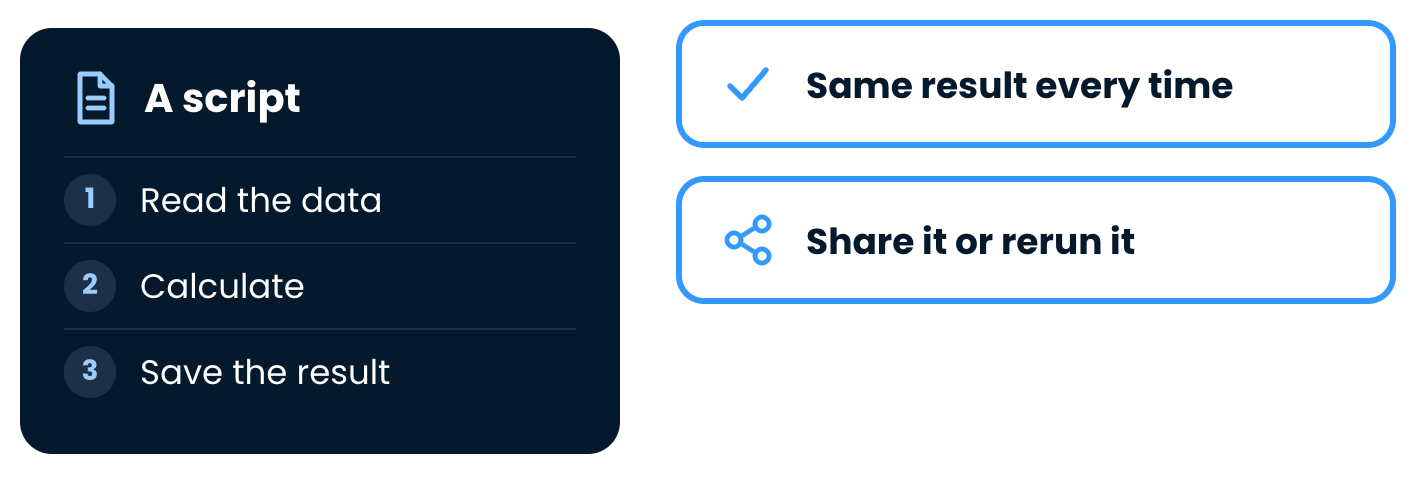
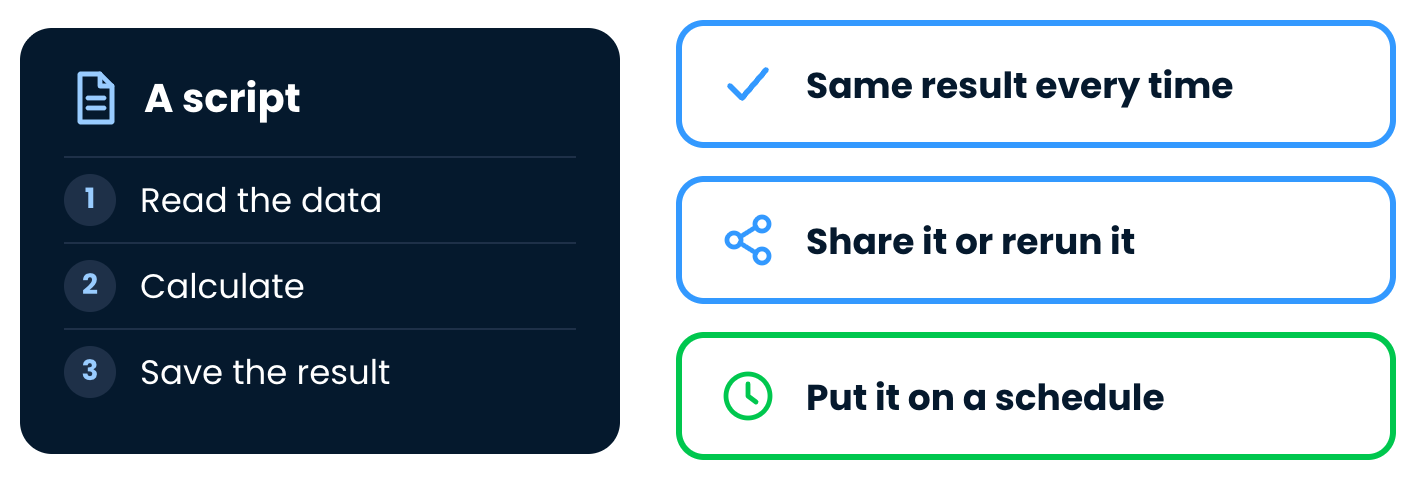
A script as a file of steps: read the data, calculate, save the result

Introduction to Snowflake CoCo CLI

What a script is


A script gives the same result every time and can be shared or rerun

Introduction to Snowflake CoCo CLI

What a script is


A script can also be put on a schedule

Introduction to Snowflake CoCo CLI

SQL or Python


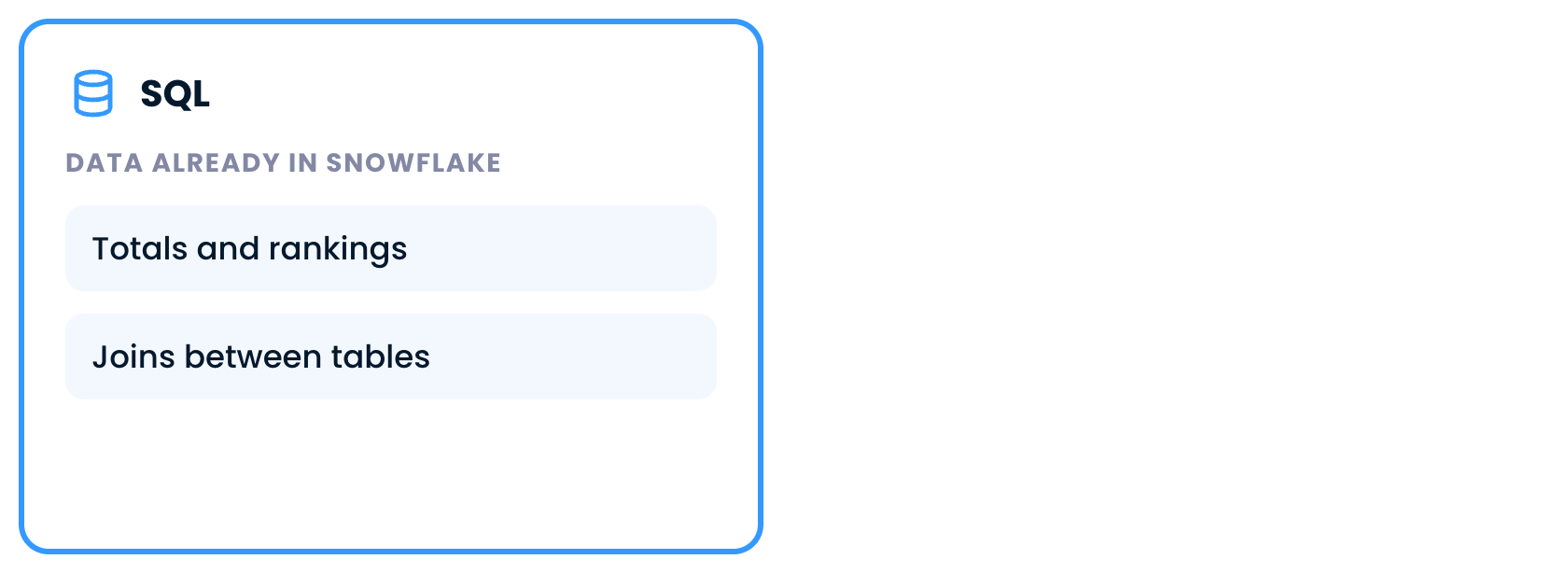
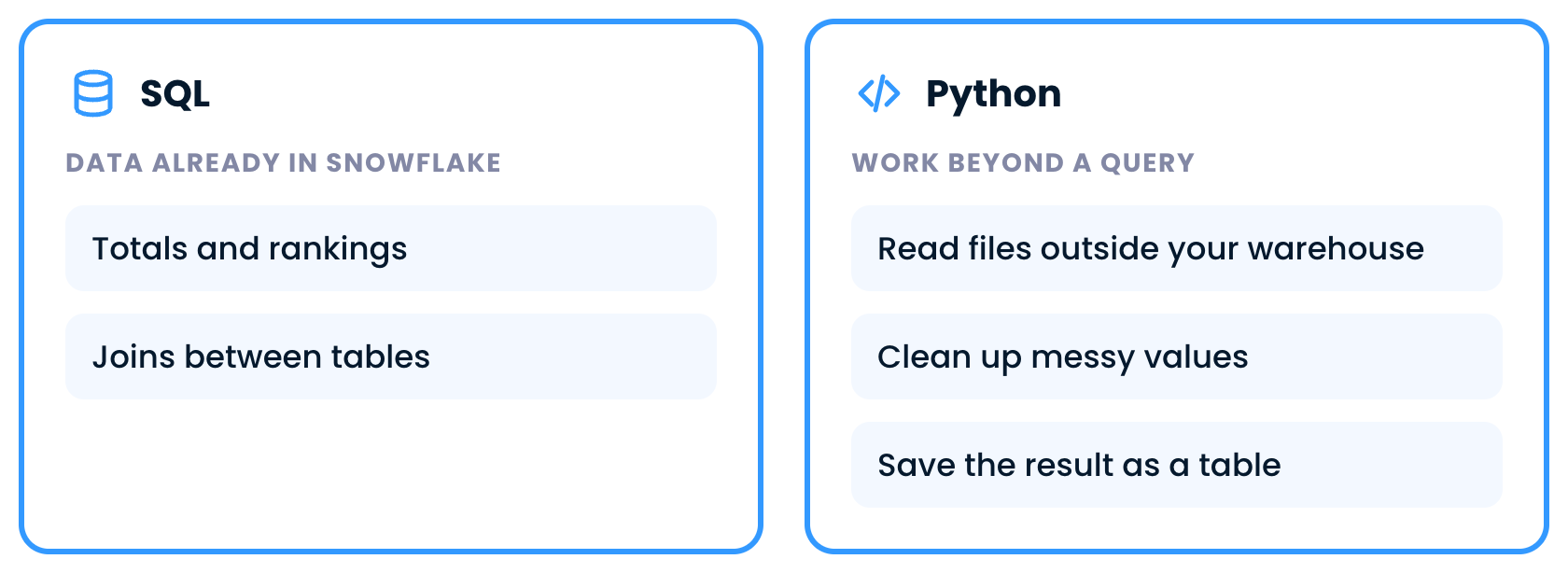
SQL for data already in Snowflake: totals, rankings and joins

Introduction to Snowflake CoCo CLI

SQL or Python


Python for work beyond a query: read files, clean values, save a table

  • CoCo writes the Python, and you review it
Introduction to Snowflake CoCo CLI

Why the CLI


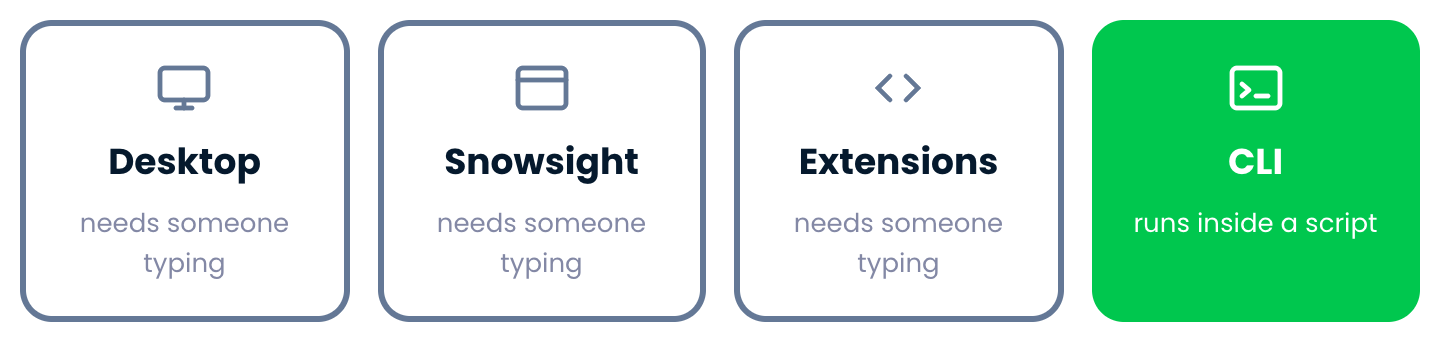
Desktop, Snowsight and Extensions need someone typing, the CLI runs inside a script

  • Scheduled jobs, like a weekly report
Introduction to Snowflake CoCo CLI

A file from marketing


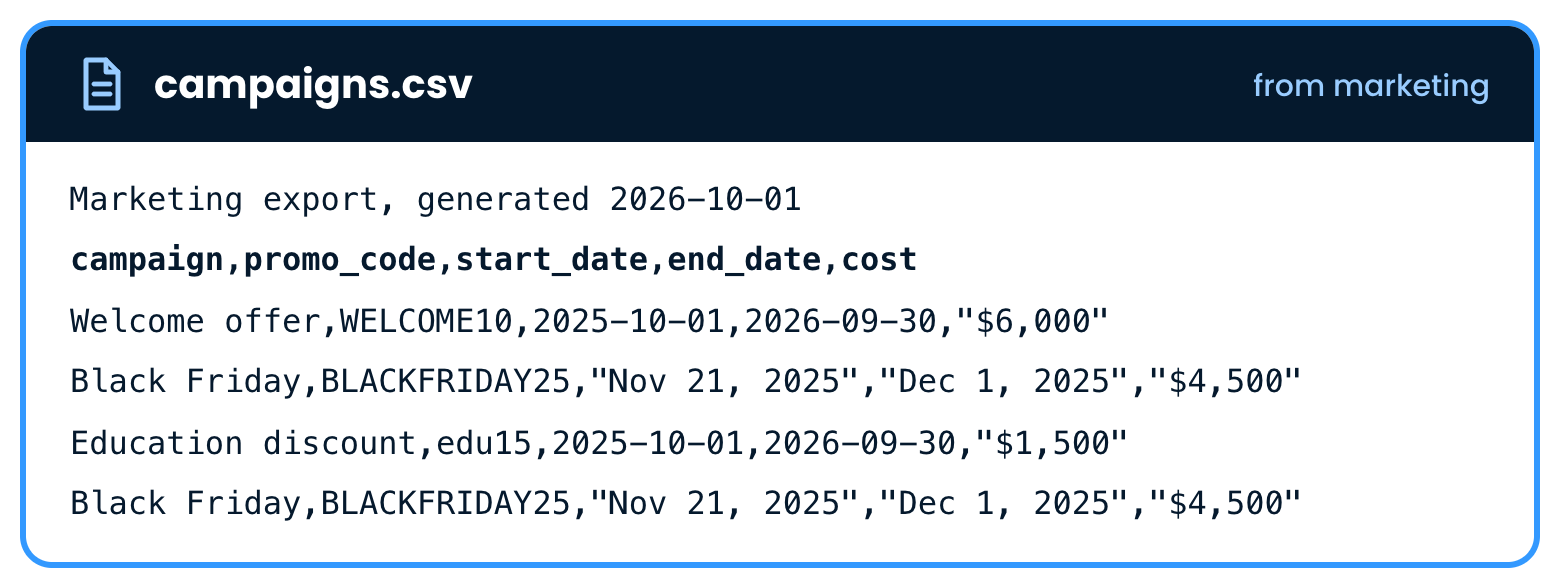
The campaigns CSV file from marketing with promotion costs

  • The task: did each promo code pay off?
Introduction to Snowflake CoCo CLI

Ask for a script


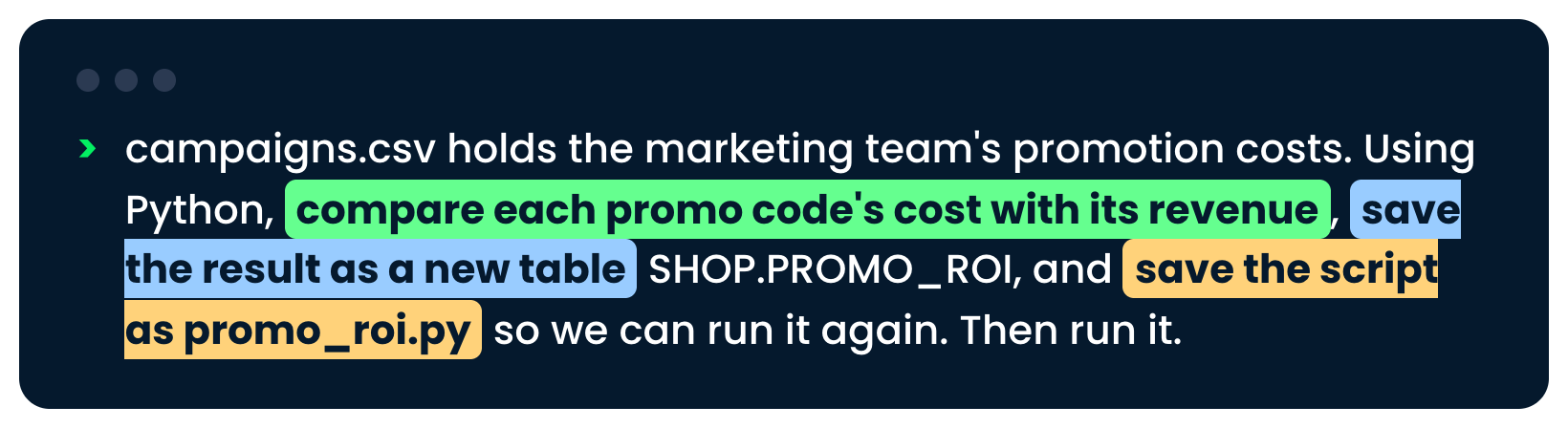
The request to compare costs with revenue, save a table and save the script

Introduction to Snowflake CoCo CLI

CoCo reads the file


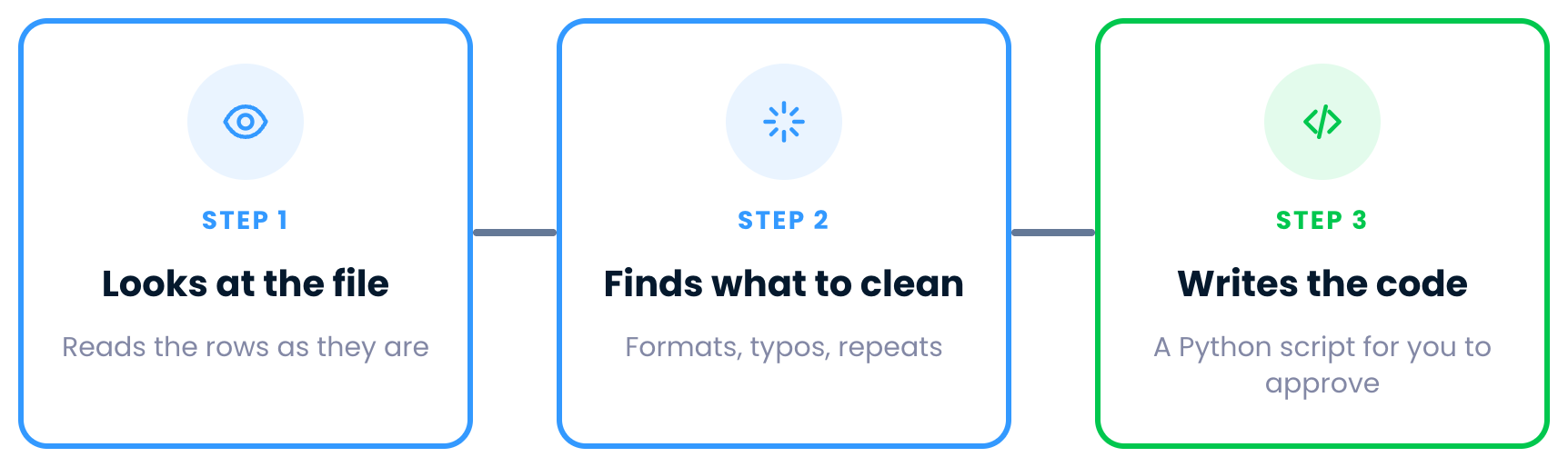
Step one, CoCo looks at the file

Introduction to Snowflake CoCo CLI

CoCo reads the file


Step two, CoCo finds what to clean

Introduction to Snowflake CoCo CLI

CoCo reads the file


Step three, CoCo writes the code

Introduction to Snowflake CoCo CLI

Approve, then run


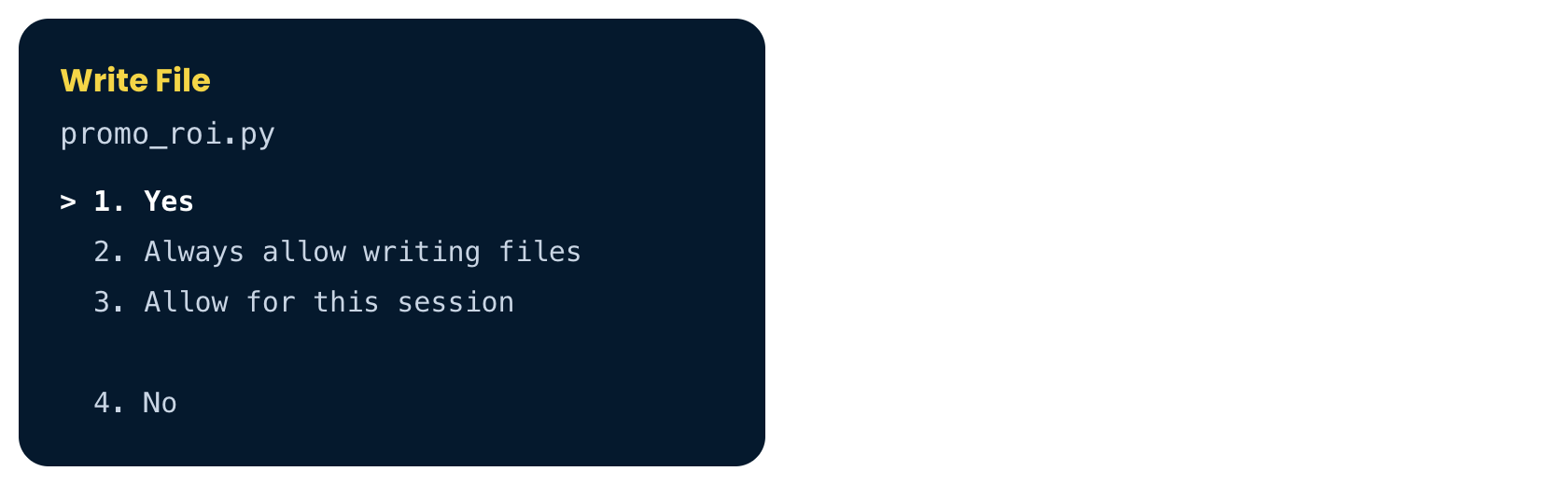
The Write File approval box for promo_roi.py

Introduction to Snowflake CoCo CLI

Approve, then run


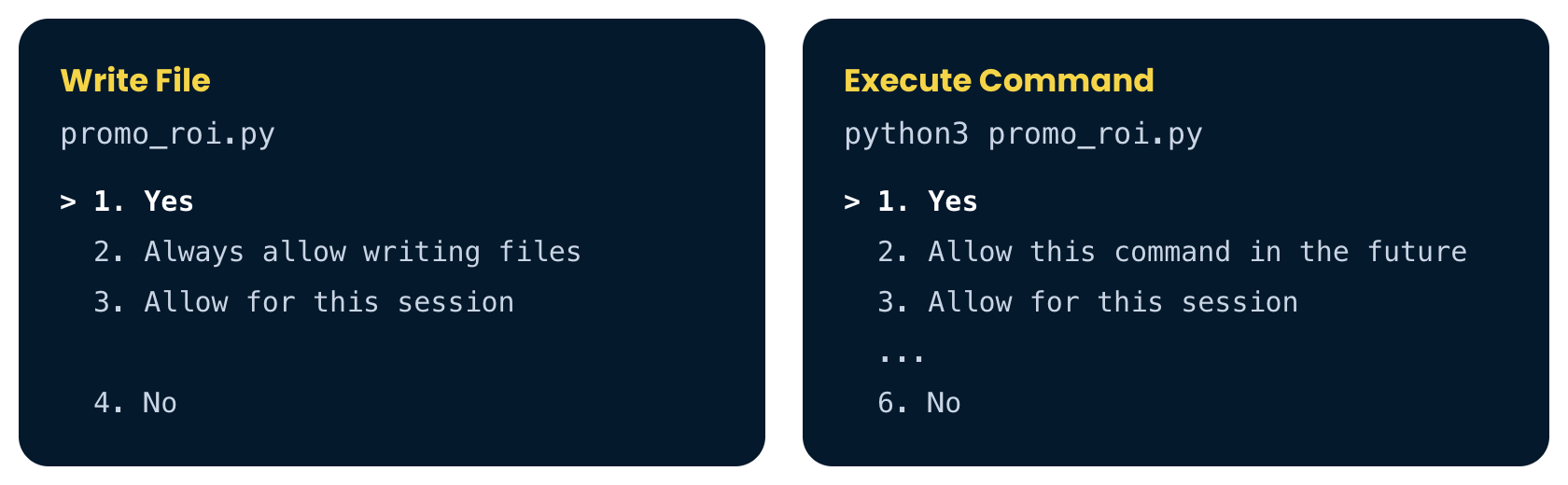
The Write File and Execute Command approval boxes

  • Running a script approves everything inside it
Introduction to Snowflake CoCo CLI

The result


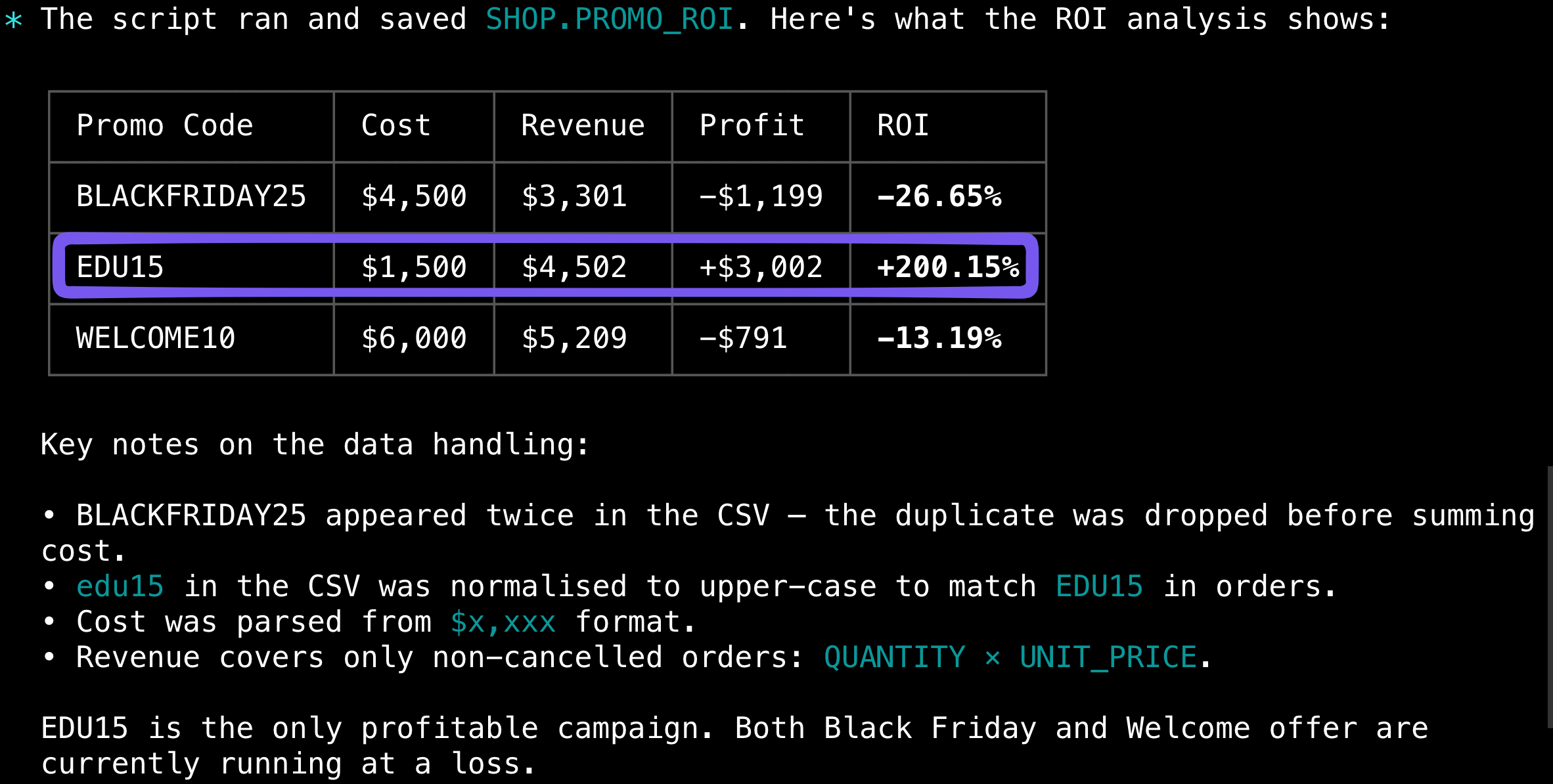
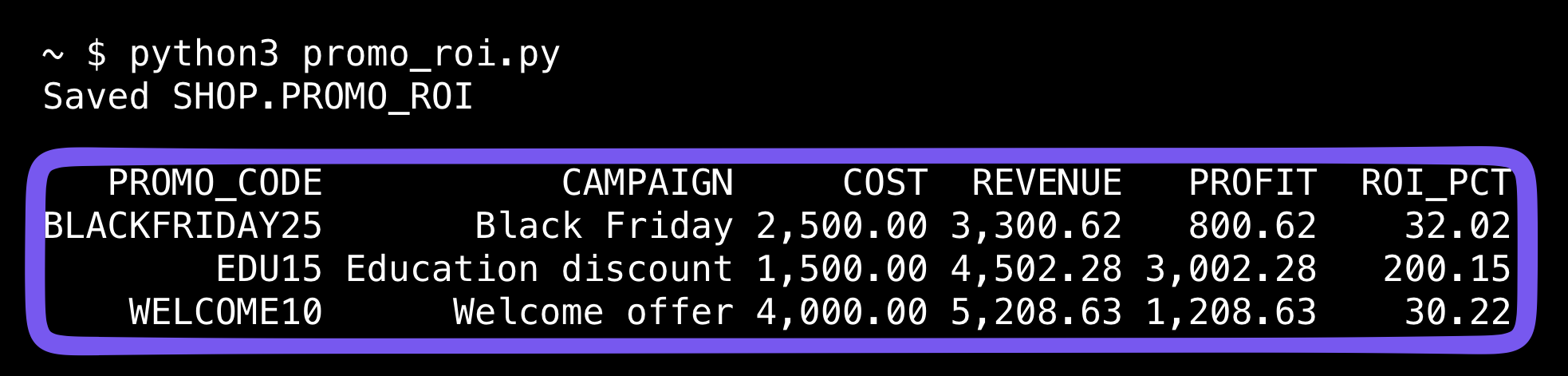
The ROI table, where only EDU15 is profitable

Introduction to Snowflake CoCo CLI

Next quarter


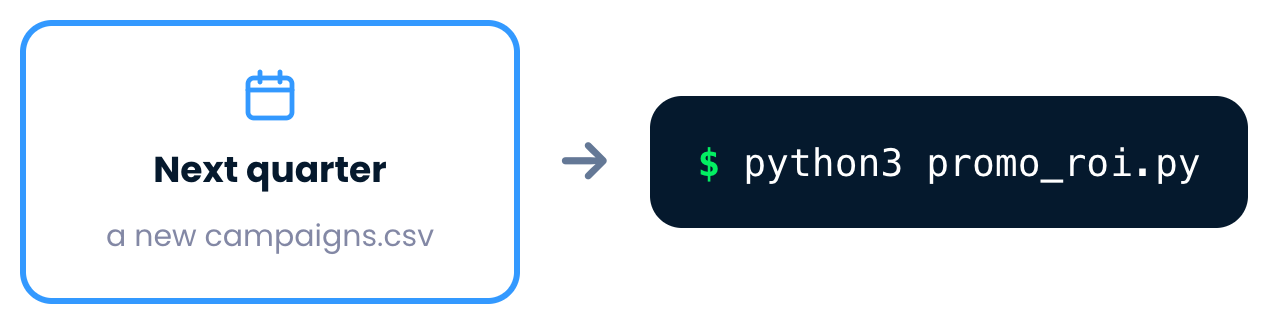
Next quarter brings a new campaigns file, run with python3 promo_roi.py

Introduction to Snowflake CoCo CLI

Next quarter


The rerun table, where all three promotions are profitable

Introduction to Snowflake CoCo CLI

Run CoCo with cortex exec


Your prompt goes to cortex exec

Introduction to Snowflake CoCo CLI

Run CoCo with cortex exec


cortex exec prints the answer to the shell

Introduction to Snowflake CoCo CLI

Run CoCo with cortex exec


cortex exec exits with no session left open

  • No session to open, so a script or a schedule can run it
Introduction to Snowflake CoCo CLI

Set the limits first


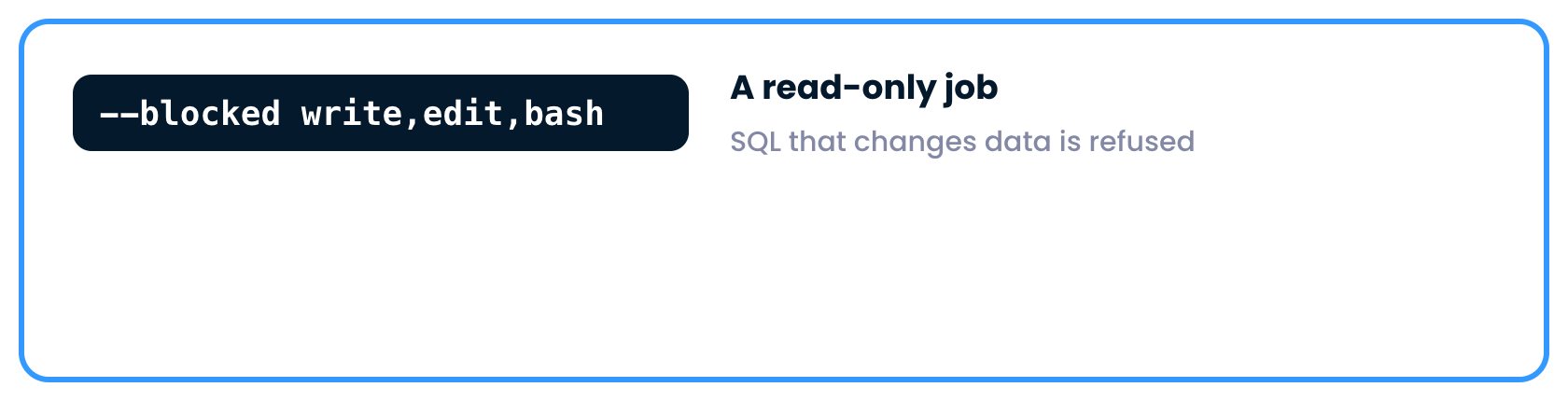
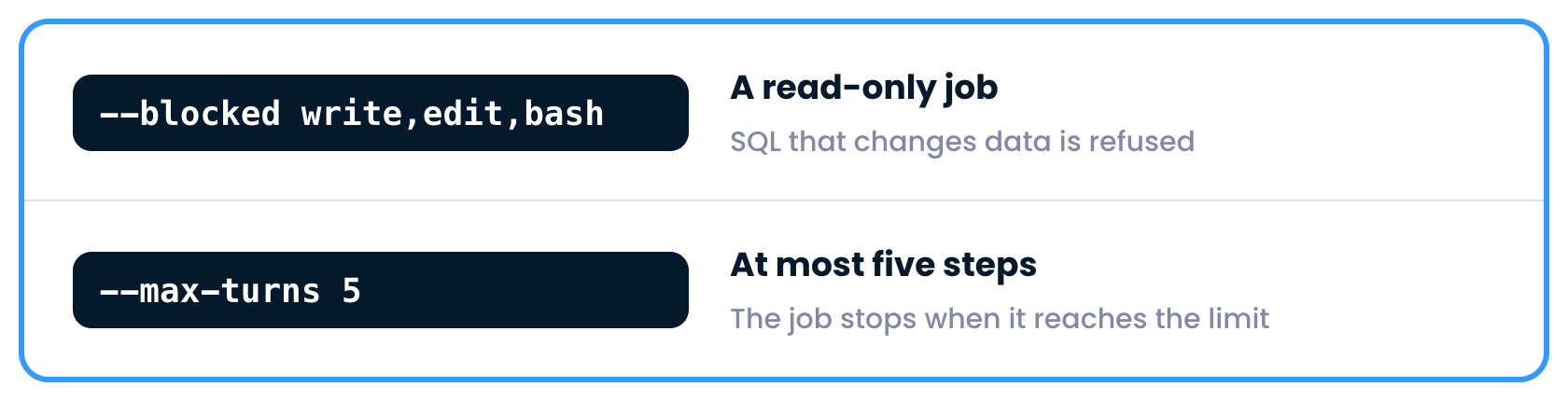
The blocked flag with write, edit and bash makes a read-only job

Introduction to Snowflake CoCo CLI

Set the limits first


The max-turns flag set to five limits the steps

Introduction to Snowflake CoCo CLI

Context in the prompt


A prompt that names SHOP.ORDERS and SHOP.ORDER_ITEMS

Introduction to Snowflake CoCo CLI

The full command


The cortex exec command with its flags highlighted, and the one-sentence answer

Introduction to Snowflake CoCo CLI

A weekly report


A promo report every Monday

Introduction to Snowflake CoCo CLI

A weekly report


Python computes the exact numbers

Introduction to Snowflake CoCo CLI

A weekly report


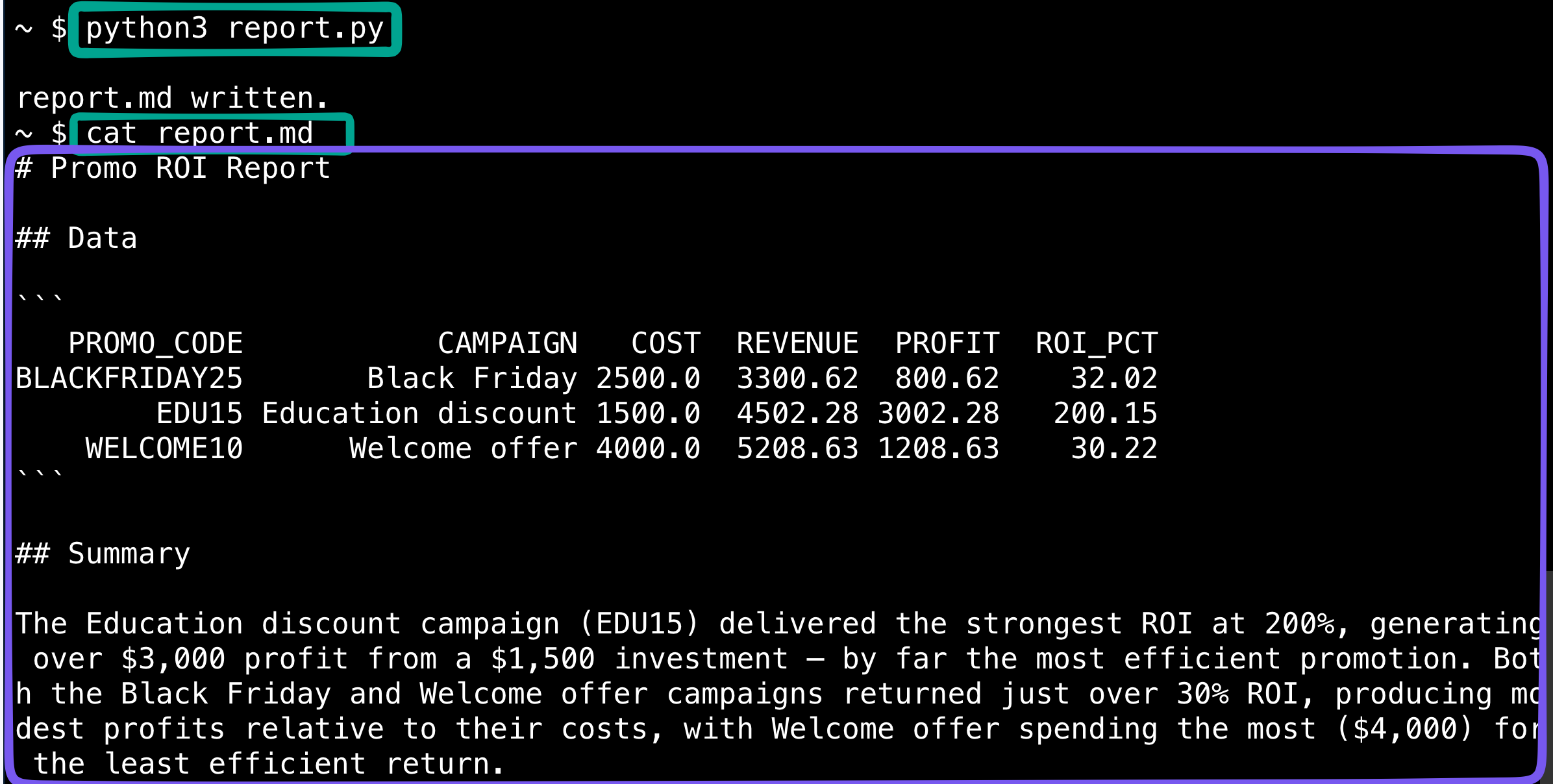
cortex exec writes a short summary, and both go to report.md

Introduction to Snowflake CoCo CLI

The report


The report file with the ROI table and a two-sentence summary

Introduction to Snowflake CoCo CLI

Commands from this video


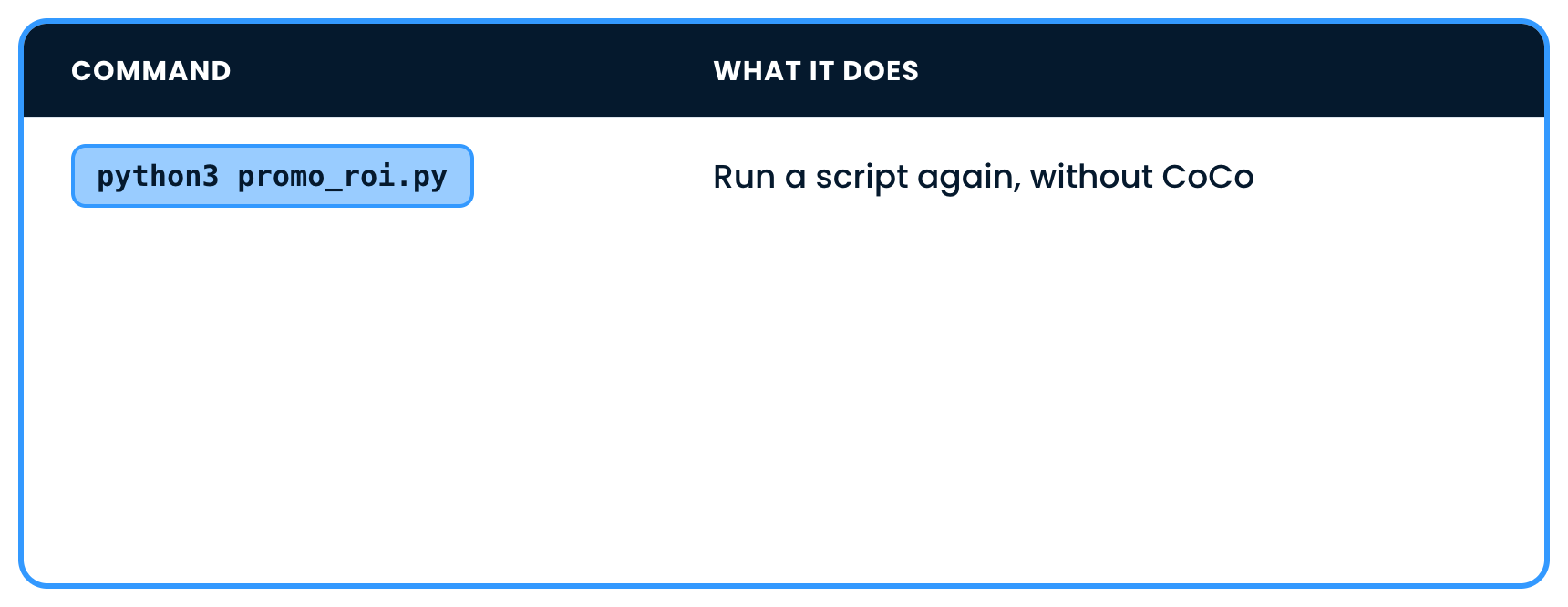
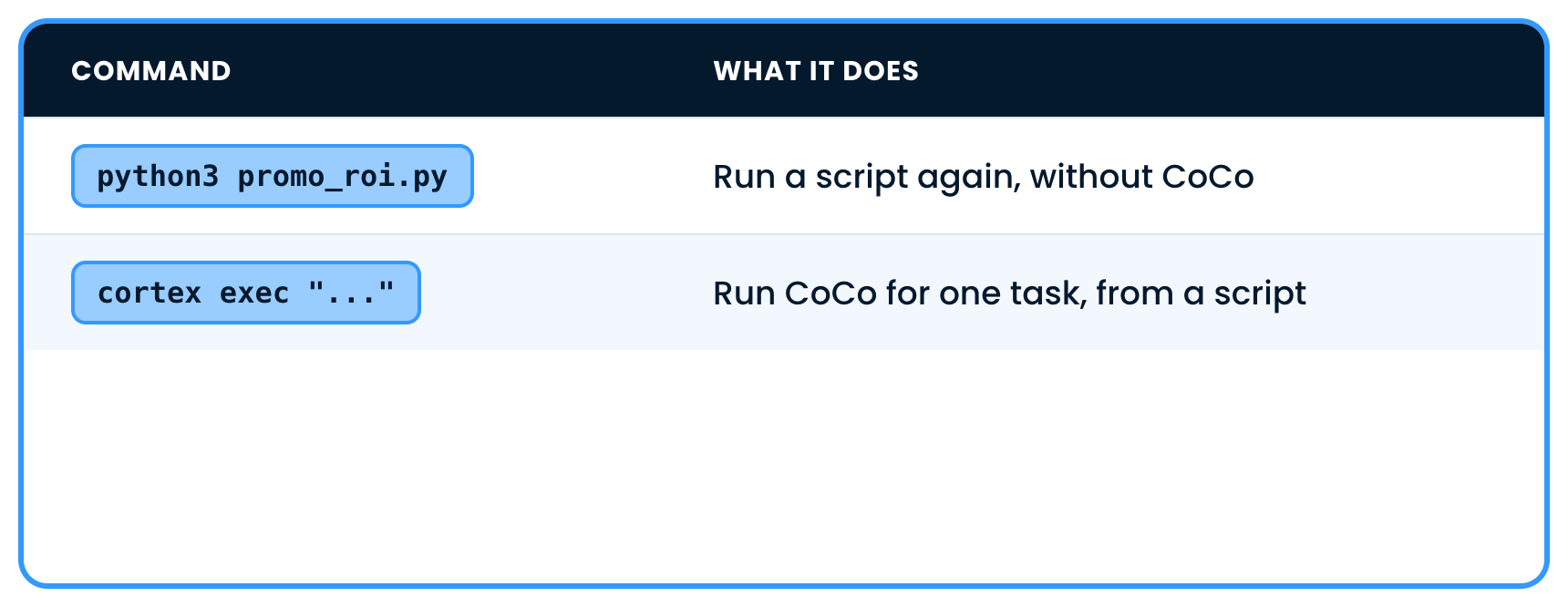
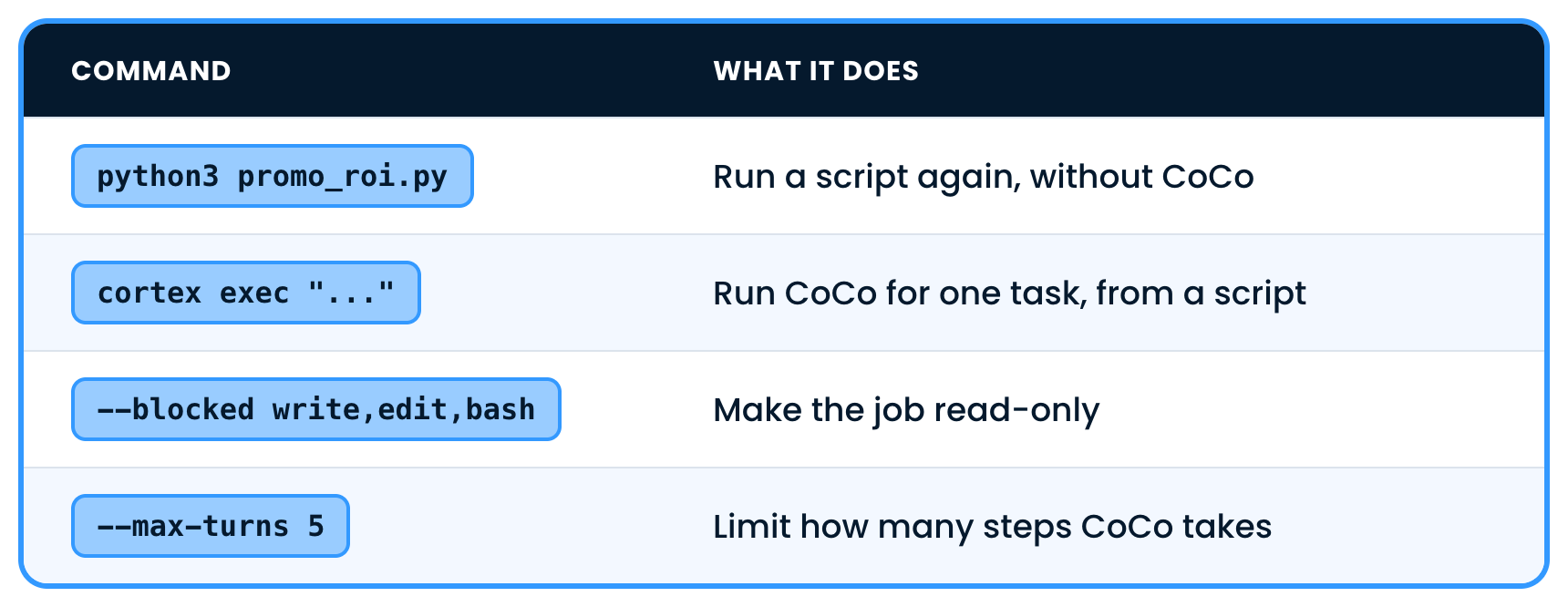
python3 runs a script again

Introduction to Snowflake CoCo CLI

Commands from this video


cortex exec runs CoCo for one task

Introduction to Snowflake CoCo CLI

Commands from this video


The blocked and max-turns flags set the limits

Introduction to Snowflake CoCo CLI

Let's practice!

Introduction to Snowflake CoCo CLI

Preparing Video For Download...