# Importa i layer Conv2D e Flatten da tensorflow keras layers
from tensorflow.keras.layers import Dense, Conv2D, Flatten

# Crea il modello come al solito
model = Sequential()

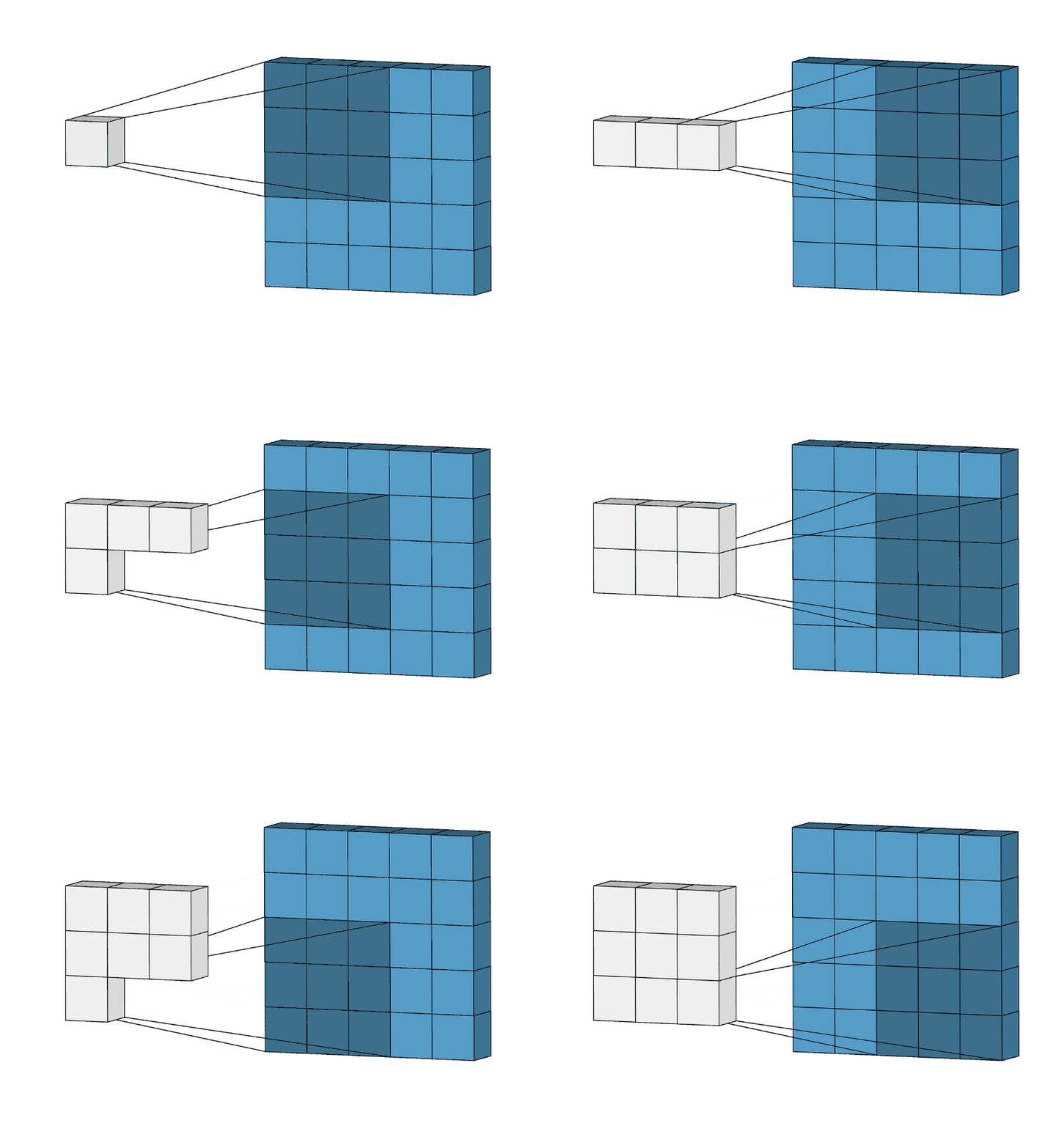
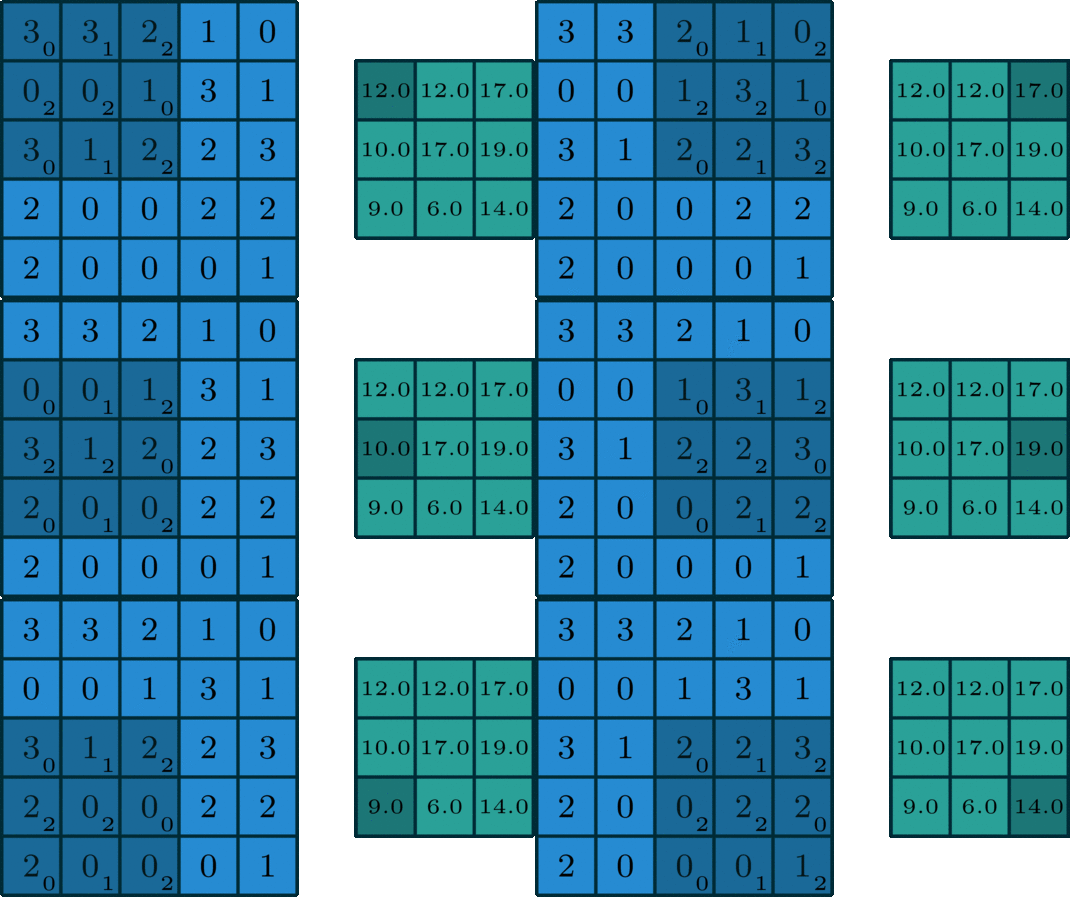
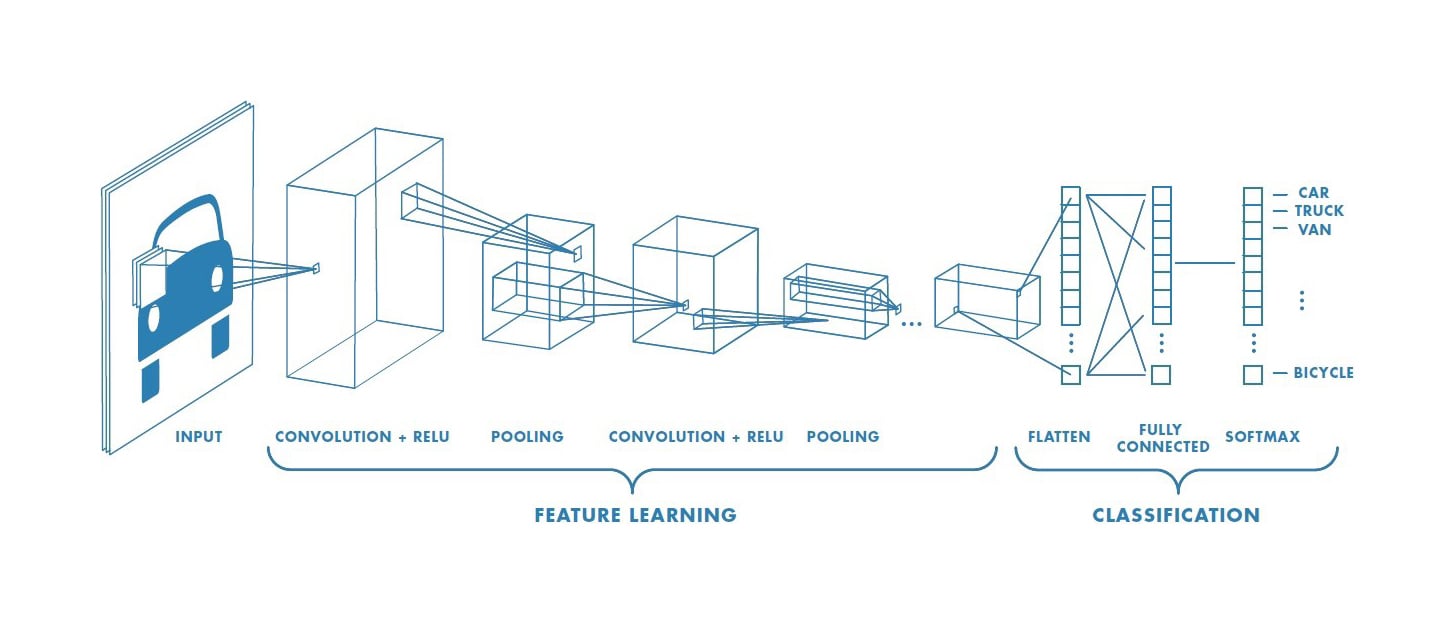
# Aggiungi un layer convoluzionale con 32 filtri di dimensione 3x3
model.add(Conv2D(filters=32,
                 kernel_size=3,
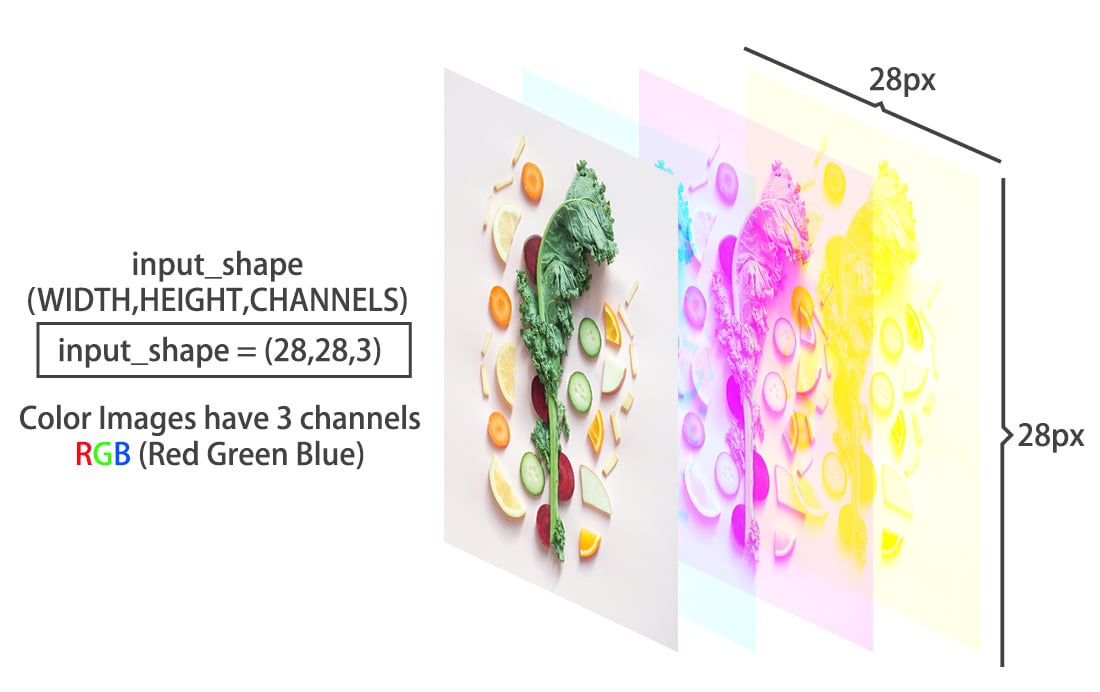
                 input_shape=(28, 28, 1),
                 activation='relu'))

# Aggiungi un altro layer convoluzionale
model.add(Conv2D(8, kernel_size=3, activation='relu'))

# Appiattisci l'output del layer precedente
model.add(Flatten())

# Concludi con un layer denso a 3 uscite e softmax (multiclasse)
model.add(Dense(3, activation='softmax'))
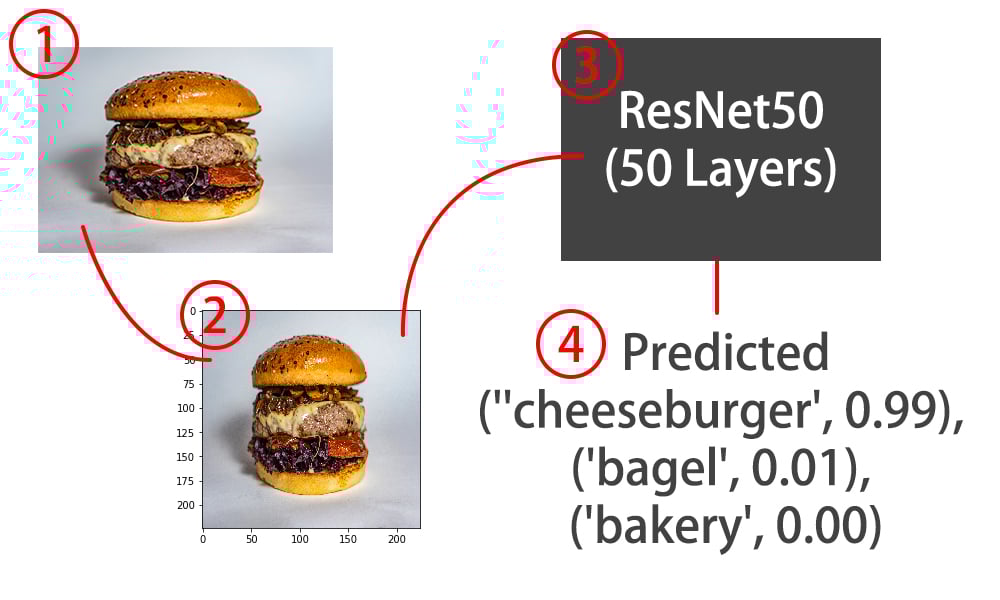
Pre-processare immagini per ResNet50
# Importa image da keras preprocessing
from tensorflow.keras.preprocessing import image

# Importa preprocess_input da tensorflow keras applications resnet50
from tensorflow.keras.applications.resnet50 import preprocess_input

# Carica l'immagine con la dimensione target corretta per il modello
img = image.load_img(img_path, target_size=(224, 224))

# Converti in array
img = image.img_to_array(img)

# Espandi le dimensioni per adattarle alla rete:
# img.shape passa da (224, 224, 3) a (1, 224, 224, 3)
img = np.expand_dims(img, axis=0)

# Preprocessa l'immagine come quelle di training
img = preprocess_input(img)
Usare il modello ResNet50 in Keras
# Importa ResNet50 e decode_predictions da tensorflow.keras.applications.resnet50
from tensorflow.keras.applications.resnet50 import ResNet50, decode_predictions

# Istanzia un modello ResNet50 con pesi imagenet
model = ResNet50(weights='imagenet')

# Esegui la predizione con ResNet50 sulla nostra immagine
preds = model.predict(img)

# Decodifica le predizioni e stampale
print('Predicted:', decode_predictions(preds, top=1)[0])