恭喜你!

Working with the OpenAI API

James Chapman

Curriculum Manager, DataCamp

第 1 章
 

  • OpenAI API 的用途
  • 如何向 Chat Completions 端點發出請求

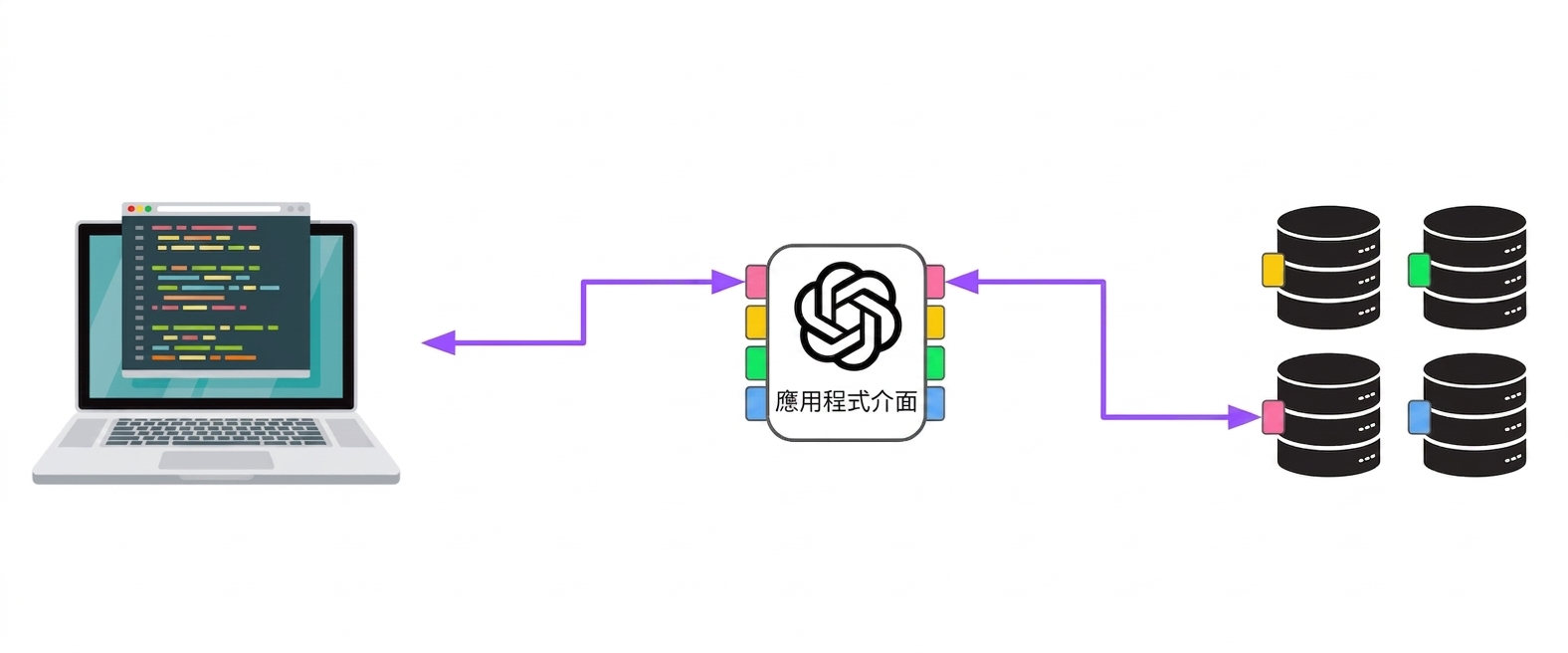
一台電腦透過多個存取點連到 OpenAI,再連到不同伺服器。

client = OpenAI(api_key="<OPENAI_API_TOKEN>")

response = client.chat.completions.create(
    model="gpt-4o-mini",
    messages=[{"role": "user", "content": "..."}]
)
print(response.choices[0].message.content)
Working with the OpenAI API

第 2 章

response = client.chat.completions.create(
  model="gpt-4o-mini",
  messages=[{"role": "user", "content": "..."}],
  max_completion_tokens=20,
  temperature=0.5
)
  • 問答
  • 文字轉換
  • 內容生成
  • 情感分析
  • 分類
  • max_completion_tokenstemperature

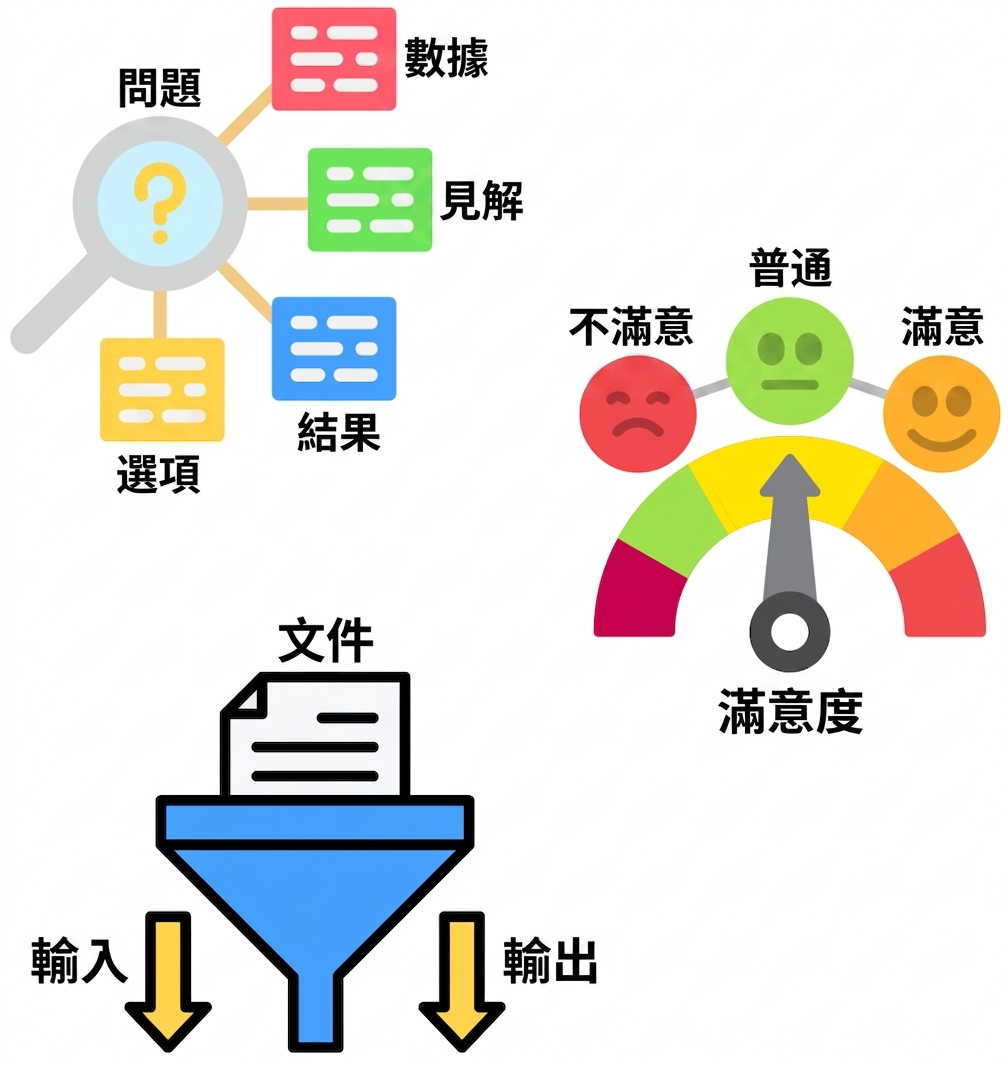
不同 OpenAI 模型的應用。

Working with the OpenAI API

第 3 章


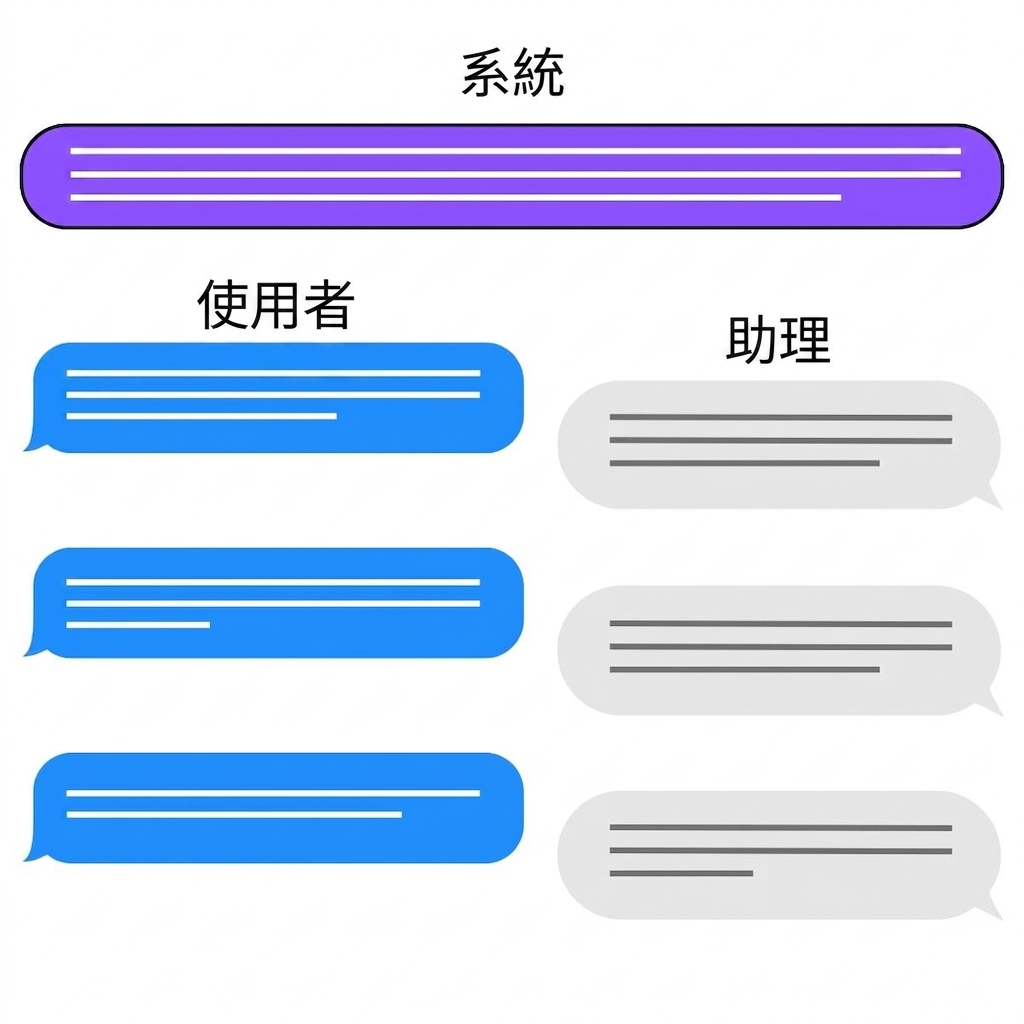
  • "system"

    • 引導模型輸出
    • 加上防護規則
  • "assistant"

    • 結構化少量示例提示
    • 建立對話歷程

聊天互動中的三種角色:system、user、assistant。

Working with the OpenAI API

下一步?

Working with the OpenAI API

一起來練習吧!

Working with the OpenAI API

Preparing Video For Download...