Git 中級
George Boorman
Curriculum Manager, DataCamp
git diff
git diff report.md
git diff --staged
git diff --staged report.md
git diff 35f4b4d 186398f
git diff HEAD~1 HEAD~2
HEAD
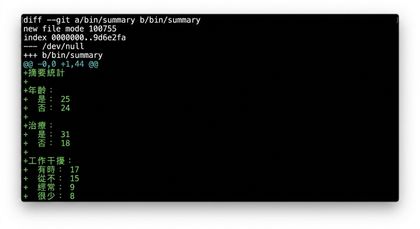
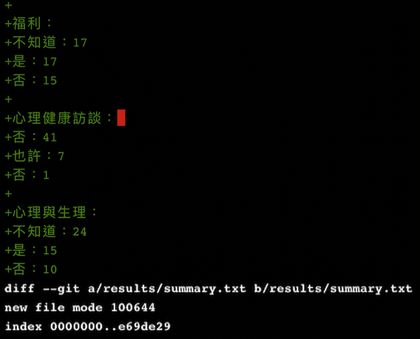
git diff main summary-statistics
space
q
git branch
  main
* feature_dev
feature_dev
需要另一個分支來開發第二個新功能
解法:重新命名 feature_dev
重新命名分支
git branch -m
git branch -m feature_dev chatbot
  main
* chatbot
大型專案可能有很多分支
完成後請刪除不再需要的分支
用 -d 旗標刪除 chatbot 分支
-d
chatbot
git branch -d chatbot
Deleted branch chatbot (was 3edb989).
main
error: The branch 'chatbot' is not fully merged.
If you are sure you want to delete it, run 'git branch -D chatbot'.
-D
git branch -D chatbot
要復原被刪除的分支很難,但並非不可能
刪除前務必確認不再需要!
git diff main chatbot
git branch -m old_name new_name
old_name
new_name