少樣本提示(Few-shot prompting)

使用 OpenAI API 的提示工程

Fouad Trad

Machine Learning Engineer

少樣本提示(Few-shot prompting)

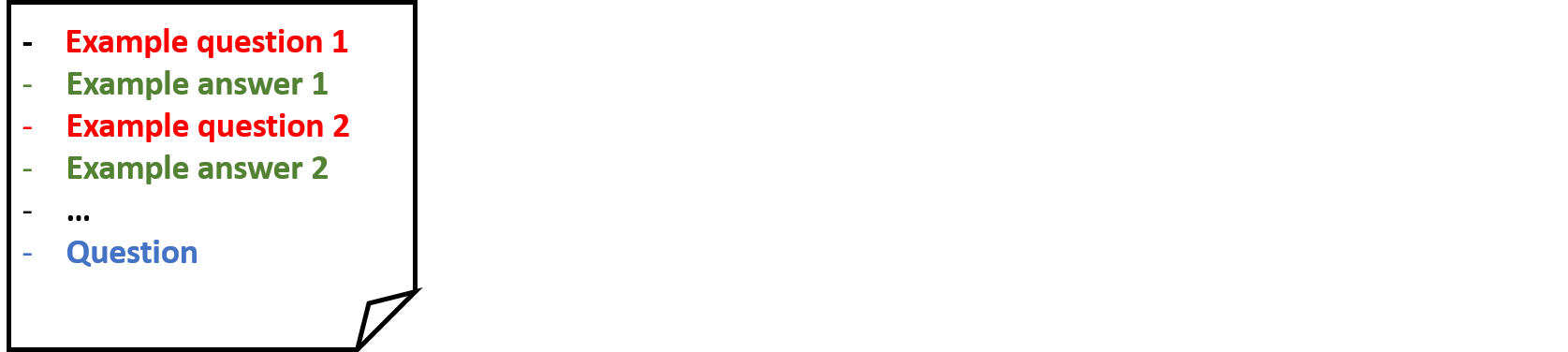
  • 提供模型範例(問答配對)

少樣本提示的結構示意圖:包含範例問題與答案,最後是要模型回答的新問題。

使用 OpenAI API 的提示工程

少樣本提示(Few-shot prompting)

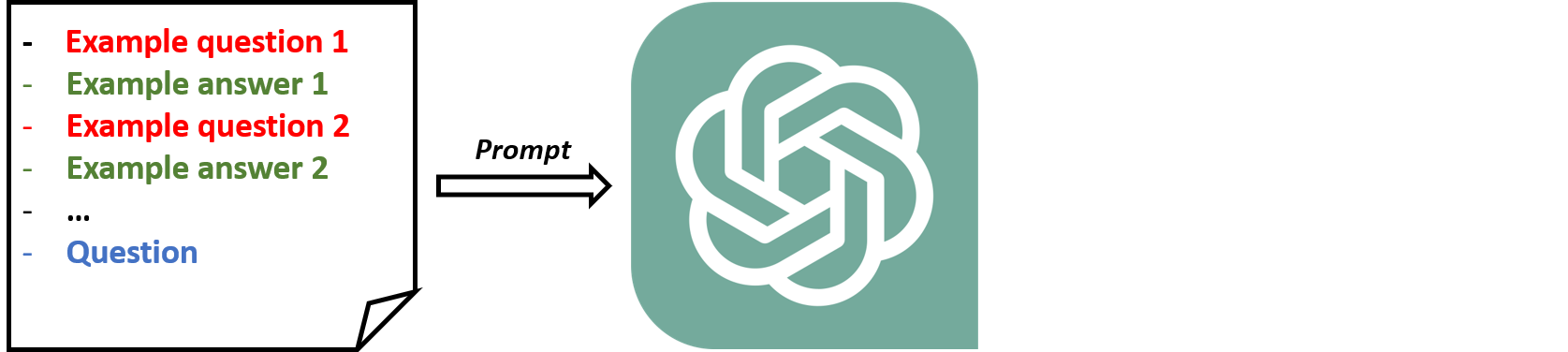
  • 提供模型範例(問答配對)

示意圖:如何將少樣本提示送給 LLM。

使用 OpenAI API 的提示工程

少樣本提示(Few-shot prompting)

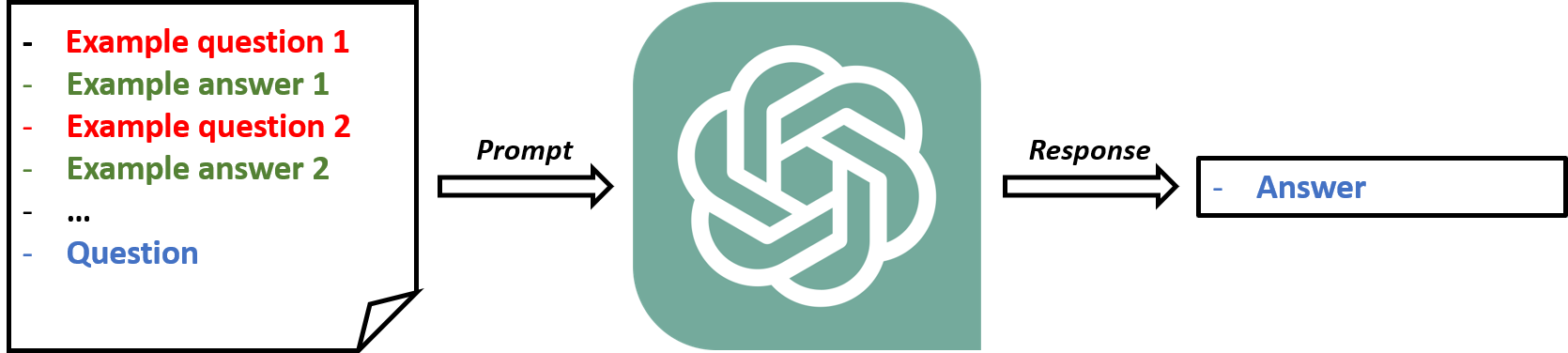
  • 提供模型範例(問答配對)

示意圖:如何將少樣本提示送給 LLM 並取得回覆。

使用 OpenAI API 的提示工程

少樣本提示(Few-shot prompting)

  • 提供模型範例(問答配對)

示意圖:如何將少樣本提示送給 LLM 並取得回覆。

  • 範例數量:
    • 0 -> zero-shot 提示
    • 1 -> one-shot 提示
    • 多於 1 -> few-shot 提示
使用 OpenAI API 的提示工程

Zero-shot 提示

  • 不提供範例的提示
  • 模型依自身知識產生回應
  • 適合快速、簡單的任務
prompt = "What is prompt engineering?"
print(get_response(prompt))
Prompt engineering refers to designing and refining prompts or instructions given 
to a language model like ChatGPT to elicit desired responses or behaviors. It 
involves formulating specific guidelines or hints to guide the model's output 
towards a desired outcome.
使用 OpenAI API 的提示工程

One-shot 提示

  • 僅提供 1 個範例
  • 有助於維持一致的格式或風格
prompt =  """ 
Q: Sum the numbers 3, 5, and 6. A: 3+5+6=14
Q: Sum the numbers 2, 4, and 7. A: 
"""
print(get_response(prompt))
2+4+7=13
使用 OpenAI API 的提示工程

One-shot 提示

prompt = """
Q: Sum the numbers 3, 5, and 6. A: The sum of 3, 5, and 6 is 14
Q: Sum the numbers 2, 4, and 7. A: 
"""
print(get_response(prompt))
The sum of 2, 4, and 7 is 13
使用 OpenAI API 的提示工程

少樣本提示(Few-shot prompting)

  • 提供多於 1 個範例
  • 對脈絡型任務特別有力
prompt = """
Text: Today the weather is fantastic -> Classification: positive
Text: The furniture is small -> Classification: neutral
Text: I don't like your attitude -> Classification: negative

"""

使用 OpenAI API 的提示工程

少樣本提示(Few-shot prompting)

  • 提供多於 1 個範例
  • 對脈絡型任務特別有力
prompt = """
Text: Today the weather is fantastic -> Classification: positive
Text: The furniture is small -> Classification: neutral
Text: I don't like your attitude -> Classification: negative
Text: That shot selection was awful -> Classification: 
"""
print(get_response(prompt))
negative
使用 OpenAI API 的提示工程

使用對話模型的少樣本提示

response = client.chat.completions.create(
  model = "gpt-4o-mini",

messages = [{"role": "user", "content": "Today the weather is fantastic"},
{"role": "assistant", "content": "positive"},
{"role": "user", "content": "I don't like your attitude"}, {"role": "assistant", "content": "negative"},
{"role": "user", "content": "That shot selection was awful"} ], temperature = 0 )
print(response.choices[0].message.content)
negative
使用 OpenAI API 的提示工程

注意事項

  • 依「任務複雜度」選擇 shots 數量
    • 較少 shots -> 基礎任務
    • 多元 shots -> 複雜任務

一張有人自我提問的照片。

使用 OpenAI API 的提示工程

一起來練習吧!

使用 OpenAI API 的提示工程

Preparing Video For Download...