MCP 與 LLM:工具

Model Context Protocol(MCP)入門

James Chapman

AI Curriculum Manager, DataCamp

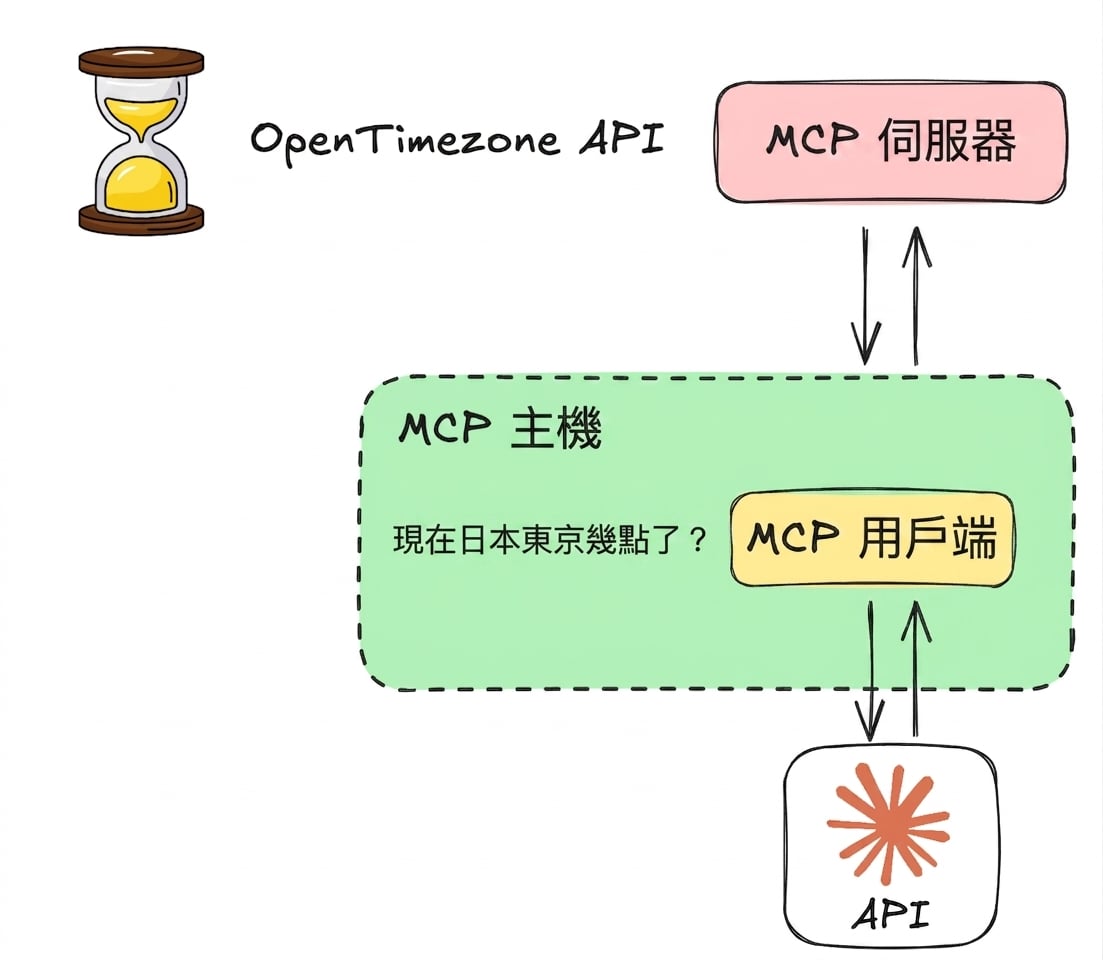
MCP 工具到 LLM 工具


工具 ↔ LLM 的整合高度依賴各家 LLM

  • 不同 LLM 接受工具的方式與語法各異
  • 透過 Anthropic's Messages API 使用 Claude
  • 重點:流程與轉換

llm_mcp.png

Model Context Protocol(MCP)入門

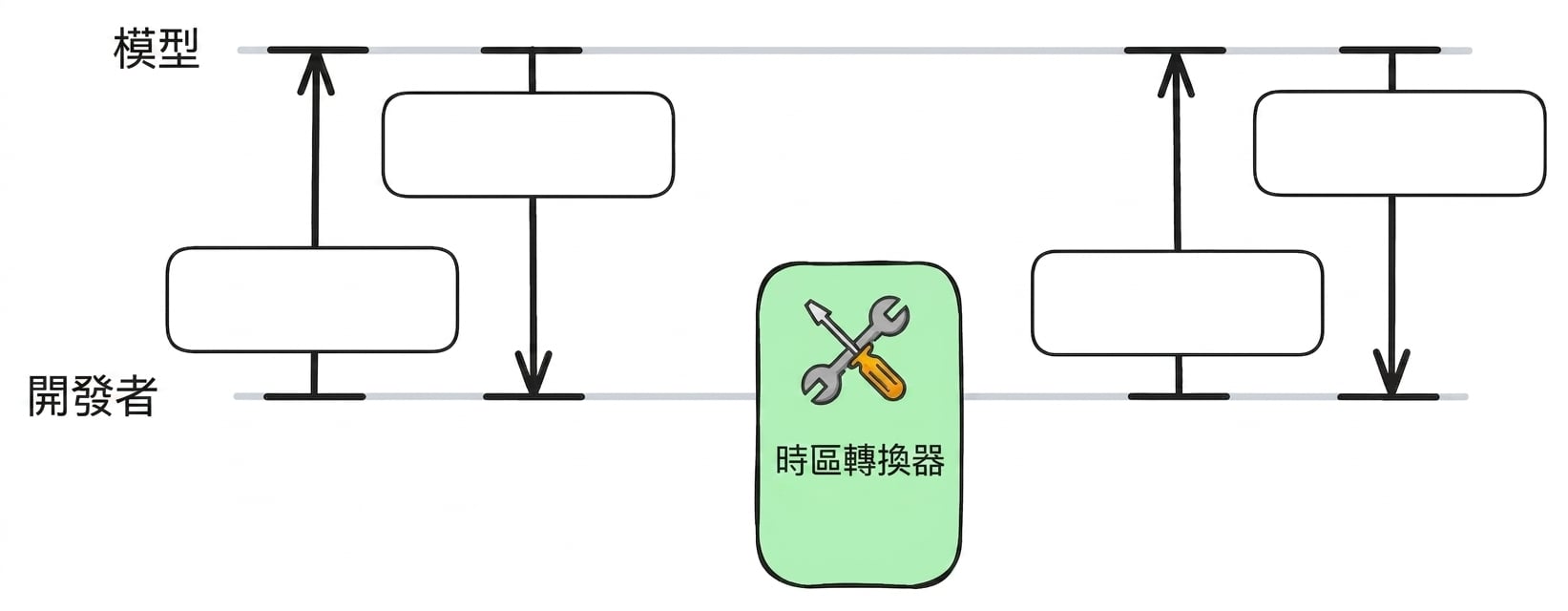
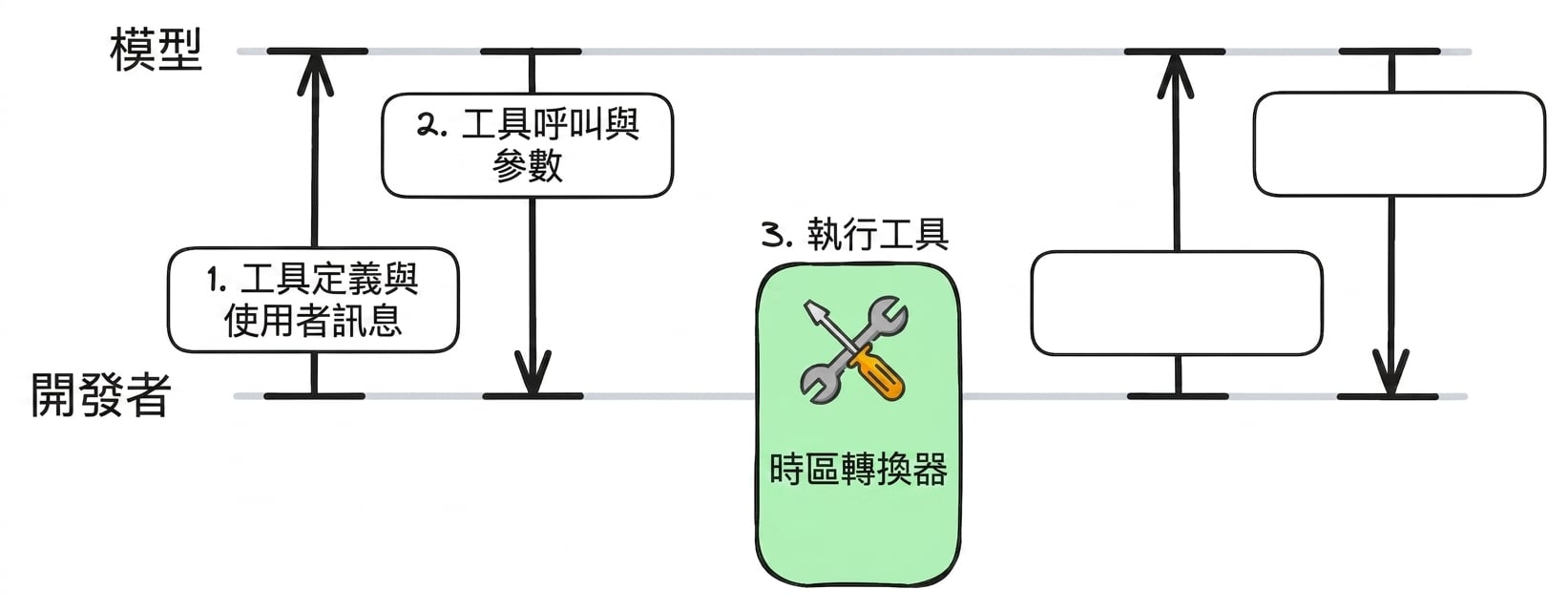
工具呼叫流程

fct1.jpg

Model Context Protocol(MCP)入門

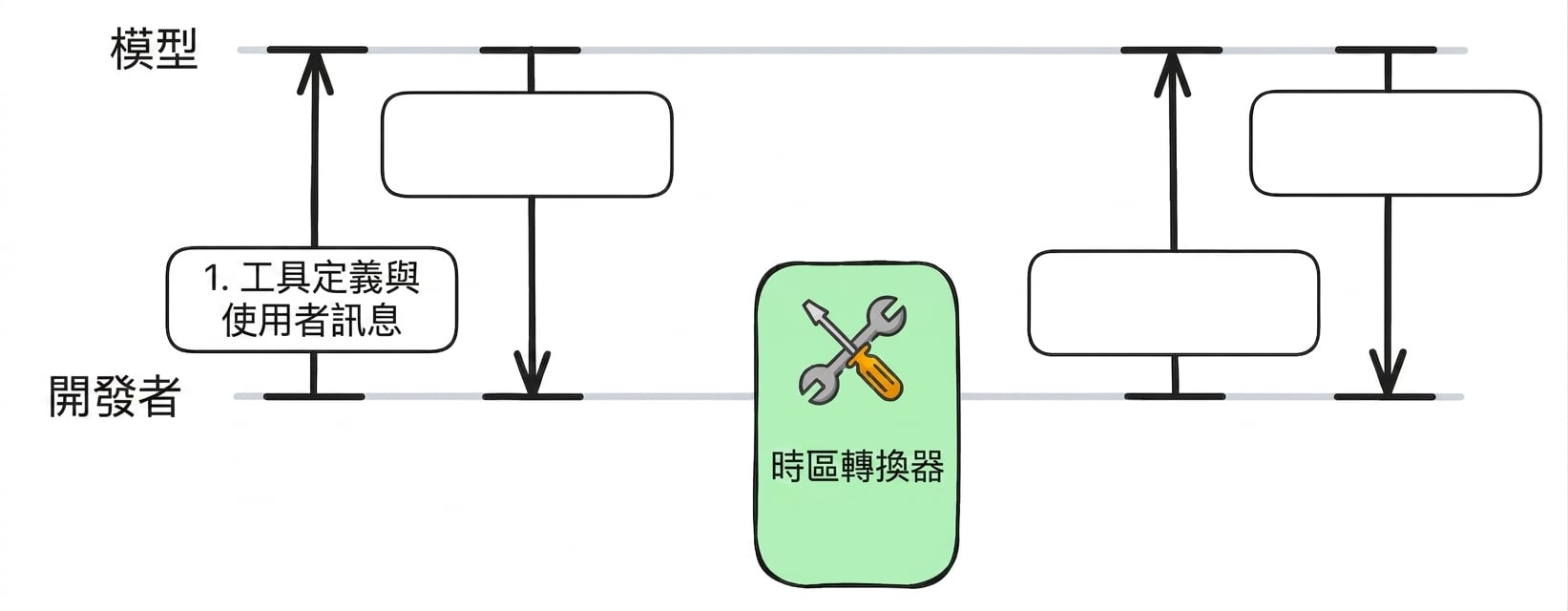
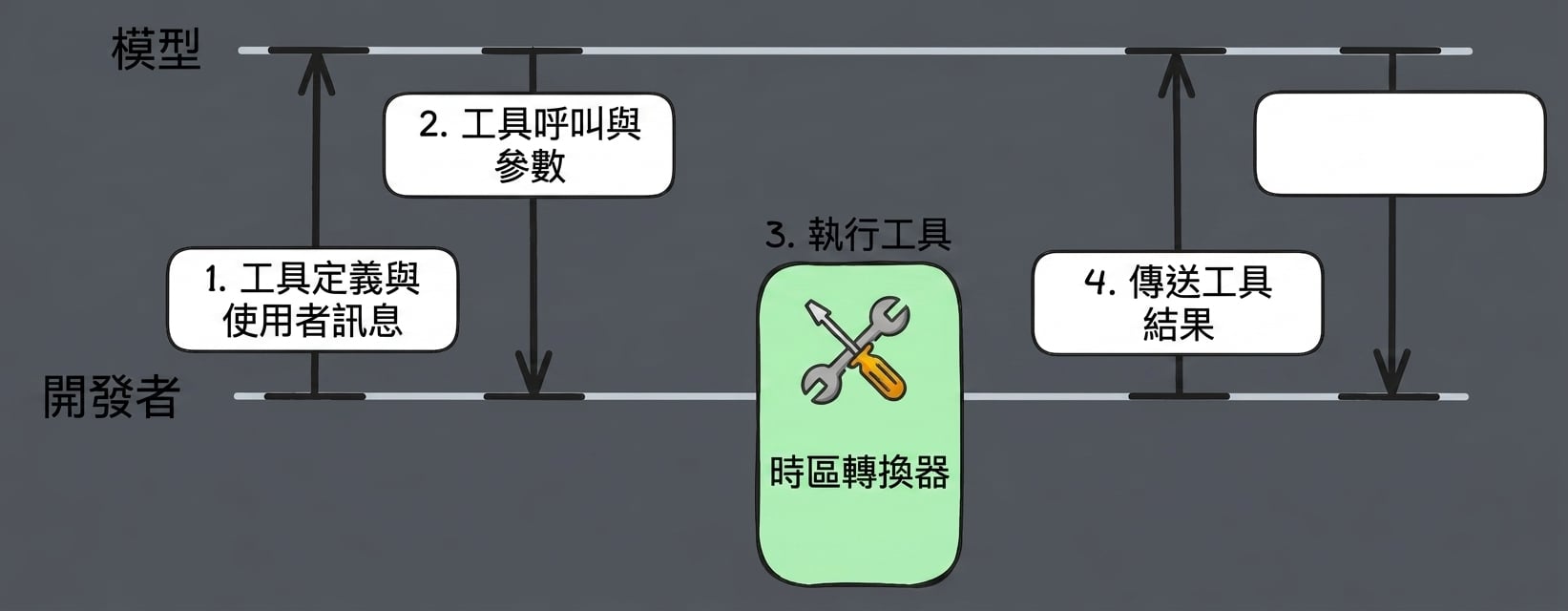
工具呼叫流程

fct2.jpg

Model Context Protocol(MCP)入門

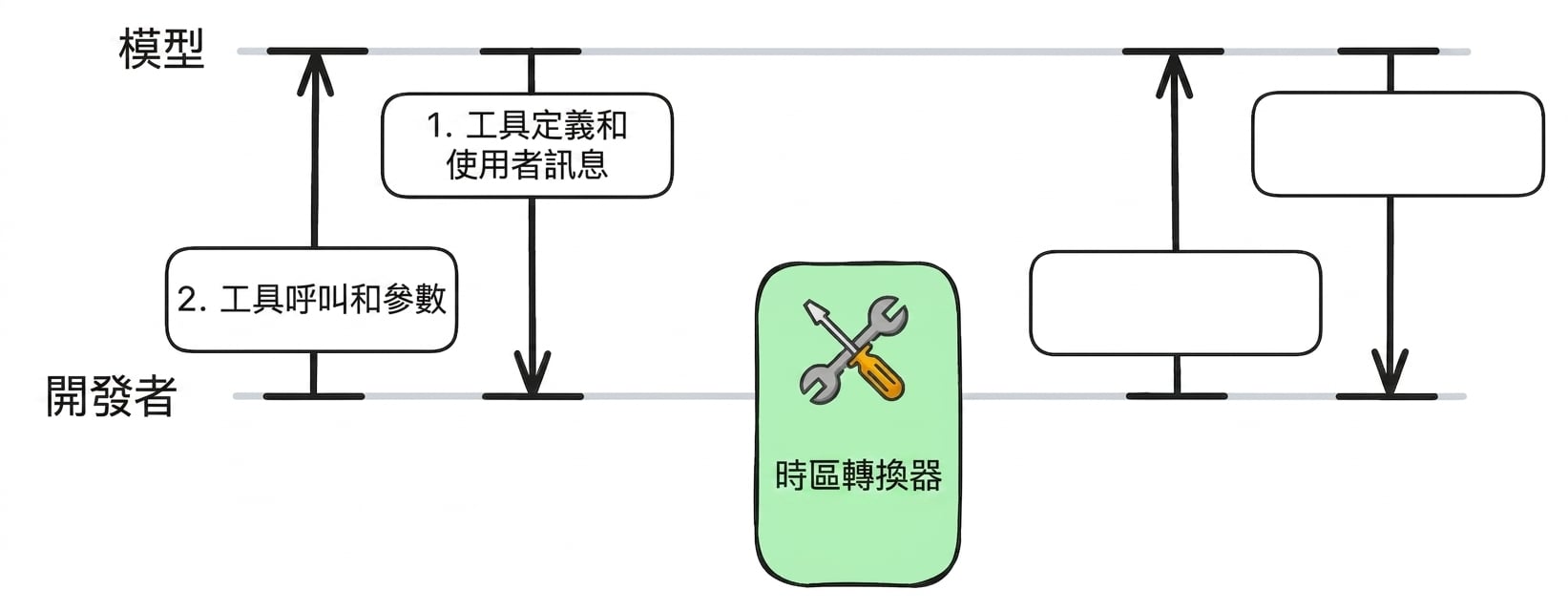
工具呼叫流程

fct3.jpg

Model Context Protocol(MCP)入門

工具呼叫流程

fct4.jpg

Model Context Protocol(MCP)入門

工具呼叫流程

fct5.jpg

Model Context Protocol(MCP)入門

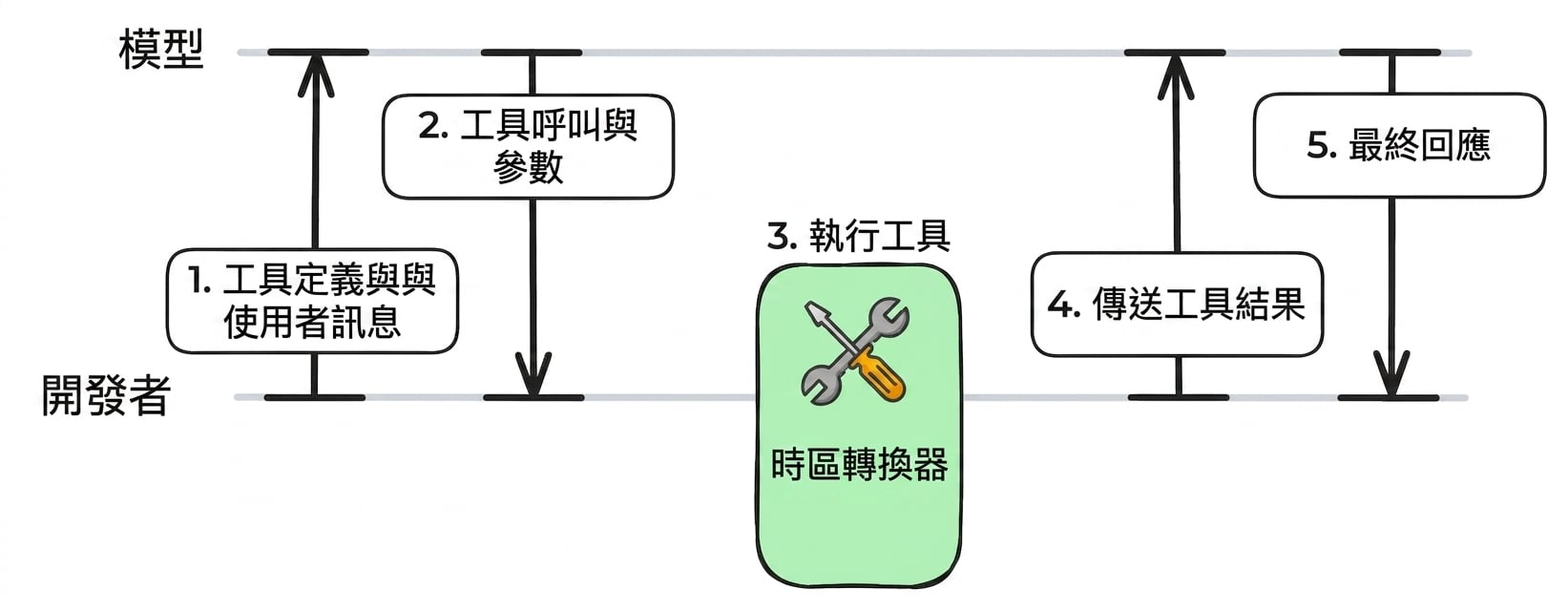
工具呼叫流程

fct6.jpg

Model Context Protocol(MCP)入門

MCP 伺服器:timezone_server.py

from mcp.server.fastmcp import FastMCP
import requests

mcp = FastMCP("Timezone Converter")

@mcp.tool()
def convert_timezone(date_time: str, from_timezone: str, to_timezone: str) -> str:
    ...

if __name__ == "__main__":
    mcp.run(transport="stdio")
Model Context Protocol(MCP)入門

擴充用戶端程式碼

async def get_tools_from_mcp():
            # ... 
            return response.tools

async def call_mcp_tool(tool_name: str, arguments: dict) -> str:        
            # ...
            result = await session.call_tool(tool_name, arguments)
            return str(result.content[0].text)

async def call_anthropic_llm(user_query: str):
Model Context Protocol(MCP)入門

設定:將工具格式化給 LLM

async def call_anthropic_llm(user_query: str):
    """Call Claude with MCP tools."""

mcp_tools = await get_tools_from_mcp()
anthropic_tools = [] for tool in mcp_tools:
anthropic_tool = { "name": tool.name, "description": tool.description or "", "input_schema": tool.inputSchema, # MCP uses JSON Schema format }
anthropic_tools.append(anthropic_tool)
Model Context Protocol(MCP)入門

1. 將查詢與工具送給 LLM

from anthropic import AsyncAnthropic
async def call_anthropic_llm(user_query: str):
    # ...

client = AsyncAnthropic(api_key="<ANTHROPIC_API_TOKEN>")
response = await client.messages.create( model="claude-sonnet-4-6", max_tokens=1024, messages=[{"role": "user", "content": user_query}], tools=anthropic_tools, )
Model Context Protocol(MCP)入門

2. 檢查是否呼叫工具

async def call_anthropic_llm(user_query: str):
    # ...

    if response.stop_reason == "tool_use":

tool_use = next(b for b in response.content if b.type == "tool_use") name = tool_use.name args = tool_use.input print(f"Model decided to call: {name}") print(f"Arguments: {args}\n")
Model Context Protocol(MCP)入門

3. 呼叫工具|4. 後續訊息

async def call_anthropic_llm(user_query: str):
    # ...

    if response.stop_reason == "tool_use":
        # ...

result = await call_mcp_tool(name, args)
tool_result = {"type": "tool_result", "tool_use_id": tool_use.id, "content": result} followup = await client.messages.create( model="claude-sonnet-4-6", max_tokens=1024, messages=[ {"role": "user", "content": user_query}, {"role": "assistant", "content": response.content}, {"role": "user", "content": [tool_result]}, ], tools=anthropic_tools, )
Model Context Protocol(MCP)入門

5. 最終回應

async def call_anthropic_llm(user_query: str):
    # ...

    if response.stop_reason == "tool_use":
        # ...

final = next((b.text for b in followup.content if b.type == "text"), None) if final: print(f"\nAssistant: {final}") else: print("No follow-up message from model.")
else: text = next((b.text for b in response.content if b.type == "text"), "") print(f"\nAssistant: {text}") return str(text)
Model Context Protocol(MCP)入門

測試這個函式

if __name__ == "__main__":
    asyncio.run(call_anthropic_llm("It is 9:50 AM in the UK in January. What time 
    is it in Lisbon, Portugal?"))
Assistant: It's 9:50 AM in Lisbon as well.
Model Context Protocol(MCP)入門

工具呼叫流程

fct6.jpg

Model Context Protocol(MCP)入門

一起來練習吧!

Model Context Protocol(MCP)入門

Preparing Video For Download...