第三方 MCP 伺服器

Model Context Protocol(MCP)入門

James Chapman

AI Curriculum Manager, DataCamp

為什麼用第三方 MCP 伺服器?
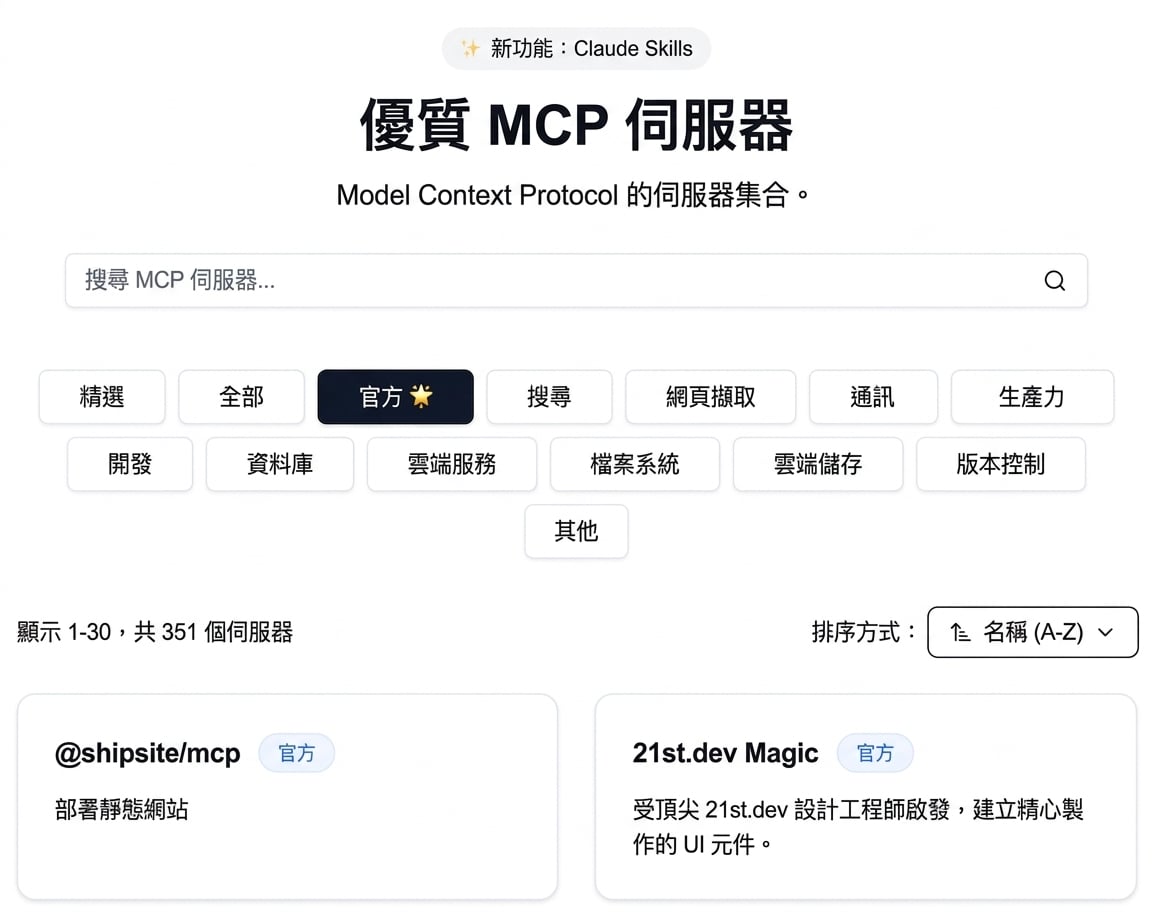
 

  • 速度:免寫伺服器即可存取檔案系統與資料庫

mcp-archive.png

Model Context Protocol(MCP)入門

為什麼用第三方 MCP 伺服器?


  • 速度:免寫伺服器即可存取檔案系統與資料庫
  • 他人維護:你專注於客戶端與應用程式
  • 整合:客戶端程式碼可於不同 MCP 伺服器共用與重複使用

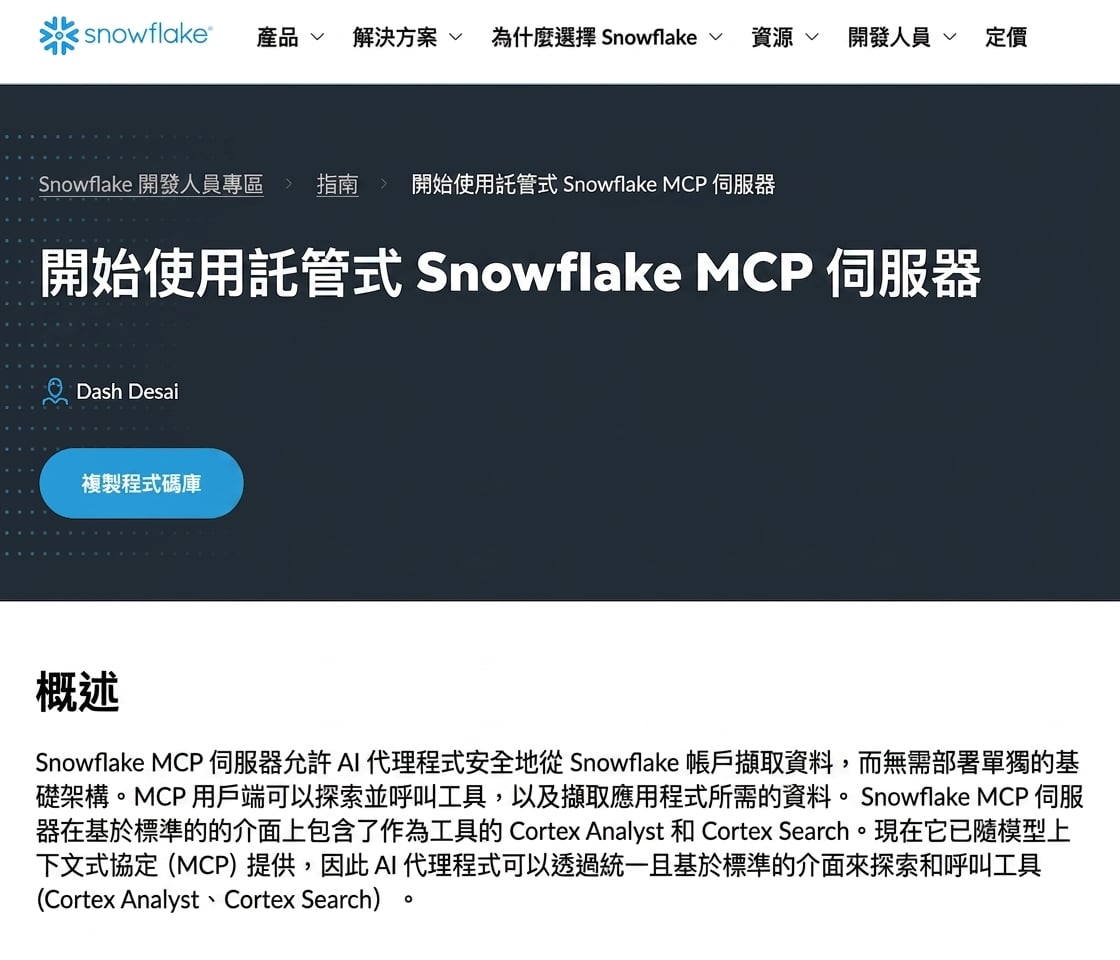
snowflake-mcp.png

1 https://www.snowflake.com/en/developers/guides/getting-started-with-snowflake-mcp-server/
Model Context Protocol(MCP)入門

使用第三方伺服器前的考量


  • 信任:伺服器會執行程式碼並可能呼叫外部 API → 請檢查其來源
  • 安全:需妥善管理私密資料與憑證
  • 介面範圍:工具愈多,LLM 可做的事愈多;留意各伺服器曝露的功能

considerations.png

Model Context Protocol(MCP)入門

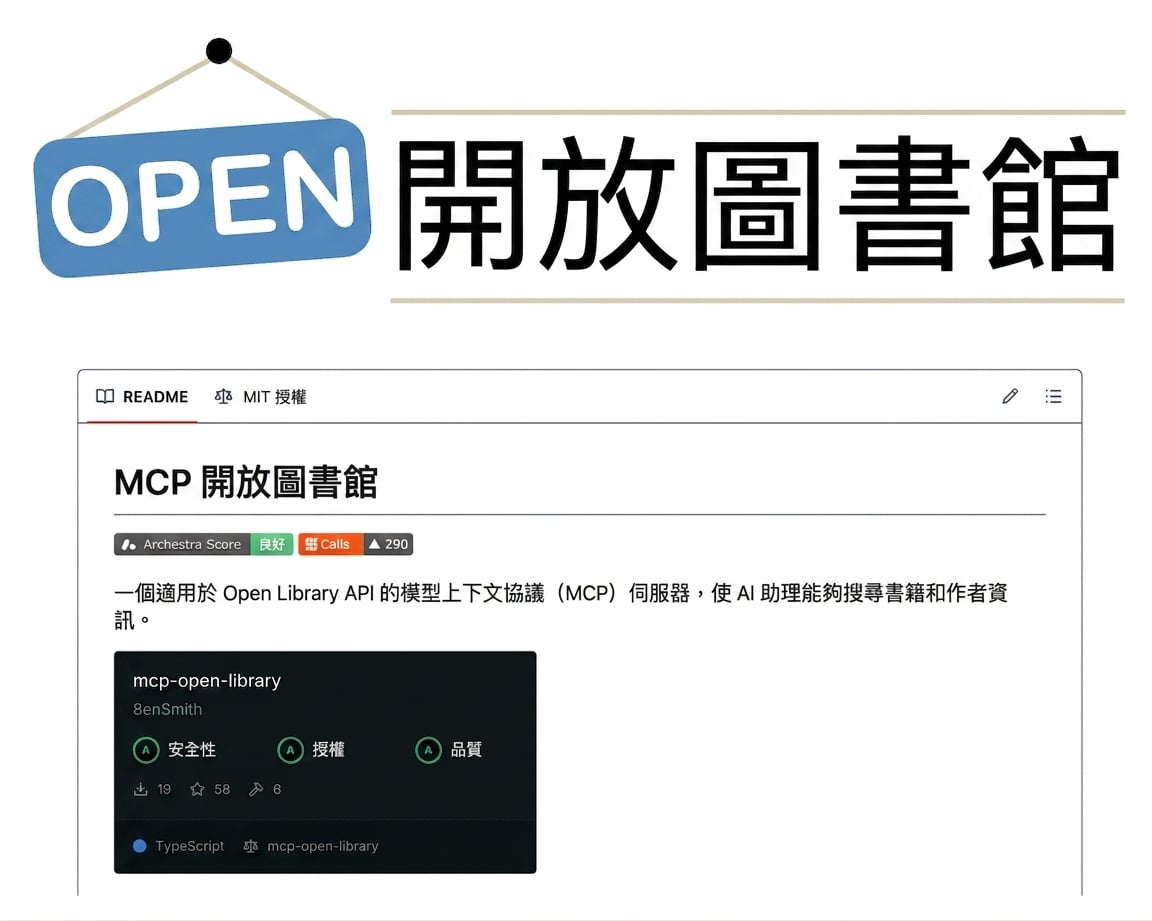
Open Library MCP

open-library.png


  • mcp-open-library:Internet Archive Open Library API 的 MCP 伺服器
  • 工具get_book_by_titleget_authors_by_nameget_book_coverget_book_by_id、…
  • 不需 API key
1 https://github.com/8enSmith/mcp-open-library
Model Context Protocol(MCP)入門

存取 Open Library MCP

from mcp import ClientSession, StdioServerParameters
from mcp.client.stdio import stdio_client

params = StdioServerParameters(
    command="open-library-server",
    args=[]
)
1 https://github.com/8enSmith/mcp-open-library?tab=readme-ov-file#installation
Model Context Protocol(MCP)入門

使用 Open Library MCP

params = StdioServerParameters(command="open-library-server", args=[])


async with stdio_client(params) as (reader, writer): async with ClientSession(reader, writer) as session: await session.initialize()
response = await session.list_tools() print("Tools:", [t.name for t in response.tools]) result = await session.call_tool("get_book_by_title", {"title": "Dune"}) text = result.content[0].text print("Tool Call Result:", text)
Model Context Protocol(MCP)入門
Tools: ['get_book_by_title', 'get_authors_by_name', 'get_author_info',
'get_author_photo', 'get_book_cover', 'get_book_by_id']

Tool Call Result: [ { "title": "Dune", "authors": [ "Frank Herbert" ], "first_publish_year": 1965, ... }, ...
Model Context Protocol(MCP)入門

一起來練習吧!

Model Context Protocol(MCP)入門

Preparing Video For Download...